Compare models
Air vs Pro for most artists
The common upgrade question. Start here if you need the shortest path to the sensible buy.
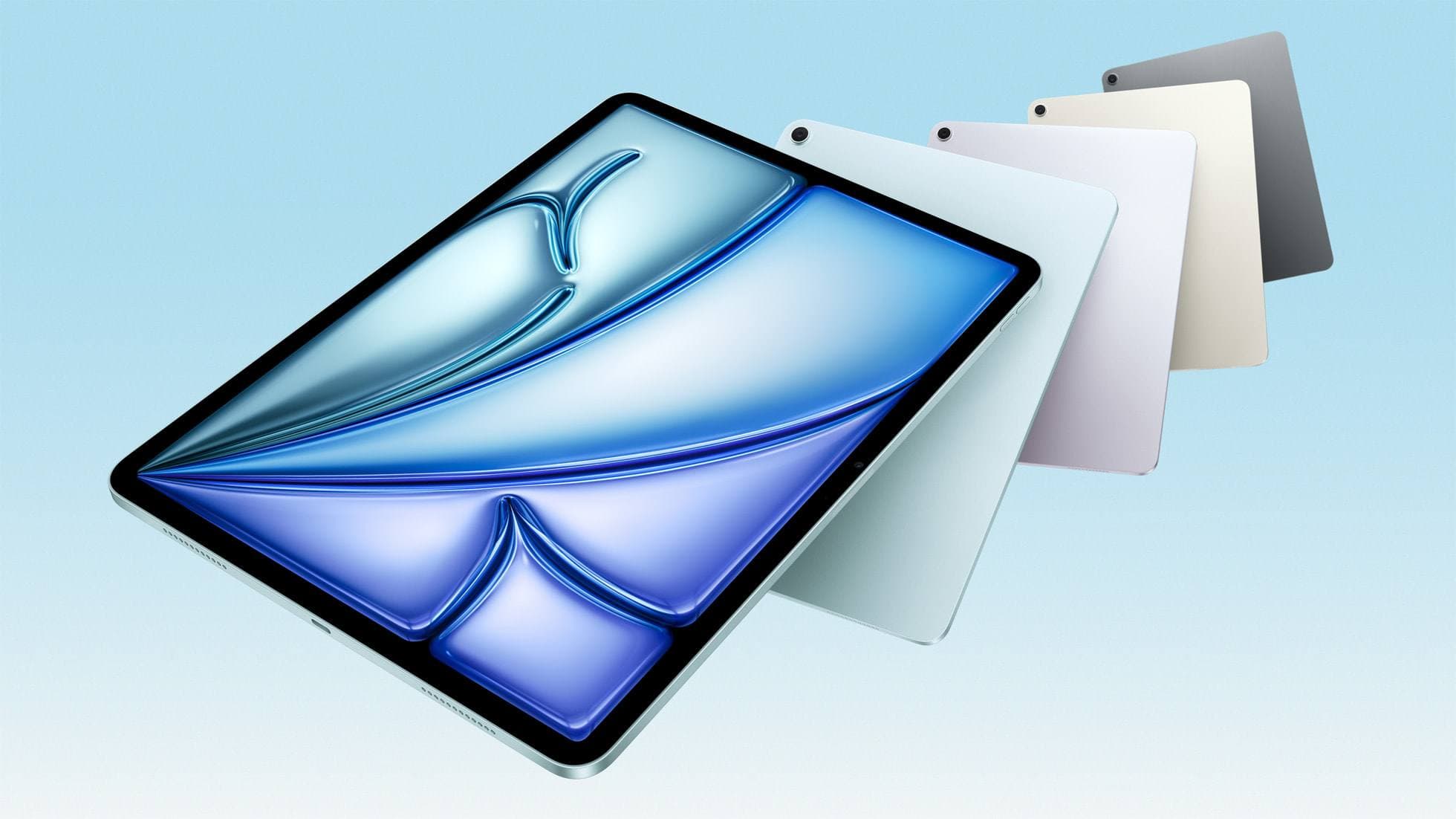
Updated Apr 3, 2026 iPad Air (M4)
Best current buying path.
The clean current Air recommendation for most serious hobby artists. Stronger buy logic than old-stock M3 when pricing is close.
Best for: Artists who want the current Air lineup, Apple Pencil Pro support, and more headroom than the base iPad without paying Pro pricing.
Avoid if: You want ProMotion or OLED comfort, or the iPad A16 already covers your real workload.
A single-product review is useful, but most buyers still need a cleaner answer on budget, Procreate, or Air vs Pro before checking out.
Compare models
The common upgrade question. Start here if you need the shortest path to the sensible buy.
Compatibility first
Use this when the real risk is ordering the wrong Pencil for your iPad, not choosing between tablets.
Main art app
Use this when the purchase is mainly about Procreate and you need the safest balance of cost, display feel, and headroom.
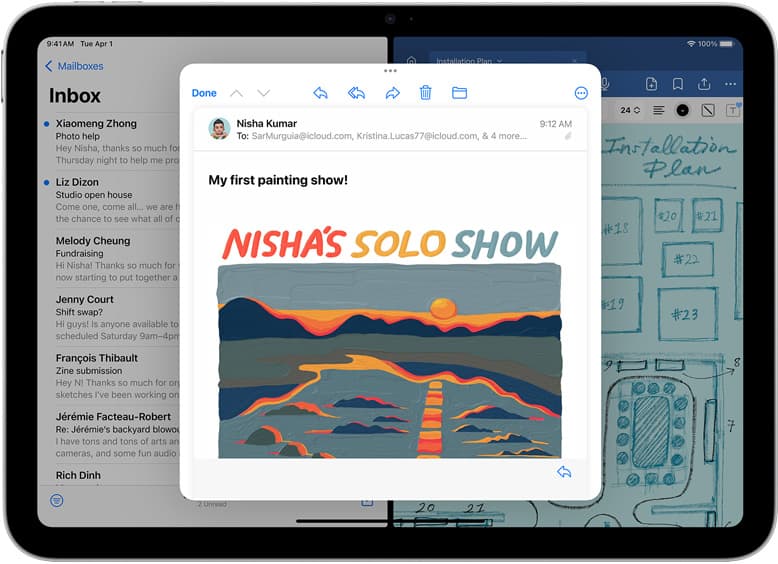
School plus art
Use this when the real purchase is one iPad for notes, PDFs, and regular drawing instead of separate school and art devices.
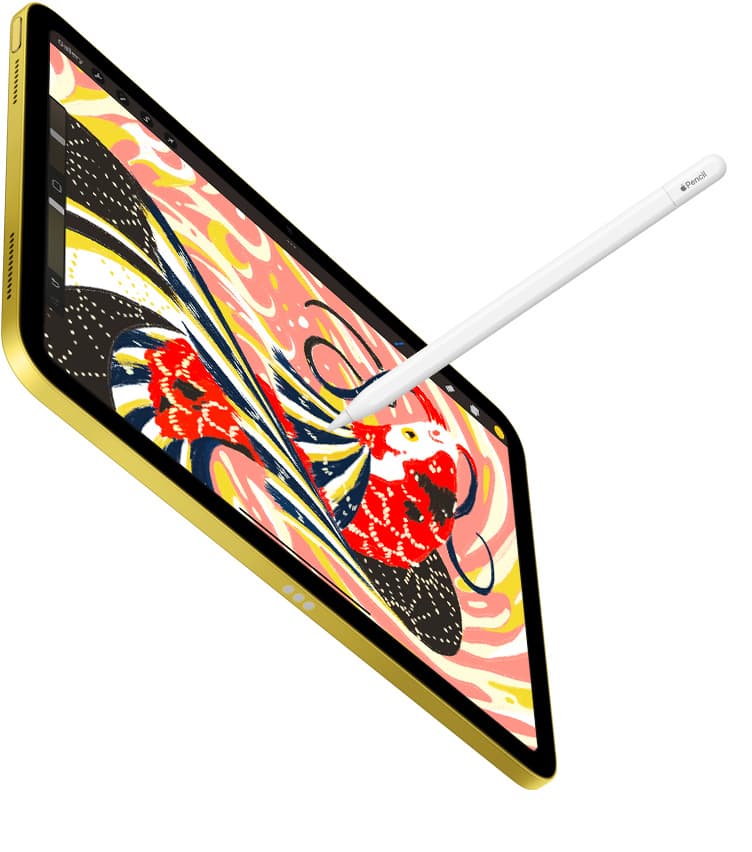
Notes plus drawing
Use this when the real purchase is one iPad for meetings, planning, PDFs, and regular drawing without drifting into the wrong premium tier.
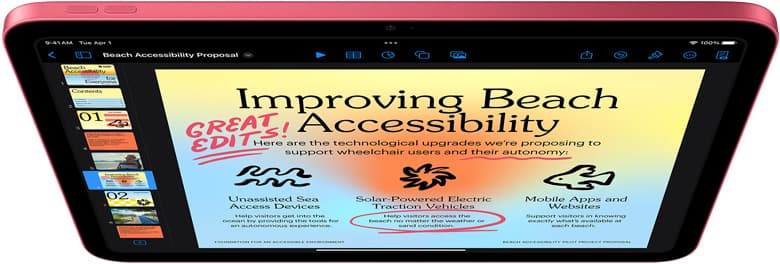
Cases and carry
Use this when the real choice is keyboard case versus draw-first case, not which iPad to buy.
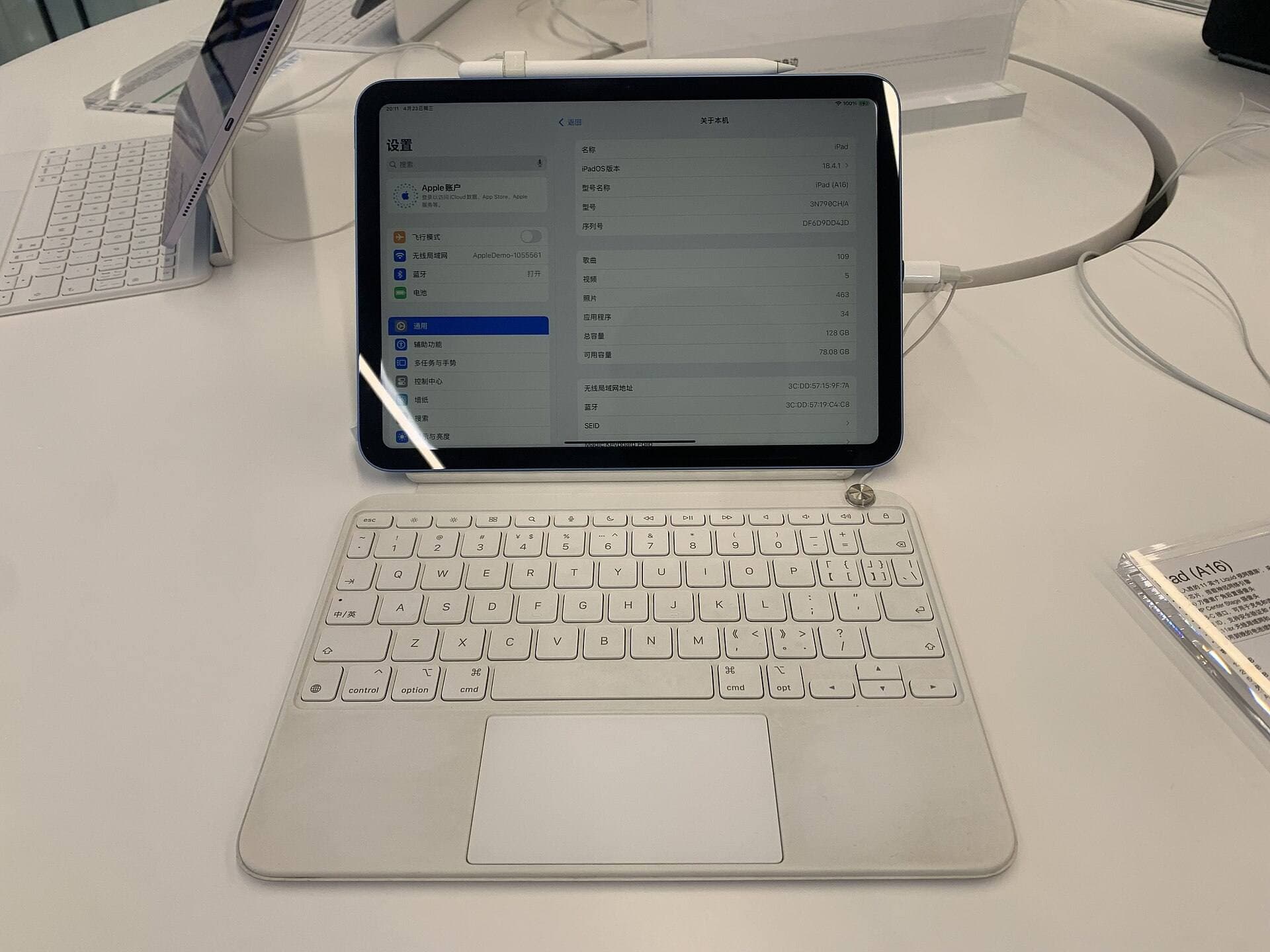
Start with a budget
Use this when you want the best beginner path without drifting into Pro-level overspending.
Air M4 is the current middle lane for buyers who want more runway than A16 without crossing into Pro pricing.
It stays a 60Hz iPad, so pay for Pro only if display feel or heavier weekly workloads are already real.
The current Air lineup gives a safer default than prior-gen shopping when you want Apple Pencil Pro support and current accessory fit.
Performance, memory, and price make it easier to justify than Pro for most artists who draw regularly but do not need flagship extras.
Two sizes and current-model support reduce the need to rationalize old stock unless the M3 discount is unusually strong.
It is still a 60Hz iPad, so pen feel does not close the whole gap to Pro.
If your real work is light, the base iPad keeps total setup cost under better control.
Premium accessories can still push total spend closer to Pro territory than buyers expect.
Use Air M4 as the default comparison point, then let M3 earn its place only through a clearly better price.
If pen feel is the reason you keep thinking about Pro, test whether 120Hz matters enough before paying the jump.
Pros: Best current balance; Apple Pencil Pro support; Cleaner buy than weak M3 discounts
Cons: Still 60Hz; More expensive than A16; Can drift toward Pro pricing with accessories
Send the shortlist, budget, and what you hoped this product would solve. This is for buyers who are close to spending money but still want a cleaner recommendation.
Comparable options and alternatives for this workflow.
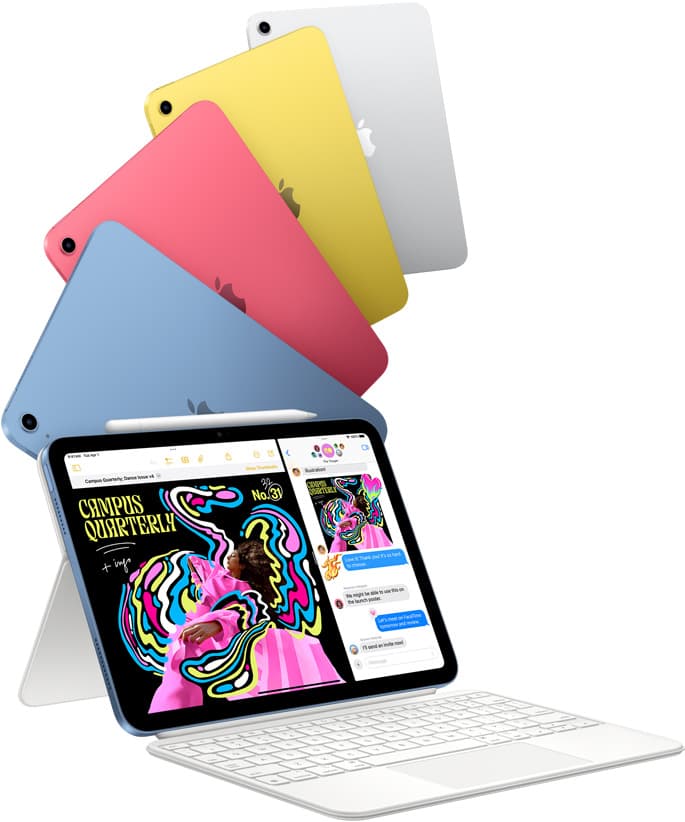
The best entry iPad for most artists on a budget. It is not premium, but it is very hard to beat on value.
Pro: Best value iPad for art
Con: 60Hz display
Still a smart Air buy when the discount is real. Harder to justify when pricing drifts too close to the current model.
Pro: Excellent balance
Con: Still 60Hz
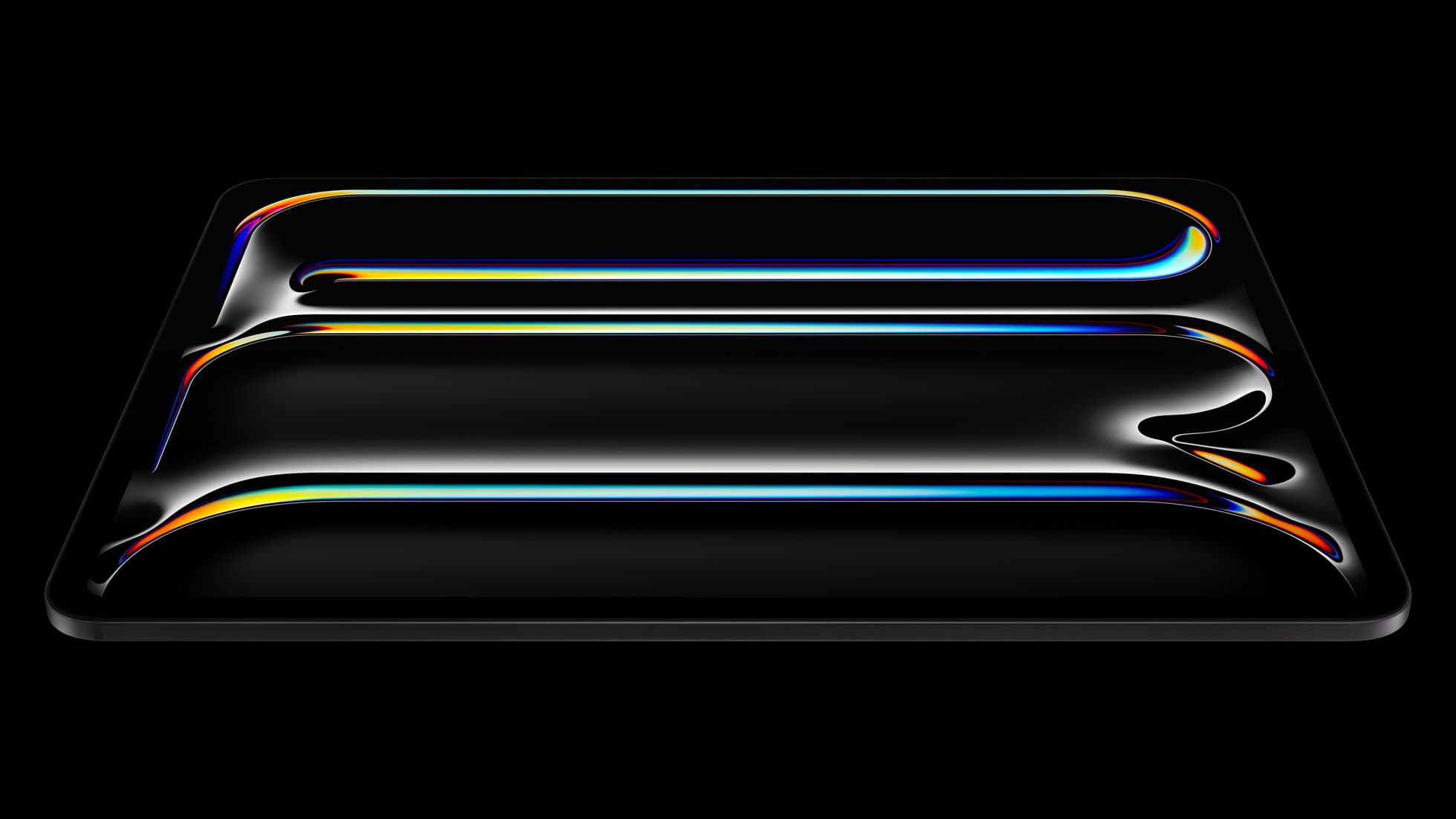
The best iPad for drawing feel and premium workflow comfort, but many buyers still overpay for it.
Pro: Best display feel
Con: Highest cost
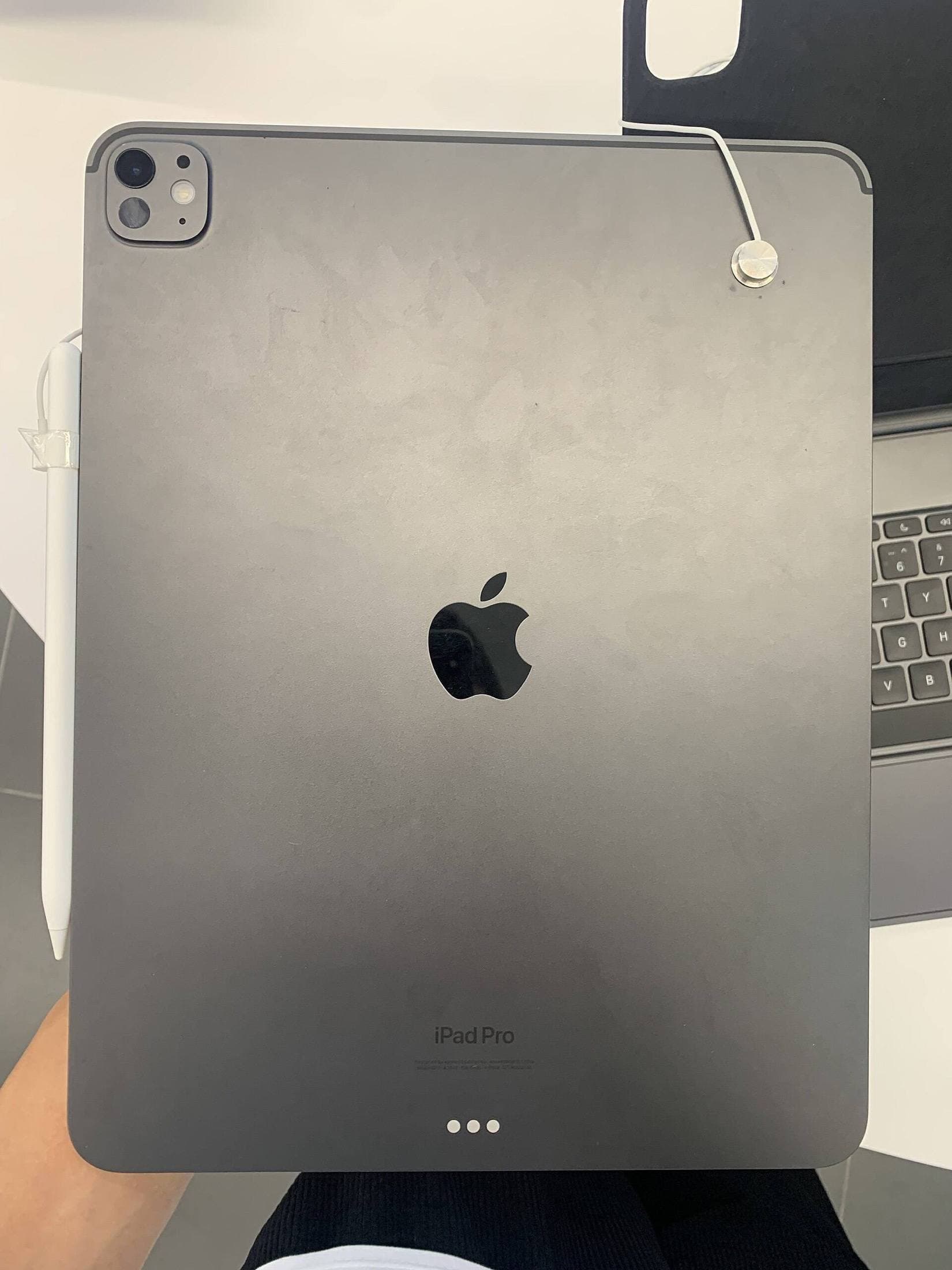
The cleaner drawing-first case for iPad Air users. Better when stability matters most, less compelling when your iPad doubles as a typing machine.
Pro: Stable draw angles
Con: Heavier than slim cases
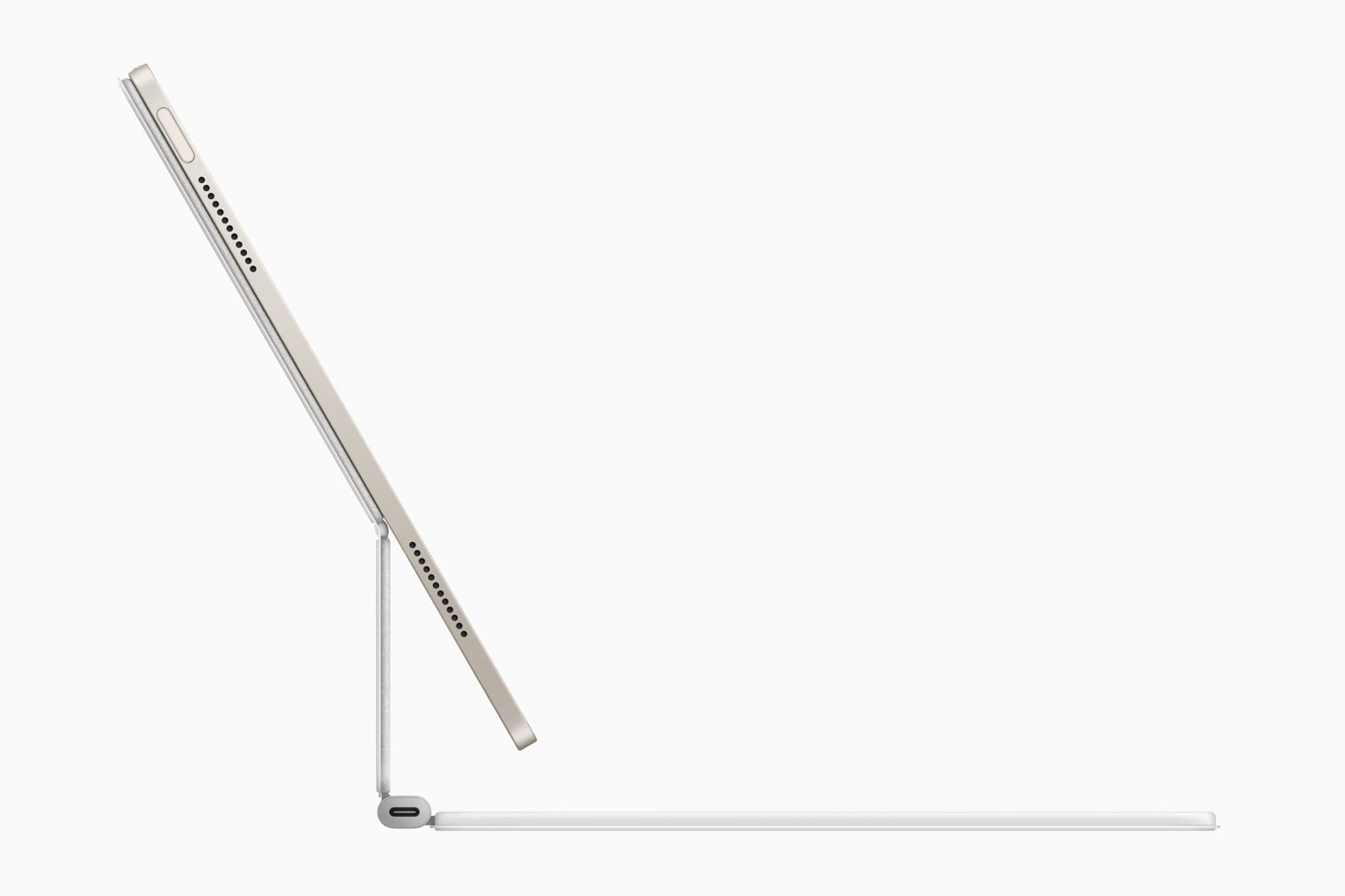
The best hybrid case when notes, planning, and drawing all happen on one iPad. Great utility, but more weight than draw-first buyers need.
Pro: Strong hybrid workflow fit
Con: Bulkier than simple cases
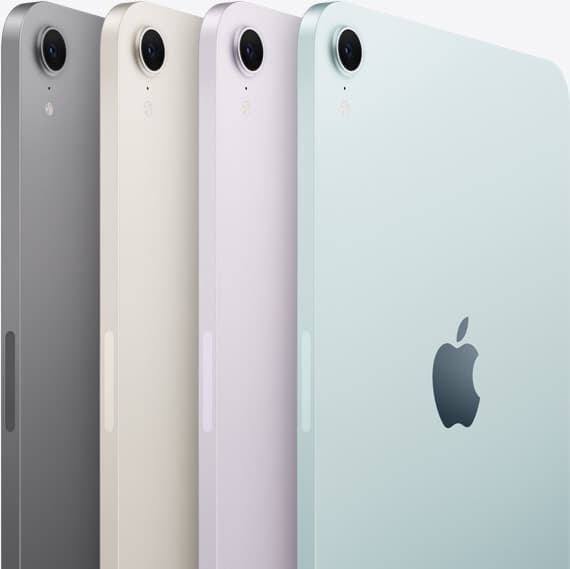
The most portable real iPad for drawing. It wins on mobility and loses on workspace.
Pro: Best portability
Con: Small canvas feel