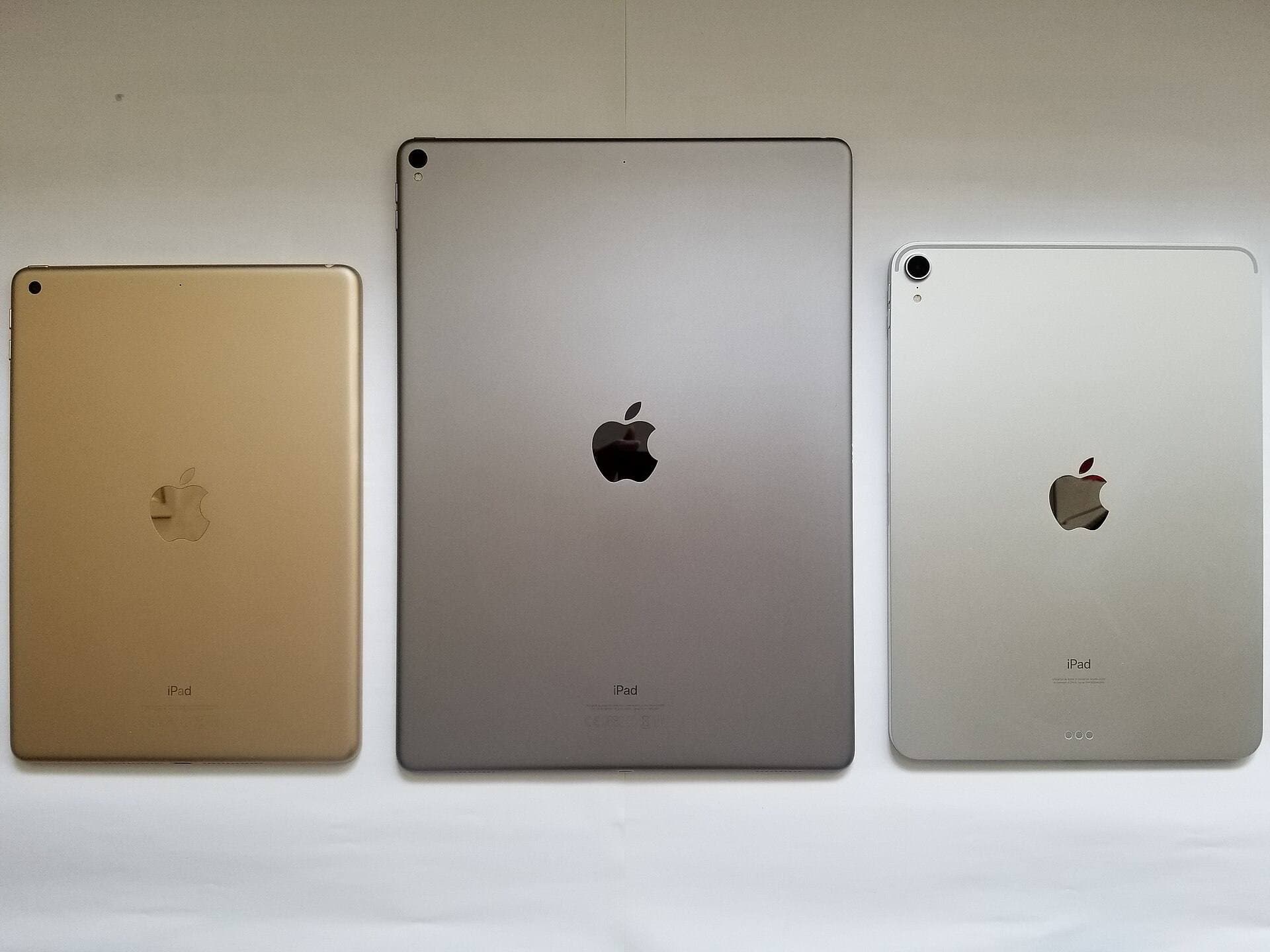
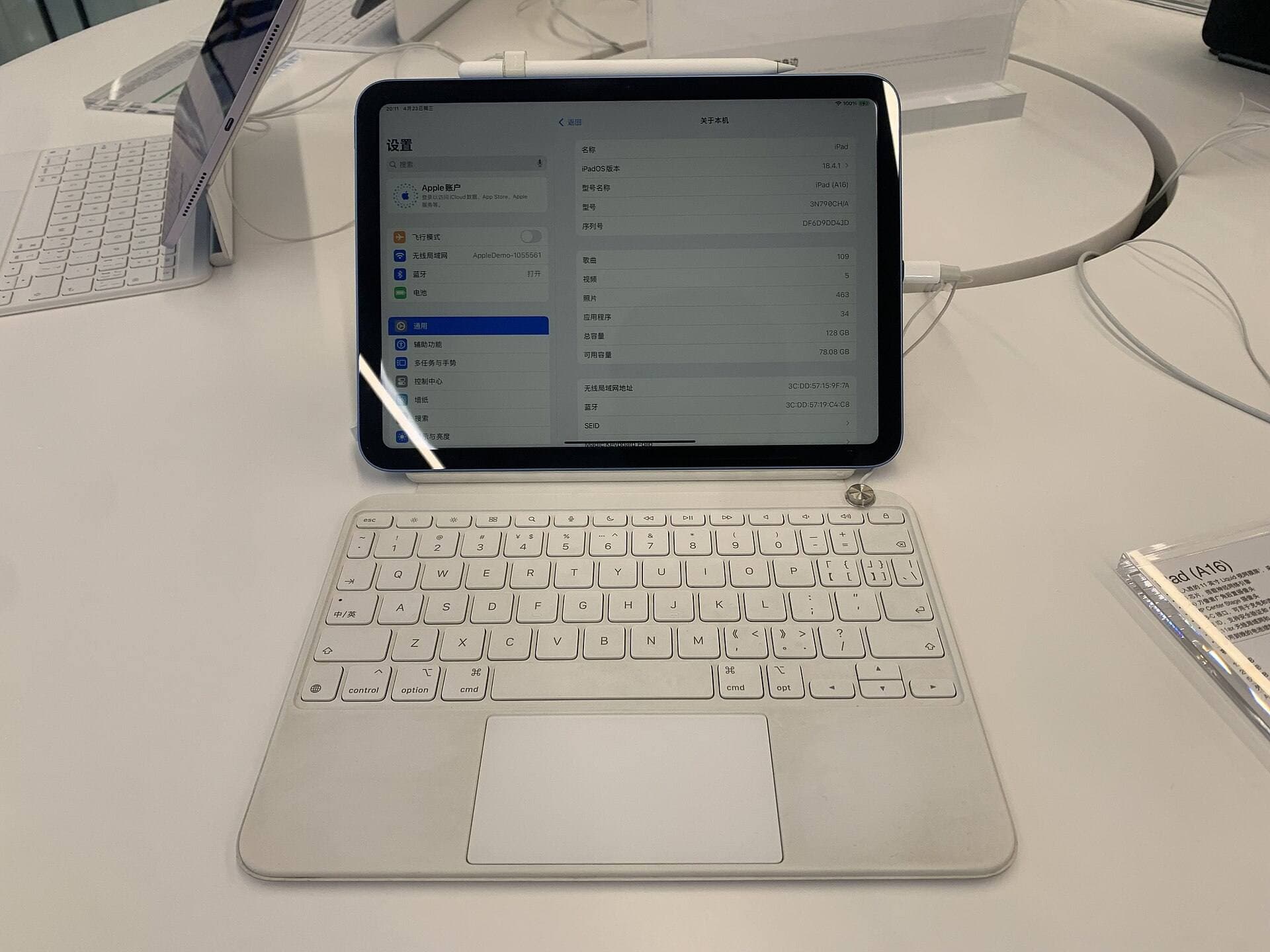
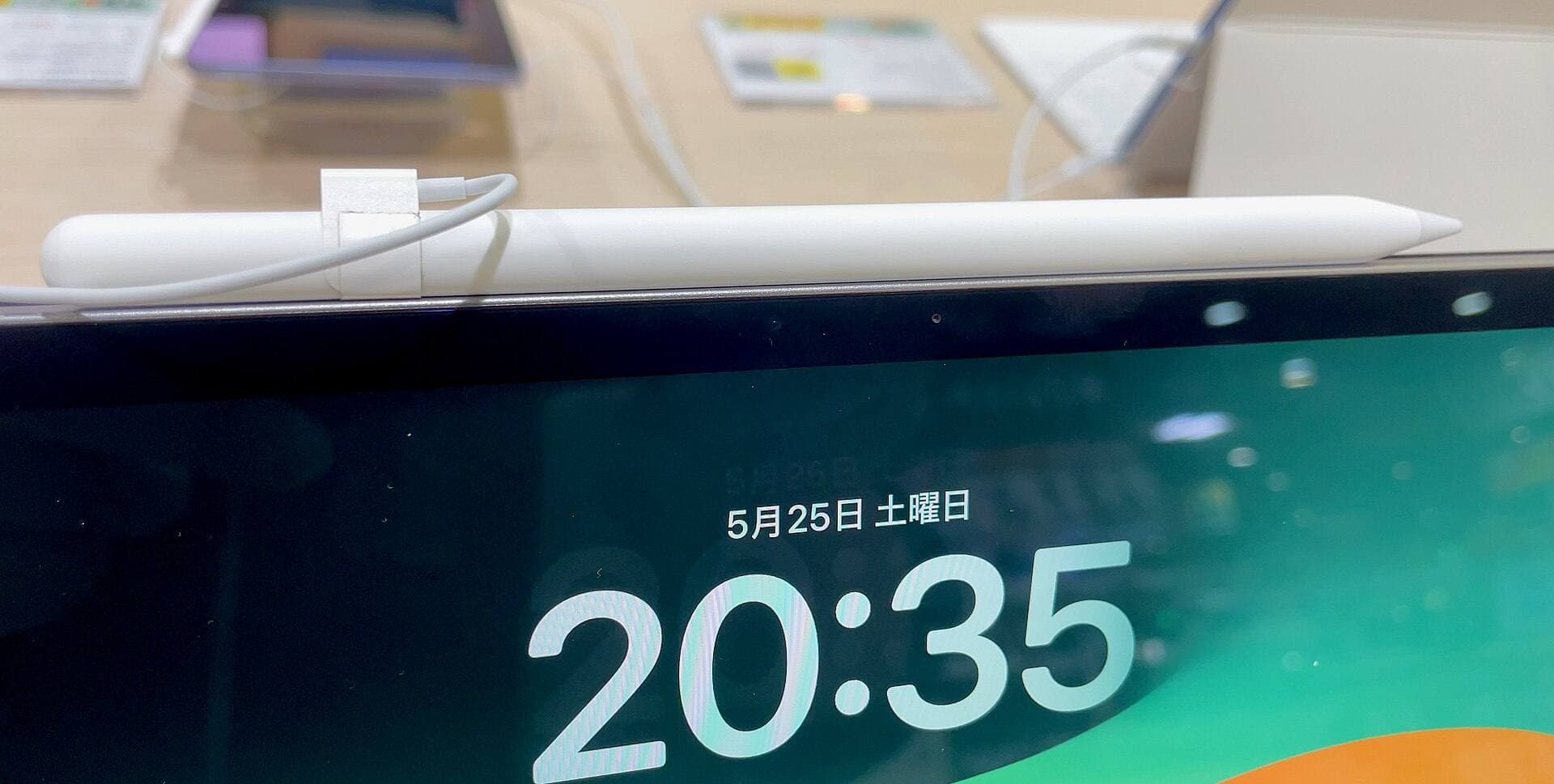
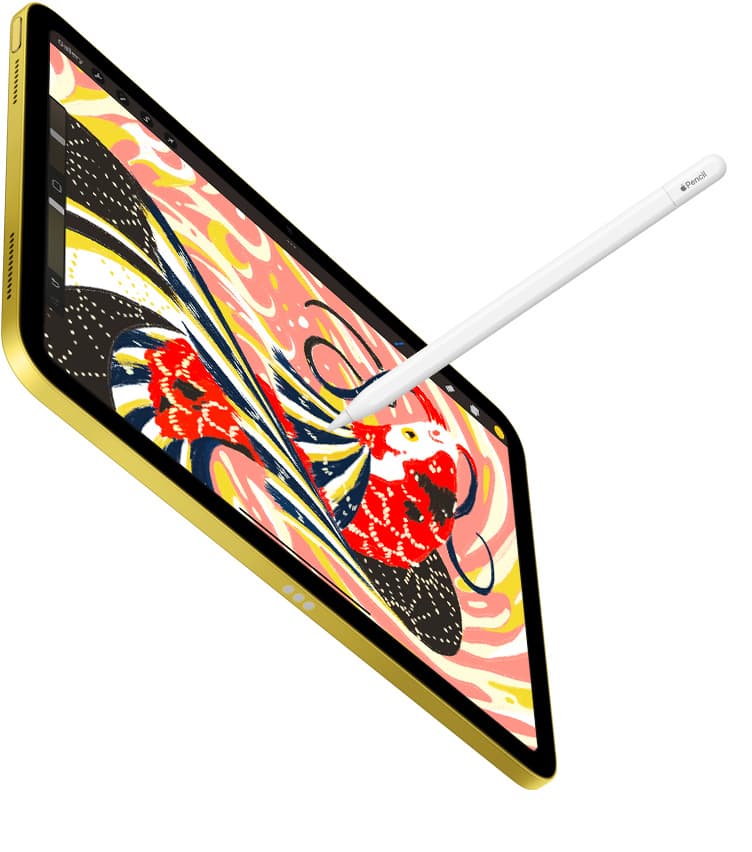
Compatibility is the part that matters first. If you buy the wrong Apple Pencil, the rest of the feature talk is wasted. Apple still sells four Pencil models into a market full of current, prior-gen, and refurb iPads, so the safe move in 2026 is simple: identify the iPad first, then match the Pencil. [1]
Quick answer
If you are buying a current iPad in 2026, this is the fast version:
- iPad Pro (M5 or M4): Apple Pencil Pro or Apple Pencil (USB-C). [1]
- iPad Air (M4, M3, or M2): Apple Pencil Pro or Apple Pencil (USB-C). [1]
- iPad mini (A17 Pro): Apple Pencil Pro or Apple Pencil (USB-C). [1]
- iPad (A16): Apple Pencil (USB-C), or Apple Pencil (1st generation) with Apple's USB-C to Apple Pencil Adapter. [1]
If you mostly draw, paint, or care about pressure-sensitive brushes, the split is also simple: Apple Pencil Pro is the better pick on supported iPads because Apple's current feature list gives it pressure sensitivity and the extra pro features that Apple Pencil (USB-C) does not get. [2]
Apple Pencil compatibility matrix for 2026
Start with your exact model name, not the family name. "iPad Air" is not specific enough. Apple says to check Settings > General > About > Model Name if you are not sure. [1]
Current and recent iPads most buyers care about
| Your iPad | Compatible Apple Pencils | Best safe buy for most people | Better buy if you draw a lot |
|---|---|---|---|
| iPad Pro 11-inch / 13-inch (M5 or M4) | Apple Pencil Pro, Apple Pencil (USB-C) [1] | Apple Pencil (USB-C) if budget matters | Apple Pencil Pro |
| iPad Air 11-inch / 13-inch (M4, M3, or M2) | Apple Pencil Pro, Apple Pencil (USB-C) [1] | Apple Pencil (USB-C) if budget matters | Apple Pencil Pro |
| iPad mini (A17 Pro) | Apple Pencil Pro, Apple Pencil (USB-C) [1] | Apple Pencil (USB-C) if budget matters | Apple Pencil Pro |
| iPad (A16) | Apple Pencil (USB-C), Apple Pencil (1st generation) with USB-C to Apple Pencil Adapter [1] | Apple Pencil (USB-C) | Apple Pencil Pro and Apple Pencil (2nd generation) are not compatible |
The easy trap is that the base iPad has USB-C, but USB-C port does not mean Apple Pencil Pro support. The iPad (A16) is exactly where buyers get burned if they assume the newest-looking connector means the newest Pencil works. [1]
Older iPads that still matter when you buy used or refurbished
| Your iPad | Compatible Apple Pencils |
|---|---|
| iPad Air (4th or 5th generation) | Apple Pencil (2nd generation), Apple Pencil (USB-C) [1] |
| iPad mini (6th generation) | Apple Pencil (2nd generation), Apple Pencil (USB-C) [1] |
| iPad Pro 11-inch (1st to 4th generation) | Apple Pencil (2nd generation), Apple Pencil (USB-C) [1] |
| iPad Pro 12.9-inch (3rd to 6th generation) | Apple Pencil (2nd generation), Apple Pencil (USB-C) [1] |
| iPad (10th generation) | Apple Pencil (USB-C), Apple Pencil (1st generation) with USB-C to Apple Pencil Adapter [1] |
| iPad (6th to 9th generation), iPad mini (5th generation), iPad Air (3rd generation), iPad Pro 9.7-inch, 10.5-inch, and 12.9-inch (1st and 2nd generation) | Apple Pencil (1st generation) [1] |
If you are buying used, "iPad Pro" and "Apple Pencil compatible" are not enough. Generation is the difference between the right Pencil and a return request.
How to avoid the wrong buy
- Confirm the iPad model name first. [1]
- Decide whether you need pressure sensitivity or just notes and markup. [2]
- Treat Apple Pencil (2nd generation) as a compatibility-specific legacy buy, not the default modern premium Pencil.
- Treat Apple Pencil (1st generation) as a workaround or older-device answer, not the easiest fresh purchase.
That order matters because most Apple Pencil confusion comes from starting with the Pencil name instead of the iPad in your hand.
Does Apple Pencil Pro work with iPad (A16)?
No. Apple's compatibility list does not include iPad (A16) for Apple Pencil Pro. For that iPad, Apple lists Apple Pencil (USB-C) and Apple Pencil (1st generation) with the USB-C to Apple Pencil Adapter instead. [1]
For most fresh A16 buyers, Apple Pencil (USB-C) is the clean answer. It avoids the adapter requirement and lines up better with how most base-iPad buyers actually use the device.
Which iPads use Apple Pencil (2nd generation)?
Apple Pencil (2nd generation) works with:
- iPad Air (4th and 5th generation)
- iPad mini (6th generation)
- iPad Pro 11-inch (1st through 4th generation)
- iPad Pro 12.9-inch (3rd through 6th generation) [1]
That means Pencil 2 is still relevant, but it is no longer the default answer for the newest Air, newest mini, or newest Pro. In 2026, it is mostly a compatibility answer for older but still-good iPads.
Should you buy Apple Pencil (USB-C) or Apple Pencil Pro?
Buy Apple Pencil Pro if your iPad supports it and you care about pressure-sensitive drawing, better brush control, or Apple's extra pro features. Apple's current comparison page gives Pencil Pro pressure sensitivity, squeeze, barrel roll, haptic feedback, double tap, Find My, and magnetic attach, pair, and charge. [2]
Buy Apple Pencil (USB-C) if you mostly want:
- handwritten notes
- document markup
- planning
- journaling
- lighter sketching at the lowest official Apple Pencil price
Apple positions Pencil (USB-C) for those everyday uses, but its current feature page does not give it pressure sensitivity. [2] That is the real dividing line. For many note-taking buyers, USB-C is enough. For regular drawing, Pencil Pro is the safer long-term buy.
Can you use Apple Pencil (1st generation) with iPad (A16)?
Yes, but only with Apple's USB-C to Apple Pencil Adapter for pairing and charging. [1]
That is why Apple Pencil (1st generation) is usually not the cleanest new purchase for iPad (A16). It technically works, but it adds an extra piece of friction to a setup that already has a simpler official option.
Does Apple Pencil (USB-C) have pressure sensitivity?
No. Apple's current Apple Pencil feature comparison gives pressure sensitivity to Apple Pencil Pro, but not to Apple Pencil (USB-C). [2]
This is the point that matters most for artists. Pencil (USB-C) is not a bad stylus. It is just not the right fit if you want pressure-based line variation to be part of the workflow.
Can you use Apple Pencil (2nd generation) with iPad mini (A17 Pro)?
No. Apple lists iPad mini (A17 Pro) for Apple Pencil Pro and Apple Pencil (USB-C), not for Apple Pencil (2nd generation). [1]
If you have the current mini and you want the best drawing-capable Apple Pencil for it, the answer is Pencil Pro.
Practical buying shortcuts
- Lowest-friction budget setup: iPad (A16) + Apple Pencil (USB-C)
- Best compact full-feature setup: iPad mini (A17 Pro) + Apple Pencil Pro
- Best value full-feature setup when the price is right: discounted iPad Air (M3) + Apple Pencil Pro
- Best no-compromise drawing setup: iPad Pro + Apple Pencil Pro
Those are not universal answers for every budget, but they are the safest shortcuts once compatibility is settled.
Bottom line
The right Apple Pencil in 2026 is still a compatibility decision first and a feature decision second. If your iPad supports Apple Pencil Pro and you draw regularly, that is the better buy. If your iPad supports Apple Pencil (USB-C) and your work is mostly notes, markup, and lighter sketching, that is the cleaner budget path. If your iPad specifically needs Apple Pencil (2nd generation) or Apple Pencil (1st generation), buy those because compatibility requires it, not because the name sounds newer or better. [1] [2]
Sources
Recommended gear
Apple Pencil Pro
amazon.comThe best Apple stylus for serious digital art workflows. Expensive, but the control upgrades are real.
Pro: Best brush-control and hover workflow
Con: Highest price in the lineup
Works only with newer iPad models. Check compatibility.
Apple Pencil (USB-C)
amazon.comA practical low-cost Apple stylus with broad compatibility, but limited for advanced art control.
Pro: Lowest official Apple Pencil cost
Con: No pressure sensitivity for brush work
Compatible with many recent iPads. No pressure support.
Apple Pencil (2nd generation)
amazon.comStill a strong stylus on compatible iPads. Good pressure control, but compatibility is the main trap.
Pro: Pressure support without Pro pricing
Con: Not compatible with newest Pro-only iPads
Only for iPads that support 2nd generation pairing.
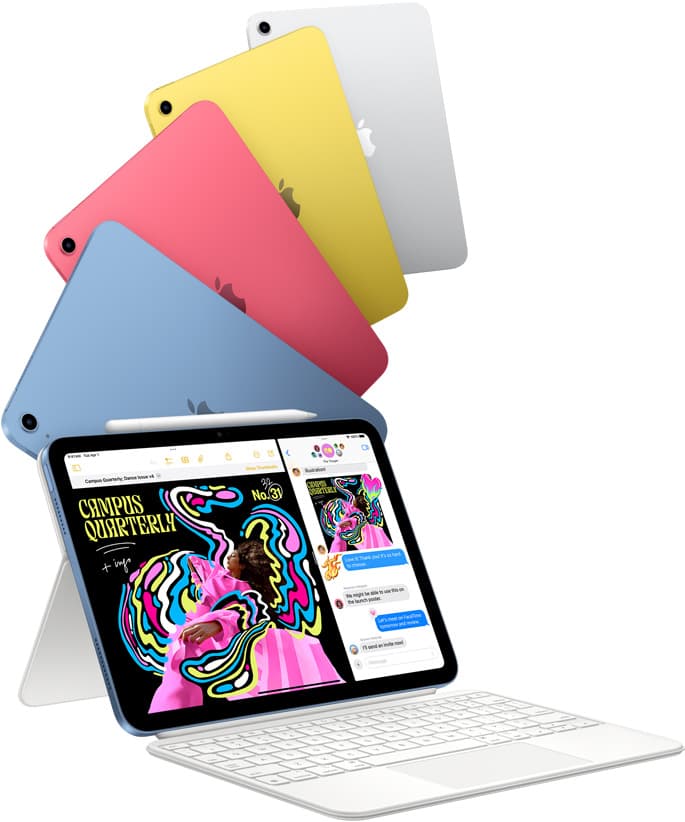
iPad (A16, 11th gen)
amazon.comThe best entry iPad for most artists on a budget. It is not premium, but it is very hard to beat on value.
Pro: Best value iPad right now
Con: No ProMotion display
Search opens with the exact model keywords. Verify size and storage before checkout.
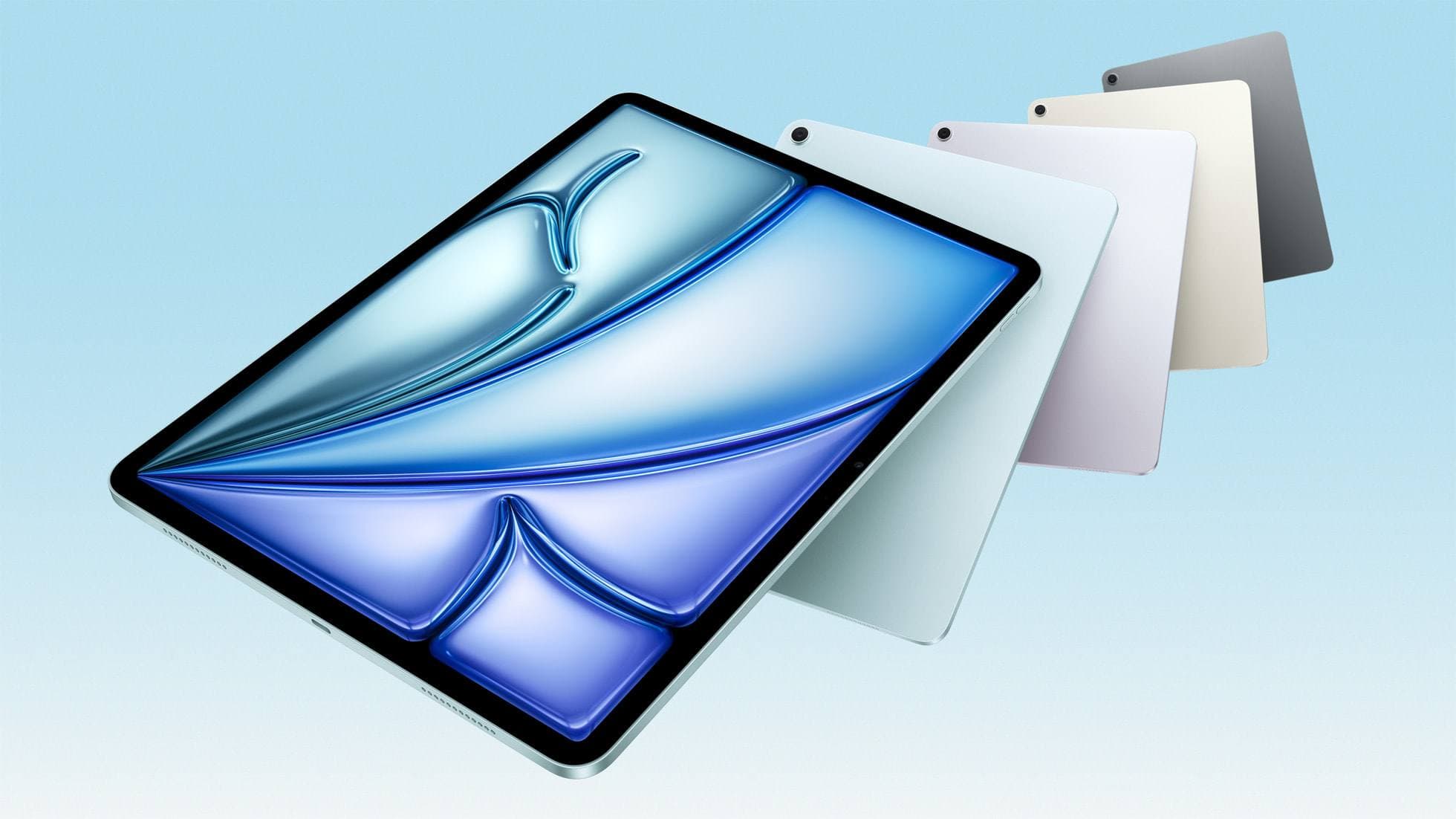
iPad Air (M3)
amazon.comStill a smart Air buy when the discount is real. Harder to justify when pricing drifts too close to the current model.
Pro: Strong prior-gen value when the discount is real
Con: Not the current Air lineup
This is the prior-gen Air. Confirm the discount against the current Air before checkout.
Related buying picks
More in this collectionComparison
Apple Pencil Pro vs Apple Pencil USB-C in 2026: Which Should You Buy?
Most artists should choose Apple Pencil Pro only when pressure control and hover are central to their workflow, not by default.
Buyer guide
Best Apple Pencil Budget Bundle (2026): What to Buy and Skip
Build a low-cost but reliable Apple Pencil setup by buying one Pencil tier, one tip pack strategy, and skipping low-value extras.
Buyer guide
Best Apple Pencil Alternatives (2026): Is Apple Pencil Worth It?
Apple Pencil is worth paying for when pressure, reliability, and workflow speed matter daily. Here is when cheaper stylus options are enough.
Comparison
Apple Pencil Pro vs Pencil 2 vs Pencil USB-C (2026 Buyer Guide)
The right Apple Pencil is a compatibility decision first, then a feature decision. This guide maps both without fluff.