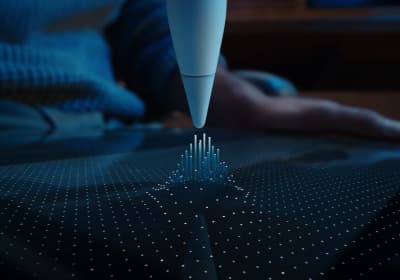
Compatibility first
Apple Pencil compatibility before you buy
Use this when the real risk is ordering the wrong Pencil for your iPad, not choosing between tablets.
Decision-first buying help for artists.
Decision-first buying guides, practical reviews, and direct deal paths for artists choosing an iPad, Apple Pencil, or supporting gear.
Use the decision route, not the full archive, when the purchase is really about Pencil compatibility, Procreate, budget, or Air vs Pro.
Compatibility first
Use this when the real risk is ordering the wrong Pencil for your iPad, not choosing between tablets.
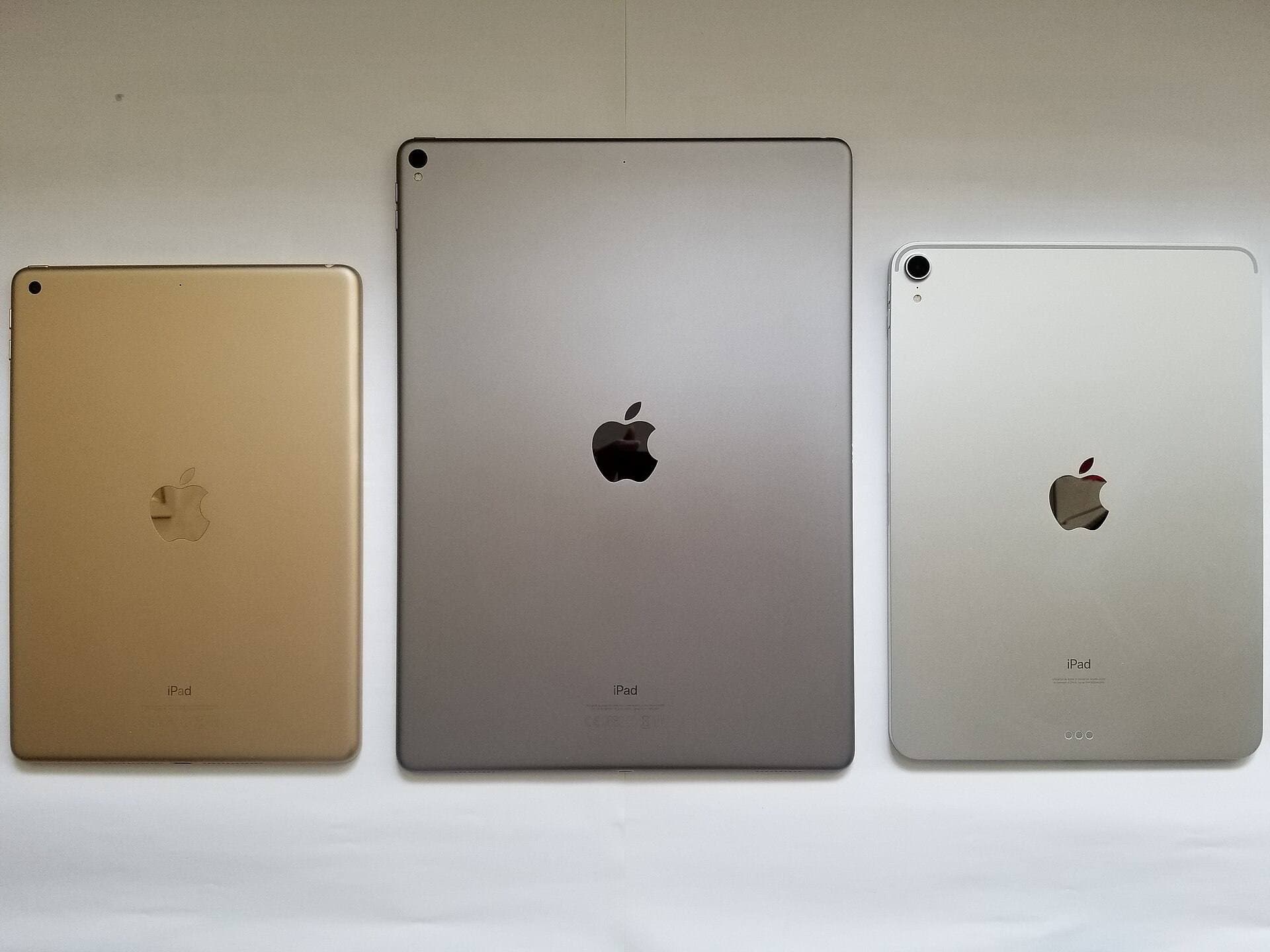
Compare models
The common upgrade question. Start here if you need the shortest path to the sensible buy.
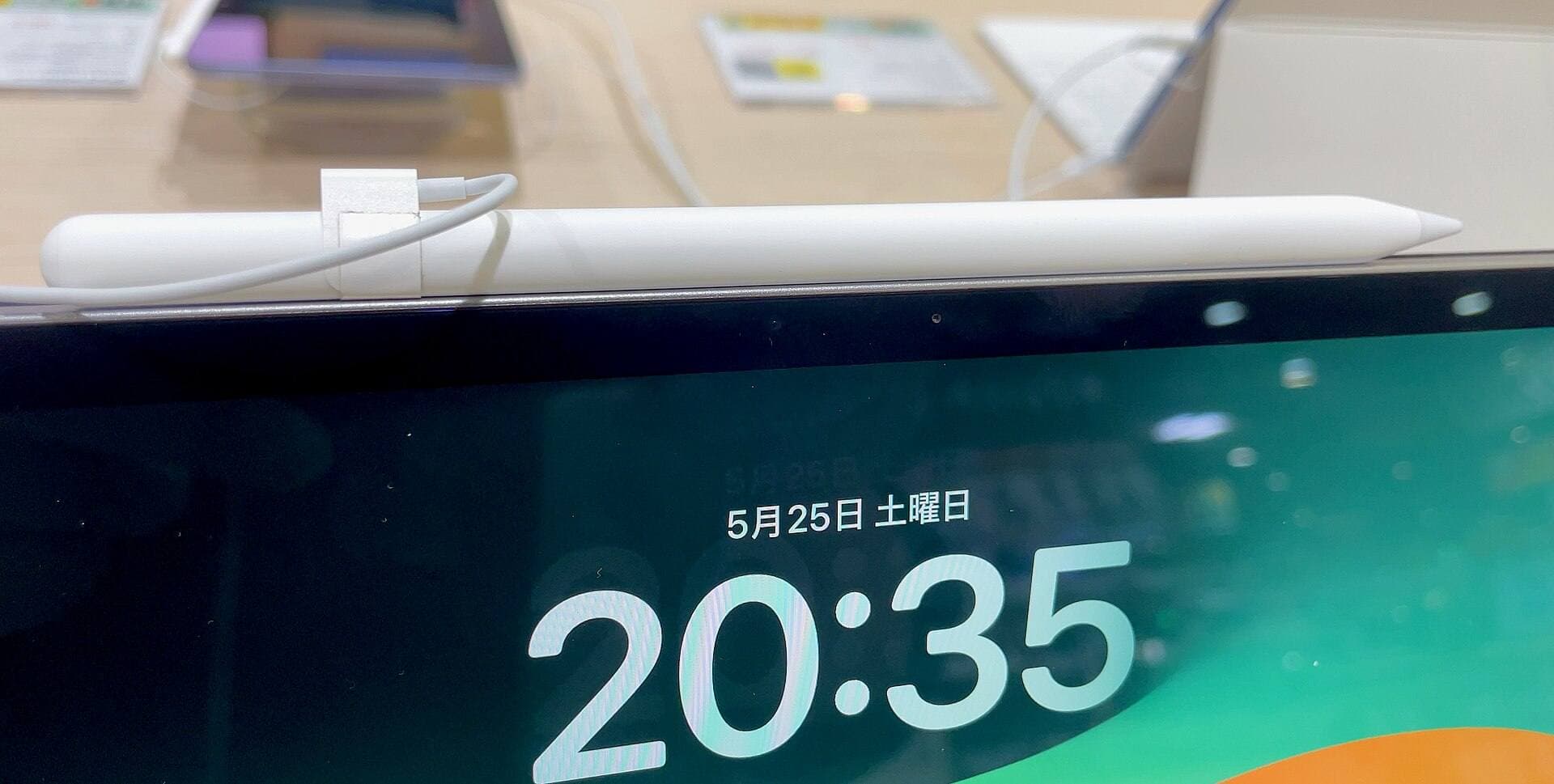
Main art app
Use this when the purchase is mainly about Procreate and you need the safest balance of cost, display feel, and headroom.
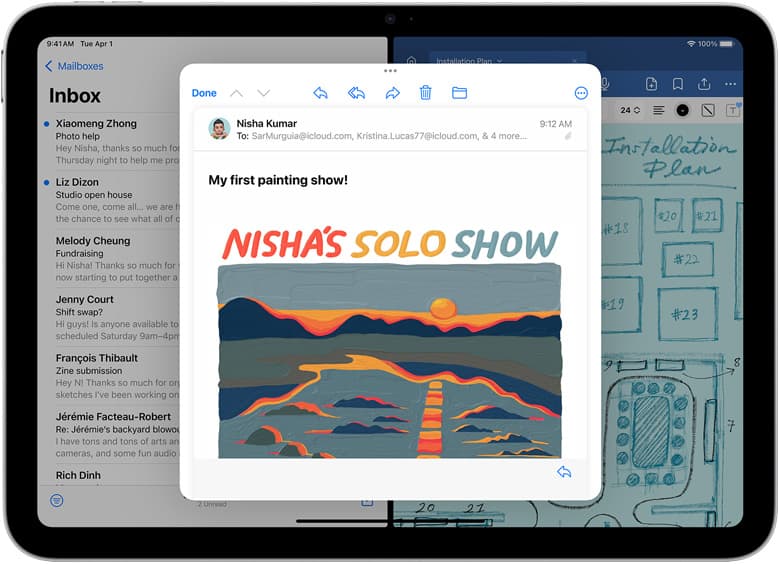
School plus art
Use this when the real purchase is one iPad for notes, PDFs, and regular drawing instead of separate school and art devices.
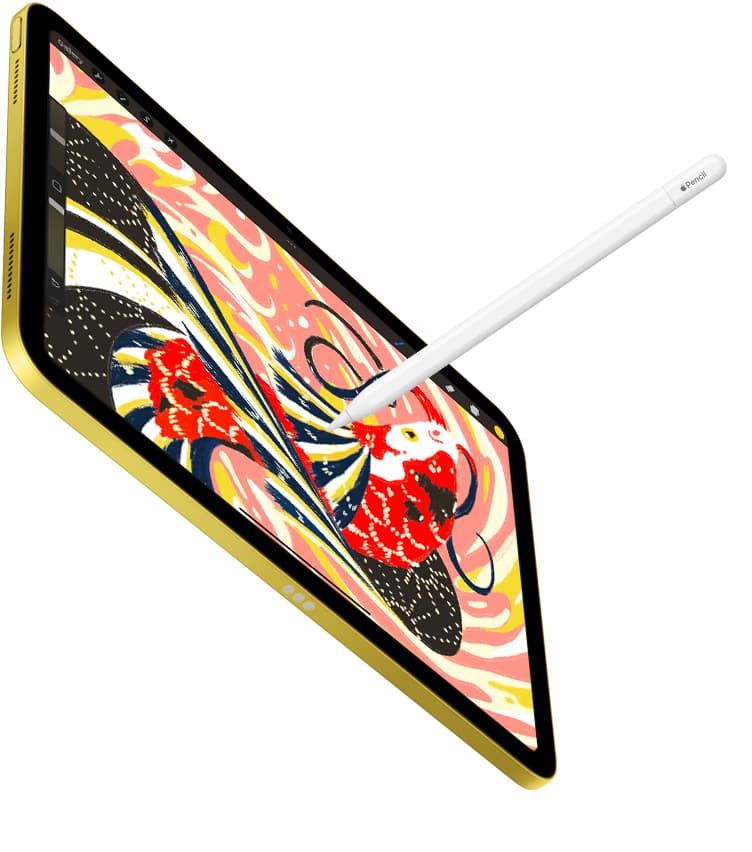
Notes plus drawing
Use this when the real purchase is one iPad for meetings, planning, PDFs, and regular drawing without drifting into the wrong premium tier.
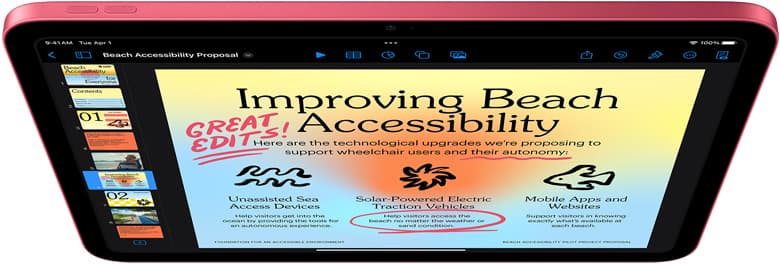
Cases and carry
Use this when the real choice is keyboard case versus draw-first case, not which iPad to buy.
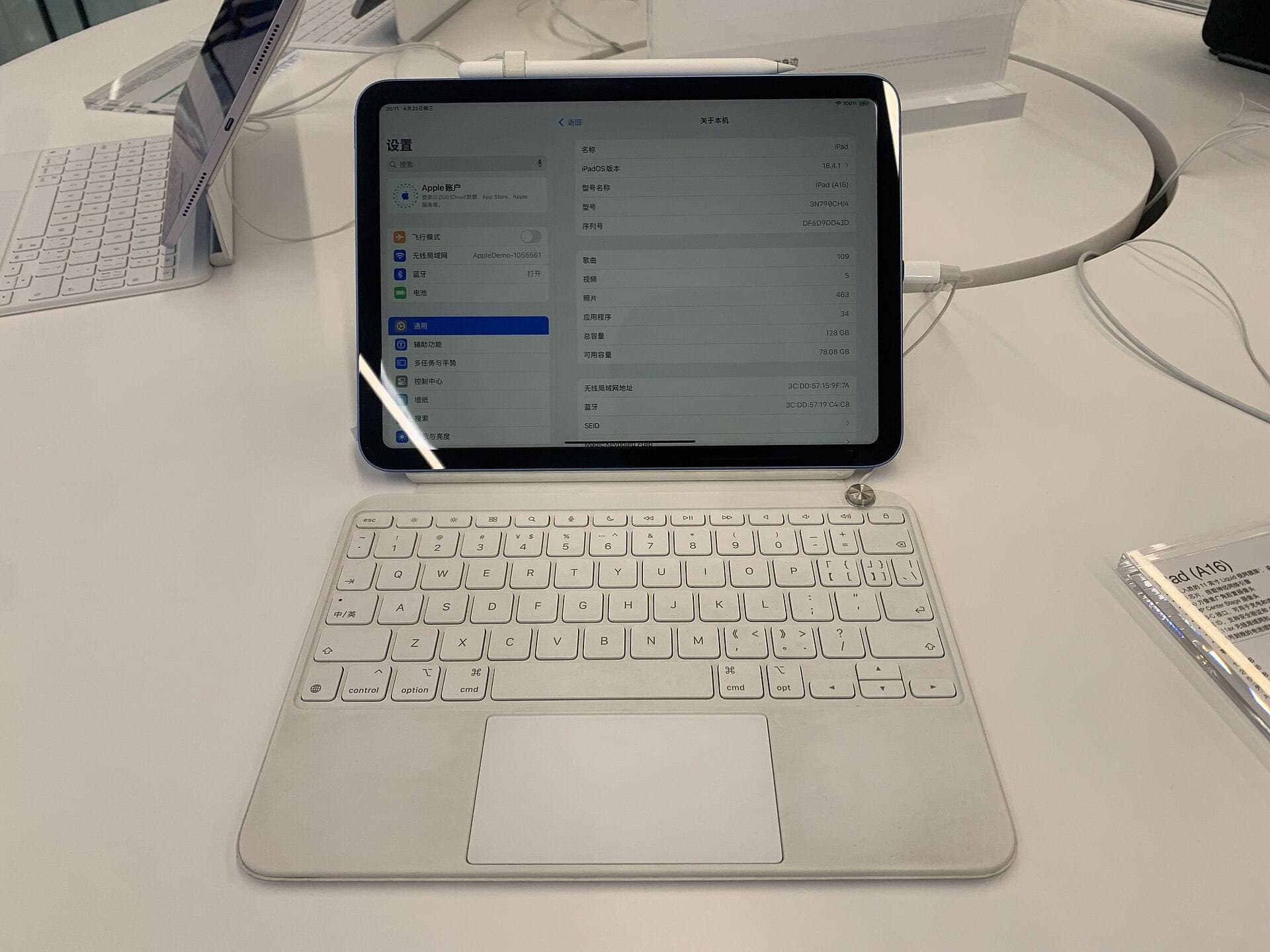
Start with a budget
Use this when you want the best beginner path without drifting into Pro-level overspending.
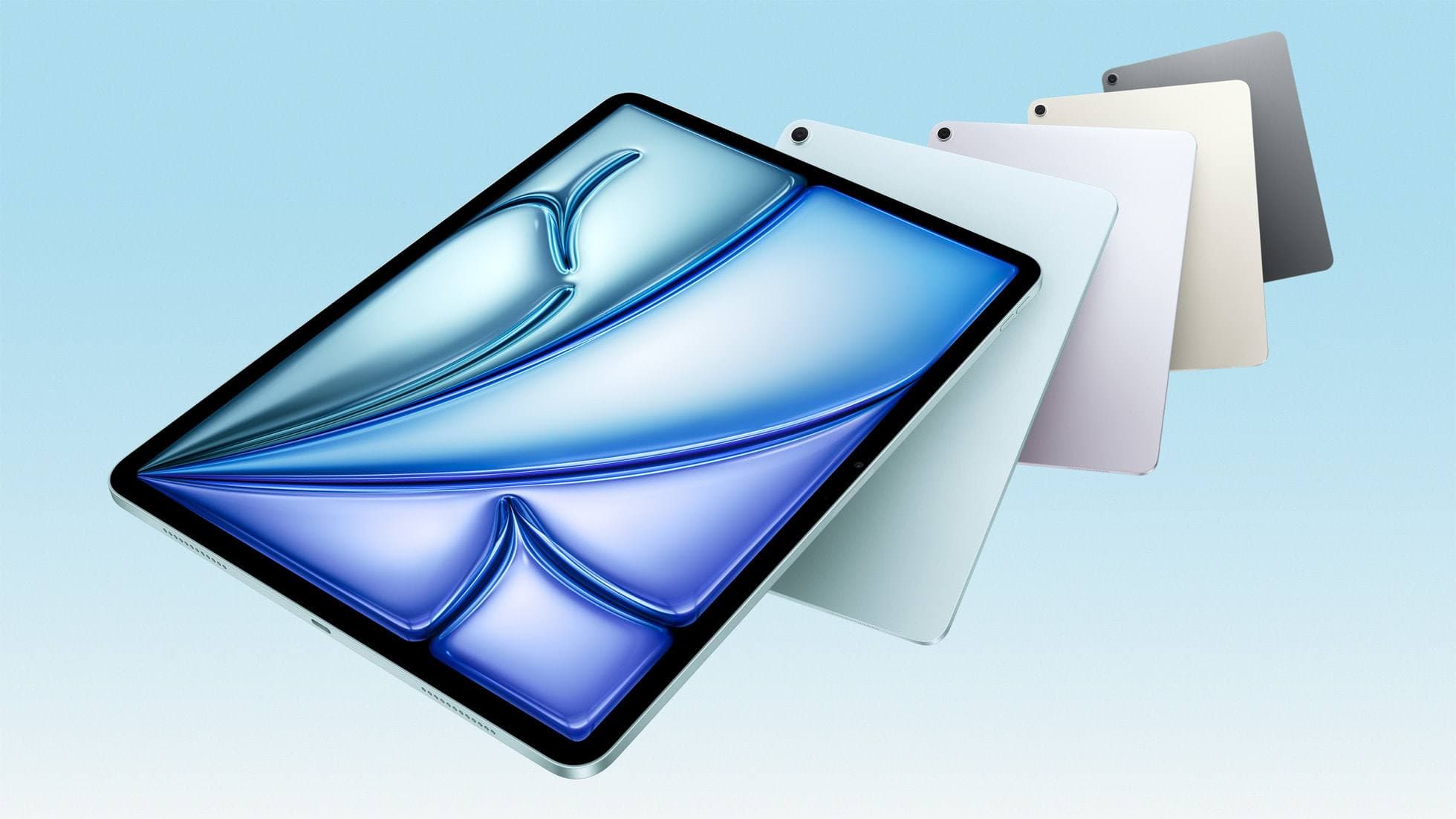
Buy now
Use this when the shortlist is already small and you mostly need the fastest route to checkout.
Photo-first shortcuts
Portable sketching
Mini versus Air without the spec-table fog.
Sticker workflow
The iPad choice for Procreate, exports, and cut-line sanity.
Cricut and Procreate
One-tablet craft setup before you buy.
App choice
Procreate or Clip Studio without a feature swamp.
Tattoo apps
Fast sketching, revision, and export choices.
Tattoo hardware
Air first, Pro only when the upgrade earns it.
Quick entry points if this is your first visit.
procreate dreams
Procreate Dreams is the friendlier pick for illustrators who want to start animating, while Callipeg suits animators who want a traditional frame-by-frame and keyframe studio on iPad.
Clip Studio Paint
Clip Studio Paint is the better choice for serious comics and multi-page work on iPad, while ibis Paint X is the better free choice for casual drawing and phone-to-iPad sketching.
affinity designer
Adobe Illustrator on iPad is the better pick if you work in Adobe's ecosystem or with clients who do, while Affinity Designer 2 suits designers who want a full vector app that isn't tied to Adobe.
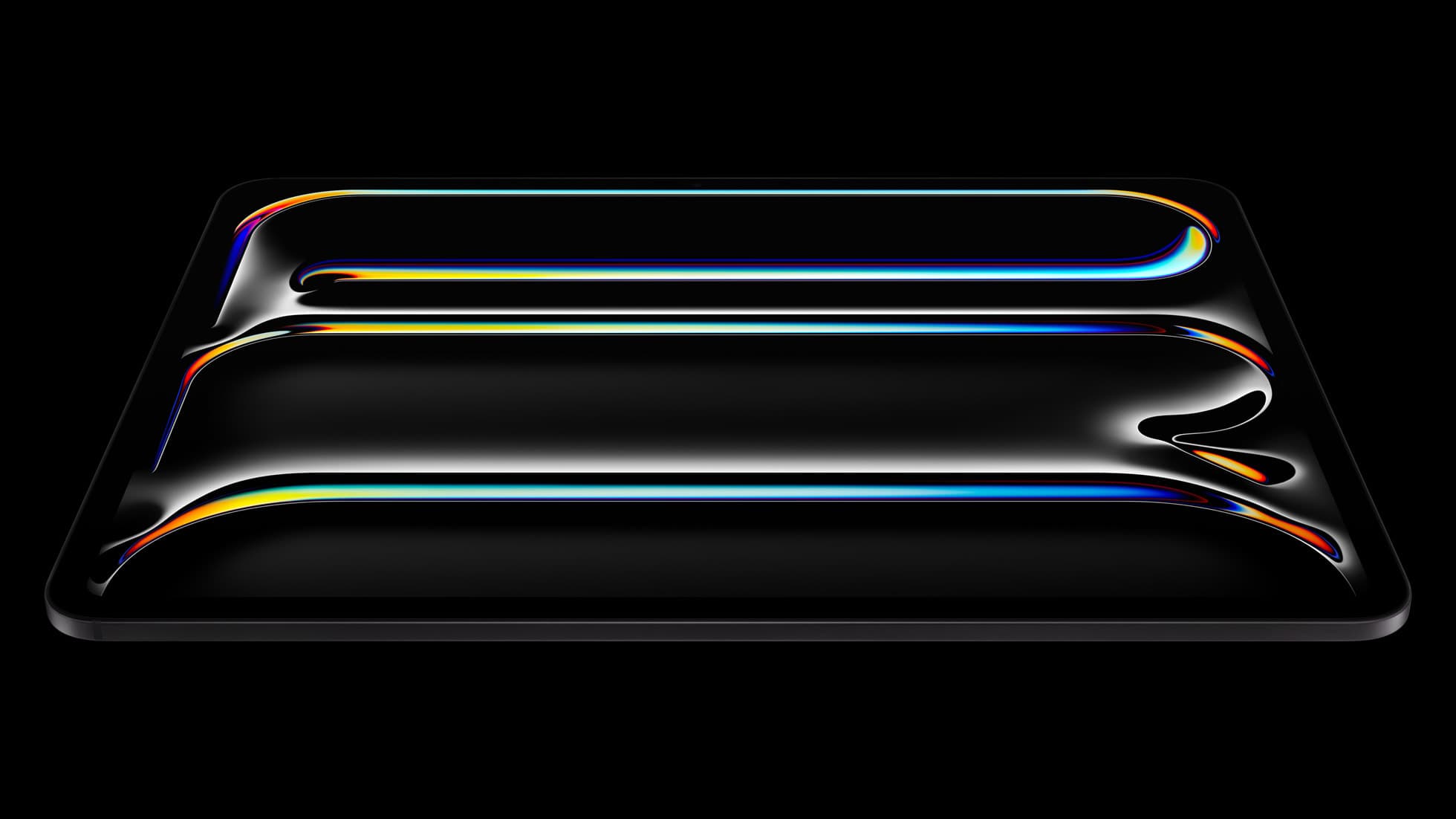
iPad Pro (M5)
The best iPad for drawing feel and premium workflow comfort, but many buyers still overpay for it.
Apple Pencil Pro
The best Apple stylus for serious digital art workflows. Expensive, but the control upgrades are real.
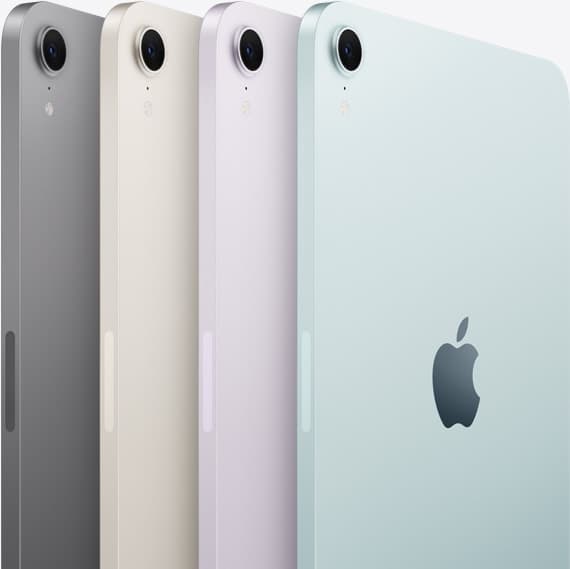
iPad Air (M4)
The clean current Air recommendation for most serious hobby artists. Stronger buy logic than old-stock M3 when pricing is close.
Use this when you are close to buying and want the cleaner pick without reading five more tabs.
procreate dreams
Oct 17, 2026 4 min read
Procreate Dreams is the friendlier pick for illustrators who want to start animating, while Callipeg suits animators who want a traditional frame-by-frame and keyframe studio on iPad.
Clip Studio Paint
Oct 17, 2026 4 min read
Clip Studio Paint is the better choice for serious comics and multi-page work on iPad, while ibis Paint X is the better free choice for casual drawing and phone-to-iPad sketching.
affinity designer
Oct 17, 2026 4 min read
Adobe Illustrator on iPad is the better pick if you work in Adobe's ecosystem or with clients who do, while Affinity Designer 2 suits designers who want a full vector app that isn't tied to Adobe.
Procreate
Oct 17, 2026 5 min read
Procreate is the better pick for most iPad artists who'll pay once, while ibis Paint X is the better pick for free drawing and for anyone who also draws on a phone.
sketchnoting
Oct 17, 2026 5 min read
Goodnotes and Notability are the best sketchnoting picks for most people, Concepts suits visual thinkers who want an open canvas, and Procreate suits polished sketchnotes you'll share.
sewing patterns
Oct 17, 2026 5 min read
Affinity Designer 2 or Linearity Curve suit clean, scalable pattern pieces, Concepts suits flexible pattern sketches, and Procreate suits fashion flats and illustrations.
rotoscoping
Oct 17, 2026 4 min read
Procreate Dreams is the easiest place to trace over video on an iPad, Callipeg and RoughAnimator suit frame-by-frame animators, and FlipaClip is the friendly free start.
knitting charts
Oct 17, 2026 5 min read
knitCompanion is best for following and tracking charts, Procreate for drawing your own colorwork charts, and Concepts for flexible vector chart sketches.