Cases and carry
Pick the right iPad case for art
Use this when the real choice is keyboard case versus draw-first case, not which iPad to buy.
Updated Apr 3, 2026 ZUGU iPad Air 11 Case
Best current buying path.
The cleaner drawing-first case for iPad Air users. Better when stability matters most, less compelling when your iPad doubles as a typing machine.
Best for: Artists who care more about stable draw angles and edge protection than keyboard utility.
Avoid if: You type heavily every day or want the lightest possible carry setup.
A single-product review is useful, but most buyers still need a cleaner answer on budget, Procreate, or Air vs Pro before checking out.
Cases and carry
Use this when the real choice is keyboard case versus draw-first case, not which iPad to buy.
Compare models
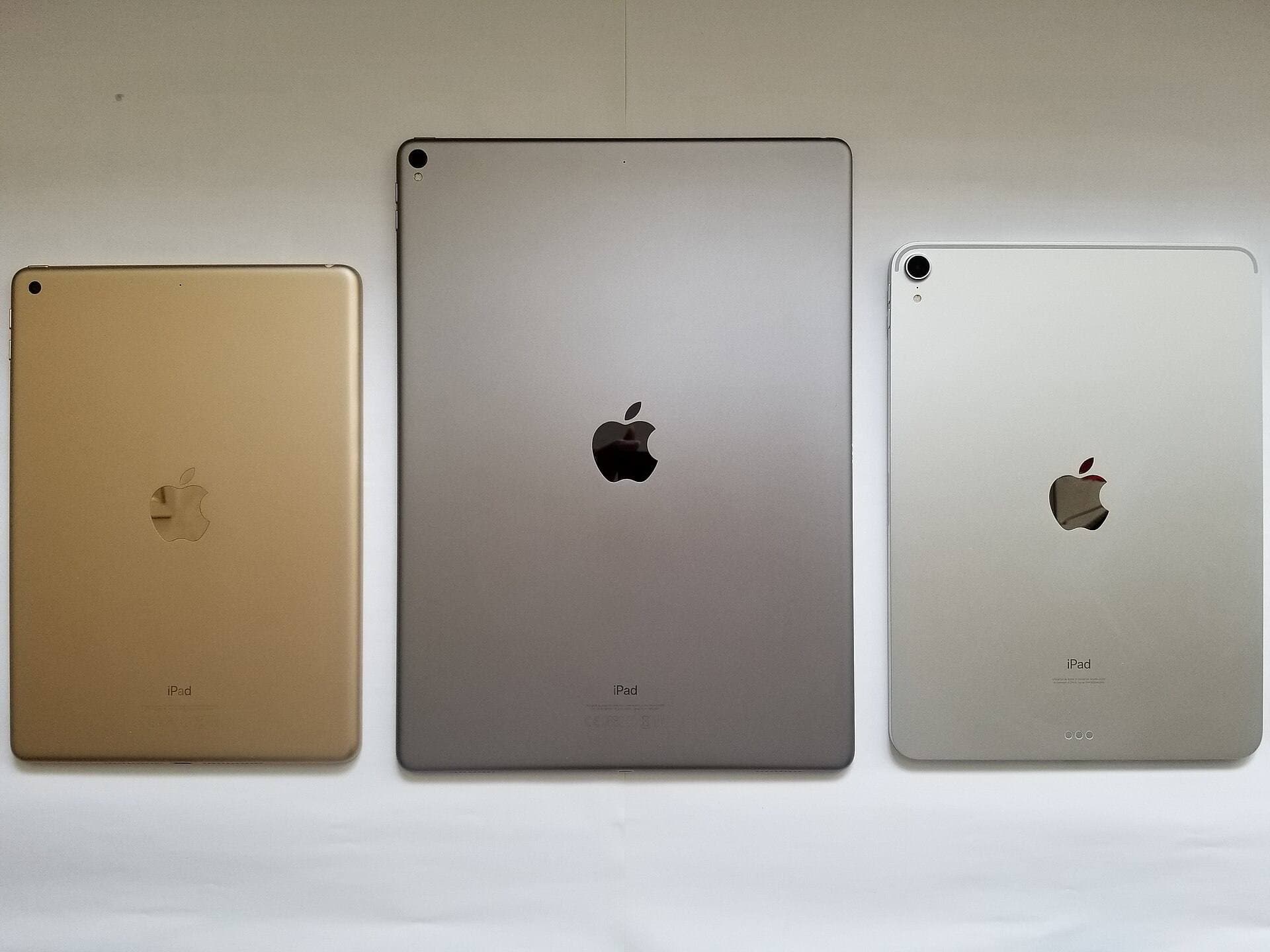
The common upgrade question. Start here if you need the shortest path to the sensible buy.
Compatibility first
Use this when the real risk is ordering the wrong Pencil for your iPad, not choosing between tablets.
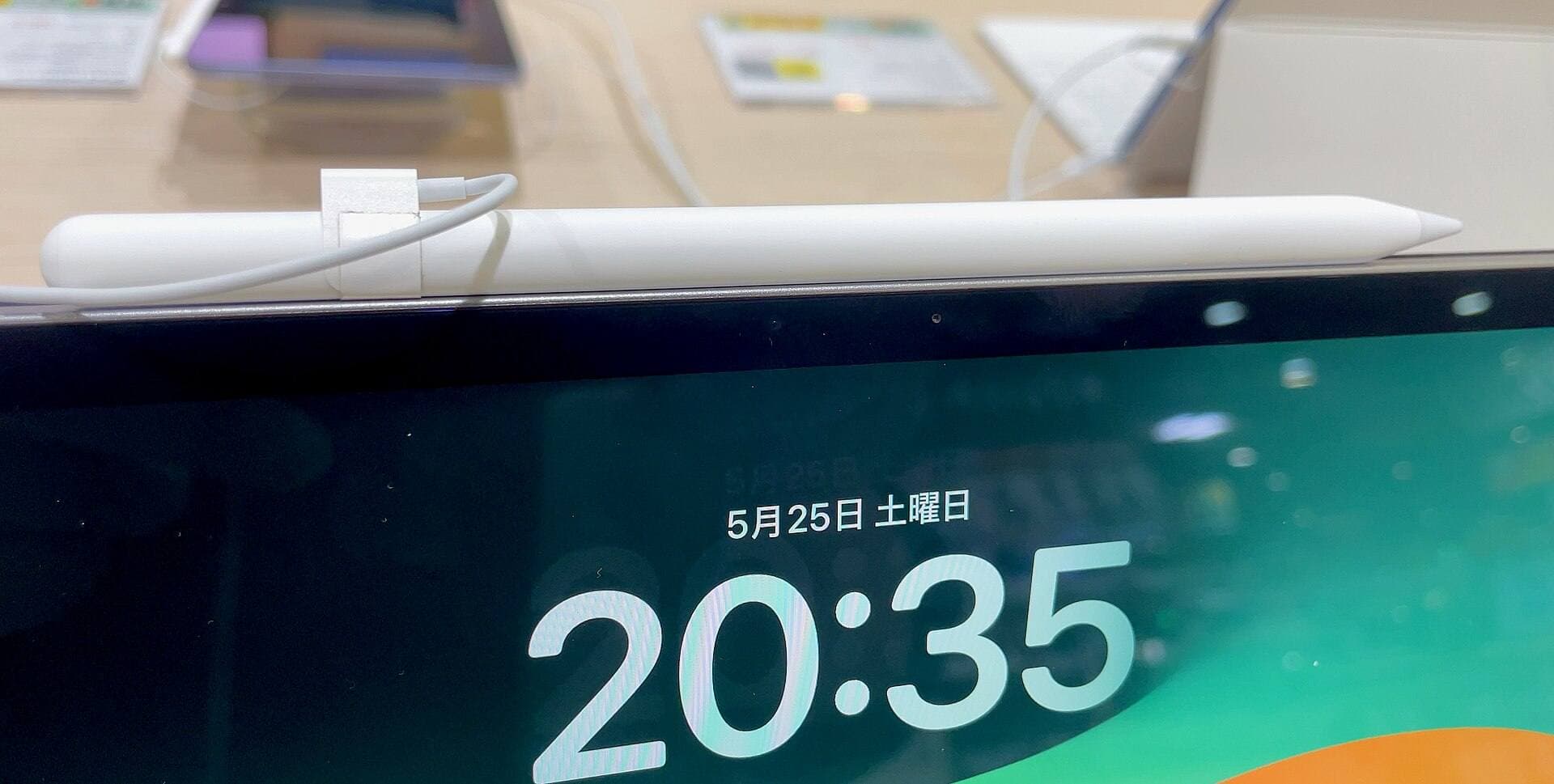
Main art app
Use this when the purchase is mainly about Procreate and you need the safest balance of cost, display feel, and headroom.
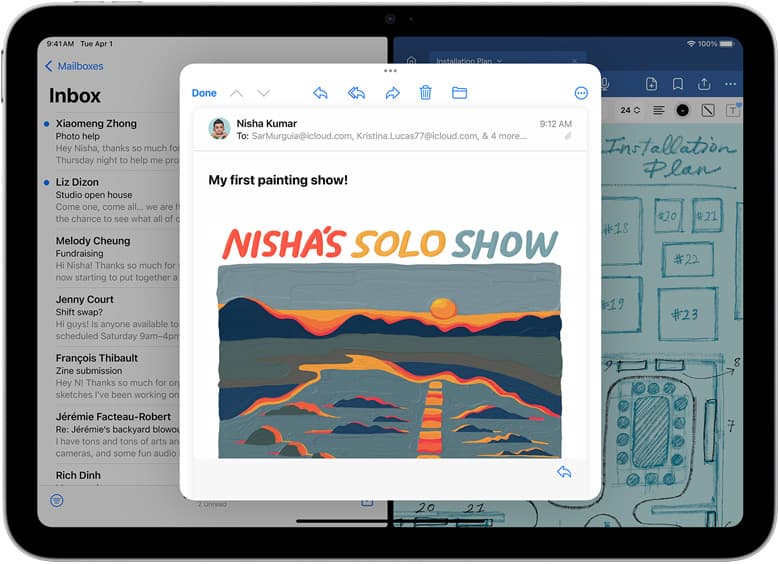
School plus art
Use this when the real purchase is one iPad for notes, PDFs, and regular drawing instead of separate school and art devices.
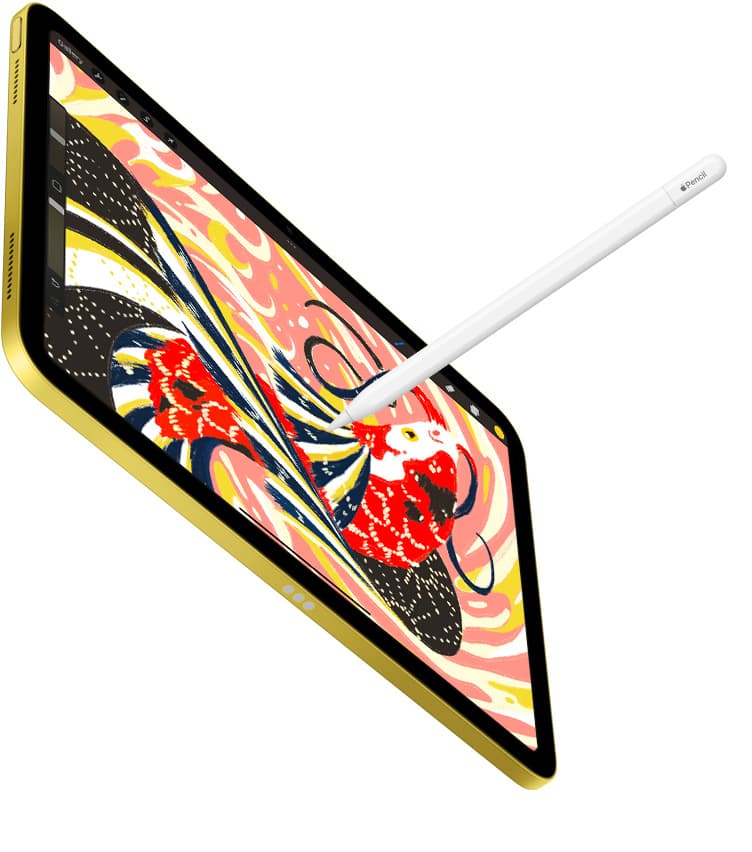
Notes plus drawing
Use this when the real purchase is one iPad for meetings, planning, PDFs, and regular drawing without drifting into the wrong premium tier.
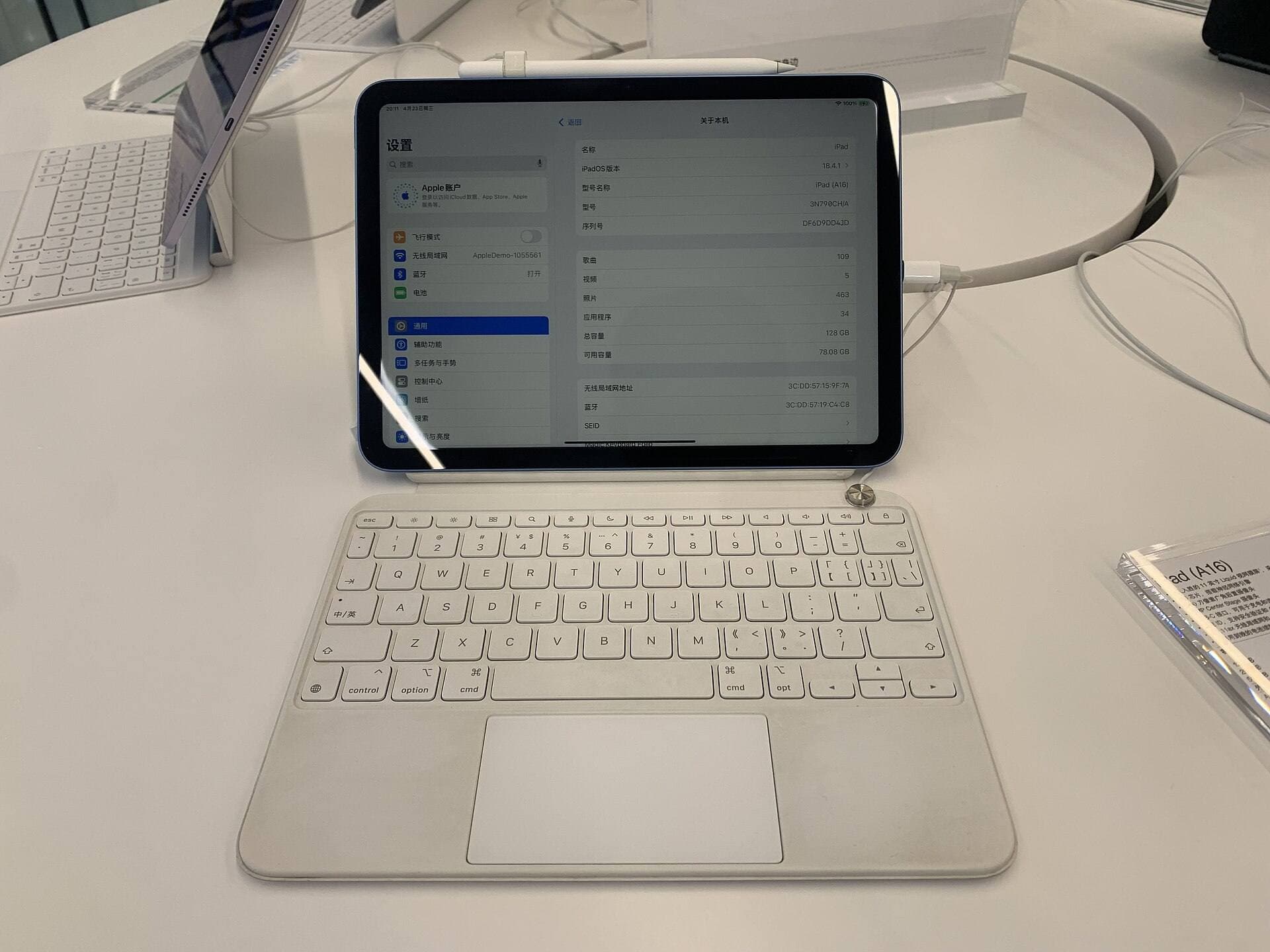
Start with a budget
Use this when you want the best beginner path without drifting into Pro-level overspending.
ZUGU is the better buy when long sketch sessions and travel confidence matter more than keyboard convenience.
It is heavier than a slim folio, but the extra structure is exactly why many artists prefer it.
Stand stability is stronger than many lighter folio cases when you draw with real Pencil pressure.
Edge and corner protection are easier to trust for daily carry and moderate travel risk.
The angle-first design suits longer drawing sessions better than keyboard-first cases.
Added thickness and weight make it a worse fit for minimal bags and light-carry buyers.
There is no keyboard path, so note-heavy typing workflows may still want a different case.
If your desk setup already solves angle stability, the extra bulk can feel unnecessary.
Choose this when drawing stability is the thing you notice first, not when you mostly type and occasionally sketch.
Treat it as the draw-first case and add screen protection separately only after the stand and weight tradeoff already feels right.
Pros: Stable draw angles; Better edge protection; Good fit for longer art sessions
Cons: Heavier than slim cases; No keyboard; Bulkier for small-bag carry
Send the shortlist, budget, and what you hoped this product would solve. This is for buyers who are close to spending money but still want a cleaner recommendation.
Comparable options and alternatives for this workflow.
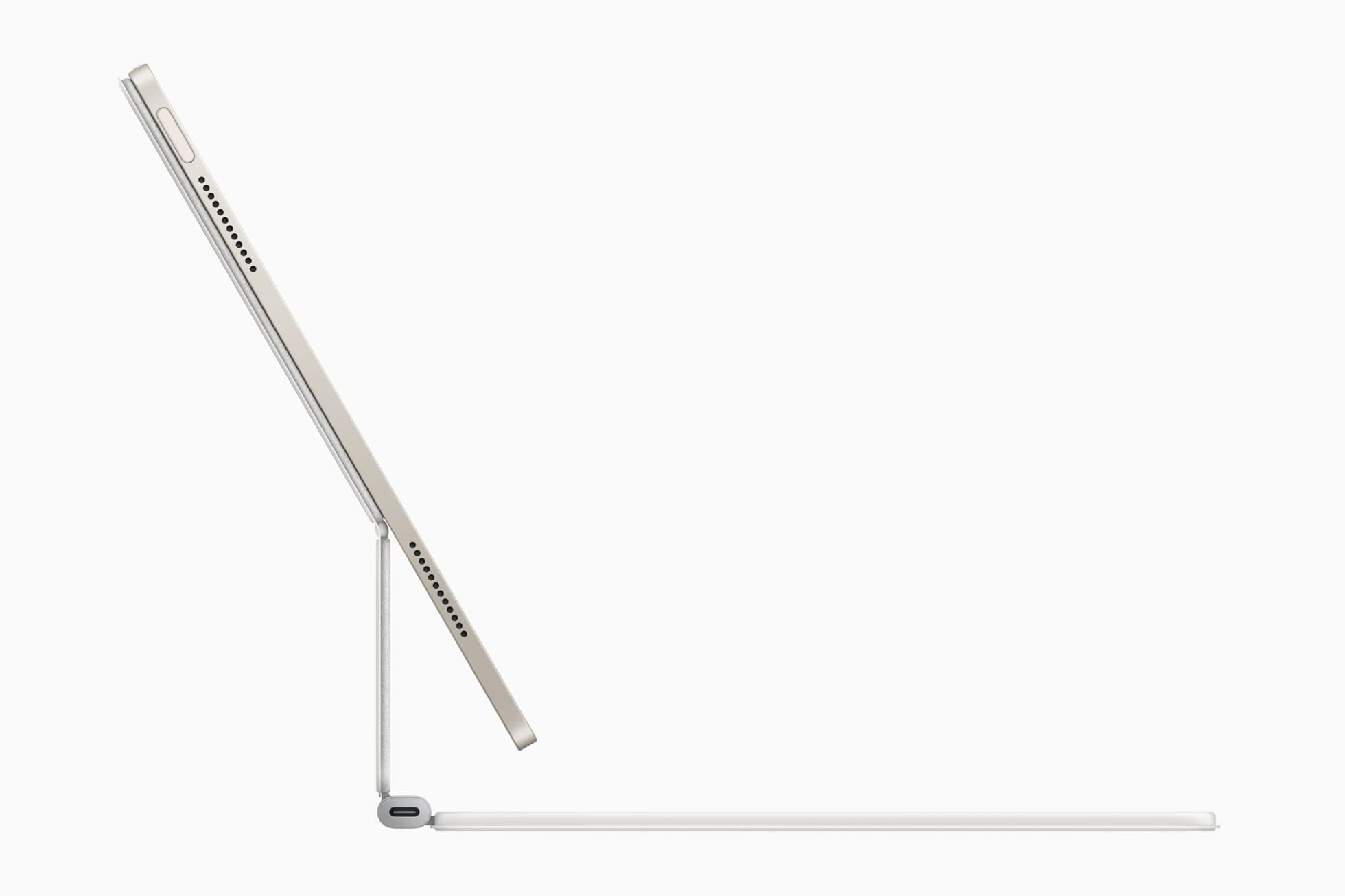
The best hybrid case when notes, planning, and drawing all happen on one iPad. Great utility, but more weight than draw-first buyers need.
Pro: Strong hybrid workflow fit
Con: Bulkier than simple cases
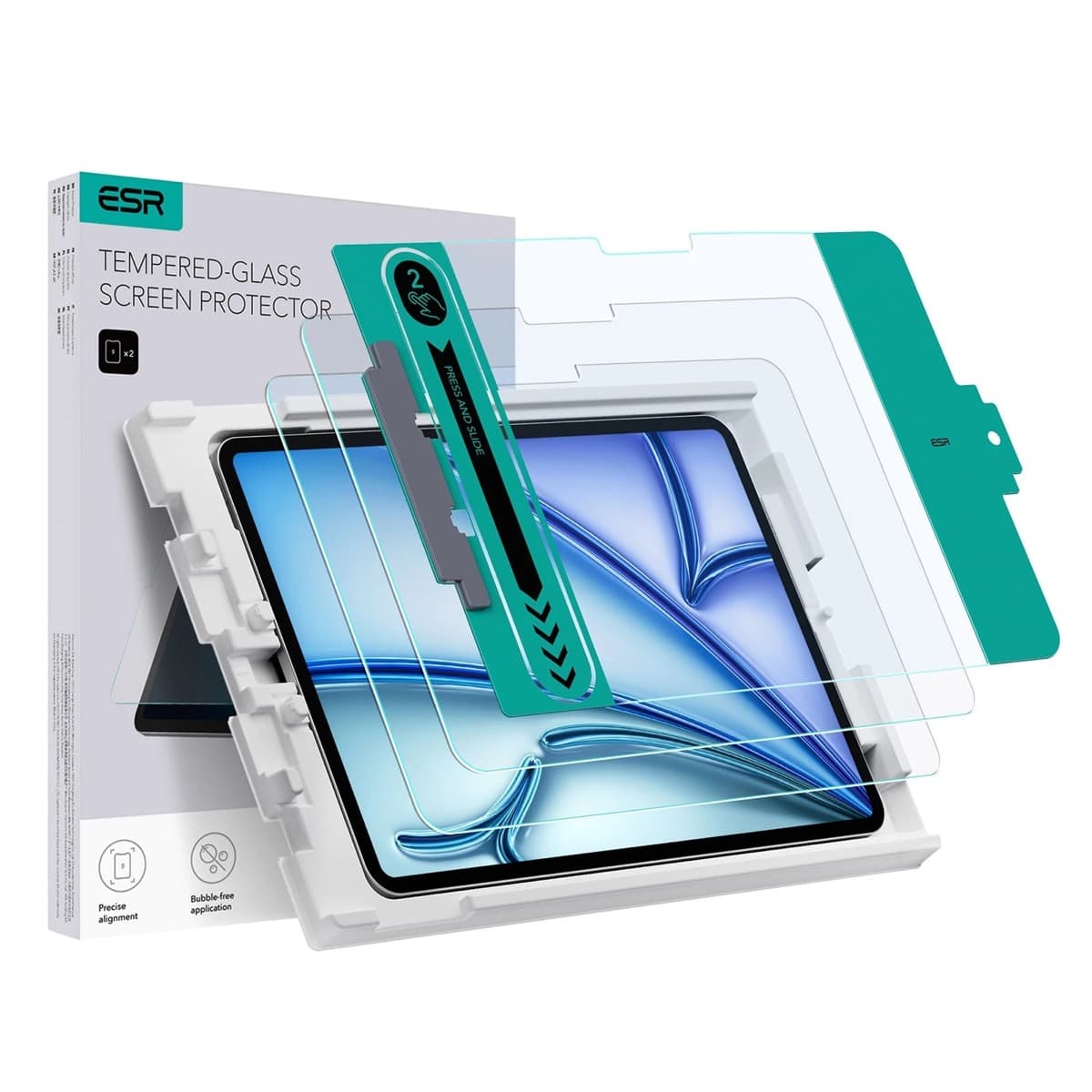
High-clarity protector with strong value. Great for visibility, less ideal for friction-seeking artists.
Pro: Clear image quality
Con: Low friction
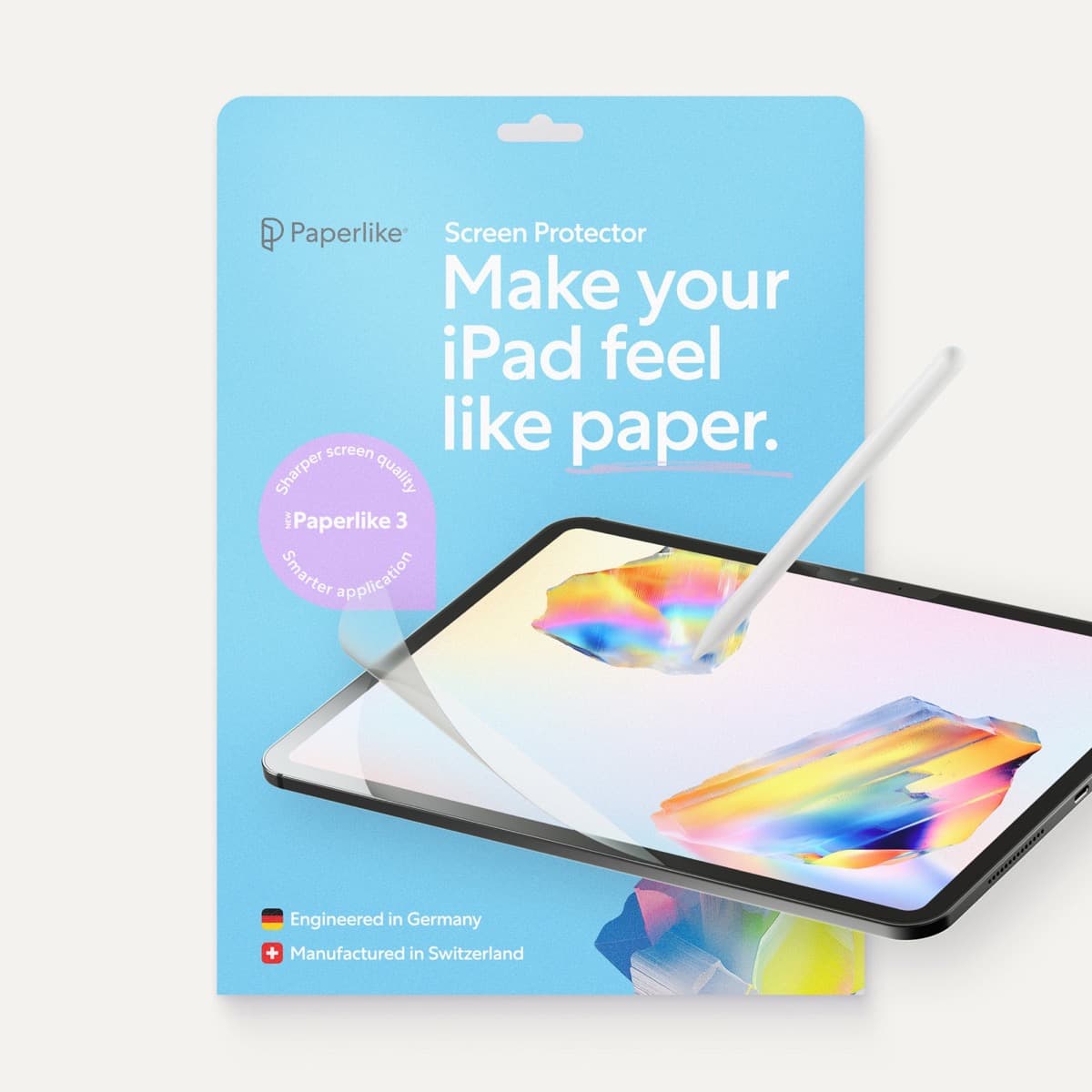
A strong surface-feel upgrade for drawing control. Clarity tradeoff is real and should be expected.
Pro: Better drawing friction
Con: Softer display clarity
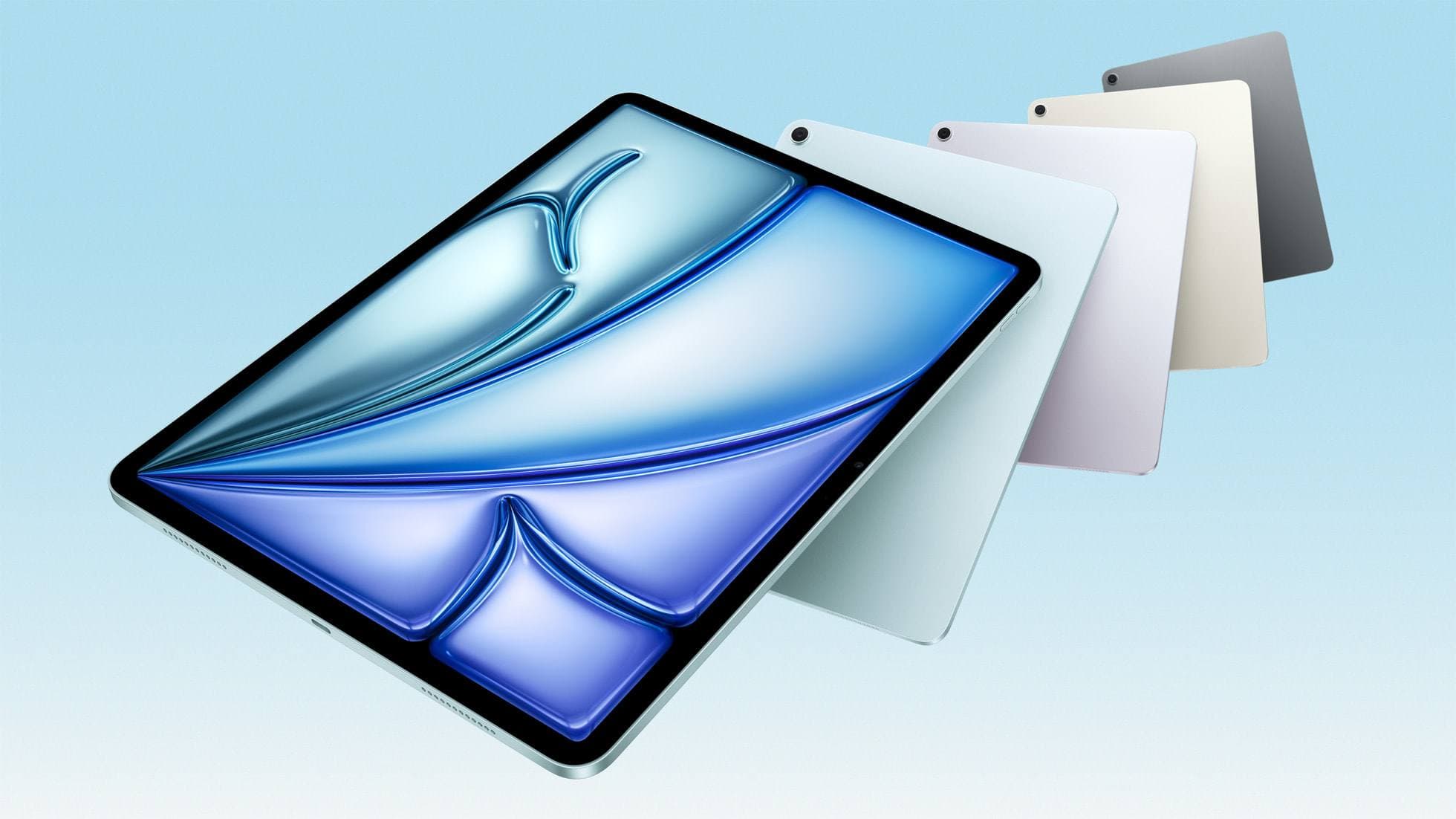
The clean current Air recommendation for most serious hobby artists. Stronger buy logic than old-stock M3 when pricing is close.
Pro: Best current balance
Con: Still 60Hz
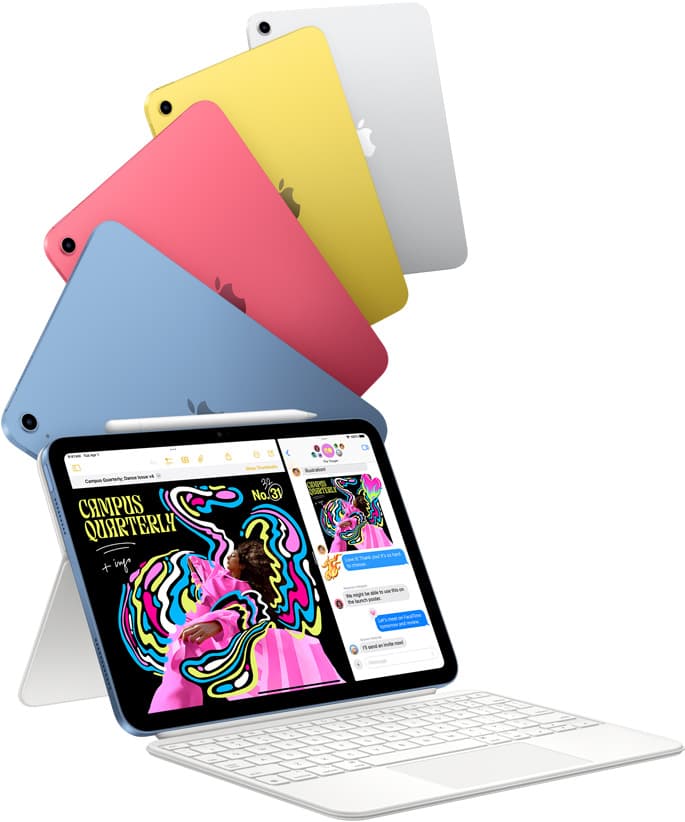
The best entry iPad for most artists on a budget. It is not premium, but it is very hard to beat on value.
Pro: Best value iPad for art
Con: 60Hz display
Still a smart Air buy when the discount is real. Harder to justify when pricing drifts too close to the current model.
Pro: Excellent balance
Con: Still 60Hz