Current default
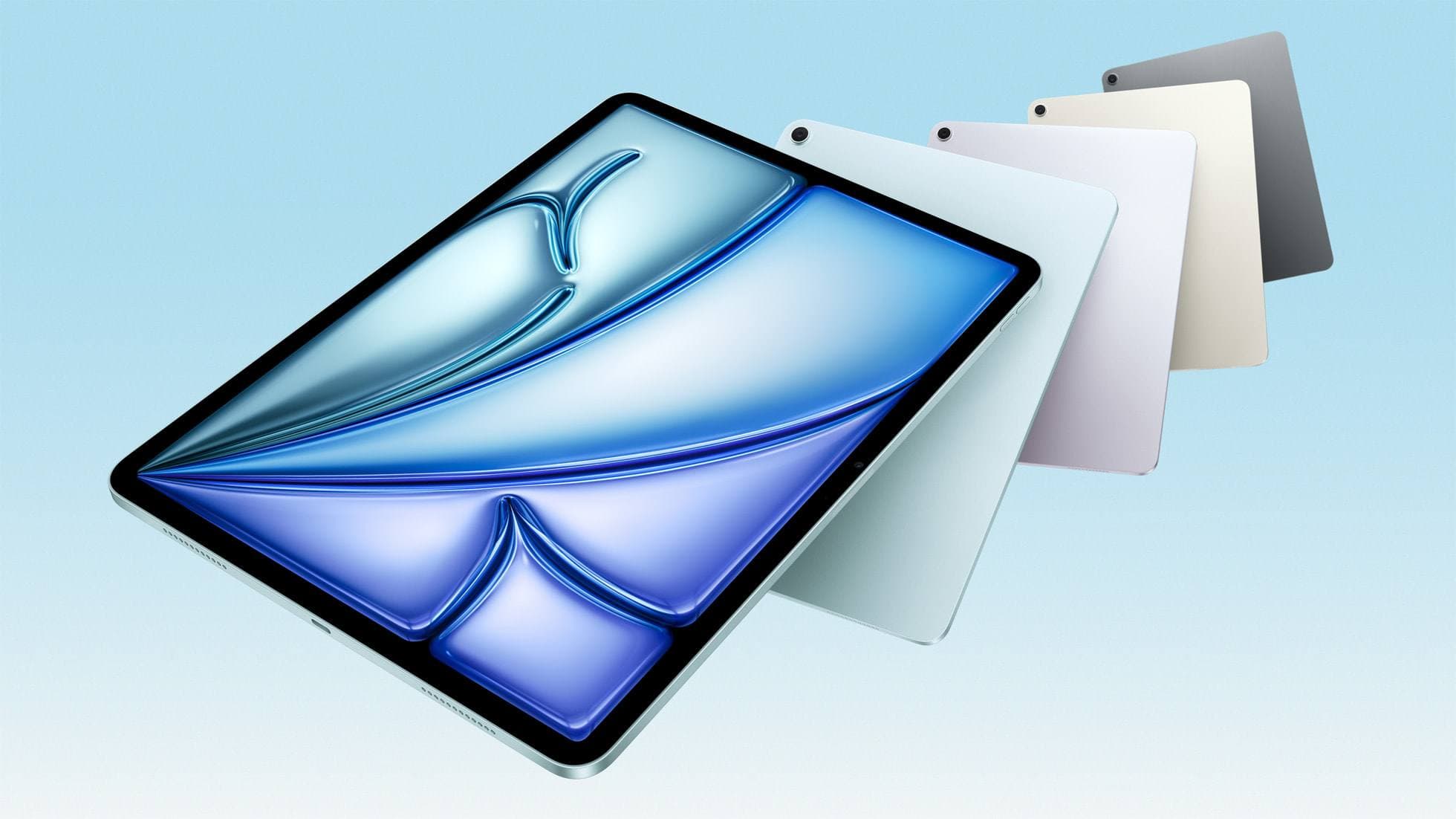
iPad Air (M4)
Best one-device answer for most mixed-use note and drawing buyers.
Current Air lineup. Best step-up when you want Apple Pencil Pro support without Pro pricing.
Air M4 is the clean middle lane when you want current-model shopping, Apple Pencil Pro support, and enough headroom without jumping straight to iPad Pro pricing.
Best for: Artists who want the current Air lineup, Apple Pencil Pro support, and more headroom than the base iPad without paying Pro pricing.
Avoid if: You want ProMotion or OLED comfort, or the iPad A16 already covers your real workload.
Mixed-use buyer guide
Budget-safe answer
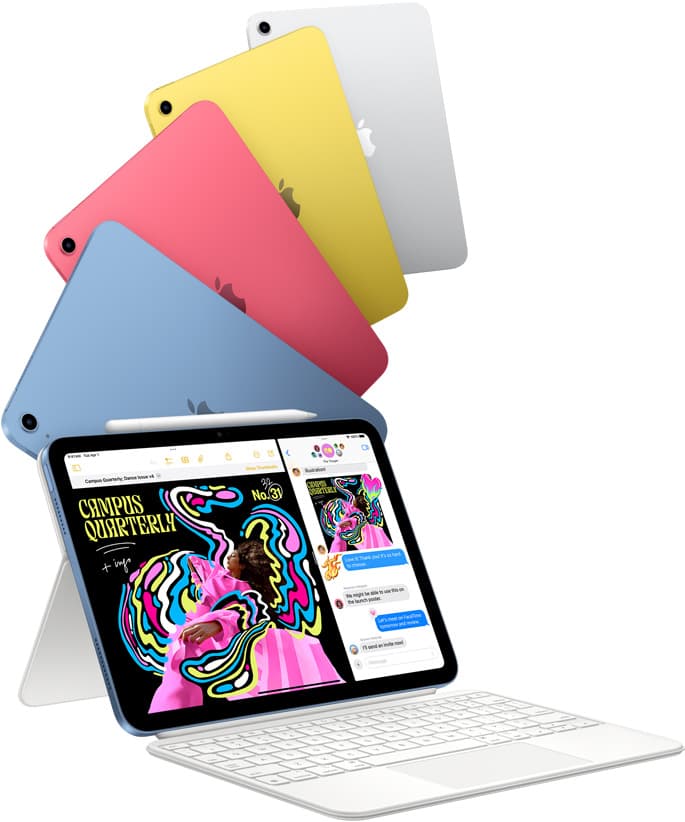
iPad (A16, 11th gen)
Lower-cost setup when note-taking matters more often than premium art feel.
Current mainstream iPad. Best default when total kit cost matters more than prestige.
A16 is the disciplined choice when you need notes, planning, PDFs, and real sketching to work now without turning the whole kit into a stretch purchase.
Best for: New digital artists who want a stable iPad setup at the lowest real cost.
Avoid if: You need ProMotion feel, OLED contrast, or high layer headroom for large canvases.
Budget iPad guide
Carry less
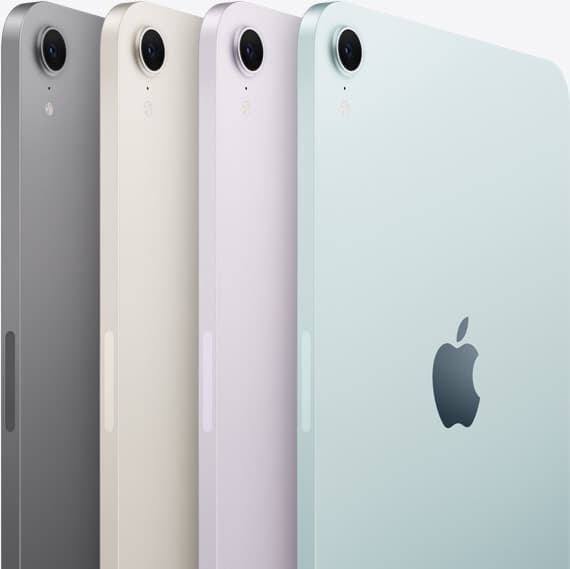
iPad mini (A17 Pro)
Smaller canvas, lighter bag, only worth it when portability is the real non-negotiable.
Current mini. Best when portability matters more than maximum canvas size.
Mini makes sense when a larger tablet creates carrying friction, not when you simply want the most charming device in the lineup.
Best for: Artists who sketch in transit, in cafes, or while standing and moving.
Avoid if: You need larger canvas comfort for detailed rendering and long painting sessions.
A16 vs mini guide
Pay up only if real
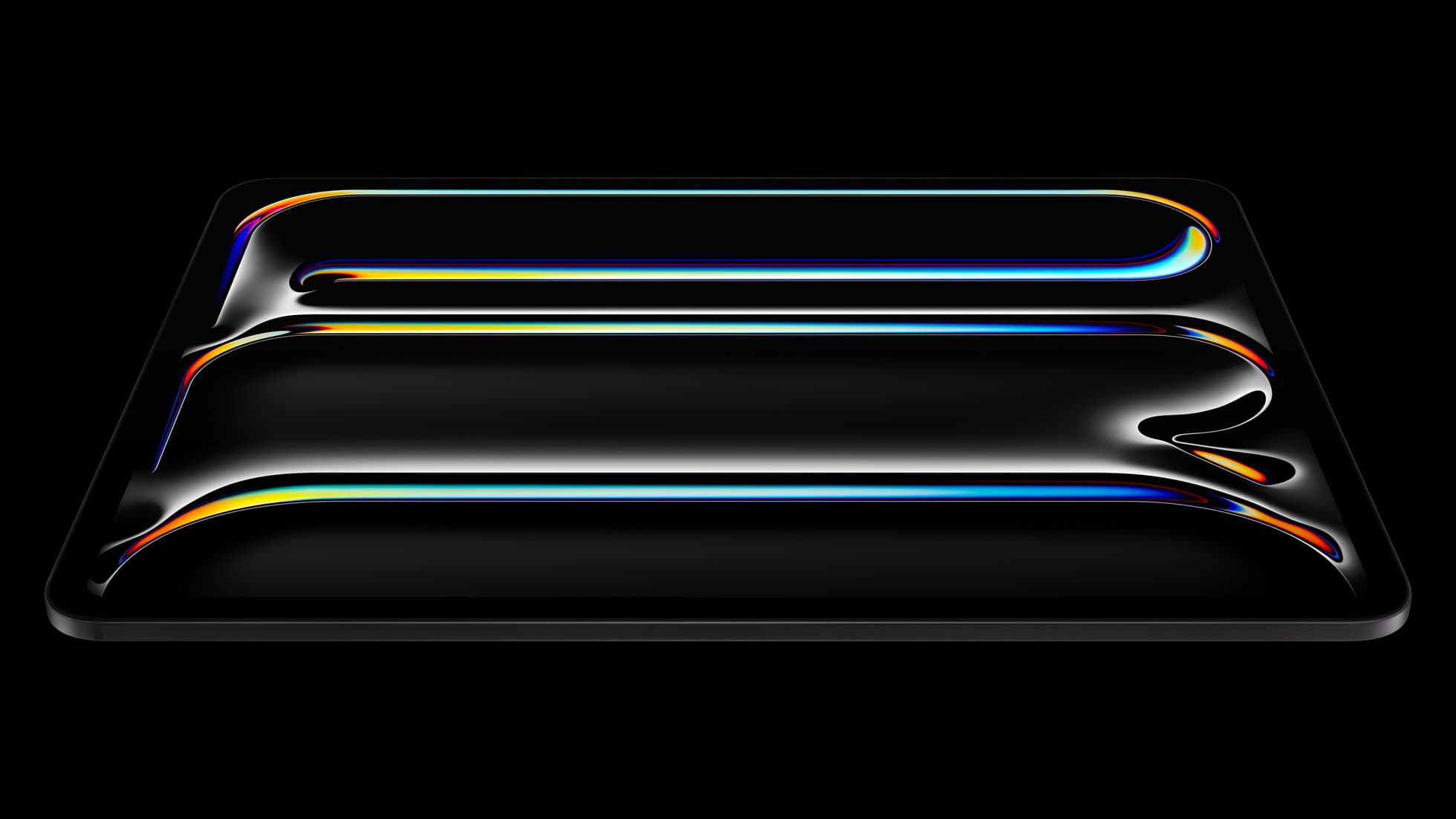
iPad Pro (M5)
Excellent hardware, weak value unless art is starting to outweigh the mixed-use middle.
Current premium iPad. Worth paying for only when display feel or heavier weekly workloads justify it.
Pro becomes rational when drawing quality, longer sessions, and heavier creative work already matter enough to pay for every week.
Best for: Artists who care deeply about display feel, comfort, and high-complexity workflows.
Avoid if: You are price-sensitive and do not need Pro-level display or memory headroom.
Air vs Pro guide