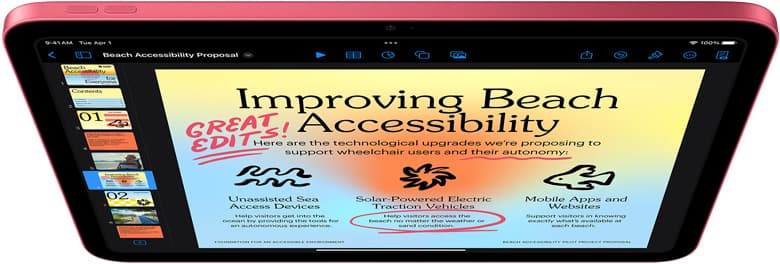
If you want one iPad for handwritten notes, PDF markup, planning, meetings, and regular drawing, the safest buy in 2026 is the 11-inch iPad Air (M4). It is the clean middle lane: large enough to feel comfortable for writing and sketching, current enough to support Apple Pencil Pro, and still easier to justify than iPad Pro money. Buy the base iPad (A16) when budget is the real constraint. Buy the iPad mini (A17 Pro) only when portability is the thing you care about most. Buy the iPad Pro only when drawing is no longer the secondary job. [1][2][3][4]
The mistake most people make is treating this as either a pure note-taking question or a pure art question. It is neither. A mixed-use iPad has to stay pleasant when you are switching between lecture notes, planner pages, PDF markup, reference images, and actual drawing sessions. The best choice is the one that stays low-friction across all of that, not the one that wins the fanciest-spec contest.
Quick answer
| If this sounds like you | Buy | Why |
|---|---|---|
| You want the safest one-device answer for notes plus drawing | 11-inch iPad Air (M4) + Apple Pencil Pro | Best balance of writing comfort, drawing headroom, and current Pencil support. |
| You want the lowest-regret budget setup | iPad (A16) + Apple Pencil (USB-C) | Keeps the total kit cost lower while still handling notes, planning, PDFs, and lighter drawing well. |
| You want the smallest bag and easiest carry | iPad mini (A17 Pro) + Apple Pencil Pro | Great portable note-and-sketch machine, but still a niche main-device answer. |
| Drawing is starting to outweigh note-taking | iPad Pro + Apple Pencil Pro | Worth paying for only when art sessions are frequent enough to justify the premium. |
If the Pencil decision is the part that still feels messy, start with the Apple Pencil compatibility guide.
Related reads
- Handwriting on Glass: Tips to Improve Your Penmanship on iPad
- Best Budget iPad for Beginners (2026): A16 vs Air vs mini
- Apple Pencil Pro vs Apple Pencil USB-C in 2026: Which Should You Buy?
Who this is for
- Buyers who split time between handwriting, annotation, journaling, and drawing.
- People using apps like Notes, Goodnotes, Freeform, Noteful, Concepts, or Procreate on the same device.
- Buyers trying to choose between base iPad, Air, mini, and Pro without turning it into a month-long spreadsheet project.
- People who know accessories matter too, especially whether the second purchase should be a keyboard case or a drawing-first case.
Who should skip it
- Buyers who already know they want a 13-inch iPad mainly for large-canvas art or desktop-style multitasking.
- People who only want a note-taking slab and have little interest in drawing beyond occasional doodles.
- Full-time professional artists whose main decision is already between higher-end display feel, large canvas space, and long heavy sessions.
The core decision framework
1. Decide which side of the workflow cannot feel compromised
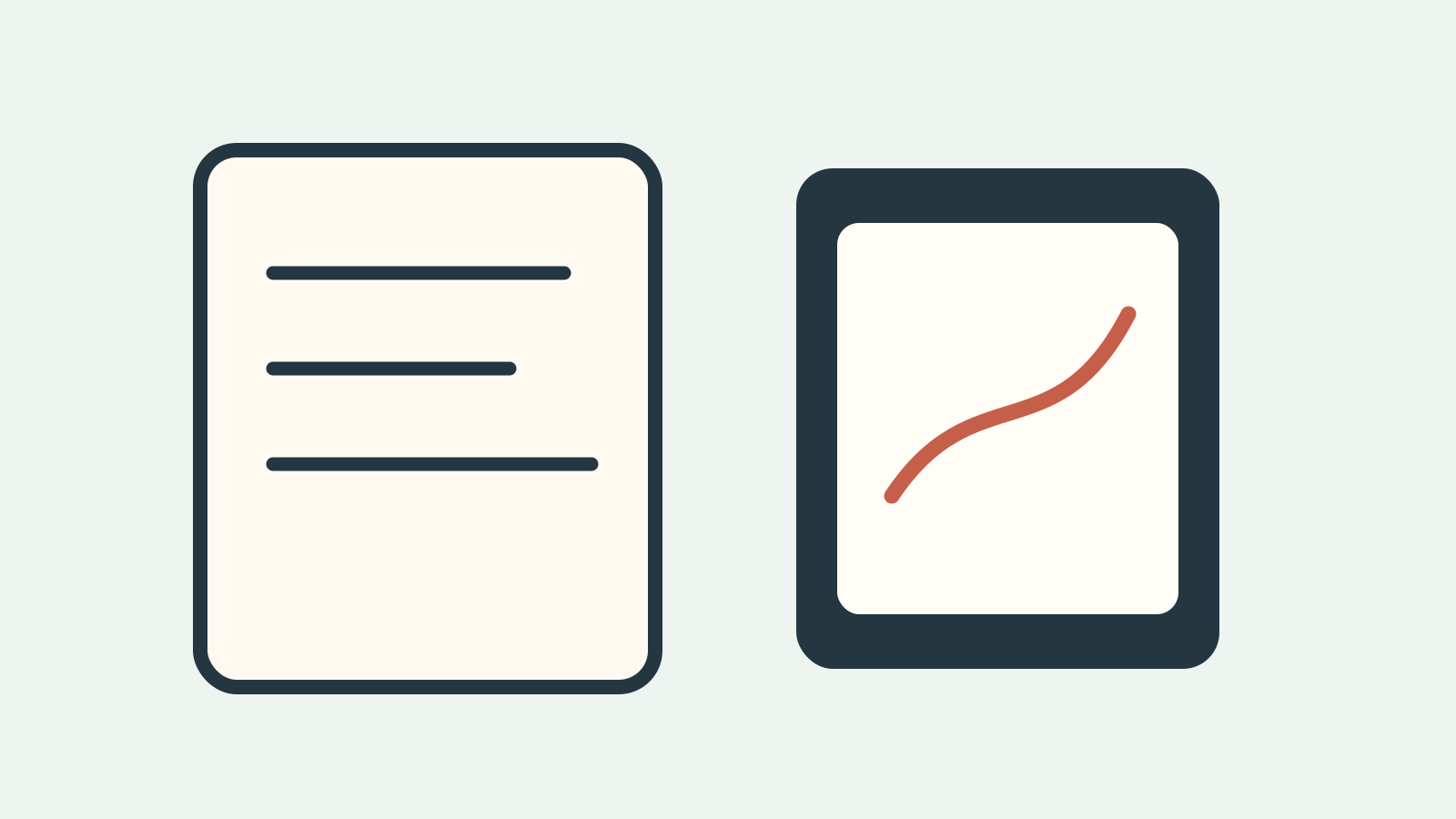
This is the real question. Not "which iPad is best?" but which task do you refuse to hate?
- If you write, annotate, and plan every day, but still draw several times a week, the Air is usually the right answer.
- If notes and school or work admin dominate, and drawing is real but secondary, the base iPad becomes more attractive.
- If drawing is starting to drive the whole purchase, the Pro deserves a serious look.
- If you leave larger tablets at home because they annoy you in transit, the mini can win even if it is not the most versatile canvas. [1][2]
That is why the Air keeps winning these mixed-use decisions. Apple positions it squarely between the base iPad and the Pro, and it supports Apple Pencil Pro without forcing you all the way into the flagship tier. [1][2][3]
2. Pick size before you obsess over chip names
For mixed-use buyers, size changes daily friction faster than chip branding.
11 inches is the safest default. It gives you enough room for handwriting, split-screen reference, and drawing without turning the device into something awkward on a cafe table, airplane tray, or crowded desk. [1][2]
Go larger only if one of these is true:
- you review large PDFs every day,
- you constantly split notes beside reference material,
- or you already know a bigger drawing canvas changes your work enough to earn the extra bulk.
Go smaller only if one of these is true:
- you commute with a very small bag,
- you read and jot notes standing up or on the move,
- or you have already learned that large tablets create carrying friction and get left behind.
The mini is excellent in the right use case. It is just not the automatic winner for people who want one main device for notes and drawing.
3. Treat the Pencil as part of the buying decision, not an afterthought
This is where a lot of mixed-use setups quietly go wrong.
Apple's current support page makes the compatibility split clear: iPad Air (M4), iPad mini (A17 Pro), and iPad Pro support both Apple Pencil Pro and Apple Pencil (USB-C). The base iPad (A16) supports Apple Pencil (USB-C) but not Apple Pencil Pro. [3]
That changes the buying logic:
- If note-taking is the primary job and drawing is regular but not central, Apple Pencil (USB-C) is usually enough.
- If drawing quality matters every week and not just occasionally, Apple Pencil Pro is the better long-term fit on a supported iPad.
- If you buy the base iPad, accept that part of the savings comes from stepping down the Pencil path too.
Apple's Pencil comparison page also makes the feature gap clear. Apple Pencil Pro gets pressure-sensitive drawing, wireless pairing and charging, and extra interaction features that the USB-C Pencil does not. [4]
4. Decide whether your second purchase is a keyboard or a drawing-first setup
A mixed-use buyer usually needs one accessory after the iPad and Pencil. The real question is which one.
If your week includes lots of typed notes, doc edits, and long replies, a keyboard case can be the right second purchase. Logitech's Combo Touch for iPad Air exists for exactly this kind of buyer: you want the iPad to stay an iPad, but sometimes you also want it to stop pretending it is not handling school or work. [5]
If handwriting and sketching matter more than typing, a stable case or stand is often the better second purchase. That setup decision matters more than a lot of spec arguments because it changes how often the iPad actually gets used.
The recommended picks
For most people: 11-inch iPad Air (M4) + Apple Pencil Pro
This is the safest mixed-use answer because it solves the most problems at once.
Why it wins:
- the size works well for notes and drawing,
- it supports Apple Pencil Pro,
- it stays current without jumping straight into Pro pricing,
- and it gives you room to adapt the setup later with either a keyboard path or a drawing-first path. [1][2][3]
This is the right answer for buyers who want one iPad that can handle notes all week and still feel good when they sit down to actually draw.
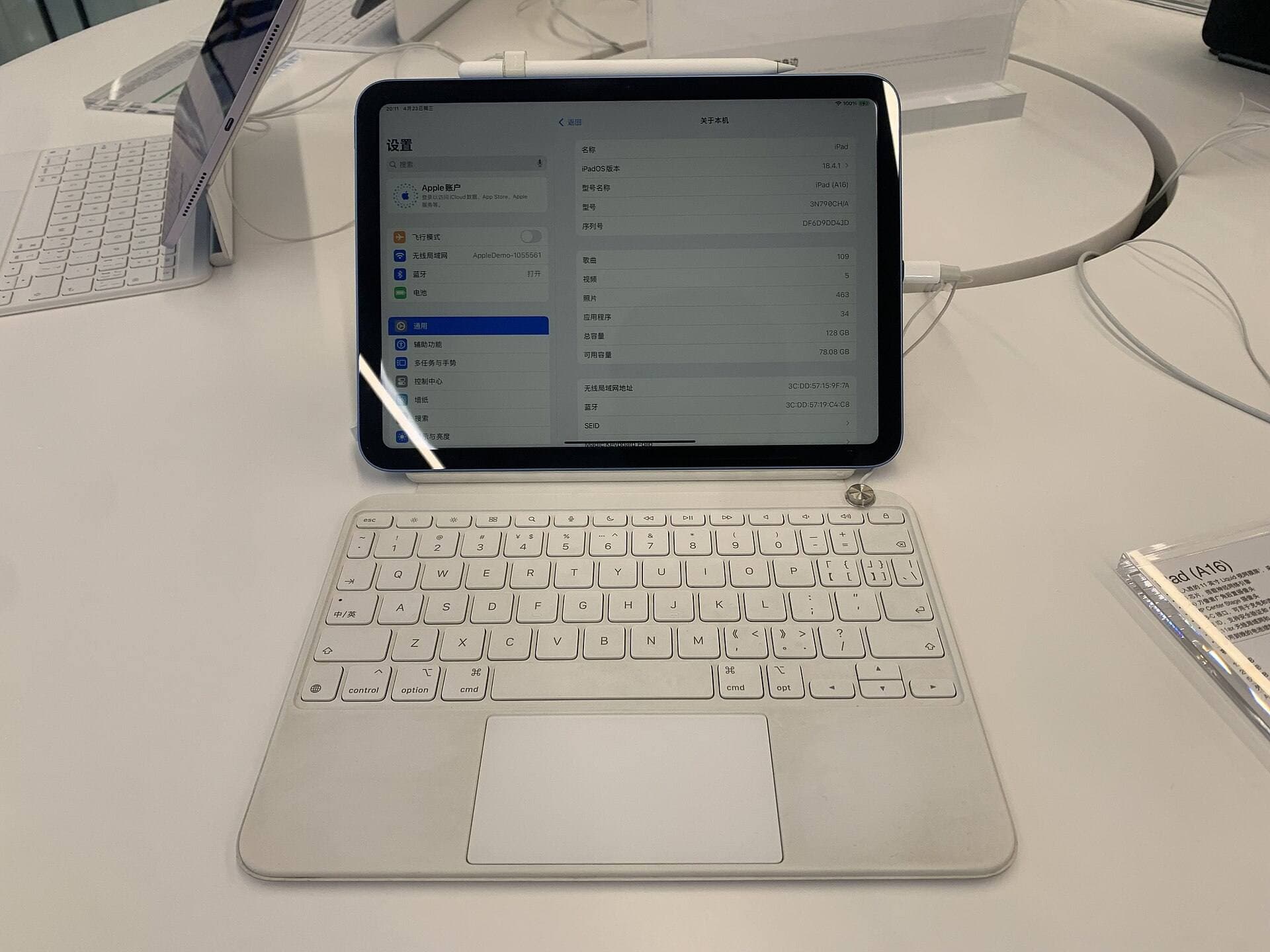
Budget-first pick: iPad (A16) + Apple Pencil (USB-C)
The base iPad is better than mixed-use buyers sometimes assume. It is not the glamorous answer, but it is often the rational one.
Why it works:
- it lowers the total spend,
- it still handles notes, planners, PDFs, and lighter-to-moderate drawing well,
- and the Apple Pencil (USB-C) path is straightforward. [1][3][4]
This is the best fit for:
- first-time iPad buyers,
- cost-sensitive students and families,
- and buyers who know note-taking matters more often than art polish.
Skip it if you already know you will care about the better Pencil path every single week. That is usually the point where the Air becomes the smarter buy instead of the fancier buy.
Portable pick: iPad mini (A17 Pro) + Apple Pencil Pro
The mini is the right answer when portability is the real non-negotiable.
Choose it when:
- you carry the iPad everywhere,
- you write and sketch in short bursts on the move,
- or you know a bigger device becomes friction and stays in the bag or at home.
Do not choose it because it seems like the clever compromise. It is only the clever compromise if the smaller canvas does not become annoying during real note-heavy and drawing-heavy days.
Pay for iPad Pro only if drawing is overtaking the whole setup
The current Pro is excellent. The question is whether it solves enough of your actual weekly life to earn the price jump. [1]
It makes sense when:
- your drawing sessions are long and frequent,
- art is central to school or work rather than secondary,
- or you already know the top-tier feel changes your confidence and output.
If your reason is mostly future-proofing, that is usually not a strong argument. Mixed-use buyers often do better with Air plus the right Pencil and accessory than with Pro plus compromise everywhere else.
The large-screen exception: 13-inch Air
This is worth considering if your note-taking is heavily PDF-driven, if you live in split screen, or if you always feel cramped on 11-inch tablets. For many people, though, the 11-inch Air remains the more balanced main-device answer because it is easier to carry and easier to use in more places. [1][2]
Tradeoffs and what people get wrong
- The most common mistake is buying Pro when the real need is Air plus the better Pencil and a smart accessory.
- The second mistake is dismissing the base iPad too quickly. Budget is part of the real use case, not something to apologize for.
- The third mistake is treating the mini like a universal one-device answer. It is a portability-first answer.
- The fourth mistake is pretending the Pencil does not matter. If drawing is real, the stylus path changes the whole feel of the setup.
- The fifth mistake is ignoring the accessory decision. Some buyers need a keyboard more than a more expensive iPad. Others need a steadier drawing setup more than a keyboard.
FAQ
What is the best iPad for note-taking and drawing in 2026?
For most people, the best mixed-use iPad is the 11-inch iPad Air (M4). It is the current middle lane: portable enough for daily notes, strong enough for real drawing, and compatible with Apple Pencil Pro. [1][2][3]
Is the base iPad good enough for notes and sketches?
Yes. The iPad (A16) is a good buy when budget matters more than premium Pencil features. It handles notes, planning, PDFs, and lighter-to-moderate drawing well. The main thing you give up is the Apple Pencil Pro path. [1][3]
Should I buy Apple Pencil Pro or Apple Pencil USB-C for notes and art?
If drawing matters weekly and you want the better long-term stylus experience, buy Apple Pencil Pro on a supported iPad. If the iPad is mostly for notes, planning, and occasional sketching, Apple Pencil (USB-C) is the cheaper official answer. [3][4]
Is iPad mini too small for note-taking and drawing?
For a lot of people, yes as the main all-purpose device. It is excellent when portability is the thing you value most, but it is easier to outgrow for note-heavy workflows and detailed art than an 11-inch iPad.
Should I buy iPad Air or iPad Pro for notes plus drawing?
Usually iPad Air. iPad Pro becomes worth it when drawing alone justifies the premium.
Does a keyboard case matter more than upgrading the iPad?
Sometimes, yes. If your daily work includes typed notes, doc editing, and long writing sessions, the right keyboard case can improve your life more than jumping one device tier higher. [5]
Suggested internal links to add later
- Handwriting on Glass: Tips to Improve Your Penmanship on iPad
- Best Budget iPad for Beginners (2026): A16 vs Air vs mini
- Best iPad Starter Kit Under $900 (2026): What to Buy First
- Apple Pencil Pro vs Pencil 2 vs Pencil USB-C (2026 Buyer Guide)
- Apple Pencil Pro vs Apple Pencil USB-C in 2026: Which Should You Buy?
- Best iPad for Procreate in 2026: A16 vs Air M3 vs Pro
Bottom line
For most people who want one device for notes and drawing, the safest answer in 2026 is the 11-inch iPad Air (M4). It is current, flexible, and easier to justify than the Pro. Buy the base iPad (A16) when budget matters most. Buy the mini only when portability is the thing that changes your behavior. Buy the Pro only when drawing is important enough that it has stopped being the secondary job.
Sources
Recommended gear
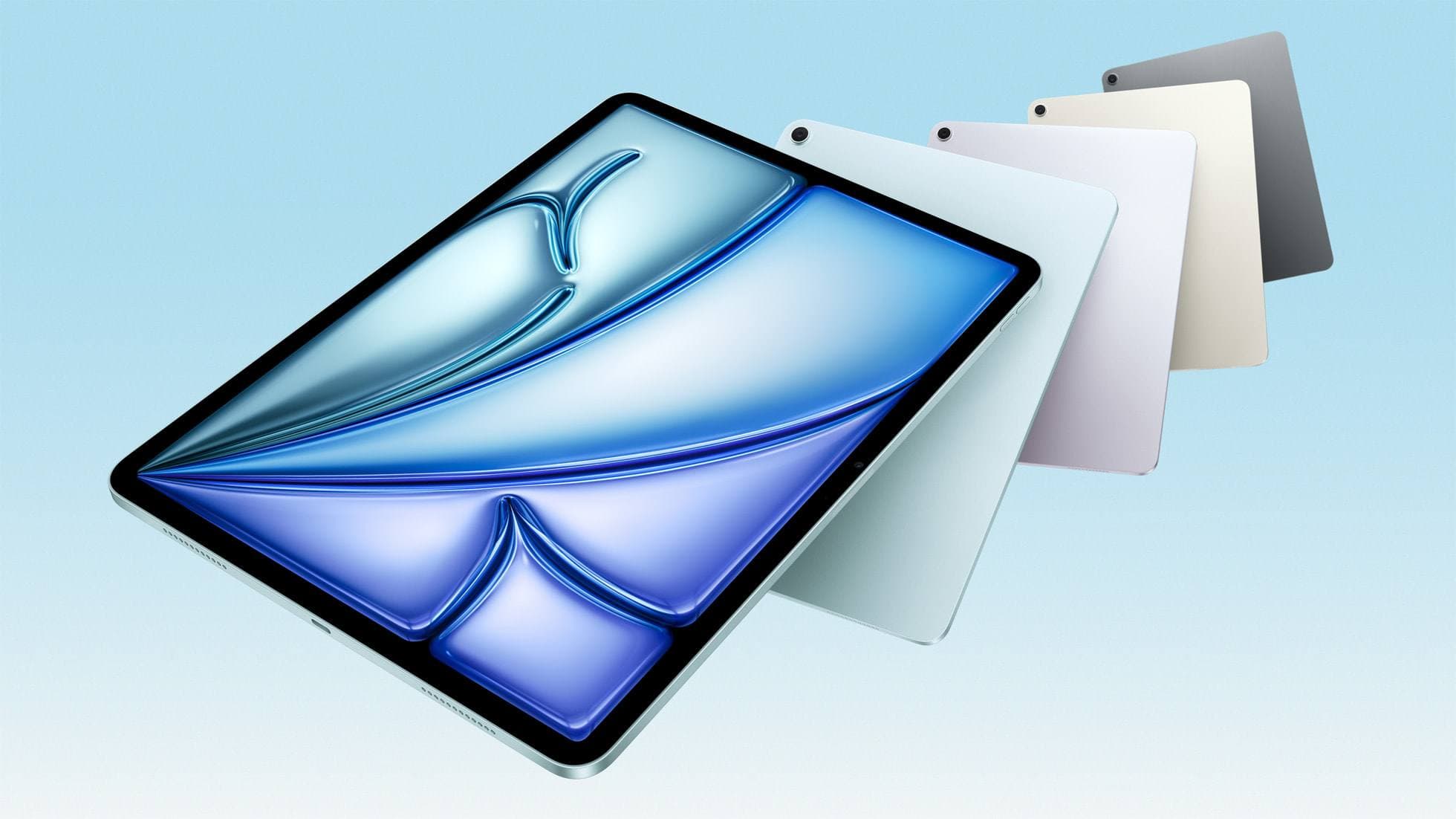
iPad Air (M4)
apple.comThe clean current Air recommendation for most serious hobby artists. Stronger buy logic than old-stock M3 when pricing is close.
Pro: Best current balance of price, headroom, and Pencil support
Con: Still 60Hz
Current Air lineup. Choose size, storage, and keyboard path before checkout.
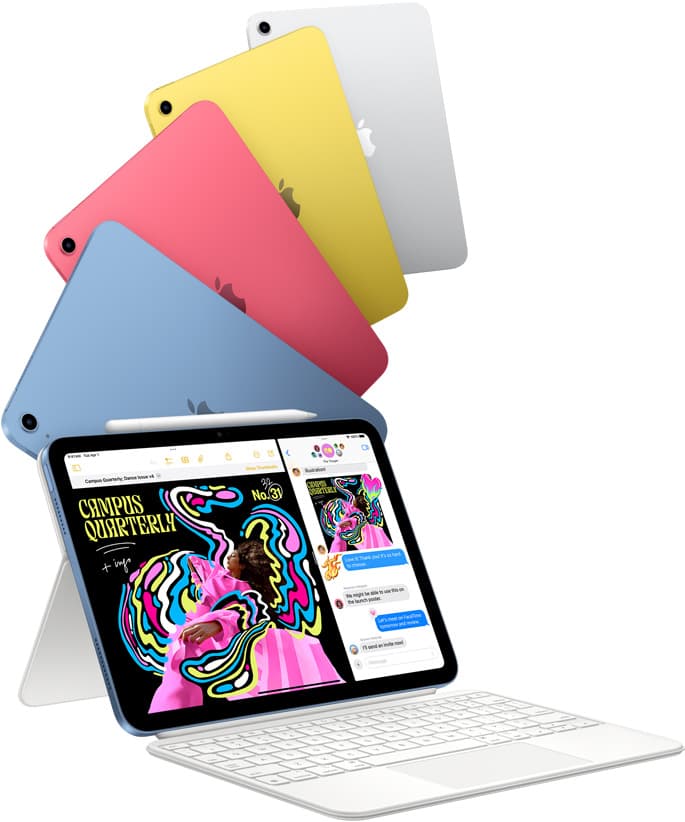
iPad (A16, 11th gen)
amazon.comThe best entry iPad for most artists on a budget. It is not premium, but it is very hard to beat on value.
Pro: Best value iPad right now
Con: No ProMotion display
Search opens with the exact model keywords. Verify size and storage before checkout.
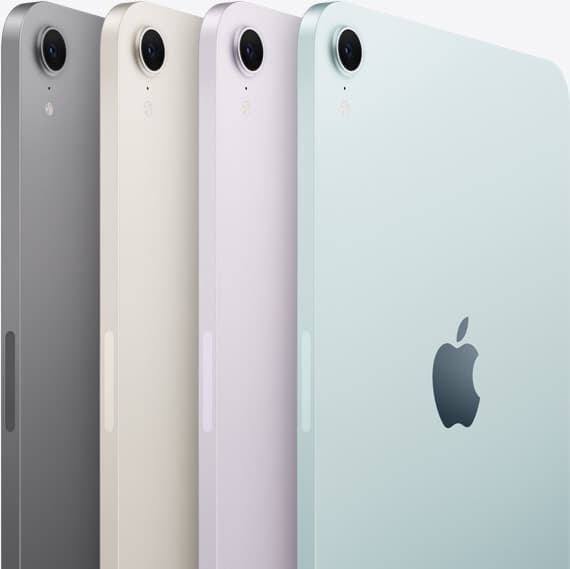
iPad mini (A17 Pro)
amazon.comThe most portable real iPad for drawing. It wins on mobility and loses on workspace.
Pro: Most portable drawing iPad
Con: Small canvas for detailed work
Search opens with iPad mini A17 Pro terms. Verify model number before buying.
iPad Pro (M5)
amazon.comThe best iPad for drawing feel and premium workflow comfort, but many buyers still overpay for it.
Pro: Best iPad display and ProMotion feel
Con: Highest price in the lineup
Search opens with iPad Pro terms. Check year, chip, and screen size.
Apple Pencil Pro
amazon.comThe best Apple stylus for serious digital art workflows. Expensive, but the control upgrades are real.
Pro: Best brush-control and hover workflow
Con: Highest price in the lineup
Works only with newer iPad models. Check compatibility.
Related buying picks
More in this collectionBuyer guide
iPad mini for Procreate in 2026: should artists buy the small one?
The iPad mini (A17 Pro) is a strong portable Procreate sketchbook, especially with Apple Pencil Pro, but most artists should choose iPad Air if it will be their only serious drawing canvas.
Buyer guide
Best iPad for Students Who Also Draw in 2026
The safest student-plus-drawing buy in 2026 is the 11-inch iPad Air (M4), while the base iPad wins stricter budgets and the mini or Pro make sense only for narrower cases.
Comparison
Best iPad for Procreate in 2026: A16 vs Air M3 vs Pro, Which Should You Buy?
For Procreate in 2026, the right iPad depends on canvas size, layer depth, and how much latency sensitivity you actually have.
Comparison
Is the iPad Mini Too Small for Drawing? A Size Comparison
The iPad mini is the only “real” iPad that still feels like a notebook. Not a laptop-wannabe with a keyboard case. Not a coffee-table slab. A thing you can hold, thumb over the…