
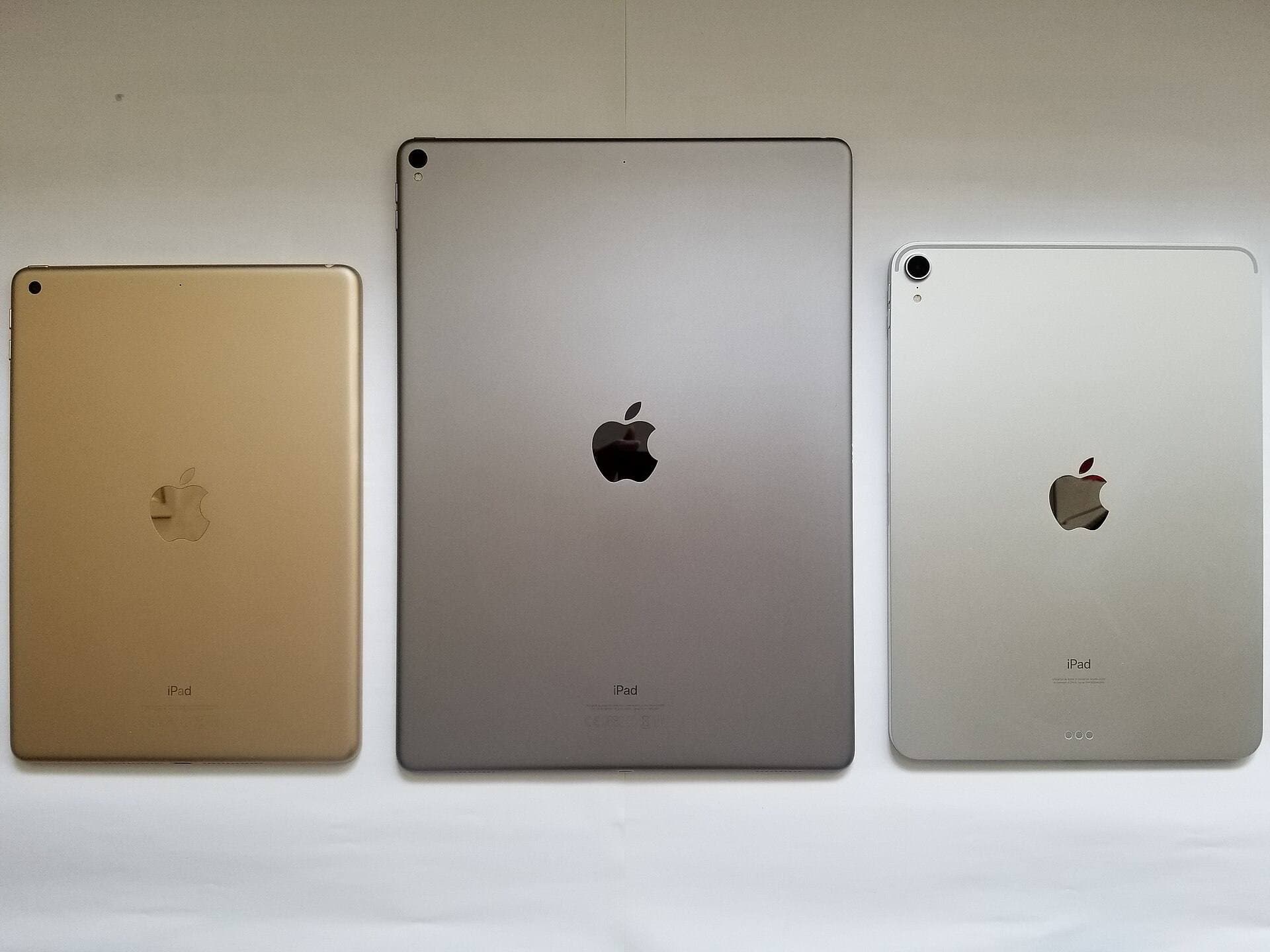
If you are a hobby artist deciding between iPad Air and iPad Pro, the blunt answer is simple: iPad Air is enough for most people. iPad Pro becomes worth it only when you can name a specific benefit you will use every week.
Those benefits are usually:
- better display feel (120Hz ProMotion + OLED contrast),
- lighter and thinner hardware at equivalent size,
- more layer headroom for large canvases.
If your goal is to draw consistently, not to own the nicest spec sheet, iPad Air clears the bar. This guide breaks down exactly where Pro pays off and where it does not.
Related reads
- iPad Air vs. iPad Pro for Digital Watercolor (2026): Which iPad Is Better?
- The Best iPad Models for Beginners on a Budget
- Is the iPad Mini Too Small for Drawing? A Size Comparison
The 2025 lineup, in one breath
iPad Air (M3, 2025) Starts at $599 (11") or $799 (13"), with the new Magic Keyboard priced at $269 / $319. Availability began March 12, 2025. [1]
iPad Pro (M5, 2025) Starts at $999 (11") or $1,299 (13"), with the Magic Keyboard priced at $299 / $349. Availability began October 22, 2025. [2]
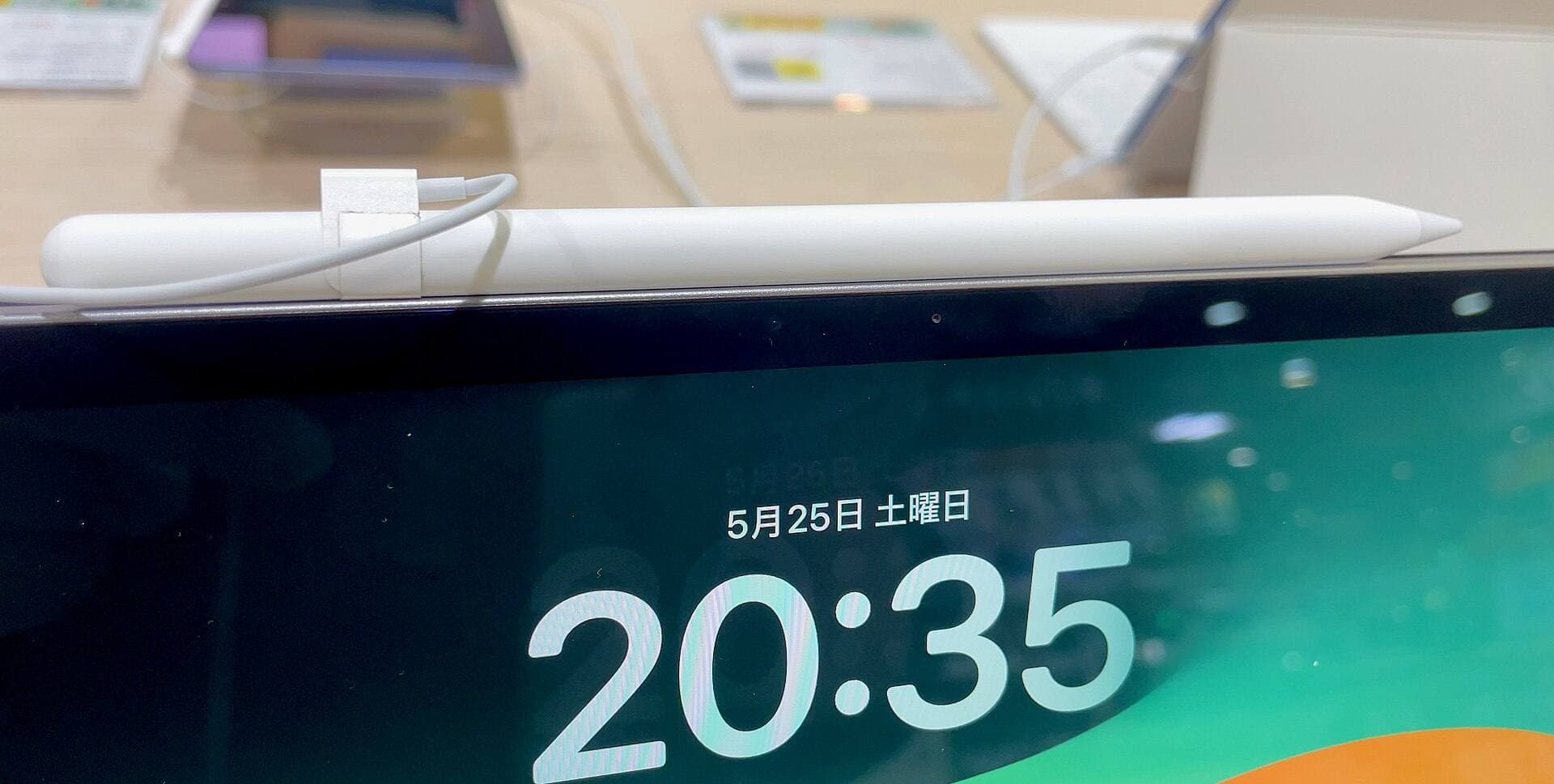
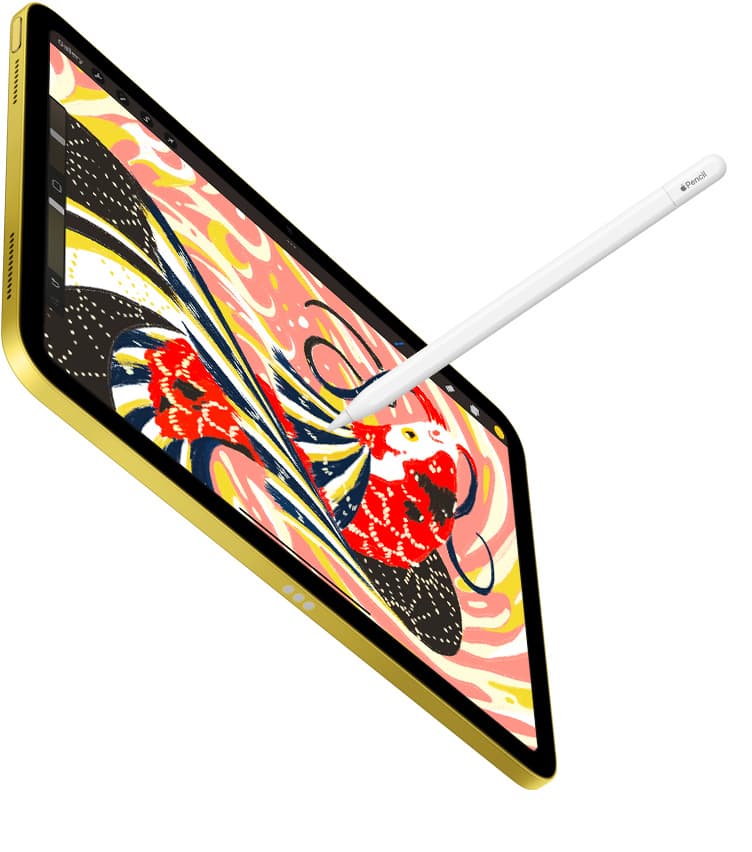
Both support Apple Pencil Pro, same stylus, same core drawing capability. [3]
That last line matters more than most people realize.
What “necessary” actually means for hobby art
Most hobby artists (and honestly, many pros) don’t hit performance ceilings first. They hit:
- “I don’t like the feel.”
- “I’m constantly zooming.”
- “My hand cramps.”
- “My screen is too reflective at night.”
- “My layers got cut and now I’m mad.”
- “I keep buying tools instead of drawing.”
An iPad becomes “necessary” for you when it does three things:
- It feels immediate (pen-to-ink is predictable, your hand trusts it).
- It keeps up with you (no constant waiting, no weird friction).
- It gives you enough canvas and layers for how you actually work (not the fantasy version of you making gallery-sized prints every weekend).
Both the Air and Pro can do #1 and #2. The Pro stretches #3 further. The question is whether you’ll use that stretch.
The real difference is the screen, not the chip
Apple will happily sell you on M3 vs M5. For drawing, the chip race is mostly a distraction.
iPad Air: a very good LCD that Apple refuses to make exciting
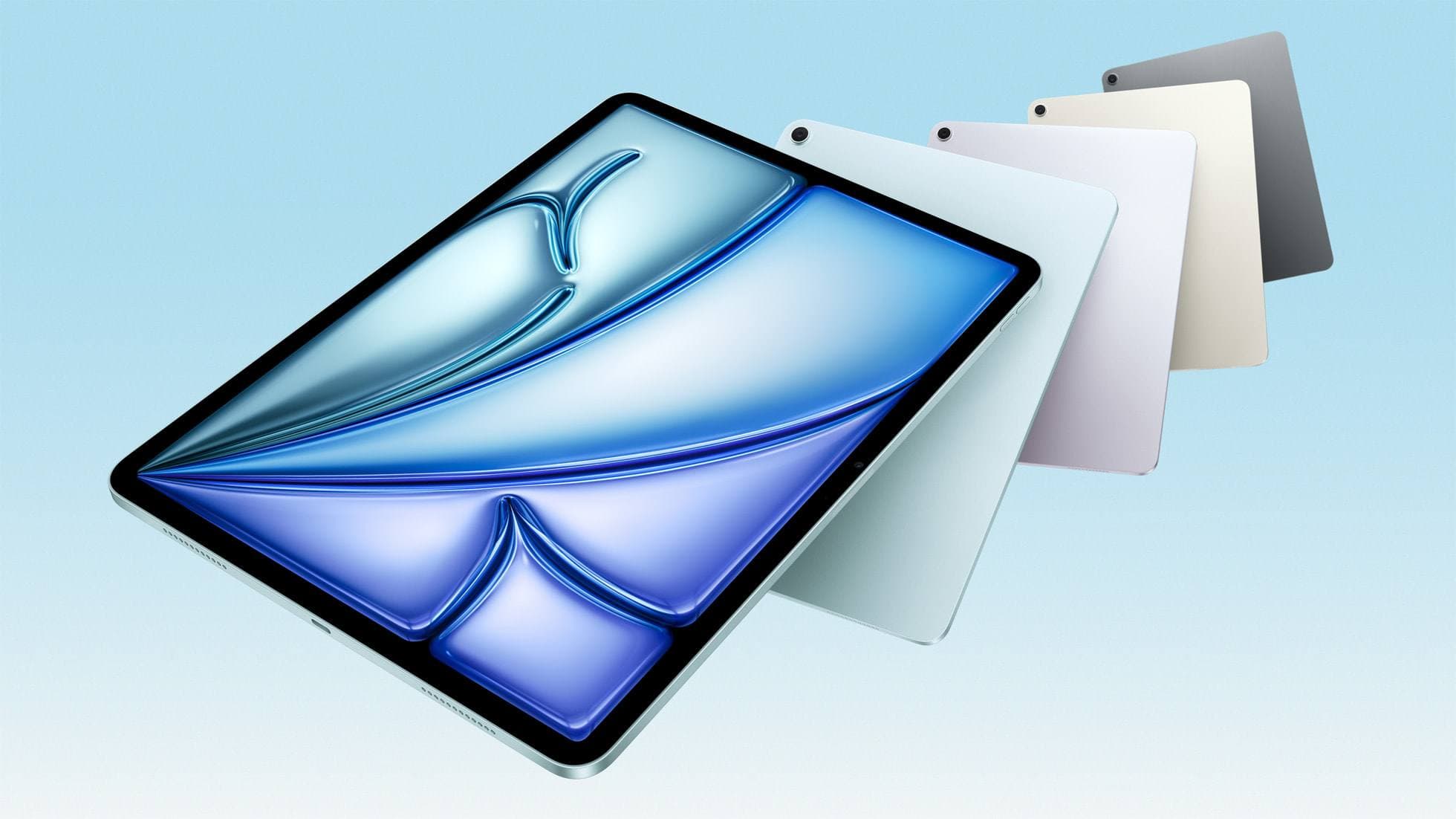
The iPad Air uses a Liquid Retina (IPS LCD) panel, fully laminated, with anti-reflective coating and P3 wide color. Brightness is 500 nits (11") and 600 nits (13"). [4]
It’s also 60Hz, Wired calls it out plainly, and yes, you will feel that if you’ve lived with 120Hz. [5]
Let’s be blunt: $599 for a 60Hz LCD in 2025 is Apple being Apple. They know exactly what they’re doing: keeping the “buttery” experience gated behind Pro.
And yet: for most hobby drawing, it’s still… fine. More than fine. The Air display is color-accurate enough for learning, sketching, painting, and posting online. It’s comfortable. It’s predictable. It just doesn’t do that silky thing.
iPad Pro: a screen you don’t need, but might fall in love with
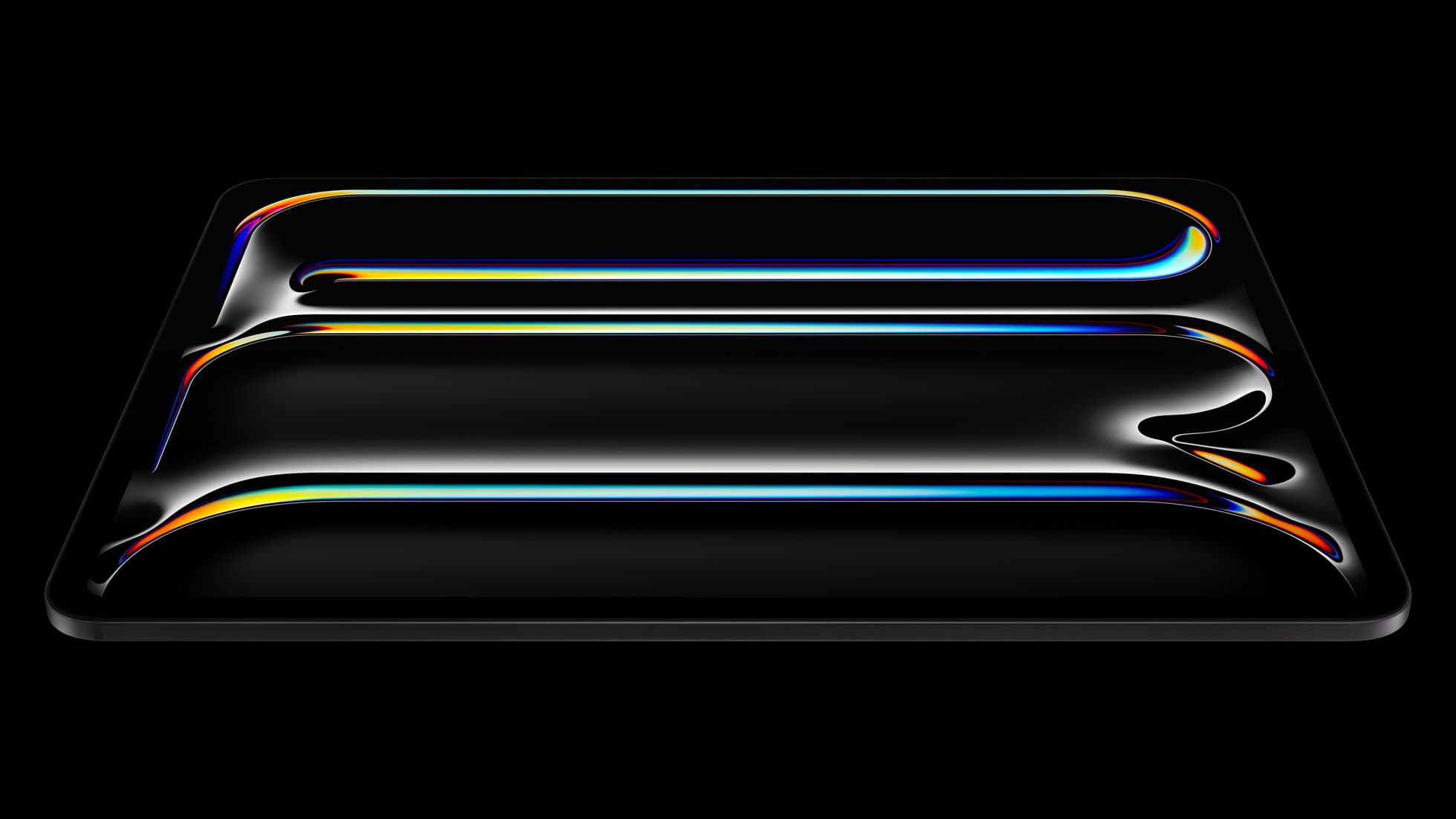
The iPad Pro’s Ultra Retina XDR display is tandem OLED, with ProMotion (10-120Hz), 1000 nits SDR brightness, and optional nano-texture glass on 1TB/2TB models. [6]
This is the part that people are actually buying:
- 120Hz makes strokes feel “attached” to your hand in a way 60Hz doesn’t.
- OLED contrast makes blacks look like ink, not dark gray light.
- Brighter screen + nano-texture makes drawing in annoying lighting less annoying.
If you’re sensitive to display feel, the Pro is immediately addictive. Not “better on paper.” Better in your nervous system.
But none of that is required to make good art. It’s required to make the device feel like a luxury sketchbook.
The sneaky part: the Pro is thinner and lighter
People still assume “Pro = heavier.”
In 2025, it’s the opposite.
- iPad Air (11"): 6.1 mm thick, 460 g [4]
- iPad Pro (11"): 5.3 mm thick, 444 g [6]
- iPad Air (13"): 6.1 mm thick, 616 g [4]
- iPad Pro (13"): 5.1 mm thick, 579 g [6]
Wired even calls it “comical” that the Air is still heavier and thicker than the Pro. [5]
For artists, this matters because the iPad is not a laptop. You hold it. You rotate it. You hover it over your knees. Weight turns into fatigue fast.
So yes: the Pro isn’t just prettier. It’s physically nicer to live with.
Still not necessary. But it’s real.
Apple Pencil Pro: the biggest upgrade is not “Air vs Pro”, it’s “old Pencil vs new Pencil”
If you’re buying in 2025, the smartest thing you can do is make Apple Pencil Pro non-negotiable.
It adds:
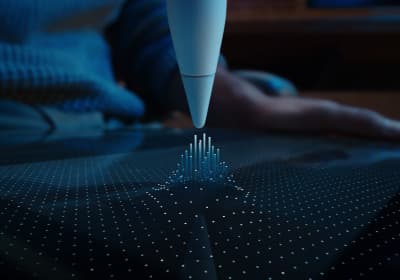
- Squeeze for tool palettes
- Barrel roll (great for angled brushes)
- Haptic feedback
- Hover preview
- Find My (this is underrated until the first time it saves you) [3]
It’s $129 and requires iPadOS 17.5+. [3]
Crucially: both iPad Air (M3) and iPad Pro (M5) support it. [3]
So the “drawing tool” itself, your pen, doesn’t force you into Pro. The screen does.
The only performance spec hobby artists consistently hit: layers
This is where the Pro earns its “actually maybe necessary” badge.
In Procreate, your maximum layer count is determined primarily by:
- your iPad’s RAM
- your canvas pixel dimensions [7]
That’s it. Not vibes. Not “Pro-ness.” Memory and canvas size.
Now look at the 2025 models:
- iPad Air (M3): 8GB RAM [4]
- iPad Pro (M5): 12GB RAM on 256/512 models, 16GB RAM on 1TB/2TB models [6]
So if you’re the kind of artist who:
- works on huge canvases (print, posters, detailed paintings),
- uses lots of layers (line art + flats + shadows + textures + adjustment layers + experiments),
- hates merging layers because it feels like destroying optionality,
…the Pro’s extra RAM buys you a bigger creative “undo budget.”
This is also the most honest way to decide between Air and Pro:
If you already know you need more layers than 8GB iPads allow, the Pro is not a luxury. It’s the correct tool. [7]
If you don’t know that, you probably don’t need it yet.
The ports and “real computer” stuff: relevant only if your art workflow touches external gear
This is where the Pro is quietly a pro device.
- iPad Air: USB-C supports USB 3 up to 10Gb/s, and one external display up to 6K at 60Hz [4]
- iPad Pro: Thunderbolt / USB 4, up to 40Gb/s, and external display up to 6K at 60Hz or 4K at 120Hz [6]
If you’re moving giant files to external SSDs, or you want a high-refresh external monitor setup, that’s Pro territory.
If you mainly draw, export JPG/PNG, and post… it’s not.
Smaller stuff that matters more than it sounds
Unlocking: Touch ID vs Face ID
- iPad Air uses Touch ID in the top button. [4]
- iPad Pro uses Face ID (TrueDepth), and also has LiDAR. [6]
For art: Face ID is mostly about not thinking. Touch ID is fine. LiDAR is irrelevant unless you do AR/3D scanning.
Speakers
If you draw with music/ambience on the iPad itself, Pro sounds better. Not necessary. Pleasant.
The money section (because this is where “necessary” gets real)

Let’s do the cleanest comparison: base iPad + Apple Pencil Pro.
- iPad Air 11" + Pencil Pro: $599 + $129 = $728 [1]
- iPad Pro 11" + Pencil Pro: $999 + $129 = $1,128 [2]
That’s a $400 gap for (mostly) the display upgrade and extra headroom. Same stylus. Same app library. [3]
On 13-inch, it’s bigger:
That’s $500.
This is where I’m going to be slightly harsh, because it’s useful:
If you’re telling yourself you need to spend an extra $400-$500 to “take art seriously,” you’re probably shopping for motivation. Motivation doesn’t come in aluminum and glass. It comes from reps.
If you have $500 to burn for your art hobby, there are better places to put it:
- classes,
- reference books,
- a desk chair that doesn’t hurt you,
- a standing sketch easel,
- even just time carved out.
The Air won’t stop you from getting good. The Pro won’t make you.
So which is actually necessary?
What’s necessary for hobby artists
iPad Air (M3) + Apple Pencil Pro. That’s the entire answer.
You get:
- the same modern stylus features (squeeze, barrel roll, hover),
- a laminated, color-capable screen,
- plenty of performance,
- USB-C,
- and a price that doesn’t punish you for wanting to draw. [1]
When the iPad Pro becomes rational (not just desirable)
Buy the iPad Pro (M5) if at least one of these is already true in your life:
-
You’ve used 120Hz and going back feels like drawing through syrup. (This is real. Not everyone is sensitive, but if you are, you know.) [6]
-
You routinely hit layer limits / you work huge. More RAM = more layers at the same canvas size. Procreate is explicit about this. [7]
-
You want the best glare control and brightness, especially if you draw in challenging lighting. 1000 nits + nano-texture (on specific models) is a legitimate quality-of-life upgrade. [6]
-
You care about the iPad as a “serious computer” with external storage, displays, and bandwidth. Thunderbolt/USB4 isn’t sexy, but it’s real capability. [6]
If none of that is already true, the Pro is a beautiful indulgence, not a requirement.
The smartest buy I’d make for a hobby artist in 2025
13-inch iPad Air (M3) + Apple Pencil Pro. [1]
Why 13-inch Air, specifically?
Because screen size changes how you draw every minute. It reduces zooming, makes your hand feel less cramped, and turns the iPad into a more relaxed canvas. The display is also brighter on the 13-inch Air (600 nits vs 500 on the 11). [4]
And it keeps you out of the Pro’s pricing gravity well.
If you later become the kind of artist who genuinely needs ProMotion + OLED + 12-16GB RAM, you’ll have earned that upgrade with proof, not hope. [7]
Bottom line
- The iPad Air (M3) is the necessary iPad for hobby artists. [1]
- The iPad Pro (M5) is the “I can feel the screen” iPad, worth it when you’re buying display joy and layer headroom, not when you’re buying identity. [6]
If you’re trying to start drawing, the best iPad is the one that gets you drawing this week, without turning your hobby into a financing plan.
Sources
Recommended gear
iPad Air (M3)
amazon.comStill a smart Air buy when the discount is real. Harder to justify when pricing drifts too close to the current model.
Pro: Strong prior-gen value when the discount is real
Con: Not the current Air lineup
This is the prior-gen Air. Confirm the discount against the current Air before checkout.
iPad Pro (M5)
amazon.comThe best iPad for drawing feel and premium workflow comfort, but many buyers still overpay for it.
Pro: Best iPad display and ProMotion feel
Con: Highest price in the lineup
Search opens with iPad Pro terms. Check year, chip, and screen size.
iPad (A16, 11th gen)
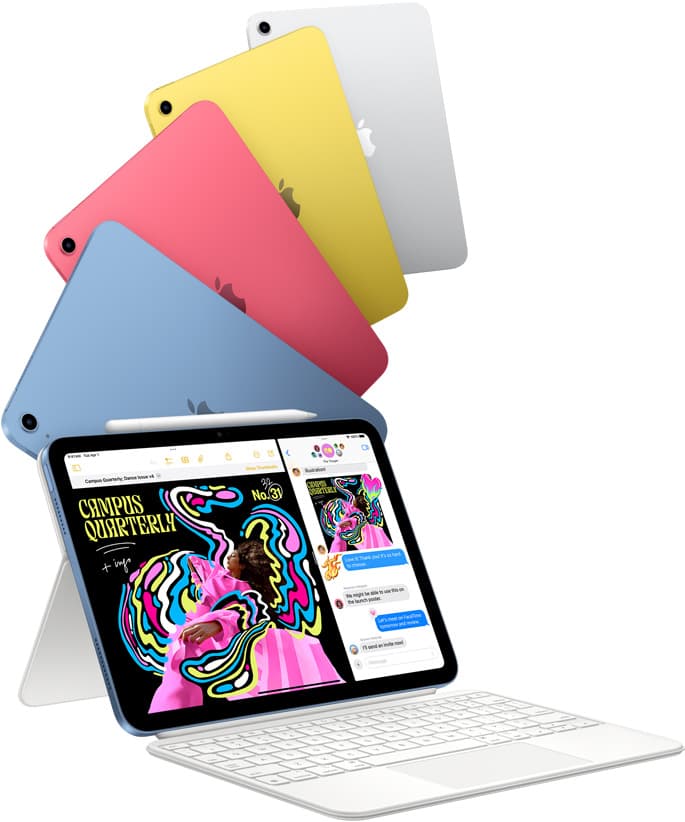
amazon.comThe best entry iPad for most artists on a budget. It is not premium, but it is very hard to beat on value.
Pro: Best value iPad right now
Con: No ProMotion display
Search opens with the exact model keywords. Verify size and storage before checkout.
Apple Pencil Pro
amazon.comThe best Apple stylus for serious digital art workflows. Expensive, but the control upgrades are real.
Pro: Best brush-control and hover workflow
Con: Highest price in the lineup
Works only with newer iPad models. Check compatibility.
Apple Pencil (USB-C)
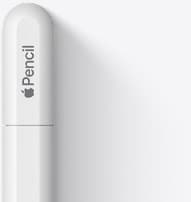
amazon.comA practical low-cost Apple stylus with broad compatibility, but limited for advanced art control.
Pro: Lowest official Apple Pencil cost
Con: No pressure sensitivity for brush work
Compatible with many recent iPads. No pressure support.
Related buying picks
More in this collectionBuyer guide
Best iPad Deals for Digital Artists (March 2026): What to Buy and What to Skip
The best iPad deal is not the lowest sticker price. Use this guide to pick the right iPad and Apple Pencil combo for real drawing workflows without overpaying.
Buyer guide
Best tablet for tattoo design: Choosing the right iPad for stencils and flash
Compare iPad Air, iPad Pro, and iPad mini options to find the right drawing tablet and Apple Pencil pairing for tattoo stencils and studio design.
Buyer guide
Is an 11-inch iPad enough for comic art?
An 11-inch iPad provides ample space for sketching, inking, and paneling comic pages when paired with the right Apple Pencil and app workflow.
Comparison
iPad vs laptop for Cricut: how to choose your cutting setup
Compare operating system support, Apple Pencil illustration workflows, and file uploads to decide whether an iPad or a laptop fits your Cricut cutting setup.