Quick budget answer for first-time iPad buyers
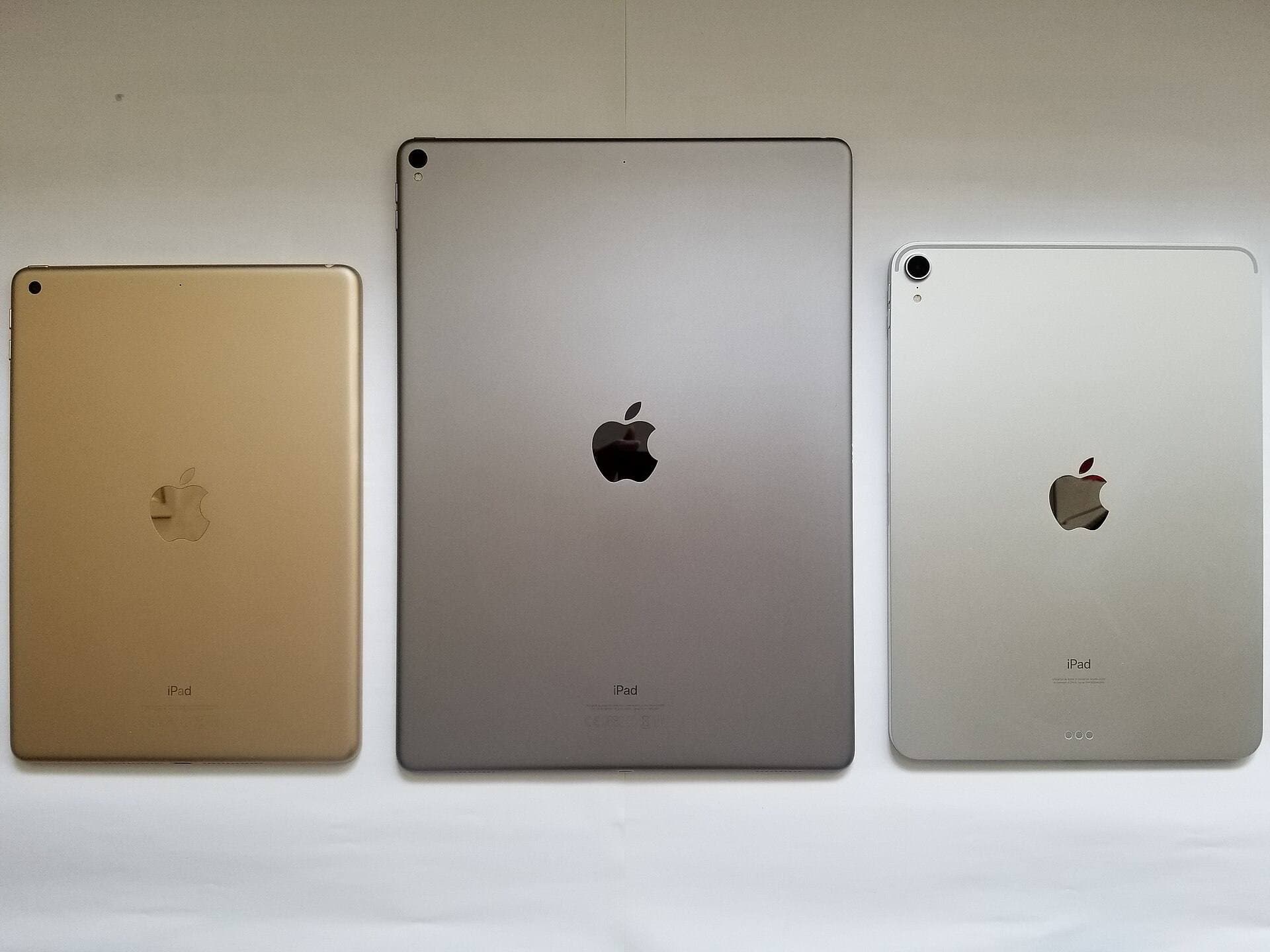
If you want the safest budget pick in 2026, start with iPad (A16, 11-inch). Move to iPad Air only if you know you need better display feel, more power headroom, or a larger canvas. Choose iPad mini when portability is the priority.
The key mistake is comparing only iPad sticker prices. Real budget cost includes:
- storage tier,
- pencil compatibility,
- case and setup accessories.
This guide is built for total cost and low regret, not headline specs.
Related reads
- iPad Air vs iPad Pro for Hobby Artists (2026): Which Should You Buy?
- 64GB vs 256GB: How Much Storage Do You Really Need for Digital Art?
- Buying Refurbished: How to Get a Safe Deal on an Apple Pencil
- Best iPad for Procreate in 2026: A16 vs Air M3 vs Pro
The 20-second answer (if you want to stop thinking)
- Buy this, most of the time: iPad (A16, 11th gen), the modern “regular iPad” that’s actually priced like a regular iPad. [1]
- Buy this if you find a genuinely good deal: iPad (10th gen), still great, but only when discounted enough to justify the older base storage situation. [2]
- Buy this if you want small-and-premium: iPad mini (A17 Pro), the “I’ll actually carry this” iPad, finally updated for 2024 with modern performance. [3]
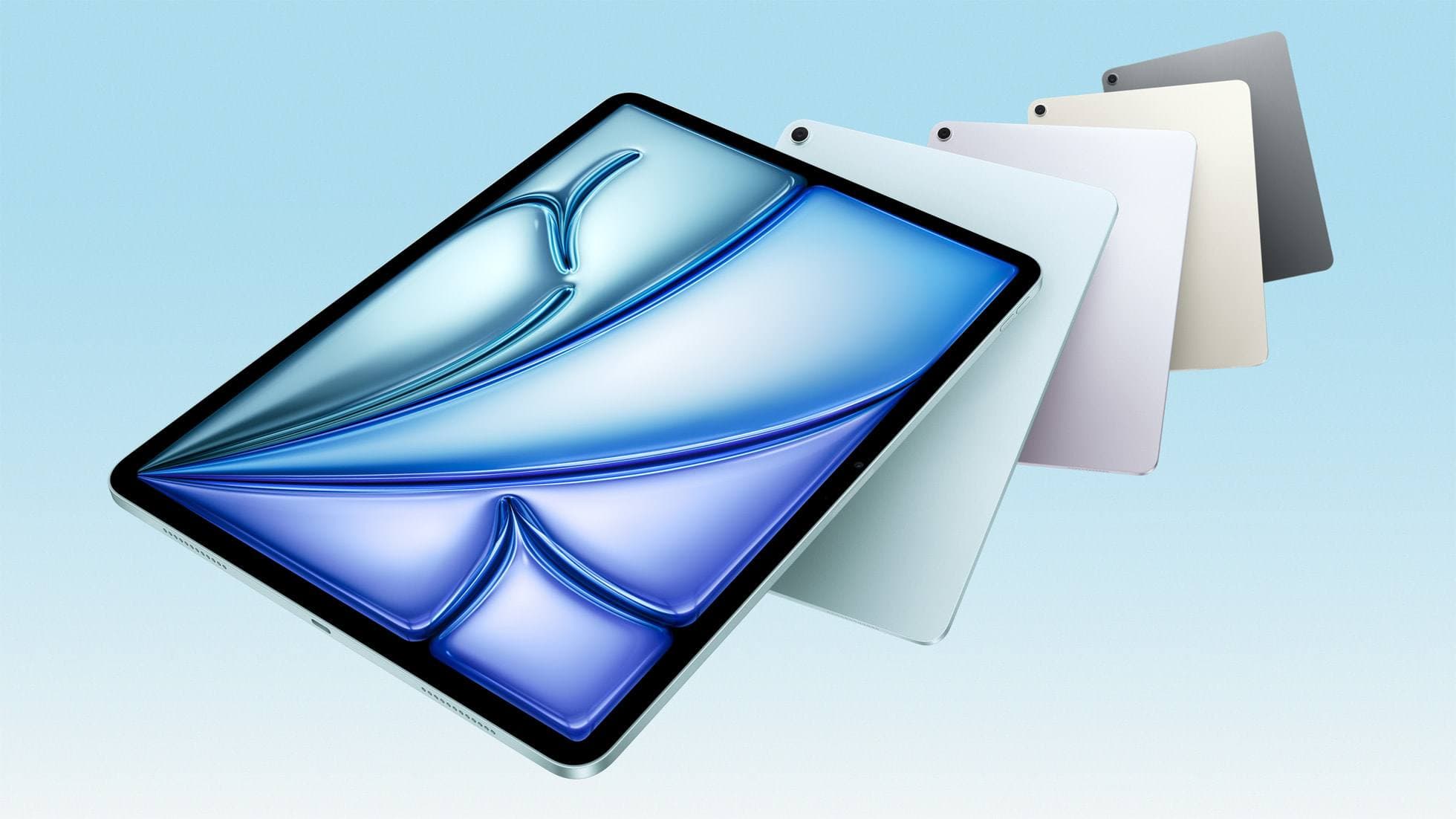
- Buy this if you’re a serious beginner (creative work, long keep): iPad Air (M3), not “budget,” but often the smartest long-term buy if you’ll actually use the power. [4]
Now let’s do the part that saves money: why those picks work, and where beginners get quietly fleeced.
Why 2024/2025 iPad shopping was oddly confusing (even though Apple “simplified” things)
A lot changed quickly:
The lineup shake-up, in three beats
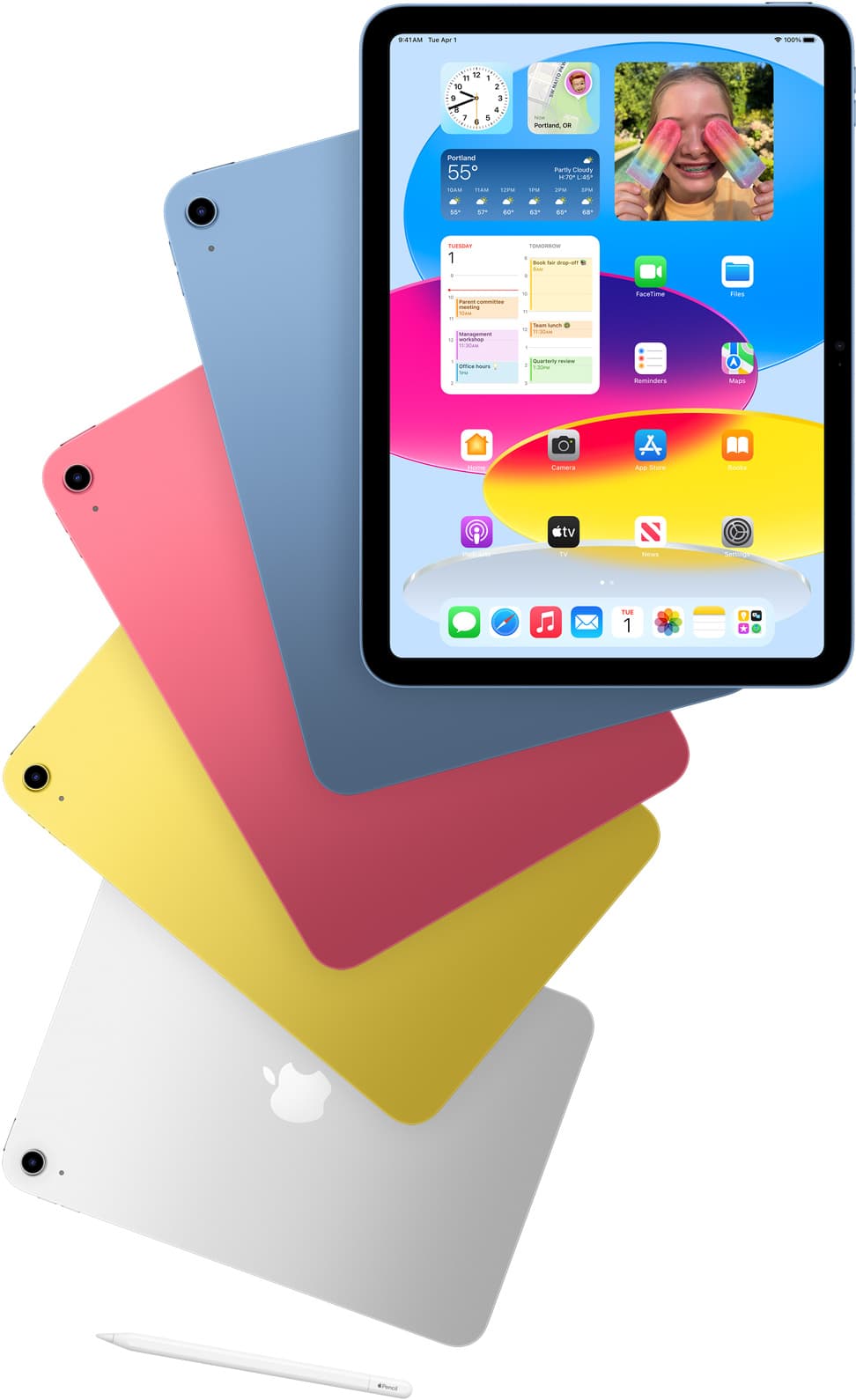
- May 2024: Apple discontinued the old iPad (9th gen) and repositioned the entry iPad by dropping the 10th gen to $349 (from $449). [2]
- Oct 2024: Apple updated iPad mini with A17 Pro, Apple Intelligence support, and 128GB base storage, starting at $499. [3]
- Mar 2025: Apple refreshed the lineup again: iPad Air got M3 (still starting $599 for 11"), and the “regular iPad” got A16 + 128GB base storage, still starting at $349, but no Apple Intelligence. [4]
So beginners were suddenly staring at a wall of iPads that look similar, cost almost similar, and support different Pencils. That’s where the rakes are.
The beginner budget rules (the ones that actually matter)
1) Budget means total kit price, not iPad-only price
An iPad without a case is basically a slippery glass sandwich you carry around daring gravity to do something funny. Add at least a basic case, and maybe a Pencil/keyboard later.
2) Storage is where “budget” dies quietly
If the only way an iPad feels affordable is by choosing the smallest storage, you’re not saving money, you’re pre-paying in annoyance (app deletions, photo juggling, “why is my iPad yelling at me?”).
Good news: in 2025, Apple fixed this on the base iPad by moving the starting storage up to 128GB. [5]
3) Pay more only when you can name the reason
Small hands / commuting / reading: mini. Drawing a lot / nicer screen feel: mini or Air. Trying to do laptop-ish work: Air. Otherwise: base iPad and get on with your life.
The best budget iPads for beginners (2024/2025)
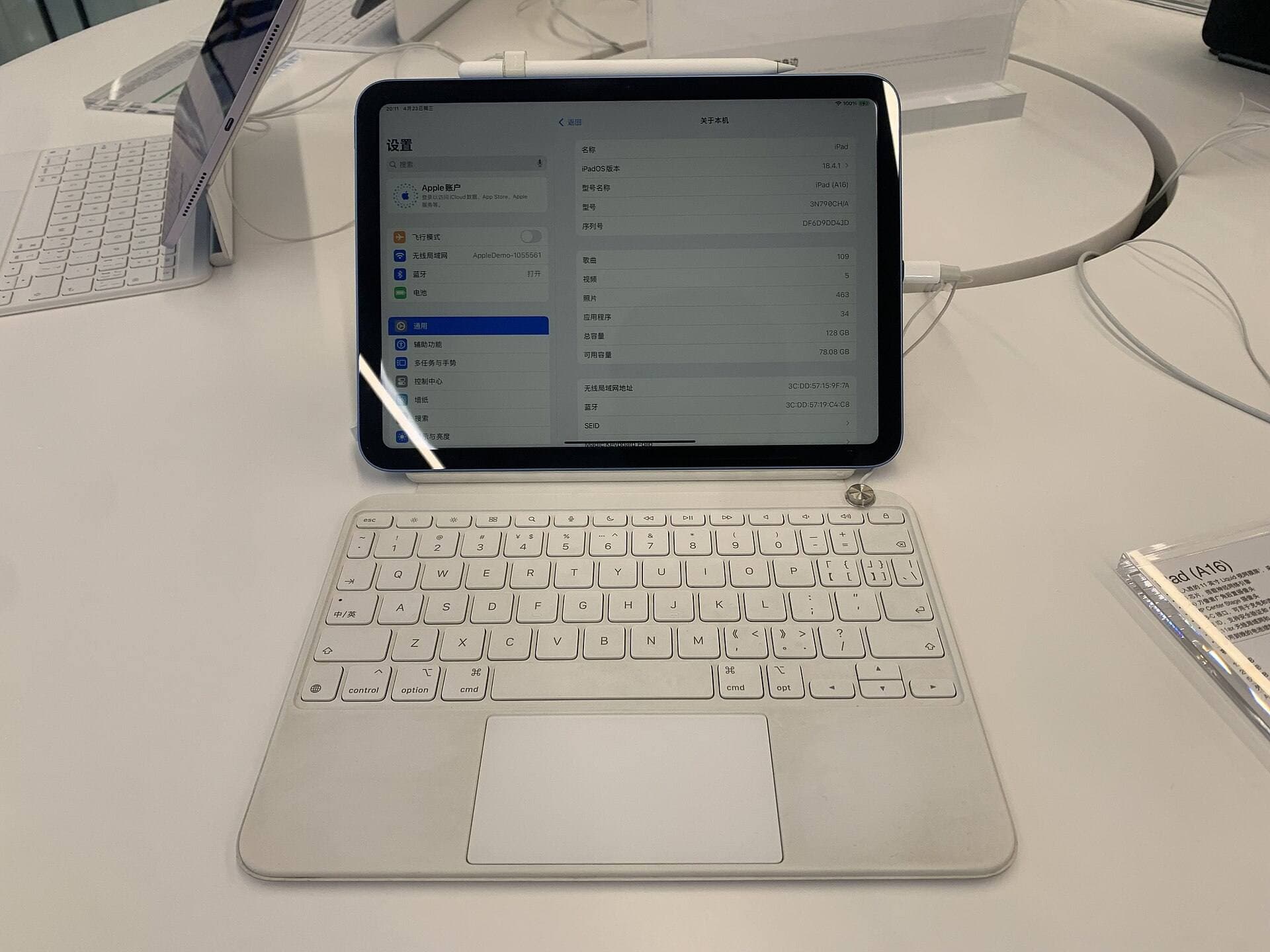
1) Best overall for beginners: iPad (A16, 11th gen)
The “just buy it” iPad
This is the iPad you recommend to 9 out of 10 people with a straight face. Not because it’s exciting, because it’s honest.
Why it’s the default pick
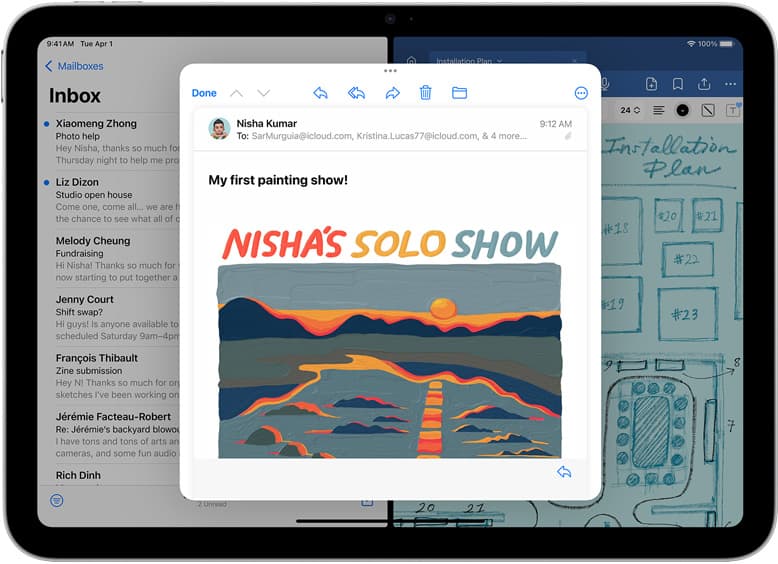
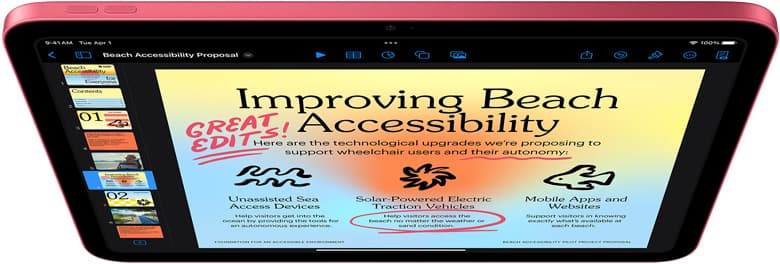
- A16 chip + 128GB starting storage makes it feel modern and roomy from day one. [5]
- Starts at $349 (US MSRP at launch), which is exactly where a “normal iPad” should live. [1]
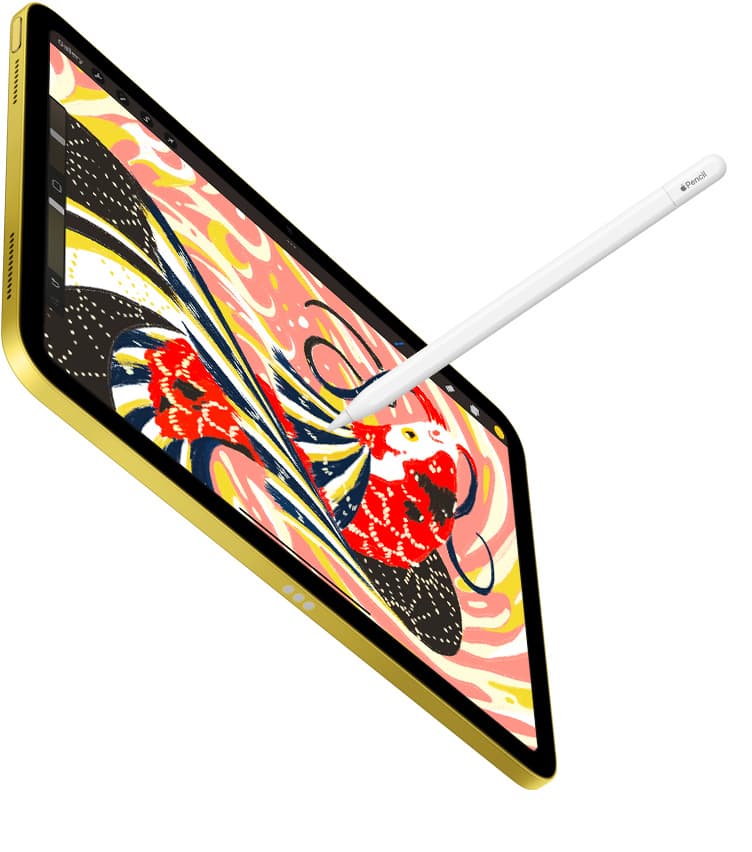
- Pencil support is beginner-friendly: it supports Apple Pencil (USB-C) and Apple Pencil (1st gen) (with an adapter). [6]
The harsh bits (so you don’t get surprised later)
- It does not support Apple Intelligence (Apple’s AI feature suite), unlike some newer iPads. [7]
- The screen isn’t fully laminated, which matters most if you draw a lot (there’s a slight “gap” feeling). WIRED calls this out directly. [8]
Who should buy it
- First iPad for Netflix, browsing, reading, casual games
- Students doing notes and homework
- Parents/kids/family iPad
- Anyone who wants “iPad” to mean “simple and good”
What I’d buy (budget-smart configuration)
- Wi-Fi model
- 128GB unless you already know you store huge video locally
And yes, you’ll see people nitpick it for not being fancy. That’s the point: it’s the iPad that doesn’t demand a second identity as a laptop.
2) Best if you find a real discount: iPad (10th gen)
The “buy it on sale, not on principle” iPad
In May 2024, Apple cut the official price of the 10th-gen iPad to $349, and retailers kept pushing it lower. [2] In deal-land, it’s been spotted around $299 (example: Forbes deal coverage). [9]
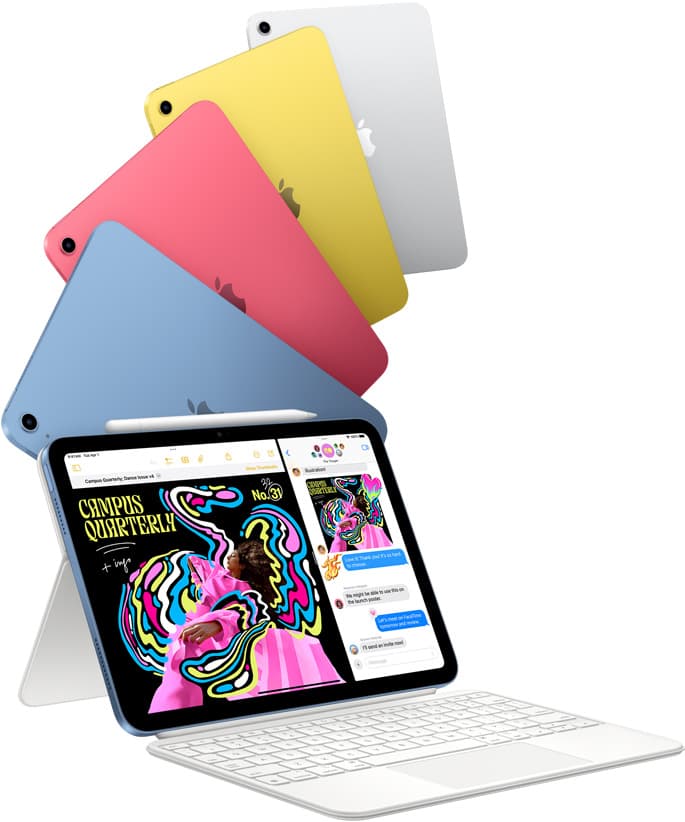
That makes it one of the most common “first iPad” purchases of that era.
Why it can be a great budget buy
- It looks like a modern iPad (no home button era vibes)
- It’s fast enough for beginner life
- When discounted, it can undercut newer models meaningfully
But here’s the beginner trap
- The 10th gen iPad historically started at 64GB (and that’s where budget purchases go to suffer). [10]
- Like the base A16 iPad, it’s not fully laminated, which is noticeable for sketching. [11]
When it’s worth it
- When the price drop is real (not “$20 off” fake-sales)
- When you can avoid the storage squeeze
- When you prefer saving money over having the newest base iPad
The blunt recommendation If the 10th gen is only slightly cheaper than the A16 iPad, skip it and buy the A16 iPad. You’re paying a small premium for a cleaner “start here” experience (especially storage headroom). [5]
3) Best small iPad: iPad mini (A17 Pro)
The iPad you’ll actually carry
The mini is the iPad for people who like tablets as tablets. Not as couch laptops. Not as “maybe I’ll edit video.” As a device you grab.
In October 2024, Apple updated it with:
- A17 Pro
- Apple Intelligence support
- 128GB base storage
- Starting at $499 [3]

Why it’s fantastic (and why it’s not “cheap”)
- Its display is fully laminated (it feels more “ink on screen” for handwriting and sketching). [12]
- It supports Apple Pencil Pro and Apple Pencil (USB-C), plus Apple Pencil hover. [12]
- It’s small enough to be a daily carry for commuting, reading, travel.
The harsh truth At $499, it’s not the budget king. It’s the small-iPad king. If you just want an iPad for home and school and you don’t care about size, the base iPad saves you a lot.
Who should buy it
- If “one-hand iPad” is your top requirement
- If you want an iPad for reading + notes + travel
- If you draw and you want the nicer display feel without going full Pro/Air
4) The “smart stretch” pick: iPad Air (M3)
A budget-friendly computer… if you’ll use it like one
Apple pitched the 2025 iPad Air (M3) as the sweet spot: powerful, not Pro-priced, and built for Apple Intelligence. [4]
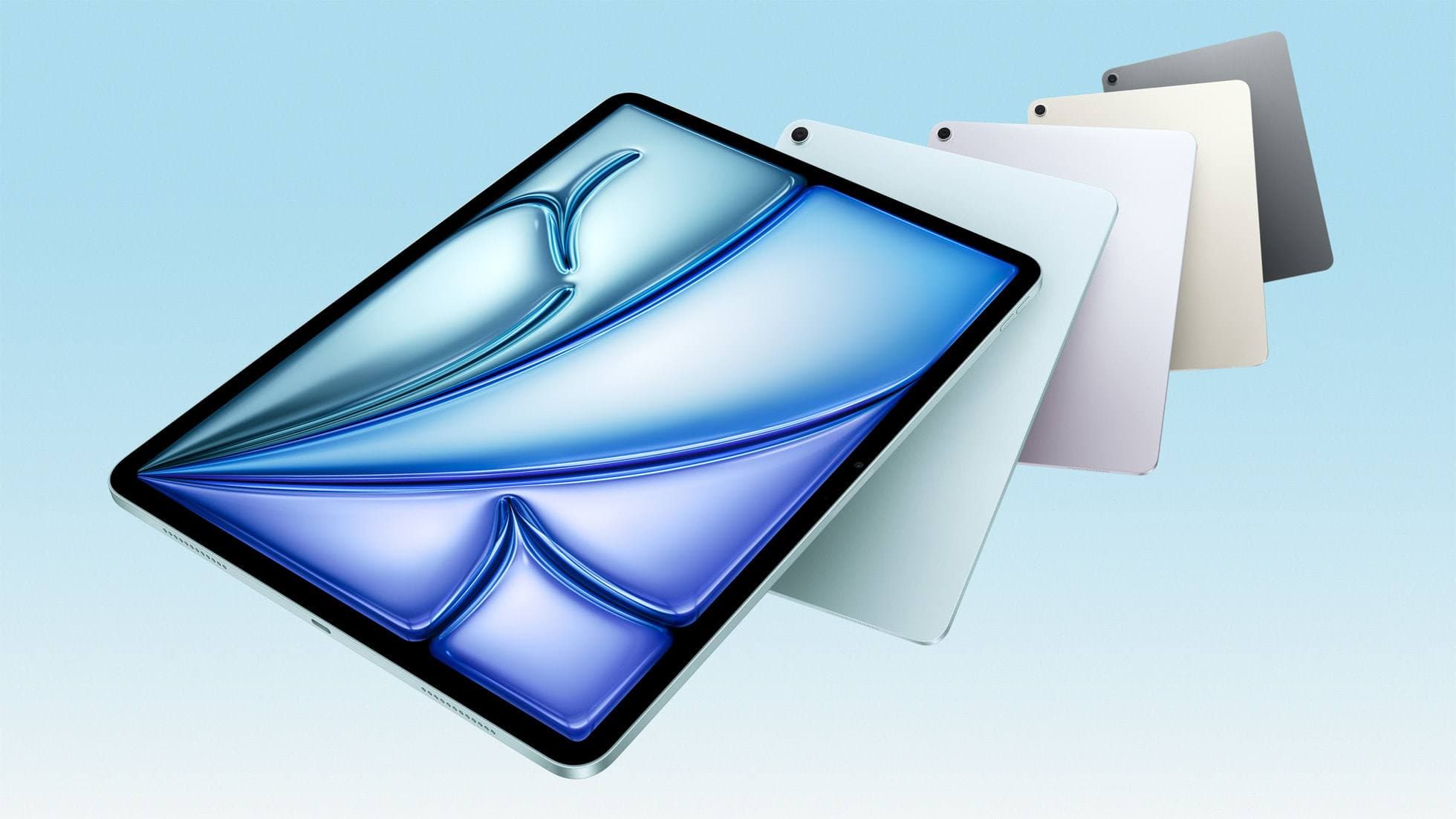
Key facts
- 11-inch starts at $599, 13-inch starts at $799 (US MSRP). [4]
- It’s explicitly positioned as built for Apple Intelligence. [4]
- Its display is fully laminated and anti-reflective, and it supports Apple Pencil Pro / USB-C and hover. [13]
Why it’s worth stretching for (sometimes)
- If you’re a beginner but you’re serious about creative apps or heavy multitasking, the Air’s headroom can make the iPad feel “easy” for longer.
- The display + Pencil ecosystem is simply nicer for drawing and long note sessions.
The harsh truth Most beginners don’t need an Air. If your usage is streaming + browsing + light notes, the base iPad is the better budget decision.
The Air is for beginners who already know they want to push the device, and want it to stay smooth for years.
The budget-killer section: Apple Pencil and compatibility (don’t skip)
If you want one place to be picky, be picky here.
Apple’s simplest “beginner-safe” Pencil decision:
- Apple Pencil (USB-C) is $79 and broadly compatible. [14]
- Apple Pencil Pro is $129 and not compatible with the base iPad models, it’s for newer Air/mini/Pro generations. [15]
And here’s the sneaky beginner tax:
- The base iPad supports Apple Pencil (1st gen) too, but pairing/charging can require a USB-C to Apple Pencil Adapter. [6]
My rule Pick your iPad first, then buy the Pencil that matches it. The opposite order is how people end up with a $129 accessory that doesn’t attach, doesn’t charge, and makes them question their intelligence.
Refurbished: the “budget cheat code” that’s actually safe
If you’re genuinely price-sensitive, Apple’s own refurbished store is worth understanding because it’s not the same as “used on the internet.”
Apple says its refurbished products are:
- inspected/tested,
- cleaned,
- come with a new battery and outer shell, and
- include a one-year warranty. [16]
That combo is hard to beat if you want “budget” without roulette.
Practical take
- Refurbished/used can turn an iPad Air into a rational purchase.
- Or it can let you buy a newer base iPad for less, which is usually the smarter kind of saving.
What to avoid (the “harsh but loving” list)
Avoid buying an iPad that’s cheap because it’s ancient
The 9th-gen iPad was discontinued in May 2024, and it was the last iPad Apple sold with a Lightning port. [2] It can still be fine if it’s extremely cheap, but don’t pay “nice iPad” money for “old-port iPad” life.
Avoid paying full price for last-gen entry iPads
Entry iPads are the ones that go on sale constantly. If it’s not meaningfully discounted, it’s not a bargain, it’s procrastination with a receipt.
Avoid making your first iPad purchase a Pro purchase
Not because it’s bad. Because it’s like buying a race bike to learn how to ride. You’ll pay for capabilities you won’t use, and then you’ll still buy a case and keyboard anyway.
A quick cheat sheet
If you want the best beginner iPad with minimal thinking:
iPad (A16, 11th gen) [6]
If you want the lowest price and a great experience:
iPad (10th gen), only when strongly discounted [9]
If you want small, premium, and actually portable:
iPad mini (A17 Pro) [3]
If you want “this will still feel fast in years” and you’ll use it hard:
iPad Air (M3) [4]
The one-sentence buying philosophy (worth tattooing on the cart button)
Buy the newest iPad that covers your real use case, then spend the rest of your budget on not hating the experience (storage, case, and the correct Pencil). [6]
Sources
Recommended gear
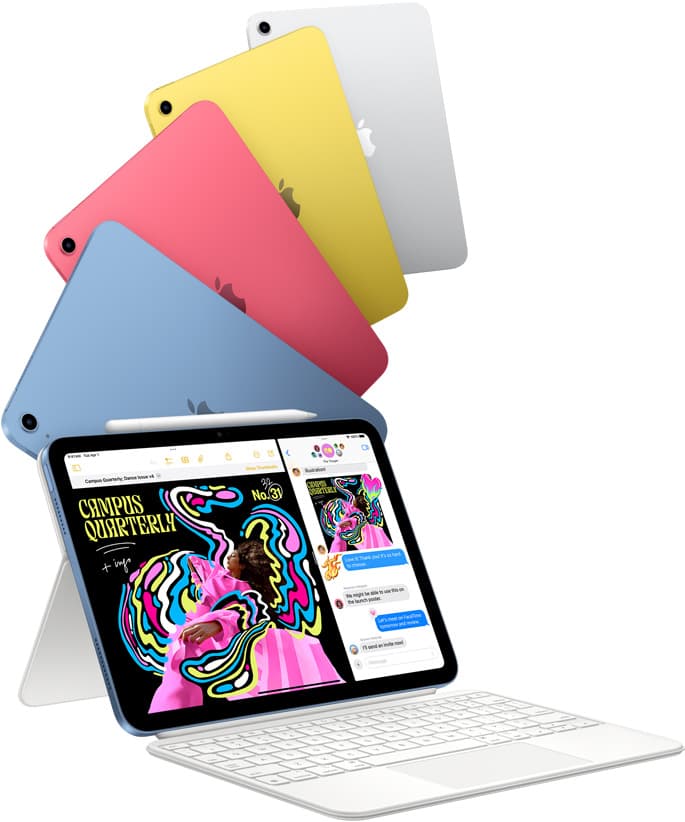
iPad (A16, 11th gen)
amazon.comThe best entry iPad for most artists on a budget. It is not premium, but it is very hard to beat on value.
Pro: Best value iPad right now
Con: No ProMotion display
Search opens with the exact model keywords. Verify size and storage before checkout.
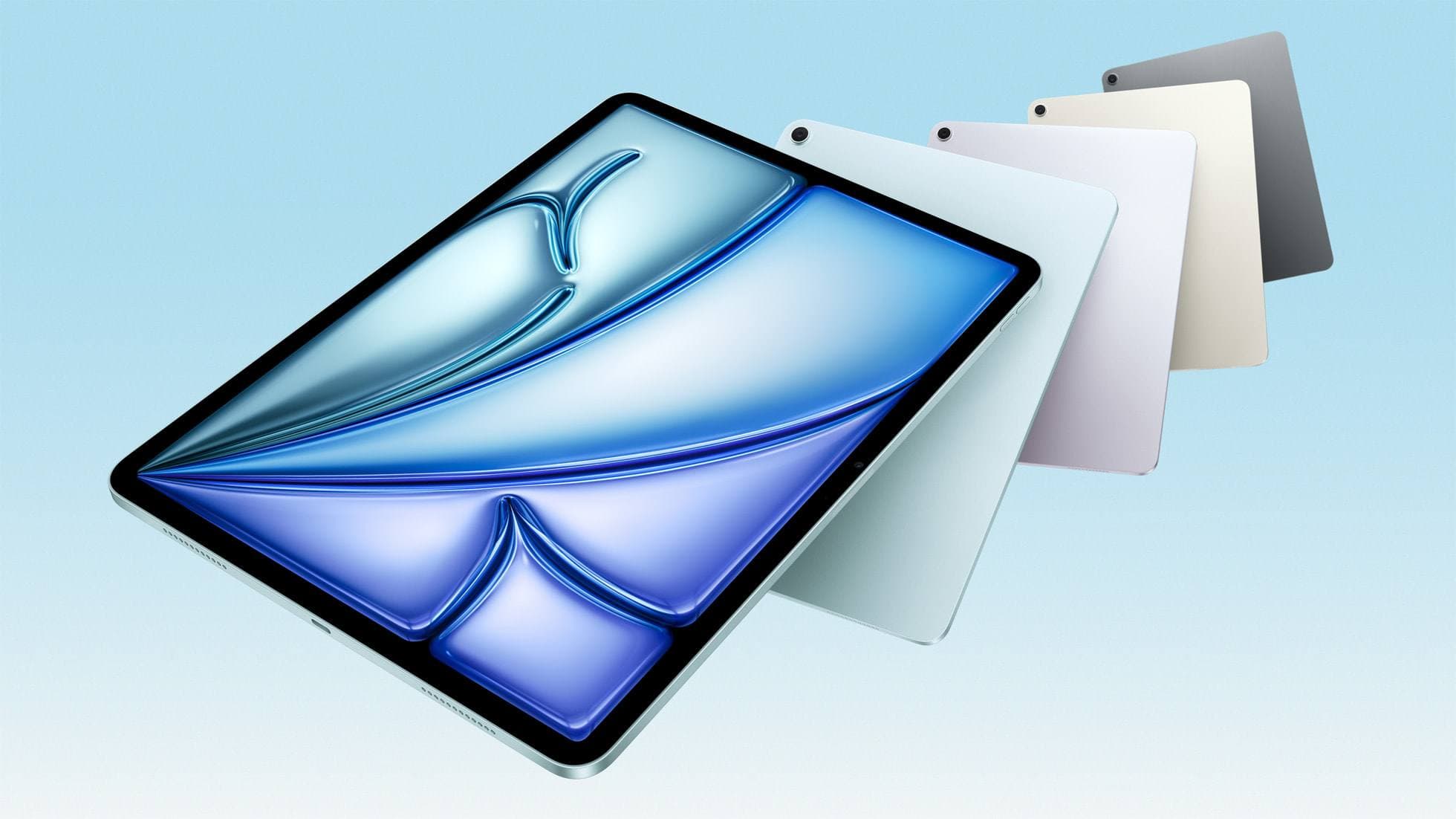
iPad Air (M3)
amazon.comStill a smart Air buy when the discount is real. Harder to justify when pricing drifts too close to the current model.
Pro: Strong prior-gen value when the discount is real
Con: Not the current Air lineup
This is the prior-gen Air. Confirm the discount against the current Air before checkout.
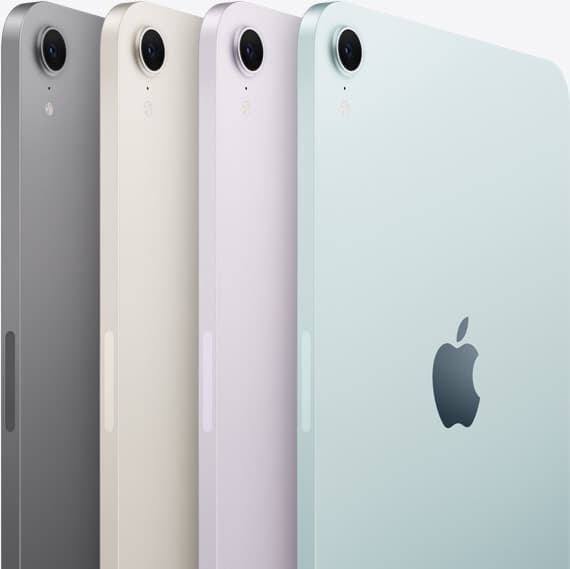
iPad mini (A17 Pro)
amazon.comThe most portable real iPad for drawing. It wins on mobility and loses on workspace.
Pro: Most portable drawing iPad
Con: Small canvas for detailed work
Search opens with iPad mini A17 Pro terms. Verify model number before buying.
iPad Air (M4)
apple.comThe clean current Air recommendation for most serious hobby artists. Stronger buy logic than old-stock M3 when pricing is close.
Pro: Best current balance of price, headroom, and Pencil support
Con: Still 60Hz
Current Air lineup. Choose size, storage, and keyboard path before checkout.
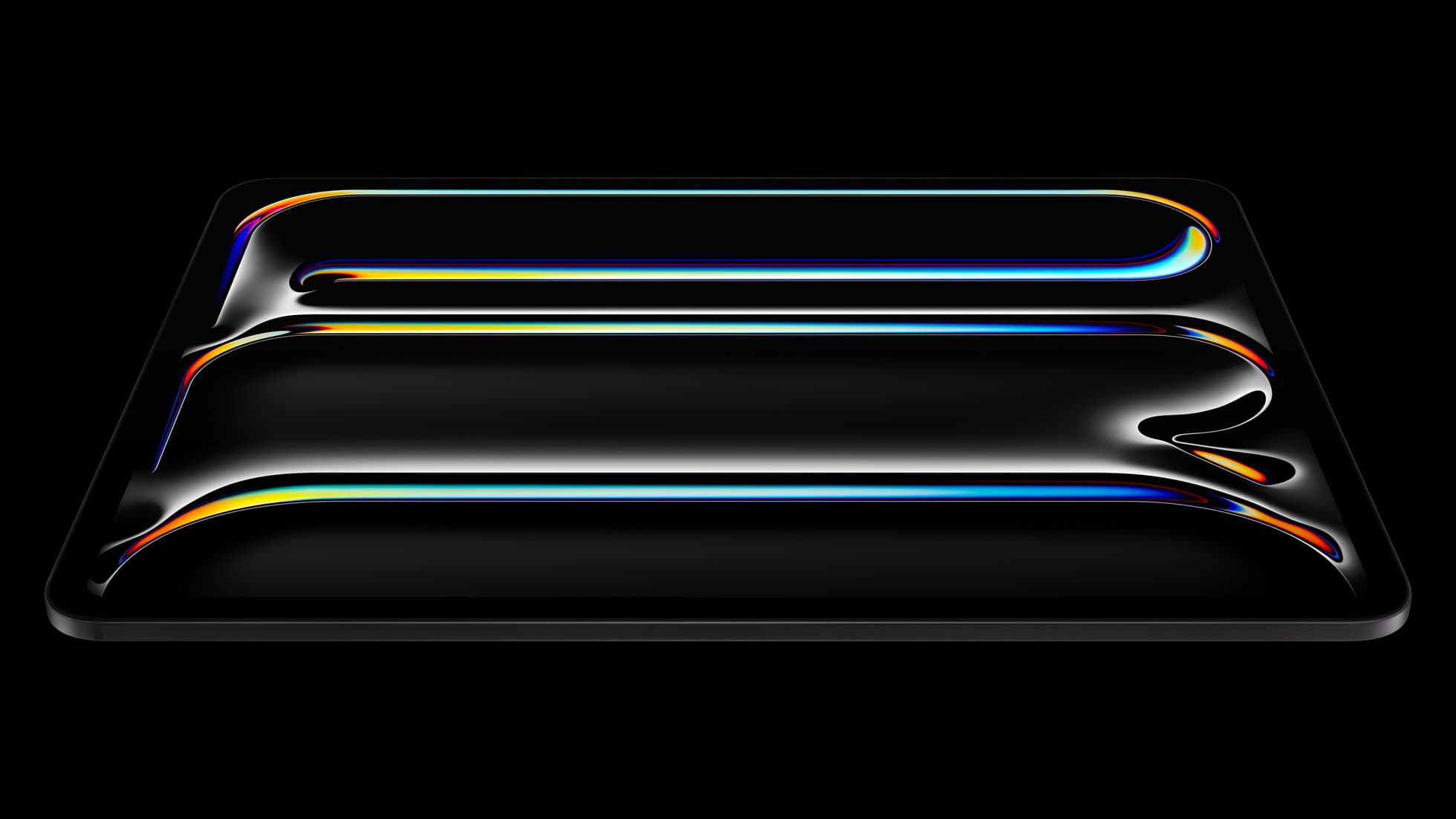
iPad Pro (M5)
amazon.comThe best iPad for drawing feel and premium workflow comfort, but many buyers still overpay for it.
Pro: Best iPad display and ProMotion feel
Con: Highest price in the lineup
Search opens with iPad Pro terms. Check year, chip, and screen size.
Related buying picks
More in this collectionBuyer guide
Best iPad Deals for Digital Artists (March 2026): What to Buy and What to Skip
The best iPad deal is not the lowest sticker price. Use this guide to pick the right iPad and Apple Pencil combo for real drawing workflows without overpaying.
Buyer guide
iPad Buying Timing in 2026: Buy Now or Wait?
An evidence-first timing guide for iPad artists: when to buy immediately, when to wait for announcements, and how to avoid compatibility regret.
Buyer guide
Best iPad Starter Kit Under $900 (2026): What to Buy First
A high-intent starter bundle for new digital artists who want a complete setup without wasting budget on low-impact upgrades.
Buyer guide
iPad mini for Procreate in 2026: should artists buy the small one?
The iPad mini (A17 Pro) is a strong portable Procreate sketchbook, especially with Apple Pencil Pro, but most artists should choose iPad Air if it will be their only serious drawing canvas.