Start with a budget
Best first iPad setup under control
Use this when you want the best beginner path without drifting into Pro-level overspending.
Updated Feb 24, 2026
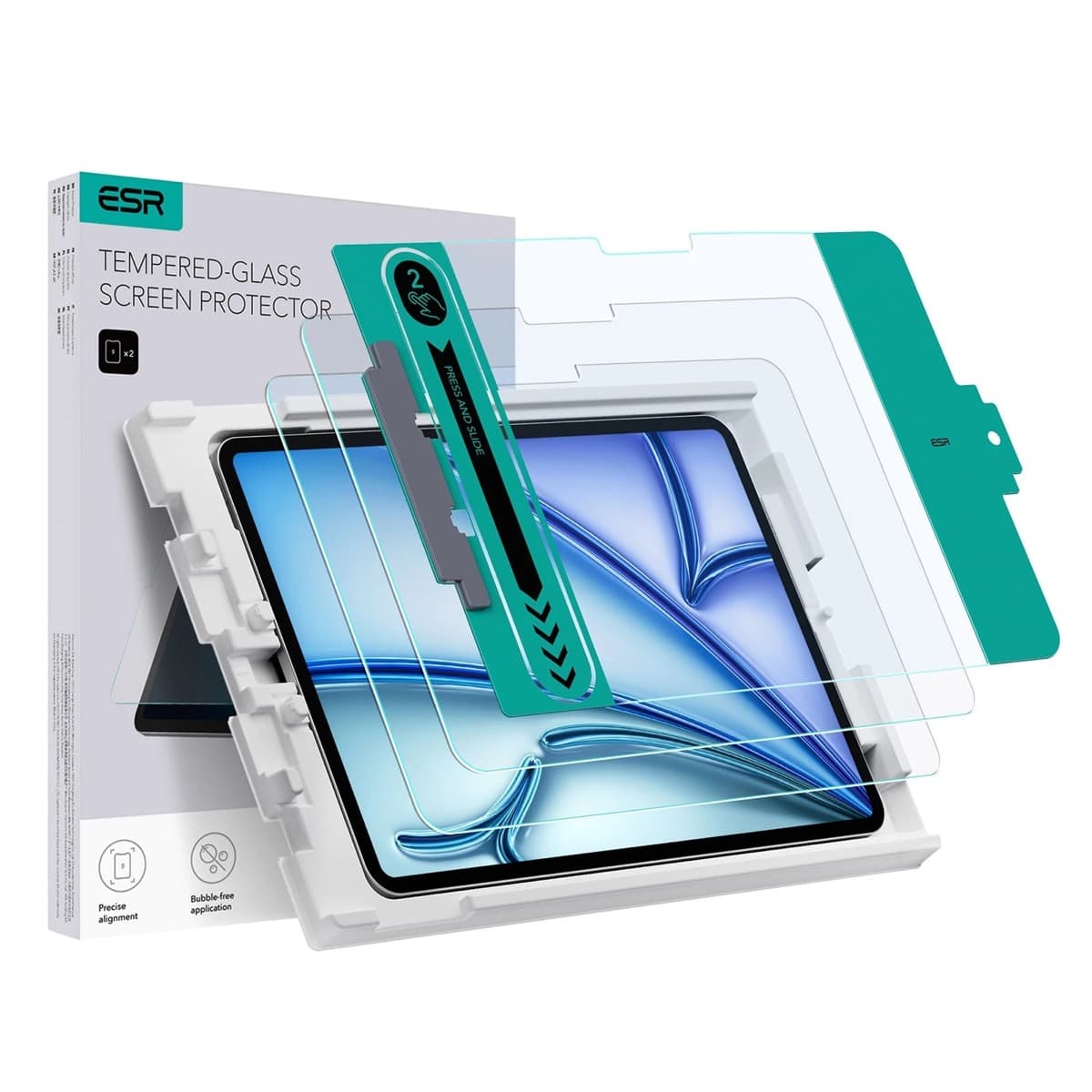
High-clarity protector with strong value. Great for visibility, less ideal for friction-seeking artists.
Best live offer right now.
Start here, then compare only if the merchant or shipping does not fit.
Deal pages are for checkout. If this product made you second-guess the whole purchase, use a route that answers the comparison directly.
Start with a budget
Use this when you want the best beginner path without drifting into Pro-level overspending.
Compatibility first
Use this when the real risk is ordering the wrong Pencil for your iPad, not choosing between tablets.
Compare models
The common upgrade question. Start here if you need the shortest path to the sensible buy.
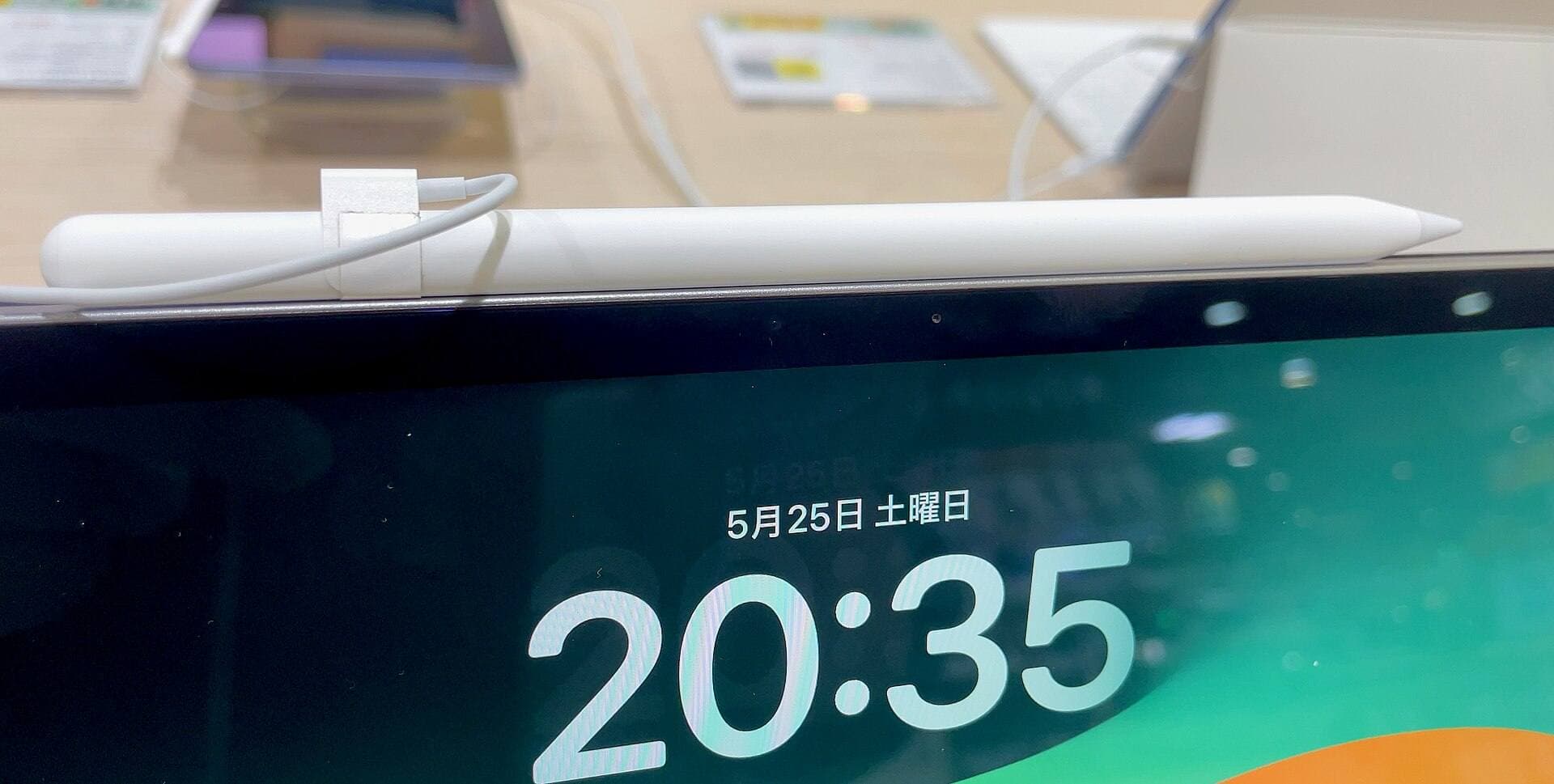
Main art app
Use this when the purchase is mainly about Procreate and you need the safest balance of cost, display feel, and headroom.
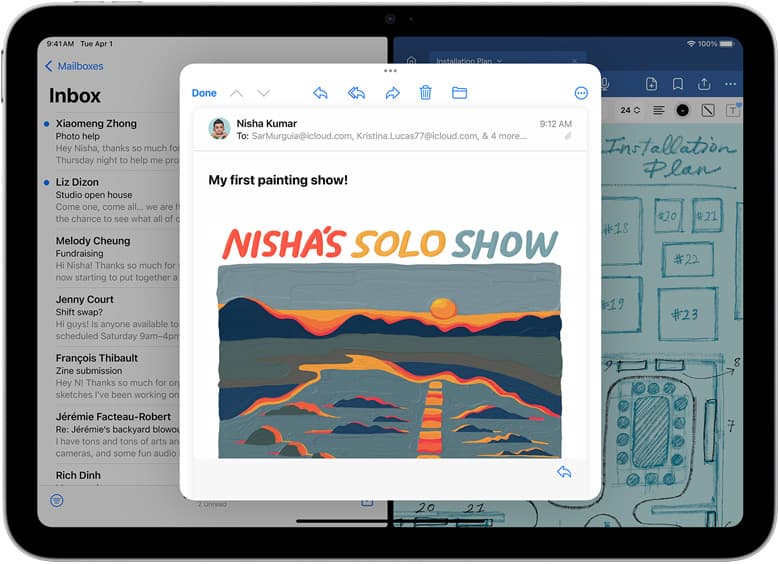
School plus art
Use this when the real purchase is one iPad for notes, PDFs, and regular drawing instead of separate school and art devices.
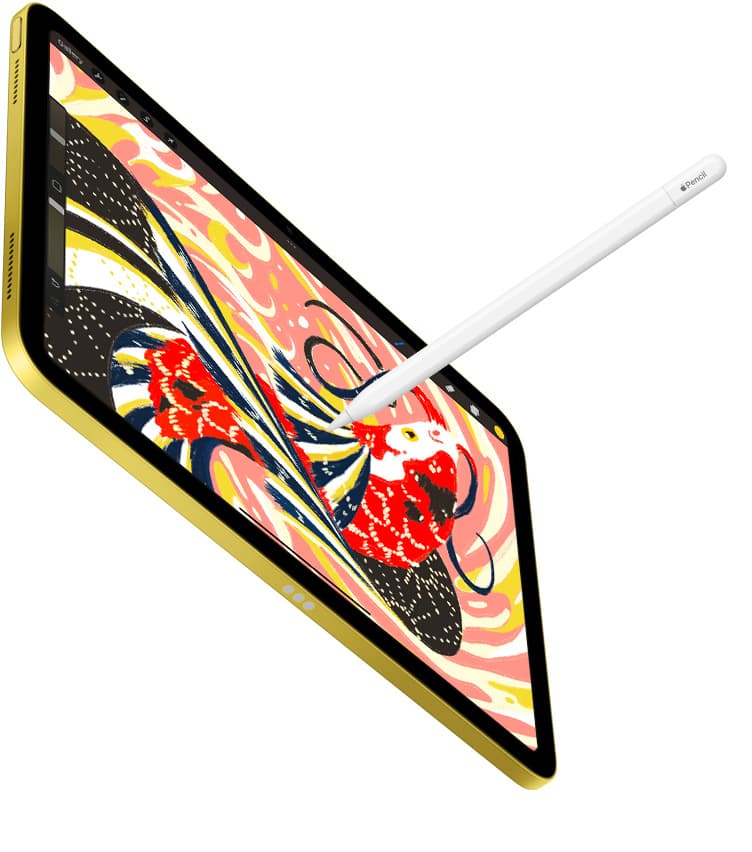
Notes plus drawing
Use this when the real purchase is one iPad for meetings, planning, PDFs, and regular drawing without drifting into the wrong premium tier.
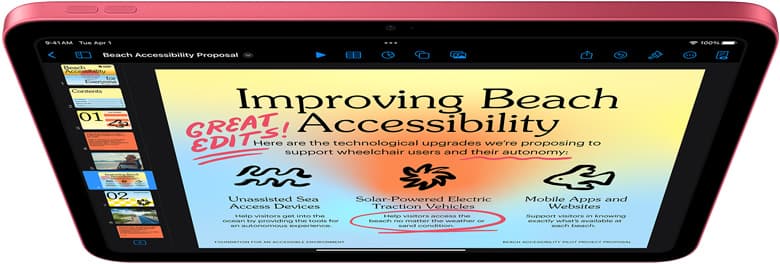
Cases and carry
Use this when the real choice is keyboard case versus draw-first case, not which iPad to buy.
Best for: Users who want display clarity and scratch protection more than paper-like friction.
Avoid if: You need texture resistance to steady strokes on glossy screens.
Pros: Clear image quality; Good protection; Strong price value
Cons: Low friction; Potential glare; Not a control-focused upgrade
Price watch
Tell us what you are watching, what price would make it a yes, and how soon you need it. This is the low-headache version of a deal alert: a direct inbox request, not a generic newsletter funnel.