This decision is not about brand loyalty. It is about friction and optical clarity.
If your hand feels unstable on bare glass, matte film can improve line control immediately. If your frustration is soft-looking text, reduced contrast, or grainy highlights, tempered glass will usually feel better. Both choices are valid. The wrong choice is picking based on marketing instead of your dominant workflow.
Fast answer
Choose matte film (Paperlike-style) if:
- your strokes overshoot because the surface feels too slick,
- you prefer controlled drag for sketching and inking,
- you can accept a small hit in perceived sharpness.
Choose tempered glass (ESR Armorite-style) if:
-
display clarity is critical for your daily use,
-
you watch, read, edit, and draw on the same device,
-
you want stronger hard-surface scratch resistance.
-
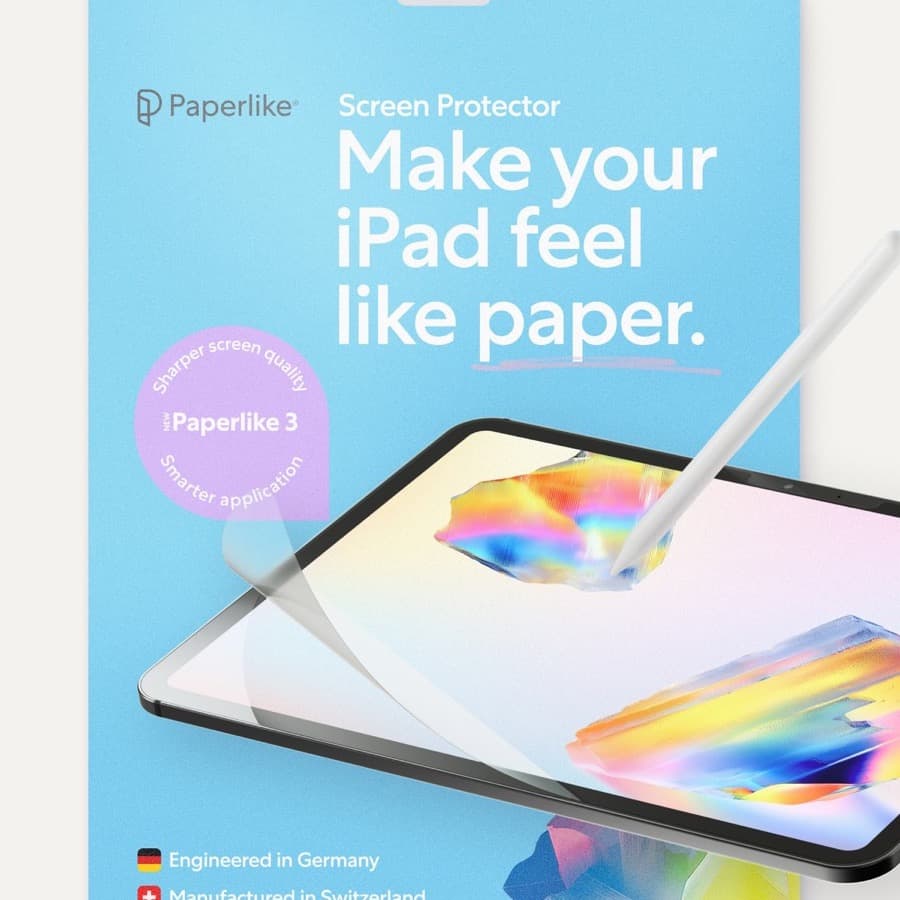
Paperlike matte film: [View product][1]
-
ESR tempered glass: [View product][2]
What changes in real use
| Category | Matte film (Paperlike type) | Tempered glass (Armorite type) |
|---|---|---|
| Pencil feel | More drag and stopping control | Smoother glide |
| Line confidence | Better for slow controlled strokes | Better for fast fluid movement |
| Screen clarity | Slightly softer appearance | Higher perceived sharpness |
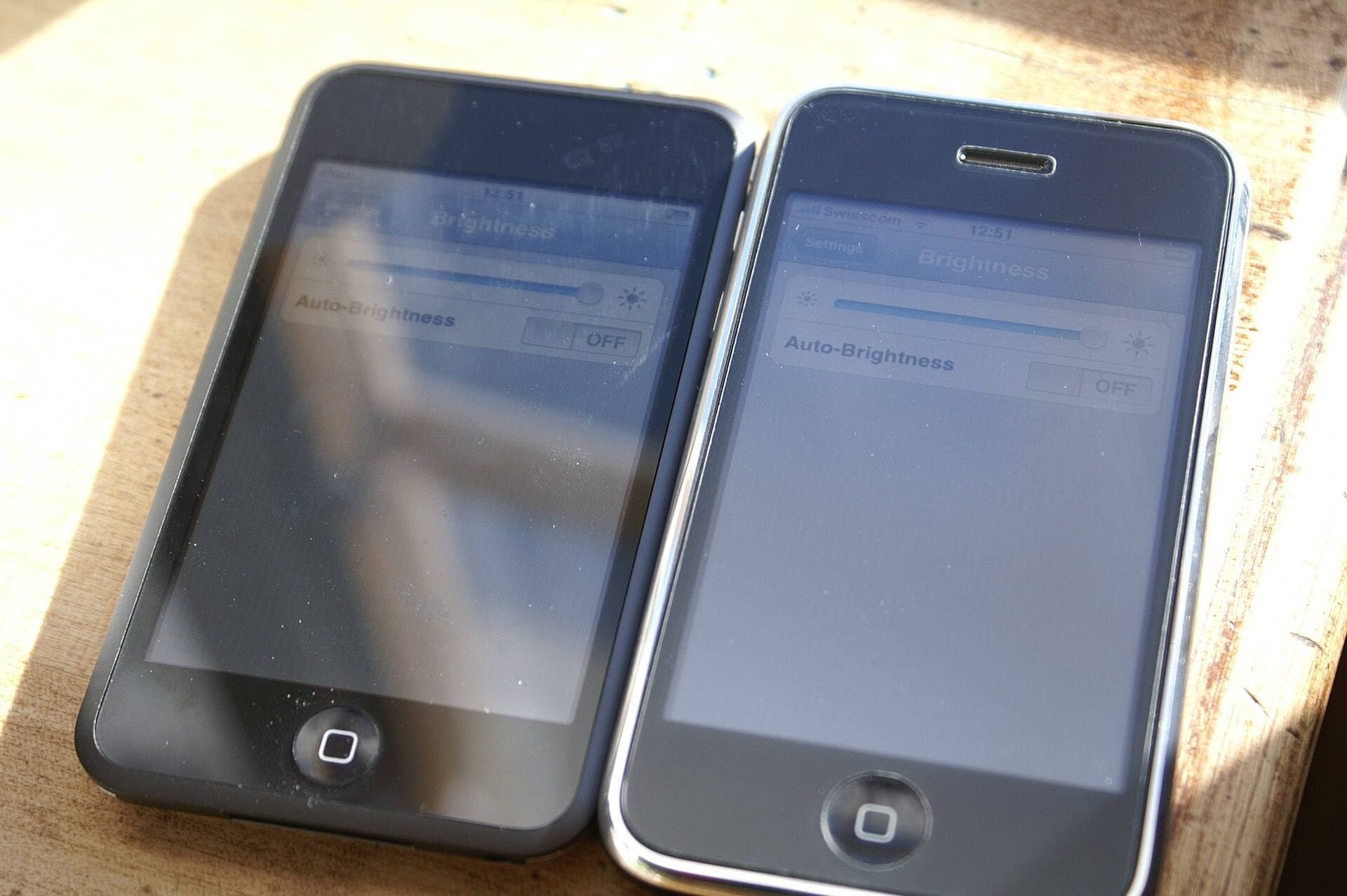
| Reflections | Often reduced diffusion | Usually stronger mirror reflections |
| Tip wear | Typically higher over time | Usually lower than textured films |
| Durability profile | Film can wear and scratch | Better hard-surface resistance |
The table is useful, but your choice should be based on where your current friction is costing you output.
Buy by bottleneck, not by specs
Bottleneck: shaky line control
If you routinely miss endpoints, fight jittery edges, or over-correct brush paths, you need more surface friction. Matte usually wins here.
Bottleneck: visual clarity and color confidence
If you constantly feel the image looks dull, text appears softer, or color evaluation feels compromised, tempered glass usually wins.
Bottleneck: mixed usage with frequent media viewing
If iPad is both drawing tool and media/reading device, glass often gives a better all-around experience.
Bottleneck: hand fatigue from over-gripping
If your grip tightens because the screen is slippery, matte can reduce the effort needed to stabilize strokes.
How Pencil behavior shifts with each surface
Pencil technique adapts to surface texture.
With matte film:
- you can use lighter pressure with better stopping control,
- hatching and slow curves often feel easier,
- repetitive note-taking may feel more paper-like.
With tempered glass:
- broad brush movement feels faster,
- less drag can reduce resistance on long strokes,
- micro-corrections may require more hand control.
Neither is objectively superior. They favor different motor habits.
Clarity and color considerations
Matte films can subtly diffuse the display. In practice, this can appear as reduced micro-contrast or softer text edges. Some artists accept this trade because hand control gains are larger than optical cost.
Tempered glass generally preserves more native sharpness and contrast. If your workflow includes color checks, reading long references, and detailed UI work, this can matter daily.
If you print frequently or deliver color-critical work, clarity preference tends to matter more.
Reflection handling in real environments
Lighting changes everything.
- In bright cafes and overhead office lighting, matte can reduce harsh reflections.
- In controlled studio lighting, tempered glass clarity can feel significantly better.
If you work in variable environments, reflection management may outweigh small clarity differences.
Durability and maintenance
Matte film maintenance profile
- texture can wear with heavy use,
- visible scratches and polish zones may develop,
- periodic replacement is normal.
Tempered glass maintenance profile
- better hard-surface durability,
- scratches are usually less intrusive initially,
- replacement events are less frequent for many users.
Neither material is permanent. Treat protectors as consumable workflow parts.
Cost logic over 12 months
Do not compare only purchase price. Compare replacement pattern plus productivity impact.
Matte can cost more over time if you replace frequently, but if it materially improves control it may still produce higher value.
Glass can cost less in replacements and preserve display quality, but if drawing feel remains unstable you may lose time and confidence each session.
Pairing with Apple Pencil settings and habits
Protector choice works best with deliberate setup.
- Calibrate palm and pressure preferences in your main drawing app.
- Keep one consistent tip replacement routine.
- Avoid swapping between radically different protectors too often, which resets muscle memory.
- Re-evaluate after two weeks, not after one short test.
Surface adaptation needs real usage volume.
Two-week test protocol before deciding
Days 1 to 4: baseline
Use current setup and log where friction occurs:
- line control,
- visual clarity,
- reflection annoyance,
- hand fatigue.
Days 5 to 10: focused use
Use one protector type exclusively in real tasks, not synthetic tests.
Days 11 to 14: decision checkpoint
Pick the surface that removes the highest-frequency bottleneck.
This avoids decision noise from short first impressions.
Common mistakes
Mistake 1: buying for identity
Many buyers choose matte because "artists use matte" or glass because "premium means clarity." Both are weak reasons.
Mistake 2: no environment context
A choice made in one lighting condition can fail in your actual workspace mix.
Mistake 3: ignoring tip wear behavior
If you choose matte, plan for tip monitoring. If you choose glass, monitor control drift and grip tension.
Mistake 4: expecting one protector to solve everything
Protectors are only one part of control. Angle, posture, and app settings matter too.
Scenario-based recommendations
You do line art and precision inking
Start with matte film. Control gains often outweigh slight clarity trade-offs.
You do mixed media and heavy content consumption
Start with tempered glass. Clarity benefits tend to dominate total daily experience.
You are unsure and hate replacing accessories
Start with tempered glass for lower maintenance, then switch to matte only if control remains your bottleneck.
You already know slick surfaces hurt your confidence
Skip the extra testing and go matte first.
Bottom line
Paperlike-style matte and ESR-style tempered glass solve different problems.
If line control and hand confidence are your limiting factors, matte is usually the better buy. If visual clarity and display sharpness are limiting your workflow, tempered glass is usually the better buy.
Make the decision from your recurring bottleneck, not brand claims.
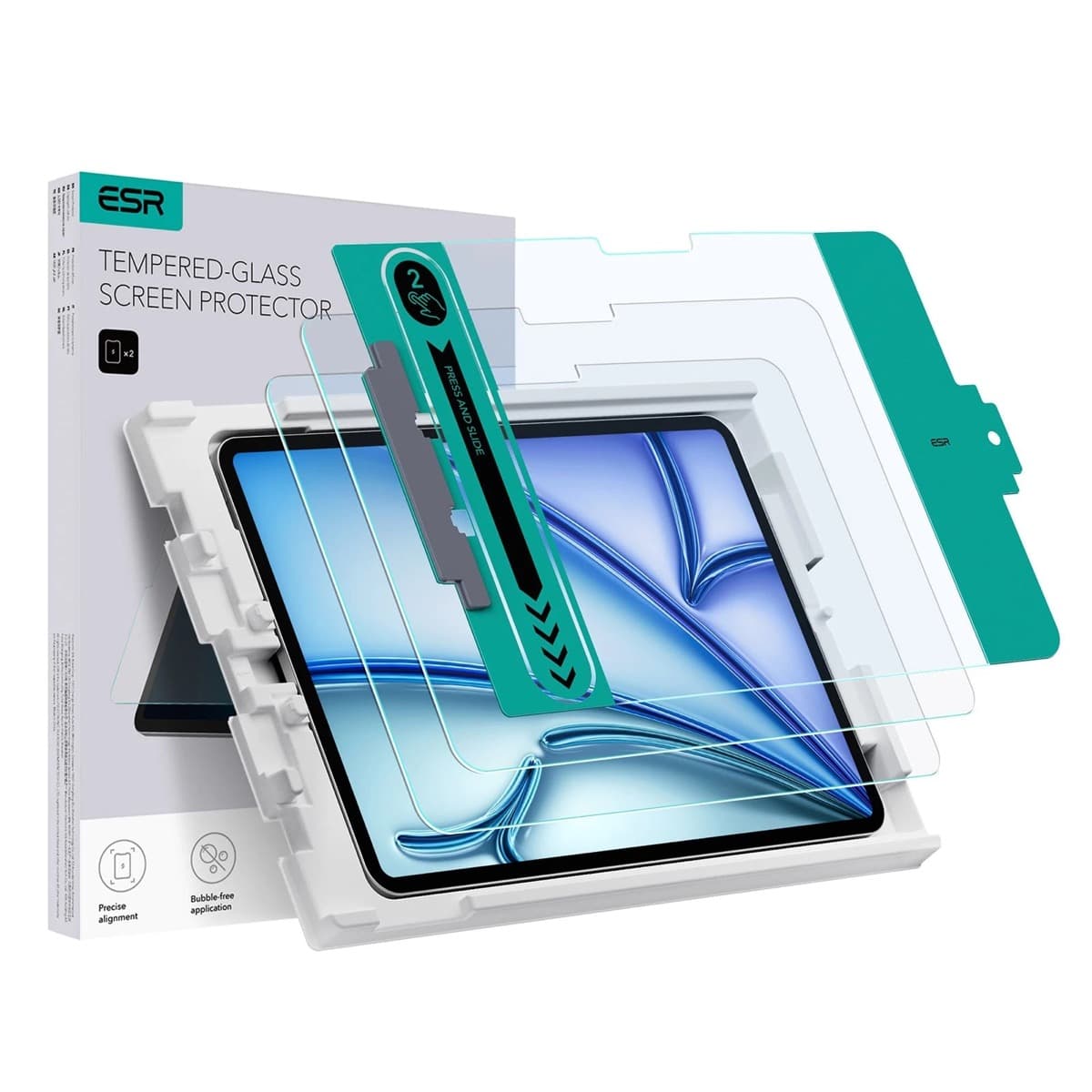
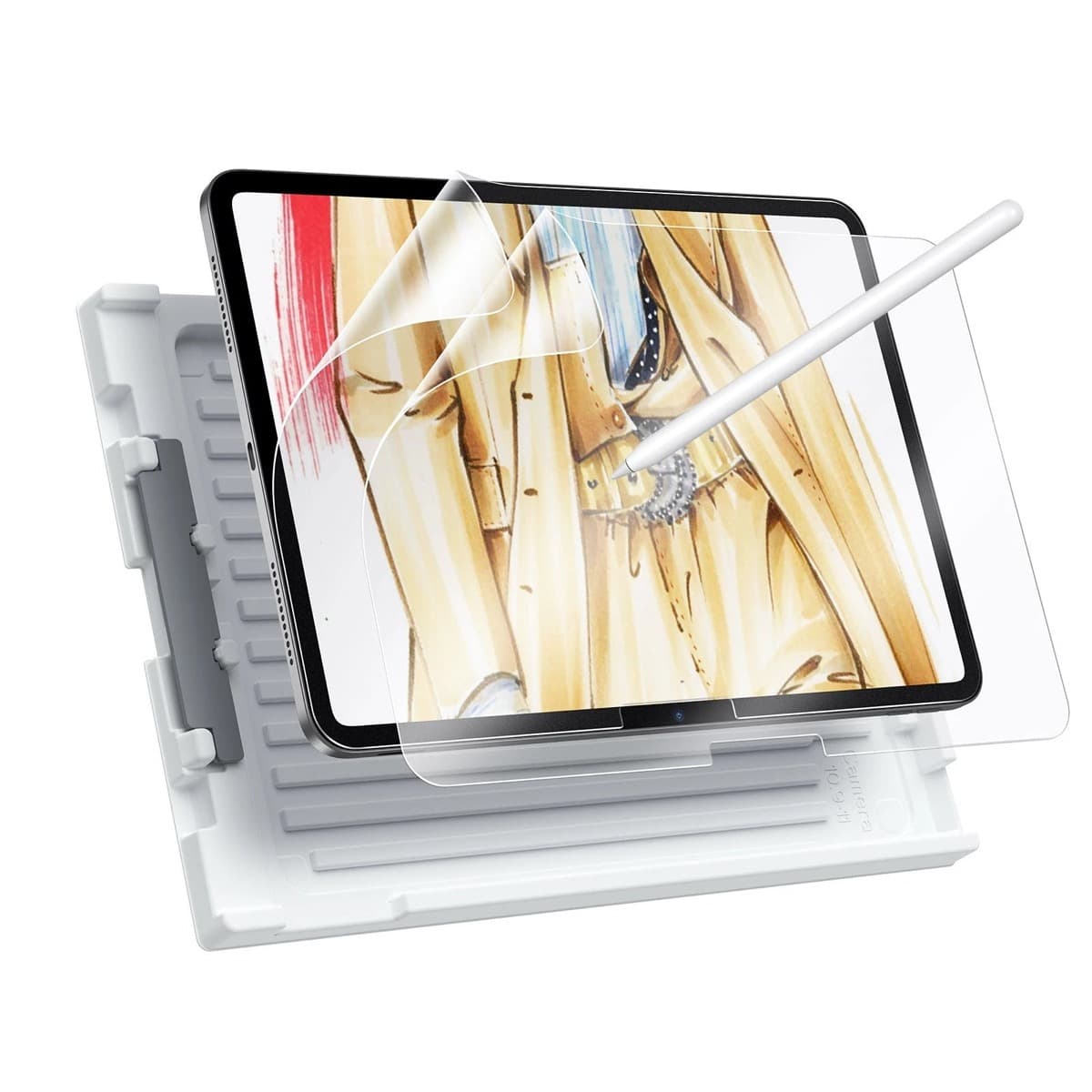
Product visuals
Sources
Recommended gear
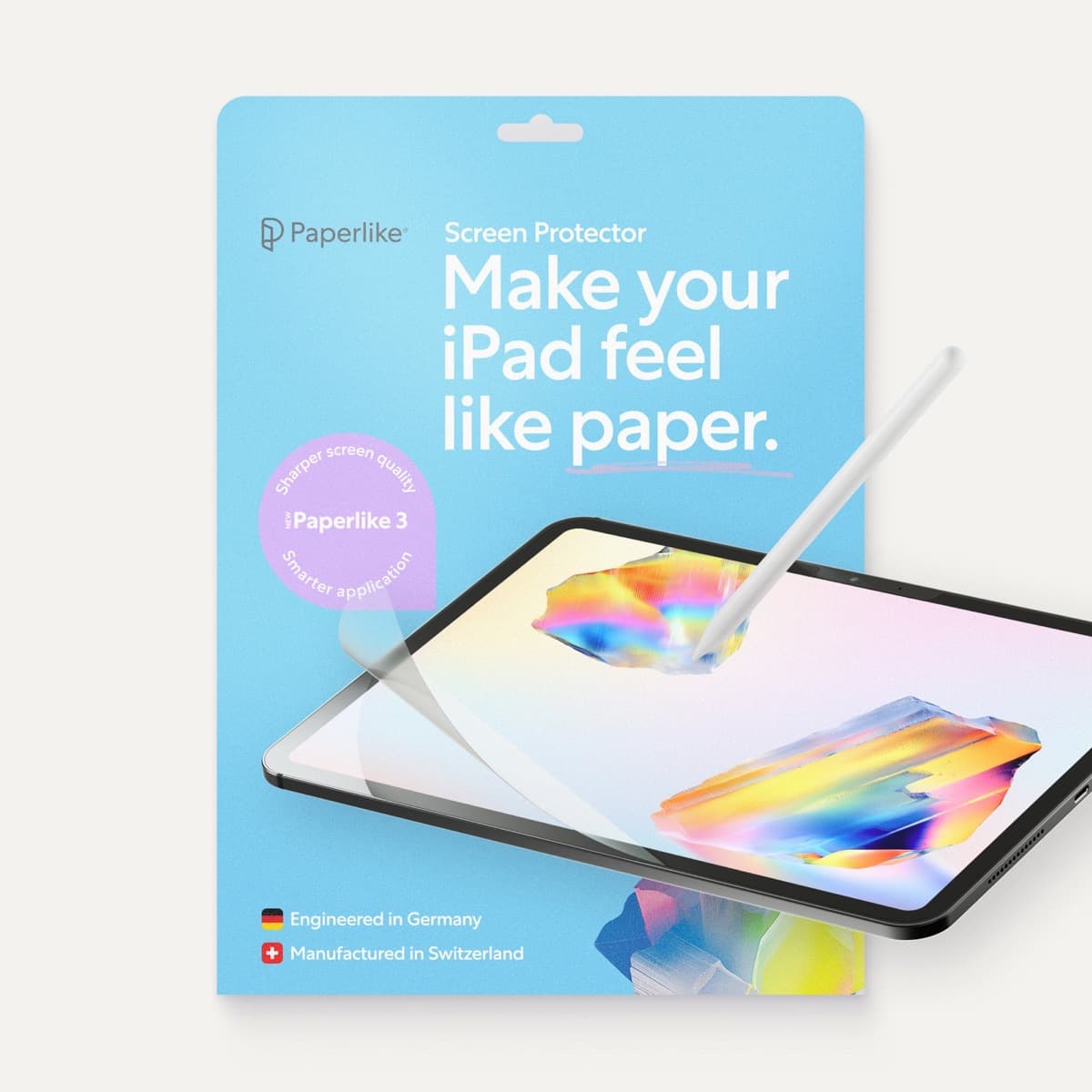
Paperlike 3 (11-inch, 2-pack)
amazon.comA strong surface-feel upgrade for drawing control. Clarity tradeoff is real and should be expected.
Pro: Adds controlled paper-feel friction
Con: Slightly reduces perceived display sharpness
11-inch fit only. Confirm generation before checkout.
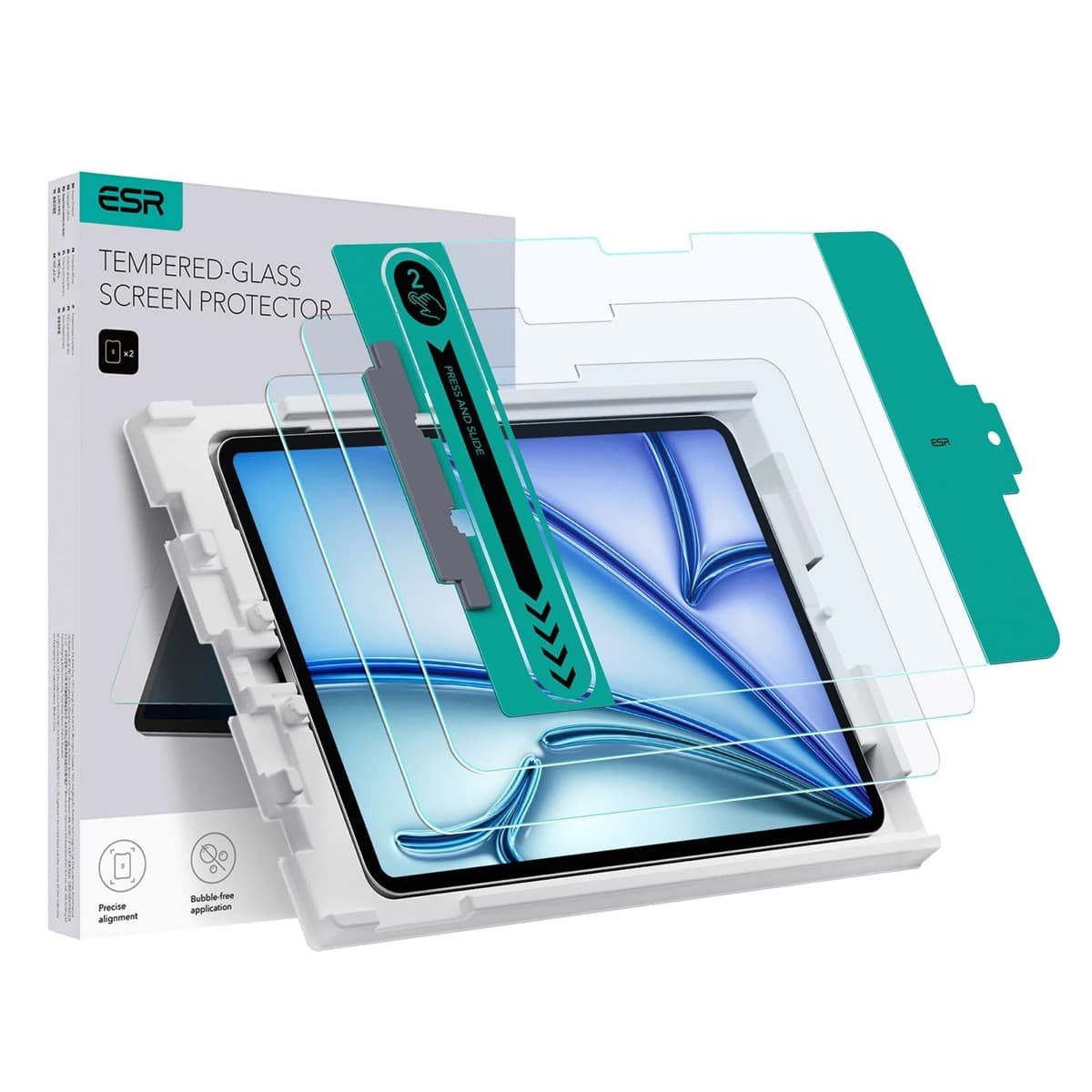
ESR Armorite Tempered Glass (11-inch)
amazon.comHigh-clarity protector with strong value. Great for visibility, less ideal for friction-seeking artists.
Pro: Very clear image with strong scratch resistance
Con: Minimal drawing friction compared with matte films
11-inch fit only. Verify exact iPad generation.
Apple Pencil Pro
amazon.comThe best Apple stylus for serious digital art workflows. Expensive, but the control upgrades are real.
Pro: Best brush-control and hover workflow
Con: Highest price in the lineup
Works only with newer iPad models. Check compatibility.
Apple Pencil (USB-C)
amazon.comA practical low-cost Apple stylus with broad compatibility, but limited for advanced art control.
Pro: Lowest official Apple Pencil cost
Con: No pressure sensitivity for brush work
Compatible with many recent iPads. No pressure support.
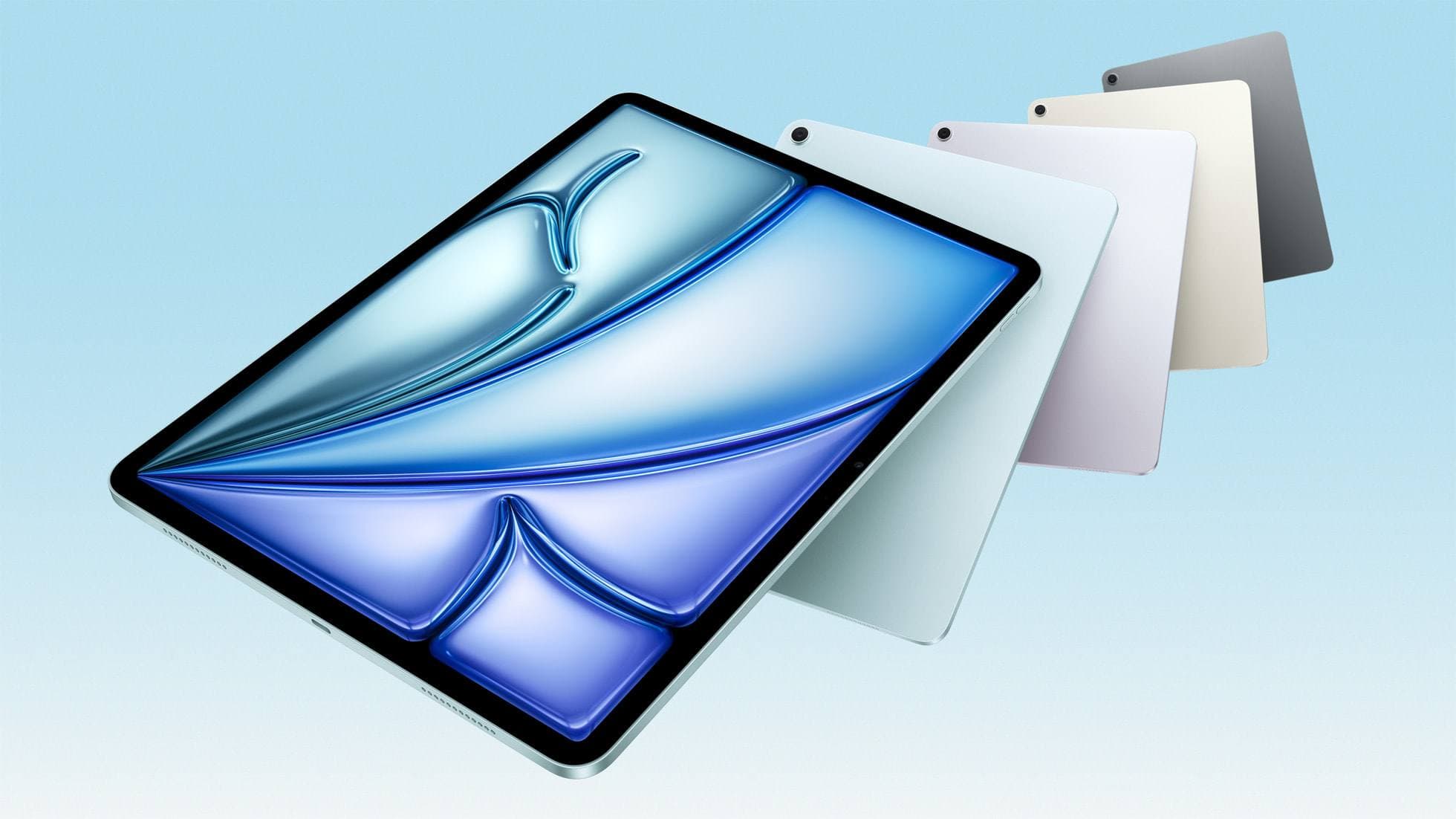
iPad Air (M4)
apple.comThe clean current Air recommendation for most serious hobby artists. Stronger buy logic than old-stock M3 when pricing is close.
Pro: Best current balance of price, headroom, and Pencil support
Con: Still 60Hz
Current Air lineup. Choose size, storage, and keyboard path before checkout.
Related buying picks
More in this collectionComparison
Matte vs. Glass: Does a Screen Protector Really Help You Draw Better?
There’s a specific kind of digital-art annoyance that doesn’t happen on paper: your brain says “put the line there,” your hand agrees, but the stylus tip skates a millimeter past…
Comparison
Matte vs. Glass Screen Protectors: Pros and Cons (and what you’re really buying)
Screen protectors are sold like armor, but you’re not buying armor. You’re buying a lens filter that lives on the most-touched, most-viewed object you own.