Screen protectors are sold like armor, but you’re not buying armor. You’re buying a lens filter that lives on the most-touched, most-viewed object you own.
That’s why “matte vs. glass” is a deceptively messy question. Matte is a surface finish. Glass is a material. You can have:
- Glossy glass (the classic tempered glass protector)
- Matte film (plastic with a micro-textured surface)
- Matte glass (etched / coated tempered glass, rarer, but real)
- Glossy film (cheap and common, usually not what people mean when they say “glass”)
So the fight isn’t just matte vs glass. It’s really:
Do you want your screen to look like a window… or behave like paper?
And the answer depends on three things, in this order:
- Optics (glare, clarity, contrast)
- Feel (finger glide, stylus control)
- Failure mode (scratchy, cracked, peeling, or perfect)
Let’s do the honest trade-offs.
What “matte” does: it wins glare by spending sharpness
Anti-glare works by changing how light bounces off the surface.
A glossy surface acts like a mirror: light reflects in a tight, predictable direction (specular reflection). A matte surface is intentionally rough at a microscopic level, so it spreads the reflected light out (diffuse reflection). That’s why you stop seeing your face so clearly in the screen. [1]
The downside is unavoidable: if a surface is rough enough to scatter reflections, it’s also rough enough to scatter some of the display’s own light. So whites can look a touch “foggy,” and ultra-fine details lose crispness. HP calls this out directly: anti-glare diffusion can reduce clarity/sharpness, and some coatings show a subtle “sparkle” effect, especially on bright UI and white backgrounds. [2]
RTINGS (in the context of monitor coatings, but it’s the same physics) frames it cleanly: glossy looks clearer, matte has less mirror-like reflection because it spreads light out more, at the cost of a hazier image. [1]
That’s the fundamental matte bargain:
- Less glare (you can read outdoors without becoming a human parasol)
- More haze/grain (your pixels look like they’re being viewed through a faint diffusion filter)
If you’ve ever put a soft diffusion filter on a camera lens: congrats, you already understand matte.
What “glass” does: it preserves the screen you paid for (and breaks dramatically)
Most people mean tempered glass when they say “glass protector.”
Tempered glass protectors are popular because they preserve clarity (they’re basically a clear window), feel like the original screen, and are rigid enough to install easily, often with alignment trays that make you feel like you’ve gained a steady hand overnight. [3]
But the glass part matters: glass fails like glass.
A glass protector can chip or shatter under impact. And here’s the subtle mind-trick: sometimes it shatters from an impact that wouldn’t have damaged the phone screen anyway, which makes it look like it “saved” your screen, even when the screen was never in danger. Astropad says this explicitly (and it’s one of the few times marketing copy admits something unflattering). [3]
So glass protectors often provide:
- High subjective “protection confidence” (you see cracks; you feel reassured)
- A sacrificial layer (sometimes genuinely helpful, sometimes just theatrically fragile)
That doesn’t mean they’re bad. It means their biggest strength is also their biggest psychological hack: they fail in a way you can see.
The big categories (and why “matte vs glass” is a half-truth)
Matte protectors are usually films
Most matte protectors are PET/TPU-style films with an anti-glare surface. Films are thin and flexible, and matte film is the classic “paper-feel” choice for tablets. [3]
Glass protectors are usually glossy
Most tempered glass protectors are glossy/clear because the whole point is optical clarity. [3]
Matte glass exists (the hybrid)
You can buy anti-glare tempered glass. It’s basically glass that has been etched/coated to behave like matte. Astropad notes these exist and also flags the key downside: matte glass can reduce sharpness (and the thickness doesn’t help). [3]
If you want the “paper-ish” vibe without a floppy film, matte glass is the niche option, but you’ll still pay the matte tax in clarity.
Optics: glare, contrast, and the “sparkle tax”
Glare handling: matte wins the immediate “outside test”
If you use your phone outdoors a lot, matte’s value is instant. Mirror reflections are distracting and sometimes genuinely blocking.
- Glossy reflects light “straight back,” producing mirror-like reflections. [1]
- Matte spreads that light out, so reflections become less defined and less distracting. [1]
That’s why matte feels like a superpower the first time you step into sunlight.
But matte can make the screen look… less expensive
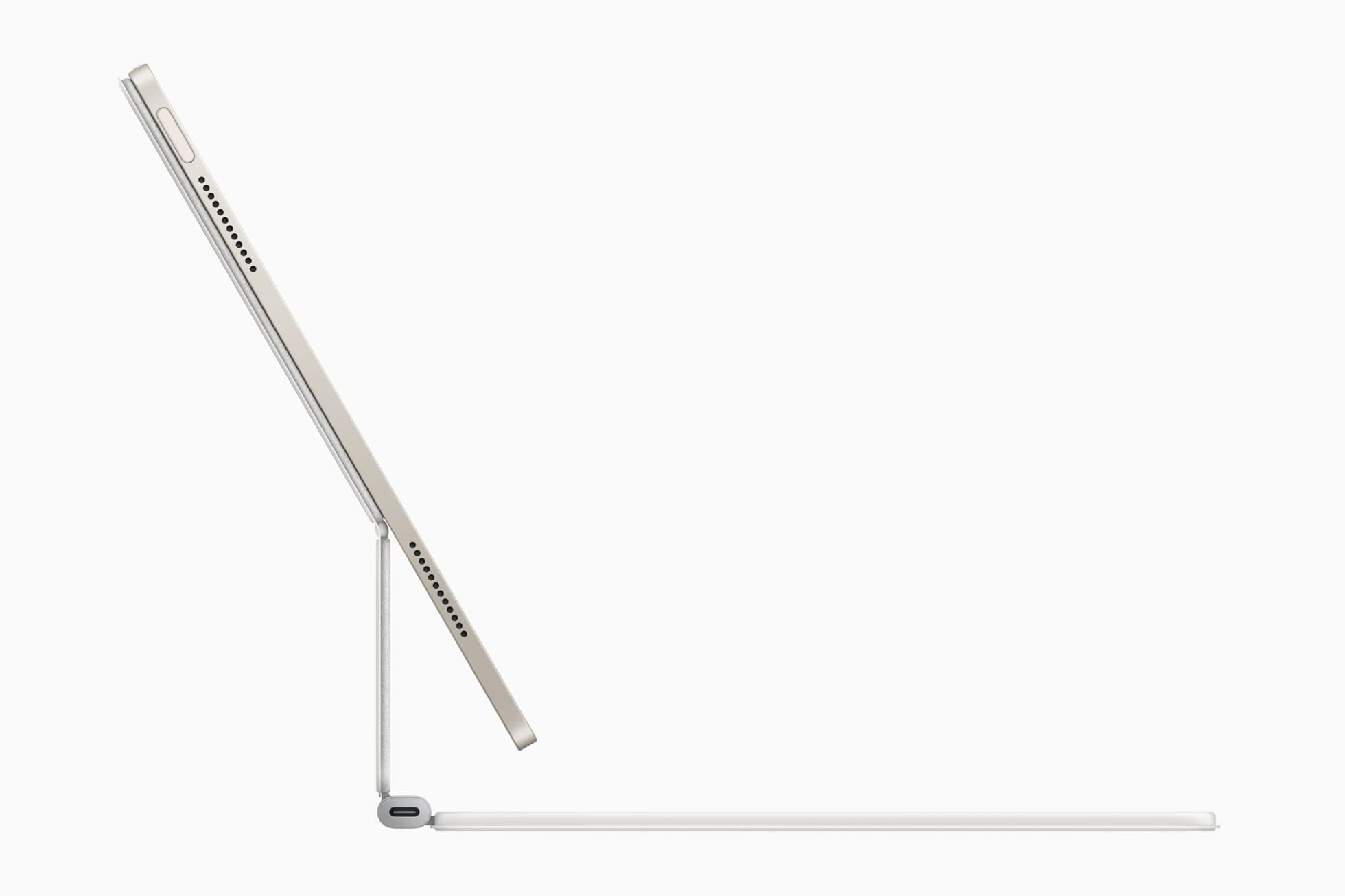
Two common matte side-effects:
1) Reduced crispness
HP: diffusion that reduces glare can also slightly reduce clarity and sharpness, text/images can look softer. [2] RTINGS: matte tends to look hazier than glossy. [1]
2) “Sparkle” / shimmer on bright content
HP: some anti-glare surfaces show a subtle sparkle effect, especially on light content. [2]
If you’re the kind of person who notices compression artifacts on YouTube or banding in gradients, matte might annoy you. If you mostly scroll, read, and live in bright rooms, matte might feel like relief.
A quiet third axis: Anti-Reflective (AR) isn’t the same as matte
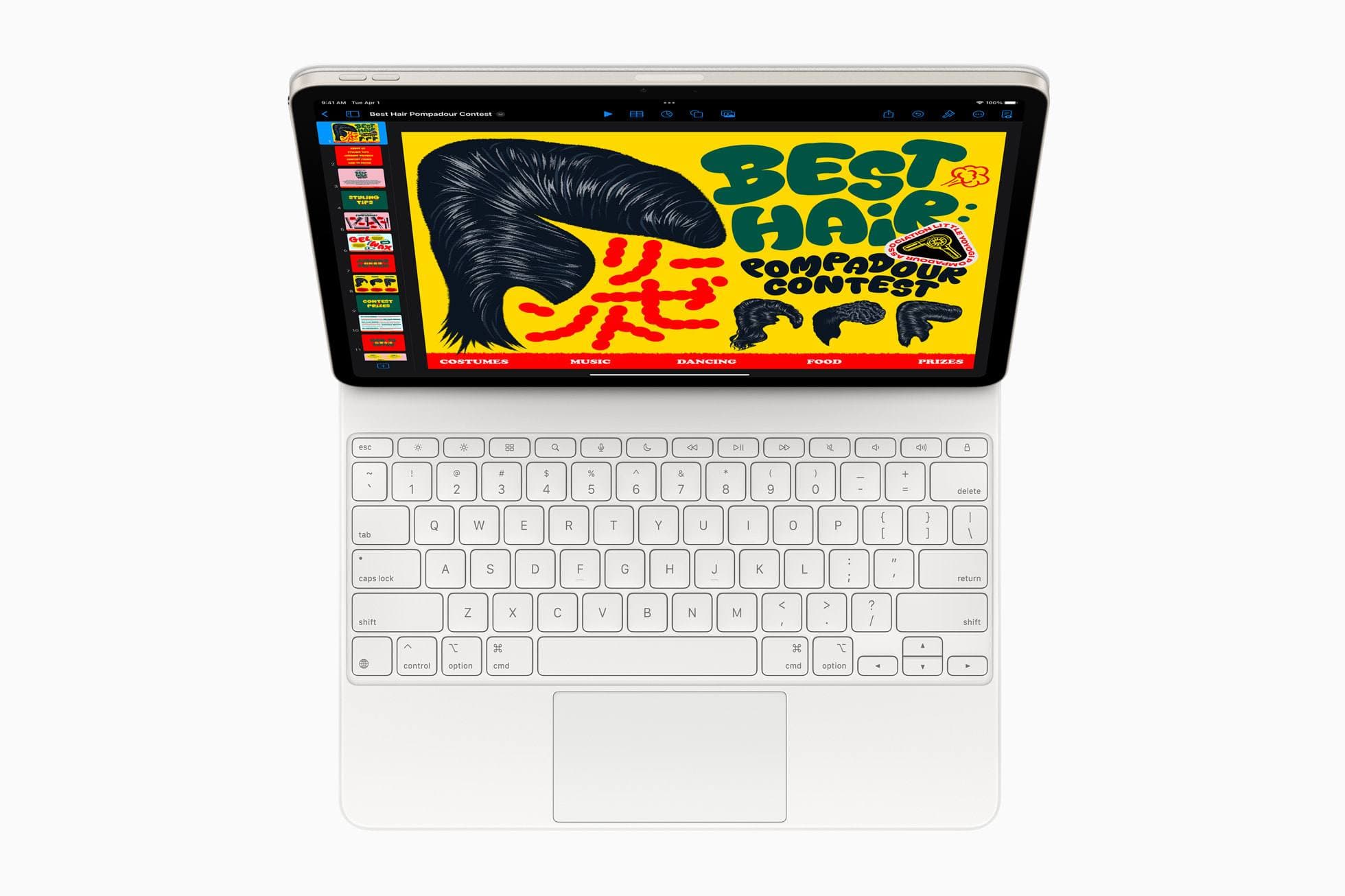
This is where screen protector marketing gets slippery.
Anders Electronics explains the difference cleanly:
- Anti-glare (matte) roughens the surface, turning specular reflections into diffuse reflections. [4]
- Anti-reflective (AR) uses thin-film optical layers to reduce reflections via interference (more like camera lens coatings). [4]
Translation: if you want fewer reflections without the matte haze, AR-style coatings are the more “optically pure” solution. They’re usually pricier and not always done well, but conceptually that’s the better approach. [4]
Feel: finger glide vs control (and why artists choose matte)
Glass feel: effortless, fast, familiar
Glossy tempered glass tends to feel closest to the original screen: smooth, low-friction, great for swipe gestures and games that want quick flicks.
Matte feel: more friction, more control
Matte adds resistance. For some people that’s “drag.” For stylus users it’s “control.”
That’s why matte protectors dominate the iPad-notes-and-art world: the texture gives the stylus a toothier, paper-like feel. [3]
The cost: stylus tip wear is real
Paperlike (a leading paper-feel brand) openly acknowledges that their added resistance creates friction, which causes minor wear over time on Apple Pencil tips (and they note this is true for paper-feel protectors generally). [5]
So your tactile upgrade has a maintenance bill:
- matte feel improves control
- but increases nib wear (and occasionally produces more “scratchy” sound)
If you draw daily, this is still often worth it. If you draw twice a month, it’s a self-inflicted tax.
Protection: scratches, drops, and the biggest lie on the box
Let’s talk about the “9H” label, because it’s everywhere.
“9H” is usually pencil hardness, not “diamond-proof”
The “H” scale is commonly tied to pencil hardness testing used for coatings, literally pushing pencil leads of known hardness across a coated surface to see what scratches/cuts the film. That’s formalized in standards like ASTM D3363 and ISO 15184. [6]
ASTM D3363 describes it as a test for the film hardness of an organic coating on a hard substrate, using pencil leads of known hardness. [6] ISO 15184 describes the same idea: determining film hardness by pushing pencils of known hardness over the film. [7]
So when a protector screams “9H!”, it often means:
“It did well in a pencil hardness test under some conditions.”
It does not automatically mean:
“It will resist the stuff that actually scratches phones: gritty minerals.”
Why minerals matter: sand is the real villain
On the Mohs hardness scale, quartz is ~7 and glass is ~5.5. Meaning quartz can scratch glass. [8]
And what is common “grit” in pockets, beaches, and dust? Often quartz-based particles. So the most realistic scratch threat isn’t keys, it’s tiny hard grit.
This is why “9H” can be both technically true and practically misleading.
Drop protection: glass looks heroic, films look boring
Tempered glass can take hits and sometimes cracks sacrificially. But it can also crack when your phone would’ve survived fine. [3]
Films usually don’t crack dramatically. They:
- pick up micro-scratches
- may dent
- can peel at edges
- sometimes “self-heal” small marks (especially TPU-style films) [3]
In other words:
- Glass fails loudly (confidence + replacement cycle)
- Film fails quietly (slow degradation)
Cleaning and coatings: fingerprints, oleophobic reality, and why matte can be deceptively “clean”
Fingerprints: matte hides, glass shows (until glass has a good coating)
HP notes matte anti-glare surfaces are often less prone to showing fingerprints and smudges than glossy. [2] But HP also notes cleaning anti-glare coatings can be trickier, and wrong methods can damage the coating over time. [2]
Your device already has an oleophobic coating (and it wears down)
Apple says iPad screens have an oleophobic coating; its oil-repelling ability diminishes over time with normal use, and rubbing with abrasive material further diminishes it and can scratch the screen. [9]
A protector changes that equation:
- If the protector has a good oleophobic layer, you basically “reset” the feel.
- If it has a bad one, you’ll feel like your screen became a fingerprint magnet overnight.
This is why cheap glass protectors sometimes feel gross after a week: you’re interacting with their coating quality, not Apple/Samsung’s.
Installation: the real deciding factor for normal people
The best protector is the one you install without trapping dust like a museum exhibit.
Glass: usually easier
Astropad notes tempered glass is often easier to install because it’s rigid, and many include alignment trays/tabs to minimize bubbles. [3]
Film: more finicky, more patience
Film can stretch, misalign, or trap bubbles more easily. It’s also more likely to lift at edges if your case rubs it.
If you want the lowest-stress install, the “pro move” is boring: buy the protector with the best alignment system, not the one with the loudest hardness rating.
(Basically: mechanical engineering beats marketing.)
Pros and cons, brutally summarized
Matte protectors (usually matte film)
Pros
- Better perceived readability in bright environments (less mirror-like reflection) [1]
- Often hides fingerprints/smudges better [2]
- More stylus control / paper-like resistance (great for notes/drawing) [3]
Cons
- Slightly reduced clarity/sharpness; can look hazy [2]
- Possible “sparkle”/shimmer effect on bright content [2]
- More stylus tip wear due to friction (paper-feel) [5]
- Can be harder to clean without damaging the coating [2]
Glass protectors (usually glossy tempered glass)
Pros
- Preserves clarity and “window-like” look (closest to naked screen) [1]
- Smooth feel, great for swipes and gestures
- Easier installs thanks to rigidity and alignment trays (often) [3]
Cons
- Mirror-like reflections in bright light (glare is sharper) [1]
- Can chip/shatter; sometimes from impacts that wouldn’t have harmed the phone (looks like it “saved” you) [3]
- “9H” marketing can be misleading (often pencil hardness standards) [6]
Matte glass (anti-glare tempered glass)
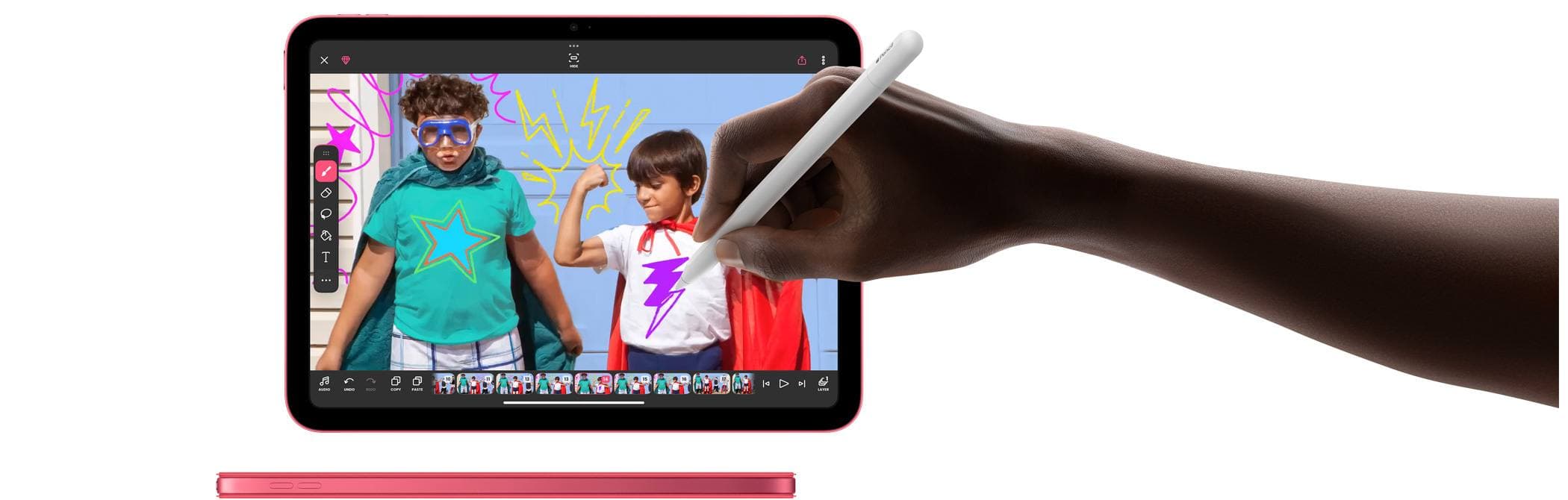
Pros
- Matte glare reduction with more rigidity than film
- Often easier install than matte film
Cons
- Still pays the matte clarity tax; thickness can reduce sharpness [3]
- Still glass, can crack
- If done poorly, can look like permanent haze
The decision rule that almost never fails
Choose glossy tempered glass if:
- you care about image quality (photos, video, color, crisp text)
- you mostly use your phone indoors
- you want the easiest install and the most “stock” feel [3]
Choose matte film if:
- you’re outside a lot and glare is a real usability problem [2]
- you write/draw and want more stylus control (accepting tip wear) [3]
- you hate fingerprints more than you love perfect clarity [2]
Choose matte glass only if:
- you want matte glare reduction but refuse to deal with film installation quirks
- you accept that you’re trading away some crispness anyway [3]
The quiet “grown-up” take
Most people who buy matte for phones are trying to solve glare. But glare has two knobs:
- Reflection handling (matte/AG vs glossy/AR)
- Screen brightness and environment (shade, angle, where lights are)
Matte works, and the way it works is by adding a diffusion layer. That’s a legitimate engineering trade, not a flaw. [4]
If you’re fine paying that price in sharpness, matte feels like freedom. If you’re not, glossy glass feels like sanity.
Either way, ignore “9H” as a headline feature. It’s often a pencil test label wearing a superhero cape. [6]
Sources
Recommended gear
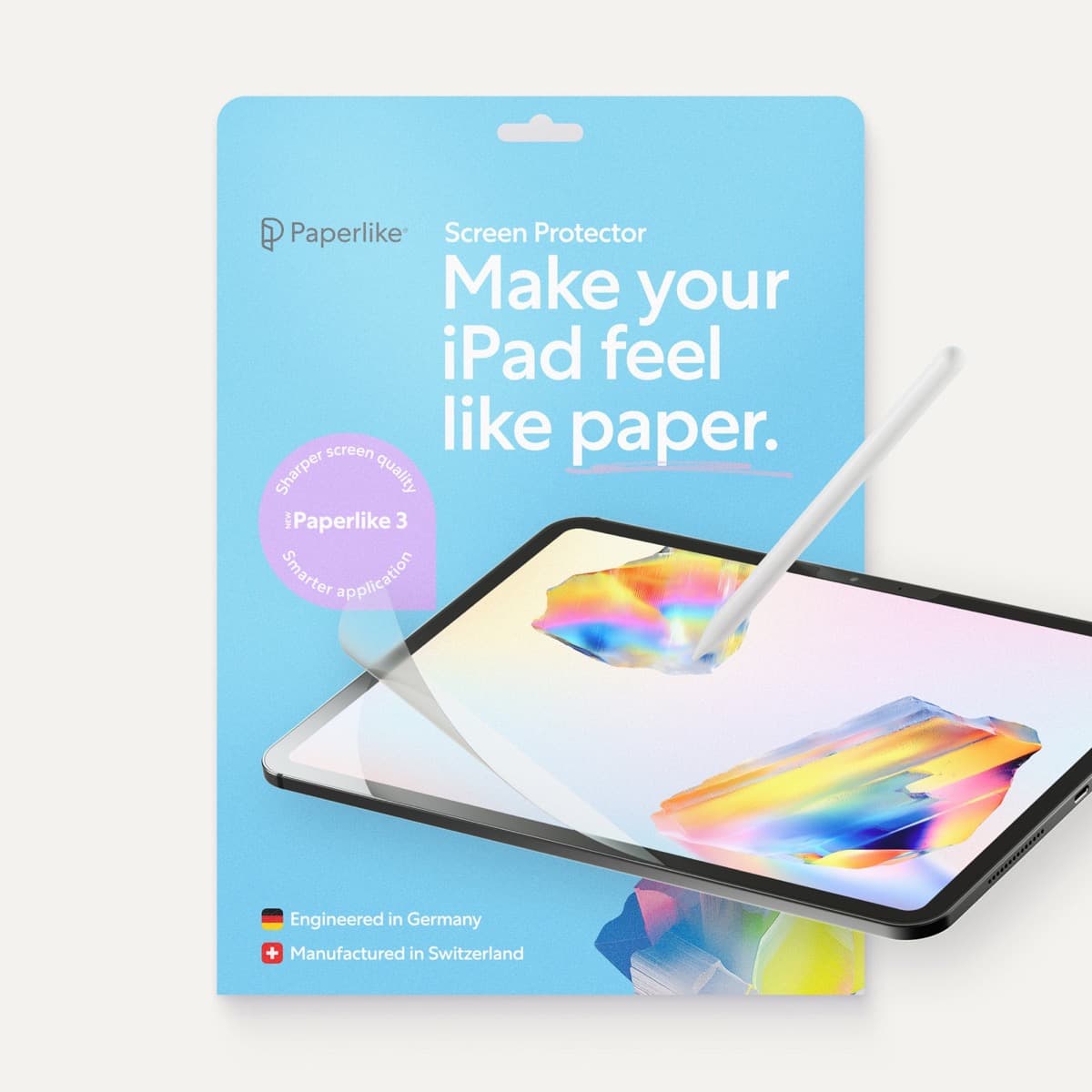
Paperlike 3 (11-inch, 2-pack)
amazon.comA strong surface-feel upgrade for drawing control. Clarity tradeoff is real and should be expected.
Pro: Adds controlled paper-feel friction
Con: Slightly reduces perceived display sharpness
11-inch fit only. Confirm generation before checkout.
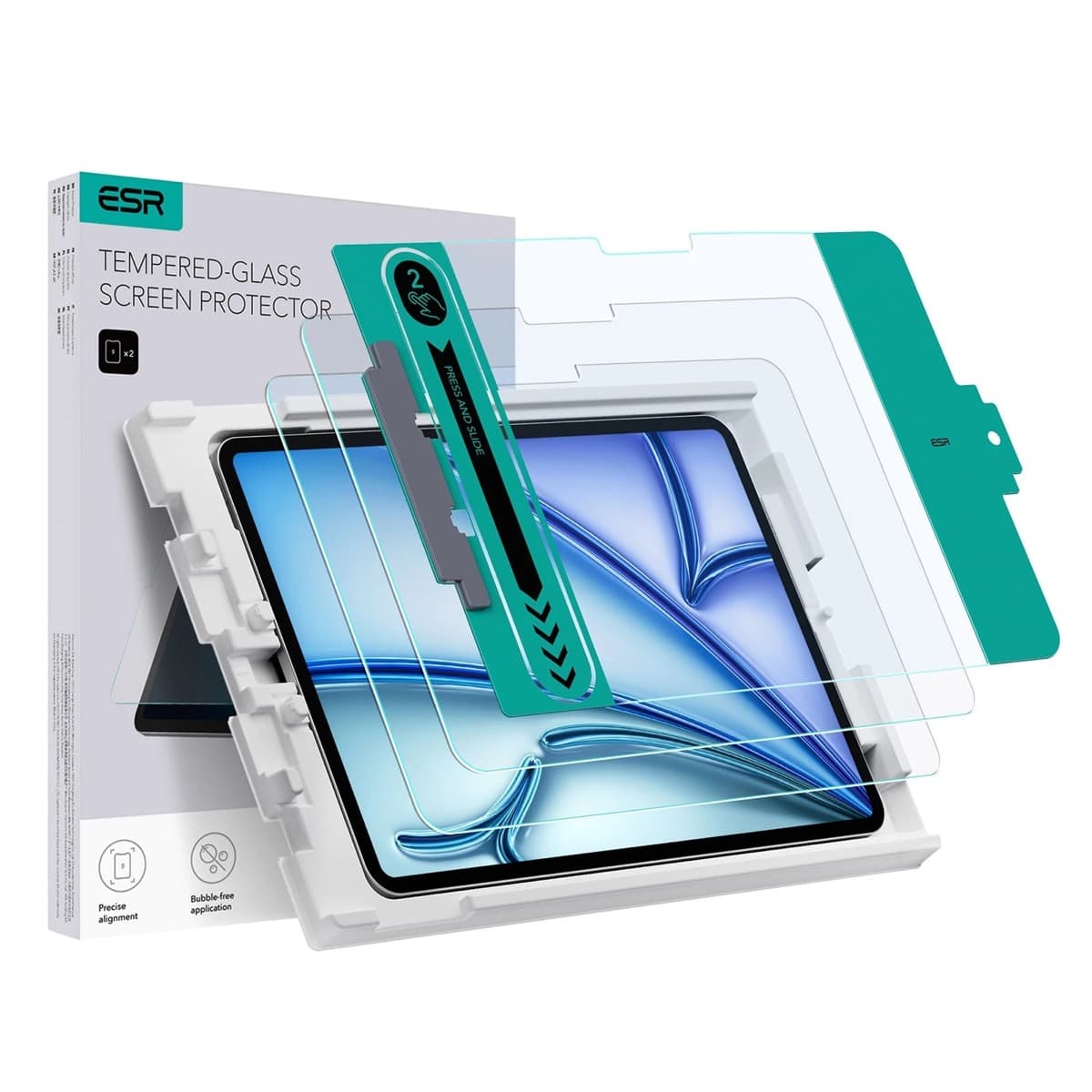
ESR Armorite Tempered Glass (11-inch)
amazon.comHigh-clarity protector with strong value. Great for visibility, less ideal for friction-seeking artists.
Pro: Very clear image with strong scratch resistance
Con: Minimal drawing friction compared with matte films
11-inch fit only. Verify exact iPad generation.
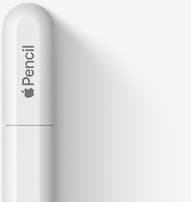
Apple Pencil (USB-C)
amazon.comA practical low-cost Apple stylus with broad compatibility, but limited for advanced art control.
Pro: Lowest official Apple Pencil cost
Con: No pressure sensitivity for brush work
Compatible with many recent iPads. No pressure support.
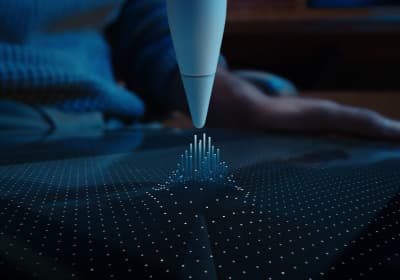
Apple Pencil Pro
amazon.comThe best Apple stylus for serious digital art workflows. Expensive, but the control upgrades are real.
Pro: Best brush-control and hover workflow
Con: Highest price in the lineup
Works only with newer iPad models. Check compatibility.
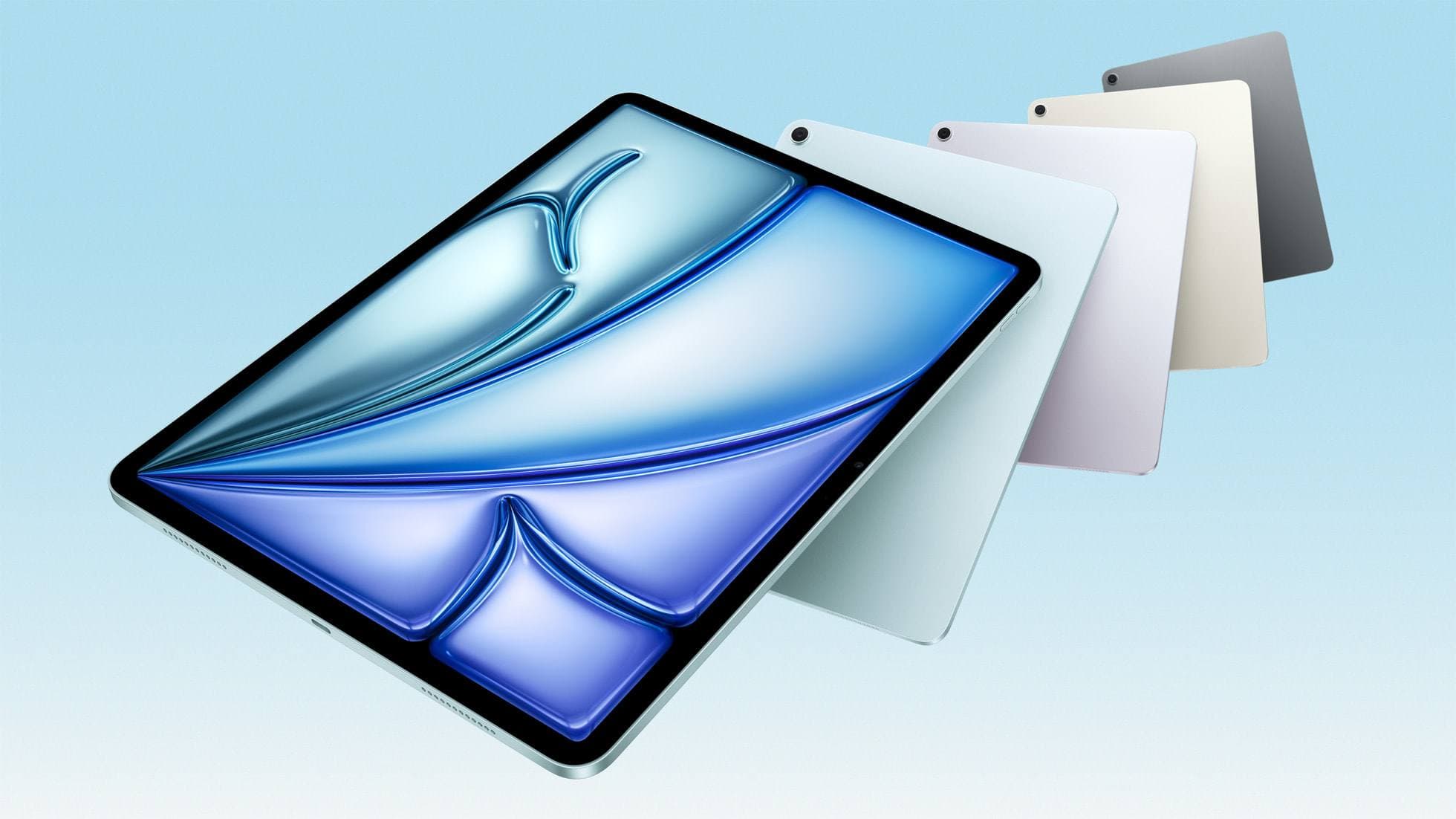
iPad Air (M4)
apple.comThe clean current Air recommendation for most serious hobby artists. Stronger buy logic than old-stock M3 when pricing is close.
Pro: Best current balance of price, headroom, and Pencil support
Con: Still 60Hz
Current Air lineup. Choose size, storage, and keyboard path before checkout.
Related buying picks
More in this collectionComparison
Matte vs. Glass: Does a Screen Protector Really Help You Draw Better?
There’s a specific kind of digital-art annoyance that doesn’t happen on paper: your brain says “put the line there,” your hand agrees, but the stylus tip skates a millimeter past…
Comparison
Paperlike vs Tempered Glass for iPad Drawing (2026): Which Should You Buy?
This BOFU comparison is simple: matte texture improves control, glass keeps maximum clarity. Pick by your drawing style, not hype.