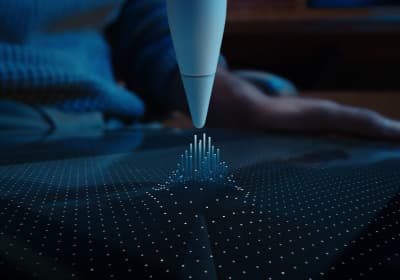
Compatibility first
Apple Pencil compatibility before you buy
Use this when the real risk is ordering the wrong Pencil for your iPad, not choosing between tablets.
Article collections grouped by intent and workflow.
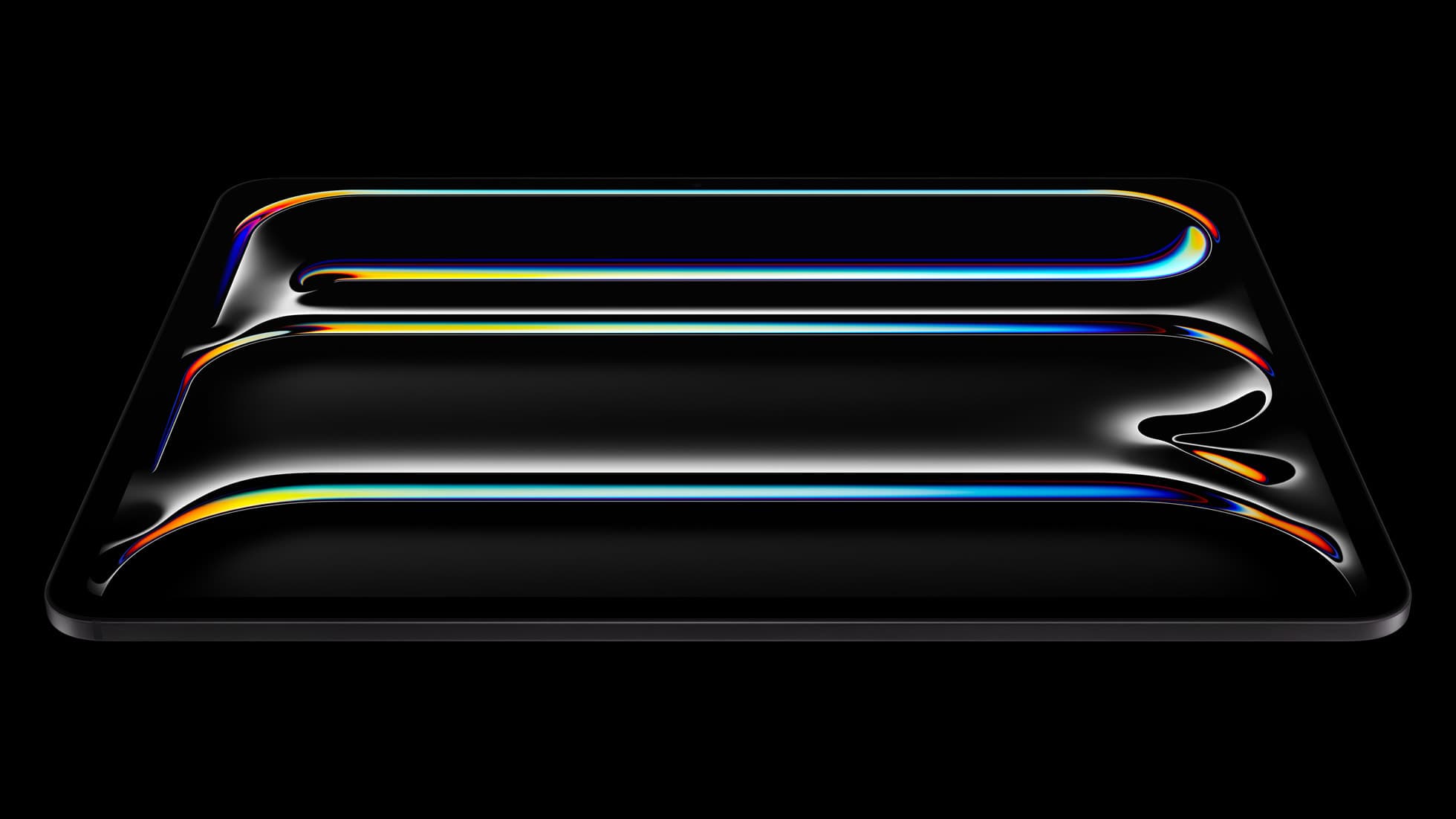
Quick buy if you already know the collection and want the shortlist.
iPad Pro (M5)
Collections are useful when you are researching. These routes are better when you are already close to spending money.
Compatibility first
Use this when the real risk is ordering the wrong Pencil for your iPad, not choosing between tablets.
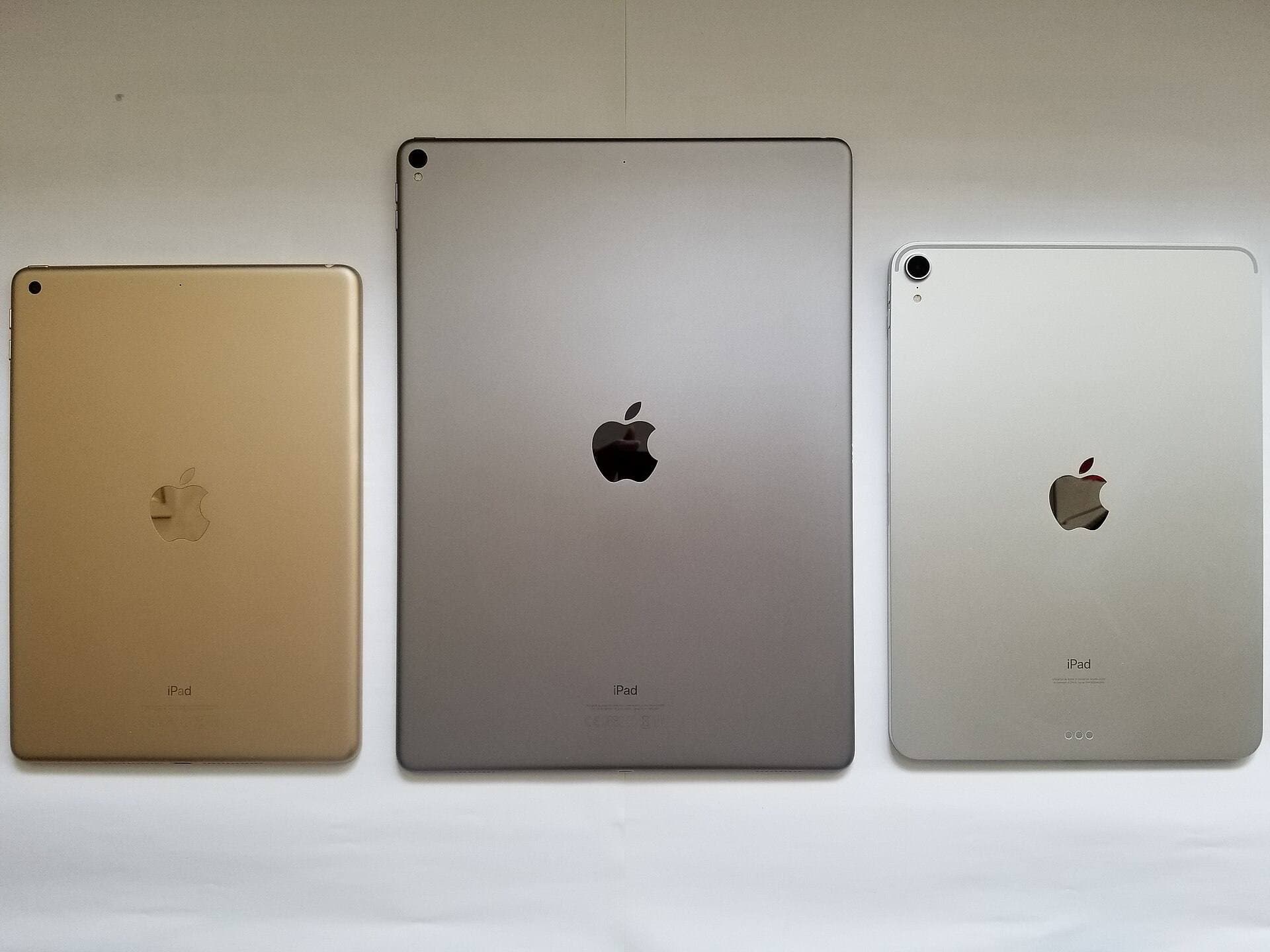
Compare models
The common upgrade question. Start here if you need the shortest path to the sensible buy.
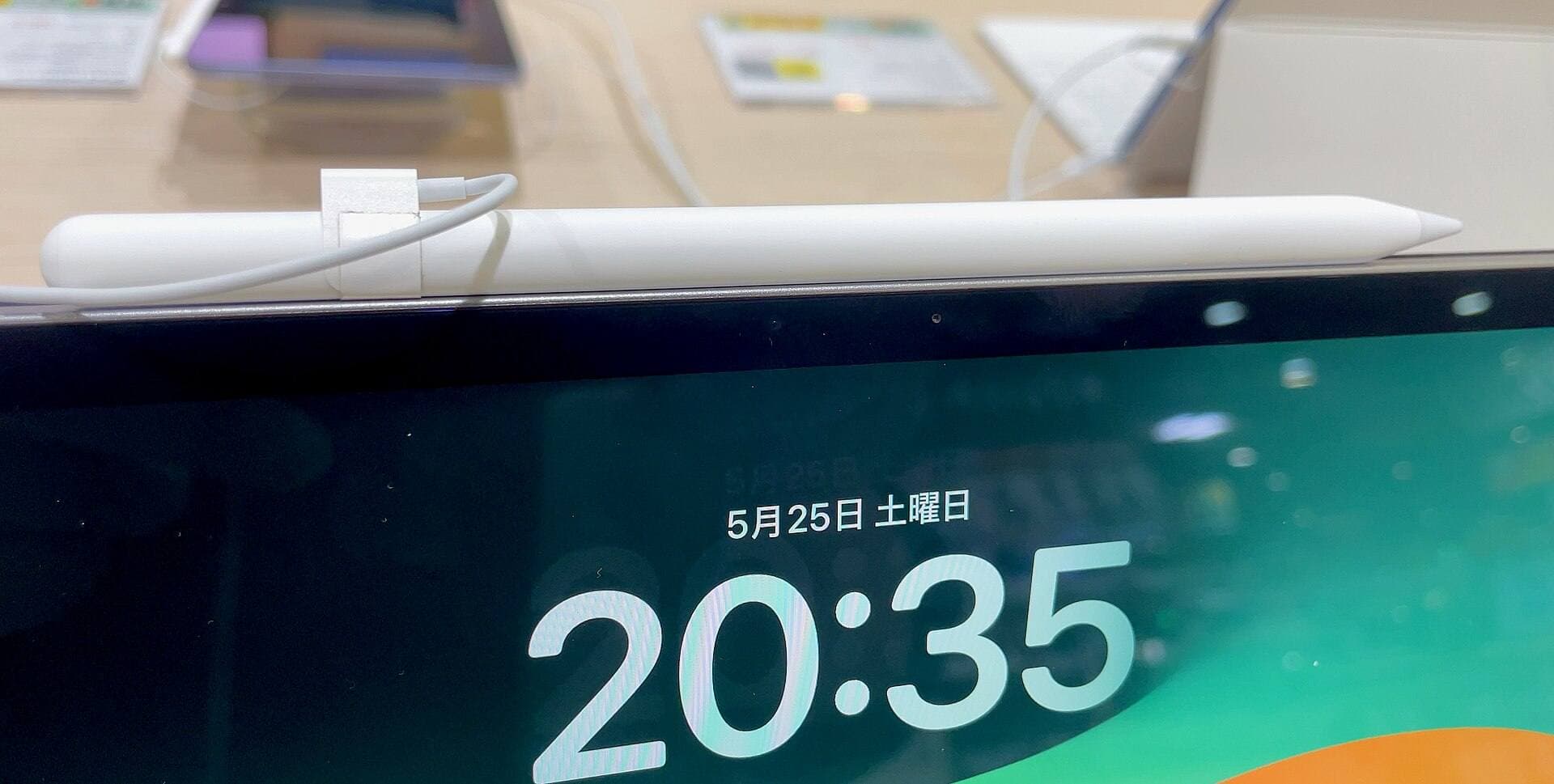
Main art app
Use this when the purchase is mainly about Procreate and you need the safest balance of cost, display feel, and headroom.
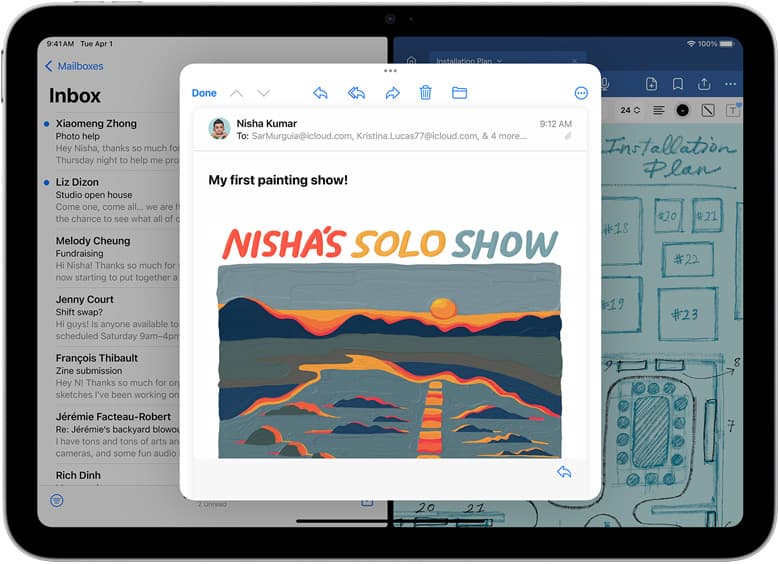
School plus art
Use this when the real purchase is one iPad for notes, PDFs, and regular drawing instead of separate school and art devices.
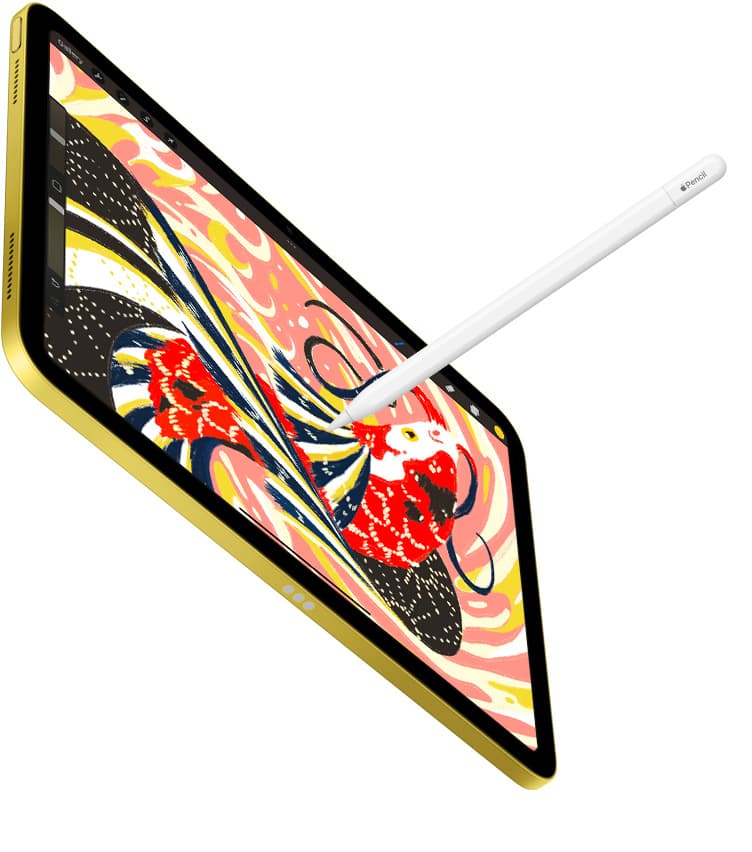
Notes plus drawing
Use this when the real purchase is one iPad for meetings, planning, PDFs, and regular drawing without drifting into the wrong premium tier.
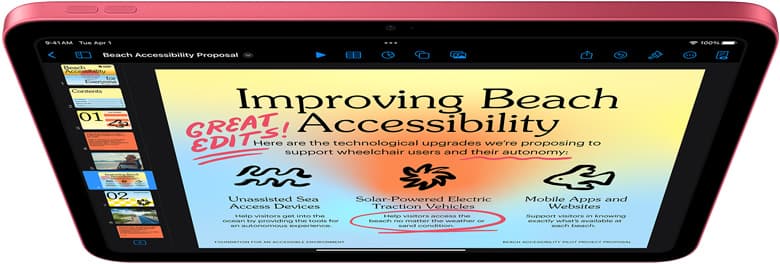
Cases and carry
Use this when the real choice is keyboard case versus draw-first case, not which iPad to buy.
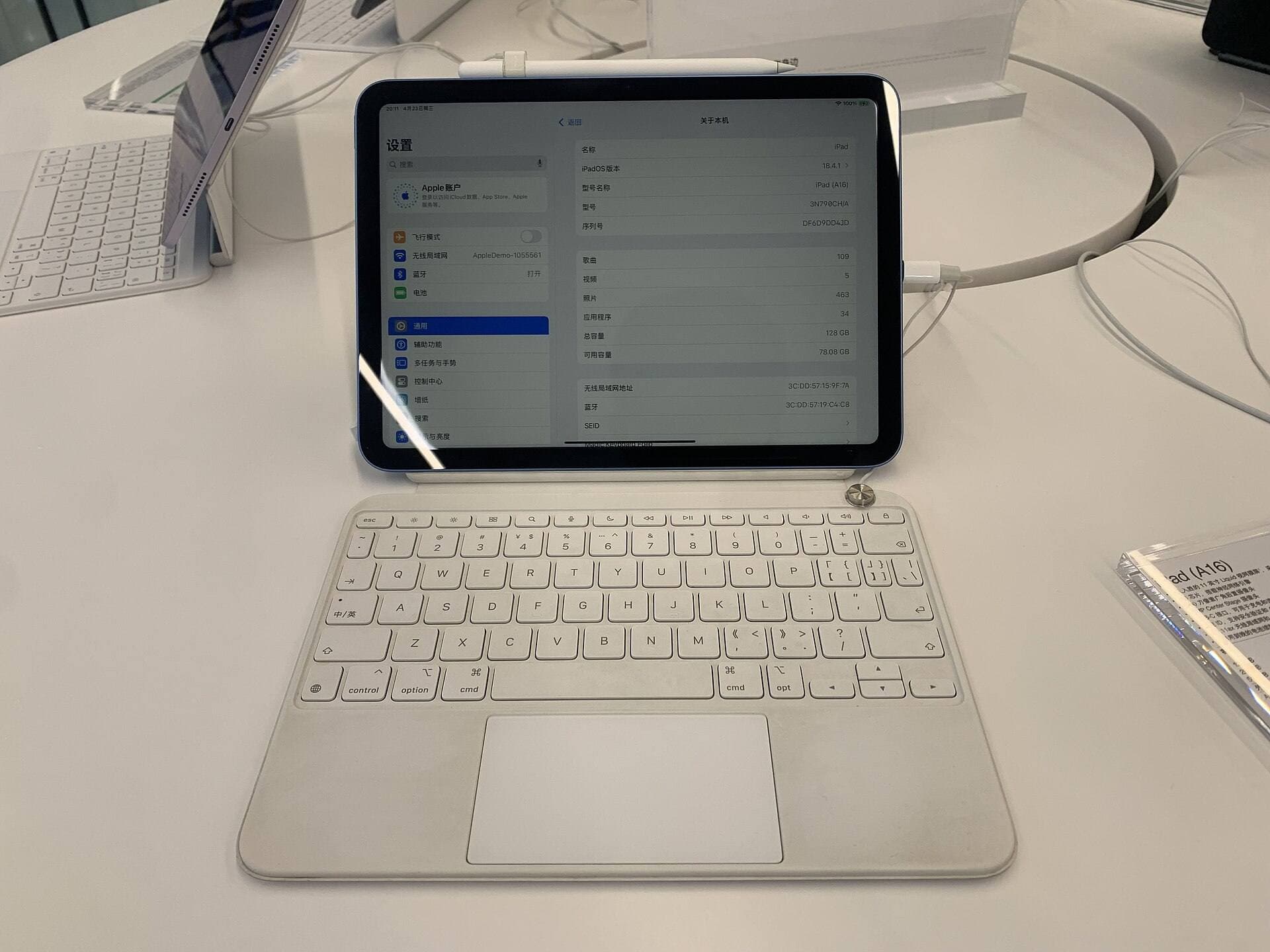
Start with a budget
Use this when you want the best beginner path without drifting into Pro-level overspending.
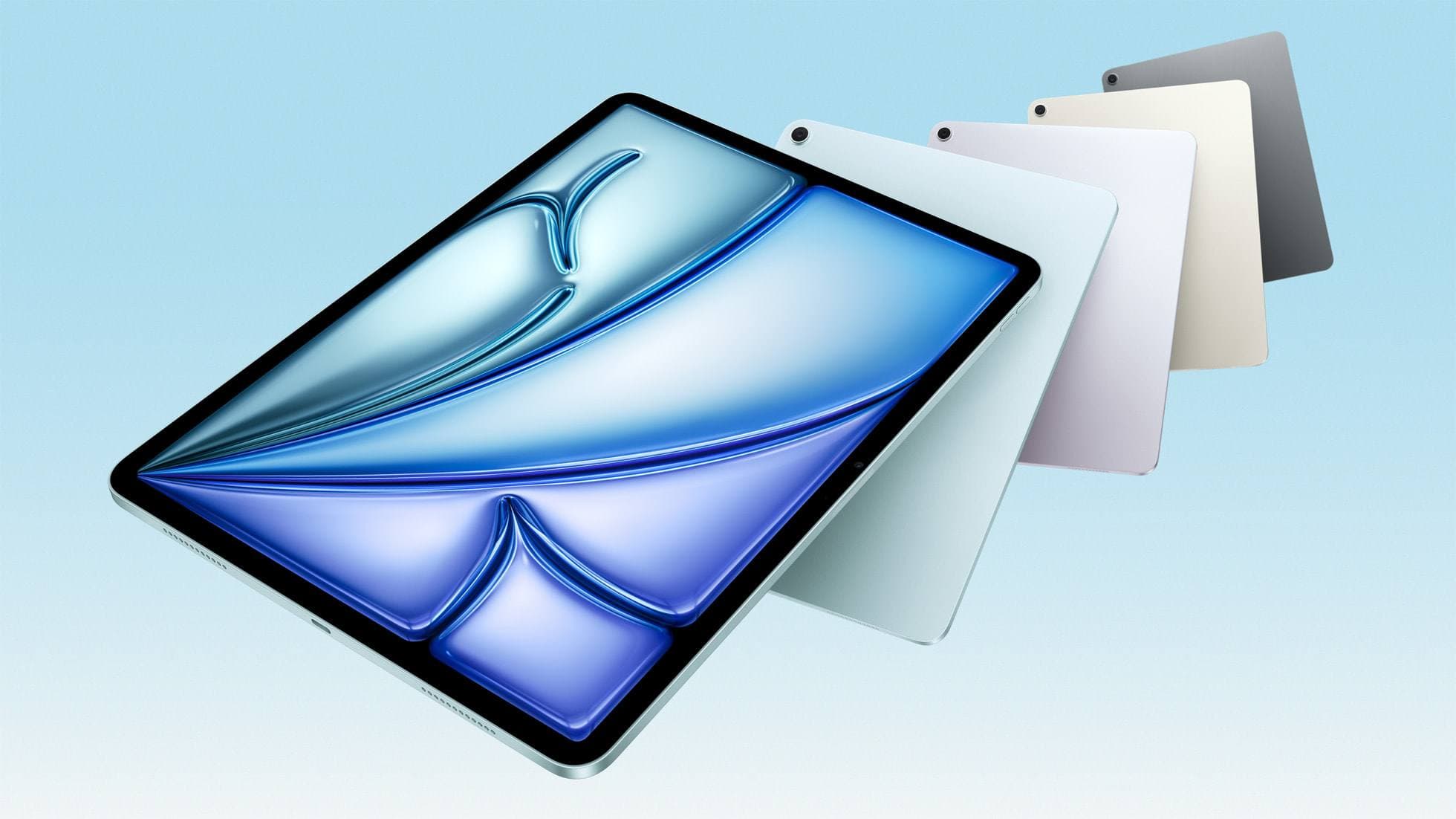
Buy now
Use this when the shortlist is already small and you mostly need the fastest route to checkout.
How to choose the right iPad for drawing without overbuying specs you will not use.
Decision-first buying guides and comparisons for artists choosing an iPad setup.
39 articles
Latest: Best tablet for tattoo design: Choosing the right iPad for stencils and flash
Compatibility, alternatives, and real-world tradeoffs for stylus workflows on iPad.
Which Pencil to buy, when alternatives are good enough, and where friction appears.
17 articles
Latest: Apple Pencil pressure not working in Procreate: hardware and setting fixes
Matte vs glass, drawing friction, glare tradeoffs, and how protector choice affects line control.
Screen feel is workflow. Pick protectors by behavior, not marketing adjectives.
3 articles
Latest: Paperlike vs Tempered Glass for iPad Drawing (2026): Which Should You Buy?
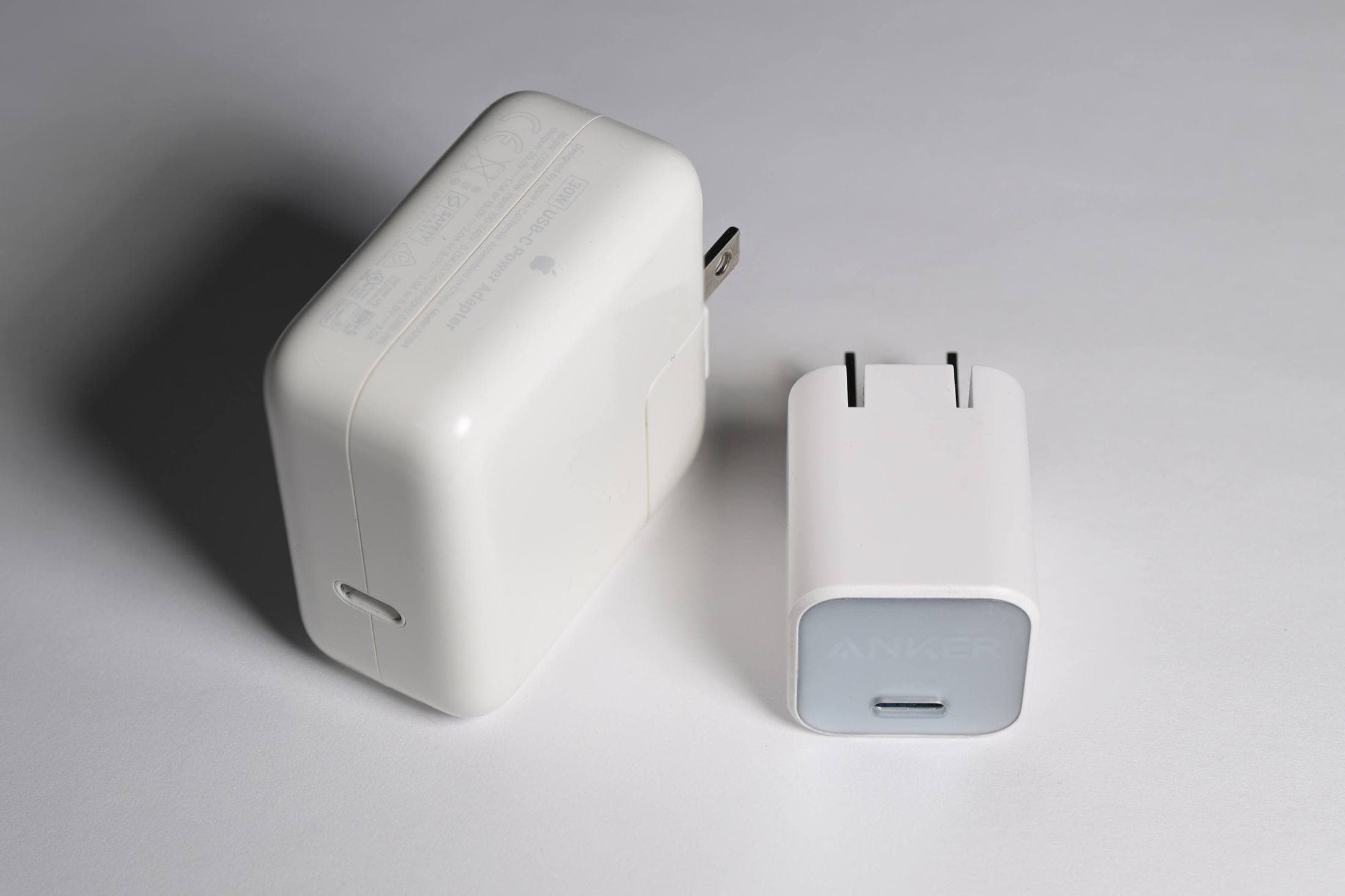
Neck, shoulder, wrist, and eye comfort upgrades that sustain longer drawing sessions.
High-impact setup changes that reduce strain and preserve consistency.
6 articles
Latest: Desk Lighting and iPad Angle Setup (2026): Reduce Neck and Eye Fatigue
Best current pick from this collection.
Anker 736 Charger (Nano II 100W)
App choices, planning methods, and repeatable workflows that help artists ship more consistently.
Better workflows beat tool-chasing. Templates, habits, and practical app stacks.
20 articles