Most people choose an iPad case by brand reputation or visual style. Artists should choose by work style.
If you type, plan, and draw on the same iPad, Logitech Combo Touch is usually the cleaner buy. If you mainly draw and want a steadier stand with better edge confidence, ZUGU is the better fit. If your case already solves the angle problem and you mainly want clearer screen protection, ESR Armorite is the add-on, not the main case decision.
A case directly affects drawing angle, hand tension, carry weight, and how often you bring your iPad outside your desk. If your case is unstable or bulky, you draw less often. That is the real cost.
What artists should optimize first
Use this priority order:
- stable angle under real Pencil pressure,
- enough corner and edge protection for your travel pattern,
- total weight low enough for daily carry,
- reliable Pencil charging and access.
Case marketing often emphasizes ruggedness or aesthetics, but for art workflows the angle and weight tradeoff usually matters more.
Case categories that matter
Slim folio cases
Best for light carry and minimal bulk.
Pros:
- lighter bag weight,
- fast open/close behavior,
- cleaner desk footprint.
Cons:
- weaker corner protection,
- fewer stable low drawing angles,
- can shift under heavier hand pressure.
Best for users who sketch briefly and prioritize portability.
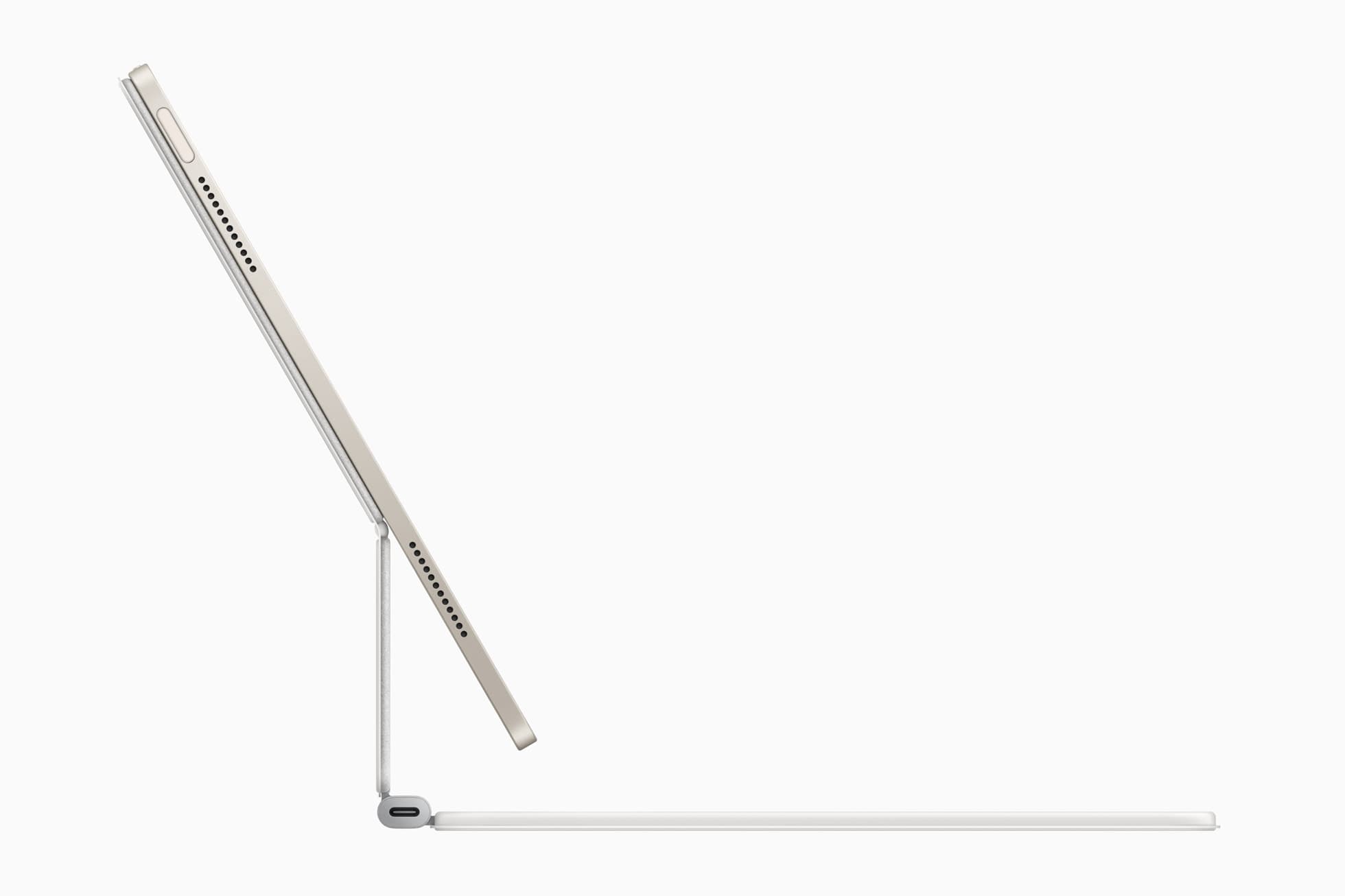
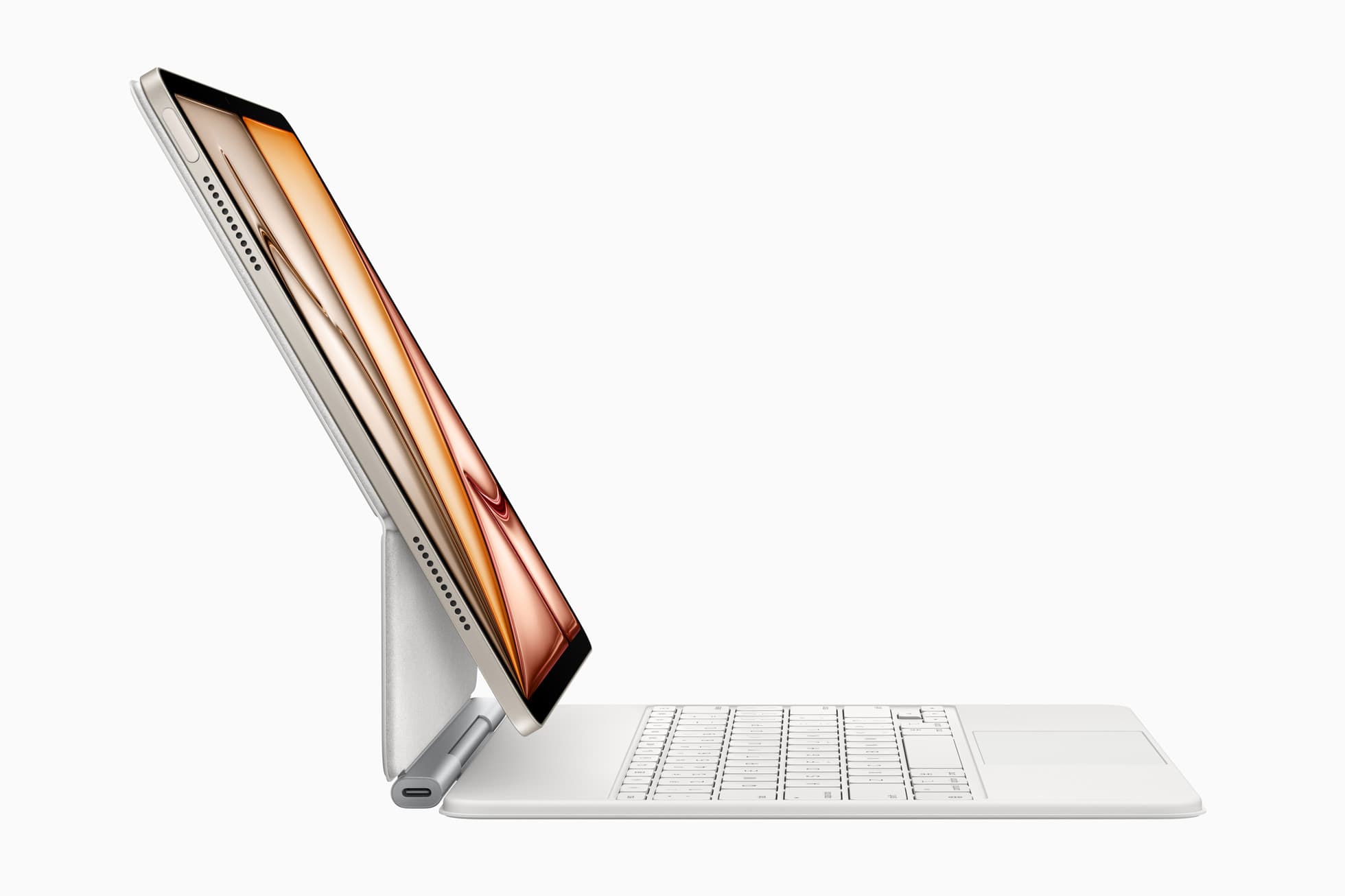
Kickstand keyboard cases
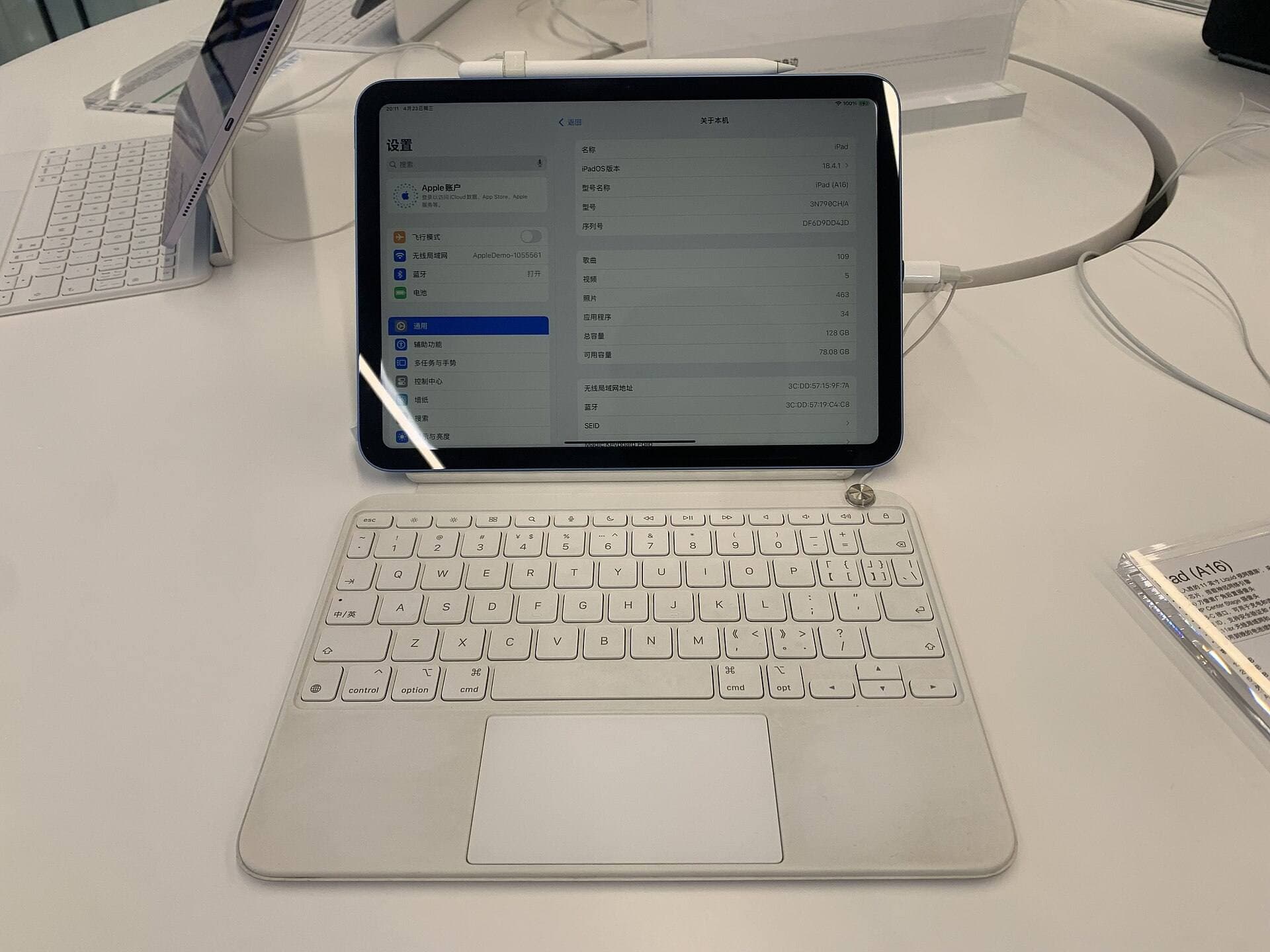
Best for mixed writing + drawing workflows.
Pros:
- wide angle range,
- strong productivity setup for notes and planning,
- can reduce extra accessory count.
Cons:
- heavier carry,
- thicker profile,
- can be overkill for drawing-only users.
Best for hybrid creators who type frequently in addition to drawing.
Protective stand cases
Best for drawing-first users needing stable angles.
Pros:
- stronger edge and corner confidence,
- better low-angle stability,
- usually better for longer sketch sessions.
Cons:
- added thickness and grams,
- less elegant keyboard workflow.
Best for artists who care most about line stability and session comfort.
Why stand stability changes output quality
When the iPad shifts while you draw, your hand compensates with grip force and shoulder tension.
Consequences:
- shakier line endings,
- faster hand fatigue,
- reduced session duration,
- lower confidence on detail work.
A stable stand angle often improves output more than many software tweaks.
Weight and carry discipline
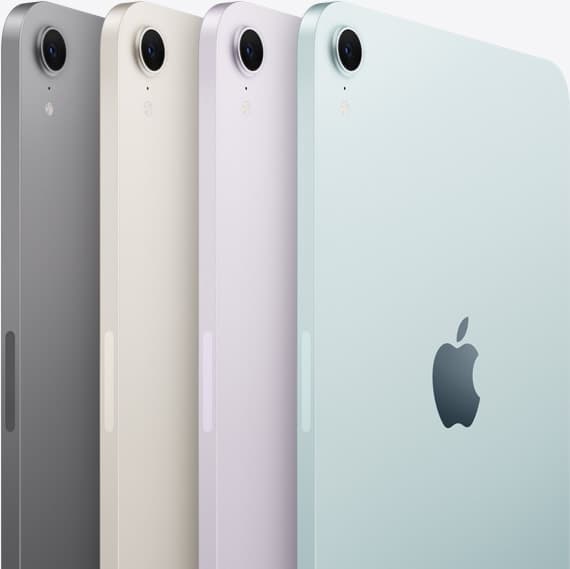
Case weight is not a minor spec. It determines whether the iPad leaves your desk daily.
Simple rule:
- if your full kit feels annoying by day three, you bought too heavy.
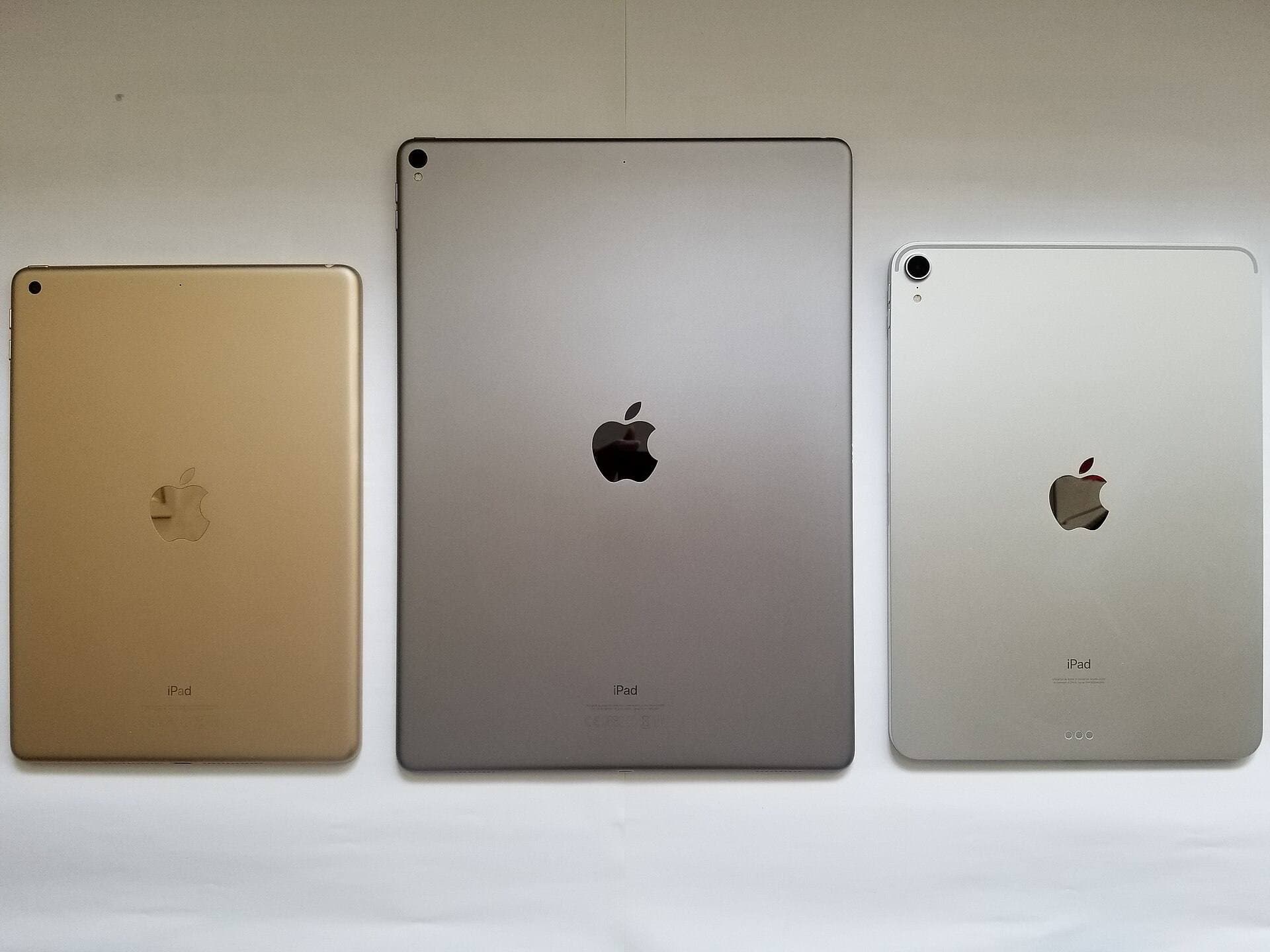
Use Apple device specs as baseline, then add case weight before purchasing.[1][2]
Three practical picks
ZUGU iPad Air 11 Case
Strong drawing-focused option with stable angles and better drop confidence.
Best when:
- drawing sessions are long,
- travel risk is moderate to high,
- you value stable posture over minimum weight.
Logitech Combo Touch for iPad Air 11
Strong hybrid option for writing-heavy workflows.
Best when:
- you alternate between notes, planning, and drawing,
- you want one device to cover laptop-like and art tasks,
- you accept extra bulk for all-in-one convenience.
ESR Armorite (screen protection complement)
Not a case body, but a useful protection add-on if clarity and scratch resistance matter.
Best when:
- you need display protection,
- you prefer clearer glass look,
- your case already solves angle stability.
Fit and compatibility checks before checkout
Do these checks every time:
- exact iPad generation and screen size,
- camera cutout alignment,
- Pencil magnetic charging clearance,
- button/port accessibility with your cable setup,
- stand-angle behavior on smooth tables.
Skipping compatibility checks is one of the highest-cost mistakes in accessory buying.
Workstyle-based recommendations
Desk-first artist
Choose protective stand case. Stability and low-angle comfort matter most.
Commute-heavy artist
Choose lighter folio or balanced case with moderate protection. Carry frequency is critical.
Student or consultant creator
Choose keyboard case if typing and planning are major daily tasks.
Travel sketcher
Choose medium-protection stand case and avoid overbuilding kit weight.
Common mistakes
Mistake 1: buying max protection by default
Over-rugged cases often reduce portability and daily usage.
Mistake 2: ignoring draw-angle performance
A case can look premium and still wobble under stylus pressure.
Mistake 3: buying keyboard case without keyboard workload
If you rarely type, you may carry extra bulk for no real gain.
Mistake 4: no separation between desk and travel kit
Use one heavier desk mode and one lighter travel mode if needed.
Mistake 5: forgetting screen strategy
Case and screen protector decisions should be combined, not separate afterthoughts.
Two-week case validation plan
Days 1 to 4: baseline pressure test
Draw at your normal pace and note wobble and fatigue points.
Days 5 to 8: carry test
Use your full bag route and log whether case weight changes carry behavior.
Days 9 to 12: mixed workflow test
Include writing, media review, and drawing to check angle flexibility.
Days 13 to 14: decision lock
Keep the case if it improves stability without reducing carry frequency.
Case plus screen strategy
Your case decision and screen-protector decision should be made together.
If you choose a heavier protective case, you can often keep display protection simpler and focus on clarity. If you choose a lighter folio, you may want stronger screen protection discipline to offset lower body protection.
Practical pairing logic:
- drawing-first stability case + glass protector for clarity,
- light folio + tempered glass if bag collisions are frequent,
- keyboard case + minimal add-ons if total kit weight is already high.
This prevents the common pattern of overspending on one layer while ignoring the other.
Quick replacement policy
Cases degrade gradually. Do a monthly check:
- hinge or stand looseness,
- corner wear and edge cracks,
- magnetic closure reliability,
- pencil slot or attachment consistency.
Replace a case when its stability changes, even if it still looks fine. Artists should treat case stability as a performance component.
Product visuals

Bottom line
The best iPad case for artists is the one that stays stable under Pencil pressure and still fits your daily carry reality.
For drawing-first workflows, choose a stability-first stand case. For mixed writing and drawing workflows, keyboard-case options can be worth the bulk. Whatever you pick, prioritize angle confidence and carry consistency over marketing claims.
Sources
Recommended gear
ZUGU iPad Air 11 Case
zugucase.comThe cleaner drawing-first case for iPad Air users. Better when stability matters most, less compelling when your iPad doubles as a typing machine.
Pro: Strong edge protection with stable stand angles
Con: Heavier than slim folio cases
Pick the exact iPad Air 11 generation before checkout.
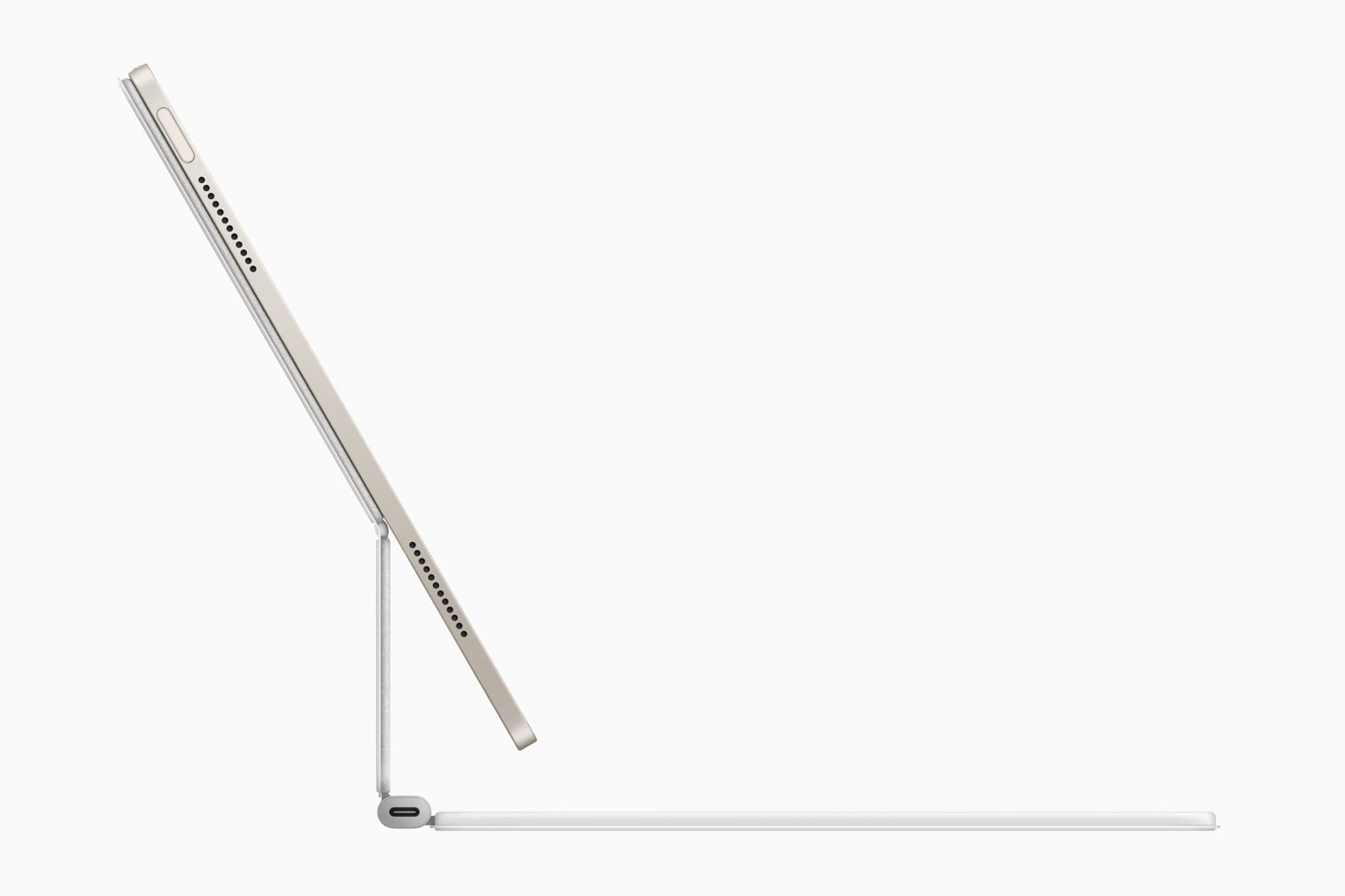
Logitech Combo Touch for iPad Air 11
apple.comThe best hybrid case when notes, planning, and drawing all happen on one iPad. Great utility, but more weight than draw-first buyers need.
Pro: Flexible kickstand plus detachable keyboard
Con: Bulkier than a simple folio
Confirm exact 11-inch iPad Air generation compatibility before purchase.
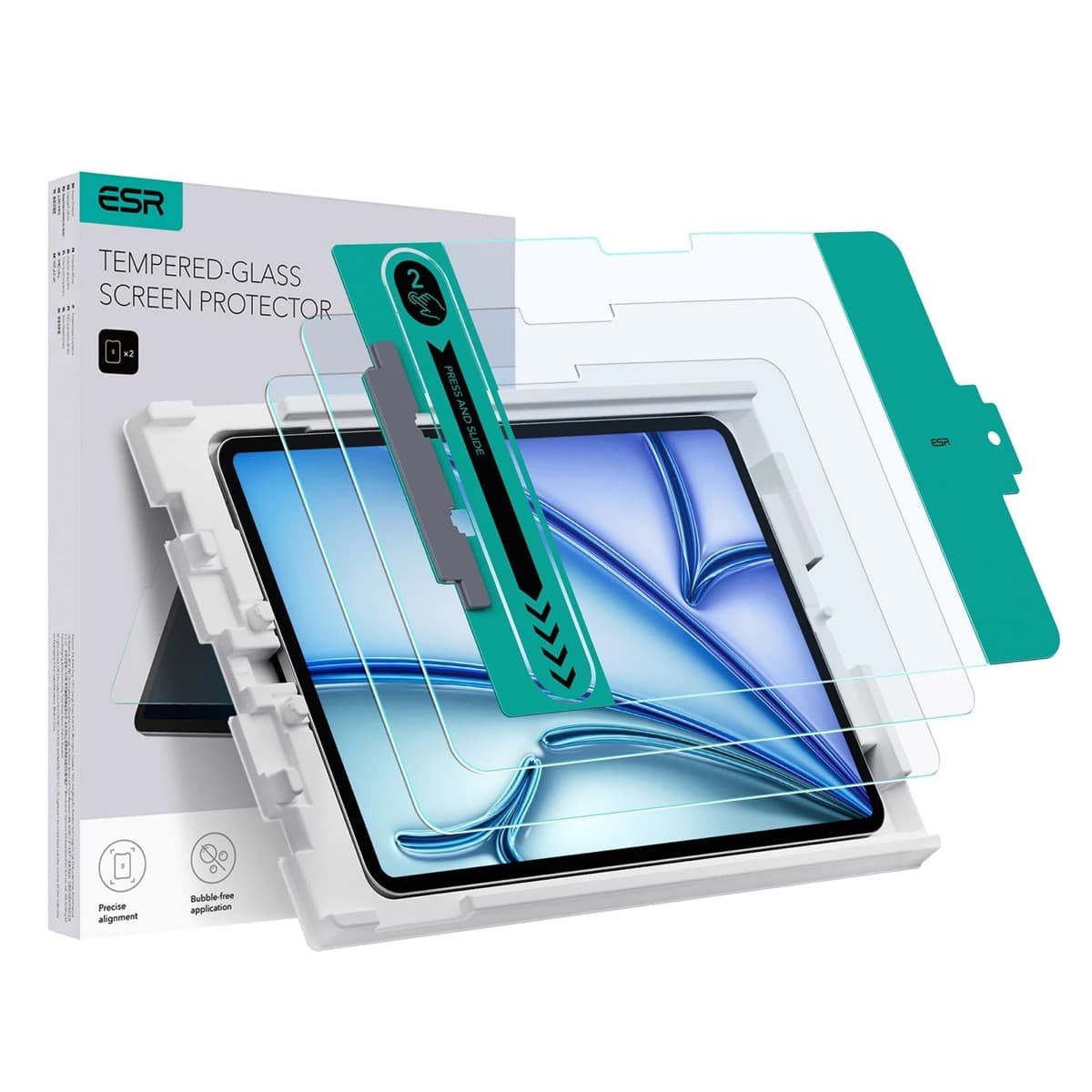
ESR Armorite Tempered Glass (11-inch)
amazon.comHigh-clarity protector with strong value. Great for visibility, less ideal for friction-seeking artists.
Pro: Very clear image with strong scratch resistance
Con: Minimal drawing friction compared with matte films
11-inch fit only. Verify exact iPad generation.

iPad (A16, 11th gen)
amazon.comThe best entry iPad for most artists on a budget. It is not premium, but it is very hard to beat on value.
Pro: Best value iPad right now
Con: No ProMotion display
Search opens with the exact model keywords. Verify size and storage before checkout.
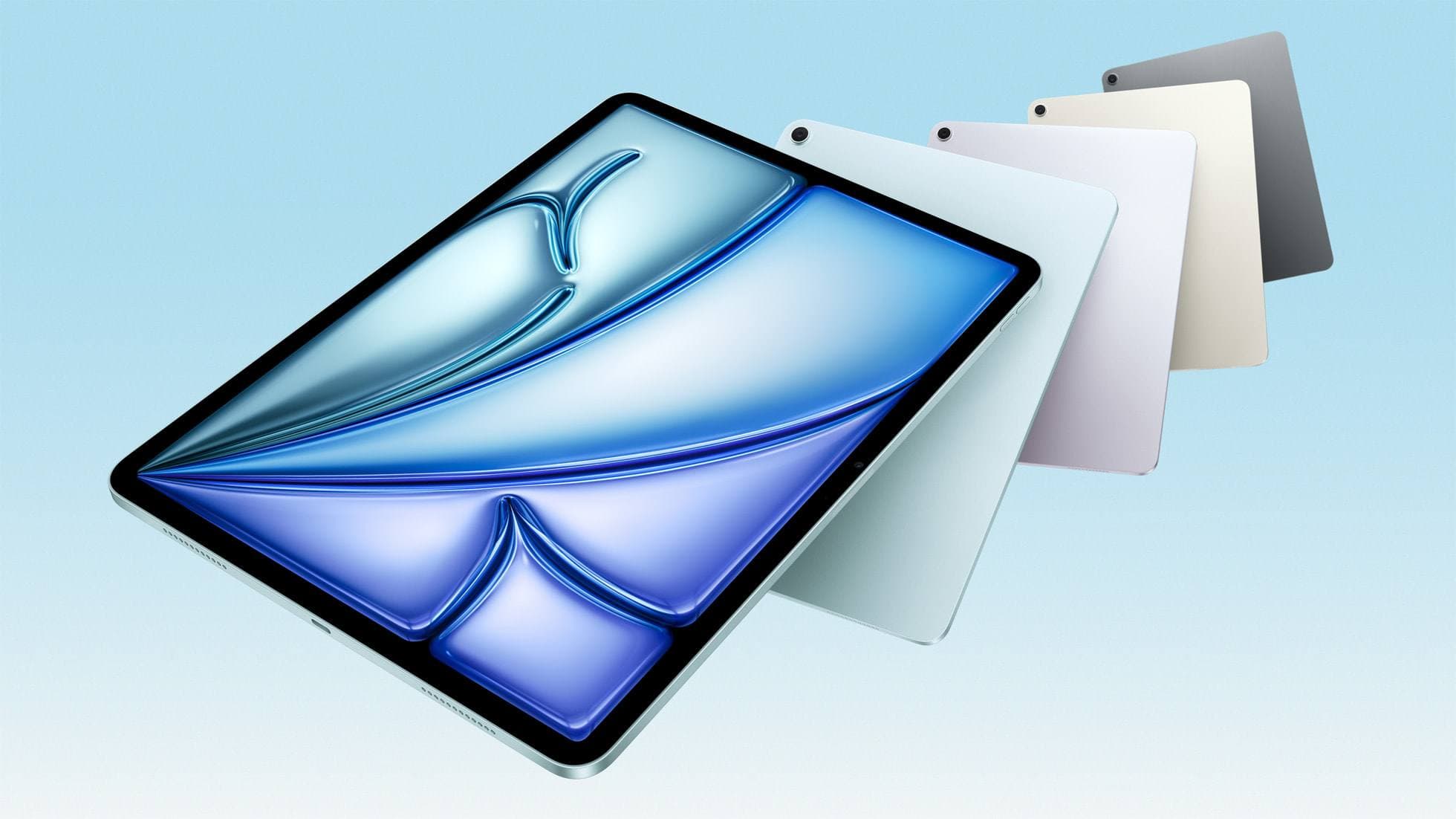
iPad Air (M4)
apple.comThe clean current Air recommendation for most serious hobby artists. Stronger buy logic than old-stock M3 when pricing is close.
Pro: Best current balance of price, headroom, and Pencil support
Con: Still 60Hz
Current Air lineup. Choose size, storage, and keyboard path before checkout.
Related buying picks
More in this collectionBuyer guide
Best iPad mini Accessory Bundle for Drawing (2026)
iPad mini is strongest when you keep the setup light. This buyer guide picks three pieces that add utility without killing portability.
Buyer guide
Best USB-C Chargers for iPad Artists (2026): Wattage, Heat, and Real Speed
For iPad artists, charger quality matters more than max wattage marketing. Buy by single-port output, heat behavior, and split-power rules.
Buyer guide
Best Travel Power Kit for iPad Artists (2026 Buyer Guide)
Pack one three-piece travel charging kit for iPad drawing: a 100W wall charger, a high-output power bank, and a 2m USB-C cable.
Buyer guide
Best iPad Air Accessory Bundle for Artists (2026)
If you already chose iPad Air, this is the highest-ROI accessory stack for drawing, writing, and portable work.