
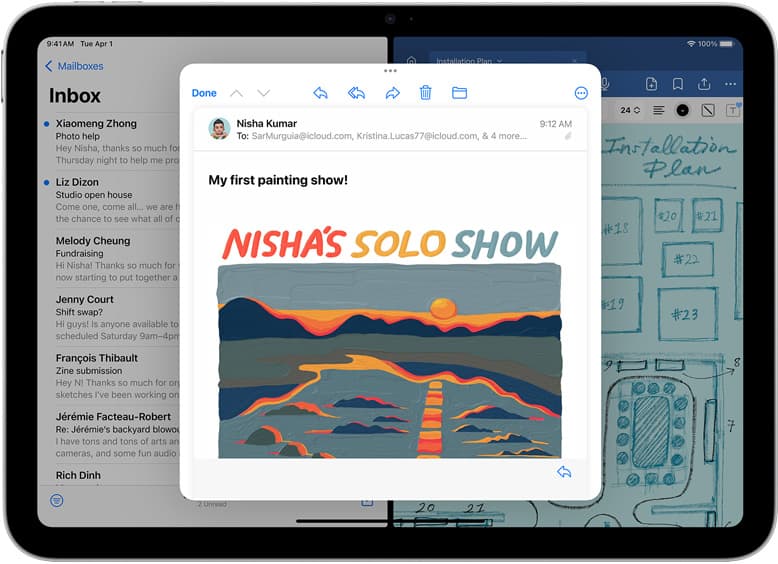
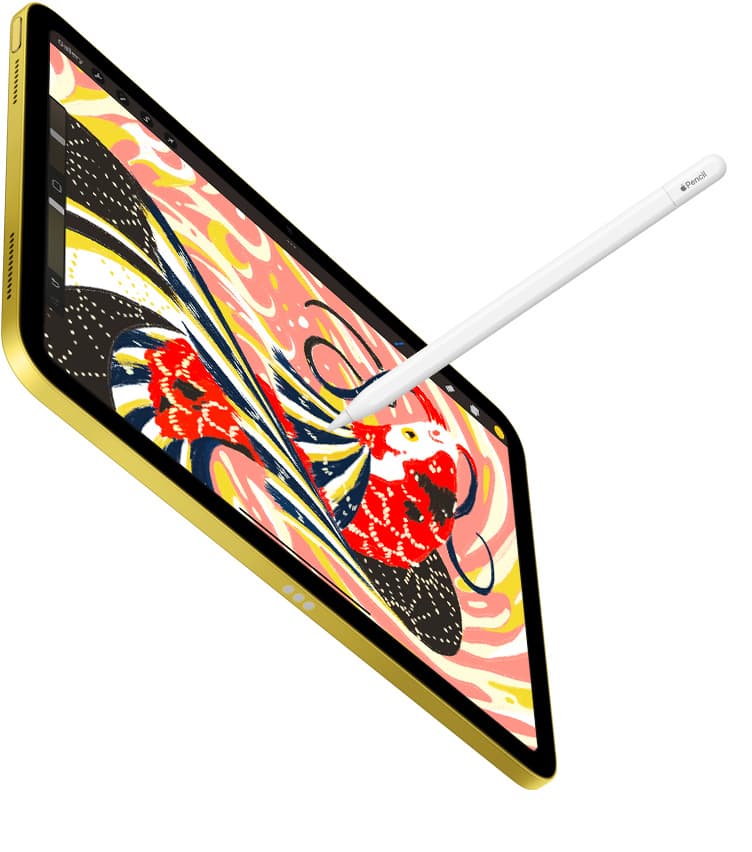
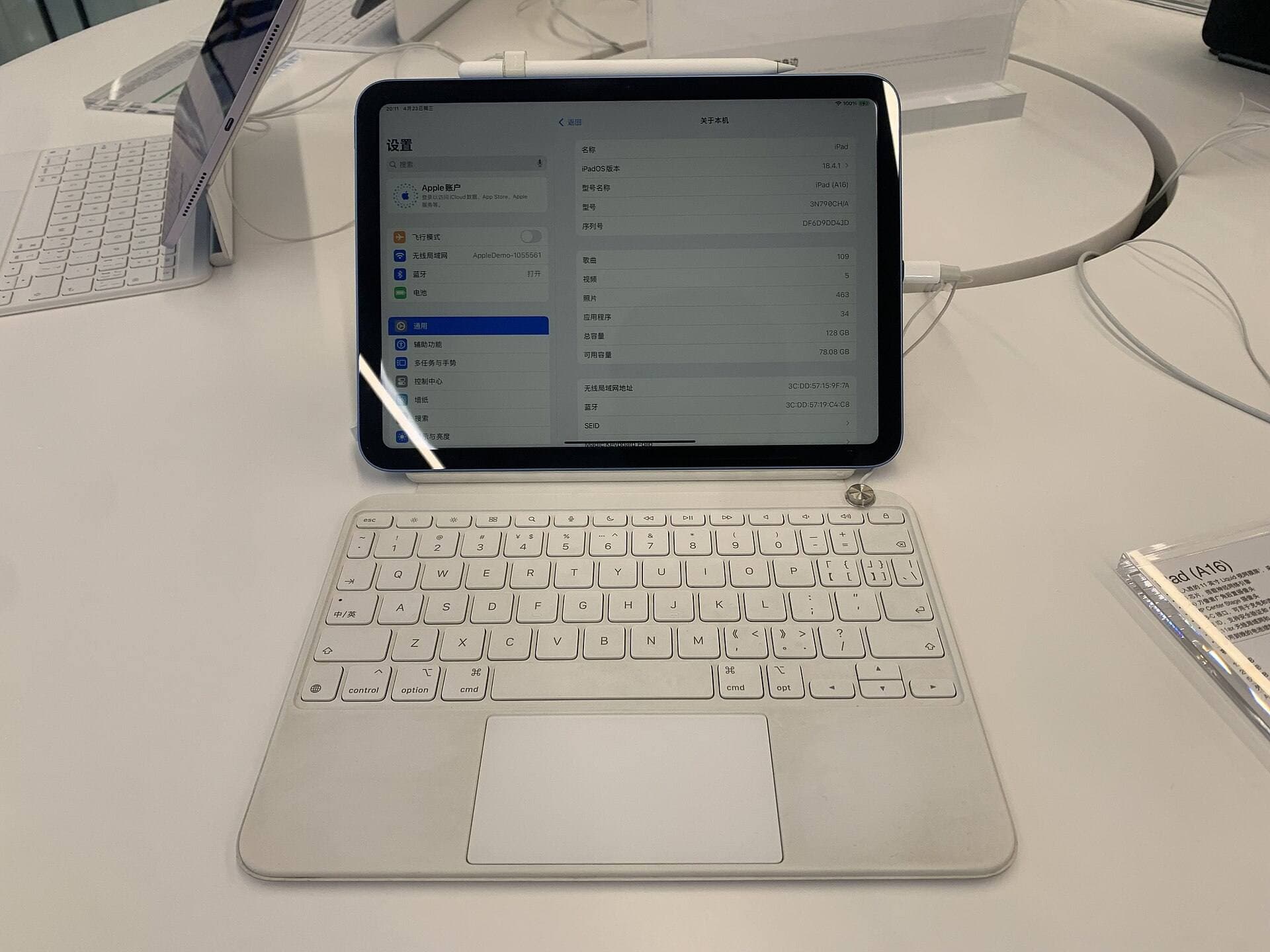
The iPad mini is the only “real” iPad that still feels like a notebook. Not a laptop-wannabe with a keyboard case. Not a coffee-table slab. A thing you can hold, thumb over the bezel, Pencil in the other hand, and just… start.
And that’s the problem. The mini makes drawing feel so easy to begin that you don’t notice the tax until you’re deep into it: you’re zooming more, panning more, hiding UI panels, moving your hand out of the way, basically doing tiny choreography to compensate for a tiny stage.
So: is it too small?
If your goal is sketching, ideation, study, casual illustration, brush testing, and “I want to draw wherever I am”, no, it’s genuinely great.
If your goal is hours-long, detail-heavy, full-scene illustration or page-layout work as your main device, it’s not “impossible”, it’s just a slow, inefficient drip of friction.
Let’s make it concrete.
First: the iPad mini is almost A5, and that’s the whole vibe
The current iPad mini (A17 Pro) is 195.4 mm × 134.8 mm and 293 g (Wi-Fi). [1] An A5 sheet is 210 mm × 148 mm. The mini is basically “A5, minus the margins.”
That’s why it feels like a sketchbook. And that’s also why so many people fall for it as a drawing device: you already have muscle memory for A5-ish notebooks.
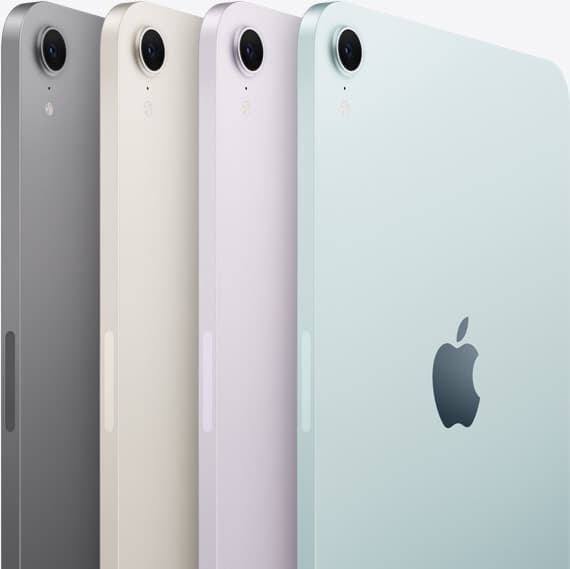
But here’s the key: you don’t draw on the body size. You draw on the screen, and the screen is where the mini starts to negotiate with you.
The number that matters: screen real estate (and the mini gives up a lot)
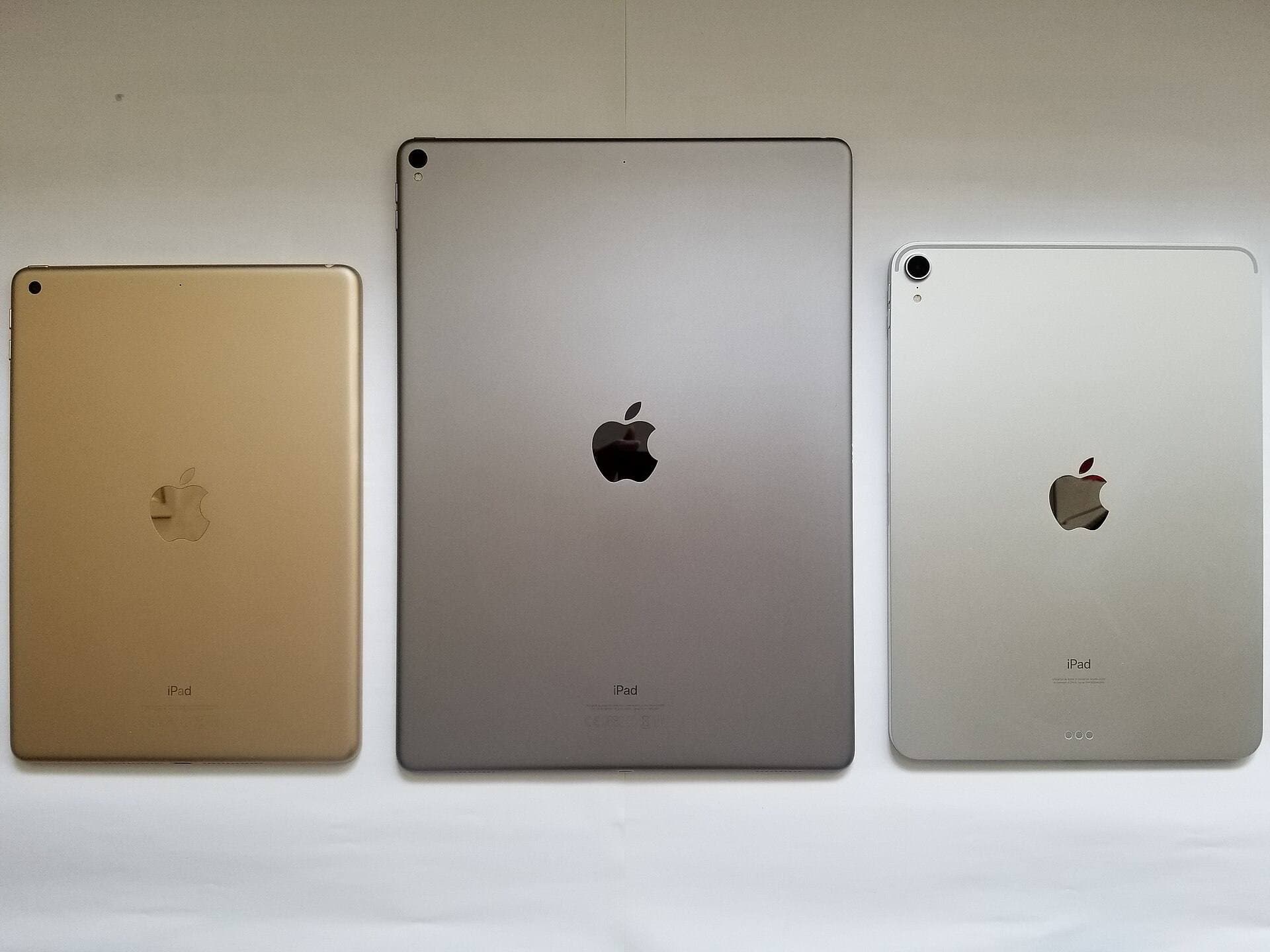
Apple lists the mini at 8.3 inches with 2266×1488 resolution at 326 ppi. [1] For comparison, the iPad Air’s “11-inch” model is 10.86 inches, 2360×1640 at 264 ppi. [2] The iPad Pro 11-inch is 2420×1668 at 264 ppi and adds ProMotion (10-120 Hz). [3]
Those are spec-sheet diagonals. But diagonals hide the thing your hand actually experiences: area.
Here’s the display area (computed from Apple’s resolution + pixel density):
| Model | Pixels | PPI | Approx. display size (in) | Approx. area (in²) | vs mini |
|---|---|---|---|---|---|
| iPad mini (8.3") | 2266×1488 | 326 | 6.95×4.56 | 31.7 | 1.00× |
| iPad Air (11") | 2360×1640 | 264 | 8.94×6.21 | 55.5 | 1.75× |
| iPad Pro (11") | 2420×1668 | 264 | 9.17×6.32 | 57.9 | 1.82× |
| iPad Air (13") | 2732×2048 | 264 | 10.35×7.76 | 80.3 | 2.53× |
What that means in plain English:
- Moving from mini → 11-inch iPad gives you roughly ~1.75× the drawing area.
- Moving from mini → 13-inch iPad gives you roughly ~2.5× the drawing area.
This is why people who draw “seriously” keep landing on 11-inch as the sweet spot: it’s not a little bigger, it’s a different class of canvas.
“Too small” is about your wrist more than your eyes
On a larger tablet, you naturally use more of your arm. Your strokes can be longer before you hit the edge. Your hand has somewhere to rest without covering half your canvas. You can keep reference open beside your work without turning your interface into a cramped studio apartment.
On the mini, your body quietly adapts:
- You draw more with your wrist (shorter strokes).
- You zoom in more to do detail.
- You zoom out more to check composition.
- You pan constantly because your zoomed-in view is smaller.
That loop is the mini’s hidden cost. It’s not that the lines are worse, it’s that the workflow becomes more “camera operator,” less “artist.”
An artist-focused review from Parka Blogs puts it bluntly: the mini’s pen performance is excellent, but whether it feels satisfying depends on whether you see the smaller display as a pro or con, and the small screen can be the limiting factor. [4] They also call out a very real physical issue: on an 11-inch iPad, you can rest your palm without swallowing the workspace; on the mini, your hand covers a much larger proportion of the display. [4]
That’s more than a minor ergonomic nit, because it changes your rhythm.
A practical way to visualize the “zoom tax”: A4 “fit to screen”

A lot of illustration, and almost all print-minded work, gets thought of in A4/Letter-ish terms, even if you’re not literally printing.
If you take an A4 page and hit “fit to screen” in portrait orientation, a rough “how big does this feel” scale is:
- iPad mini: ~55%
- 11-inch iPads: ~75%
- 13-inch iPads: ~89%
That 55% number is why detailed drawing on the mini often turns into “zoom in, do a thing, zoom out, check, repeat.”
Again: possible, but with a tax.
Size is also where you draw

This is where the mini flips the argument on its head.
The iPad mini is 293 g. The iPad Air 11-inch is 460 g. [1] That difference doesn’t sound huge until you’re:
- standing on a train,
- sketching in a café with no table space,
- holding the device in one hand while the other draws.
Here’s the tradeoff: bigger canvas tends to mean more weight.
So the mini’s true superpower isn’t “small screen.” It’s small footprint + low weight.

That’s why people who actually draw outside often describe it as the best digital sketchbook, even while admitting they’d still rather finish work on something bigger. [4]
The Pencil situation (and why the current mini is better than the old “mini-for-art” story)
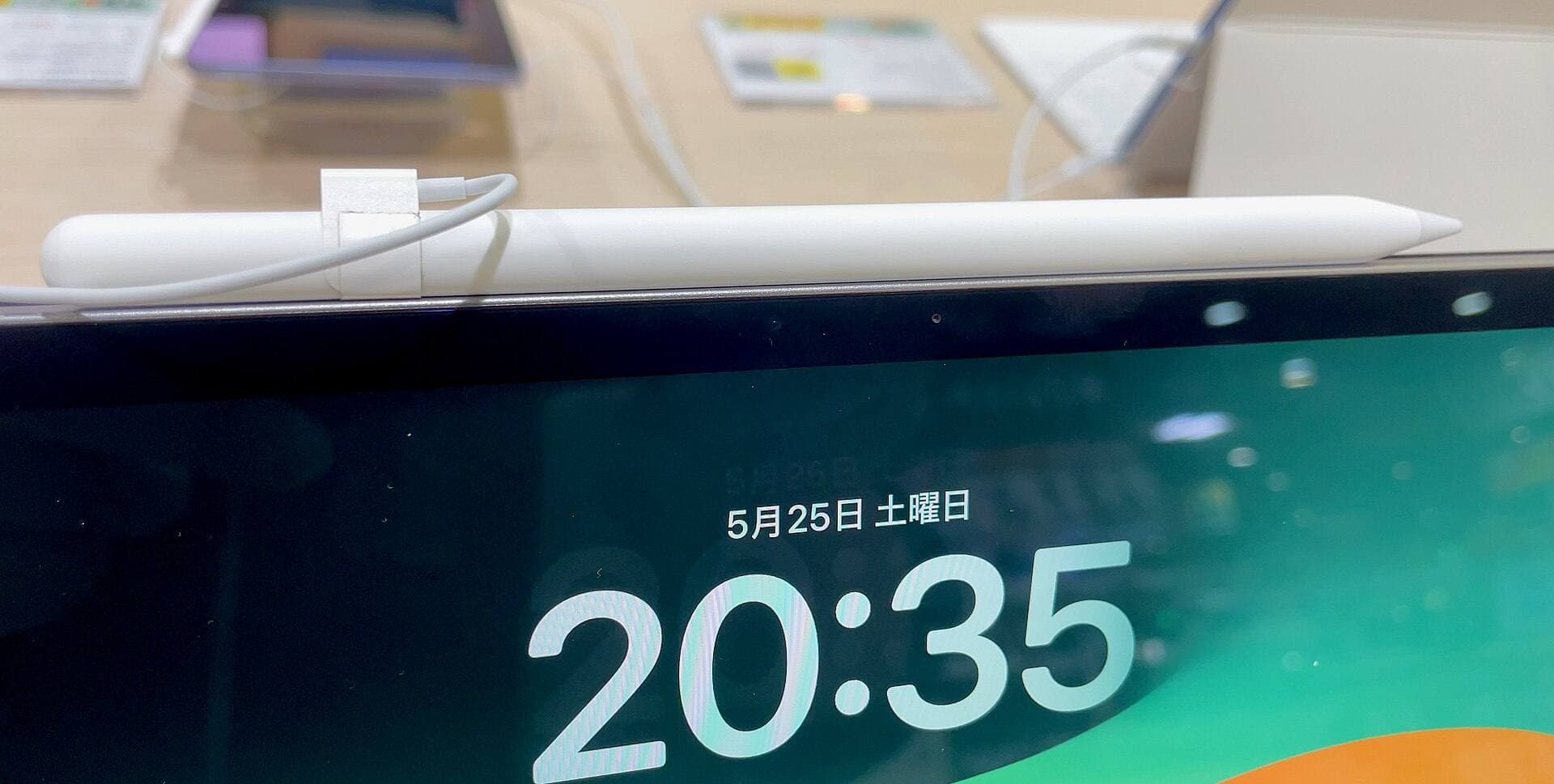
The current iPad mini (A17 Pro) supports:
- Apple Pencil Pro
- Apple Pencil (USB-C)
- Apple Pencil hover [1]
Apple’s own compatibility list explicitly includes iPad mini (A17 Pro) under Apple Pencil Pro support. [5]
And Apple Pencil Pro itself adds genuinely useful “creative workflow” features:
- Squeeze for tool palettes
- Barrel roll (gyroscope-based rotation control)
- Haptic feedback
- Hover support (device-dependent)
- Find My location support [6]
But, important gotcha, this iPad mini does not support the long-running Apple Pencil (2nd generation). WIRED calls that out as a downside; it’s an ecosystem cost if you’re upgrading from an older setup. [7]
Also, the mini display is still 60 Hz (no ProMotion), which some artists will notice more than others, especially if they’ve spent time on an iPad Pro. [7] (And yes: the Pro’s ProMotion spec is right there on Apple’s tech specs.) [3]
The “mini as a drawing tablet” verdict depends on what kind of artist you are
The mini is a great drawing device if you…
- Sketch more than you render. Gesture, thumbnails, studies, ideation, perfect.
- Draw in short sessions. 10-40 minutes at a time, often mobile.
- Work zoomed-in by nature. Line art, inking, brush testing, small-format illustration.
- Want a true one-handable digital notebook. People don’t talk about this enough: the mini is the iPad that behaves like paper. [4]
The mini is a compromise if you…
- Render full scenes with lots of detail and need to see the whole composition while working.
- Do layout-heavy work (comics pages, poster design, typography, multi-panel planning).
- Like big arm strokes (calligraphy, painterly work, expressive blocking).
- Use UI-heavy apps that eat canvas space; reviewers explicitly note the mini struggles more when apps have lots of panels and controls visible. [4]
Here’s the harsh truth, stated cleanly: If you’re buying one iPad primarily for art and you don’t need it to be coat-pocket small, the 11-inch class tends to be the “no regrets” choice because it removes friction you didn’t realize you were fighting.
The mini is the device you choose when the place you draw matters as much as the things you draw.
A short, no-nonsense decision rule
Choose the iPad mini for drawing if:
- portability is a first-order requirement (commuting, travel, couch, one-handed),
- you sketch more than you finish on-device,
- you like the idea of a premium digital sketchbook that’s always with you.
Don’t choose it as your only art device if:
- you’re planning long sessions, heavy rendering, or page-level composition work,
- you already know you prefer arm movement and spacious canvases,
- you hate zooming and panning as a lifestyle.
Because the mini isn’t “too small for drawing.” It’s too small for pretending you’ll never want more space.
And the moment your art gets ambitious, more layers, more detail, more references, more “I need to see the whole thing”, space stops being a luxury and becomes the medium.
Sources
- [1] iPad mini, Technical Specifications, Apple
- [2] iPad Air, Technical Specifications, Apple
- [3] iPad Pro, Technical Specifications, Apple
- [4] Artist Review: iPad mini 7 (2024) | Parka Blogs
- [5] Apple Pencil compatibility, Apple Support
- [6] Apple Pencil Pro, Tech Specs, Apple Support
- [7] Apple iPad Mini (A17 Pro, 2024) Review: Portable and Powerful | WIRED
Recommended gear
iPad mini (A17 Pro)
amazon.comThe most portable real iPad for drawing. It wins on mobility and loses on workspace.
Pro: Most portable drawing iPad
Con: Small canvas for detailed work
Search opens with iPad mini A17 Pro terms. Verify model number before buying.
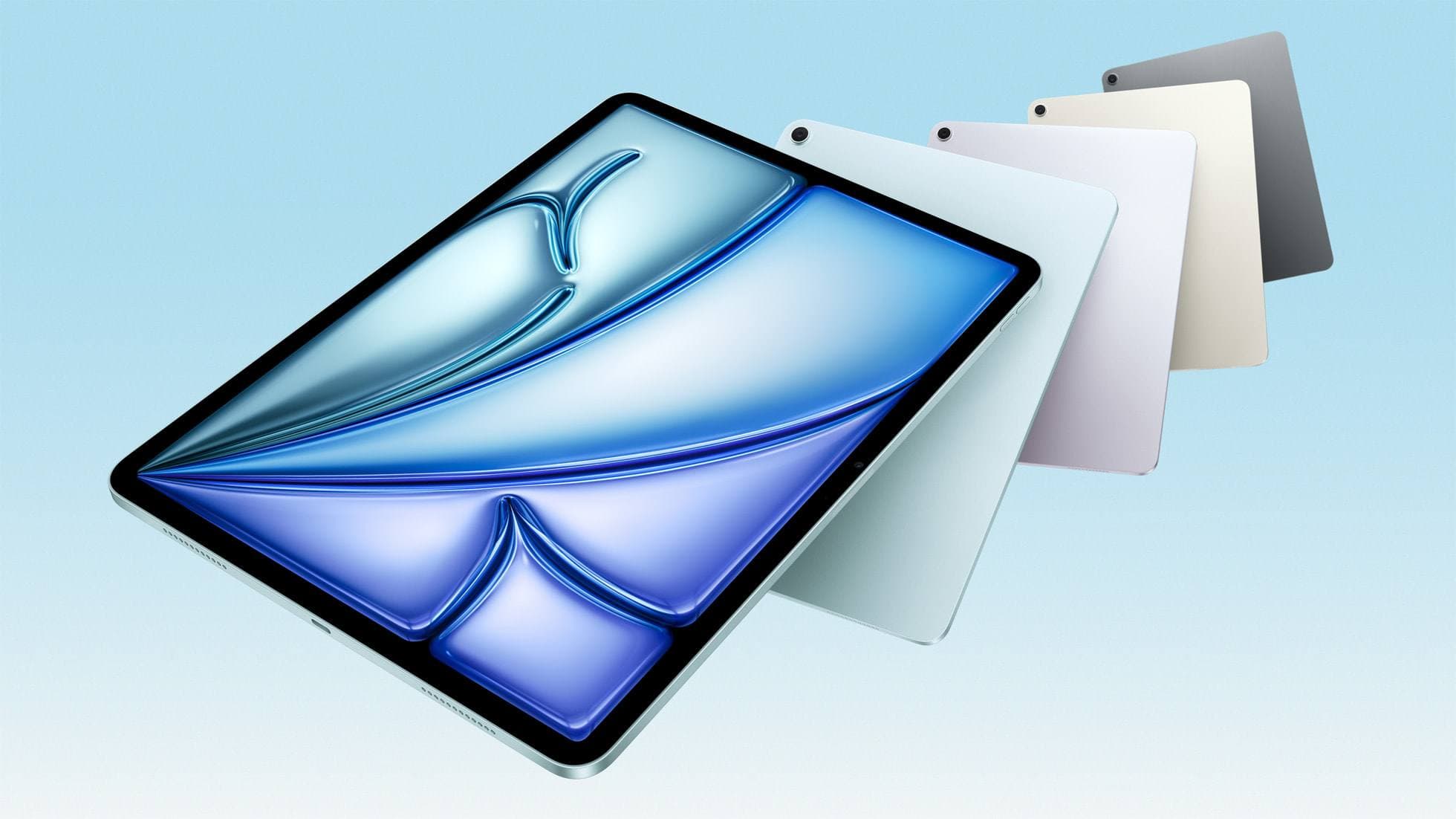
iPad Air (M3)
amazon.comStill a smart Air buy when the discount is real. Harder to justify when pricing drifts too close to the current model.
Pro: Strong prior-gen value when the discount is real
Con: Not the current Air lineup
This is the prior-gen Air. Confirm the discount against the current Air before checkout.
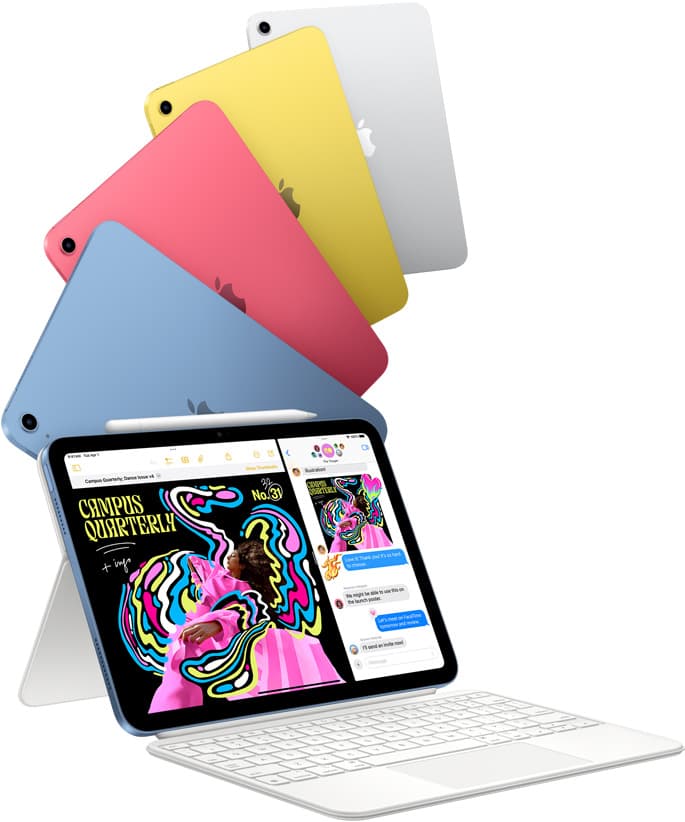
iPad (A16, 11th gen)
amazon.comThe best entry iPad for most artists on a budget. It is not premium, but it is very hard to beat on value.
Pro: Best value iPad right now
Con: No ProMotion display
Search opens with the exact model keywords. Verify size and storage before checkout.
iPad Air (M4)
apple.comThe clean current Air recommendation for most serious hobby artists. Stronger buy logic than old-stock M3 when pricing is close.
Pro: Best current balance of price, headroom, and Pencil support
Con: Still 60Hz
Current Air lineup. Choose size, storage, and keyboard path before checkout.
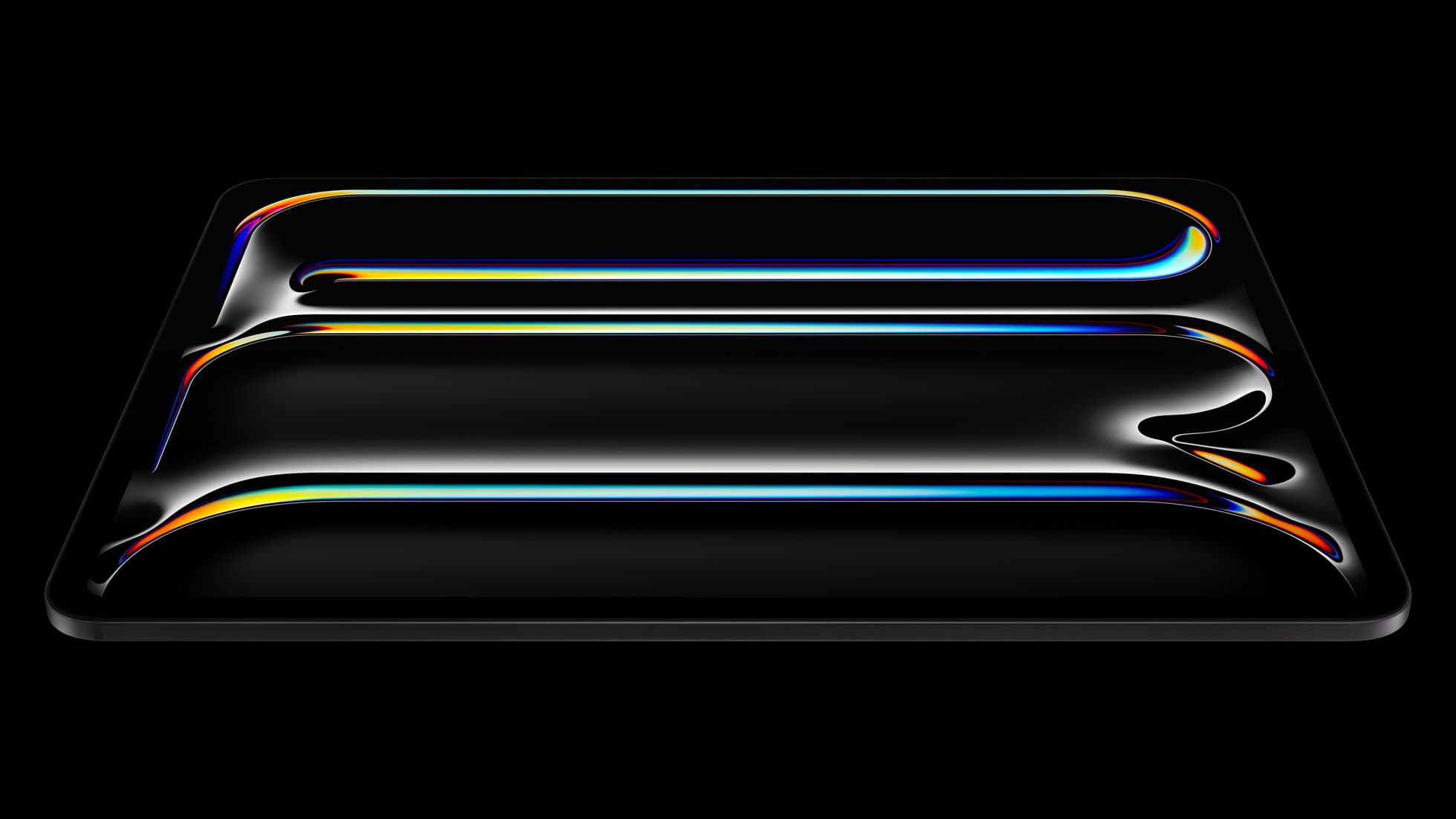
iPad Pro (M5)
amazon.comThe best iPad for drawing feel and premium workflow comfort, but many buyers still overpay for it.
Pro: Best iPad display and ProMotion feel
Con: Highest price in the lineup
Search opens with iPad Pro terms. Check year, chip, and screen size.
Related buying picks
More in this collectionBuyer guide
iPad mini for Procreate in 2026: should artists buy the small one?
The iPad mini (A17 Pro) is a strong portable Procreate sketchbook, especially with Apple Pencil Pro, but most artists should choose iPad Air if it will be their only serious drawing canvas.
Buyer guide
Best iPad for Note-Taking Plus Drawing in 2026
The safest mixed-use iPad in 2026 is the 11-inch iPad Air (M4), while the base iPad wins stricter budgets, the mini wins portability, and the Pro only makes sense when drawing is no longer the secondary job.
Buyer guide
Best iPad for Students Who Also Draw in 2026
The safest student-plus-drawing buy in 2026 is the 11-inch iPad Air (M4), while the base iPad wins stricter budgets and the mini or Pro make sense only for narrower cases.
Comparison
Best iPad for Procreate in 2026: A16 vs Air M3 vs Pro, Which Should You Buy?
For Procreate in 2026, the right iPad depends on canvas size, layer depth, and how much latency sensitivity you actually have.