The wrong iPad for Procreate does not fail on day one. It fails slowly. You notice it when your layer count gets tight, when large brushes feel less responsive, or when your export workflow starts to feel heavier than it should.
The short answer by buyer type
Most buyers do not need a long benchmark argument. They need the cleanest answer for the kind of Procreate work they actually do.
| If this sounds like you | Buy | Why |
|---|---|---|
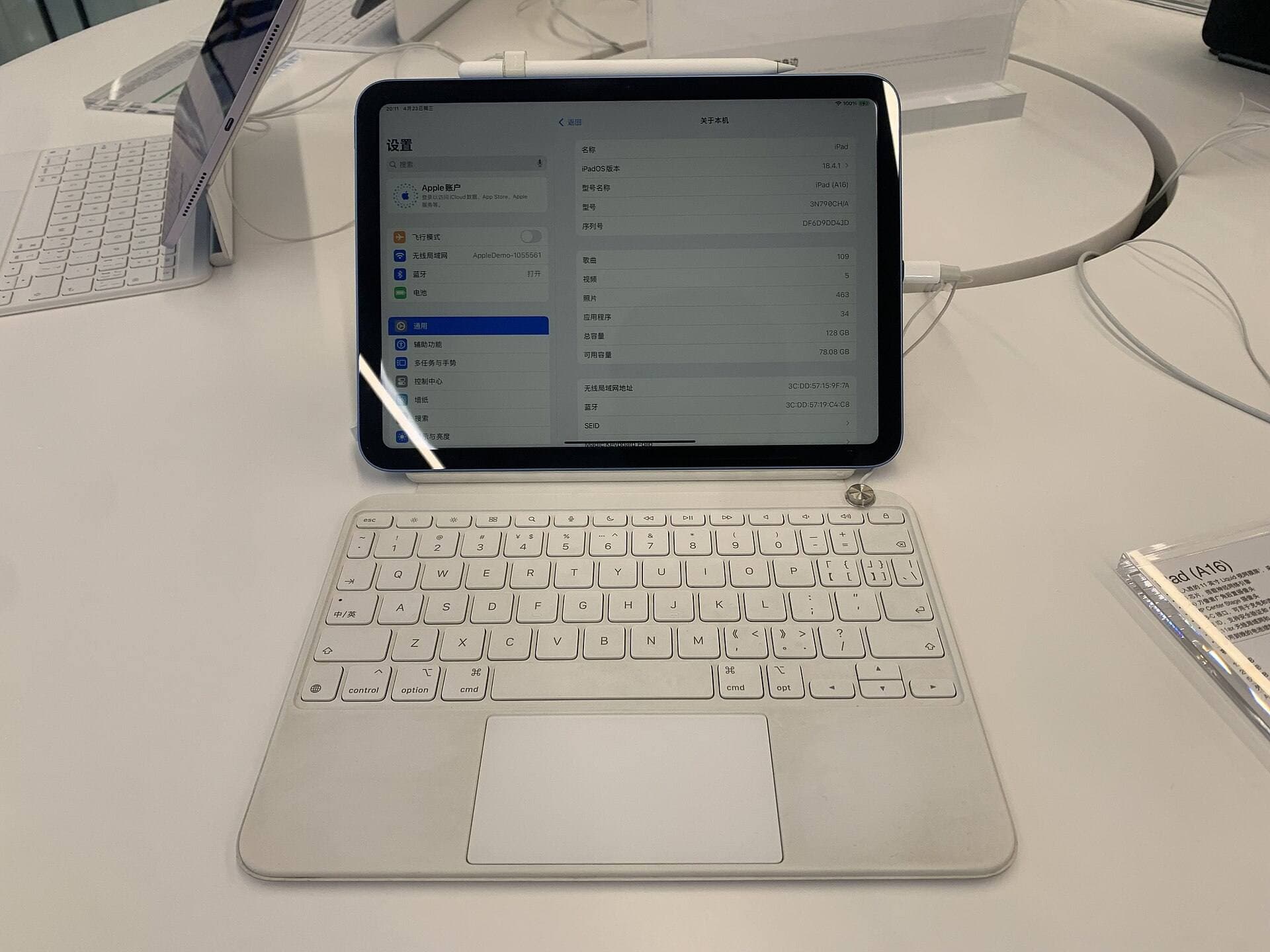
| You want the cheapest sane way to start Procreate now | iPad A16 | Keeps the total setup affordable and still handles normal drawing practice well. |
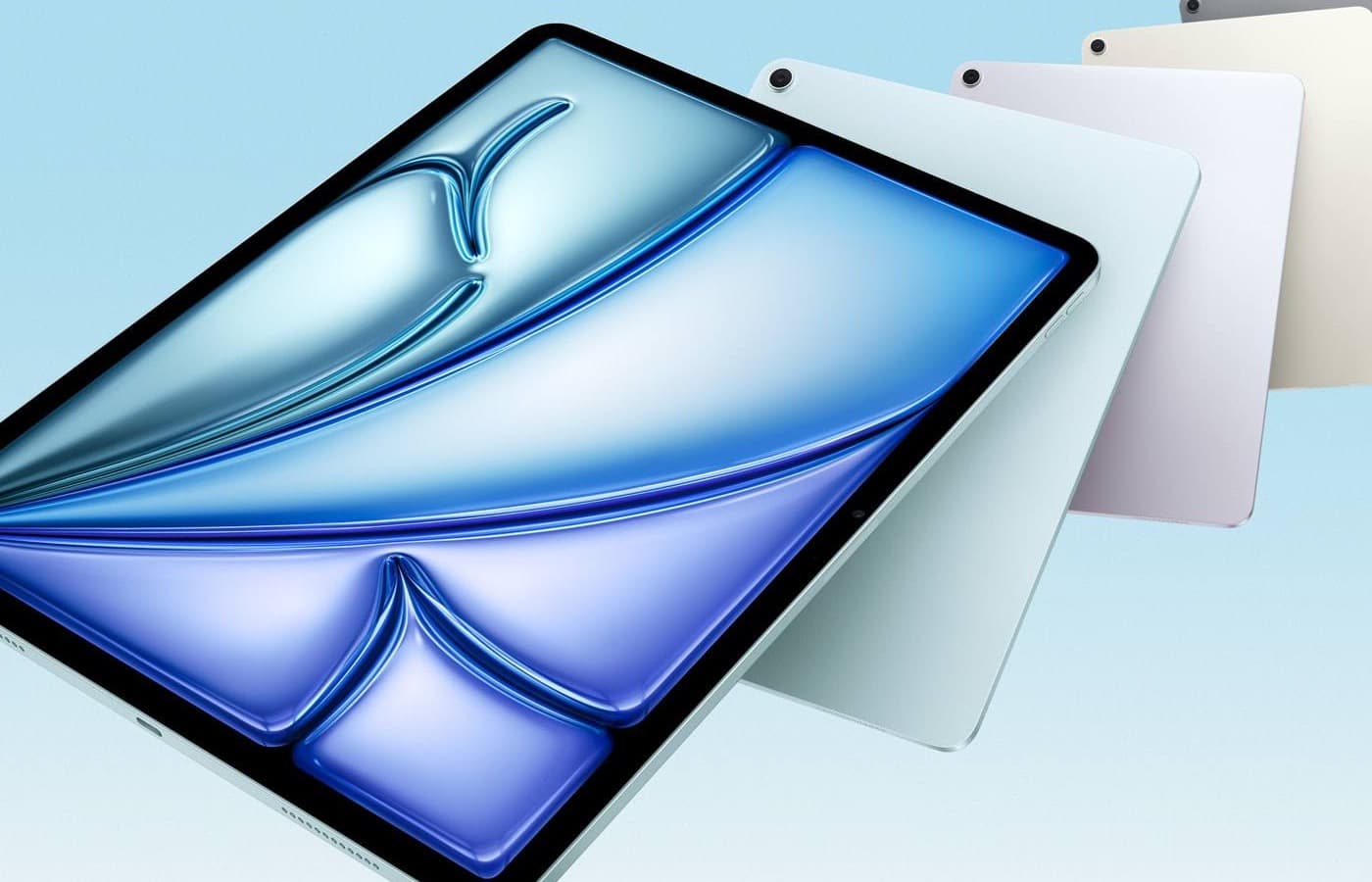
| You draw every week and want the safest all-around purchase | iPad Air M3 | Best balance of cost, headroom, and daily usability for most artists. |
| You already know your files are heavy and your work is paid or time-sensitive | iPad Pro | The premium makes sense when the display feel and extra headroom pay you back weekly. |
If storage is the part you are stuck on, read Is 128GB iPad Enough for Procreate in 2026?. If the tool already feels slow, start with Why Is My Apple Pencil Lagging in Procreate?. If you are tempted by the smallest iPad, read iPad mini for Procreate in 2026. If the app choice is the blocker, compare Procreate vs Clip Studio Paint on iPad.
What actually makes Procreate feel heavier
Most buyers overestimate chip marketing and underestimate workload shape. These are the factors that matter most in real Procreate use:
- canvas dimensions and print-sized documents,
- layer count plus blend and adjustment layers,
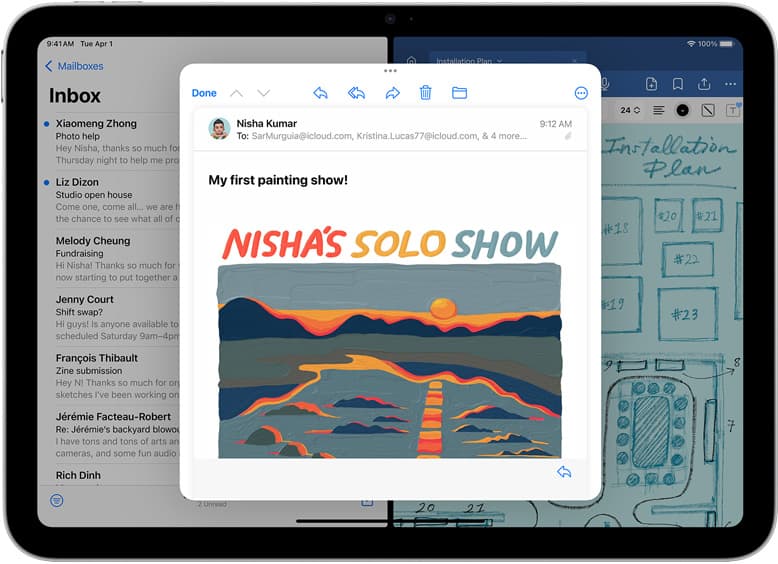
- reference images and split-view multitasking,
- time-lapse recording, export, and backup behavior,
- how sensitive you are to pen feel and long-session comfort.
That is why two people can own the same iPad and have completely different opinions about whether it feels "fast enough." Layer headroom and workflow comfort come from the job you run every week, not from bragging-right specs alone. [2]
1) Display feel matters more than benchmark wins
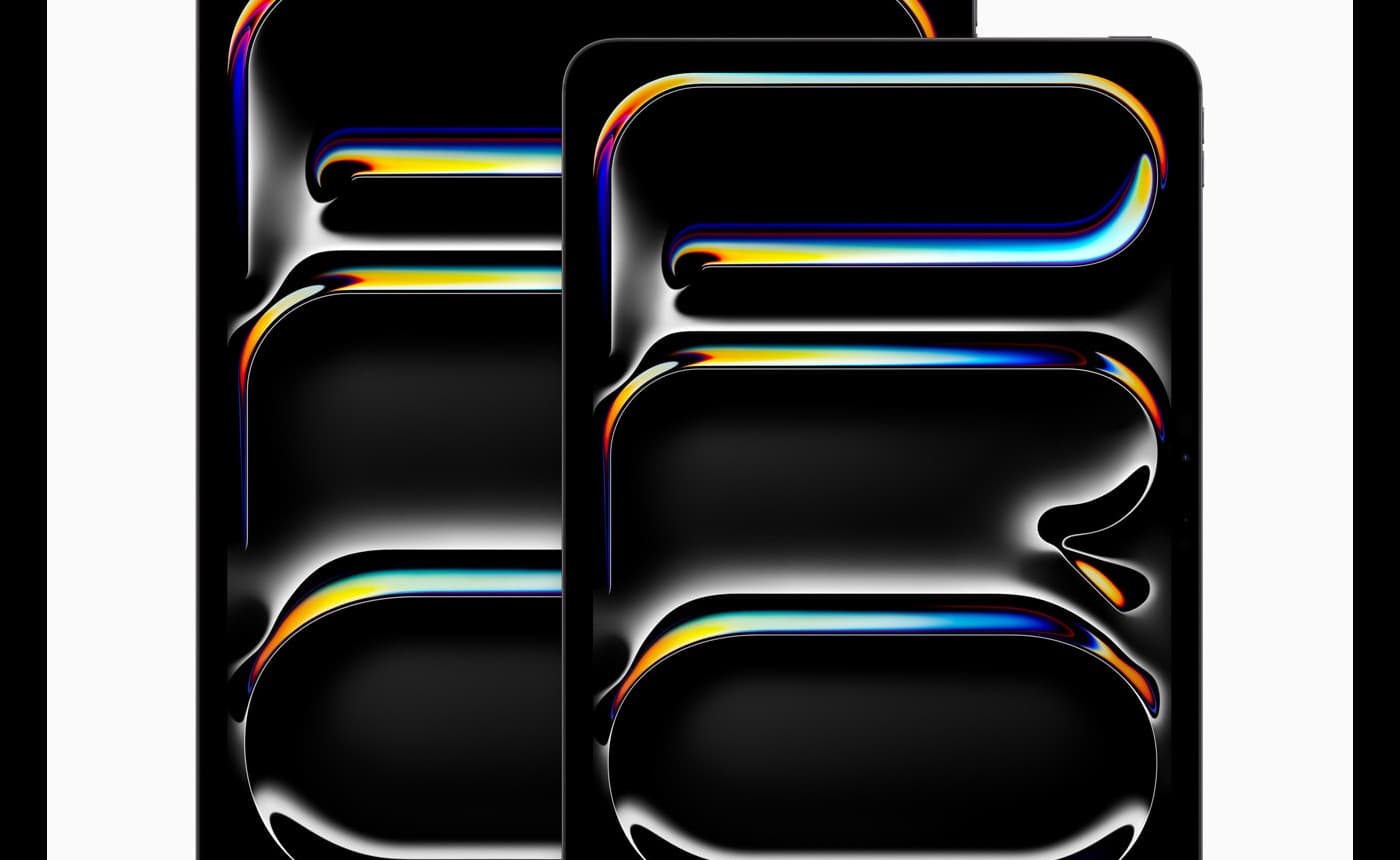
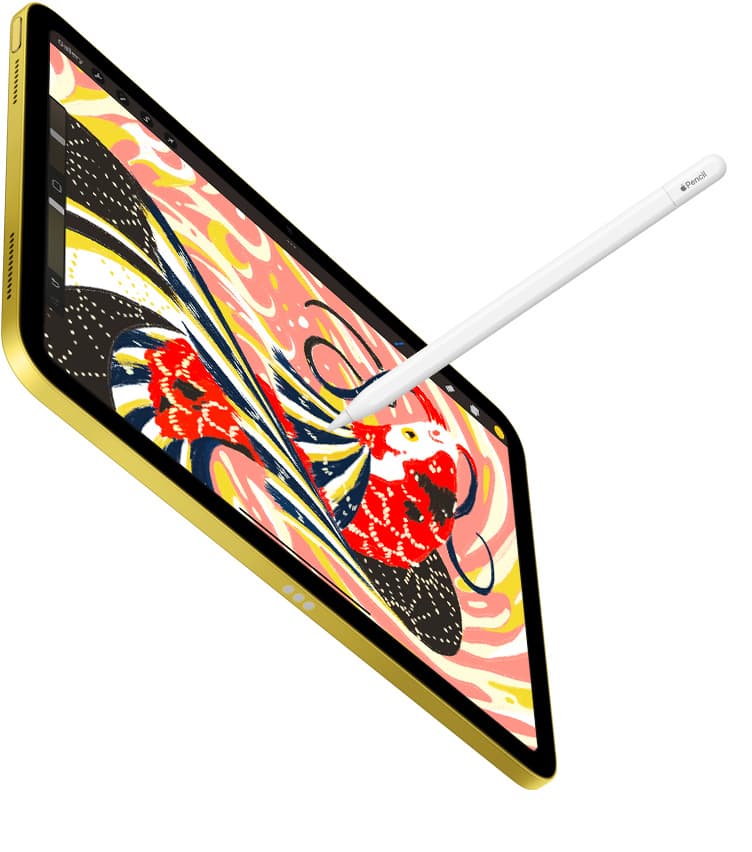
Procreate is interaction-heavy. You feel the purchase in stroke confidence, latency sensitivity, and how comfortable the screen feels after an hour, not in synthetic numbers you never see.
If you already know you care about line placement and display smoothness every session, that pushes you upward faster than raw processing claims do.
2) Canvas and layer pressure decide when you outgrow the cheap option
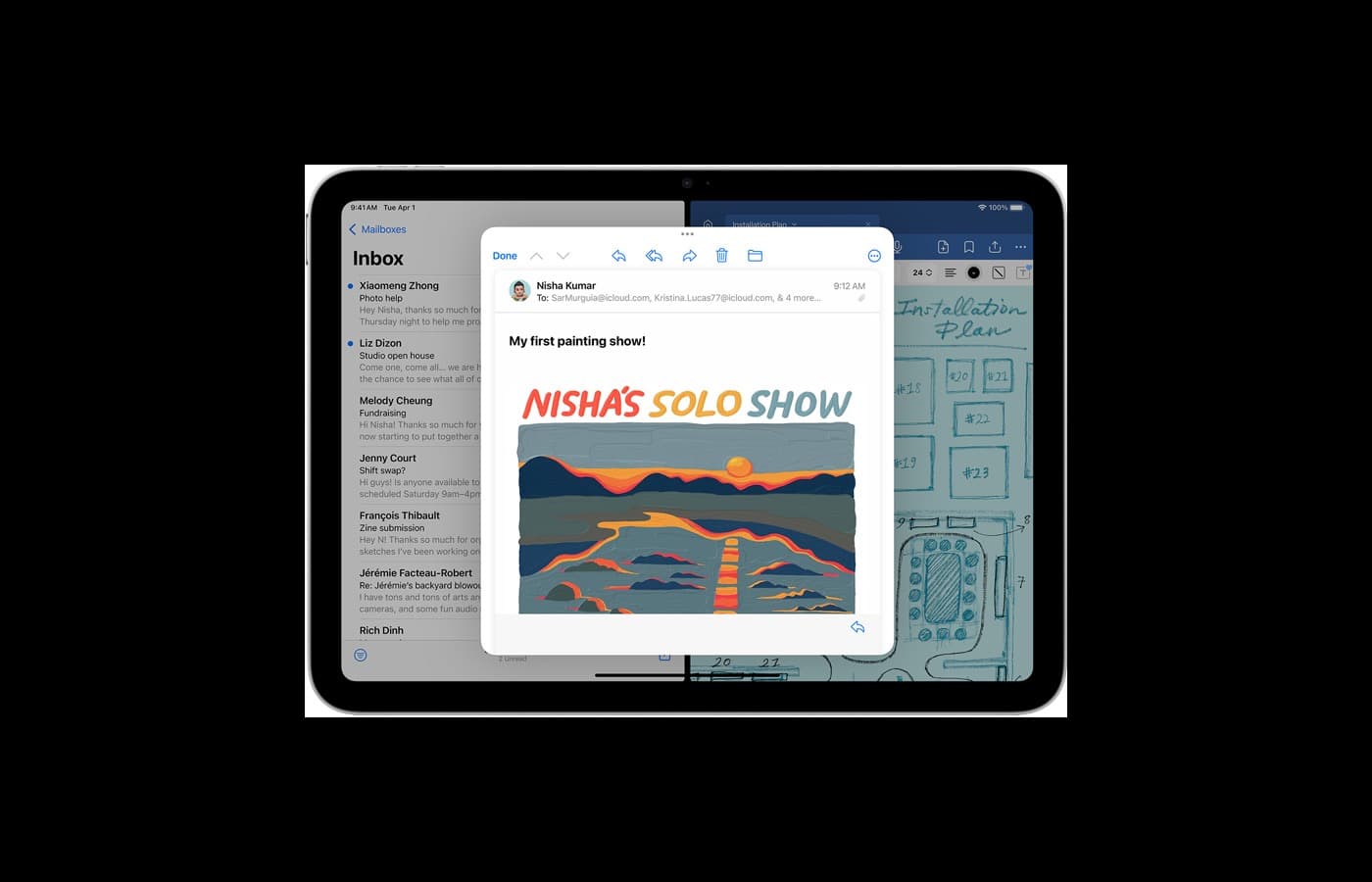
If your real work is social-size illustration, sketching, studies, and moderate canvases, you can stay on the lower rung much longer than Reddit upgrade culture implies. If your routine includes larger compositions, dense textures, or print-oriented files, you will feel the ceiling earlier.
3) Total setup cost still matters
Many buyers make the wrong trade here. They stretch to the more expensive iPad, then end up tight on storage, Pencil, stand, case, or backup drive. That is a worse creative setup than buying the right middle-tier iPad with the rest of the kit handled properly.
Buy iPad A16 if your real goal is to start Procreate now
Choose A16 when the purchase needs to stay disciplined:
- this is your first art iPad,
- your work is sketch-heavy, practice-heavy, or social-post heavy,
- you would rather own the full setup now than wait for an idealized premium build,
- you are more limited by budget than by canvas complexity.
A16 is the right answer when "getting into Procreate with low regret" is the real job. It is the wrong answer when you already know you push larger files and want the device to stay comfortable for years of heavier work.
Buy iPad Air M3 if you want the safest overall Procreate purchase
Air is the best default for most serious hobby artists because it avoids both beginner underbuying and premium overspending.
Choose Air when:
- you draw every week and want clear headroom over the entry model,
- you care about longevity and smoother daily use but still care about value,
- your projects are getting heavier, but not so heavy that Pro is an obvious yes,
- you want one recommendation that is hard to regret.
This is the model that best fits buyers who do real creative work but still need the rest of the setup to make financial sense.
Buy iPad Pro only when the premium solves a weekly problem
Pro is not a trophy recommendation. It is a workflow recommendation.
Buy it when the premium is solving something concrete:
- you regularly work on dense files, larger canvases, or client work that punishes slowdowns,
- you care deeply about display feel and notice it immediately,
- your art time is valuable enough that small friction reductions matter,
- you already know you are a heavy user instead of hoping to become one later.
If your only reason for Pro is "future-proofing" or fear of missing out, stop. That is not a buying argument. That is an expensive emotion.
The bundle mistakes that make the wrong iPad feel worse
The iPad body is only part of the purchase. A bad bundle can cancel out a good tablet choice.
Common mistakes:
- buying Pro, then cutting storage too close,
- spending up on the tablet and delaying the Pencil,
- skipping a stand or case even though you draw mostly at a desk,
- forgetting that export and backup habits matter once your work gets serious.
If the premium model forces compromises on the rest of the kit, the "better" tablet often becomes the worse workflow.
Fast buyer profiles
First Procreate iPad
Buy A16 if you mainly need a reliable starting point and the total budget matters more than premium feel.
Serious hobby artist
Buy Air M3 if Procreate is a weekly habit and you want the safest blend of capability, comfort, and cost.
Paid illustrator or heavy canvas user
Buy Pro if the display feel, heavier files, and longer sessions are already part of your current routine rather than a fantasy upgrade story.
Bottom line
The best iPad for Procreate is not the one with the most prestige. It is the one that matches your actual canvas pressure, budget reality, and weekly drawing behavior. Buy A16 to start affordably, buy Air M3 for the safest all-around answer, and buy Pro only when heavy work and display feel already matter enough to earn the price.
Sources
[1] https://www.apple.com/ipad/compare/ [2] https://help.procreate.com/procreate/handbook [3] https://support.apple.com/ipad [4] https://apps.apple.com/us/app/procreate/id425073498
Recommended gear
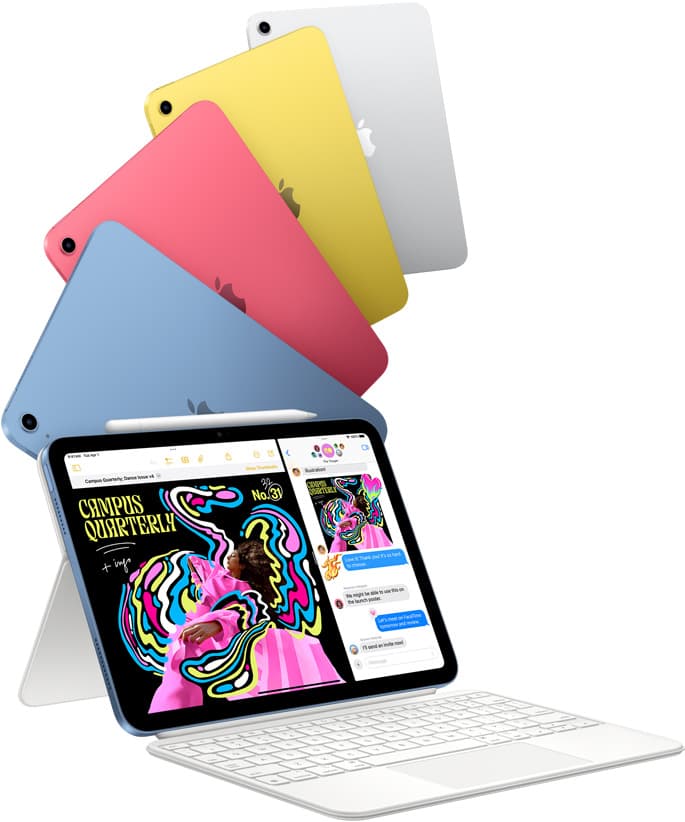
iPad (A16, 11th gen)
amazon.comThe best entry iPad for most artists on a budget. It is not premium, but it is very hard to beat on value.
Pro: Best value iPad right now
Con: No ProMotion display
Search opens with the exact model keywords. Verify size and storage before checkout.
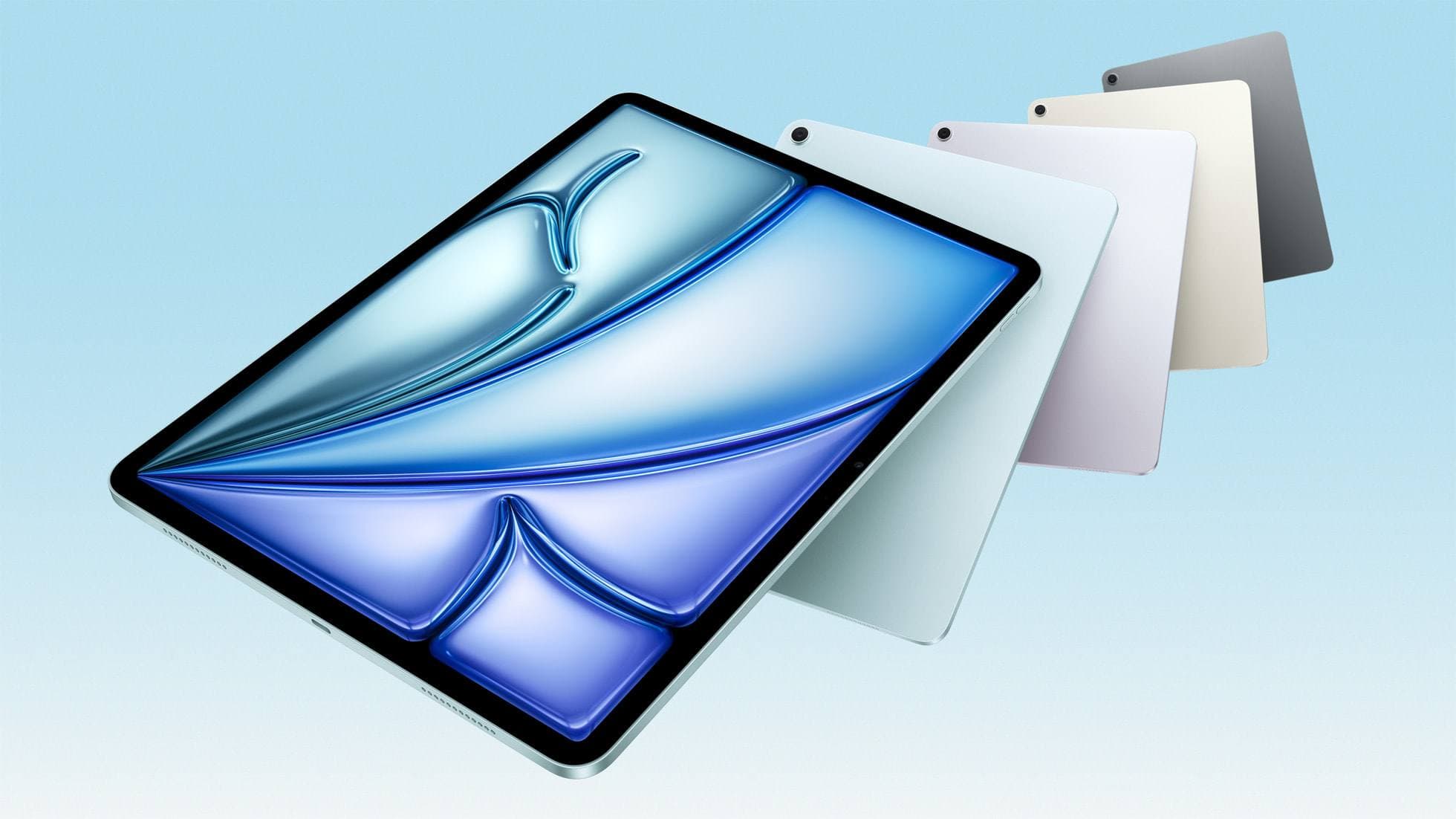
iPad Air (M3)
amazon.comStill a smart Air buy when the discount is real. Harder to justify when pricing drifts too close to the current model.
Pro: Strong prior-gen value when the discount is real
Con: Not the current Air lineup
This is the prior-gen Air. Confirm the discount against the current Air before checkout.
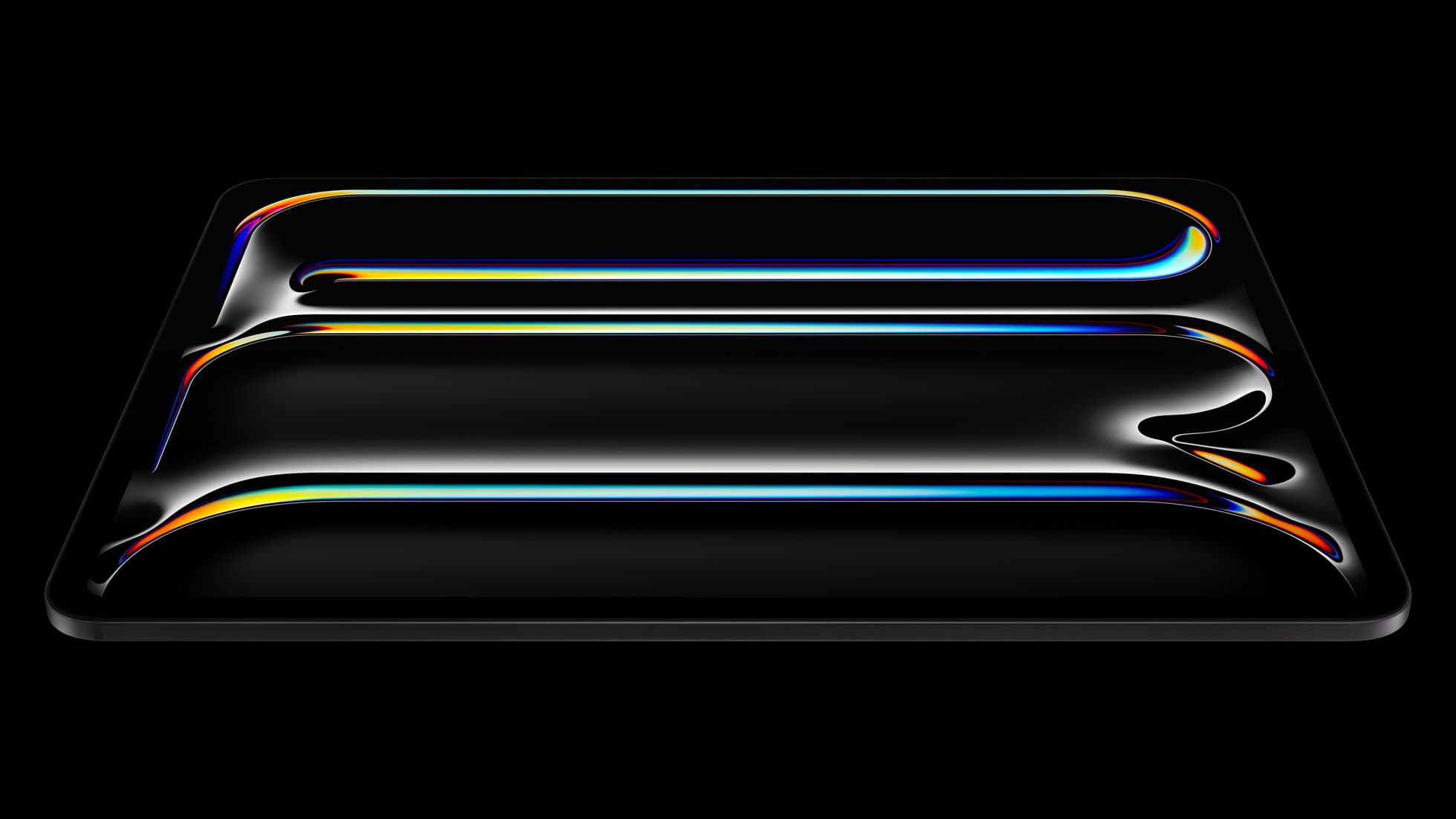
iPad Pro (M5)
amazon.comThe best iPad for drawing feel and premium workflow comfort, but many buyers still overpay for it.
Pro: Best iPad display and ProMotion feel
Con: Highest price in the lineup
Search opens with iPad Pro terms. Check year, chip, and screen size.
Procreate
apps.apple.comPro: One-time purchase
Con: iPad-only
Clip Studio Paint
apps.apple.comPro: Deep comics, vector, ruler, and animation toolset
Con: iPad plan model is less simple than Procreate
Related buying picks
More in this collectionBuyer guide
iPad mini for Procreate in 2026: should artists buy the small one?
The iPad mini (A17 Pro) is a strong portable Procreate sketchbook, especially with Apple Pencil Pro, but most artists should choose iPad Air if it will be their only serious drawing canvas.
Buyer guide
Best iPad for Note-Taking Plus Drawing in 2026
The safest mixed-use iPad in 2026 is the 11-inch iPad Air (M4), while the base iPad wins stricter budgets, the mini wins portability, and the Pro only makes sense when drawing is no longer the secondary job.
Buyer guide
Best iPad for Students Who Also Draw in 2026
The safest student-plus-drawing buy in 2026 is the 11-inch iPad Air (M4), while the base iPad wins stricter budgets and the mini or Pro make sense only for narrower cases.
Comparison
Is the iPad Mini Too Small for Drawing? A Size Comparison
The iPad mini is the only “real” iPad that still feels like a notebook. Not a laptop-wannabe with a keyboard case. Not a coffee-table slab. A thing you can hold, thumb over the…