Yes, 128GB can be enough for Procreate if you draw casually, keep projects organized, export finished work, and avoid turning the iPad into your whole creative archive.
But if Procreate is a weekly habit, if you keep timelapse recordings, if you work with large canvases, or if the iPad is for paid work, 256GB is the calmer buy. Storage is not just capacity. It is how often the device interrupts you.
Quick answer
| Buyer | Is 128GB enough? | Better move |
|---|---|---|
| Beginner sketching and social art | Usually yes | 128GB can work |
| Weekly Procreate hobbyist | Maybe | 256GB if budget allows |
| Sticker maker or craft seller | Maybe, but tight | 256GB is calmer |
| Print-size artist | Often no | 256GB or more |
| Paid client work | Avoid if possible | 256GB minimum mindset |
| Archive hoarder | No | More storage plus external backup |
If the upgrade cost hurts, 128GB is not automatically a mistake. If cleanup stress hurts, 128GB becomes expensive in a different way.
Why Procreate storage gets messy
Procreate stores artwork locally on your iPad, and Procreate explicitly recommends exporting artwork or backing up the iPad to avoid losing work. [1]
That local-first behavior is good for speed. It is also why storage choices matter.
Procreate storage pressure usually comes from:
- editable
.procreatefiles, - duplicate versions,
- large canvases,
- layers and masks,
- timelapse data,
- PNG/JPEG/PSD exports,
- reference images,
- brush packs,
- and non-art iPad clutter.
The iPad does not know which files are "creative momentum" and which files are junk. You do.
The real 128GB question
The question is not "can Procreate run on 128GB?"
The real question is:
Will 128GB make you manage storage during the exact moments you wanted to make art?
If yes, buy more storage or build a backup routine before you need it.
When 128GB is enough
128GB can be enough if:
- you are a beginner,
- you draw mostly for practice,
- your canvases are moderate,
- you do not keep lots of finished pieces locally,
- you export and archive old files,
- you avoid large offline video downloads,
- and you keep at least a healthy free-space buffer.
This is a perfectly valid setup for a first iPad, especially if the storage upgrade would push you out of budget.
The strongest 128GB buyer is disciplined. The weakest 128GB buyer is optimistic.
When 128GB starts feeling tight
128GB starts feeling tight when you:
- save multiple versions of every piece,
- keep timelapse on by default,
- draw at print sizes,
- keep big reference boards offline,
- use lots of imported photos and textures,
- make stickers or client variants,
- install several large creative apps,
- or use the same iPad for games, video downloads, and photos.
Procreate's maximum canvas size depends on the iPad model, and Procreate notes that canvas size affects layer limits. Larger canvas ambition tends to bring larger files and more storage friction. [2][3]
Why 256GB is the low-stress middle
256GB is not glamorous. It is just calmer.
It gives you more room for:
- unfinished art,
- finished art,
- exports,
- references,
- timelapse,
- multiple art apps,
- offline tutorials,
- and normal iPad life.
If Procreate is part of your week, 256GB reduces the odds that storage cleanup becomes another chore between you and drawing.
Storage rules for 128GB buyers
If you buy 128GB, run it like a small studio:
- Keep only active projects in Procreate.
- Export finished work in
.procreateformat for editable backup. [1][4] - Keep flattened PNG/JPEG exports separately from editable source files.
- Move cold projects to cloud or external storage.
- Delete duplicate exports after delivery.
- Review iPad Storage monthly in Settings. Apple shows storage usage and recommendations under iPad Storage. [5]
This is not fussy. It is the price of choosing the smaller storage tier.
Storage rules for 256GB buyers
256GB buyers should still have a system. More storage is not a personality replacement.
Use:
- one active folder,
- one export folder,
- one archive folder,
- one backup routine,
- one monthly cleanup pass.
The difference is that cleanup can be maintenance, not emergency surgery.
Should you buy 128GB iPad Air for Procreate?
Maybe. If you are choosing between a better iPad model at 128GB and a worse setup at higher storage, the answer depends on your work.
For many Procreate buyers, iPad Air with 128GB can be a good start if you are disciplined and not doing heavy files yet.
But if the choice is 128GB Air vs 256GB Air, and art is weekly, I would buy 256GB if you can.
Should you buy 128GB iPad Pro for Procreate?
Usually, no. If you are paying for Pro because you expect heavier creative work, storage is not the place to get cute.
The awkward purchase is a premium iPad that constantly asks you to clean up files.
Should you buy 64GB for Procreate?
Only if budget is the hard ceiling and you understand the cleanup tax. For most serious artists, 64GB is too easy to outgrow. If you are choosing a current iPad for Procreate, 128GB should feel like the practical floor, not the luxury tier.
The better question: what kind of artist are you?
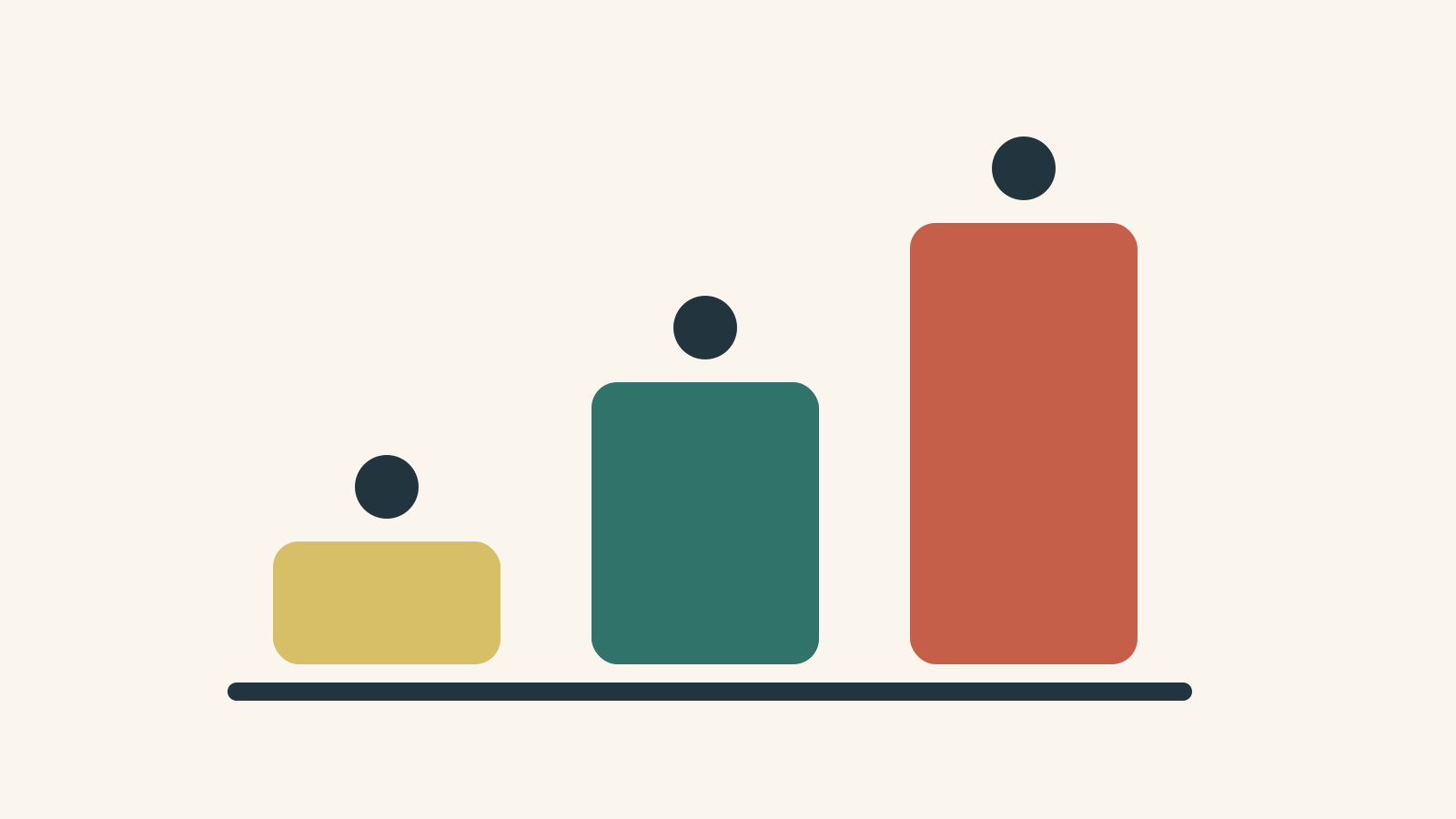
Casual sketchbook
128GB is fine.
Weekly hobby artist
128GB can work, but 256GB is nicer.
Sticker/craft seller
256GB is safer because exports and variants multiply fast.
Print and client work
Start at 256GB if you can.
Heavy creative archive
Buy more storage and use external backup. Do not expect one iPad to be the whole archive forever.
FAQ
Is 128GB enough for Procreate?
Yes for casual and disciplined users. It becomes tight for frequent Procreate work, larger canvases, lots of exports, timelapse, and client files.
Is 128GB iPad Air enough for Procreate?
It can be. If you draw weekly and can afford the upgrade, 256GB is the lower-stress Air choice.
Is 128GB iPad Pro enough for Procreate?
It works technically, but it is often a mismatched purchase. If Pro-level work is the reason you are buying Pro, storage headroom matters too.
Does Procreate save files to iCloud automatically?
Do not rely on that assumption. Procreate says artwork is stored locally on the iPad and recommends exporting artwork or backing up the iPad. [1]
Do Procreate layers affect storage?
Layers, masks, canvas size, timelapse, and exports all affect file pressure. Procreate's canvas and layer behavior depends on iPad model and canvas dimensions. [2][3]
Should I buy external storage instead of more iPad storage?
External storage is good for backup and cold archive. It does not replace comfortable internal storage for active Procreate work.
Bottom line
128GB is enough for Procreate if you are casual or disciplined. 256GB is the low-stress choice if art is part of your real week. If storage cleanup would make you avoid drawing, buy more storage before you buy a fancier case.
Sources
Recommended gear
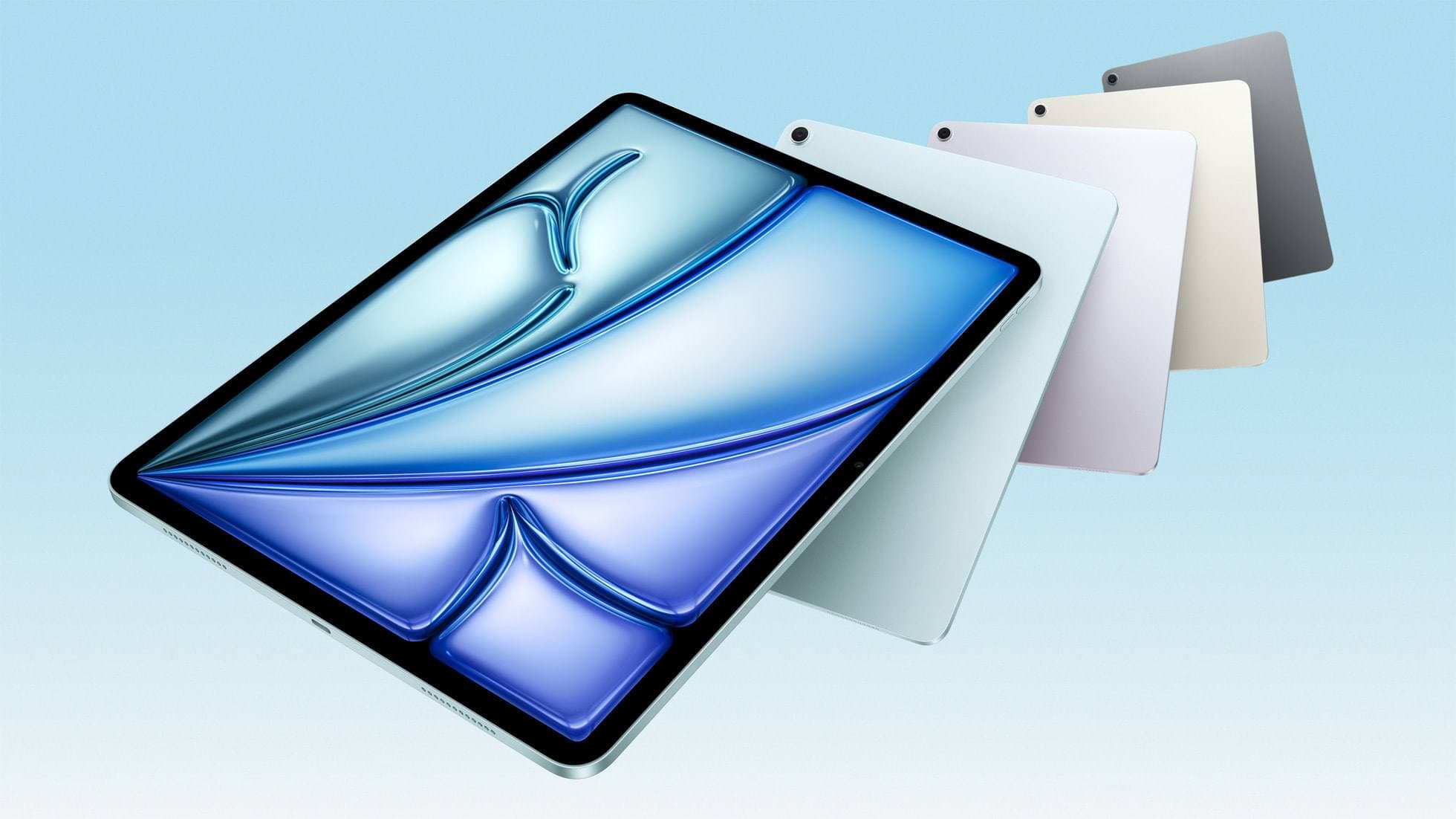
iPad Air (M4)
apple.comThe clean current Air recommendation for most serious hobby artists. Stronger buy logic than old-stock M3 when pricing is close.
Pro: Best current balance of price, headroom, and Pencil support
Con: Still 60Hz
Current Air lineup. Choose size, storage, and keyboard path before checkout.
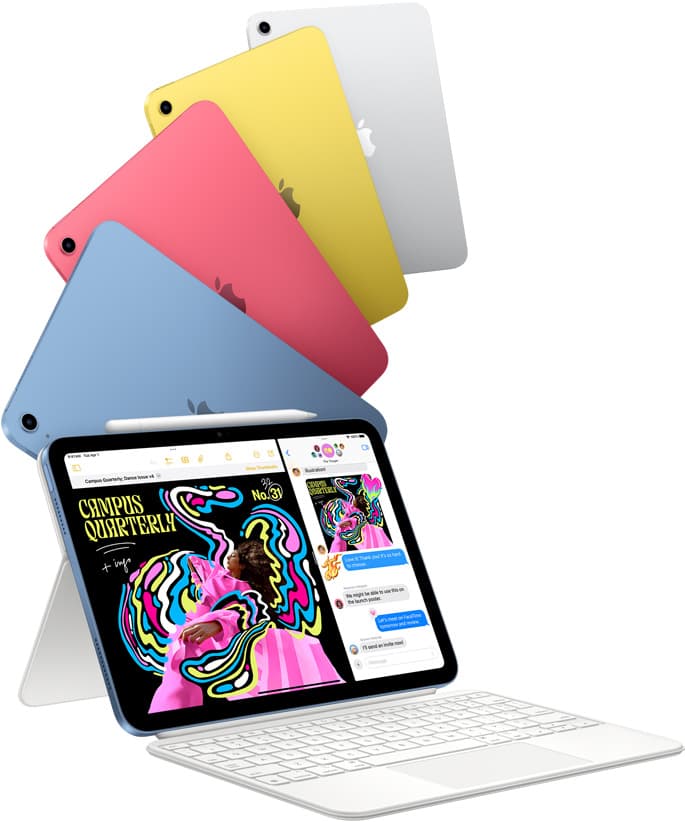
iPad (A16, 11th gen)
amazon.comThe best entry iPad for most artists on a budget. It is not premium, but it is very hard to beat on value.
Pro: Best value iPad right now
Con: No ProMotion display
Search opens with the exact model keywords. Verify size and storage before checkout.
iPad Pro (M5)
amazon.comThe best iPad for drawing feel and premium workflow comfort, but many buyers still overpay for it.
Pro: Best iPad display and ProMotion feel
Con: Highest price in the lineup
Search opens with iPad Pro terms. Check year, chip, and screen size.
Samsung T7 Portable SSD
amazon.comOne of the safest SSD buys for iPad creators. Fast, stable, and easy to trust for backup routines.
Pro: Fast and reliable backup drive
Con: Extra cable to carry
Choose capacity (1TB/2TB) based on project size.
SanDisk Extreme Portable SSD
amazon.comPro: Rugged and compact
Con: Can run hot under heavy copy
Good for large Procreate backup workflows.
Related buying picks
More in this collectionBuyer guide
iPad mini for Procreate in 2026: should artists buy the small one?
The iPad mini (A17 Pro) is a strong portable Procreate sketchbook, especially with Apple Pencil Pro, but most artists should choose iPad Air if it will be their only serious drawing canvas.
Comparison
64GB vs 256GB: How Much Storage Do You Really Need for Digital Art?
Storage isn't a spec. It's friction. Here's what actually eats space (timelapse, exports, references) and when 64GB becomes a creativity tax.
Buyer guide
Best tablet for tattoo design: Choosing the right iPad for stencils and flash
Compare iPad Air, iPad Pro, and iPad mini options to find the right drawing tablet and Apple Pencil pairing for tattoo stencils and studio design.
Buyer guide
Is an 11-inch iPad enough for comic art?
An 11-inch iPad provides ample space for sketching, inking, and paneling comic pages when paired with the right Apple Pencil and app workflow.