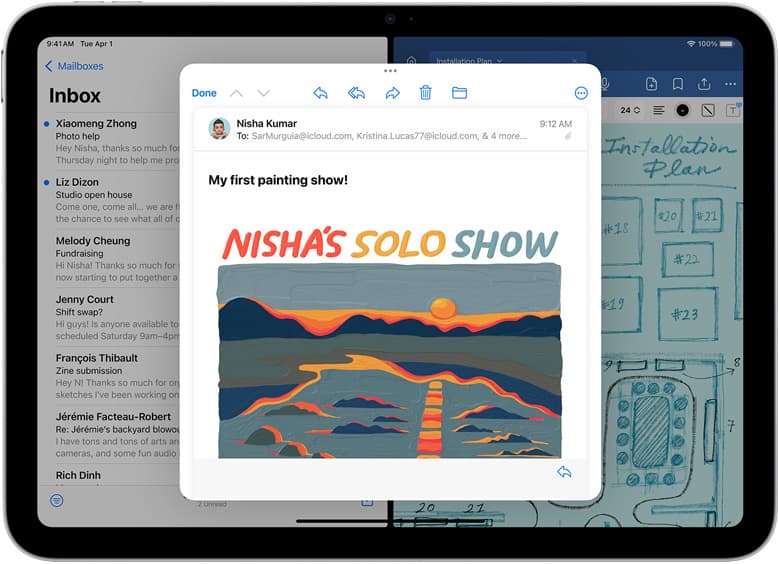
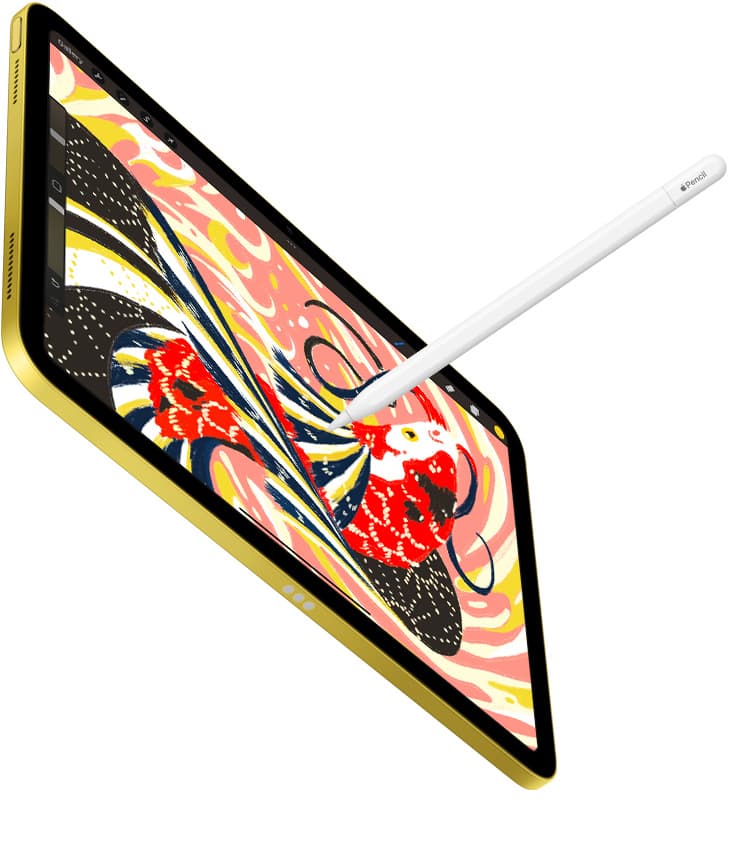
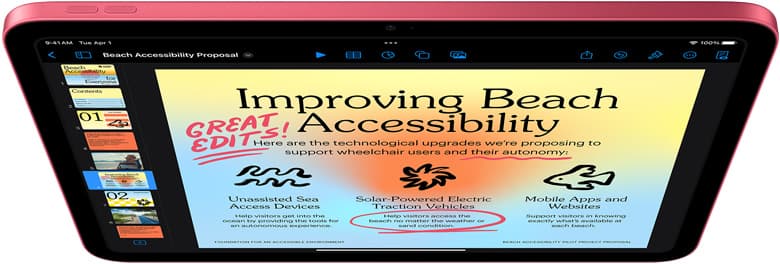
The iPad mini (A17 Pro) is good for Procreate in 2026 if you want a small, portable sketchbook. It supports Apple Pencil Pro and Apple Pencil (USB-C), which makes it much more serious than the old "mini is only for reading" advice suggests. [1][2]
The catch is simple: small is still small. The mini is excellent for sketches, references, quick client ideas, tattoo consults, couch drawing, and travel. It is not the calmest choice for big compositions, long detail sessions, split-screen references, or anyone who wants one main art canvas.
If you want the least-regret answer, buy iPad mini for portability and iPad Air for main-canvas work.
Quick answer
| Buyer | Should you buy iPad mini for Procreate? | Better choice |
|---|---|---|
| Travel sketcher | Yes | iPad mini (A17 Pro) |
| Beginner who wants a tiny digital sketchbook | Yes, if you like small screens | iPad mini or base iPad |
| Weekly Procreate hobby artist | Maybe | iPad Air is safer |
| Tattoo artist using it for consults | Yes as a sidekick | iPad Air as main tablet |
| Paid illustrator | Usually no as the only tablet | iPad Air or iPad Pro |
Related: if you are choosing your first drawing setup, read iPad vs Drawing Tablet for Beginners in 2026.
Why people search this
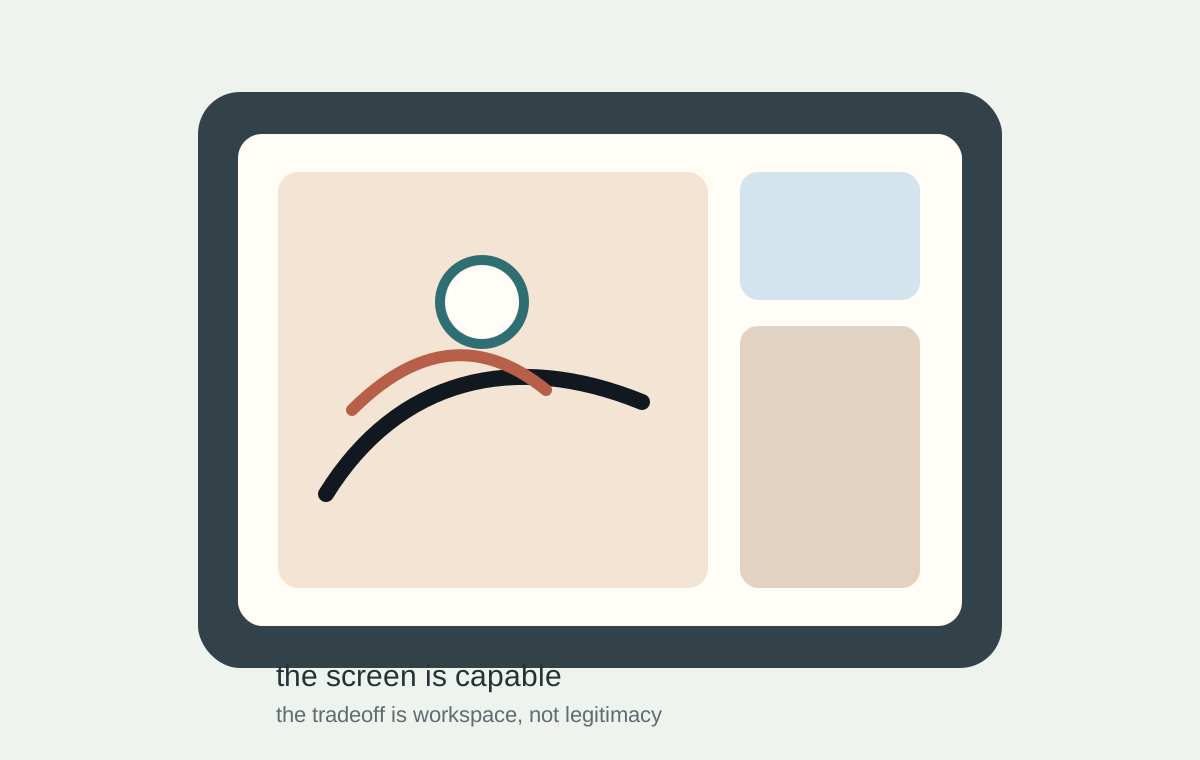
People are not searching "iPad mini for Procreate" because they want a spec table. They are trying to decide whether the smaller, cheaper, friendlier-feeling iPad is a real art tool or a regret purchase.
That is a good buyer-intent query because it sits right before a decision:
- buy the small iPad now,
- stretch to iPad Air,
- or keep researching forever.
The CEO answer is not "write more generic Procreate content." It is to answer the exact purchase anxiety quickly.
What the iPad mini does well
The mini wins on friction.
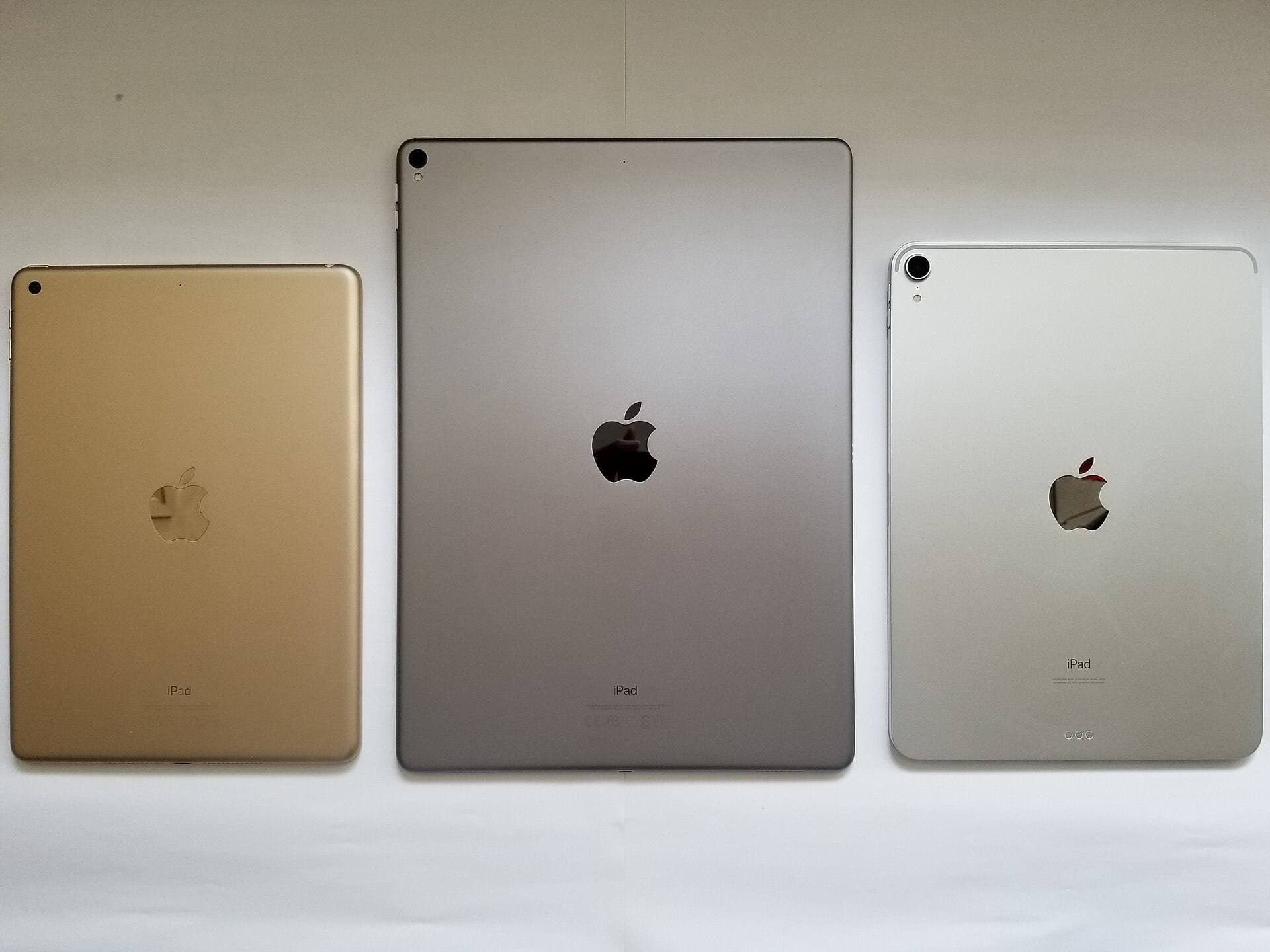
It is easier to hold than an 11-inch or 13-inch iPad. It fits bags better. It takes less table space. It can live beside a laptop, Cricut, tattoo station, notebook, or couch without turning the whole area into a studio setup.
That makes it great for:
- sketching thumbnails,
- drawing loose character ideas,
- collecting color palettes,
- marking up references,
- planning stickers,
- making quick tattoo concepts,
- doodling while watching tutorials,
- and keeping Procreate available when a bigger iPad would stay in a drawer.
For some artists, the best tablet is the one that is always nearby.
Where the mini gets cramped
The mini is not bad because it is small. It is bad for the wrong job because it is small.
You will feel the tradeoff when you need:
- big gesture space,
- detailed line cleanup,
- full flash sheets,
- typography and layout checks,
- side-by-side references,
- long desk sessions,
- or print-sized compositions.
You can zoom. You can rotate. You can adapt. But the extra pinching and zooming is real. If your Procreate work is already detailed and weekly, the iPad Air is usually the calmer buy.
Apple Pencil choice
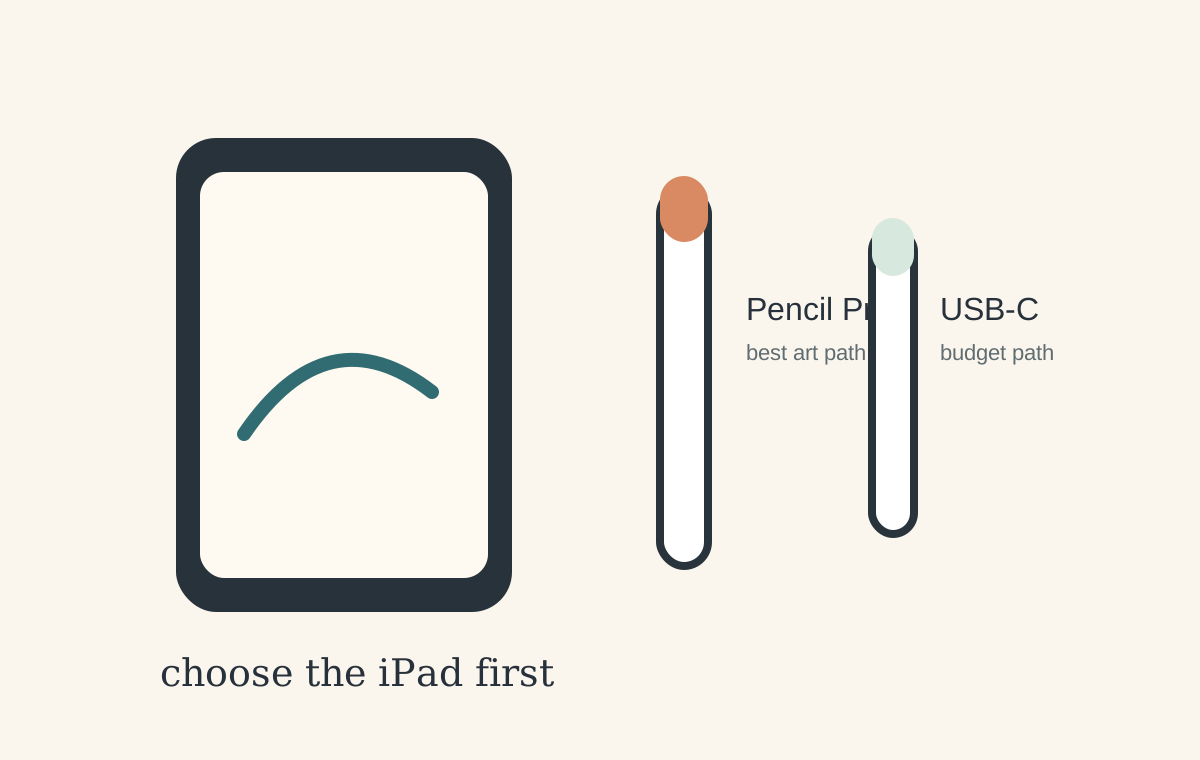
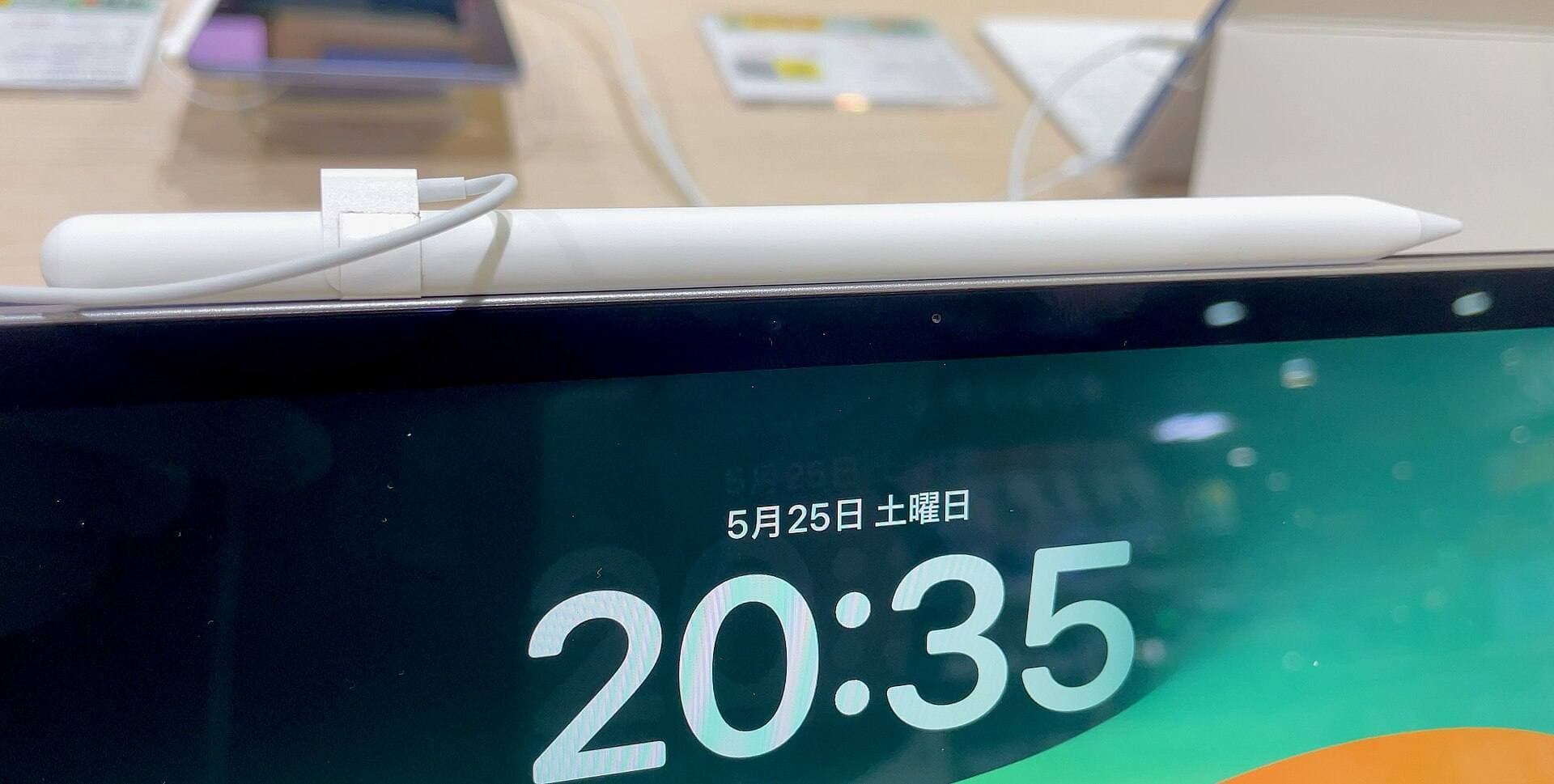
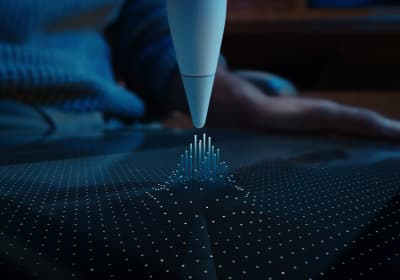
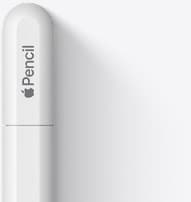
The iPad mini (A17 Pro) works with Apple Pencil Pro and Apple Pencil (USB-C). [1][2]
For Procreate, Apple Pencil Pro is the better creative choice because pressure support matters for brush work. Apple Pencil (USB-C) is the lower-cost official option, but it is not the same art tool for pressure-sensitive drawing.
The buying rule is boring and important:
- Pick the iPad.
- Check Apple's Pencil compatibility chart.
- Buy the matching Pencil.
Do not buy the Pencil first and hope.
Procreate compatibility and expectations
Procreate's current iPad FAQ says Procreate 5.4.10 requires an iPad running iPadOS 16.3 or newer. [3] The App Store page describes Procreate as built around iPad and Apple Pencil, with brushes, layers, time-lapse, import/export, and other artist workflow features. [4]
Plain English: the mini is not excluded from serious drawing just because it is small. The decision is about comfort, canvas size, and your actual drawing sessions.
If you already know your projects push layers and storage, read Is 128GB iPad Enough for Procreate in 2026?.
Best use cases for iPad mini
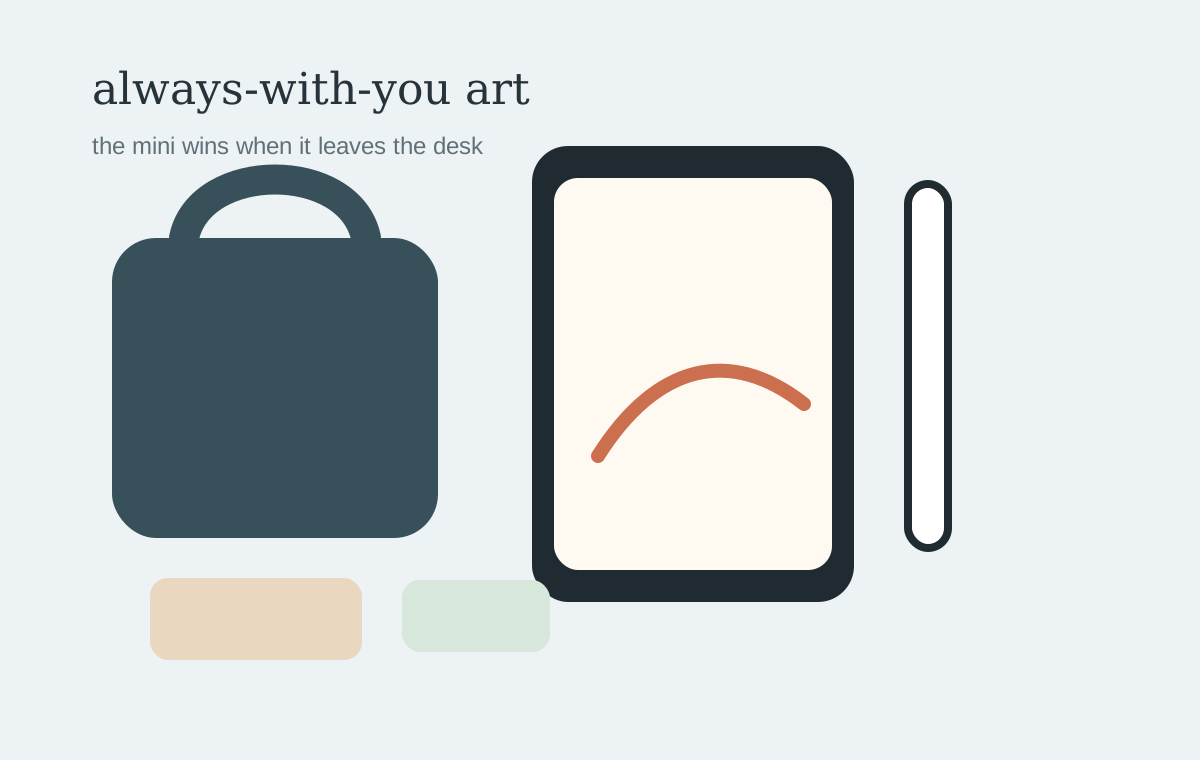
Travel sketchbook
This is the mini's natural lane. It is small enough to carry without negotiation, but capable enough for real sketching.
Tattoo consult sidekick
The mini can be useful for references, quick line ideas, and client conversations. For full sheets and long drawing sessions, a larger iPad is still easier.
Cricut and sticker side table
If you mainly need a small screen for drawing elements, checking references, or managing a craft-table workflow, mini can make sense. For sticker-sheet layout, iPad Air is more comfortable.
Second iPad for artists
If you already have a Mac, pen display, or larger iPad, the mini becomes very easy to justify. It is not trying to be the whole studio. It is the always-with-you sketchbook.
When to buy iPad Air instead
Buy iPad Air if:
- this is your only iPad,
- you draw for more than short sessions,
- you do paid work,
- you want one safer recommendation,
- you use references while drawing,
- or you often create finished pieces instead of sketches.
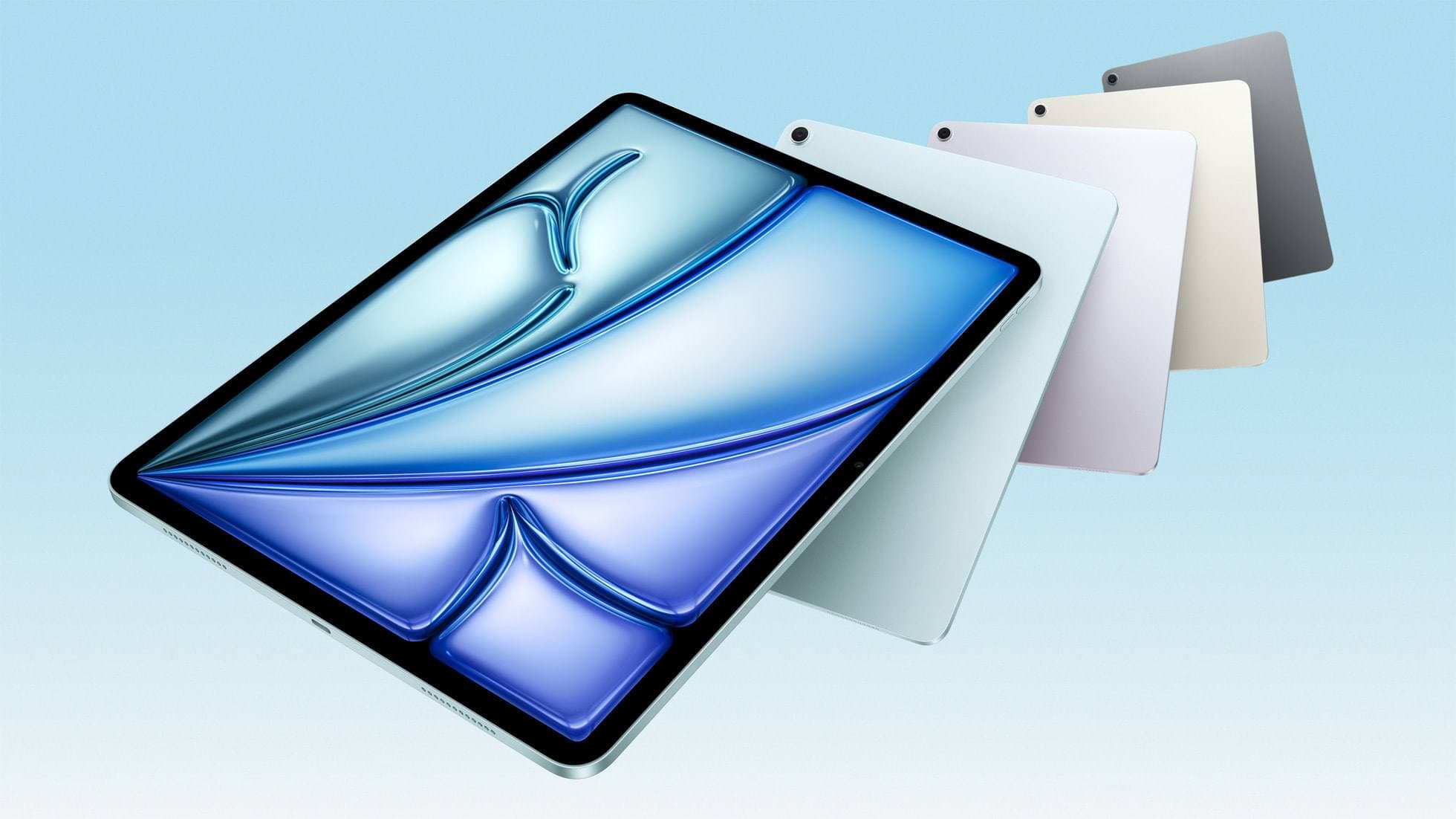
The 11-inch iPad Air is the low-stress middle because it supports Apple Pencil Pro and gives a noticeably larger canvas without jumping to iPad Pro pricing.
Related next: Best iPad for Procreate in 2026.
The low-stress setup
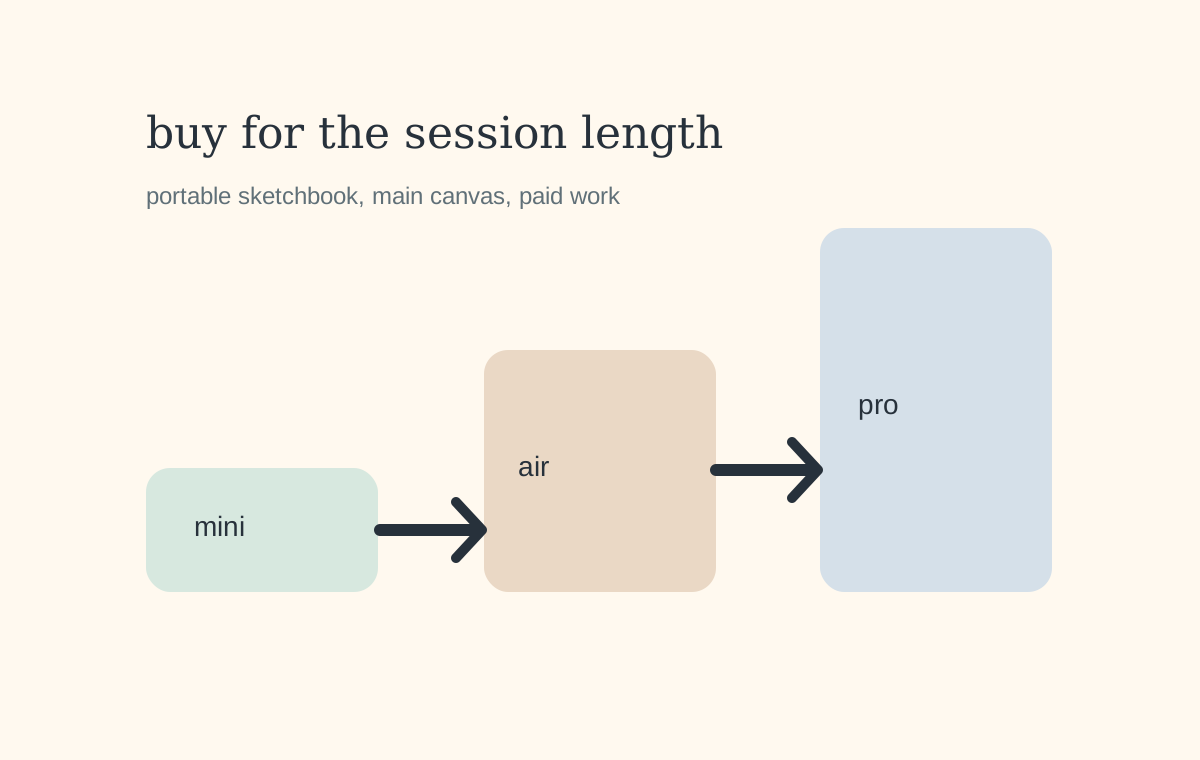
If you buy the mini, I would keep the setup simple:
- iPad mini (A17 Pro),
- Apple Pencil Pro,
- Procreate,
- enough storage for the way you actually export and back up,
- a case that protects the corners,
- and maybe a matte protector only if slippery glass bothers you.
Do not over-accessorize the mini. Its advantage is that it stays light and easy.
Bottom line
The iPad mini is a real Procreate tablet, not a toy. But it is a portable sketchbook first and a main art canvas second.
Buy it if the small size means you will draw more often. Buy iPad Air if the screen size will decide whether you enjoy drawing for longer sessions.
Sources
[1] https://support.apple.com/en-bn/121456 [2] https://support.apple.com/en-kg/guide/ipad/ipad47ee2e98/ipados [3] https://help.procreate.com/articles/dbgjal-procreate-faq [4] https://apps.apple.com/us/app/procreate/id425073498
Recommended gear
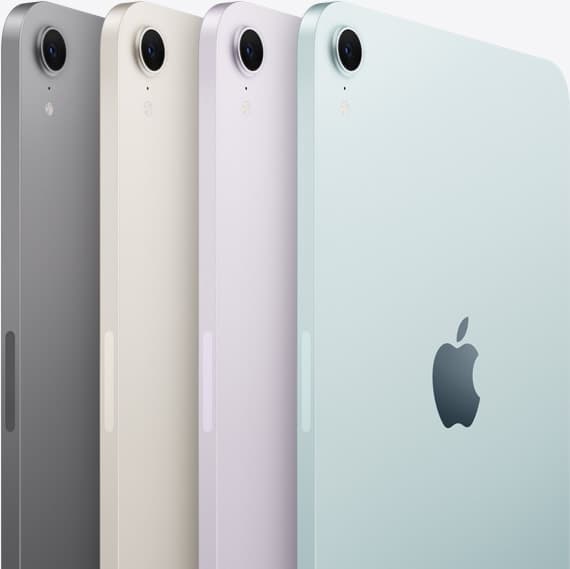
iPad mini (A17 Pro)
amazon.comThe most portable real iPad for drawing. It wins on mobility and loses on workspace.
Pro: Most portable drawing iPad
Con: Small canvas for detailed work
Search opens with iPad mini A17 Pro terms. Verify model number before buying.
Apple Pencil Pro
amazon.comThe best Apple stylus for serious digital art workflows. Expensive, but the control upgrades are real.
Pro: Best brush-control and hover workflow
Con: Highest price in the lineup
Works only with newer iPad models. Check compatibility.
Apple Pencil (USB-C)
amazon.comA practical low-cost Apple stylus with broad compatibility, but limited for advanced art control.
Pro: Lowest official Apple Pencil cost
Con: No pressure sensitivity for brush work
Compatible with many recent iPads. No pressure support.
Procreate
apps.apple.comPro: One-time purchase
Con: iPad-only
iPad Air (M4)
apple.comThe clean current Air recommendation for most serious hobby artists. Stronger buy logic than old-stock M3 when pricing is close.
Pro: Best current balance of price, headroom, and Pencil support
Con: Still 60Hz
Current Air lineup. Choose size, storage, and keyboard path before checkout.
Related buying picks
More in this collectionBuyer guide
Is 128GB iPad Enough for Procreate in 2026?
A 128GB iPad can be enough for Procreate if you draw casually and export finished work, but 256GB is the low-stress choice for frequent art, large canvases, timelapse, and client files.
Buyer guide
Best iPad for Note-Taking Plus Drawing in 2026
The safest mixed-use iPad in 2026 is the 11-inch iPad Air (M4), while the base iPad wins stricter budgets, the mini wins portability, and the Pro only makes sense when drawing is no longer the secondary job.
Buyer guide
Best iPad for Students Who Also Draw in 2026
The safest student-plus-drawing buy in 2026 is the 11-inch iPad Air (M4), while the base iPad wins stricter budgets and the mini or Pro make sense only for narrower cases.
Comparison
Best iPad for Procreate in 2026: A16 vs Air M3 vs Pro, Which Should You Buy?
For Procreate in 2026, the right iPad depends on canvas size, layer depth, and how much latency sensitivity you actually have.