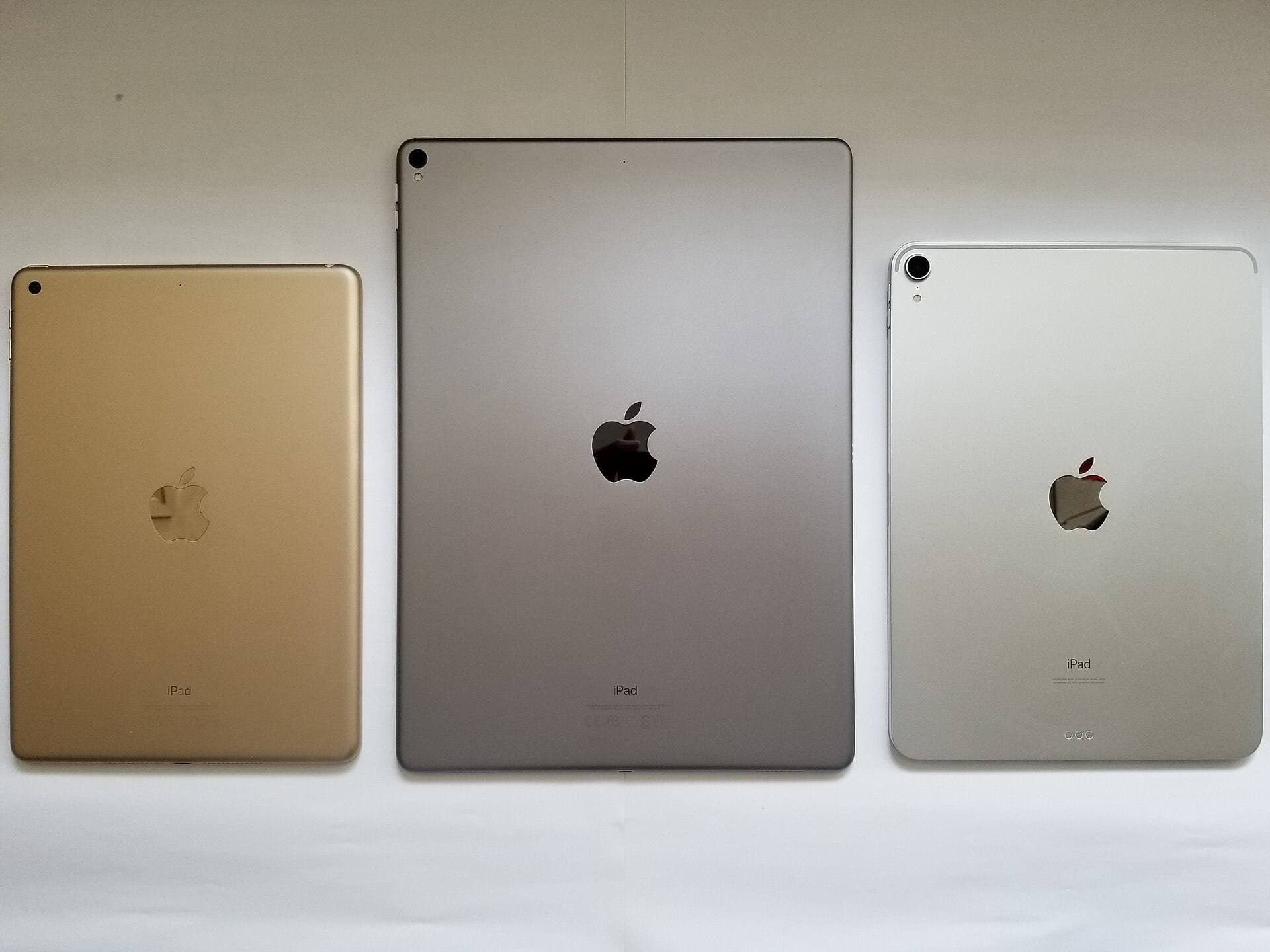
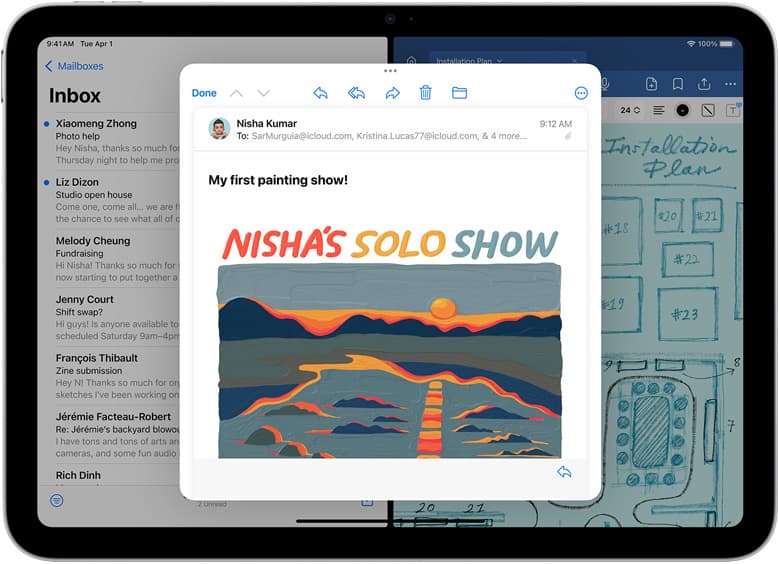
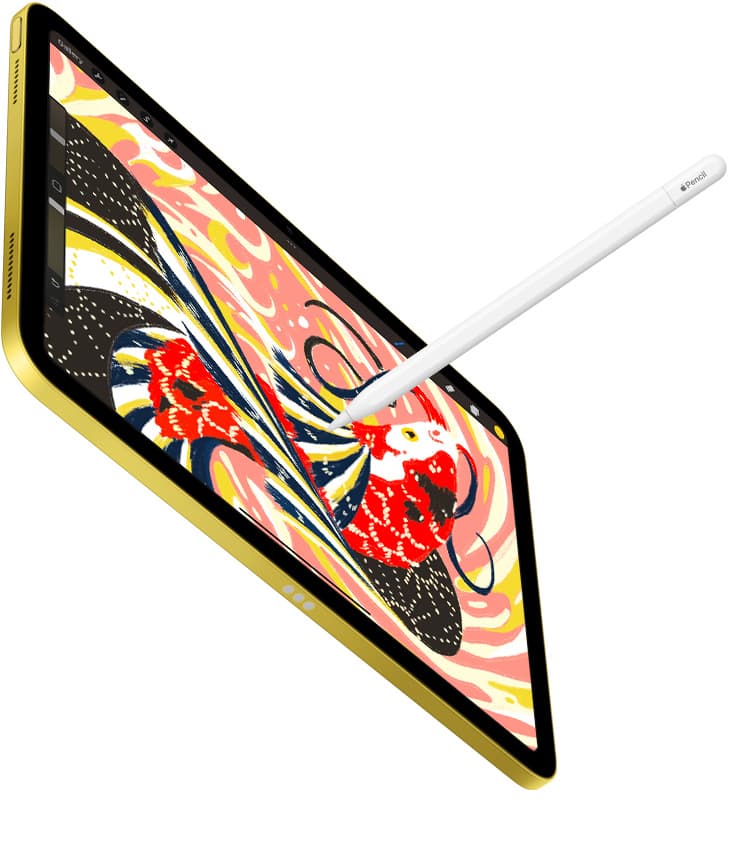
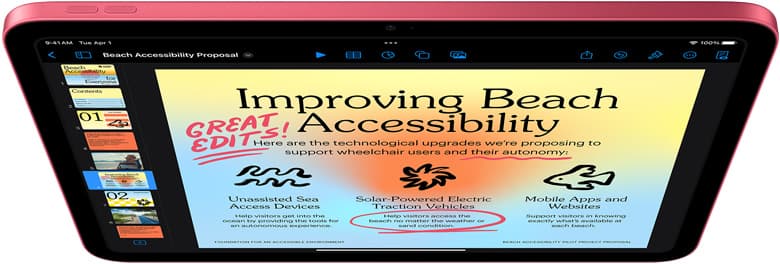
For most tattoo design work in 2026, the best iPad is the 11-inch iPad Air (M4) with Apple Pencil Pro. It is powerful enough for flash sheets, client sketch revisions, reference boards, and Procreate work without making you pay iPad Pro money by default.
Buy iPad Pro if tattoo design is already paid, frequent, and display feel matters every week. Buy the base iPad only if budget matters more than the premium Pencil path.
This is tool-buying advice, not tattoo technique advice. Hygiene, skin work, stencil process, and shop procedure belong to trained professionals and local rules. Here we are only choosing the digital drawing setup.
Quick answer
| Use case | Best iPad | Why |
|---|---|---|
| Most tattoo artists and apprentices | 11-inch iPad Air (M4) | Best balance of Pencil support, portability, and price |
| Paid studio work with heavy drawing | iPad Pro | Best display feel and premium canvas experience |
| Budget apprentices | iPad (A16) | Lower cost, but weaker Pencil path |
| Travel flash and quick consults | iPad mini (A17 Pro) | Portable, but small for detailed sheets |
If you want the least-regret answer: Air first, Pro only when the upgrade pays you back.
If the hardware is already settled and you only need the software choice, read Best iPad App for Tattoo Design in 2026.
Why tattoo design is a good content lane
Search suggestions around "best iPad for tattoo design" are buyer-intent, not casual reading. People are not asking because they are bored. They are trying to buy a tool for a real workflow:
- flash sheets,
- custom sketches,
- stencil prep,
- lineweight checks,
- reference organization,
- client revisions,
- booking consults,
- and portfolio cleanup.
That audience is closer to money than broad "best drawing tablet" traffic. The content should respect that by giving a clear setup quickly.
What matters for tattoo design
1. Pencil feel and pressure control
Tattoo design often lives or dies in line confidence. You want a Pencil setup that feels predictable when sketching, refining, and cleaning linework. Apple Pencil Pro support is the main reason iPad Air jumps ahead of the base iPad for serious tattoo design buyers. Apple's compatibility chart is the source to check before buying. [1]
2. Canvas size without table chaos
11 inches is the safe default. It is big enough for many flash and client sketch workflows, but still easy to hold, show, pack, and use in a small workspace.
13 inches can feel better for full sheets and detail-heavy pieces, but it takes more room and costs more.
3. Display feel
iPad Pro gives the best premium display experience in Apple's lineup. For artists who draw for money every day, that can matter. For apprentices and mixed-use artists, iPad Air is usually the better return on cash. [2]
4. File handoff
The glamorous part is drawing. The revenue part is not losing files. Your iPad workflow needs boring exports, backups, and naming habits:
- client name,
- design version,
- placement,
- date,
- finished export,
- editable source file.
No iPad model fixes bad file hygiene.
Best overall: iPad Air (M4), 11-inch
The 11-inch iPad Air is the best default for tattoo design because it gives you Apple Pencil Pro support without pushing you into Pro pricing. [1][2]
It is a strong fit for:
- apprentices,
- flash artists,
- client sketch revisions,
- small-to-medium custom designs,
- artists who carry the iPad between home and shop,
- and people who want one tablet for drawing plus admin.
Why it wins:
- enough canvas for most design work,
- supports Apple Pencil Pro,
- easier to hold and show clients than a huge tablet,
- less expensive than Pro,
- and still useful outside drawing.
If you are not sure whether Pro is worth it, buy Air. Ambivalence is usually a signal that Pro is not necessary yet.
Upgrade pick: iPad Pro
iPad Pro is the right answer when the better display experience and larger-canvas option save time or improve paid work often enough to matter. Apple positions Pro as the premium iPad line, and its display path is the reason artists keep considering it. [2]
Choose Pro if:
- you draw tattoo designs most days,
- you sell flash or custom work,
- you work on larger detailed pieces,
- you care deeply about display smoothness,
- or you know a 13-inch canvas will reduce zooming and friction.
Skip Pro if your reason is mostly "I want the professional one." A professional workflow is a habit, not a price tier.
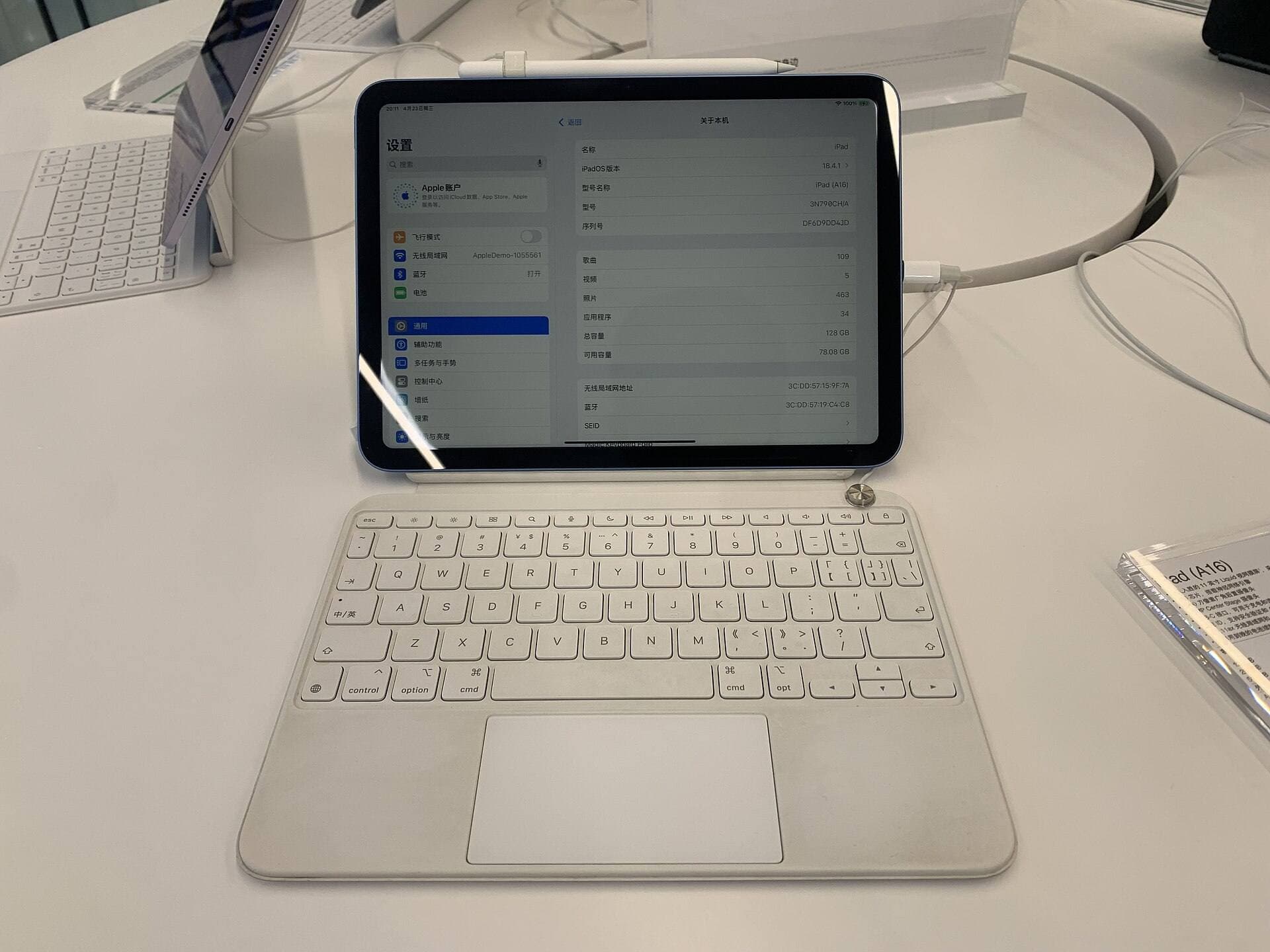
Budget pick: iPad (A16)
The base iPad can be a reasonable starter if money is tight. It is not the best tattoo-design iPad, but it is better to start drawing consistently than to wait six months for a perfect setup.
The catch is Pencil compatibility. The base iPad does not use Apple Pencil Pro. Check Apple before buying the Pencil. [1]
Choose the base iPad if:
- you are an apprentice on a tight budget,
- you mainly sketch and practice,
- you already have another computer,
- or the lower price keeps the purchase low-stress.
If paid work is already happening, Air is usually the better floor.
Portable sidekick: iPad mini
iPad mini can be good for consults, quick sketches, and reference browsing, but it is not my first pick as a main tattoo-design canvas. The smaller screen makes full sheets and detailed line cleanup more cramped.
Choose mini only if small size is the point.
Procreate and tattoo design
Procreate is a common iPad drawing choice because it is direct, fast, and widely taught. Procreate publishes compatibility guidance, and its handbook covers the app workflow rather than leaving you to random rumor. [3][4]
For a focused app comparison, see Best iPad App for Tattoo Design in 2026.
For tattoo design, the useful Procreate habits are simple:
- keep reference and sketch layers separated,
- name files clearly,
- export client previews separately from editable files,
- test line weights at the size they will be used,
- and back up finished designs outside the iPad.
Do not let the app become a messy camera roll with brushes.
Accessories that matter
Apple Pencil Pro
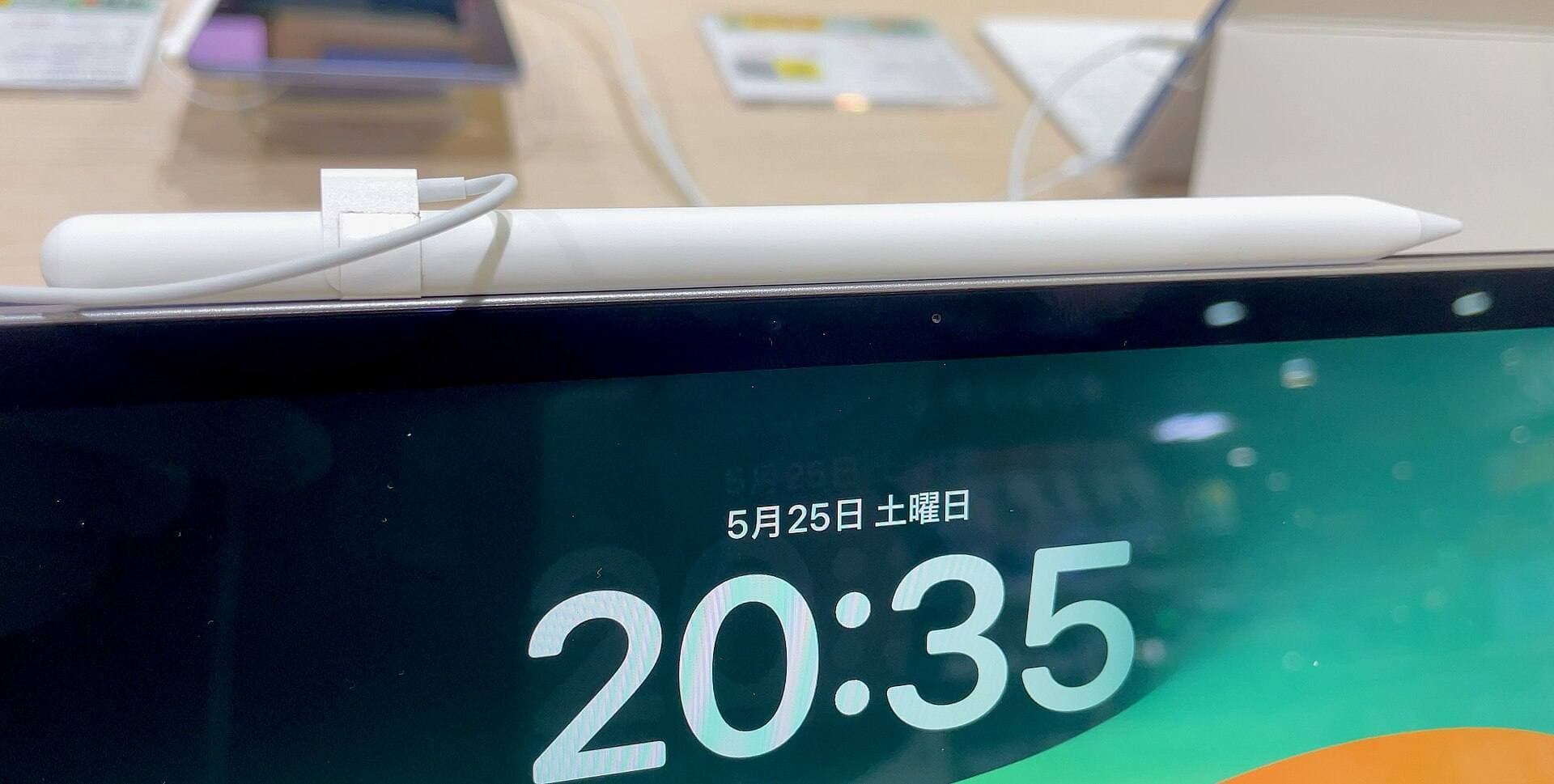
For Air and Pro buyers, Apple Pencil Pro is the correct serious-art path. It keeps the setup modern and avoids the awkwardness of buying a premium tablet and a compromised stylus. [1]
Stable stand or drawing board
Long sketch sessions need angle support. A drawing board-style stand can make the iPad feel less like a slippery plate and more like a real work surface.
Matte screen protector, maybe
A matte protector can add friction and make linework feel more controlled. It can also reduce perceived display clarity and increase Pencil tip wear. Try bare glass first if you do not already know you hate slick screens.
Backup storage
If designs are tied to money, the backup setup is not optional. Use iCloud, an external drive, or another boring backup method. The exact method matters less than actually doing it.
Recommended setups
Apprentice starter
- iPad (A16) or iPad Air (M4)
- matching Apple Pencil from Apple's compatibility chart
- simple case
- Procreate
- weekly backup habit
Choose Air if budget allows.
Working artist default
- 11-inch iPad Air (M4)
- Apple Pencil Pro
- stable stand or drawing board
- optional matte protector
- 256GB storage if possible
- clean export and backup process
This is the best value setup for most people.
Studio upgrade
- 13-inch iPad Pro
- Apple Pencil Pro
- serious stand
- storage headroom
- backup and file naming system
Buy this when the larger canvas and premium display reduce real working friction.
Common mistakes
Buying too much tablet before the workflow exists
If you are not drawing consistently yet, Pro pricing will not create consistency. Start with Air or base iPad and build the habit.
Ignoring storage and backups
Tattoo design files are business assets. Treat them like business assets.
Choosing mini as the main canvas
Mini is useful, but it is cramped for detailed client work and full flash sheets.
Obsessing over brushes instead of line control
Brushes are fun. Clean lines, readable versions, and reliable exports are what make the workflow professional.
FAQ
What iPad do tattoo artists use for drawing?
Many artists use an iPad with Apple Pencil and Procreate-style workflows. For a practical 2026 buying choice, the 11-inch iPad Air with Apple Pencil Pro is the best default; iPad Pro is the upgrade when paid work and display preference justify it.
Is iPad Air enough for tattoo design?
Yes. iPad Air is enough for most tattoo design, flash, sketching, and client revision work. It supports Apple Pencil Pro on current models, which is the key reason it is the default recommendation. [1]
Is iPad Pro worth it for tattoo artists?
It is worth it if you draw frequently for money and the better display or larger size saves time. It is not automatically worth it for beginners or apprentices.
Is Procreate good for tattoo design?
Procreate is a strong iPad drawing app for sketching, flash sheets, and revision workflows. Check Procreate's official compatibility guidance before choosing an older iPad. [3]
What size iPad is best for tattoo design?
11 inches is the safest default. Choose 13 inches if you work on full sheets, larger compositions, or detail-heavy designs often enough to accept the added size and cost.
Should tattoo apprentices buy the cheapest iPad?
Only if budget is the main constraint. The base iPad can work for practice, but the Air gives a better current Pencil path and more room to grow.
Bottom line
Buy the 11-inch iPad Air (M4) with Apple Pencil Pro for most tattoo design work. Buy iPad Pro when paid, frequent drawing makes the display upgrade earn its keep. Buy the base iPad when budget discipline matters more than premium feel.
The low-stress move is not the most expensive tablet. It is the setup that lets you sketch, revise, export, and back up without drama.
Sources
Recommended gear
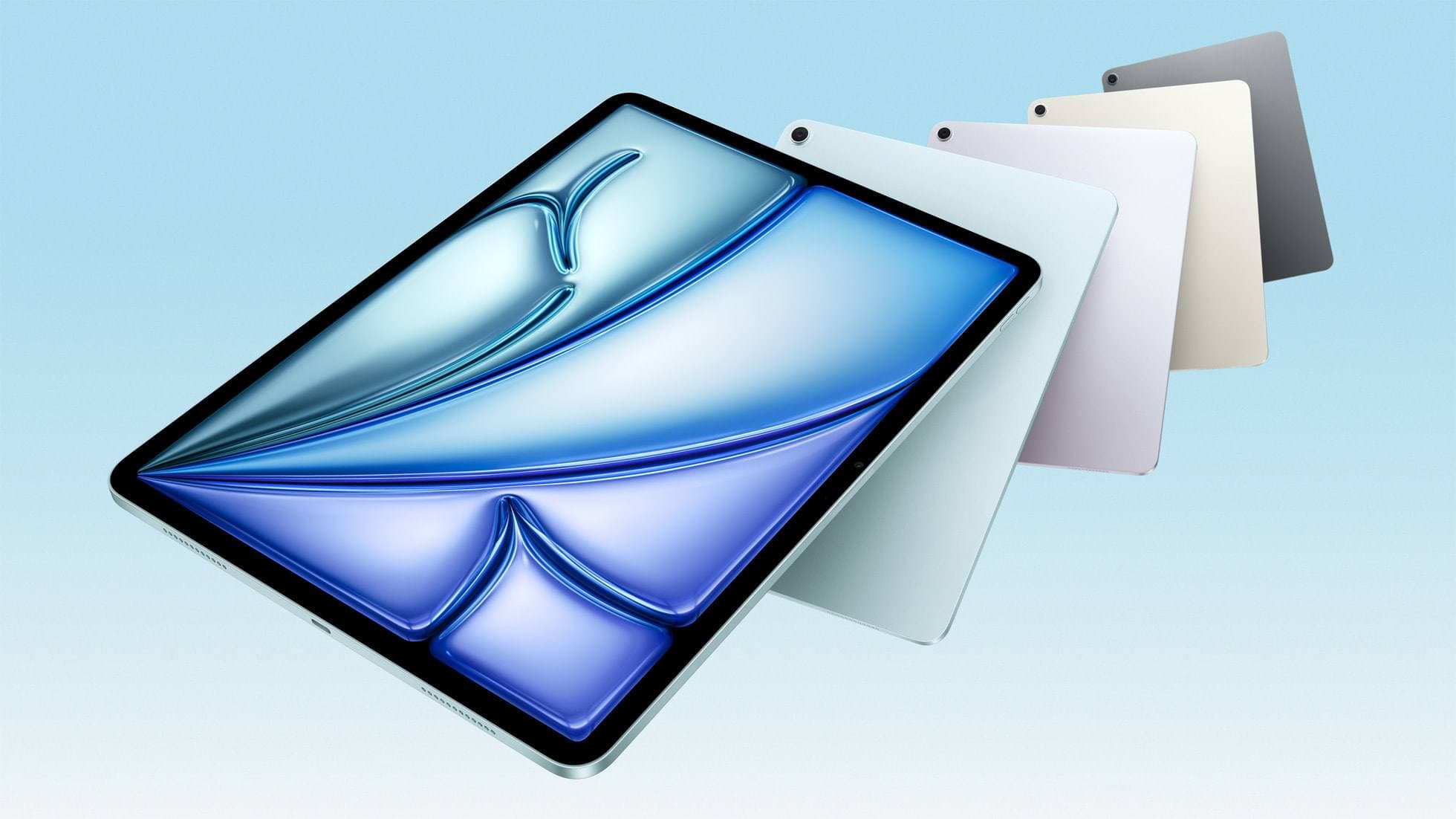
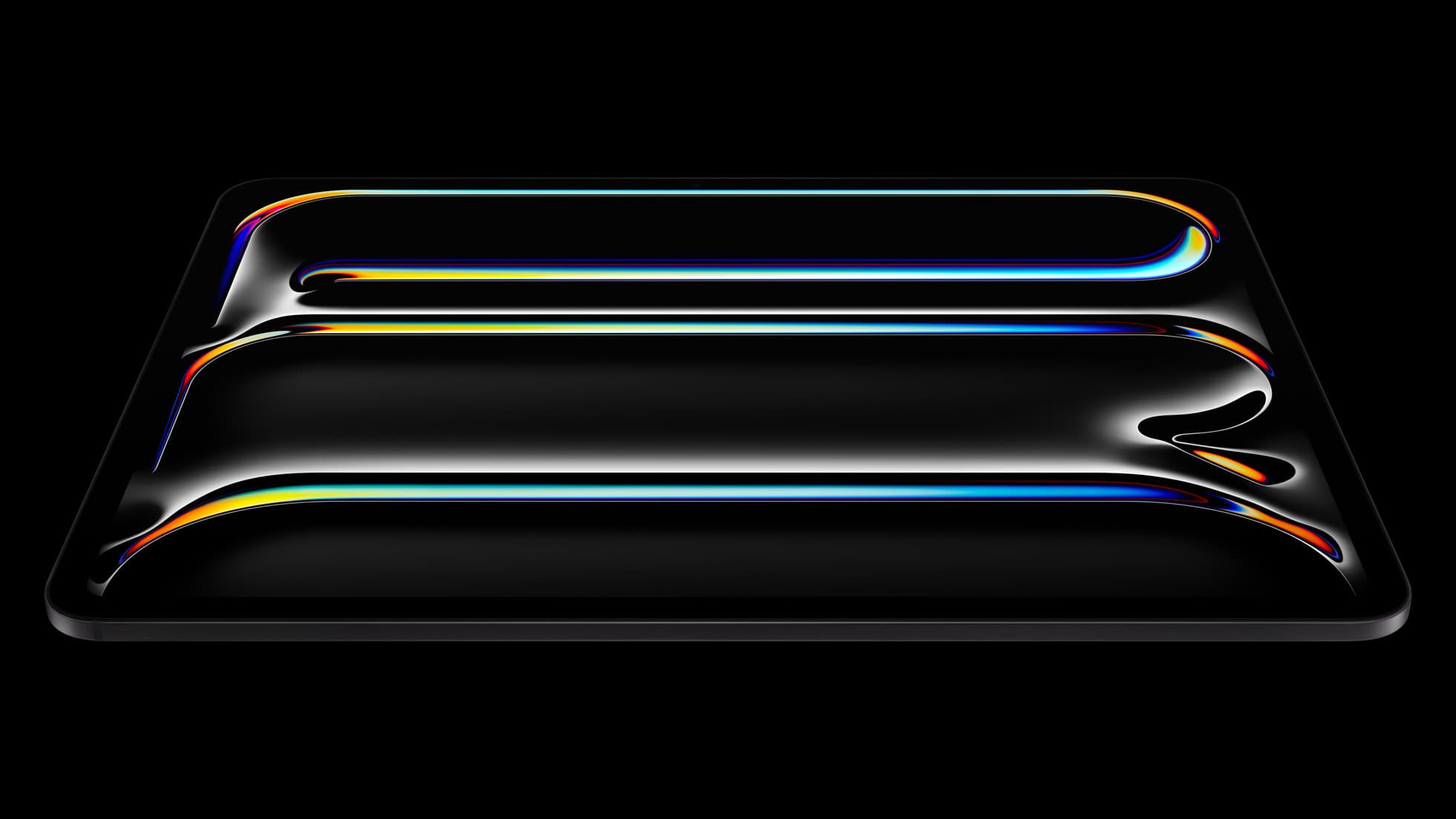
iPad Air (M4)
apple.comThe clean current Air recommendation for most serious hobby artists. Stronger buy logic than old-stock M3 when pricing is close.
Pro: Best current balance of price, headroom, and Pencil support
Con: Still 60Hz
Current Air lineup. Choose size, storage, and keyboard path before checkout.
iPad Pro (M5)
amazon.comThe best iPad for drawing feel and premium workflow comfort, but many buyers still overpay for it.
Pro: Best iPad display and ProMotion feel
Con: Highest price in the lineup
Search opens with iPad Pro terms. Check year, chip, and screen size.
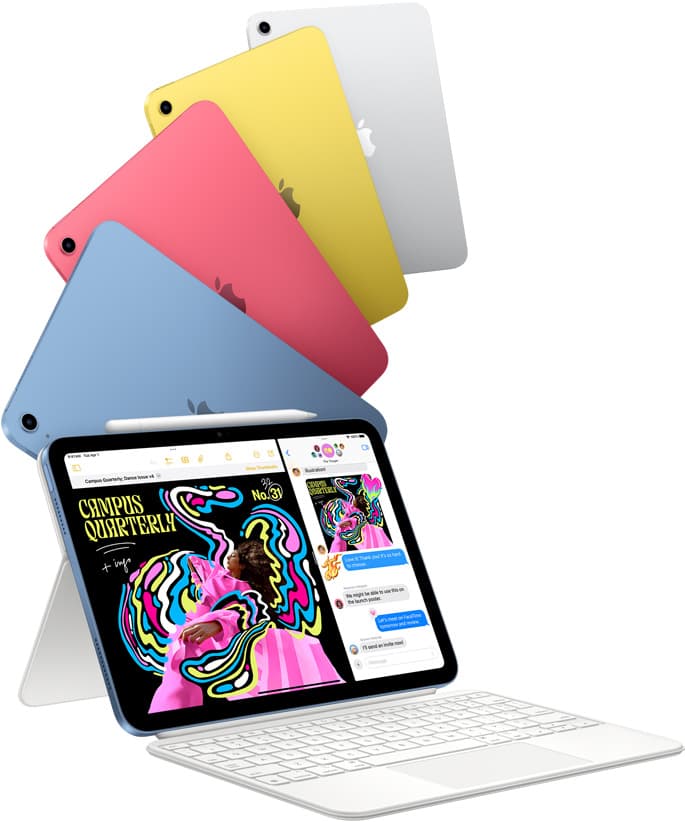
iPad (A16, 11th gen)
amazon.comThe best entry iPad for most artists on a budget. It is not premium, but it is very hard to beat on value.
Pro: Best value iPad right now
Con: No ProMotion display
Search opens with the exact model keywords. Verify size and storage before checkout.
Apple Pencil Pro
amazon.comThe best Apple stylus for serious digital art workflows. Expensive, but the control upgrades are real.
Pro: Best brush-control and hover workflow
Con: Highest price in the lineup
Works only with newer iPad models. Check compatibility.
Procreate
apps.apple.comPro: One-time purchase
Con: iPad-only
Related buying picks
More in this collectionBuyer guide
Best tablet for tattoo design: Choosing the right iPad for stencils and flash
Compare iPad Air, iPad Pro, and iPad mini options to find the right drawing tablet and Apple Pencil pairing for tattoo stencils and studio design.
Buyer guide
Best iPad app for drawing tattoos and the hardware to run it
Procreate paired with an Apple Pencil Pro and iPad Air M4 gives tattoo artists the best balance of layer headroom, precision tools, and hardware value.
Buyer guide
Is an 11-inch iPad enough for comic art?
An 11-inch iPad provides ample space for sketching, inking, and paneling comic pages when paired with the right Apple Pencil and app workflow.
Comparison
iPad vs laptop for Cricut: how to choose your cutting setup
Compare operating system support, Apple Pencil illustration workflows, and file uploads to decide whether an iPad or a laptop fits your Cricut cutting setup.