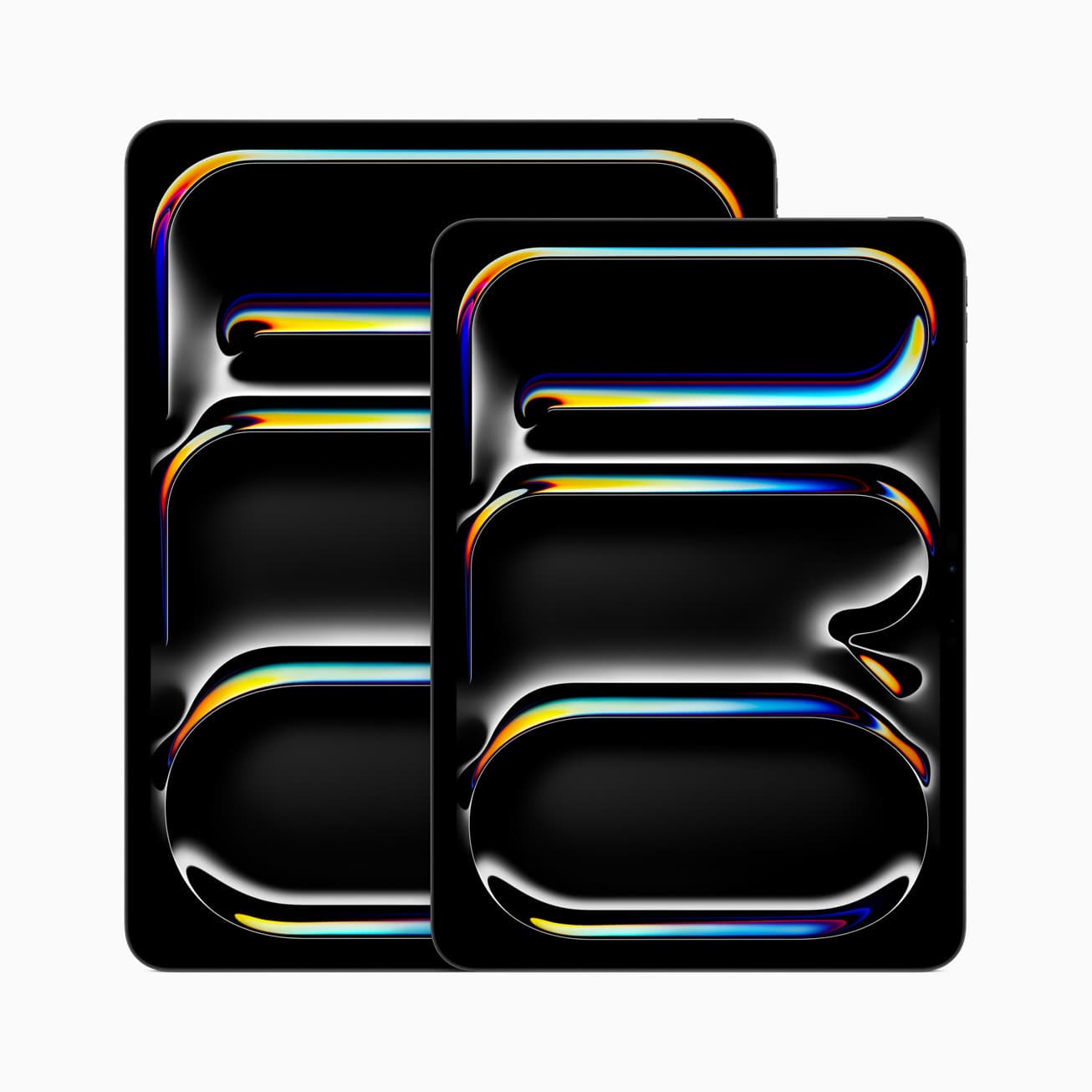
Most buyers overfocus on chip names. The daily difference is usually display smoothness, brightness behavior, and whether long painting sessions feel controlled.
Fast decision table
| Situation | Buy | Why |
|---|---|---|
| You want the safest value and still care about serious art work | iPad Air M3 | It keeps the total setup rational while still covering most real drawing workloads well. |
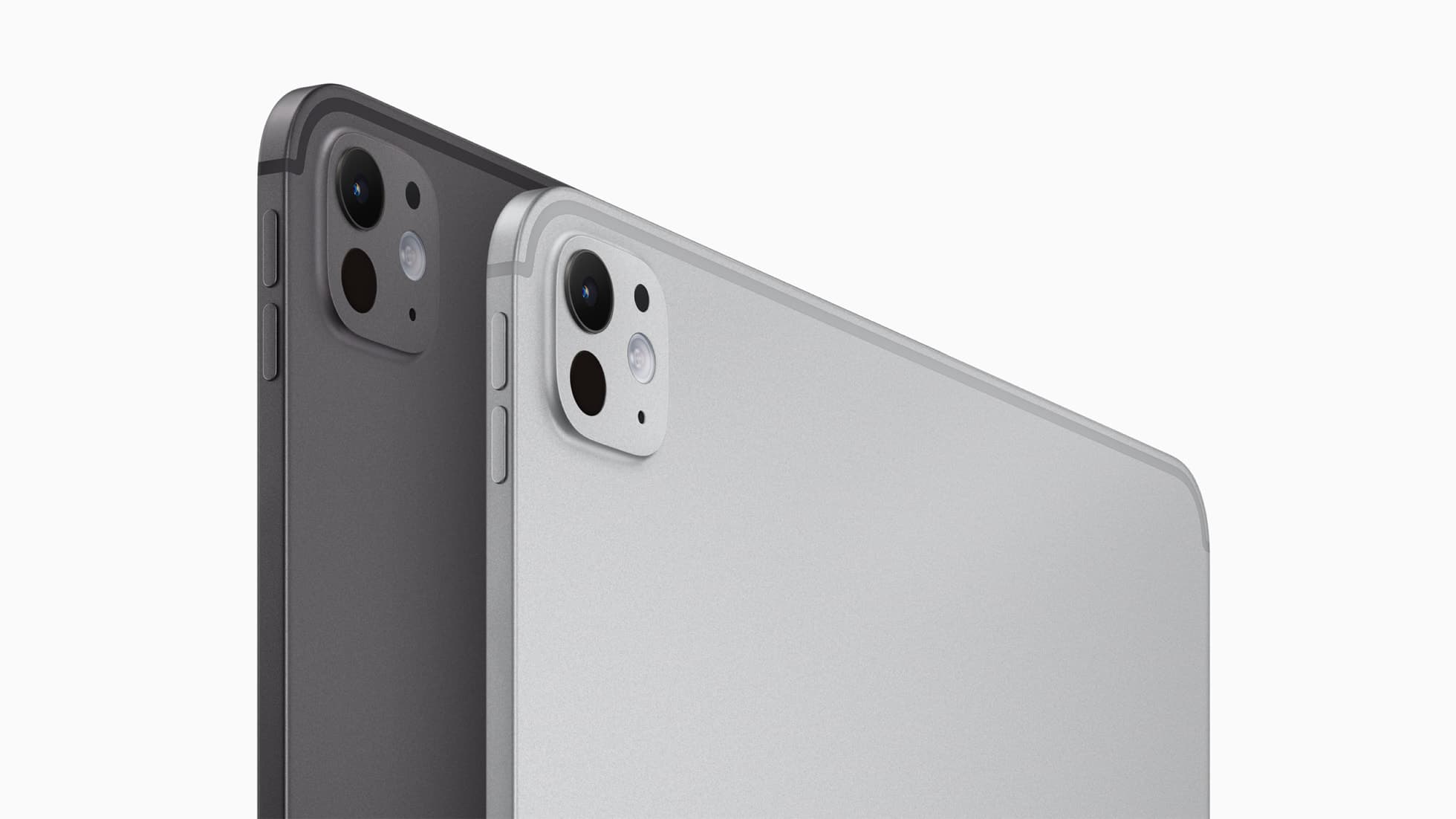
| You can explain exactly why display feel or extra headroom matters weekly | iPad Pro M5 | The premium is real when it removes friction from work you already do, not imagined future work. |
| You draw handheld, travel often, or dislike a large tablet in the hand | 11-inch | Better for couch, lap, and mobile sessions. |
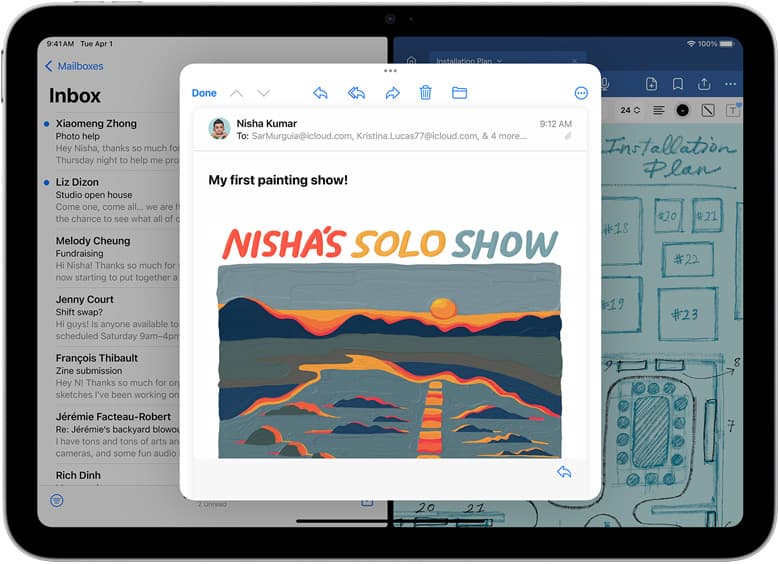
| You work at a desk with references, panels, or split views open most days | 13-inch | The larger canvas and workspace are easier to justify when the tablet lives on a stand. |
Where the money gap actually goes
The expensive part you feel is not "speed" in a vague sense. It is whether the display and interaction feel premium enough to matter every week.
That means the first question is not "Can I afford Pro?" It is "What does the premium solve that Air does not?" If you cannot answer that cleanly, Air is usually the right purchase.
Buy iPad Air M3 if you want the smarter value
Choose Air when your work looks like this:
- Procreate, Clip Studio, or illustration work that is serious but not relentlessly heavy,
- weekly art use where reliability matters more than prestige,
- a budget where Pencil, storage, stand, and accessories still need to fit cleanly,
- a buyer mindset that wants the least-regrettable recommendation.
Air usually wins because most artists do not consistently run into the kind of workload that makes Pro an automatic yes. The lower total cost also protects the rest of the setup instead of forcing you to overspend on the tablet body and underspend everywhere else.
Buy iPad Pro M5 only if the display and headroom pay you back
Choose Pro if you can name a specific weekly reason:
- you do color-sensitive work and actually notice display differences,
- you routinely push larger canvases or heavier file stacks,
- your work is paid or deadline-sensitive enough that small friction reductions matter,
- your setup already leans desk-first, long-session, or external-display heavy. [1]
Pro is excellent hardware. The trap is that many buyers buy it for emotional comfort instead of workload reality. "I want the best" is not the same as "The premium improves my output enough to matter."
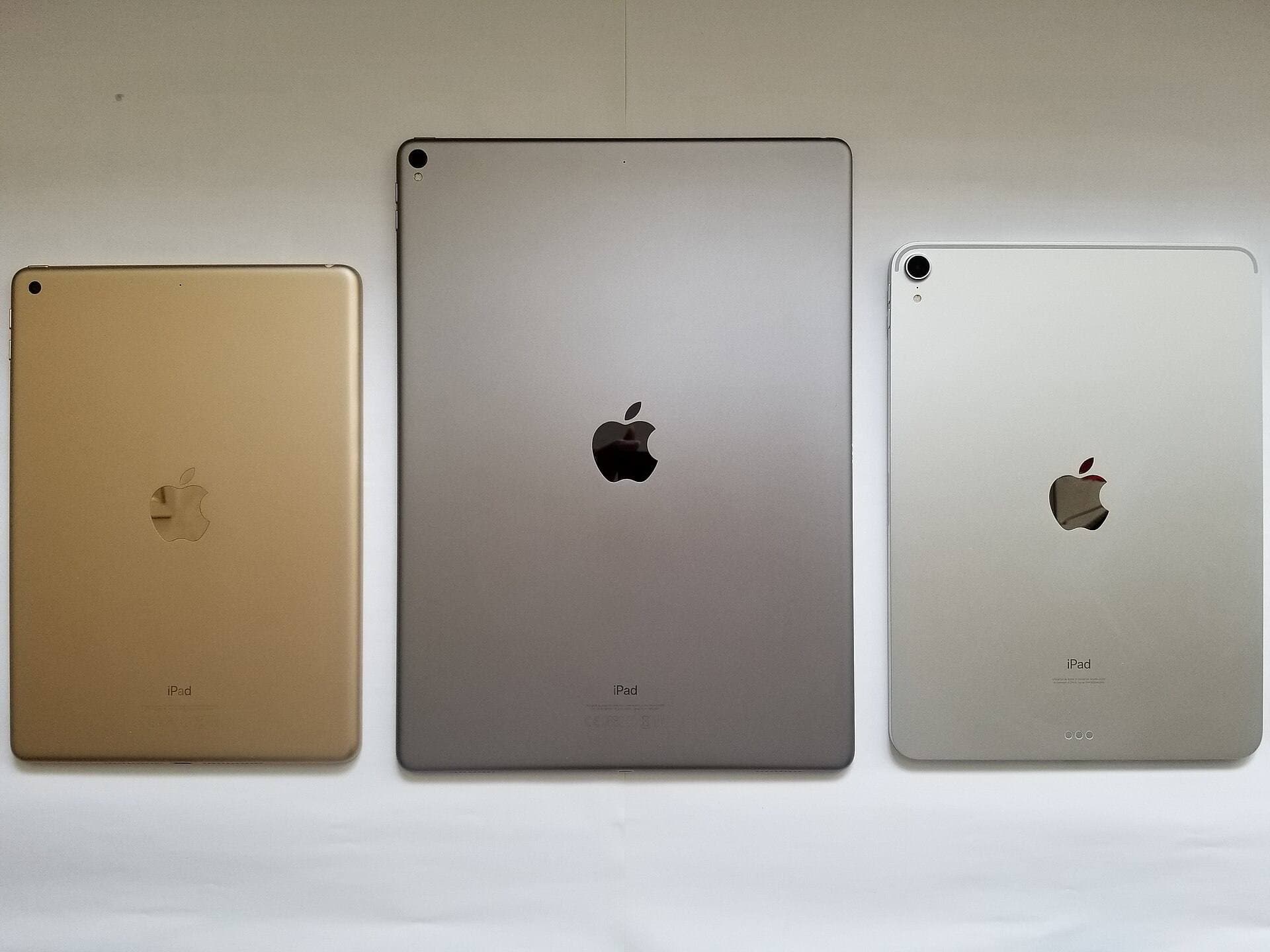
11-inch vs 13-inch: pick based on how you draw
11-inch is better if you:
- draw on the couch, in bed, or on your lap
- commute, travel, or carry your iPad daily
- prefer a lighter tablet for long hand-held sessions
13-inch is better if you:
- keep palettes, layers, and reference images open while painting
- animate, storyboard, or do layout work where canvas space saves time
- mostly draw at a desk with a stand
The size choice often matters more than the Air-versus-Pro badge. A too-large tablet that you avoid holding is a worse fit than a slightly smaller one you actually use everywhere.
Budget rule that prevents dumb upgrades
If buying Pro forces you to get stingy with the rest of the kit, it is usually the wrong move.
Watch for these bad tradeoffs:
- paying up for Pro but delaying Pencil or storage,
- buying a premium tablet while ignoring your real desk setup,
- choosing the expensive model because you are afraid of regret, not because you can explain the workflow gain.
If the Pro premium hurts the rest of the bundle, Air is often the smarter professional decision.
Regret patterns to avoid before checkout
Regret pattern 1: buying Pro for emotional safety
Many buyers want Pro because it feels like the version they will never outgrow. That sounds rational, but it often masks uncertainty. If your current work does not already demand the premium, you are paying now to quiet a future fear.
Regret pattern 2: buying 13-inch because bigger sounds more serious
13-inch is not automatically the "pro" choice. It is the right choice only if the extra space saves time in your actual workflow. If you draw handheld or move around the house, bigger can become more annoying instead of more useful.
Regret pattern 3: forcing Air when your files are already brutal
Air is the default recommendation, not the universal one. If you already know your work is heavy, your sessions are long, and your display standards are high, buying Air just to save money can create a second-guessing cycle that costs more later.
Simple buyer paths
Buy Air M3 when you want one hard-to-regret answer
This is the safest choice for most serious hobby artists and many semi-pro buyers. It covers real work without forcing a luxury tax on the rest of the setup.
Buy Pro M5 when you already know why you need it
This is the right move for artists who already feel display behavior, heavier files, or long-session headroom as real weekly constraints.
Buy 11-inch when mobility is part of your routine
If you sketch in different rooms, commute, or draw handheld often, 11-inch is usually the more honest fit.
Buy 13-inch when the iPad mostly lives on a stand
If your work involves references, panels, storyboards, or side-by-side tools, the larger size can save real time.
Bottom line
Buy iPad Air M3 if you want the best balance of value and creative capability. Buy iPad Pro M5 when the display and heavier-workload headroom already matter enough to justify the money. Then pick 11-inch or 13-inch based on whether you actually draw mobile or desk-first, because size changes daily comfort faster than spec-sheet bragging does.
Product visuals
Sources
Recommended gear
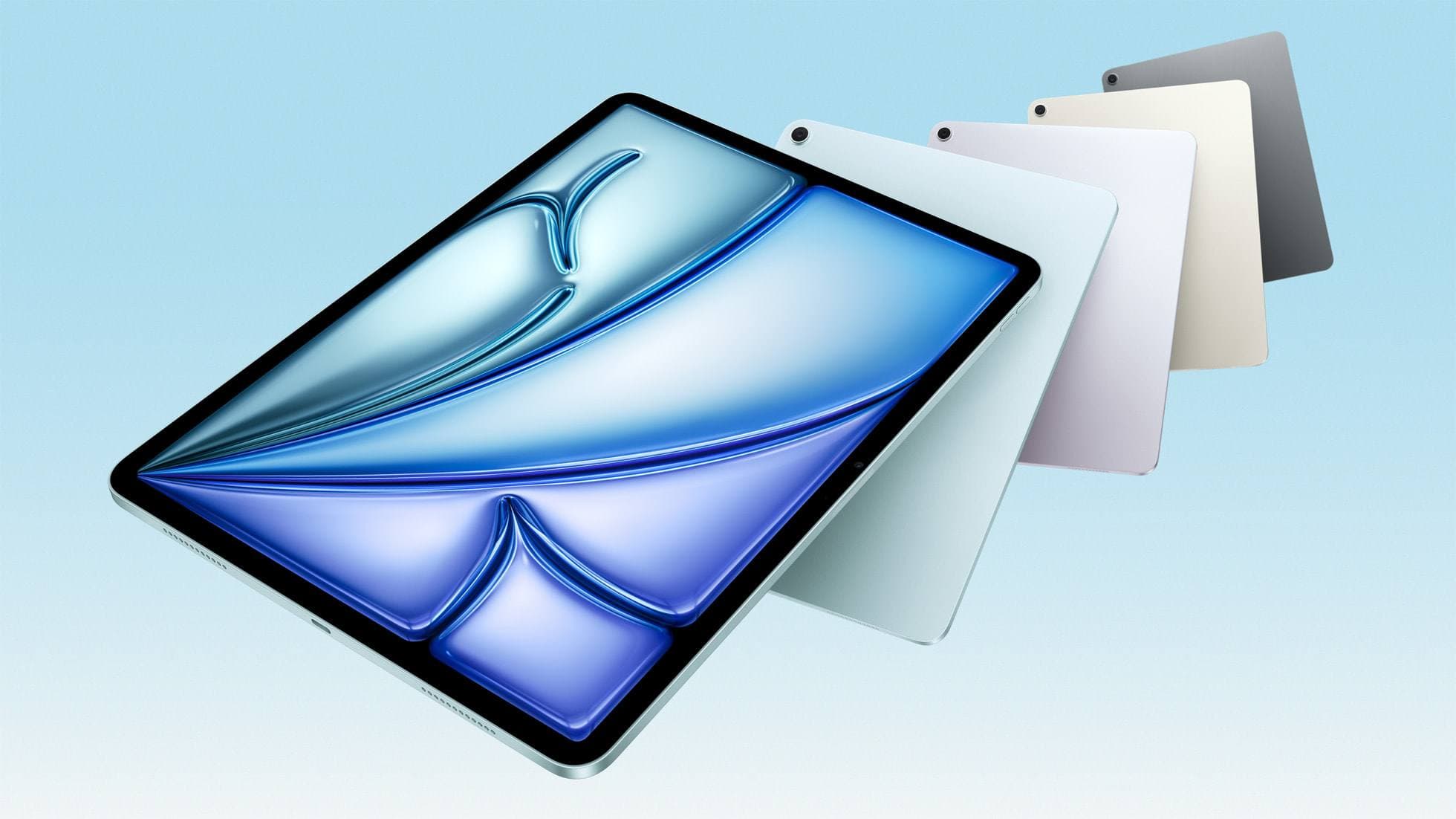
iPad Air (M3)
amazon.comStill a smart Air buy when the discount is real. Harder to justify when pricing drifts too close to the current model.
Pro: Strong prior-gen value when the discount is real
Con: Not the current Air lineup
This is the prior-gen Air. Confirm the discount against the current Air before checkout.
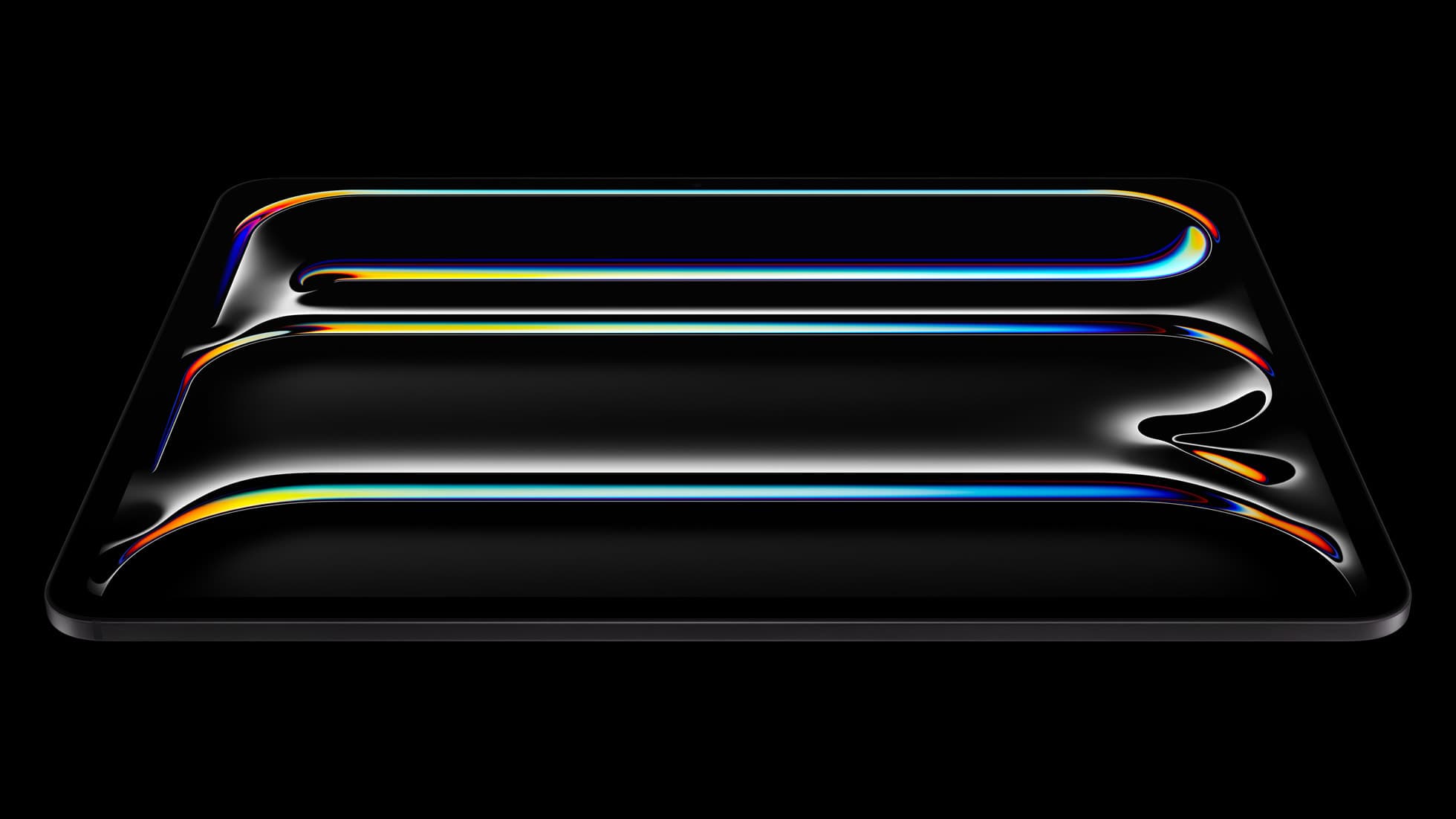
iPad Pro (M5)
amazon.comThe best iPad for drawing feel and premium workflow comfort, but many buyers still overpay for it.
Pro: Best iPad display and ProMotion feel
Con: Highest price in the lineup
Search opens with iPad Pro terms. Check year, chip, and screen size.
Apple Pencil Pro
amazon.comThe best Apple stylus for serious digital art workflows. Expensive, but the control upgrades are real.
Pro: Best brush-control and hover workflow
Con: Highest price in the lineup
Works only with newer iPad models. Check compatibility.
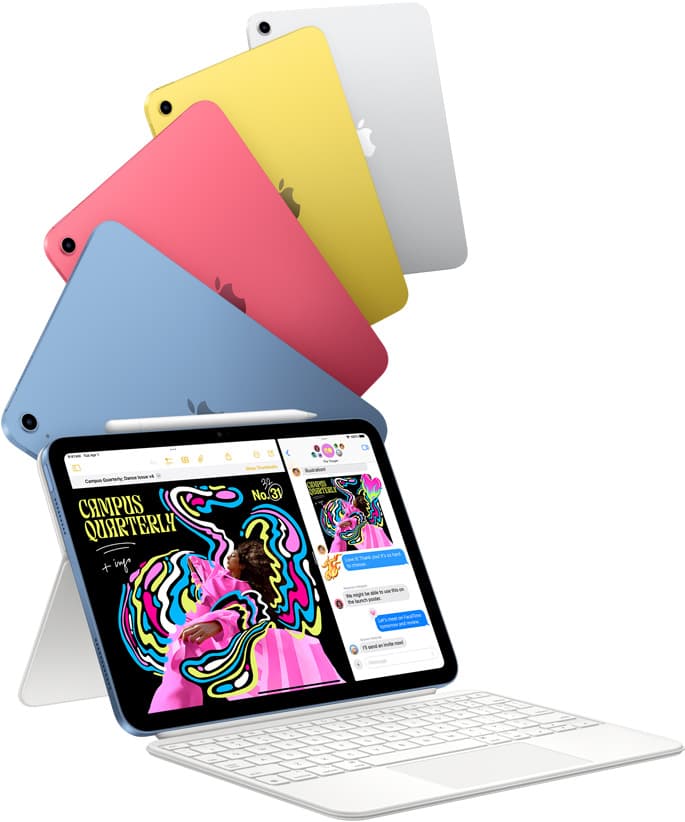
iPad (A16, 11th gen)
amazon.comThe best entry iPad for most artists on a budget. It is not premium, but it is very hard to beat on value.
Pro: Best value iPad right now
Con: No ProMotion display
Search opens with the exact model keywords. Verify size and storage before checkout.
iPad Air (M4)
apple.comThe clean current Air recommendation for most serious hobby artists. Stronger buy logic than old-stock M3 when pricing is close.
Pro: Best current balance of price, headroom, and Pencil support
Con: Still 60Hz
Current Air lineup. Choose size, storage, and keyboard path before checkout.
Related buying picks
More in this collectionBuyer guide
iPad mini for Procreate in 2026: should artists buy the small one?
The iPad mini (A17 Pro) is a strong portable Procreate sketchbook, especially with Apple Pencil Pro, but most artists should choose iPad Air if it will be their only serious drawing canvas.
Buyer guide
Best iPad for Note-Taking Plus Drawing in 2026
The safest mixed-use iPad in 2026 is the 11-inch iPad Air (M4), while the base iPad wins stricter budgets, the mini wins portability, and the Pro only makes sense when drawing is no longer the secondary job.
Buyer guide
Best iPad for Students Who Also Draw in 2026
The safest student-plus-drawing buy in 2026 is the 11-inch iPad Air (M4), while the base iPad wins stricter budgets and the mini or Pro make sense only for narrower cases.
Comparison
Best iPad for Procreate in 2026: A16 vs Air M3 vs Pro, Which Should You Buy?
For Procreate in 2026, the right iPad depends on canvas size, layer depth, and how much latency sensitivity you actually have.