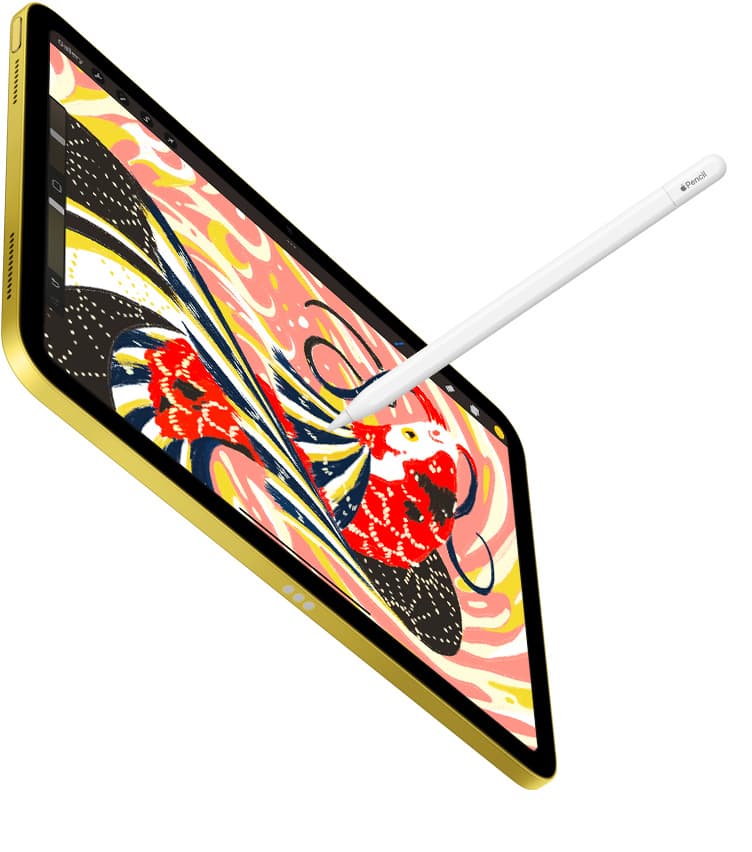
Apple Pencil is a tiny engineering flex that sometimes feels like… holding a cold, glossy chopstick for two hours.
That mismatch isn’t in your head. Apple’s Pencils are slim, 8.9mm in diameter across the lineup, and the “comfort problem” is basically the same one ergonomics researchers have been writing about for decades: small diameter + hard surface = more pinching force + more pressure hotspots. [1]
So when you ask “silicone vs foam,” what you’re really asking is:
- Do I want more grip (friction)?
- Do I want a bigger diameter (less pinch)?
- Do I want cushion (pressure spread)?
- And will it mess up the Pencil’s charging / gestures / storage?
Let’s treat this like a comfort investigation, not a vibes contest.
A 30-second reality check: what “comfortable” actually means
Comfort isn’t softness. Comfort is how little you need to squeeze to stay in control.
A key finding that shows up repeatedly in pen ergonomics: increasing diameter reduces the gripping pressure people apply, with one paper summarizing prior work that reported reduced gripping pressure with pens around 12-14mm. [2]
That matters because Apple Pencil is 8.9mm, noticeably slimmer than that “less pressure” zone. [3]
So a grip that only adds surface traction (less slipping) helps… but a grip that also thickens the barrel often helps more, especially for long sessions. [2]
Now: silicone and foam solve these needs differently.
Silicone grips: the “keep Apple Pencil Apple Pencil” option
Silicone grips are popular for one reason: they change just enough, without wrecking the workflow.
What silicone does well
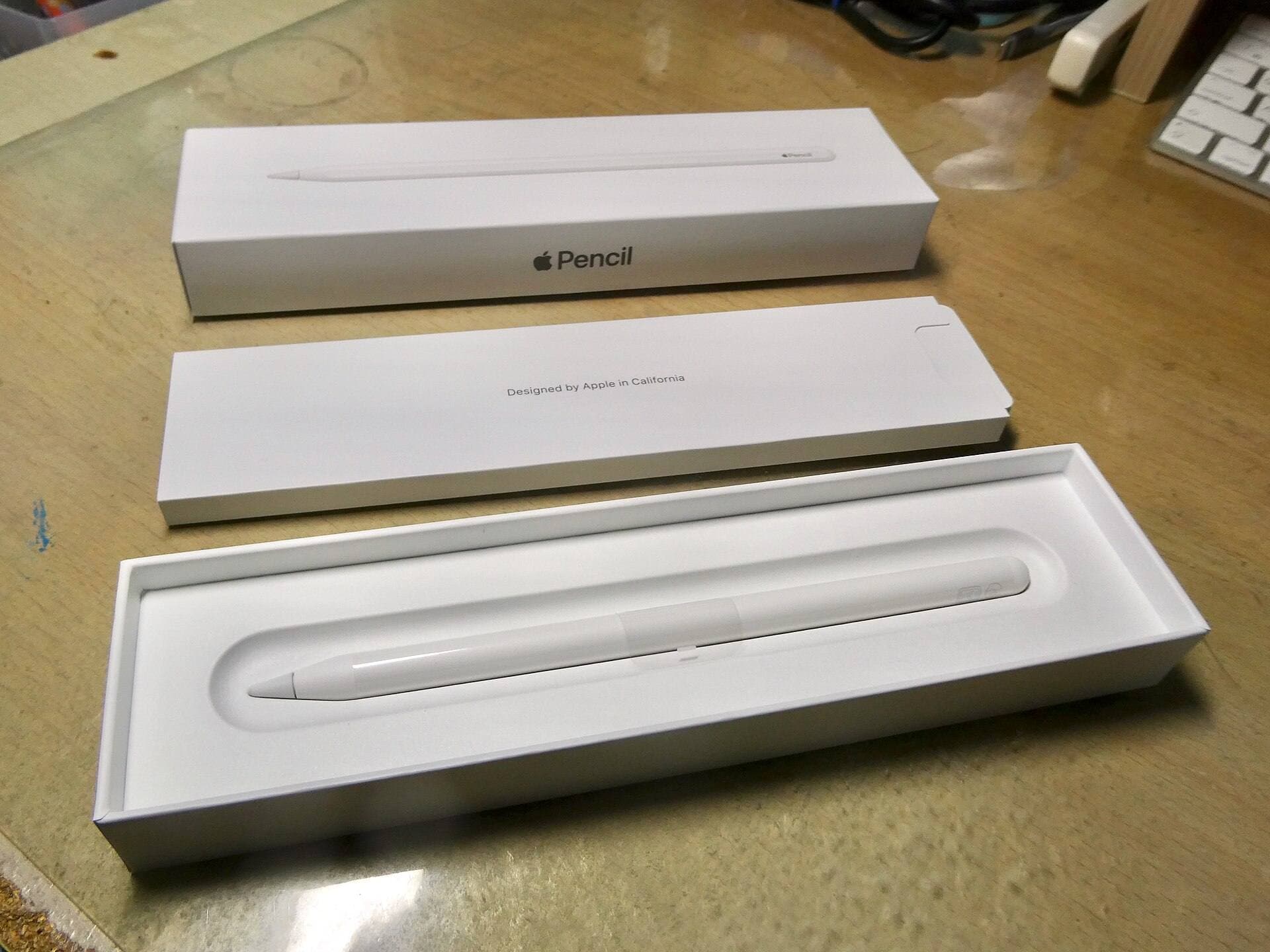
1) Friction without bulk. Silicone rubber tends to have a relatively high coefficient of friction compared with many other rubbers, translation: it feels “grabbier,” especially when your hands are dry. [4]
2) Hygiene and maintenance. A lot of silicone’s appeal is boring-but-real: it’s non-porous (so it doesn’t drink oils the way many foams can), and it wipes clean easily. [5]
3) It can be shaped precisely. This is the underrated bit. Silicone grips can be molded into:
- subtle sleeves (mostly traction),
- ergonomic bulges (adds diameter where your fingers actually sit),
- faceted “pencil” bodies (anti-roll + tactile indexing),
- versions with cutouts aligned to magnets/flat sides.
That means silicone grips can target the exact kind of discomfort you have, without turning your Pencil into a pool noodle.
What silicone is bad at (and you should hear this clearly)
Silicone does not magically fix a too-thin barrel, at least not the thin sleeves. A sleeve that adds a millimeter of padding feels nicer, but if your problem is pinch fatigue, you usually need more diameter than a minimalist sleeve provides.
In other words: if you cramp after 20 minutes, a “barely-there” silicone skin is often a cosmetic upgrade masquerading as an ergonomic one.
Compatibility: magnets and gestures are the entire game now
Depending on your Pencil model, grips can interfere with key features:
- Apple Pencil (2nd gen): magnetic attach/charge + double tap. [3]
- Apple Pencil Pro: magnetic attach/charge + squeeze, barrel roll, haptic feedback, double tap, Find My. [6]
- Apple Pencil (USB-C): magnetically attaches for storage; charges via USB-C; no pressure sensitivity. [6]
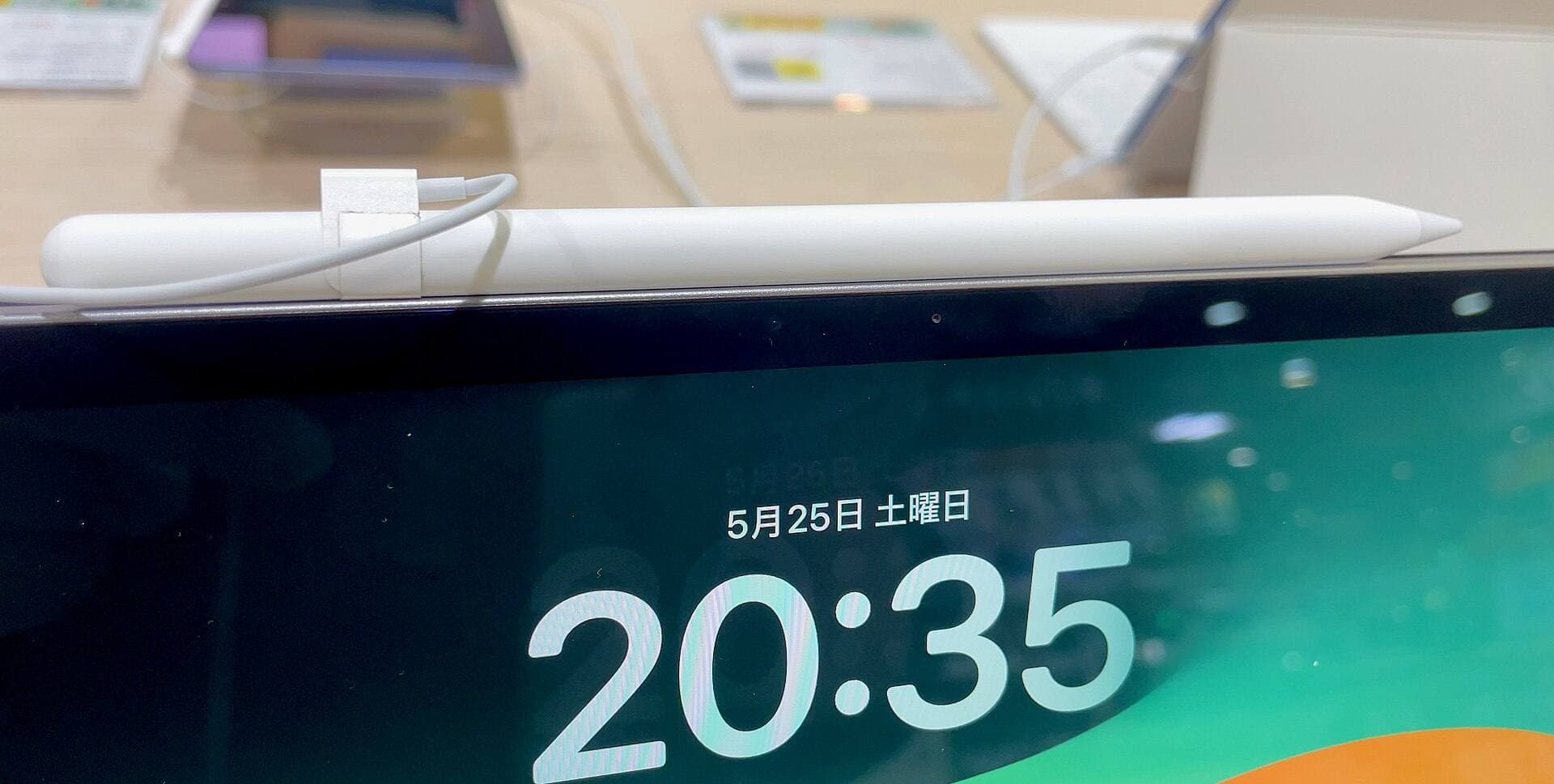
- Apple Pencil (1st gen): Lightning connector + cap; fully round body. [1]
This is why many modern silicone grips are asymmetrical (flat side) and/or claim feature compatibility.
Paperlike, for example, explicitly says its grips don’t interfere with Double Tap and Squeeze and still allow magnetic charging (2nd gen + Pro), plus Lightning/USB-C charging for the other models. [7]
Two important practical notes (read before you buy anything):
- If your iPad case already makes the magnetic connection borderline, adding any thickness can tip it into “why won’t this charge.” (That’s not a theory; it’s the most common complaint category.)
- For Apple Pencil Pro’s squeeze: iPadOS gives you settings to adjust how firmly you need to squeeze and double-tap timing. If a grip dampens the sensation, that slider can matter. [8]
The silicone verdict
If you want the safest comfort upgrade, buy silicone.
Not because silicone is always “more comfortable,” but because it’s the only option that routinely balances:
- more traction,
- modest diameter increase,
- easy cleaning,
- and not ruining charging/gestures.
It’s the default for a reason.
Foam grips: the “I refuse to pinch-grip my way through life” option
Foam grips are less common in Apple Pencil marketing… because foam grips come from a different universe: occupational aids, classroom handwriting tools, and “make thin handles easier to hold” products.
That’s why foam often looks goofy, and why it can feel incredible.
The two foam families you’ll actually encounter
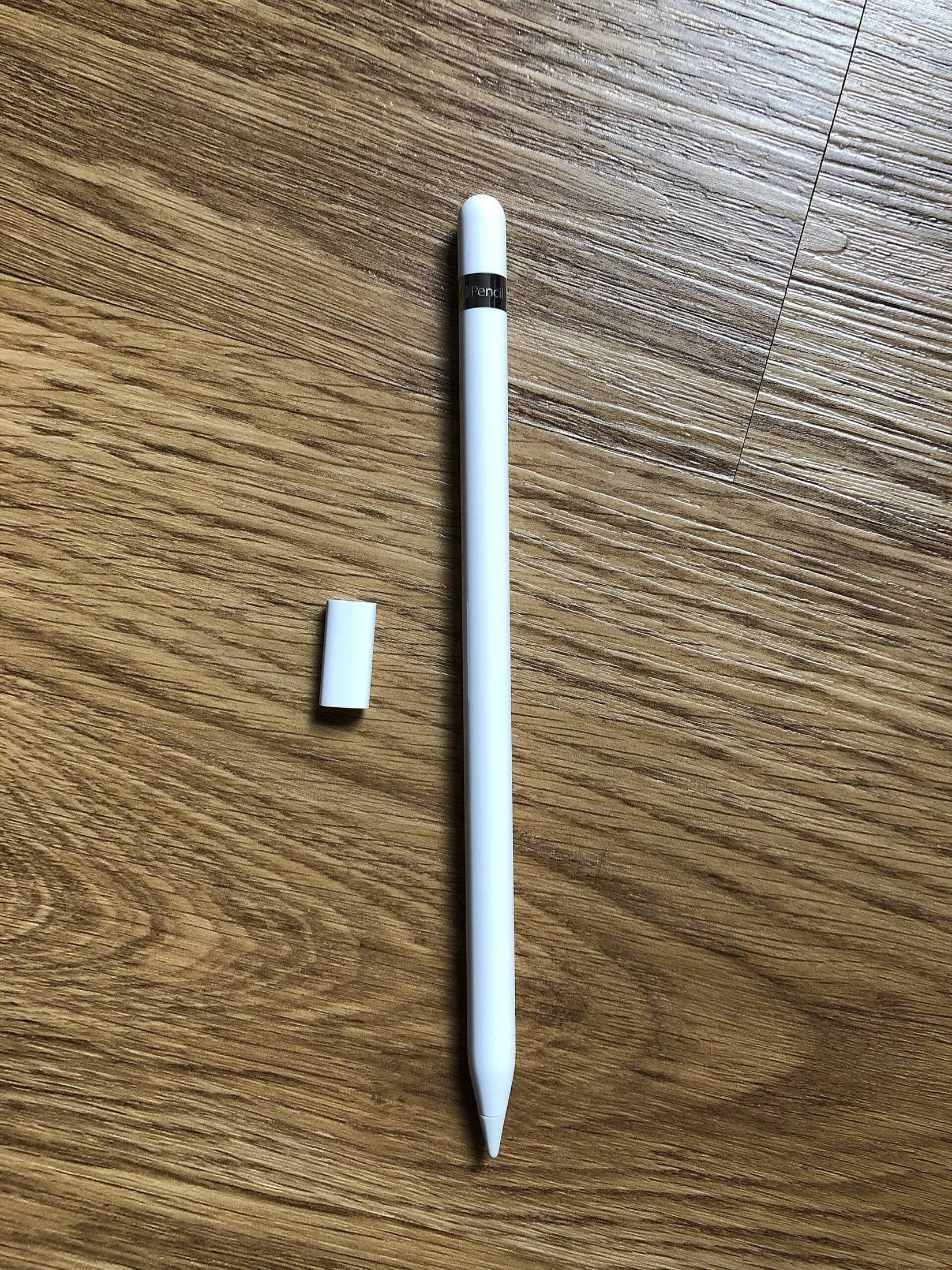
1) Foam “egg” grips (the chunky ovals) They’re designed to make the grip much thicker immediately, spreading pressure across a larger area.
These are what you buy when you want your fingers to stop pretending they’re a vise.
2) Closed-cell foam tubing (cut-to-length sleeves) This is the sleeper hit. Closed-cell foam tubing is specifically sold to create built-up handles on pens and utensils, and many versions are described as non-absorbent and washable. [9]
This matters because “foam gets gross” is only sometimes true. Open-cell sponge foam can soak oils and grime; closed-cell foam is far less likely to.
Why foam can be more comfortable than silicone (when it works)
Foam’s superpower is diameter + compliance.
Ergonomics literature around writing tools repeatedly circles the same idea: a wider diameter is easier to grasp and can reduce pressure demands. [2]
Foam makes it easy to jump from Apple Pencil’s 8.9mm into “fat pen” territory, often closer to that 12-14mm range associated with reduced gripping pressure, sometimes beyond it. [2]
If your discomfort feels like:
- thumb/index pinch ache,
- cramped first knuckle,
- “my fingers go numb after note-taking,” foam often hits the root cause better than thin silicone.
The harsh truth about foam on Apple Pencil
Foam is the comfort maximalist, and it comes with maximalist tradeoffs.
1) It almost always breaks magnetic life. A thick foam grip will usually prevent:
- magnetic attachment (storage),
- magnetic charging (2nd gen / Pro), unless you’re constantly removing it.
This is why foam is rarely the “mainstream recommendation.” It doesn’t fit the way Apple wants the Pencil to live: parked on the iPad’s side.
2) It can interfere with gestures. If your foam covers the barrel, Apple Pencil Pro’s squeeze and roll, and even 2nd gen’s double tap, can become less reliable. The OS gives you some adjustability for squeeze, but foam is still a blunt instrument. [8]
3) It changes precision. This is subtle: thicker grips can reduce finger micro-movements. For some people, that’s stability. For others, it’s “why do my lines feel less nimble?”
If you do highly controlled illustration and rely on fingertip nuance, foam can feel like drawing with gloves on, especially if it’s very thick.
The foam verdict
Foam is not the best “all-day default” for most Apple Pencil owners.
But if you’re chasing maximum comfort (especially pinch-fatigue relief), foam, particularly closed-cell tubing, is the most ergonomically aggressive fix you can apply without changing the stylus itself. [9]
It’s just going to demand compromises.
The hidden variable: which Apple Pencil you own changes the answer
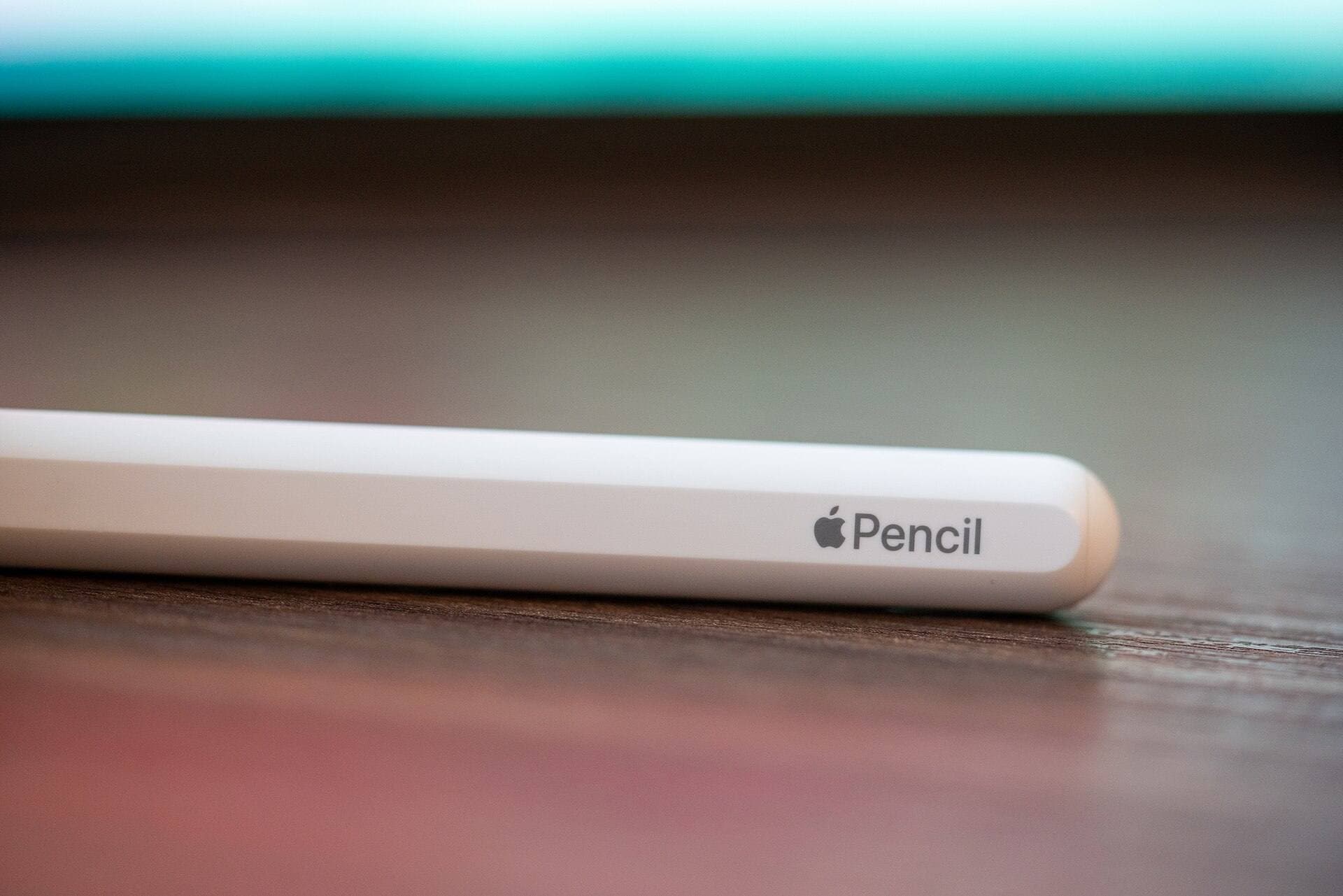
Apple’s Pencil lineup isn’t just “different charging.” It’s different interaction models.
A grip that’s “perfect” on Pencil (1st gen) can be actively annoying on Pencil Pro.
A quick cheat sheet:
If you have Apple Pencil Pro
You have the most to lose: squeeze, roll, haptics, double tap, plus magnetic charging. [6] A silicone grip designed to preserve those zones is the sane choice. Foam becomes a “desk-only / remove-to-charge” lifestyle.
If you have Apple Pencil (2nd gen)
You’re in the classic ergonomic-grip sweet spot: double tap + magnetic attach/charge. [3] Silicone grips with a flat-side alignment (and ideally a comfort bulge) are usually the best balance.
If you have Apple Pencil (USB-C)
You charge via USB-C and attach magnetically for storage. [6] You have fewer gesture constraints than Pro/2nd gen, so you can experiment more, but foam can still ruin magnetic storage.
If you have Apple Pencil (1st gen)
It’s longer and still 8.9mm diameter, and it’s fully round. [1] You can go thicker without worrying about magnetic charging, and anti-roll grips can be legitimately useful.
So… which one is “most comfortable”?
Here’s the cleanest, least-cute answer:
Silicone is the best choice for most people
Because it solves the most common Apple Pencil annoyances (slip + hard feel) while respecting the modern Pencil workflow (magnet + gestures). [3]
If you want one grip to live on the Pencil 24/7, silicone wins.
Foam is the best choice for a specific kind of discomfort
If your problem is pinch fatigue, that deep thumb/index ache that shows up in long sessions, foam’s diameter jump is the most direct attack on the problem, aligning with what pen ergonomics research and assistive-tool design have been optimizing for years. [2]
But it’s rarely the best “daily driver” because it fights magnetic attachment/charging and can blunt gesture features. [6]
A smart way to pick without buying a drawer of grips
Do this once and you’ll stop guessing:
-
Find a pen you can write with for 30 minutes without thinking about your hand. A good marker or a “fat pen” is perfect.
-
Compare the diameter (roughly). If that comfortable pen feels much thicker than Apple Pencil, you’re probably in foam-or-thick-silicone territory, not thin-sleeve territory. [2]
-
Decide what you refuse to sacrifice:
- If you refuse to sacrifice magnetic charging / Pro gestures → silicone grip designed around those features. [7]
- If you refuse to sacrifice hand comfort in long sessions → foam tubing/egg grip becomes reasonable (accept removal to charge/store). [9]
Bottom line
- Silicone grips are the best “real-world Apple Pencil grip,” because they boost traction and comfort without turning your Pencil workflow into a constant remove/reinstall ritual. [7]
- Foam grips are the best “my hand hurts and I want it to stop” solution, because they can increase diameter dramatically, exactly the lever ergonomics research keeps pointing at, but they’re blunt and often incompatible with magnetic/gesture life. [2]
If you only buy one thing: a well-designed silicone grip that keeps charging/gestures working is the smartest bet. If you’re still uncomfortable after that, your issue probably isn’t “slippery Pencil”, it’s “too-thin Pencil,” and foam (especially closed-cell tubing) is the next rung up. [2]
Sources
Recommended gear
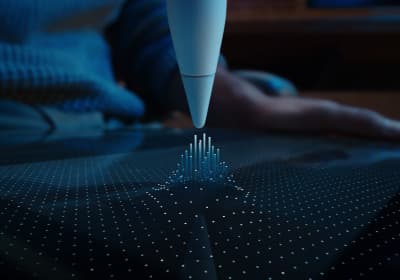
Apple Pencil Pro
amazon.comThe best Apple stylus for serious digital art workflows. Expensive, but the control upgrades are real.
Pro: Best brush-control and hover workflow
Con: Highest price in the lineup
Works only with newer iPad models. Check compatibility.
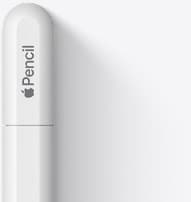
Apple Pencil (USB-C)
amazon.comA practical low-cost Apple stylus with broad compatibility, but limited for advanced art control.
Pro: Lowest official Apple Pencil cost
Con: No pressure sensitivity for brush work
Compatible with many recent iPads. No pressure support.
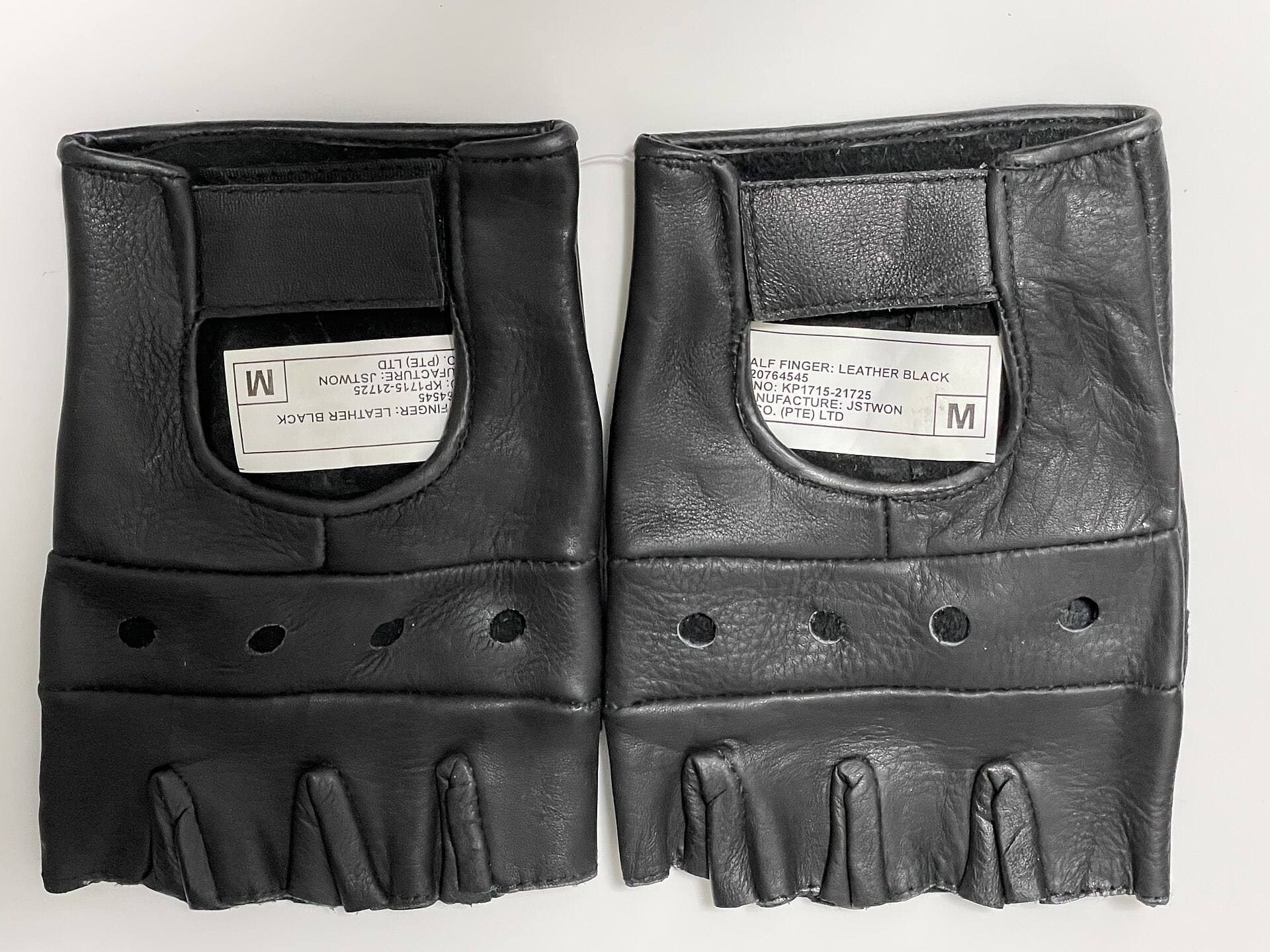
Parblo Drawing Glove
amazon.comPro: Improves glide on glass
Con: Does not fix software rejection
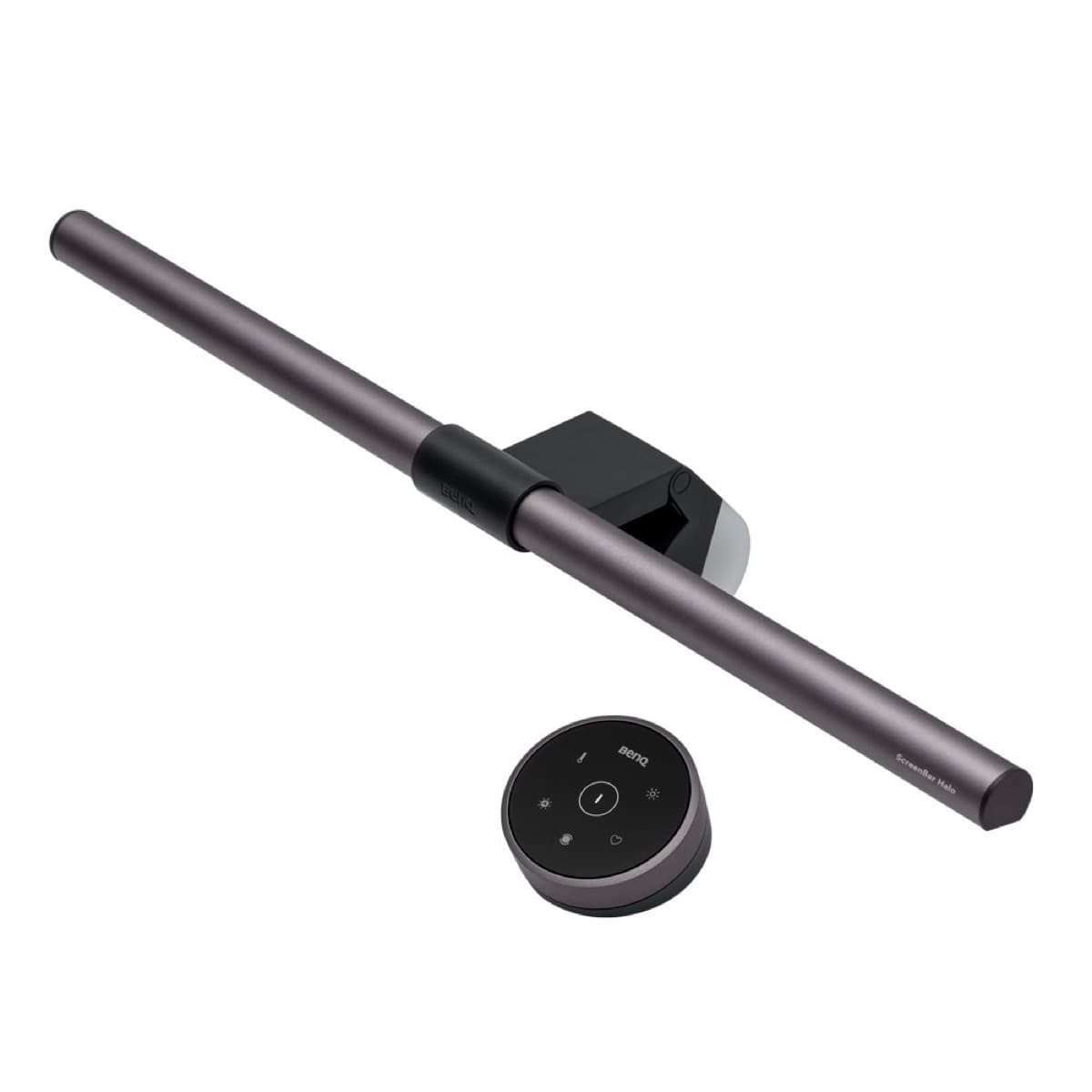
BenQ ScreenBar Halo
amazon.comPro: Reduces desk glare at night
Con: Premium price for a light
Elevation Lab DraftTable
amazon.comPro: Excellent drawing angle support
Con: Takes desk space
Check supported iPad dimensions before buying.
Related buying picks
More in this collectionBuyer guide
Apple Pencil Compatibility Guide (2026): Which iPad Works With Which Pencil?
Compatibility decides the right Apple Pencil before features do. This guide maps current and older iPads to the Pencil models that actually work.
Comparison
Apple Pencil Pro vs Apple Pencil USB-C in 2026: Which Should You Buy?
Most artists should choose Apple Pencil Pro only when pressure control and hover are central to their workflow, not by default.
Buyer guide
Best Apple Pencil Budget Bundle (2026): What to Buy and Skip
Build a low-cost but reliable Apple Pencil setup by buying one Pencil tier, one tip pack strategy, and skipping low-value extras.
Buyer guide
Best Apple Pencil Alternatives (2026): Is Apple Pencil Worth It?
Apple Pencil is worth paying for when pressure, reliability, and workflow speed matter daily. Here is when cheaper stylus options are enough.