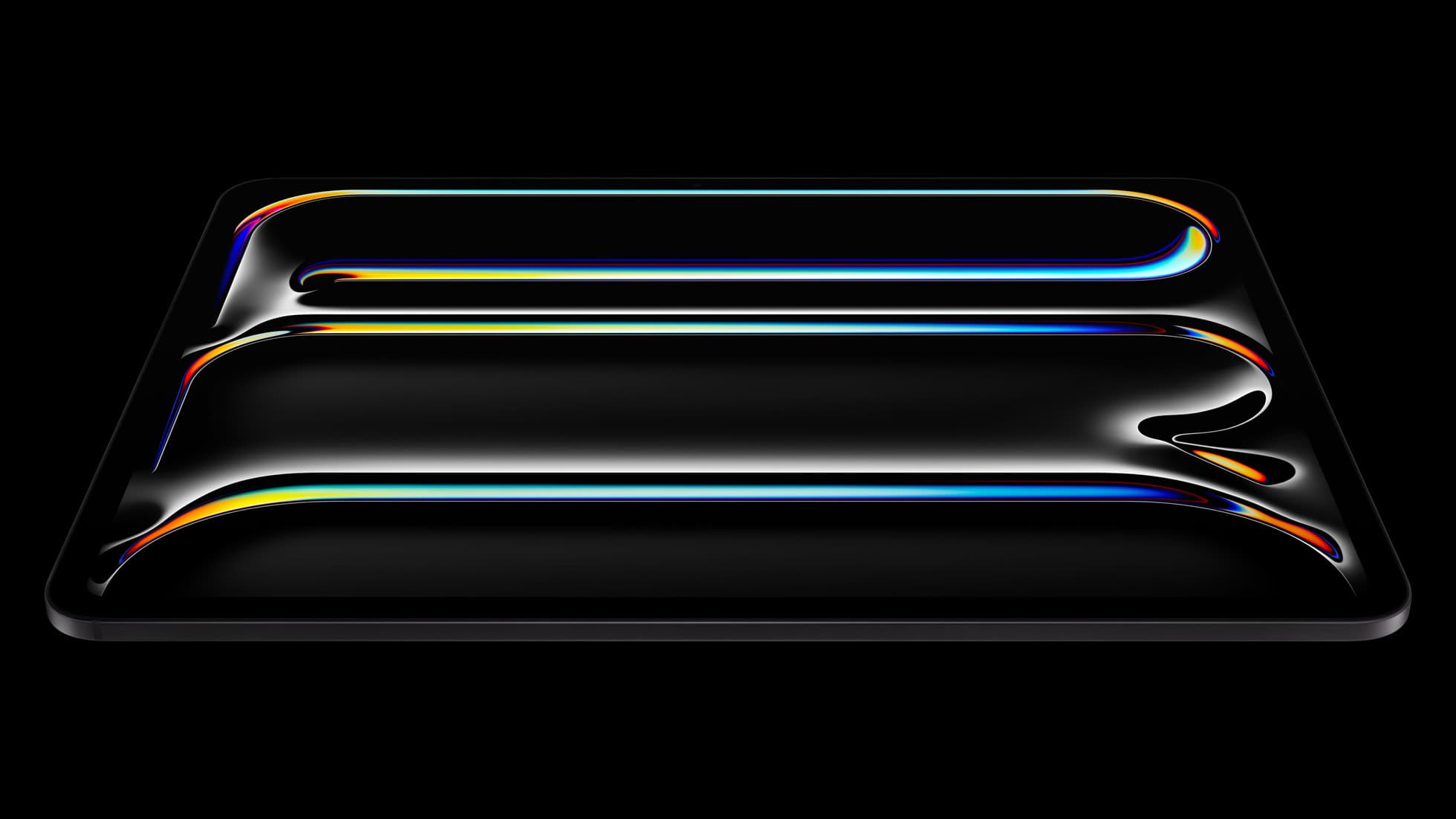
iPad Pro (M5)
iPad Pro (M5) review
4.7
The best iPad for drawing feel and premium workflow comfort, but many buyers still overpay for it.
Which Pencil to buy, when alternatives are good enough, and where friction appears.
51 articles in this collection.
Top-rated picks referenced in this collection.
iPad Pro (M5)
The best iPad for drawing feel and premium workflow comfort, but many buyers still overpay for it.
Apple Pencil Pro
The best Apple stylus for serious digital art workflows. Expensive, but the control upgrades are real.
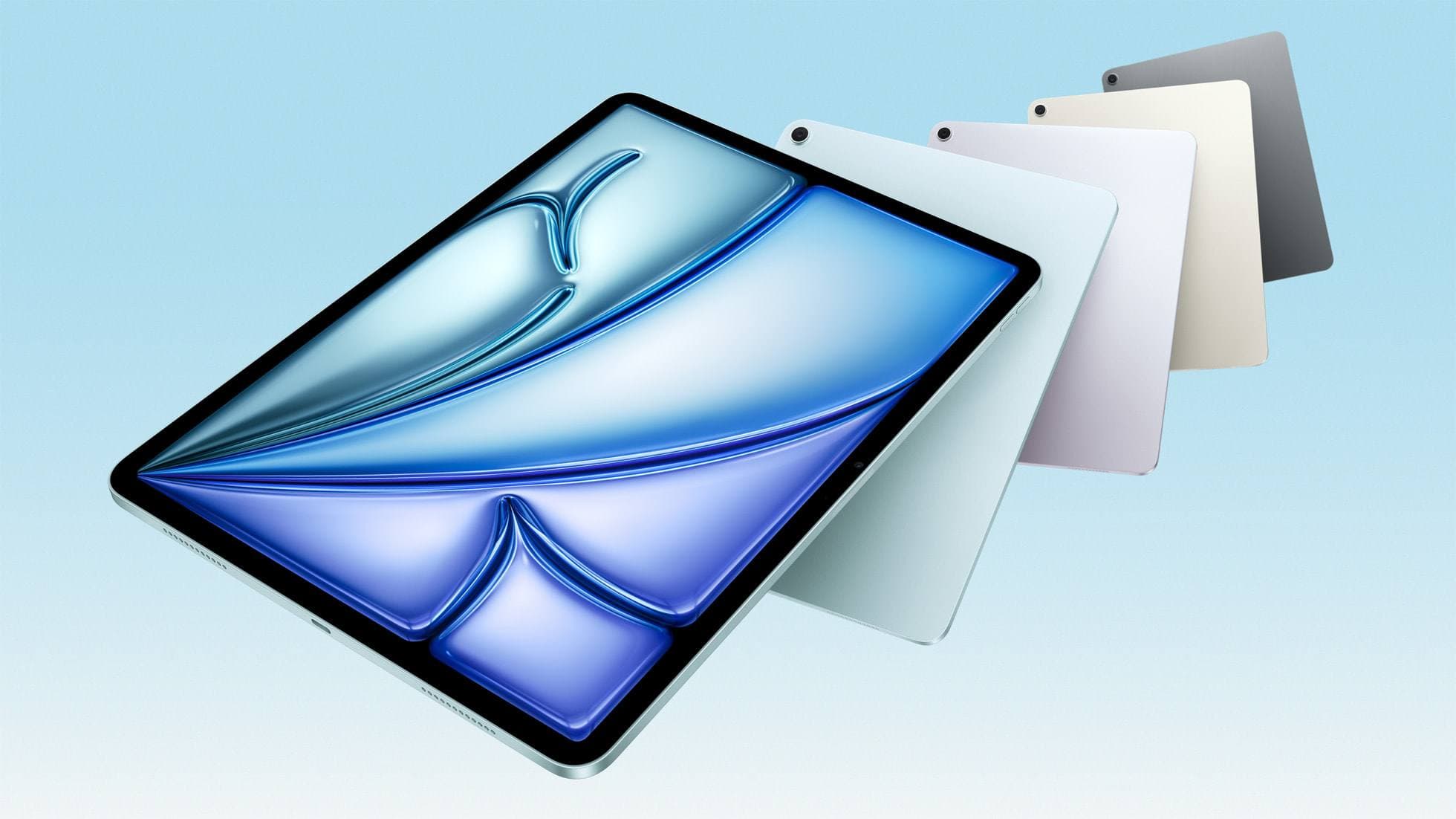
iPad Air (M4)
The clean current Air recommendation for most serious hobby artists. Stronger buy logic than old-stock M3 when pricing is close.
Apple Pencil
Nov 8, 2026 5 min read
Compare the Logitech Crayon and Apple Pencil USB-C to see how tilt, pairing, charging, and ergonomics shape your iPad handwriting and sketching workflow.
iPad
Nov 8, 2026 5 min read
Choose the right stylus for the iPad (A16) by comparing the Apple Pencil (USB-C) and Logitech Crayon while avoiding incompatible models.
Apple Pencil
Oct 29, 2026 4 min read
Storyboards want fast, legible lines more than painted finish, so the Apple Pencil (USB-C) is enough for roughs, the 2nd generation is the keeper, and the Pencil Pro is the pick when you also deliver finished frames.
Apple Pencil
Oct 29, 2026 4 min read
For character line art and painted spreads, buy the Apple Pencil Pro on a compatible iPad, keep a 2nd generation Pencil, and reserve the USB-C model for layouts and lettering.
Apple Pencil
Oct 29, 2026 5 min read
Botanical work lives on tapering lines and soft washes, so buy the Apple Pencil Pro or keep a 2nd generation Pencil and skip the USB-C model for painting.
apple pencil pro
Oct 9, 2026 6 min read
Diagnose why squeeze gestures fail on Apple Pencil Pro and learn how to configure system tools, app support, or hardware pairings.
Apple Pencil
Oct 9, 2026 5 min read
Diagnose why Apple Pencil barrel roll fails, check hardware compatibility, and fix brush rotation in your creative apps.
Apple Pencil
Oct 9, 2026 5 min read
Choose the Apple Pencil (USB-C) for wireframing and interface sketches, or pick the Apple Pencil Pro if your iPad supports its squeeze and haptic shortcuts.