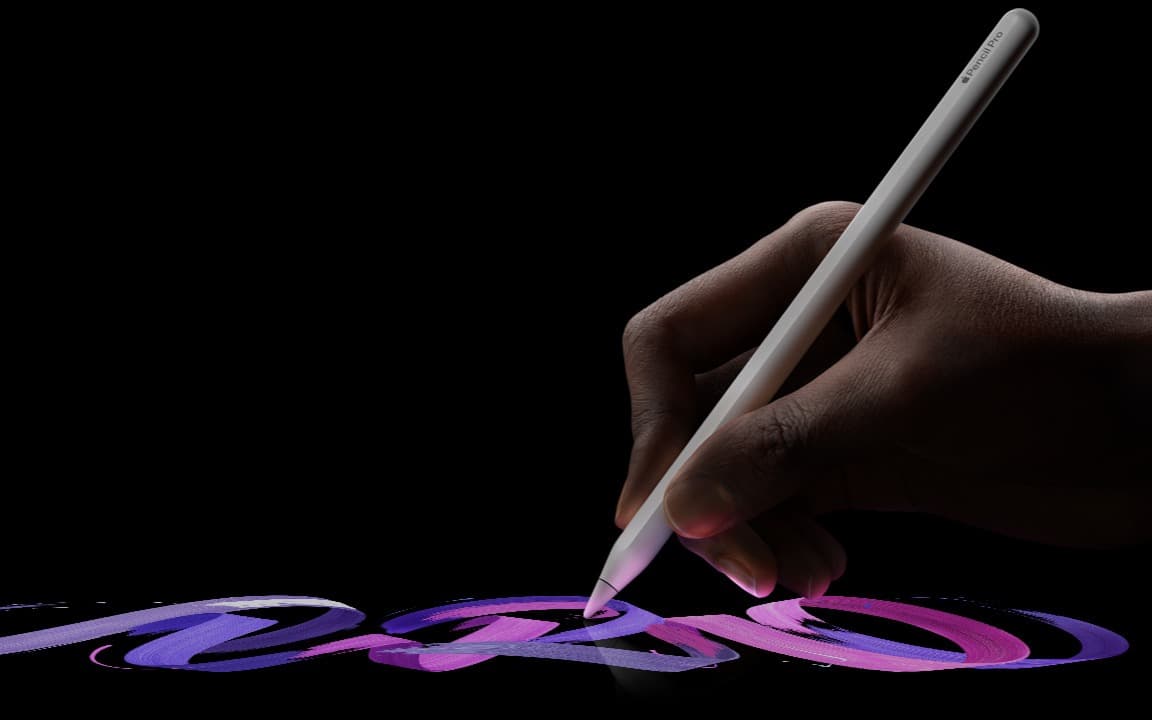
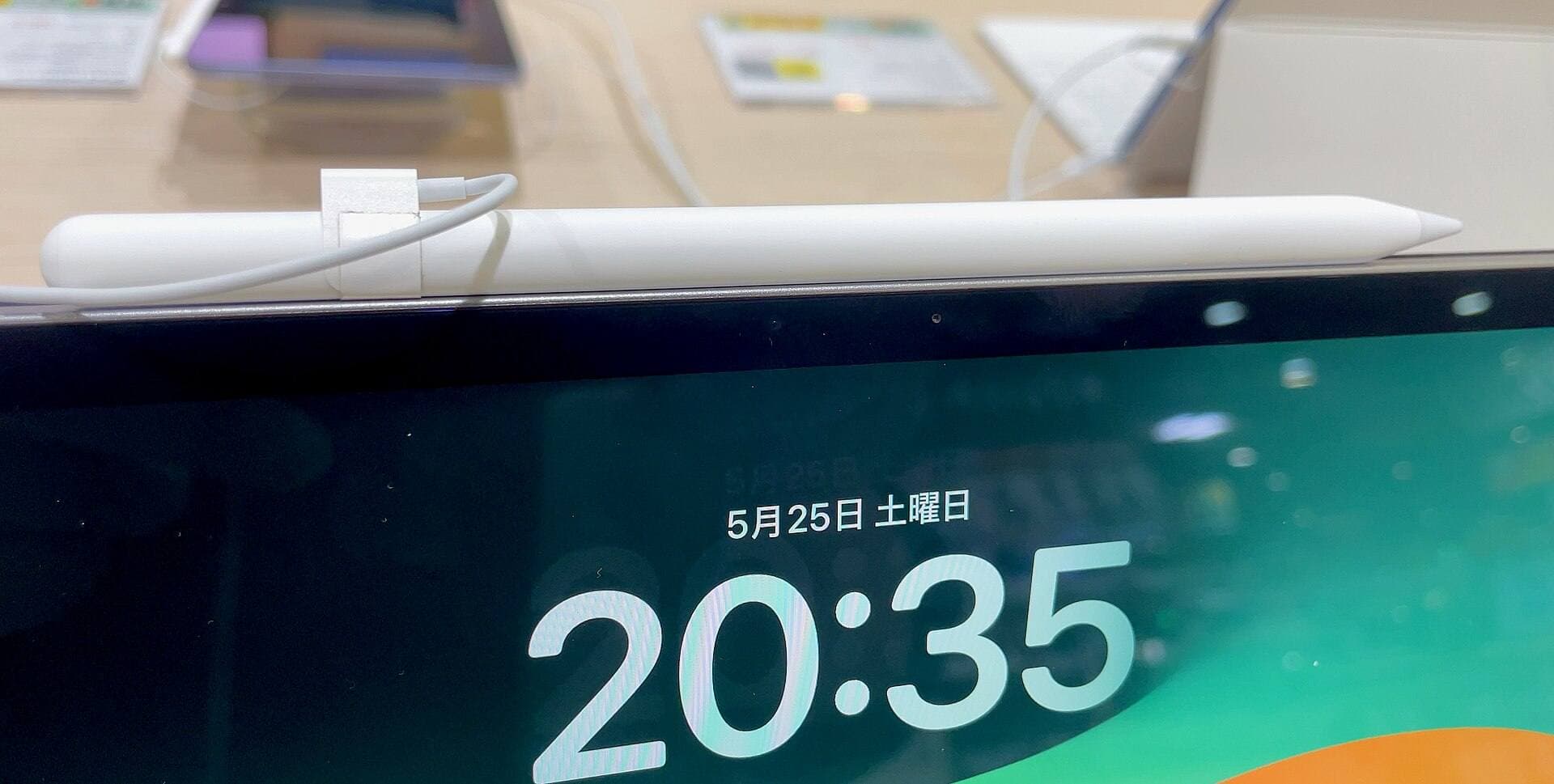
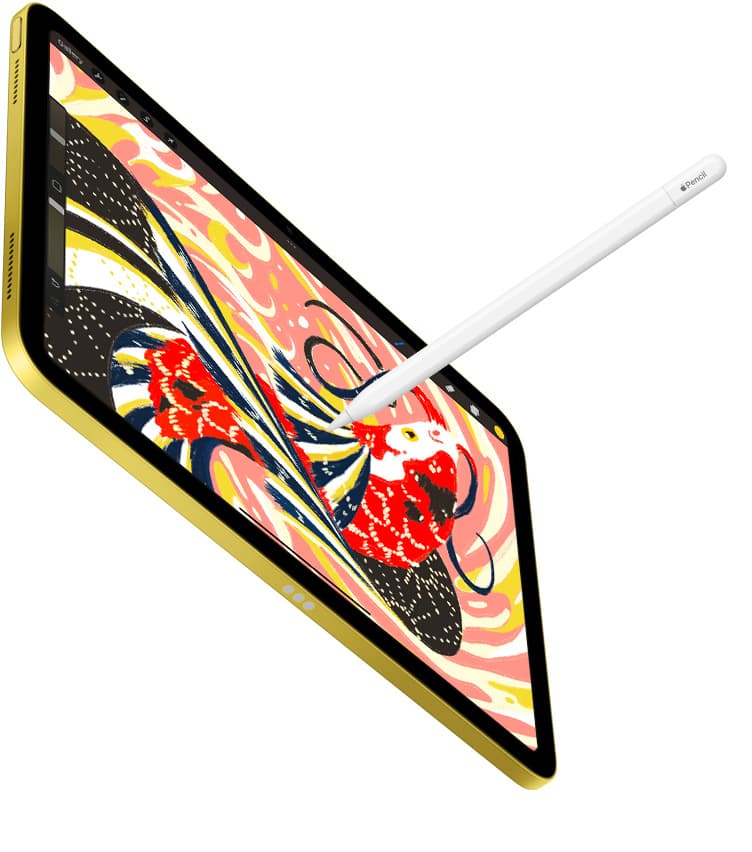

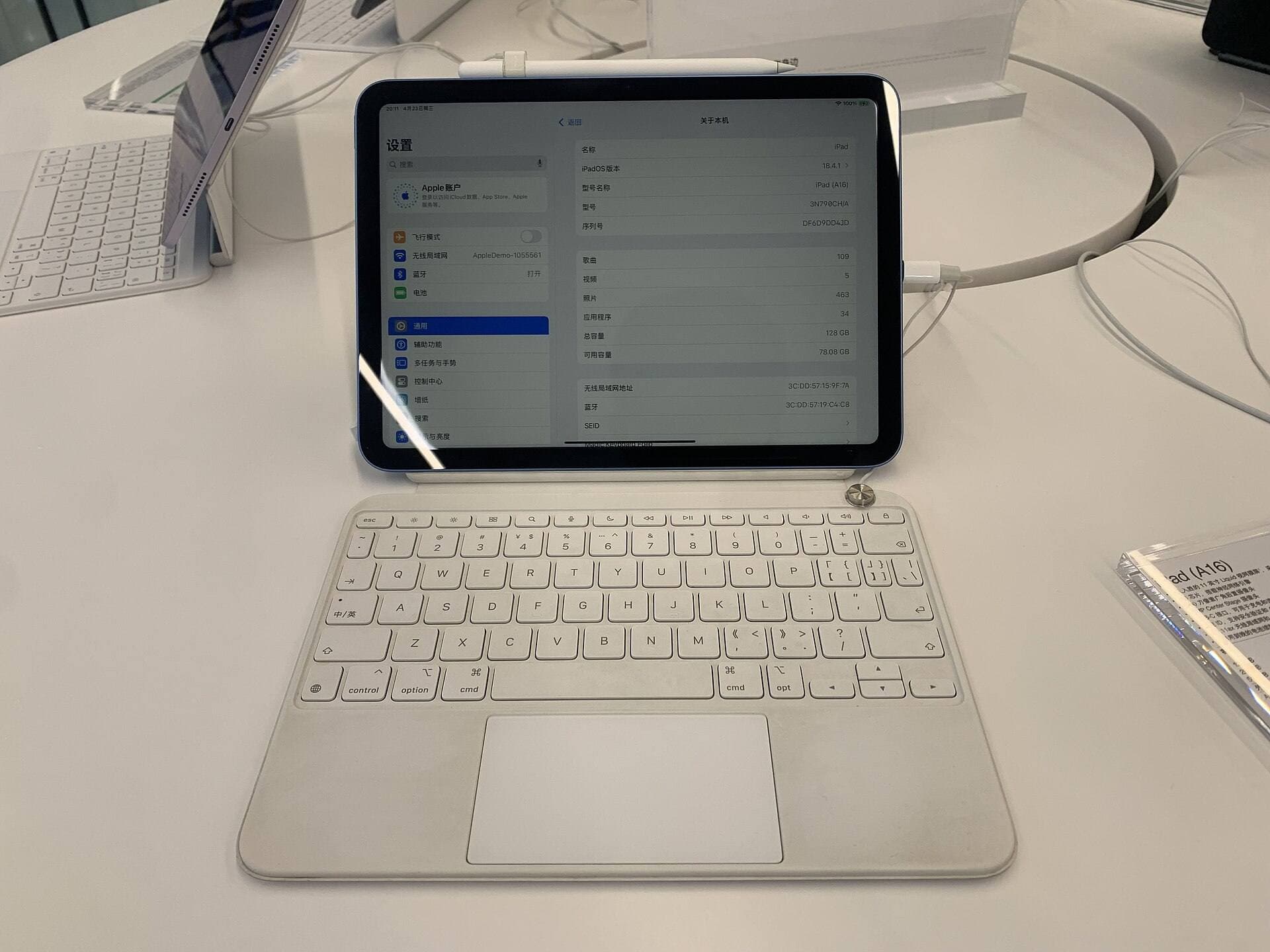
If your Apple Pencil suddenly feels rough, squeaky, or less accurate, look at the tip before the software, because tip wear is usually the cause.
Apple sells replacement tips directly, and swapping is simple. [1] The bigger problem is deciding when to replace, and why some users burn through tips much faster.
If you are still deciding which Pencil model to buy, read Best Apple Pencil Alternatives first.
Signs your tip should be replaced
You do not need to wait for total failure. Replace earlier if you notice:
- increased drag or scratch sound on normal strokes
- line starts that skip more than usual
- visible flattening or polishing at the tip point
- wobble when writing small text
These changes are subtle at first, then suddenly obvious after you swap.
Quick compatibility check before buying tips
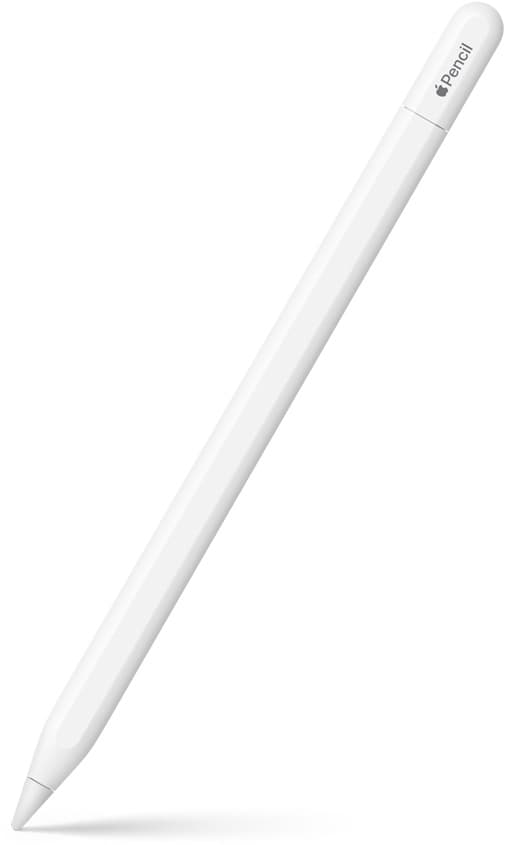
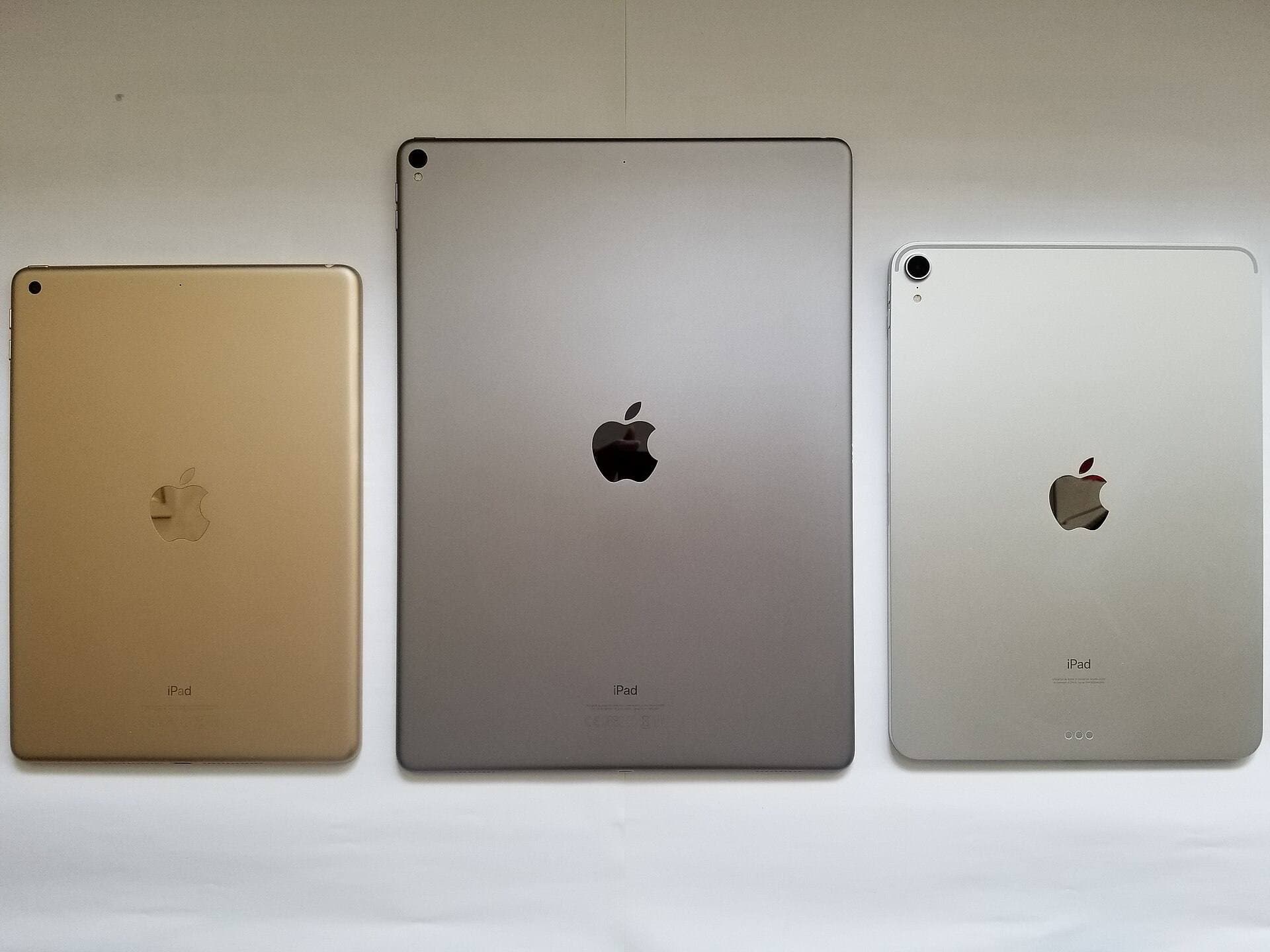
Apple Pencil models now include Pro, USB-C, 2nd generation, and 1st generation. [2]
Tips are broadly cross-compatible, but always check your Pencil model first so you do not diagnose the wrong issue. Use Apple’s compatibility reference before purchasing any accessory. [3]
How to replace an Apple Pencil tip in under a minute
- Hold the Pencil body near the nib.
- Unscrew the old tip counterclockwise.
- Screw in the new tip clockwise until snug.
- Test pressure and diagonal strokes in your normal app.
Do not overtighten. The goal is secure contact, not maximum torque.
Why tips wear faster than expected
Surface texture
Matte films increase control, but they also increase abrasion. If you use matte with heavy pressure, wear accelerates.
Pressure habits
Many artists press harder than needed on glass. That habit costs tips and adds wrist fatigue.
Long sessions without breaks
Fatigue increases hand force over time, which increases wear.
How to extend tip lifespan without ruining draw feel
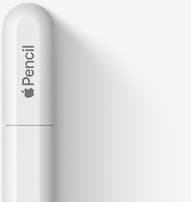
- lower stylus pressure slightly and rely on brush settings
- clean the screen often to remove abrasive dust
- replace heavily worn matte protectors when they feel rough
- keep one spare tip in your bag so you do not push worn tips too far
If line quality still feels off after replacing the tip, test in another app and check for palm rejection issues. Do You Need a Drawing Glove? can help isolate that.
Which tip option to buy
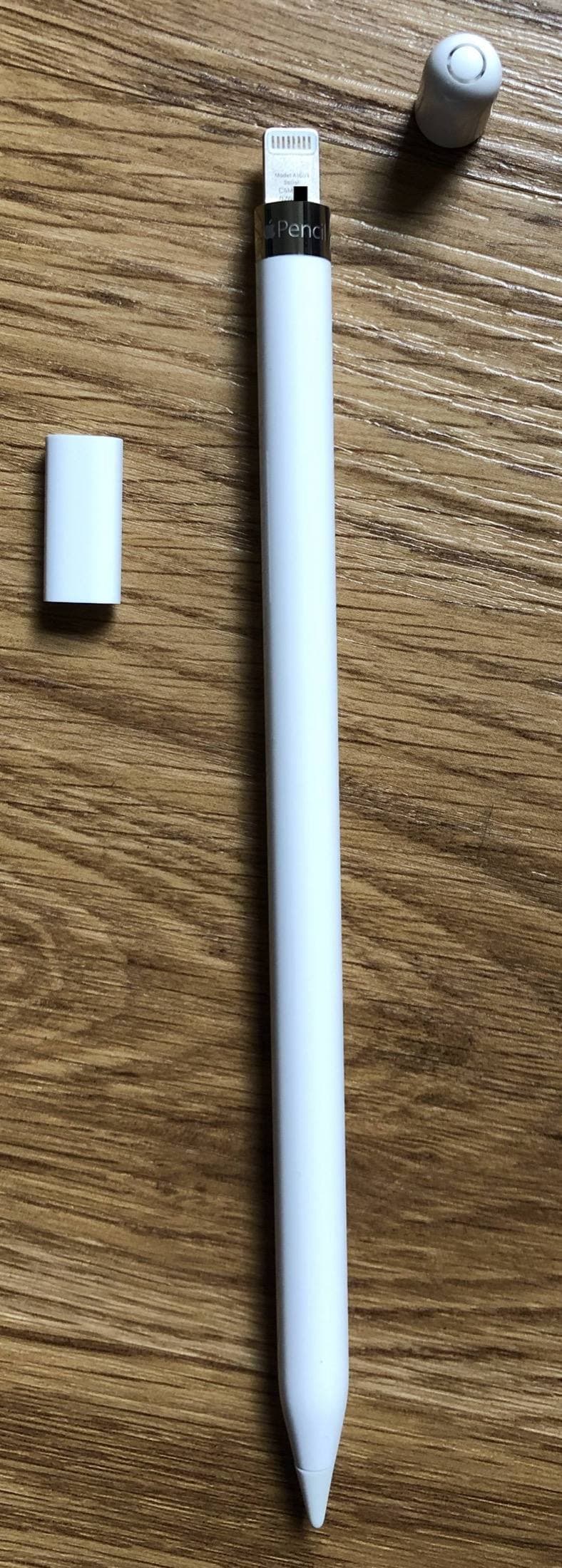
For most people, the official 4-pack is the safest baseline. [1]
Third-party tips can reduce cost, but consistency varies. If your work depends on predictable line feel, official tips are still the low-risk option.
Final rule: treat tips like consumables, not one-time hardware.
<!-- depth-pass-v1 -->Step-by-step recovery path
When troubleshooting Apple Pencil Tip Replacement Guide (2026): When to Replace, What to Buy, and How to Avoid Fast Wear, apply fixes in layers. Start with the lowest-risk configuration change, verify, then move to hardware or workflow changes only if the issue persists. For iPad artists and note-takers troubleshooting degraded Apple Pencil feel., this prevents unnecessary spend and preserves a clear diagnostic trail.
- Reproduce the problem in a controlled setup.
- Remove non-essential accessories and adapters.
- Test core path reliability (power, input, and app behavior).
- Reintroduce components one at a time.
- Lock the first stable configuration.
Verification checklist
Confirm the issue is actually fixed by running the same workload that previously failed:
- one full session at normal duration,
- one heavy action block (export/sync/render),
- one idle-and-resume cycle,
- one reconnect or wake cycle where relevant.
If failures do not recur across these checks, the fix is production-ready.
Prevention policy
To avoid repeat failures:
- keep a fixed baseline profile for your working setup,
- maintain one backup path for critical operations,
- log changes that affect reliability,
- replace unstable components before they become intermittent blockers.
Escalation triggers
Escalate from workflow fix to hardware replacement only when:
- the same fault repeats after controlled retesting,
- multiple known-good cables/adapters fail in the same path,
- the issue affects paid or deadline-sensitive sessions twice in one week.
This keeps troubleshooting rational and prevents expensive guesswork.
Extra scenario: high-pressure deadline window
For Apple Pencil Tip Replacement Guide (2026): When to Replace, What to Buy, and How to Avoid Fast Wear, keep the lowest-risk path active when deadlines are near: stable setup, no new experimental changes, and one backup route for critical actions. This protects output velocity and reduces failure risk when timing matters most.
Extra scenario: travel or mobile environment
When working outside your main desk, reduce variables. Use your known-good kit, keep cable and power roles fixed, and avoid adding untested components mid-session. This improves consistency and protects session completion rates.
Sources
Recommended gear
Apple Pencil Tips (4-pack)
apple.comPro: Official fit and consistent friction
Con: Costs more than many third-party nib packs
Fits Apple Pencil tips across current Apple Pencil generations.
Apple Pencil Pro
amazon.comThe best Apple stylus for serious digital art workflows. Expensive, but the control upgrades are real.
Pro: Best brush-control and hover workflow
Con: Highest price in the lineup
Works only with newer iPad models. Check compatibility.
Apple Pencil (USB-C)
amazon.comA practical low-cost Apple stylus with broad compatibility, but limited for advanced art control.
Pro: Lowest official Apple Pencil cost
Con: No pressure sensitivity for brush work
Compatible with many recent iPads. No pressure support.
Apple Pencil (2nd generation)
amazon.comStill a strong stylus on compatible iPads. Good pressure control, but compatibility is the main trap.
Pro: Pressure support without Pro pricing
Con: Not compatible with newest Pro-only iPads
Only for iPads that support 2nd generation pairing.
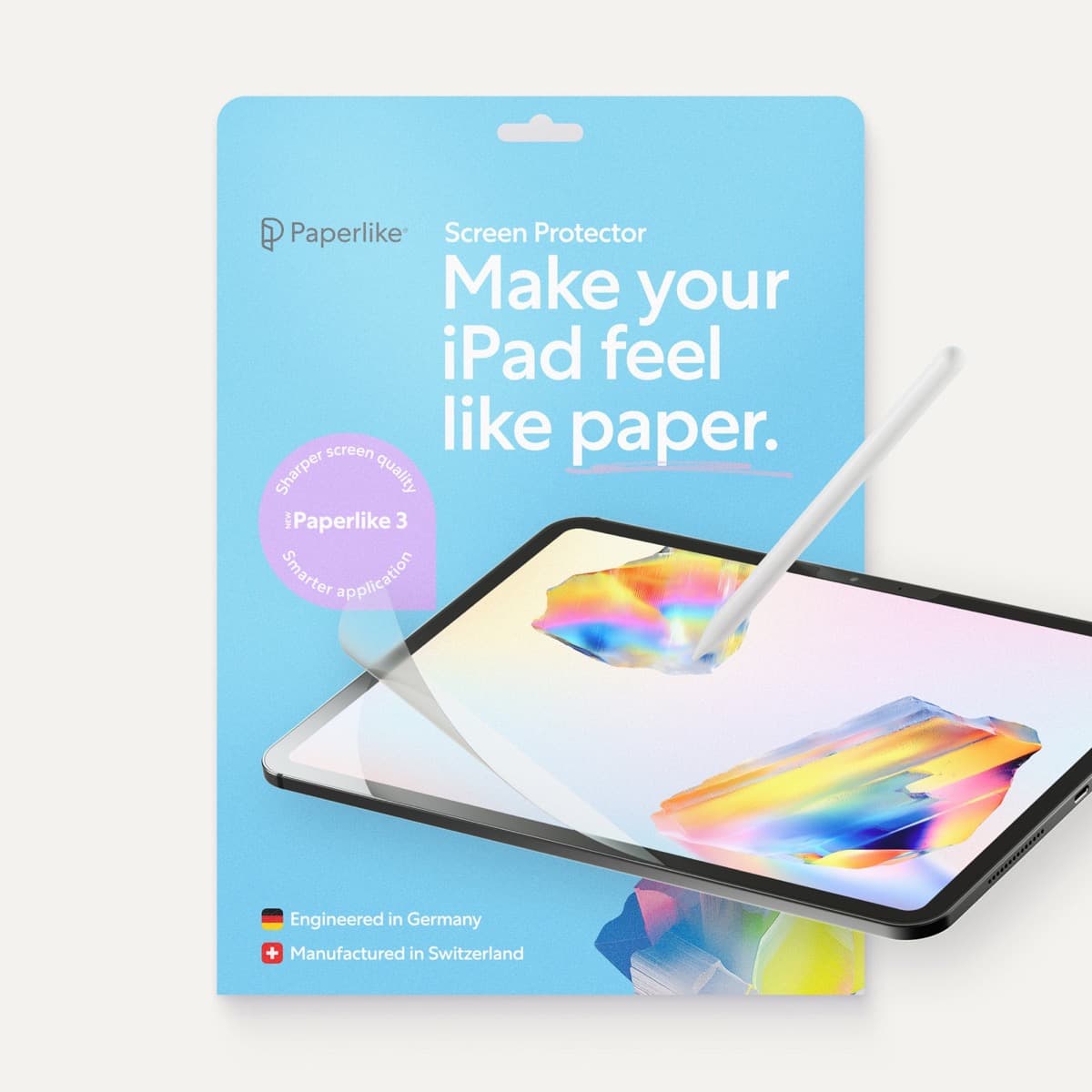
Paperlike 3 (11-inch, 2-pack)
amazon.comA strong surface-feel upgrade for drawing control. Clarity tradeoff is real and should be expected.
Pro: Adds controlled paper-feel friction
Con: Slightly reduces perceived display sharpness
11-inch fit only. Confirm generation before checkout.
Related buying picks
More in this collectionBuyer guide
Apple Pencil Compatibility Guide (2026): Which iPad Works With Which Pencil?
Compatibility decides the right Apple Pencil before features do. This guide maps current and older iPads to the Pencil models that actually work.
Comparison
Apple Pencil Pro vs Apple Pencil USB-C in 2026: Which Should You Buy?
Most artists should choose Apple Pencil Pro only when pressure control and hover are central to their workflow, not by default.
Buyer guide
Best Apple Pencil Budget Bundle (2026): What to Buy and Skip
Build a low-cost but reliable Apple Pencil setup by buying one Pencil tier, one tip pack strategy, and skipping low-value extras.
Buyer guide
Best Apple Pencil Alternatives (2026): Is Apple Pencil Worth It?
Apple Pencil is worth paying for when pressure, reliability, and workflow speed matter daily. Here is when cheaper stylus options are enough.