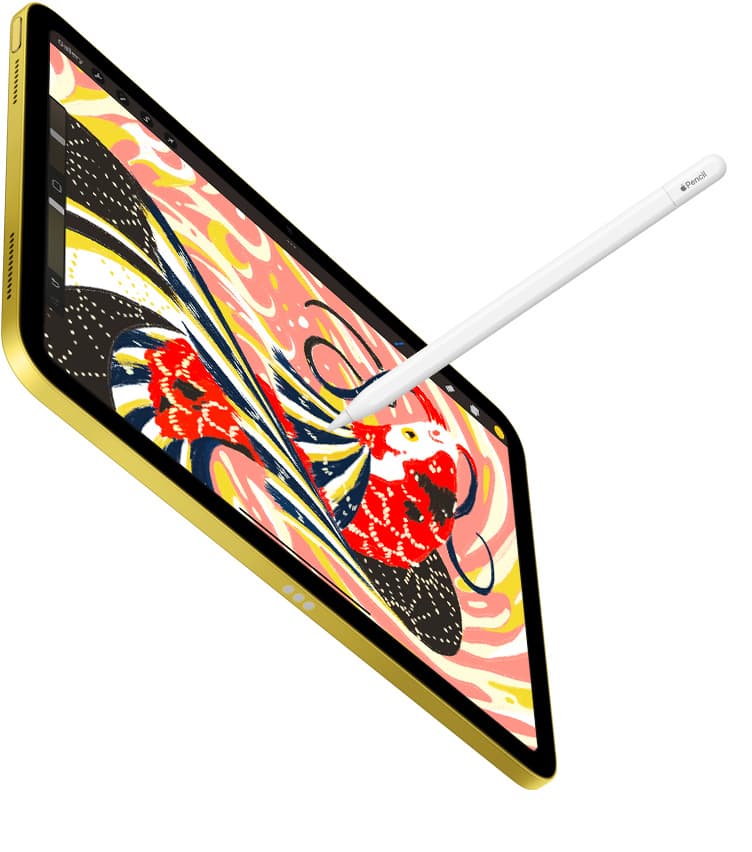
An Apple Pencil feels like the simplest thing in Apple’s ecosystem: it’s a white stick. No screen. No camera. No moving parts.
And yet it’s one of the easiest Apple products to buy wrong, or to buy in a condition that’s quietly doomed.
Buying refurbished can be smart. But only if you treat the Apple Pencil for what it is: a sealed lithium battery disguised as stationery, plus a compatibility situation that’s less “universal stylus” and more “dating app with strict filters.”
Why Apple Pencil refurb is trickier than iPad refurb
Refurbished iPads are mostly two questions: battery health and screen quality. Buy from a reputable program and you’re usually fine.
Refurbished Apple Pencils are weirder, for three reasons:
- Compatibility is strict. Some iPads support only one Apple Pencil model (or two). The wrong model is not “sort of compatible.” It’s “nope.” [2]
- The battery is sealed and small. When it’s unhealthy, you’re not “replacing a battery.” You’re servicing or replacing the Pencil.
- Discounts are often modest. Apple’s own Certified Refurbished store talks about savings “up to 15%.” [3]
Here’s the harsh line that saves money: If you’re saving so little that you’d shrug if it disappeared, you’re also saving too little to accept battery risk.
That doesn’t mean “never buy refurb.” It means: make the deal boring. Correct model, healthy battery, genuine device, easy return path. Boring is safe. “Blurry listing photos, no returns, $12 off” is not.
Know your Pencil in 60 seconds
This is where most people lose the plot. Apple sells multiple Apple Pencil models that look similar and behave differently, charging method, gestures, pressure sensitivity, and which iPads they work with. [2]
The four Apple Pencil “families” (what matters in real life)
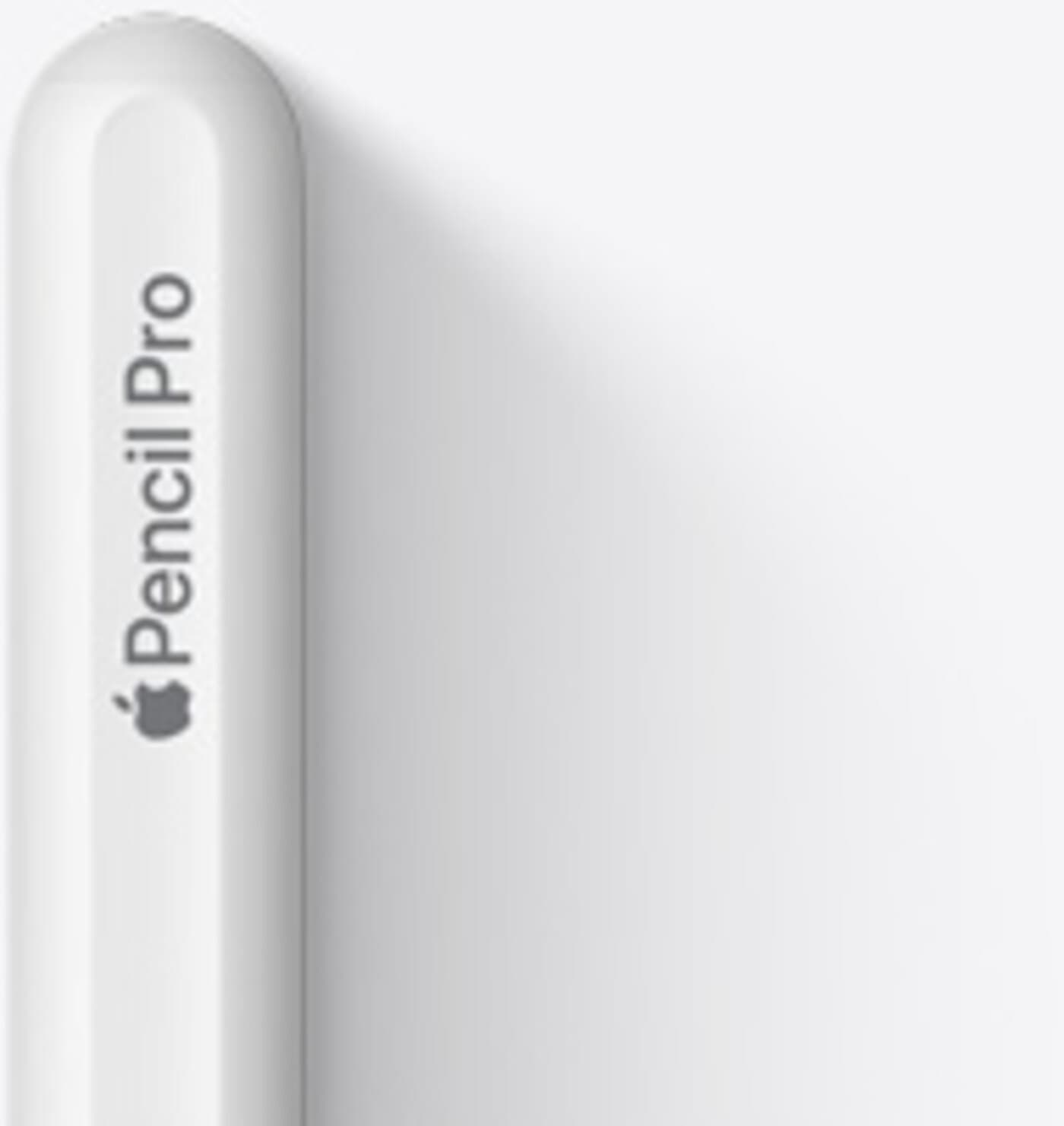
Apple Pencil Pro
- Newest model, magnetic attach + wireless pairing/charging on supported iPads [2]
- Adds “pro” gestures/features (varies with iPad/app)
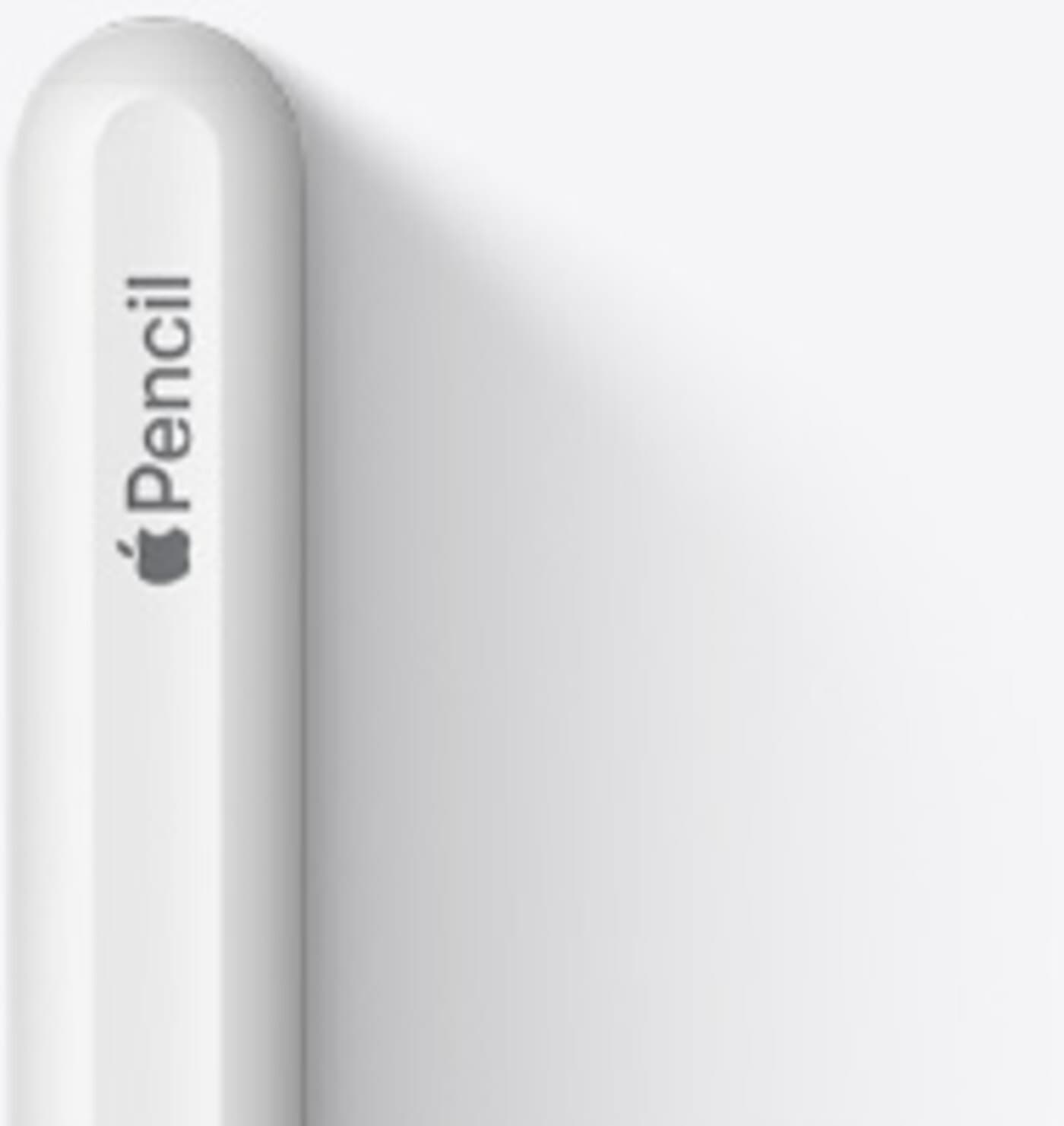
Apple Pencil (2nd generation)
- Magnetic attach + wireless pairing/charging on supported iPads [2]
- Includes pressure sensitivity and the familiar double-tap shortcut [2]
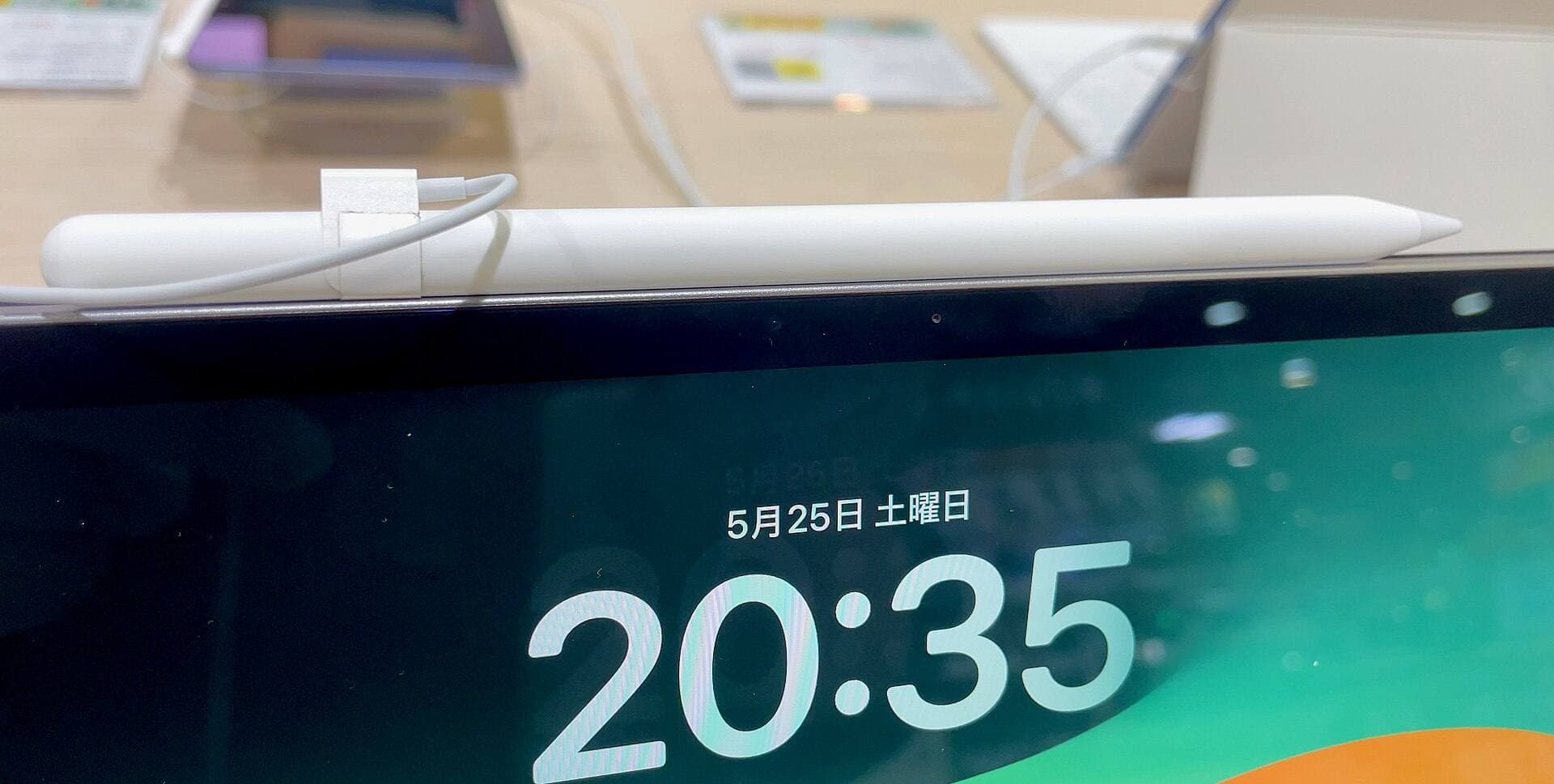
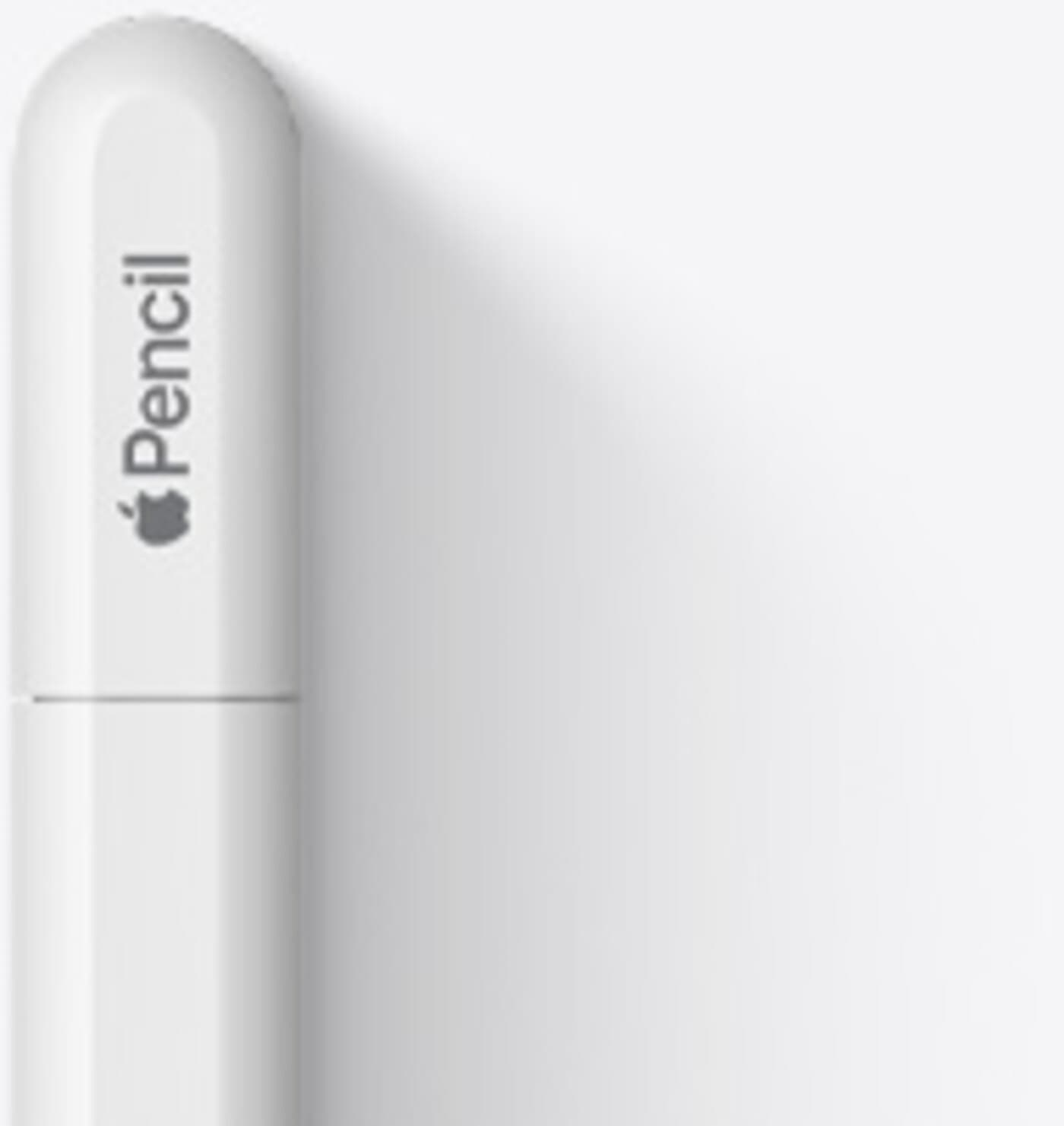
Apple Pencil (USB-C)
- Charges/pairs via USB-C cable (sliding cap)
- Big gotcha: no pressure sensitivity, and also no double-tap and no wireless charging [2]
- Great for notes and basic sketching; many artists will feel the missing pressure immediately.
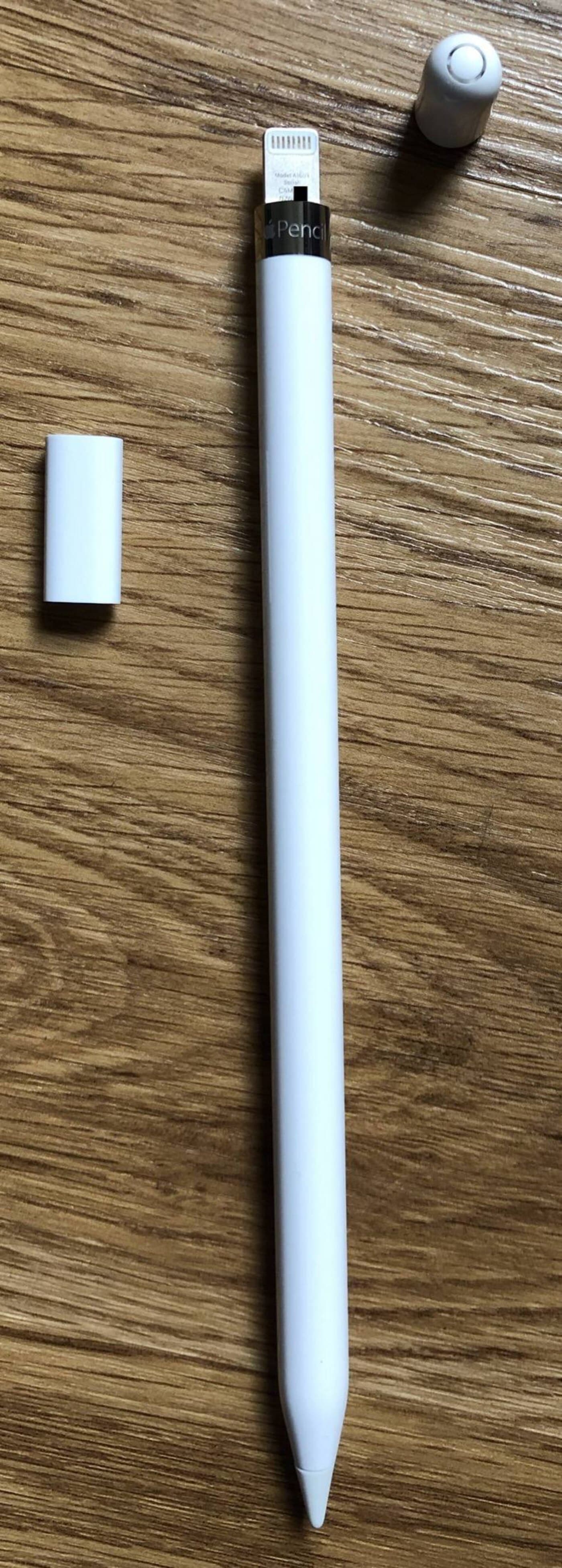
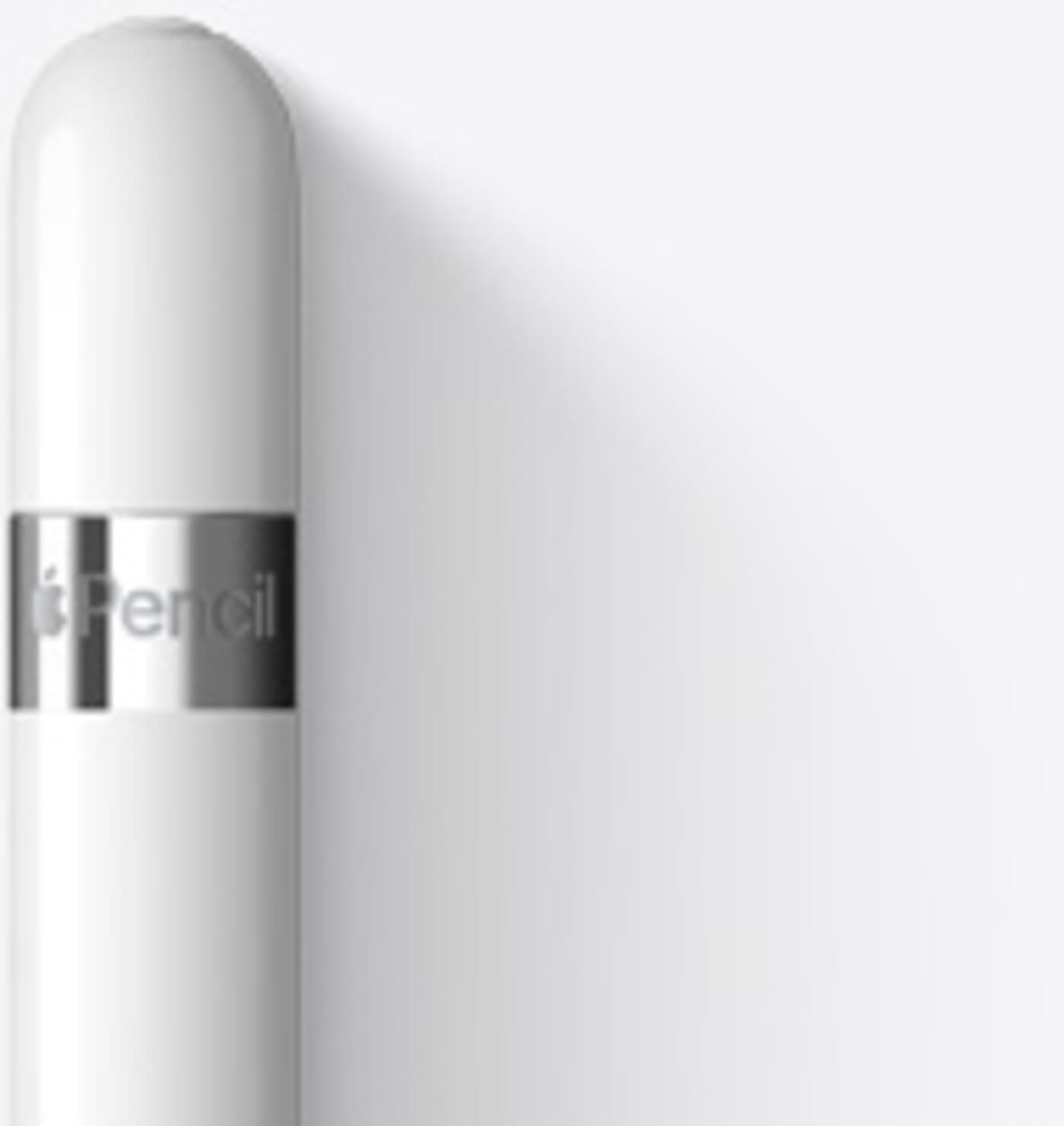
Apple Pencil (1st generation)
- Older design that pairs/charges via Lightning (or adapter depending on iPad) [4]
- Still excellent if it’s what your iPad supports.
The one thing that prevents most Apple Pencil regret
Identify your iPad model first, then buy the Pencil that Apple says works with it.
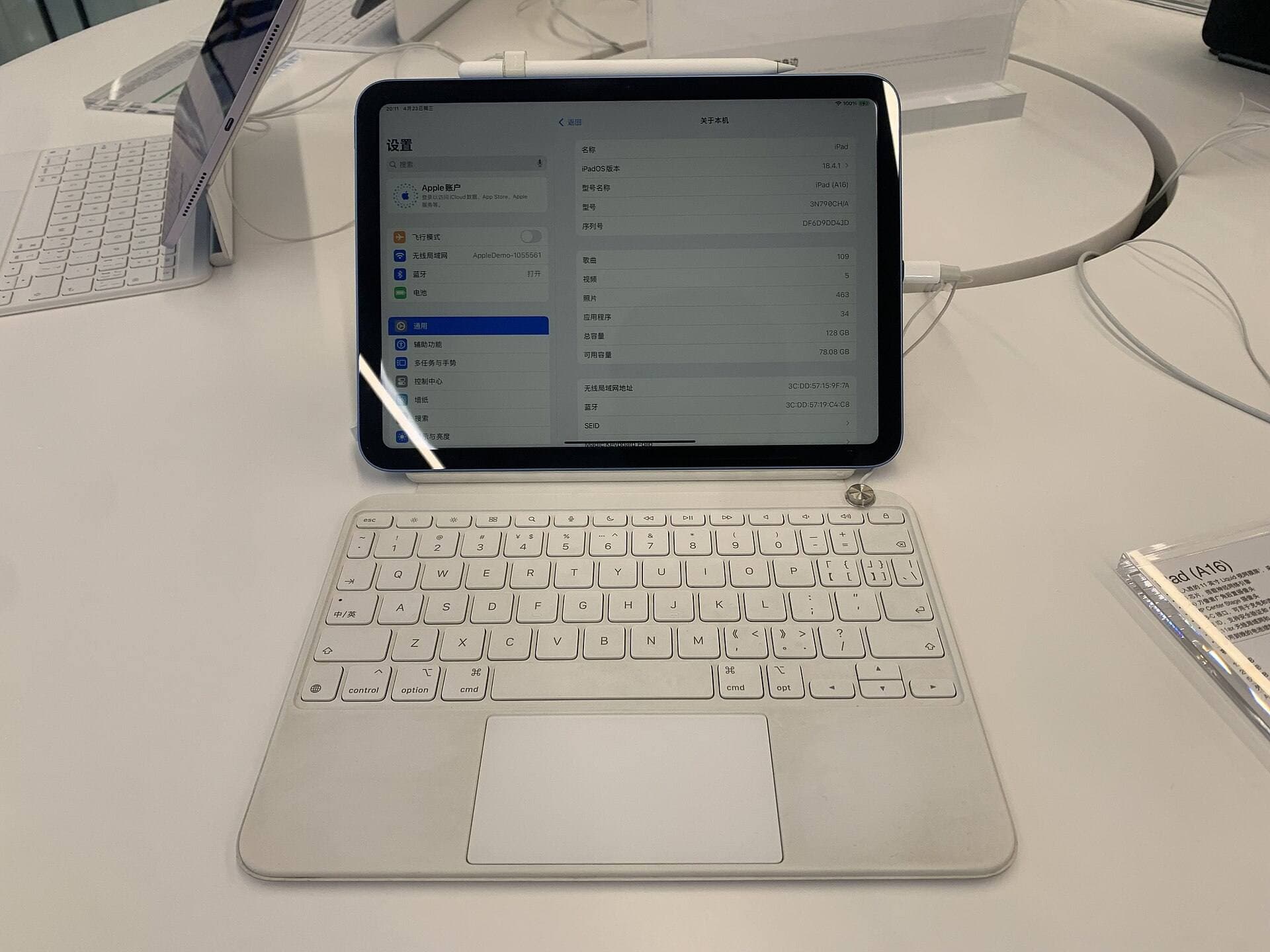
On iPad: Settings → General → About → look for Model Name. Then cross-check with Apple’s Apple Pencil compatibility selector/support pages. [2]
Where to buy: a risk ladder that actually matters
“Refurbished” isn’t a standard. It’s a marketing word. The thing that makes a refurb deal safe isn’t the label, it’s the warranty wrapper and the return window.
Tier 1: Apple Certified Refurbished (the boring best)
Apple backs Certified Refurbished products with its standard one-year limited warranty, and you can often add AppleCare coverage where applicable. [3] Apple’s store return policy commonly gives 14 calendar days from receipt to return items purchased directly from Apple (details vary by region/category, but that’s the baseline on Apple’s returns page). [8]
If you want “safe,” this is the cleanest answer: Apple refurb is the closest thing to a used Pencil that still behaves like retail.
Also: Apple’s refurbished accessories listing shows exactly what “modest discount” looks like in practice, e.g., Refurbished Apple Pencil (USB-C) $69 (was $79) and Refurbished Apple Pencil Pro $109 (was $129) in the U.S. store snapshot. [9]
Tier 2: Big refurbishment programs (good when you read the fine print)
These are useful because they impose minimum rules on a chaotic marketplace:
- Amazon Renewed: “Most Amazon Renewed items include a 90-day return period” (with some category exceptions). [10]
- eBay Refurbished: warranty duration depends on grade, 2 years for “Certified Refurbished,” 1 year for Excellent/Very Good/Good (serviced through Allstate/SquareTrade per eBay’s program pages). [11]
- Back Market: a 1-year limited warranty (12 months from delivery) is part of their standard framing. [12]
These can be solid, especially if pricing is meaningfully lower than new. But they’re still “programs wrapped around third-party sellers,” which means: test immediately.
Tier 3: Retailer refurb (fine, but often shorter warranty)
Example: Geek Squad Certified Refurbished warranty docs commonly state 90 days (U.S.). [13]
That’s not “bad,” but it changes the math: shorter runway to discover issues.
Tier 4: Random used marketplace listings
This is where the fakes and battery lottery live.
Used can be great only if you can test it on your iPad in person or you have a no-hassle return path. If neither is true, don’t dress it up as a “deal.” It’s a gamble.
The battery reality (and why “unused” can be worse than “used”)
The Apple Pencil battery is sealed. Once it’s unhealthy, you’re not swapping it like AAAs.
The unintuitive part: “Unused” is not automatically “best condition.” A Pencil that was used weekly and charged regularly can be healthier than a Pencil that sat discharged in a drawer for months. Lithium batteries hate deep discharge.
Listing phrases that should raise your blood pressure
- “Haven’t used it in a long time.”
- “Don’t have an iPad to test.”
- “It worked last year.” (Translation: you’re the test lab.)
- “No returns.”
Here’s the blunt translation: If you can’t test it or return it, you’re not buying an Apple Pencil. You’re buying a story about an Apple Pencil.
A 10-minute battery sanity check (in person or right after delivery)
Do this in Notes. Keep it boring:
- Pair it to your iPad (method depends on model).
- Charge it to something meaningful (aim ~50%+).
- Use it continuously for 3-5 minutes (write + draw).
- Idle for 3-5 minutes (screen on), then use again.
- Watch for: disconnects, lag, or a battery % that falls like a rock.
Counterfeits: the checks that actually work
There are good third-party styluses that don’t pretend to be an Apple Pencil. Fine.
The problem is the market segment that does pretend, convincing fakes listed as “genuine.” Cosmetics are no longer a reliable tell.
Step 1: Find the serial number (even if there’s no box)
Apple explains where to find the Apple Pencil serial number:
-
In iPad settings if paired
-
On original packaging
-
Or physically on the Pencil:
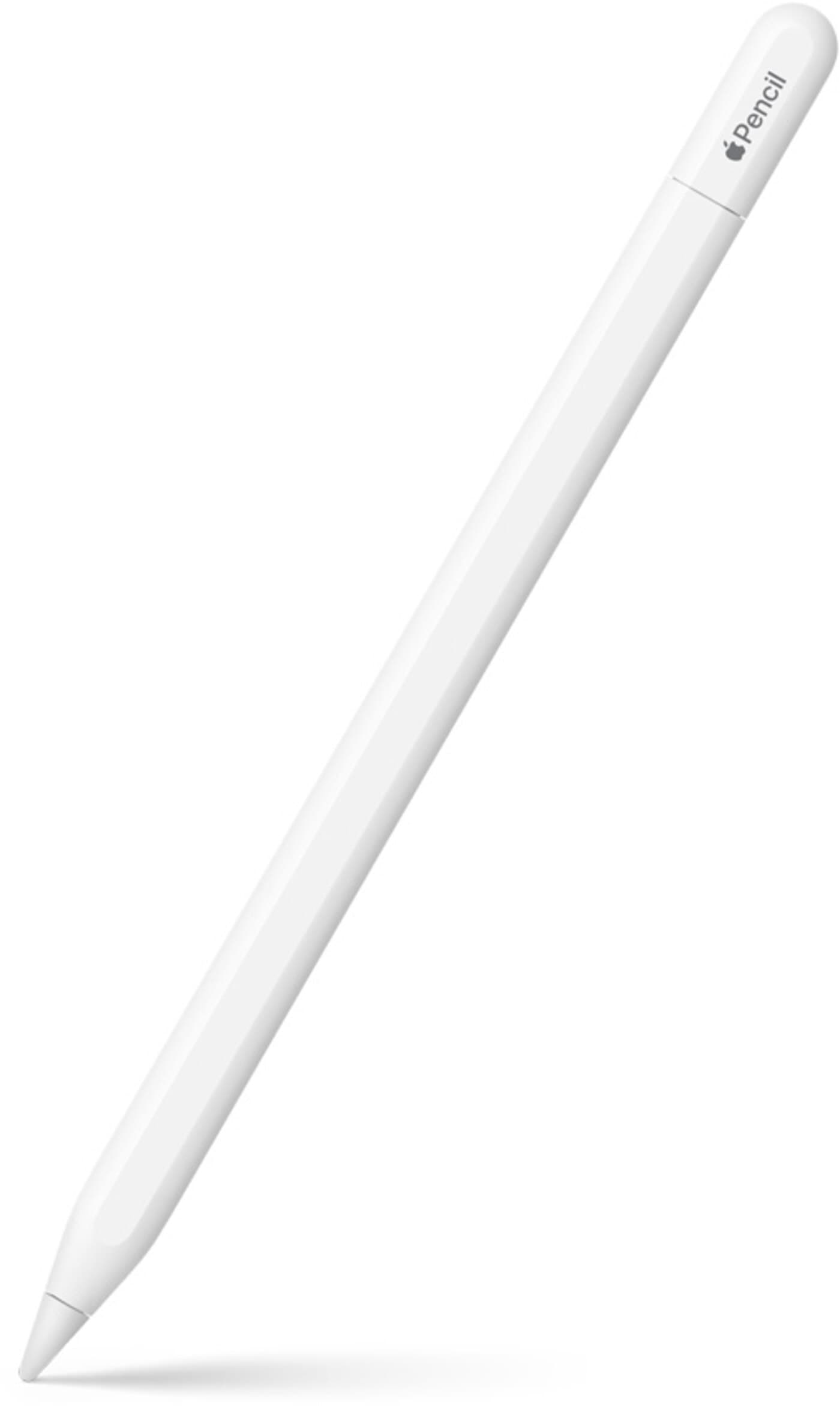
- Pencil Pro / 2nd gen / USB-C: under the tip
- 1st gen: on the Lightning connector [16]
Step 2: Check coverage status with Apple
Apple’s warranty guidance includes checking in settings (AppleCare & Warranty) or using the Check Coverage site with the serial number. [17]
Is this a perfect “authenticity certificate”? No. Is it a strong sanity filter that forces real identifiers instead of vibes? Yes.
Step 3: Feature-test what you paid for
This is where fakes (and wrong-model buys) get exposed fast.
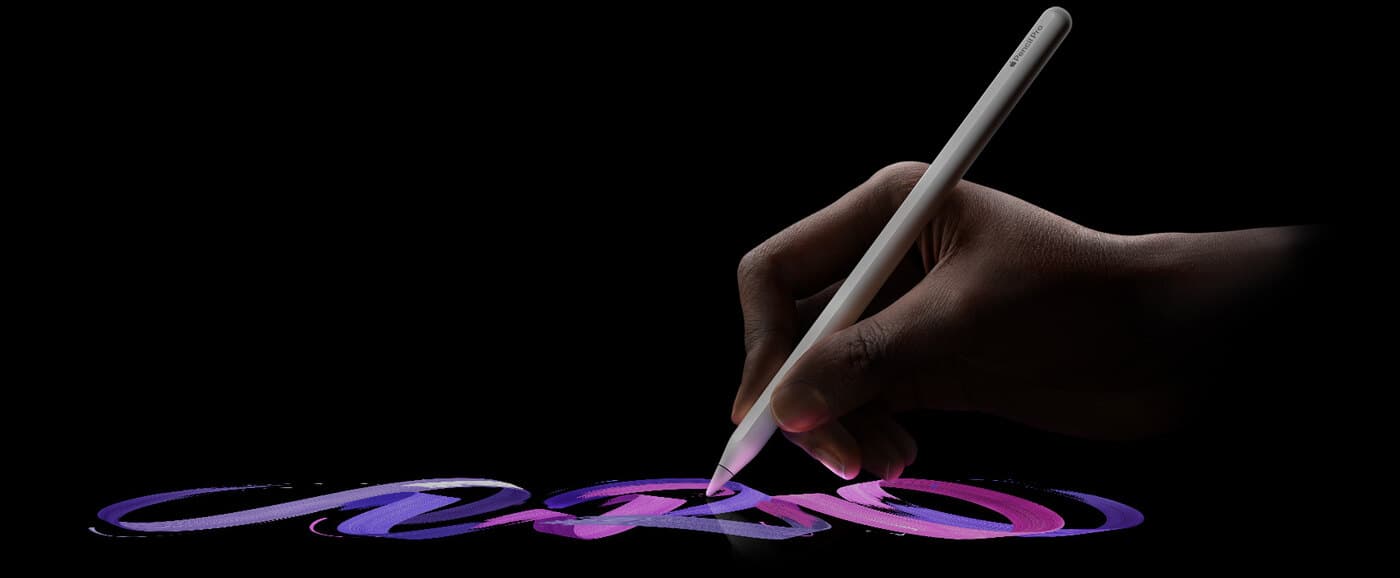
- If you bought a Pencil model that should have pressure sensitivity, test pressure immediately.
- If you bought one that should have double-tap, test it.
- If you expected magnetic charging, test it.
Apple’s own comparison makes a key point: Apple Pencil (USB-C) does not support pressure sensitivity and lacks several convenience features compared to the higher models. [2]
Pricing rules that stop you from saving $12 and losing $120
Prices change. Your brain does not need more price memorization. It needs rules.
Rule 1: If the discount is under ~15-20%, prefer new, unless it’s Apple Certified Refurbished
Small discounts don’t compensate for unknown battery history. New buys you a clean warranty start and simpler returns. Apple refurb is the exception because it keeps Apple’s warranty wrapper. [3]
Rule 2: Pay for features you will actually use, not the idea of them
If you mainly take notes, the USB-C Pencil can be a perfectly rational choice. If you draw for real and you rely on pressure, buying the USB-C Pencil is false economy because it lacks pressure sensitivity. [2]
Rule 3: Remember the “hidden” cost: tips
Apple sells official replacement tips (4-pack) for $19 (U.S.) and they’re compatible across Pencil models. [19]
So a used Pencil with a chewed tip isn’t “$65.” It’s “$65 + tips,” minimum. That matters when you’re comparing “mystery listing” vs “warranty-backed refurb.”
The 15-minute arrival test (do this inside the return window)
Apple’s Store return policy baseline is 14 days from receipt for direct Apple purchases. Other programs vary, but you should behave like your return window is always short. [8]
Here’s the routine that prevents weeks of annoyance:
-
Inspect
- Tip condition, body cracks, dents around connector areas.
-
Pair + charge
- Confirm it appears as an Apple Pencil and reports battery.
-
Feature check
- Pressure (if applicable), tilt, double tap (if applicable), magnetic charging (if applicable). [2]
-
Line test
- Draw slow diagonal lines and curves. Look for jitter, skipping, random straight lines.
-
Rest test
- Let it sit idle, then use again. Disconnect issues love showing up here.
-
Decide fast
- If anything feels off, start the return process immediately.
That’s the whole game: make the deal boring. Correct model. Healthy battery. Genuine device. Easy reversal if it isn’t.
A final “smart but fair” recommendation
If you want the safest refurbished Apple Pencil deal, the hierarchy is simple:
- Apple Certified Refurbished (best mix of safety + warranty + straightforward returns). [3]
- A large refurb program with a strong warranty wrapper (eBay Refurbished / Amazon Renewed / Back Market), but only if you test immediately. [10]
- Local used only if you can test on your iPad in person, and the price difference is real, not “two coffees.”
If you’re staring at a listing that saves you $10-$20 but has unclear photos, unclear model, unclear return policy: you’re not being frugal. You’re being optimistic. And optimism is expensive.
Sources
- [1] commons.wikimedia.org
- [2] www.apple.com
- [3] www.apple.com
- [4] support.apple.com
- [5] commons.wikimedia.org
- [6] commons.wikimedia.org
- [7] commons.wikimedia.org
- [8] www.apple.com
- [9] www.apple.com
- [10] www.amazon.com
- [11] pages.ebay.com
- [12] help.backmarket.com
- [13] storage.bestbuy.com
- [14] commons.wikimedia.org
- [15] commons.wikimedia.org
- [16] support.apple.com
- [17] support.apple.com
- [18] commons.wikimedia.org
- [19] www.apple.com
Recommended gear
Apple Pencil Pro
amazon.comThe best Apple stylus for serious digital art workflows. Expensive, but the control upgrades are real.
Pro: Best brush-control and hover workflow
Con: Highest price in the lineup
Works only with newer iPad models. Check compatibility.
Apple Pencil (USB-C)
amazon.comA practical low-cost Apple stylus with broad compatibility, but limited for advanced art control.
Pro: Lowest official Apple Pencil cost
Con: No pressure sensitivity for brush work
Compatible with many recent iPads. No pressure support.
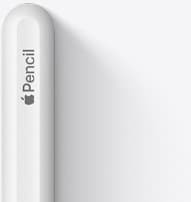
Apple Pencil (2nd generation)
amazon.comStill a strong stylus on compatible iPads. Good pressure control, but compatibility is the main trap.
Pro: Pressure support without Pro pricing
Con: Not compatible with newest Pro-only iPads
Only for iPads that support 2nd generation pairing.
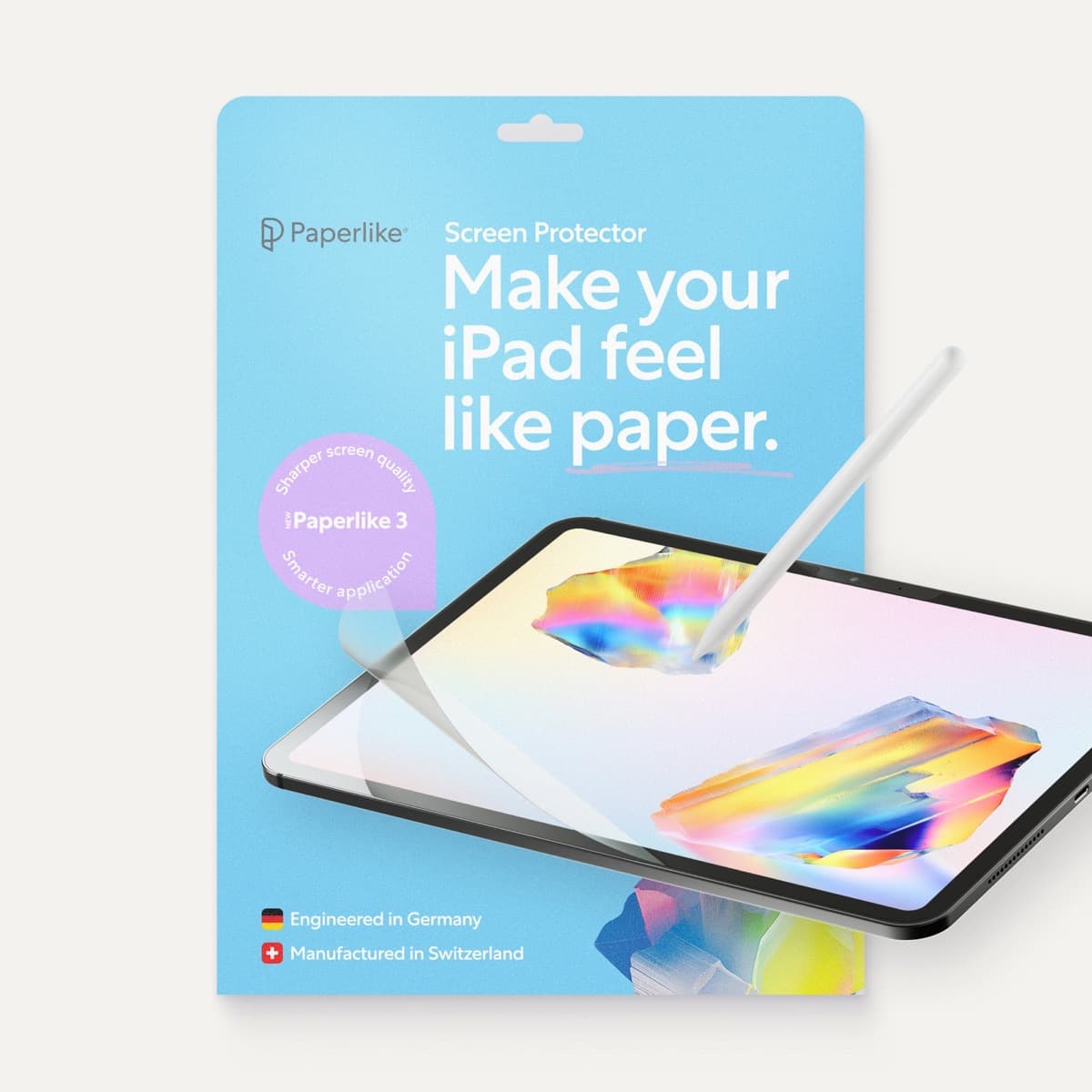
Paperlike 3 (11-inch, 2-pack)
amazon.comA strong surface-feel upgrade for drawing control. Clarity tradeoff is real and should be expected.
Pro: Adds controlled paper-feel friction
Con: Slightly reduces perceived display sharpness
11-inch fit only. Confirm generation before checkout.
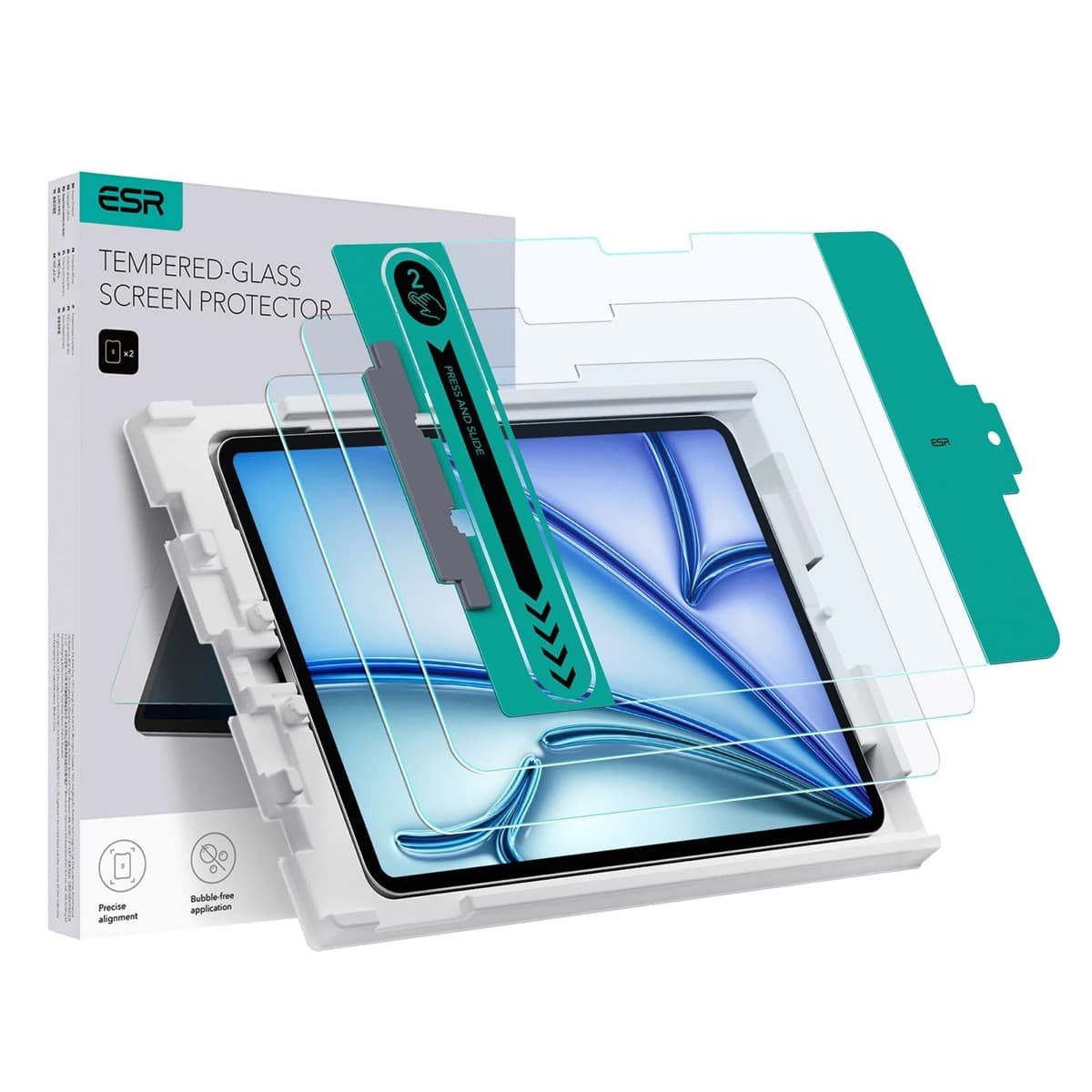
ESR Armorite Tempered Glass (11-inch)
amazon.comHigh-clarity protector with strong value. Great for visibility, less ideal for friction-seeking artists.
Pro: Very clear image with strong scratch resistance
Con: Minimal drawing friction compared with matte films
11-inch fit only. Verify exact iPad generation.
Related buying picks
More in this collectionBuyer guide
Apple Pencil Compatibility Guide (2026): Which iPad Works With Which Pencil?
Compatibility decides the right Apple Pencil before features do. This guide maps current and older iPads to the Pencil models that actually work.
Comparison
Apple Pencil Pro vs Apple Pencil USB-C in 2026: Which Should You Buy?
Most artists should choose Apple Pencil Pro only when pressure control and hover are central to their workflow, not by default.
Buyer guide
Best Apple Pencil Budget Bundle (2026): What to Buy and Skip
Build a low-cost but reliable Apple Pencil setup by buying one Pencil tier, one tip pack strategy, and skipping low-value extras.
Buyer guide
Best Apple Pencil Alternatives (2026): Is Apple Pencil Worth It?
Apple Pencil is worth paying for when pressure, reliability, and workflow speed matter daily. Here is when cheaper stylus options are enough.