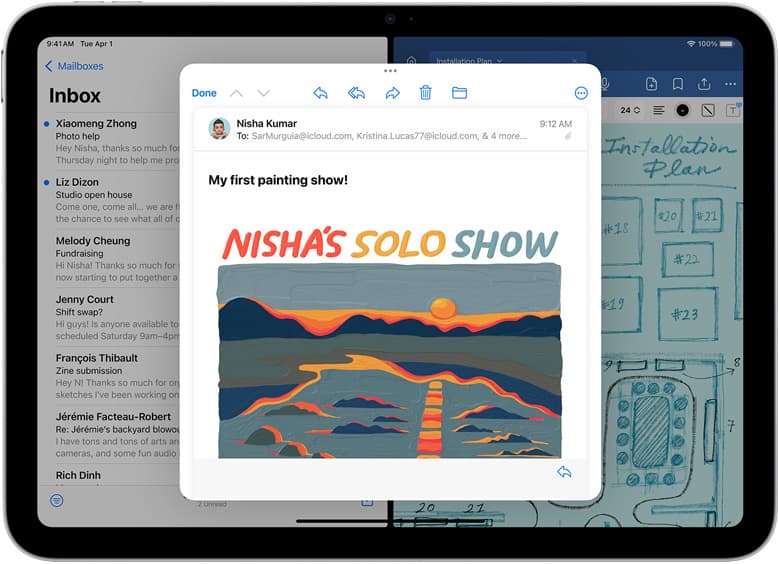
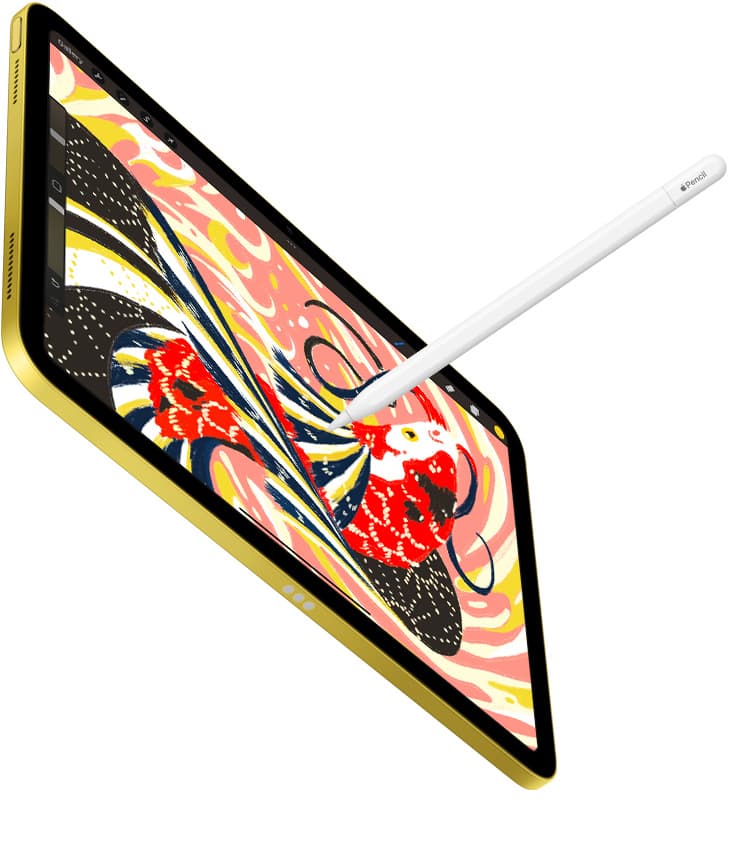
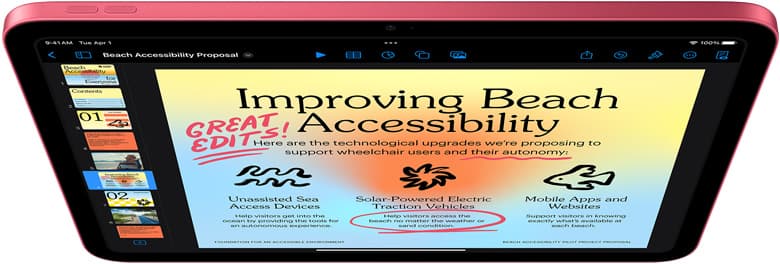
If you are new to digital art, the safest answer in 2026 is this: buy an iPad if you want to draw anywhere with the least setup friction. Buy a screenless Wacom/Huion/XP-Pen-style tablet if you already have a computer and need the cheapest serious path. Buy a pen display only if you are comfortable with a desk, cables, drivers, and a larger fixed setup.
That is the blunt version. The beginner mistake is asking "which has better specs?" before asking "which one will I actually use four times this week?"
Quick answer
| Setup | Best for | Main risk |
|---|---|---|
| iPad + Apple Pencil | Beginners who want one portable sketchbook, Procreate, notes, and reference browsing | Costs more than a basic pen tablet |
| Screenless drawing tablet | Lowest-cost practice with desktop apps | Hand-eye coordination feels strange at first |
| Pen display | People who want to draw directly on a screen at a desk | Cables, desk space, and setup friction |
If you want one sentence: iPad is the best beginner default; screenless tablet is the budget default; pen display is the desk-studio default.
If you already know you want iPad art apps, the next decision is simpler: start with Procreate vs Clip Studio Paint on iPad. If the small tablet is tempting, read iPad mini for Procreate in 2026.
Why this search is still worth answering
People are asking Google this because the purchase feels irreversible. AI can explain the categories, but the shopper still wants a plain recommendation tied to their life: bedroom desk, school bag, Cricut table, tattoo flash book, or couch sketching. That is where the money lives.
The beginner does not need a philosophy of digital art. They need permission to stop comparing and start practicing.
Choose iPad if you want the lowest-friction start
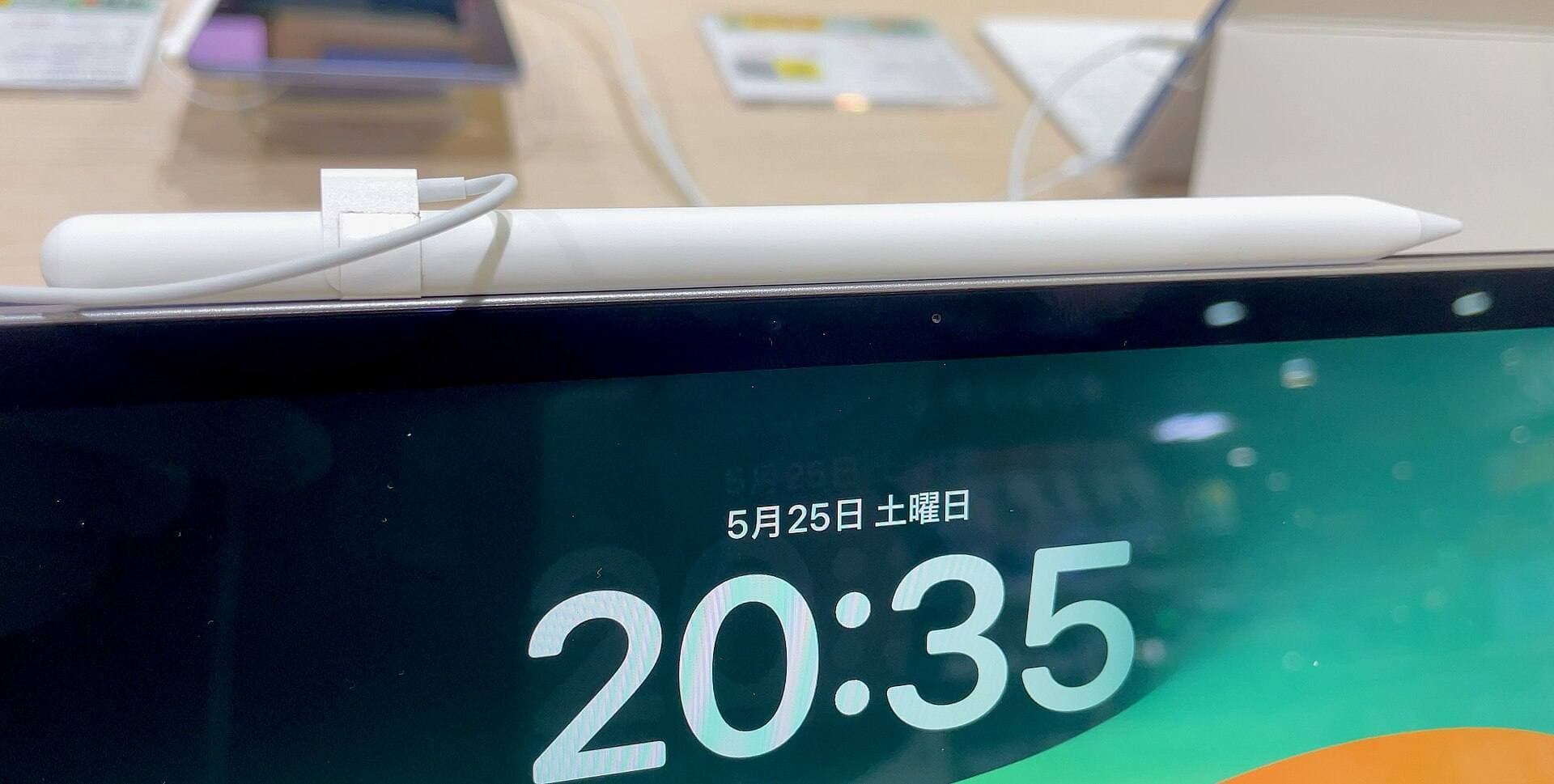
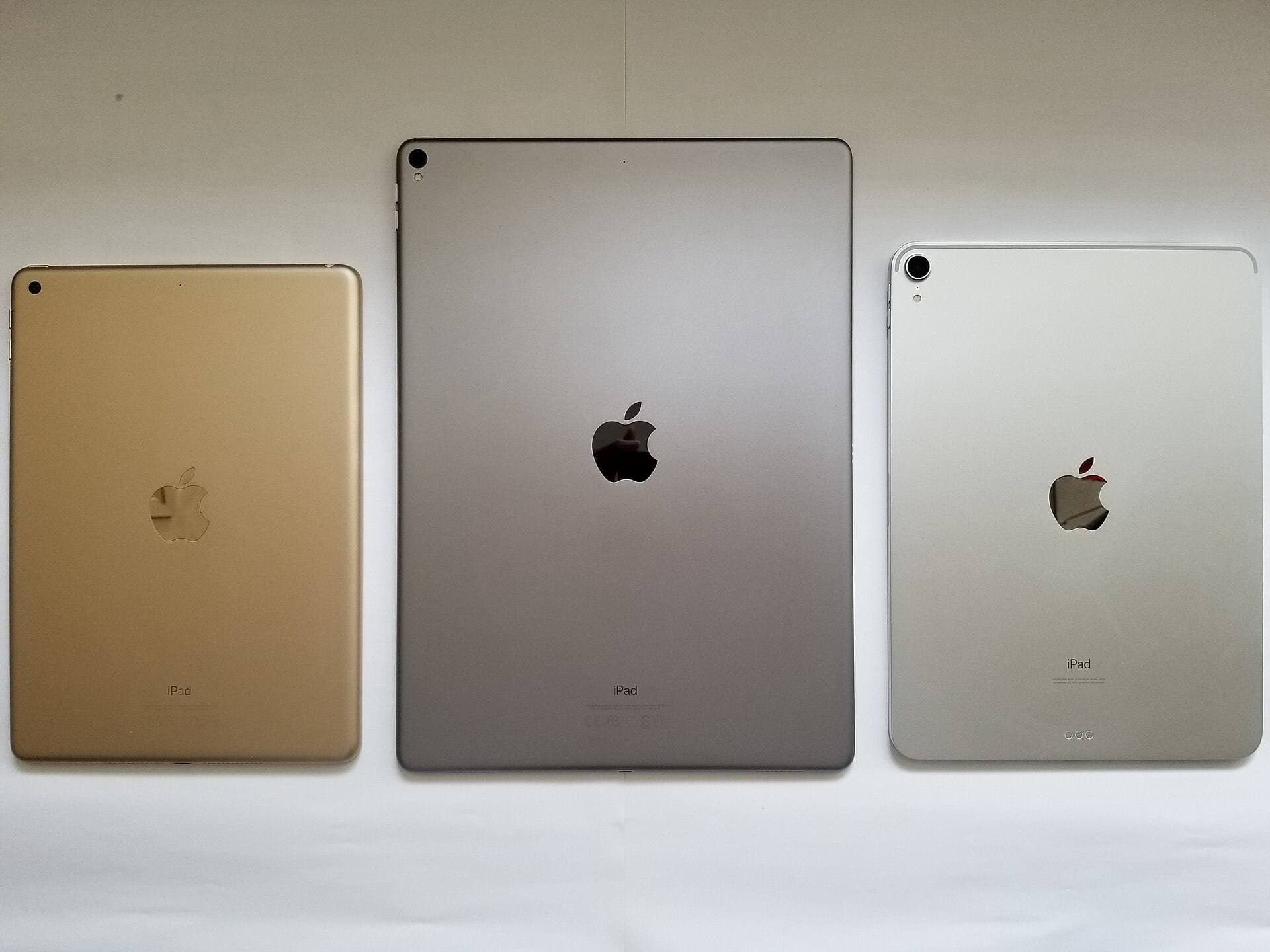
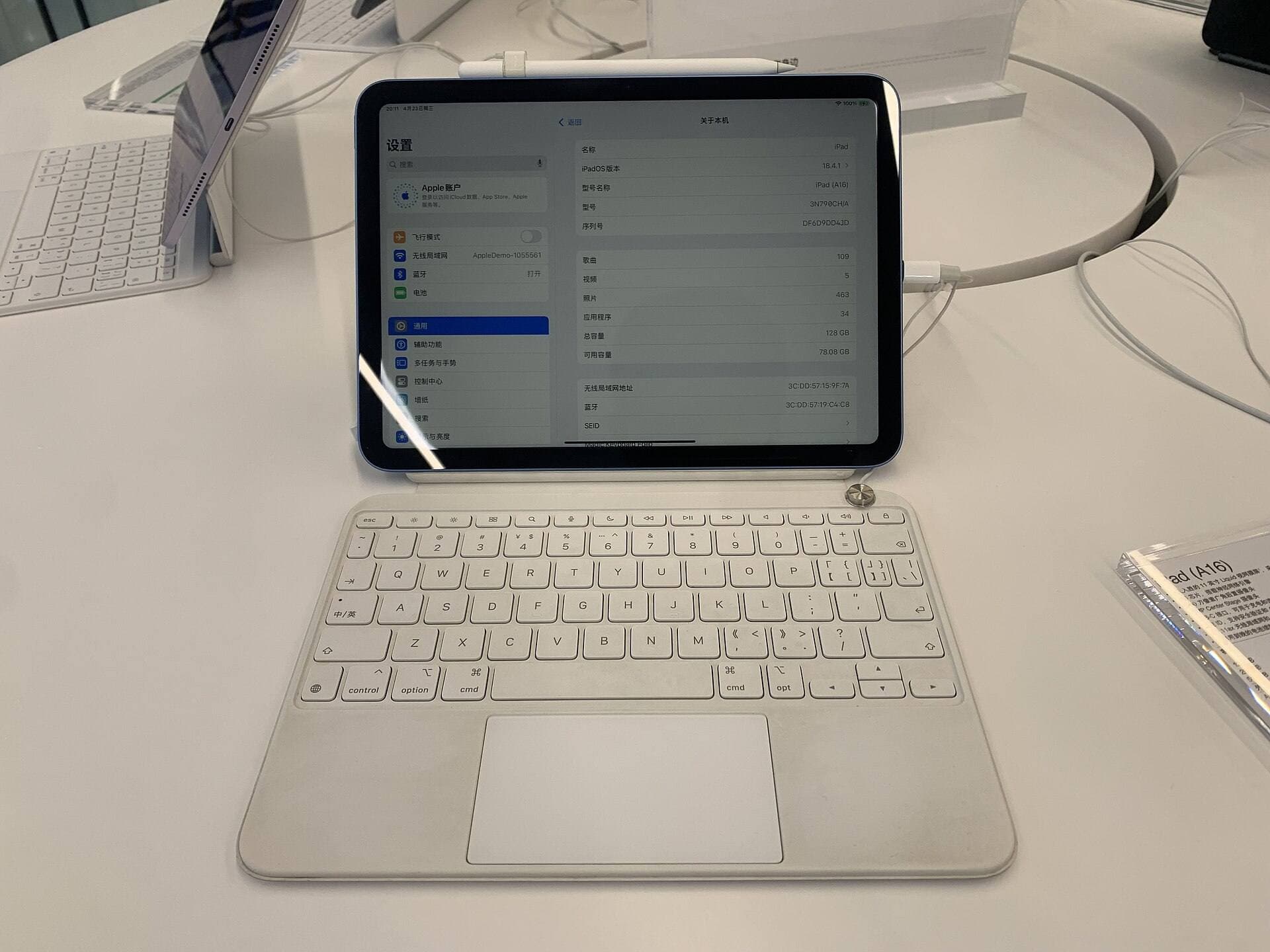
An iPad wins when your main obstacle is starting. You tap the screen, open Procreate or another drawing app, and draw. No computer boot, no driver install, no cable route, no separate display position. Apple's current iPad lineup also makes Pencil support a real buying variable: Apple Pencil Pro works with current iPad Air, iPad Pro, and iPad mini models, while the base iPad uses cheaper Pencil paths. [1][2]
That makes the 11-inch iPad Air (M4) + Apple Pencil Pro the best default for most beginners who are serious enough to draw weekly. It is not the cheapest setup. It is the setup least likely to become a chore.
Choose iPad if:
- you want Procreate,
- you want to draw away from a desk,
- you also want notes, reading, YouTube tutorials, and references,
- you are buying for a student or casual creator,
- or you know setup friction kills your hobbies.
The base iPad is the budget iPad path. It can still be a good first art device, but remember that Apple Pencil compatibility is different by model. Do not buy the Pencil first and assume it works. [2]
Choose a screenless tablet if budget matters most
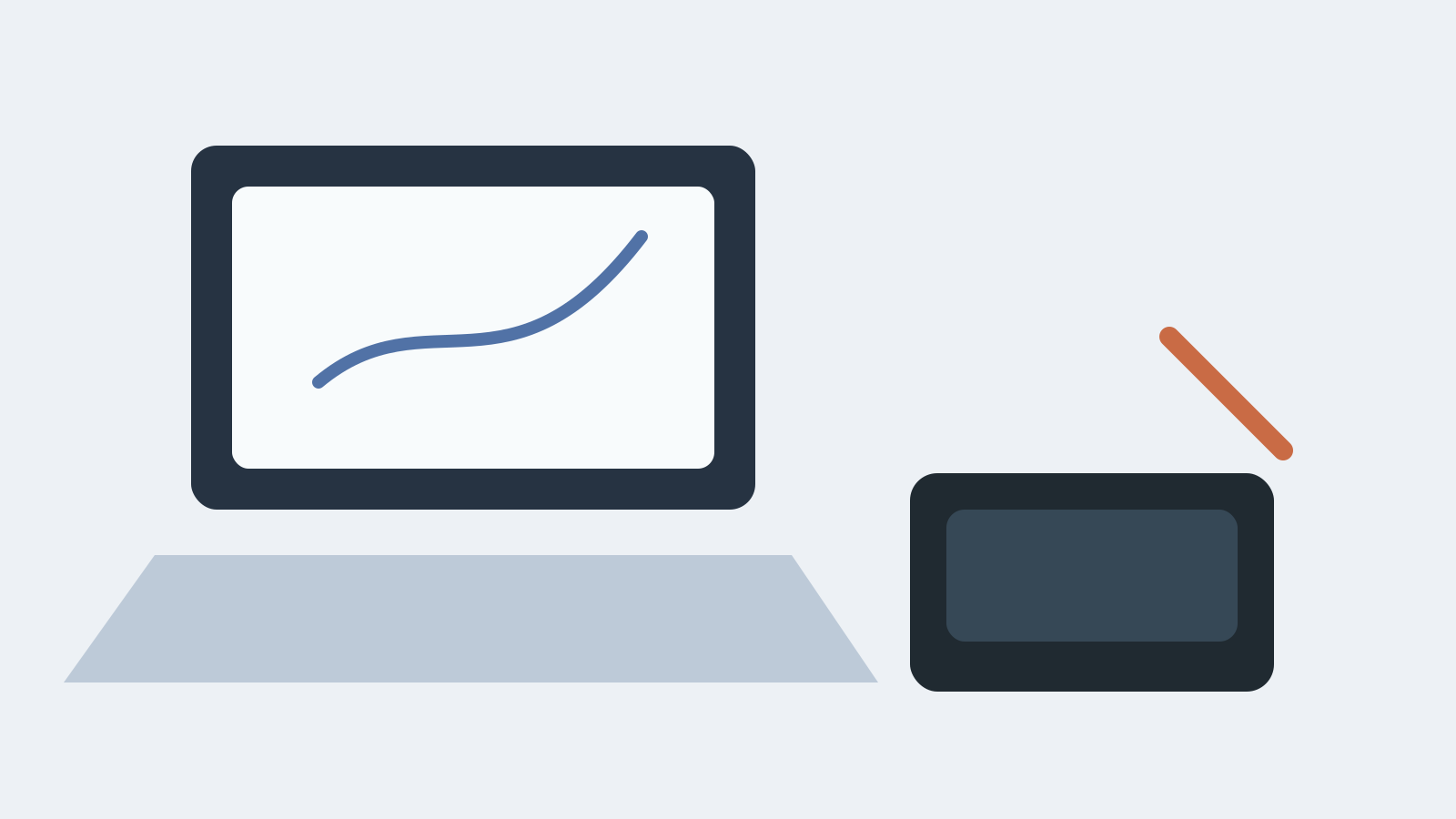
A screenless drawing tablet is the best cheap serious option if you already have a laptop or desktop. It is just a pressure-sensitive pad and pen, usually much cheaper than an iPad. The catch is coordination: your hand moves on the desk while your eyes look at the computer screen. Some people adjust quickly. Some people hate it.
That learning curve is not fake. It can feel like drawing with your hand under a blanket for the first few hours.
Choose a screenless tablet if:
- you already own a decent computer,
- you want to use desktop apps,
- you need the lowest entry cost,
- you have a stable desk,
- or you are willing to spend a week adapting.
This is the most rational purchase for a price-sensitive beginner. It is just not always the purchase that produces the most drawing.
Choose a pen display if you want a desk studio
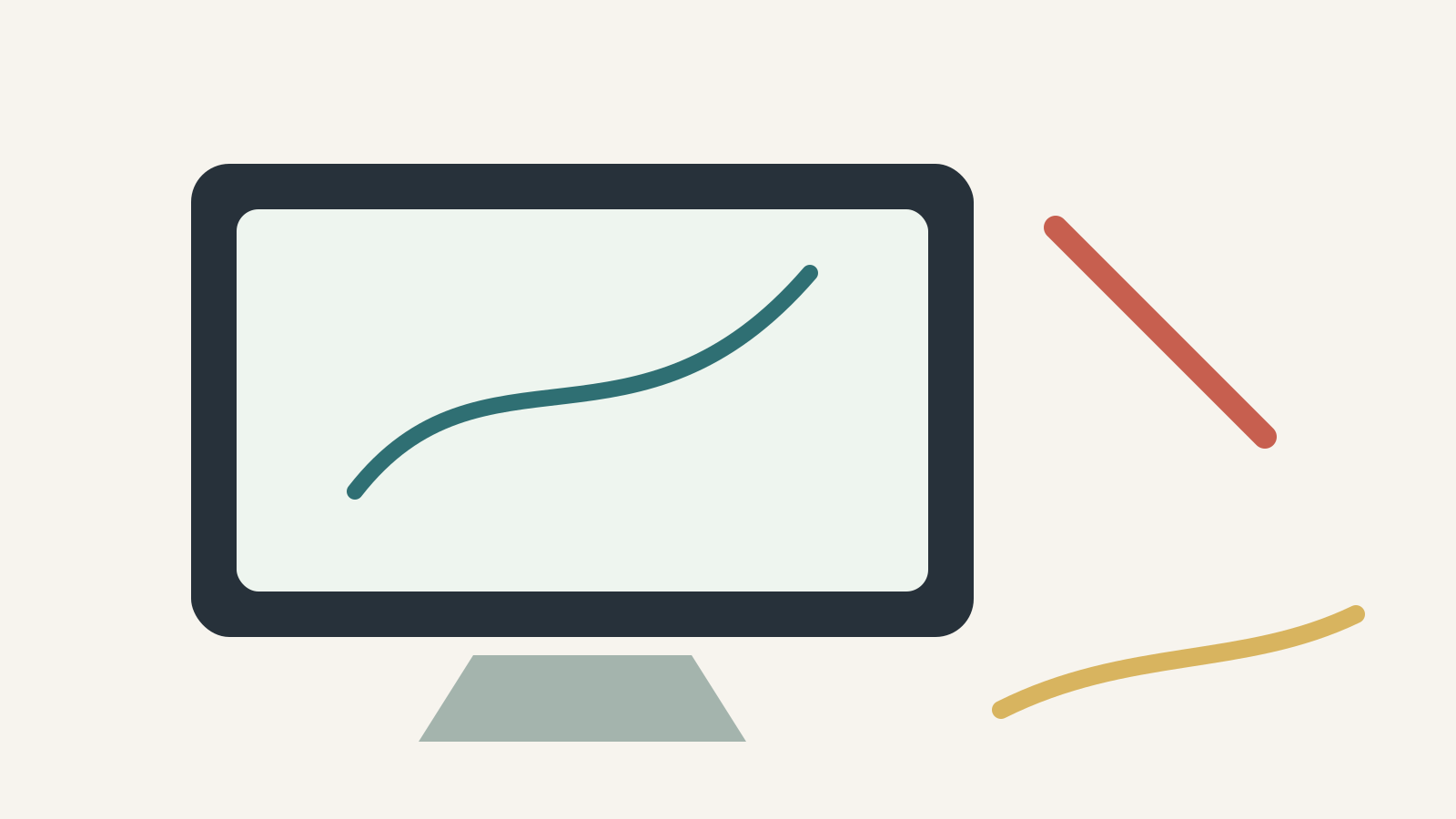
A pen display puts the drawing surface on the screen, so it feels more direct than a screenless tablet. The tradeoff is everything around it: desk space, cables, brightness, posture, drivers, and app workflow.
For some artists, that is perfect. For many beginners, it becomes a machine they use only when the desk is already clean and they have a long block of time. That is a quiet conversion killer for practice.
Choose a pen display if:
- you have a fixed desk,
- you like desktop art software,
- you prefer a bigger canvas than an iPad,
- you do not mind cables,
- or you already know digital art is a serious long-term habit.
If you are buying your first tool and you are not sure you will draw regularly, a pen display can be too much setup too early.
The real comparison
Portability
iPad wins. You can draw on a couch, train, cafe table, bed, library desk, or airplane tray. A screenless tablet can travel, but it still wants a computer. A pen display mostly wants a desk.
For beginners, portability is not a luxury feature. It increases the number of moments where practice can happen.
App simplicity
iPad wins if you want Procreate. Procreate publishes iPad compatibility guidance, and its whole identity is built around iPad-first drawing. [3][4]
Desktop tablets win if you want desktop app depth: Photoshop, Clip Studio Paint, Krita, Blender-adjacent workflows, or a larger file-management system. That is powerful, but it is also more to learn.
Cost
Screenless tablet wins. Even after you add an iPad case, Pencil, and maybe a matte protector, the iPad setup usually costs much more.
The honest budget ladder is:
- Screenless tablet plus computer you already own.
- Base iPad plus Apple Pencil (USB-C).
- iPad Air plus Apple Pencil Pro.
- iPad Pro or pen-display desk setup.
Practice consistency
iPad usually wins for casual and early-stage artists because it removes little barriers. The best art tool is the one that gets picked up while dinner is cooking, while a tutorial is open, or while an idea is still warm.
Screenless tablets can be excellent if you already sit at the computer every day.
Pen displays can be excellent if your desk is your studio.
Ergonomics
No option wins automatically. iPads can create neck strain if you hunch over the glass. Screenless tablets can keep your head up but make hand-eye coordination feel detached. Pen displays can be comfortable, but only if the stand angle and desk height are right.
If you buy an iPad, plan the angle. A stable stand or case can matter more than a spec upgrade.
The beginner buying rules

Rule 1: Do not buy for the artist you imagine becoming in five years
Buy for the person who will draw this month. If you are just starting, consistency matters more than maximum canvas size, highest refresh rate, or the most professional-looking desk.
Rule 2: Keep the first setup boring
The best first setup is boring in the best way:
- one tablet,
- one stylus,
- one app,
- one backup habit,
- one place to store finished files.
Do not turn "learning to draw" into "building a studio."
Rule 3: If you choose iPad, buy the right Pencil for the model
Apple Pencil compatibility is model-specific. Apple Pencil Pro works with newer iPad Air, Pro, and mini models, while Apple Pencil (USB-C) has wider but different support. [2]
That means the boring checklist matters:
- choose the iPad first,
- confirm the supported Pencil,
- then buy the Pencil.
Rule 4: If you choose a desktop tablet, accept the adaptation week
The first week on a screenless tablet may feel wrong. That does not mean you failed. It means your brain is learning a new hand-eye map.
Give it a week of short sessions before judging it.
Rule 5: Do not solve motivation with hardware
If you hate drawing on paper, a $1,200 setup will not magically create a drawing habit. If you already doodle constantly, even a modest setup can be enough.
Hardware reduces friction. It does not provide desire.
Best beginner picks
Best overall beginner setup: iPad Air (M4) + Apple Pencil Pro
This is the cleanest recommendation for someone who wants digital art to become part of daily life. It supports Apple Pencil Pro, has enough headroom for serious beginner and intermediate work, and avoids iPad Pro pricing. [1][2]
Buy this if you want the least confusing long-term iPad answer.
Budget iPad setup: iPad (A16) + Apple Pencil (USB-C)
Choose this if budget discipline matters. It will not feel as premium as the Air path, but it gets you into iPad drawing with a lower total cost. Confirm Pencil compatibility before checkout. [2]
Buy this if the alternative is waiting forever.
Budget desktop setup: screenless drawing tablet
Choose this if you already have a computer and price is the constraint. It is the least expensive serious path, especially if you are comfortable learning desktop software.
Buy this if money matters more than couch portability.
Desk-studio setup: pen display
Choose this if you want to draw directly on a screen and you have a stable desk. It is not my first beginner recommendation, but it is valid for people who already know they like working at a desk.
Buy this if you want the studio experience more than the sketchbook experience.
FAQ
Is an iPad better than a drawing tablet for beginners?
Usually yes, if the beginner wants the simplest portable setup. A screenless tablet is cheaper, but the iPad is easier to start using often.
Is a screenless drawing tablet hard to learn?
It can feel awkward at first because your hand is not drawing directly under your eyes. Many people adapt after short daily sessions, but some beginners prefer the direct feel of an iPad or pen display.
Is iPad Air enough for Procreate?
Yes. For most beginner and intermediate artists, iPad Air is the best balance of price, Pencil support, portability, and headroom. Procreate publishes compatibility guidance for iPads, and Apple lists Pencil support by model. [2][3]
Do I need iPad Pro to start digital art?
No. iPad Pro is excellent, but it is not the right default for most beginners. Buy Pro when display quality and heavier weekly workloads clearly matter, not because "serious artist" sounds expensive.
Should I buy a matte screen protector for iPad drawing?
Maybe. Matte film can add friction and reduce slippery-glass feeling, but it can also reduce perceived display clarity and wear Pencil tips faster. Try bare glass first unless you already know slippery screens bother you.
Bottom line
For most beginners, buy the iPad Air (M4) with Apple Pencil Pro if you can afford it. Buy the base iPad with Apple Pencil (USB-C) if budget matters. Buy a screenless drawing tablet if you already have a computer and want the cheapest serious route. Buy a pen display only if a fixed desk setup sounds motivating rather than annoying.
The winning tool is the one that makes drawing feel easier to begin.
Sources
Recommended gear
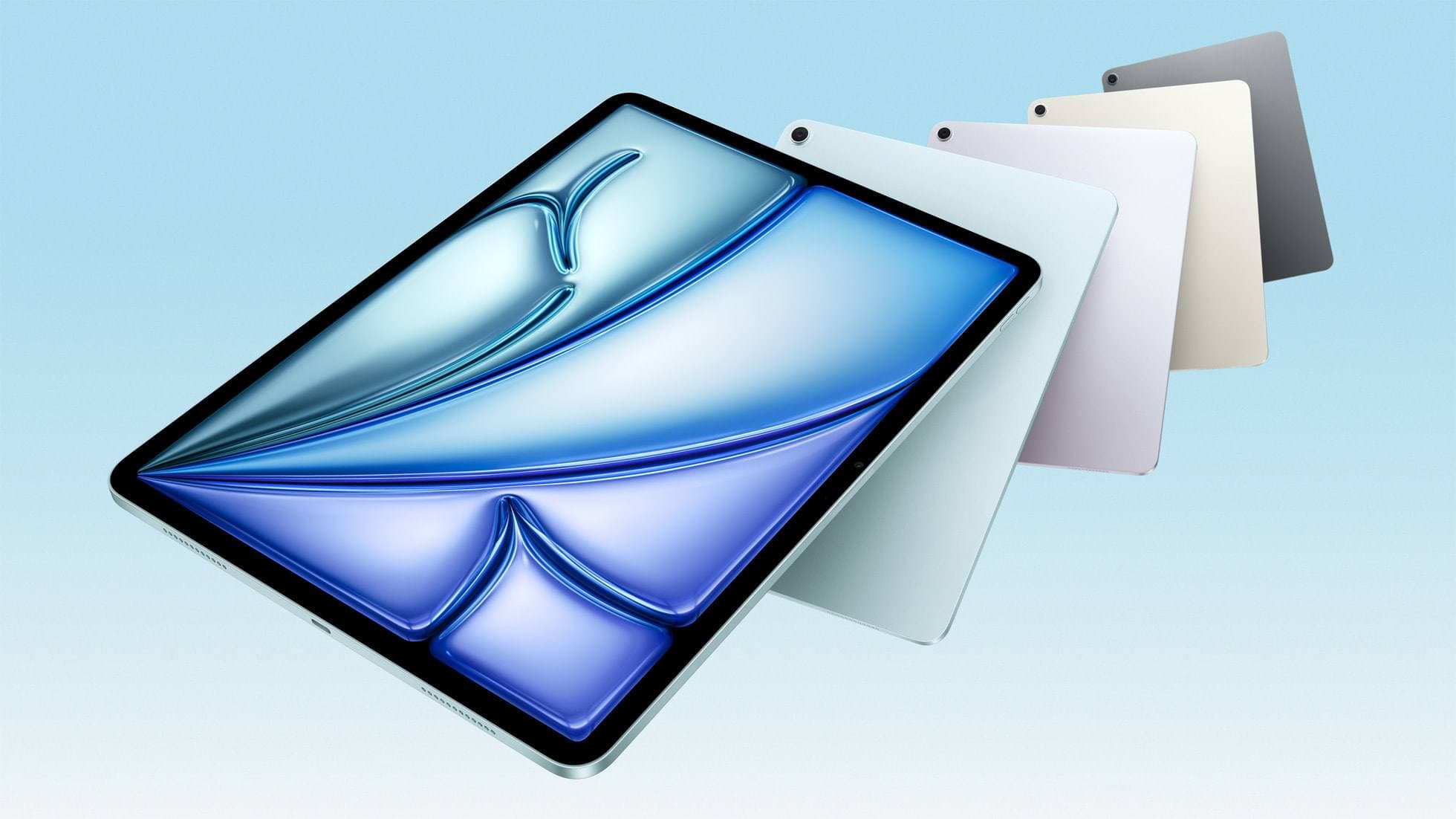
iPad Air (M4)
apple.comThe clean current Air recommendation for most serious hobby artists. Stronger buy logic than old-stock M3 when pricing is close.
Pro: Best current balance of price, headroom, and Pencil support
Con: Still 60Hz
Current Air lineup. Choose size, storage, and keyboard path before checkout.
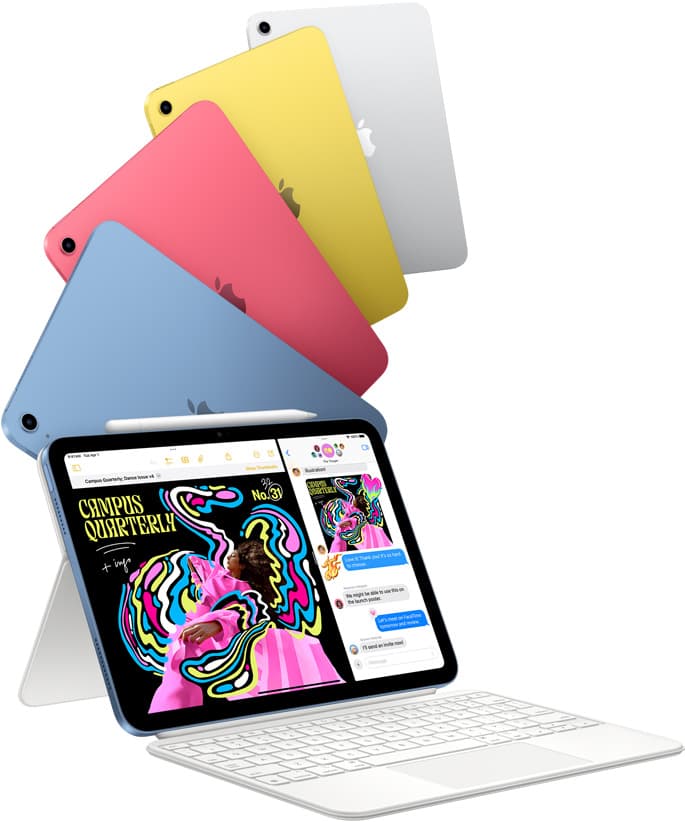
iPad (A16, 11th gen)
amazon.comThe best entry iPad for most artists on a budget. It is not premium, but it is very hard to beat on value.
Pro: Best value iPad right now
Con: No ProMotion display
Search opens with the exact model keywords. Verify size and storage before checkout.
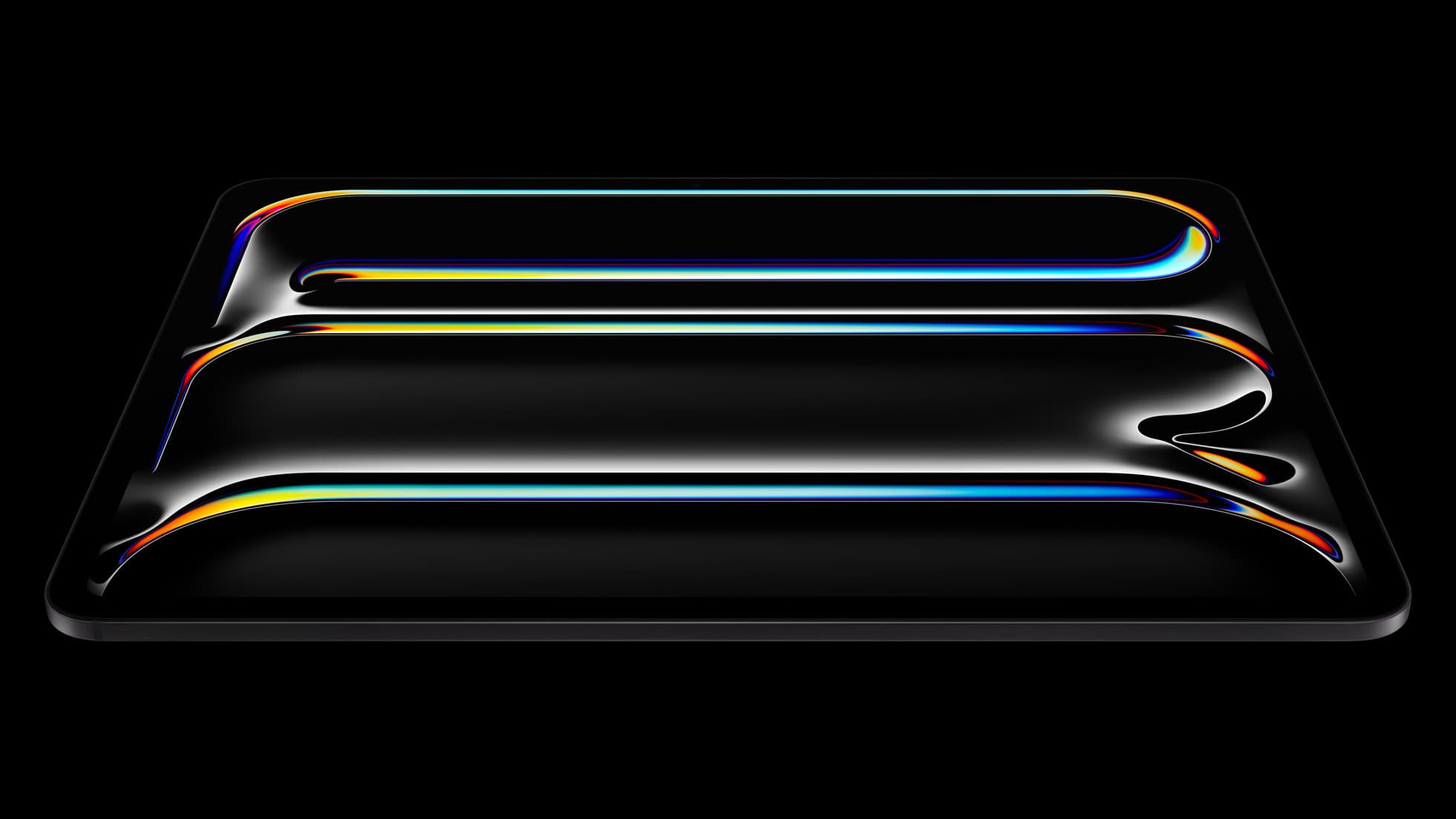
iPad Pro (M5)
amazon.comThe best iPad for drawing feel and premium workflow comfort, but many buyers still overpay for it.
Pro: Best iPad display and ProMotion feel
Con: Highest price in the lineup
Search opens with iPad Pro terms. Check year, chip, and screen size.
Apple Pencil Pro
amazon.comThe best Apple stylus for serious digital art workflows. Expensive, but the control upgrades are real.
Pro: Best brush-control and hover workflow
Con: Highest price in the lineup
Works only with newer iPad models. Check compatibility.
Apple Pencil (USB-C)
amazon.comA practical low-cost Apple stylus with broad compatibility, but limited for advanced art control.
Pro: Lowest official Apple Pencil cost
Con: No pressure sensitivity for brush work
Compatible with many recent iPads. No pressure support.
Related buying picks
More in this collectionBuyer guide
Best tablet for tattoo design: Choosing the right iPad for stencils and flash
Compare iPad Air, iPad Pro, and iPad mini options to find the right drawing tablet and Apple Pencil pairing for tattoo stencils and studio design.
Buyer guide
Is an 11-inch iPad enough for comic art?
An 11-inch iPad provides ample space for sketching, inking, and paneling comic pages when paired with the right Apple Pencil and app workflow.
Comparison
iPad vs laptop for Cricut: how to choose your cutting setup
Compare operating system support, Apple Pencil illustration workflows, and file uploads to decide whether an iPad or a laptop fits your Cricut cutting setup.
Buyer guide
Best iPad app for drawing tattoos and the hardware to run it
Procreate paired with an Apple Pencil Pro and iPad Air M4 gives tattoo artists the best balance of layer headroom, precision tools, and hardware value.