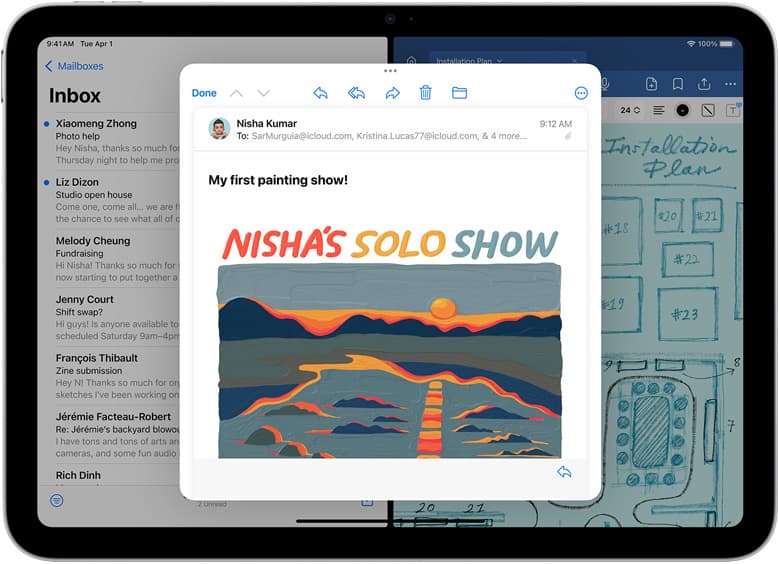
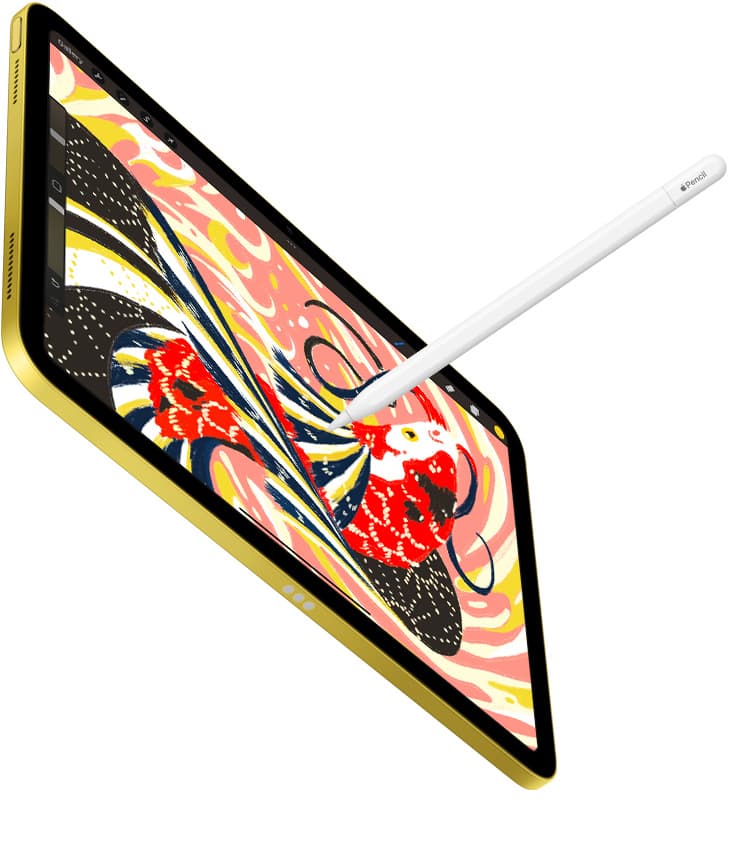
For most iPad artists in 2026, Procreate is the better first app. It is fast, direct, widely taught, and designed around the iPad drawing loop. Clip Studio Paint is the better choice when you need comic tools, rulers, vector linework, animation, 3D references, a material library, or a workflow that connects more naturally to desktop production.
This is not a fan-war decision. It is a job-to-be-done decision.
If you want to draw quickly and finish illustrations with the least interface friction, start with Procreate. If you want deeper production tools and you are willing to learn a denser app, try Clip Studio Paint.
Quick answer
| Artist | Better app | Why |
|---|---|---|
| Beginner iPad artist | Procreate | Lower setup and interface friction |
| Sketcher or painter | Procreate | Fast, direct, and iPad-native |
| Comic or manga artist | Clip Studio Paint | Panels, balloons, rulers, materials, and multi-page features |
| Tattoo flash artist | Procreate first | Fast sketching and clean export habits |
| Cross-device production artist | Clip Studio Paint | Broader device support and deeper studio workflow |
If you are still choosing the tablet too, read Best iPad for Procreate in 2026.
Why this comparison matters commercially
This is better than generic "best drawing apps" traffic because the searcher is already comparing named tools. That usually means:
- they own an iPad,
- they are about to buy an iPad,
- they are about to pay for an app,
- or they are trying to avoid switching costs.
That is the monetizable moment. The page should not drown them in history. It should tell them which app to open, what tradeoff they are accepting, and what iPad kit supports the choice.
Choose Procreate if you want the lowest-friction iPad workflow
Procreate is strongest when you want the iPad to feel like a sketchbook that can also finish real work. Apple's App Store listing emphasizes brushes, layers, 3D painting, time-lapse, import/export, and an interface made for iPad and Apple Pencil. [1]
Choose Procreate if:
- you are new to iPad art,
- you want the simplest daily drawing loop,
- you mostly sketch, paint, letter small pieces, or illustrate,
- you learn from YouTube and short tutorials,
- you want the app to disappear while you draw,
- or you do not need comic production tooling.
The underrated strength is not one feature. It is that Procreate has fewer moments where a beginner gets lost before making a mark.
Choose Clip Studio Paint if you need production depth
Clip Studio Paint is built for a broader studio workflow. Its App Store listing and official site highlight brushes, materials, color tools, 3D models, comic features, animation, vectors, rulers, cloud storage, and support across iPad, iPhone, Android, Windows, and macOS. [3][4]
Choose Clip Studio Paint if:
- you draw comics, manga, or webtoons,
- you need panel frames, speech balloons, rulers, or screen tones,
- you want vector linework tools,
- you use 3D models for reference,
- you move between iPad and desktop,
- or you are comfortable learning a denser interface.
The tradeoff is complexity. Clip Studio can do more, but the extra depth is not free mentally.
Pricing model and stress
I am deliberately not anchoring this page to one specific app price because app pricing and regional storefront behavior can change. The durable point is the model difference.
Procreate is the simpler purchase for many iPad artists. Clip Studio Paint's iPad path is more plan-oriented, and the App Store listing notes that a Clip Studio account is needed to buy a plan. [3] Clip Studio's own site also describes monthly or annual plans, with the one-time perpetual license framed for Windows and macOS. [4]
For a low-maintenance creative setup, pricing complexity matters. If you are a casual artist, fewer recurring decisions is a feature.
Which app is better for beginners?
Procreate.
The beginner problem is rarely "I need more tools." The beginner problem is "I need to draw more often without getting stuck in menus." Procreate wins that job.
Clip Studio Paint can be beginner-friendly in Simple Mode, but it is still a deeper production app. That depth helps on complex projects and slows down simple ones.
Which app is better for tattoo design?
For most tattoo design on iPad, start with Procreate. It is fast for sketching, revisions, reference layers, line cleanup, and client preview exports.
Clip Studio Paint becomes interesting if you rely on rulers, vector adjustments, repeatable production templates, or desktop handoff.
Next page in this cluster: Best iPad App for Tattoo Design in 2026.
Which app is better for comics?
Clip Studio Paint.
This is the clearest Clip Studio win. If your work involves pages, panels, speech balloons, rulers, 3D references, screen tones, or a manga/webtoon-style pipeline, Clip Studio Paint is built closer to that job.
Procreate can draw comic art. Clip Studio Paint is better for managing comic production.
Which iPad should you buy for either app?
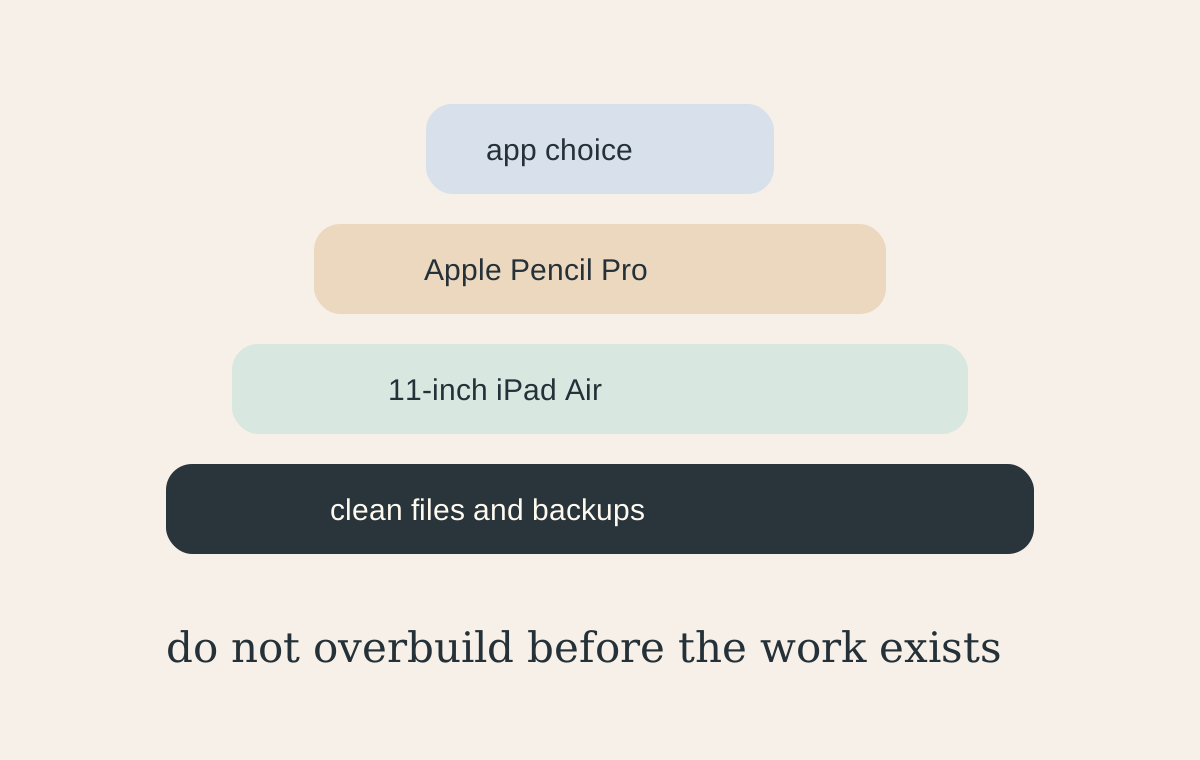
For most buyers, the hardware answer is still 11-inch iPad Air with Apple Pencil Pro. It is the calm middle: enough power, current Pencil support, and lower cost than iPad Pro.
Choose iPad Pro if:
- paid work already justifies the display upgrade,
- you draw for long sessions,
- you are very sensitive to display feel,
- or the larger canvas saves real weekly time.
Choose iPad mini only if portability matters more than canvas comfort. For a deeper mini-specific answer, read iPad mini for Procreate in 2026.
The low-stress recommendation
If you are unsure, do this:
- Start with Procreate.
- Learn clean file naming and export habits.
- Try Clip Studio Paint only if you hit a concrete workflow wall.
- Buy iPad Air plus Apple Pencil Pro if you are buying hardware too.
That sequence avoids overbuilding the studio before the work exists.
Bottom line
Procreate is the best first iPad art app for most people because it keeps drawing close to the surface. Clip Studio Paint is the better production app when comics, animation, vectors, rulers, 3D references, materials, or desktop handoff are truly part of the job.
Start simple. Upgrade the app complexity when the work asks for it.
Sources
[1] https://apps.apple.com/us/app/procreate/id425073498 [2] https://help.procreate.com/articles/dbgjal-procreate-faq [3] https://apps.apple.com/us/app/clip-studio-paint/id1262985592 [4] https://www.clipstudio.net/en/
Recommended gear
Procreate
apps.apple.comPro: One-time purchase
Con: iPad-only
Clip Studio Paint
apps.apple.comPro: Deep comics, vector, ruler, and animation toolset
Con: iPad plan model is less simple than Procreate
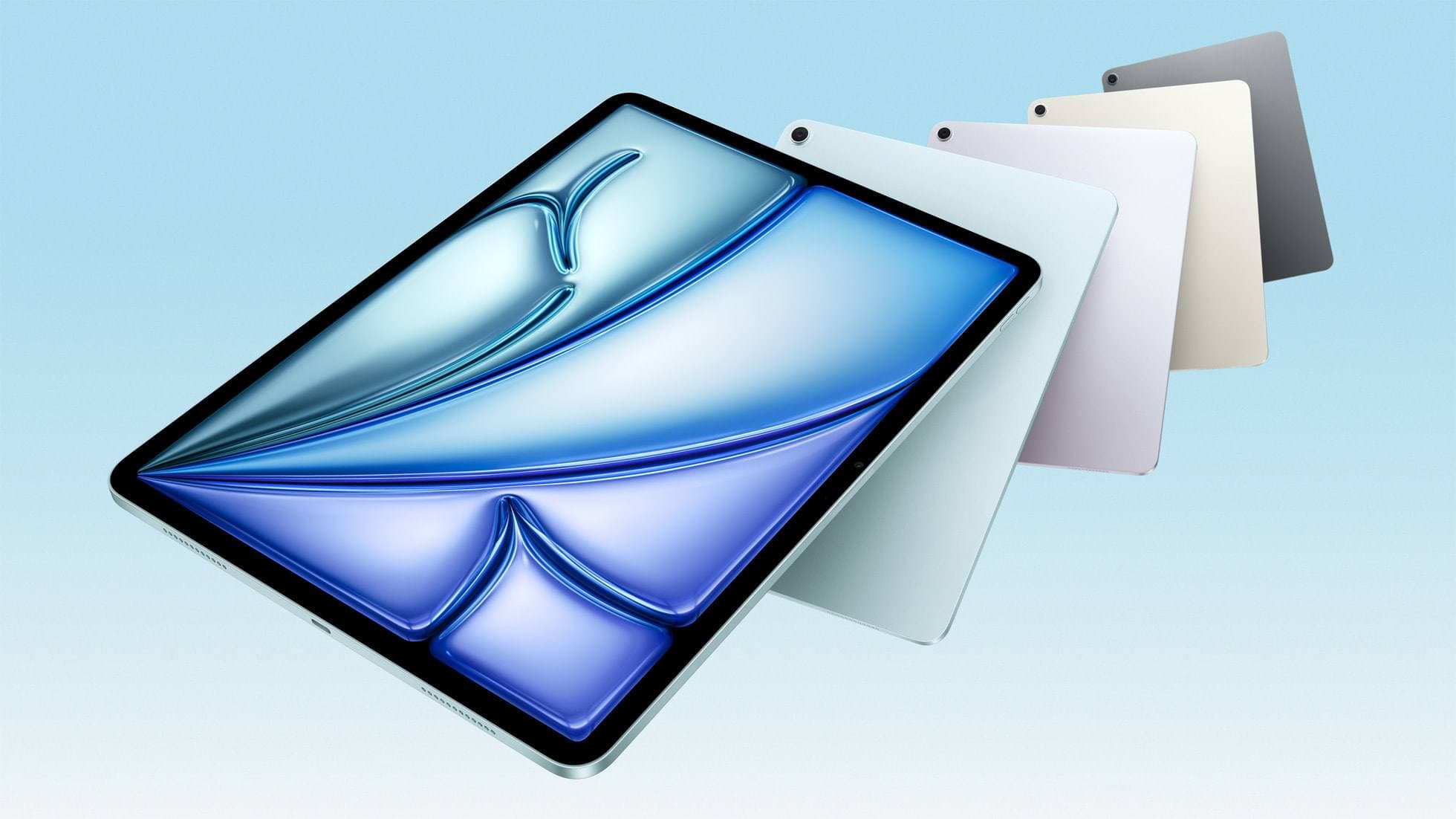
iPad Air (M4)
apple.comThe clean current Air recommendation for most serious hobby artists. Stronger buy logic than old-stock M3 when pricing is close.
Pro: Best current balance of price, headroom, and Pencil support
Con: Still 60Hz
Current Air lineup. Choose size, storage, and keyboard path before checkout.
Apple Pencil Pro
amazon.comThe best Apple stylus for serious digital art workflows. Expensive, but the control upgrades are real.
Pro: Best brush-control and hover workflow
Con: Highest price in the lineup
Works only with newer iPad models. Check compatibility.
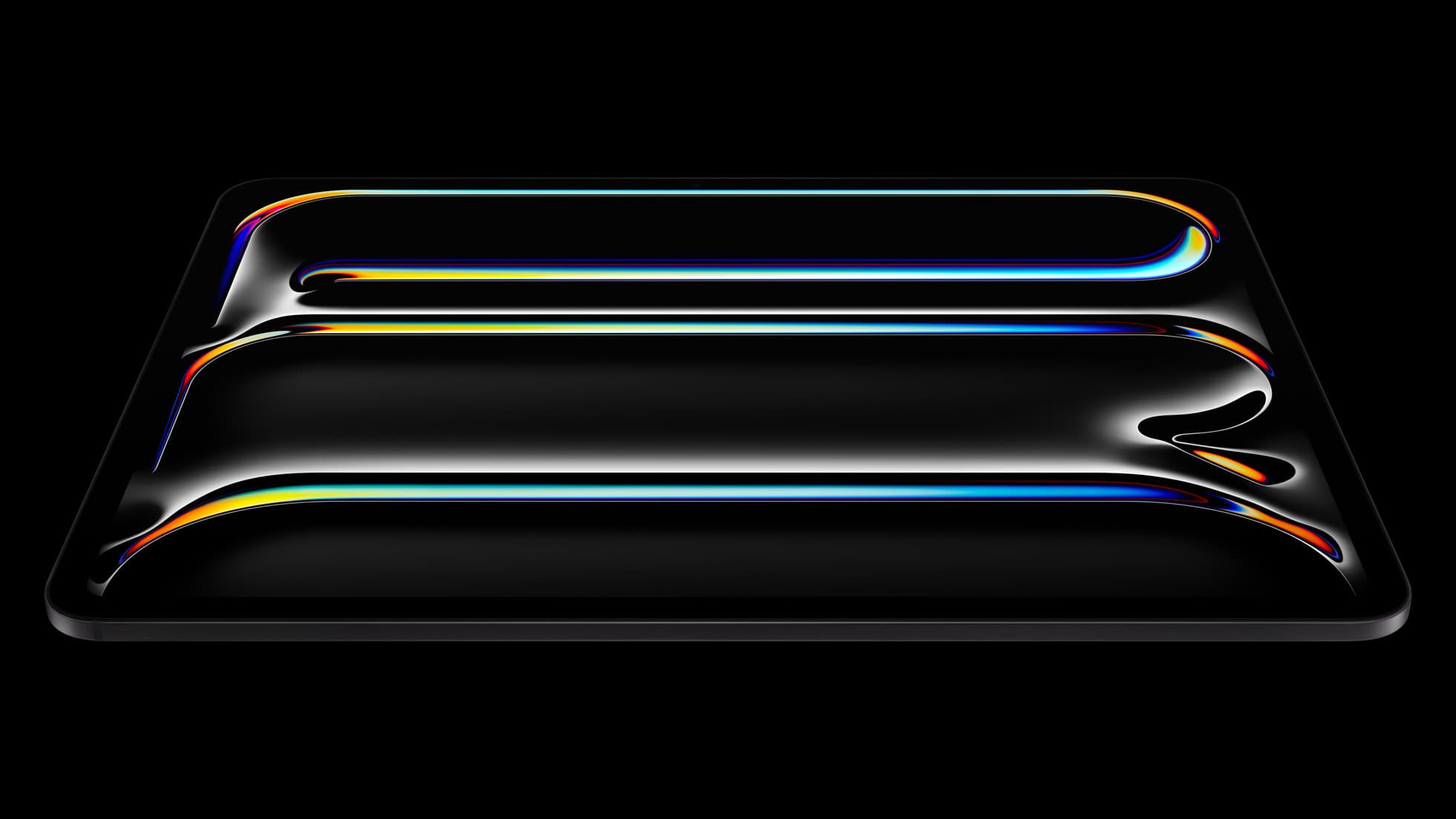
iPad Pro (M5)
amazon.comThe best iPad for drawing feel and premium workflow comfort, but many buyers still overpay for it.
Pro: Best iPad display and ProMotion feel
Con: Highest price in the lineup
Search opens with iPad Pro terms. Check year, chip, and screen size.
Related buying picks
More in this collectionBuyer guide
Best iPad app for tattoo design in 2026
Procreate is the best default iPad app for tattoo design because it is fast for sketching, flash, reference layers, and client revisions; Clip Studio Paint is the upgrade path for rulers, vectors, comics, and studio-style depth.
Buyer guide
Best Bluetooth Shortcut Remotes for Procreate and iPad Drawing (2026)
The right shortcut remote reduces repetitive hand movement, but only if it behaves like a keyboard and supports reliable mapping.
Comparison
Procreate Dreams in 2026: Strengths, Weak Points, Alternatives
A practical 2026 review of Procreate Dreams 2: strengths, weak points, and the best iPad animation alternatives by use case, with workflow tips.
Buyer guide
Portable iPad Keyboard Travel Kit (2026): Write, Sketch, Pack Fast
How to build a portable iPad writing and sketch kit for cafes and transit, including keyboard format choices, setup flow, and compatibility checks.