Keep the iPad mini (A17 Pro) for Clip Studio Paint if your work is sketching, inking single panels, or drawing on the train, because it runs the app, pairs with the Apple Pencil Pro, and it's the most portable drawing iPad Apple sells [1], [3], [6]. Buy the iPad Air (M4) if you draw full comic pages or multi-page files, since the mini's 8.3-inch display is where Clip Studio's panel rulers, page manager, and vector tools start to feel cramped [1], [7]. Skip the iPad Pro (M5) unless ProMotion feel matters to you daily [1].
What Clip Studio Paint asks of an iPad
Clip Studio Paint on iPad is a free download from CELSYS that starts with a free 30-day trial, rated 4.7 from 14,333 App Store ratings [6]. Its strengths are the comics toolset: multi-page files, panel rulers, perspective rulers, vector layers, and animation, which Clip Studio's own site lists among its supported workflows [7]. The site also describes desktop versions of the app, which matters if you plan to start pages on the mini and finish them on a computer [7]. The plan model is the caveat: the iPad pricing is a plan rather than Procreate's one-time purchase, so budget for it alongside the hardware [5], [6].
None of those tools care which chip you have the way a painting app does. Procreate publishes that its layer limits follow the iPad's memory, and that's the general shape of how drawing apps use the device, but the thing you'll notice first in Clip Studio is screen space, because its palettes, rulers, and page thumbnails all live on the canvas edge [4], [7].
The 8.3-inch screen and a comic page
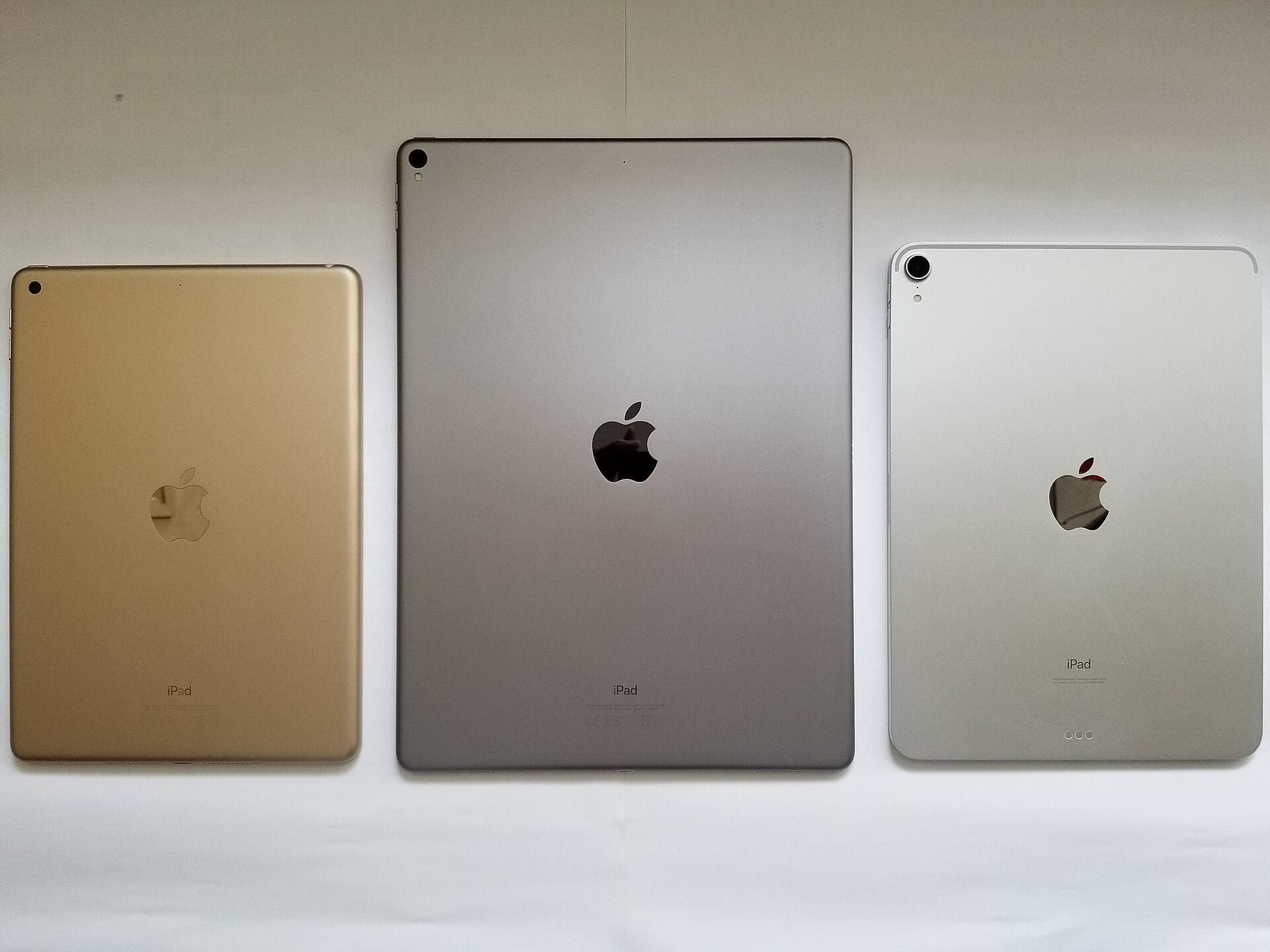
Apple's comparison page lists the mini at 8.3 inches, the Air at 11 or 13 inches, and the Pro at 11 or 13 inches [1]. On the mini, a full comic page at a readable zoom leaves little room for Clip Studio's tool palettes, and you'll spend a lot of time hiding them, panning, and zooming back out to check the page [1], [7]. A single panel at a time is fine, and a two-page spread with the page manager open is a different job [7].
That's the whole decision. If your Clip Studio work is sketches, character studies, and inking a panel you'll assemble on a bigger screen later, the mini is enough and its size is the feature [1]. If you lay out pages, letter them, and export multi-page files from the iPad, buy the Air (M4) and pick the 13-inch if you can, because the extra room goes straight to the page [1], [7].
Pencil pairing on the mini
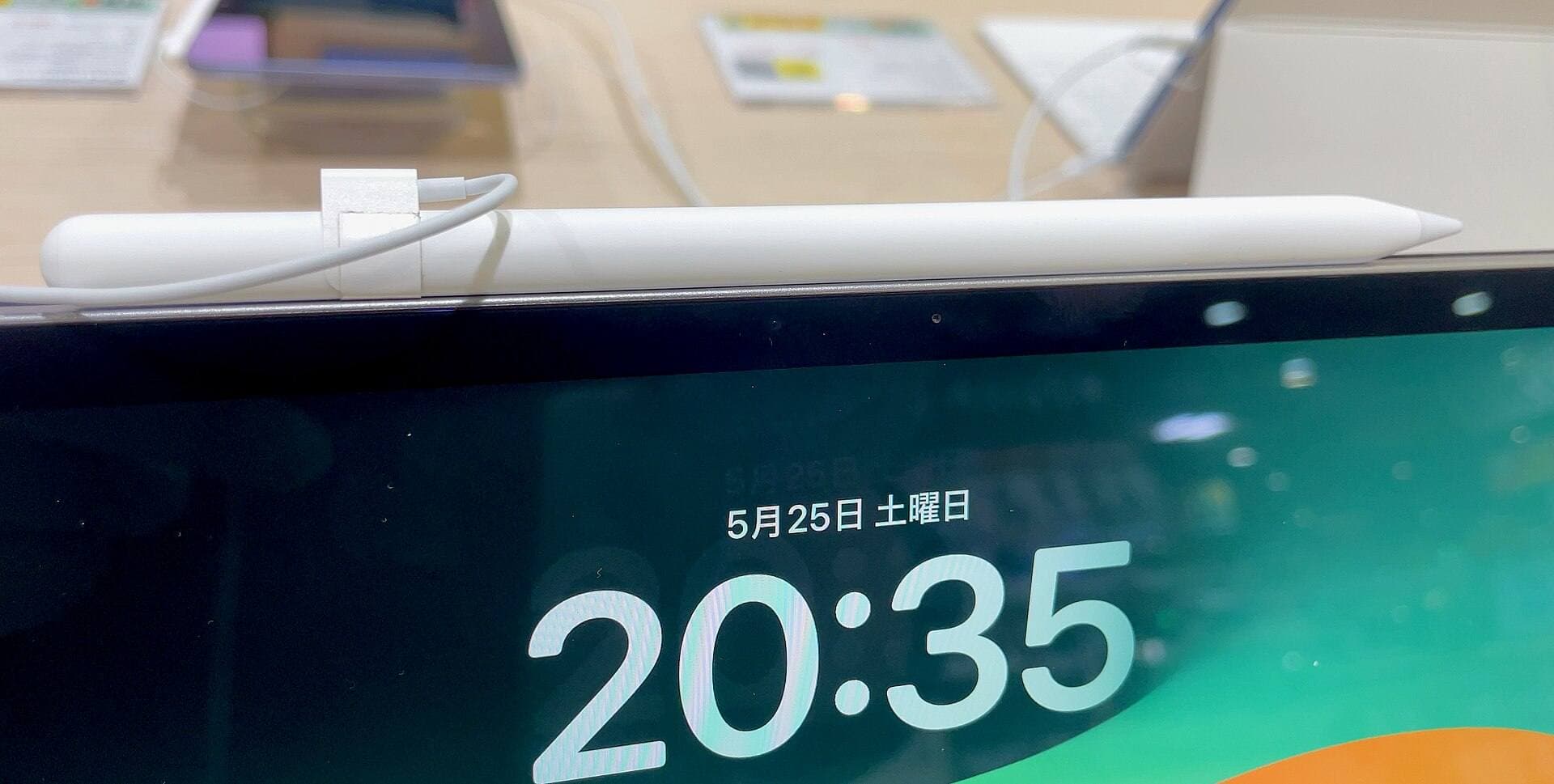
The iPad mini (A17 Pro) is on Apple's compatibility list for the Apple Pencil Pro and the Apple Pencil (USB-C) [3]. That means pressure, tilt, hover, squeeze, barrel roll, and haptics are all available on the mini with the Pro Pencil, the same set the Air (M4) and Pro (M5) get [2], [3]. Apple's Pencil page is where the feature table lives, and it's worth reading beside the compatibility list before you buy, because the mini's size doesn't change which features its Pencil has [2], [3]. For inking in Clip Studio, pressure is the one that counts, and the mini gives up nothing there [2].
Don't pair the USB-C Pencil for inking. Apple lists it without pressure sensitivity, so your line width won't follow your hand, and Clip Studio's pen tools are built around exactly that [2], [7]. Choose the Pencil Pro with the mini and you have a complete inking kit that fits in a coat pocket [2], [3].
Procreate as the other path on a mini
If the mini is the iPad you're keeping, consider whether Clip Studio is the app you need on it. Procreate is a one-time purchase, iPad-only, listed with its supported iPads on the App Store, and its compatibility page explains how canvas size and layer counts trade against device memory [4], [5]. For sketching and single illustrations it asks less of a small screen because it's an illustration app rather than a page-layout one [5].
Keep Clip Studio on the mini if you need its rulers, vector layers, or the multi-page format for a comic you'll finish elsewhere [7]. Use Procreate on the mini if the mini is your only iPad and most of your work is single images, and let Clip Studio's 30-day trial tell you which one your hands prefer before the plan starts [5], [6].
Who should buy the Air or the Pro instead
The iPad Air (M4) is the step up: it pairs with the same Pencil Pro, it has more memory headroom, and the 13-inch size is the comic-page screen the mini can't be [1], [3], [4]. Buy it if you draw pages. The iPad Pro (M5) adds the best iPad display and ProMotion feel at the highest price in the lineup, and for Clip Studio that's a feel preference rather than a tool you'd lack on the Air [1]. Pick it only when you've drawn on ProMotion and want it every day [1].
Bottom line
The iPad mini is enough for Clip Studio Paint when the work is sketching and single-panel inking: it runs the app, it takes the Apple Pencil Pro, and it goes everywhere [1], [3], [6]. It's tight for full pages and multi-page files, where the app's rulers and page manager want screen room [7]. Keep the mini for sketching, buy the iPad Air (M4) for pages, and treat the iPad Pro (M5) as a display upgrade rather than a Clip Studio upgrade [1], [3].
Sources
[1] https://www.apple.com/ipad/compare/ [2] https://www.apple.com/apple-pencil/ [3] https://support.apple.com/en-us/108937 [4] https://help.procreate.com/articles/zlexav-ipad-compatibility [5] https://apps.apple.com/us/app/procreate/id425073498 [6] https://apps.apple.com/us/app/id1262985592 [7] https://www.clipstudio.net/en/
Recommended gear
Clip Studio Paint
apps.apple.comPro: Deep comics, vector, ruler, and animation toolset
Con: iPad plan model is less simple than Procreate
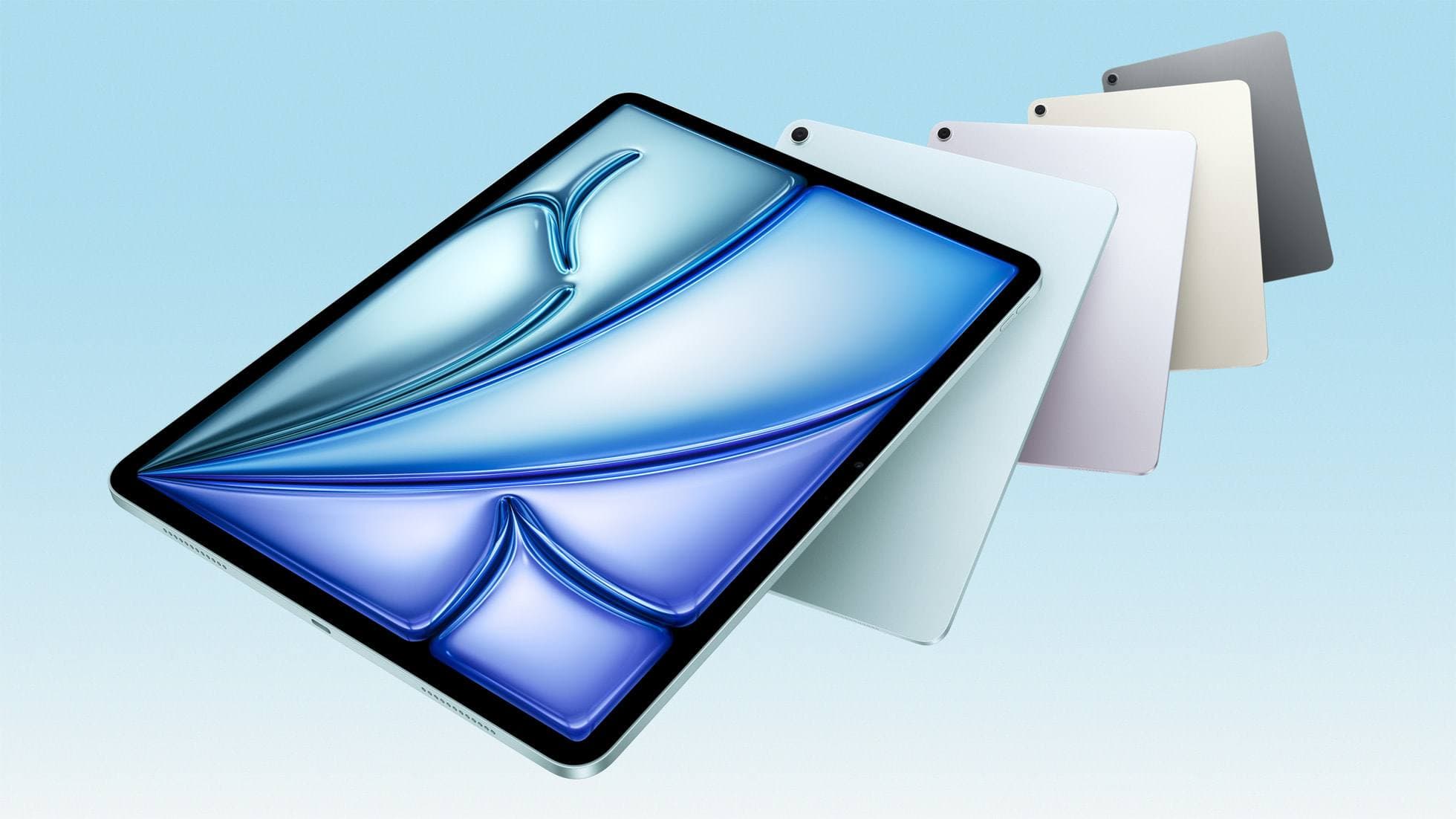
iPad Air (M4)
apple.comThe clean current Air recommendation for most serious hobby artists. Stronger buy logic than old-stock M3 when pricing is close.
Pro: Best current balance of price, headroom, and Pencil support
Con: Still 60Hz
Current Air lineup. Choose size, storage, and keyboard path before checkout.
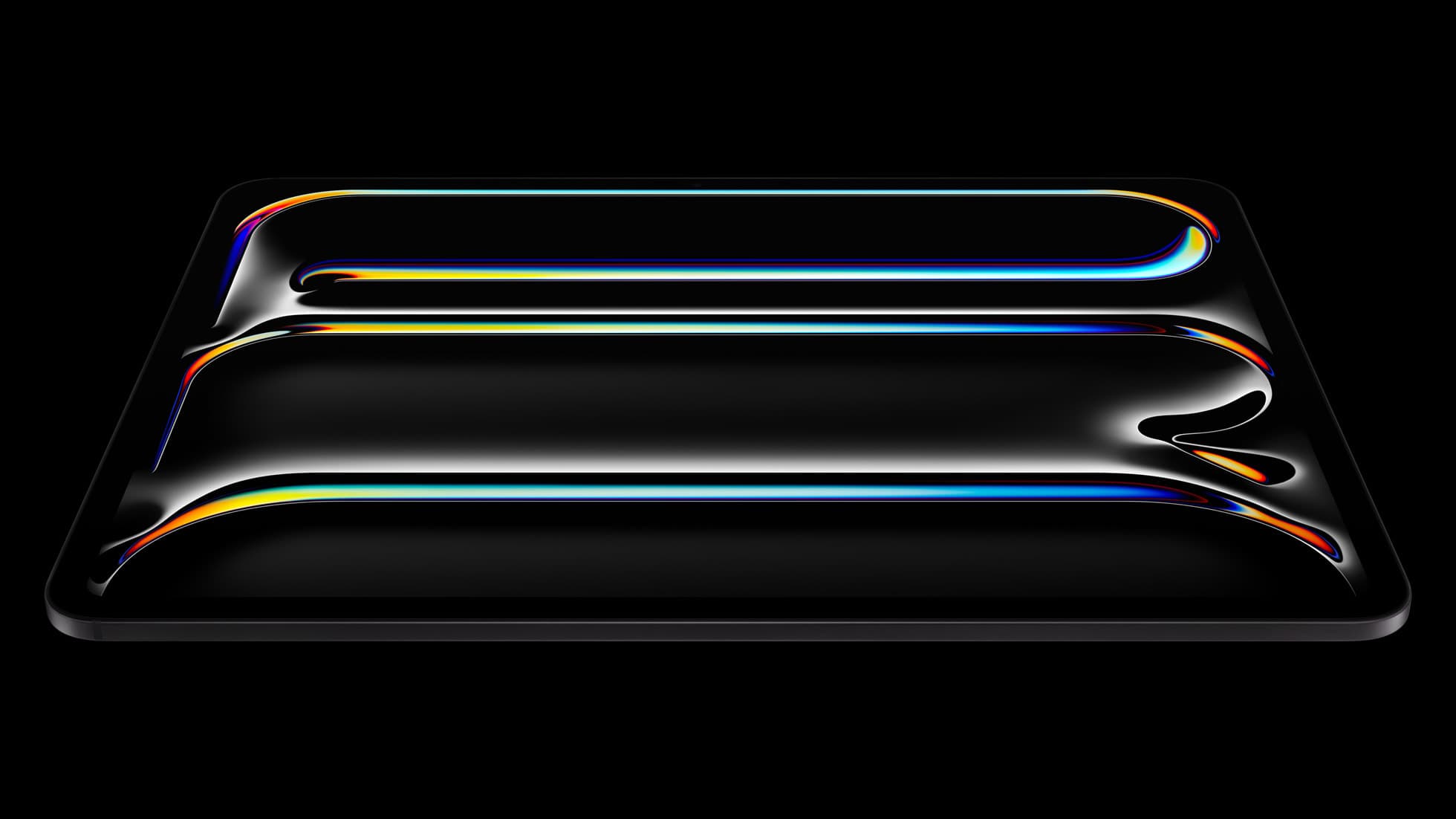
iPad Pro (M5)
amazon.comThe best iPad for drawing feel and premium workflow comfort, but many buyers still overpay for it.
Pro: Best iPad display and ProMotion feel
Con: Highest price in the lineup
Search opens with iPad Pro terms. Check year, chip, and screen size.
Procreate
apps.apple.comPro: One-time purchase
Con: iPad-only
Related buying picks
More in this collectionBuyer guide
Is the iPad Air enough for Affinity Designer? Yes, for most designers
The iPad Air (M4) runs Affinity Designer 2 with Apple Pencil Pro support and enough headroom for design work, so keep or buy it unless ProMotion feel or very large documents justify the Pro.
Buyer guide
Best iPad for children's book illustration: which model to buy
The iPad Air (M4) is the sensible default for picture-book illustrators, with the iPad (A16) for tight budgets and the iPad Pro (M5) only for display feel.
Comparison
Clip Studio Paint vs ibis Paint on iPad
Clip Studio Paint is the better choice for serious comics and multi-page work on iPad, while ibis Paint X is the better free choice for casual drawing and phone-to-iPad sketching.
Buyer guide
Is the iPad mini enough for Procreate Dreams?
The iPad mini handles modern digital art tools and Apple Pencil Pro, but its compact screen restricts timeline management.