Buy the iPad Air (M4) if you're illustrating children's books and want one iPad that handles full spreads, pairs with the Apple Pencil Pro, and doesn't cost Pro money [1], [3]. Choose the iPad (A16, 11th gen) if the total kit cost is the whole decision and you can live without Pencil Pro features [1], [3]. Pick the iPad Pro (M5) only when you've used a ProMotion display and know you'll miss it [1]. Skip the iPad mini (A17 Pro) as a main spread machine, though it's a fine sketchbook for thumbnails on the train [1].
What picture-book spreads ask of an iPad
A picture-book spread is a wide canvas with a lot of flat color, texture layers, and a character or two who must stay consistent across thirty-plus pages. Procreate ties the layer limit of a canvas to the memory of the iPad it runs on, and bigger canvases get fewer layers [4]. That relationship matters more for a spread at print size than for a single character sketch, because you'll stack line art, fills, shading, and texture on top of each other and want them separate until the art director signs off [4]. Procreate's App Store listing is where you check that your iPad model is supported before you commit to it as your main app [5].
Read it this way: more memory headroom means more layers at the size your printer wants [4]. Apple's comparison page lists each current model's chip, display, and storage choices, so you can see where the A16 iPad, the Air (M4), the Pro (M5), and the mini (A17 Pro) sit against each other before a sale sticker decides for you [1]. Storage isn't trivial either, since a book's worth of layered files adds up, and the comparison page shows the storage tiers you're choosing between [1].
Why the iPad Air (M4) is the default pick
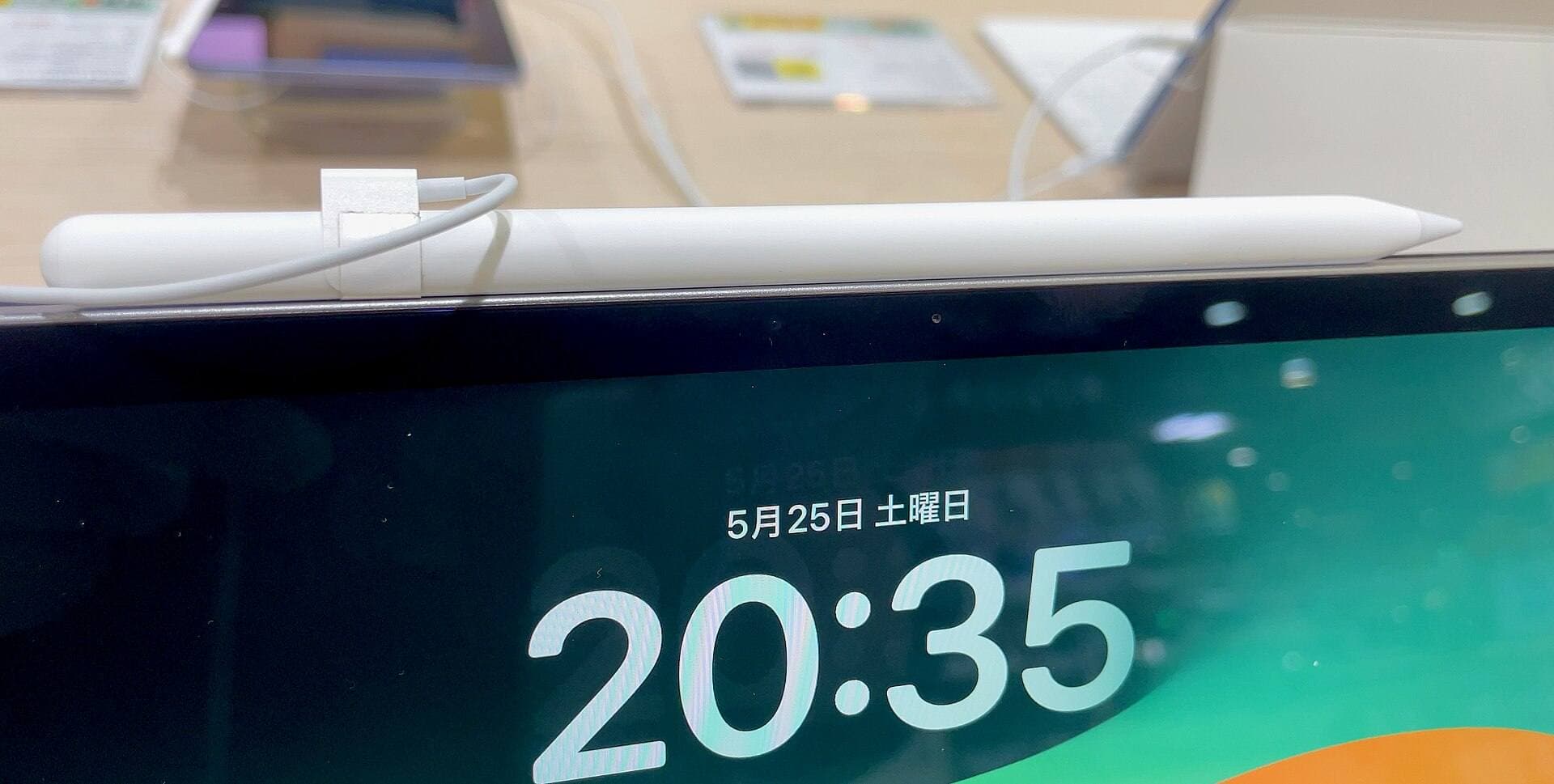
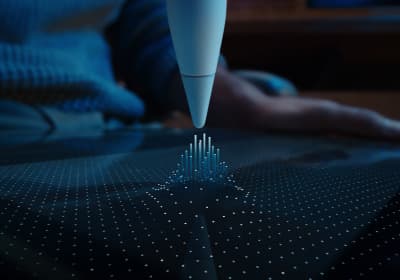
The Air (M4) is the best current balance of price, headroom, and Pencil support, and it's the step up to the Apple Pencil Pro without Pro pricing [1], [3]. For an illustrator, the Pencil pairing is the part that matters most: Apple's compatibility list puts the Air (M4) with the Apple Pencil Pro, which brings pressure, tilt, hover, squeeze, barrel roll, and haptic feedback [2], [3]. Squeeze opens a tool palette at the tip, and barrel roll turns a shaped brush as you rotate the Pencil, and both earn their keep when you're switching between a texture brush and a fill brush dozens of times per spread [2].
The one trade you make is the 60Hz display, which you'll notice if you've drawn on a ProMotion iPad Pro before [1]. If you haven't, you probably won't miss it. The Air also comes in two sizes, and the larger one gives a double-page spread more room at the same zoom level [1]. Buy the Air if you illustrate books for pay or plan to, and want to stop thinking about hardware for several years [1], [3].
When the iPad (A16, 11th gen) is enough
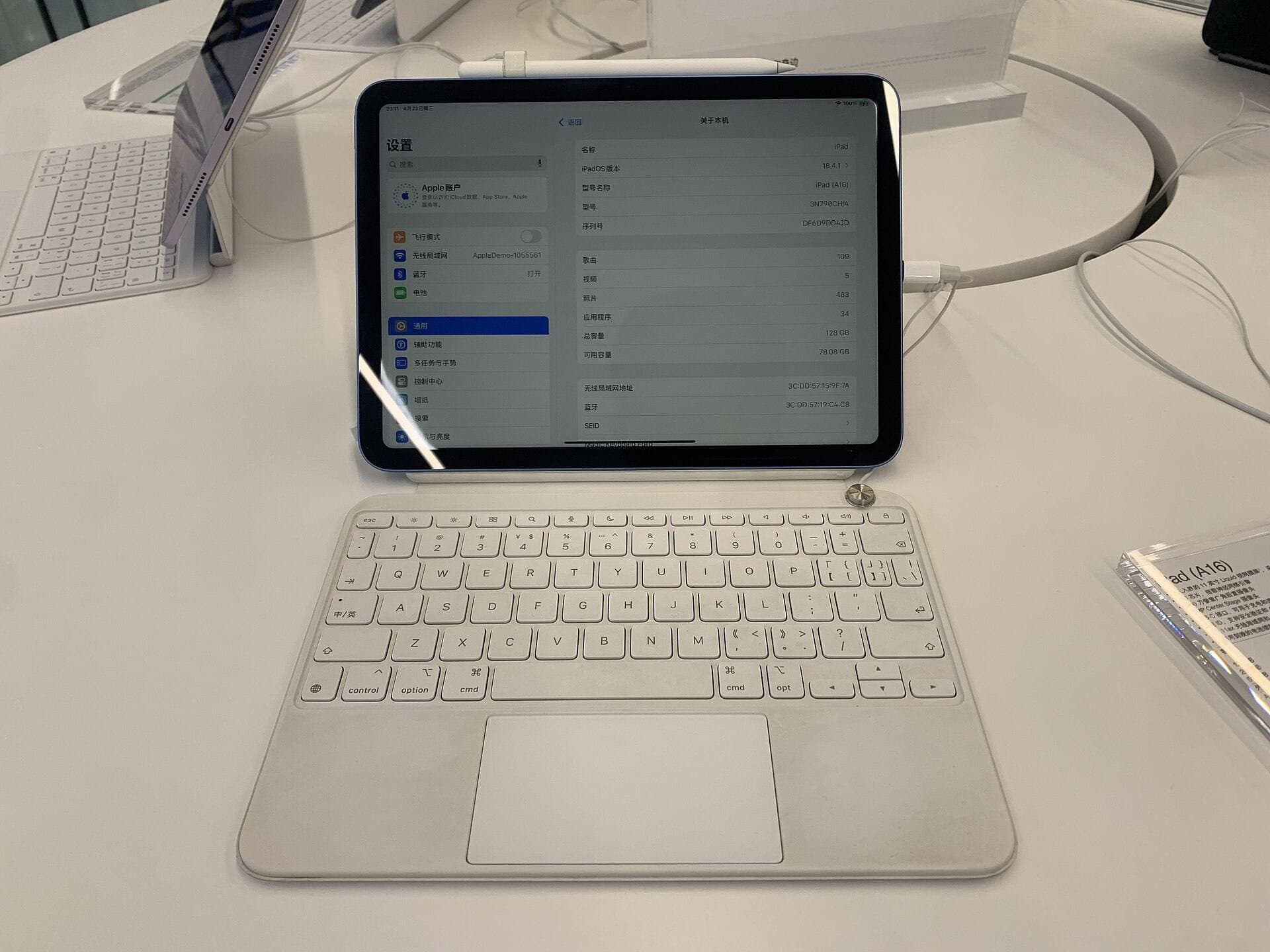
The A16 iPad is the best value in the lineup and the right call when the kit price has to stay low, for instance when a student or a first-time author-illustrator is buying an iPad, a Pencil, and apps in one go [1]. It runs Procreate, and at its screen size it's a comfortable sketching tablet for character studies and thumbnail sequences [1], [5].
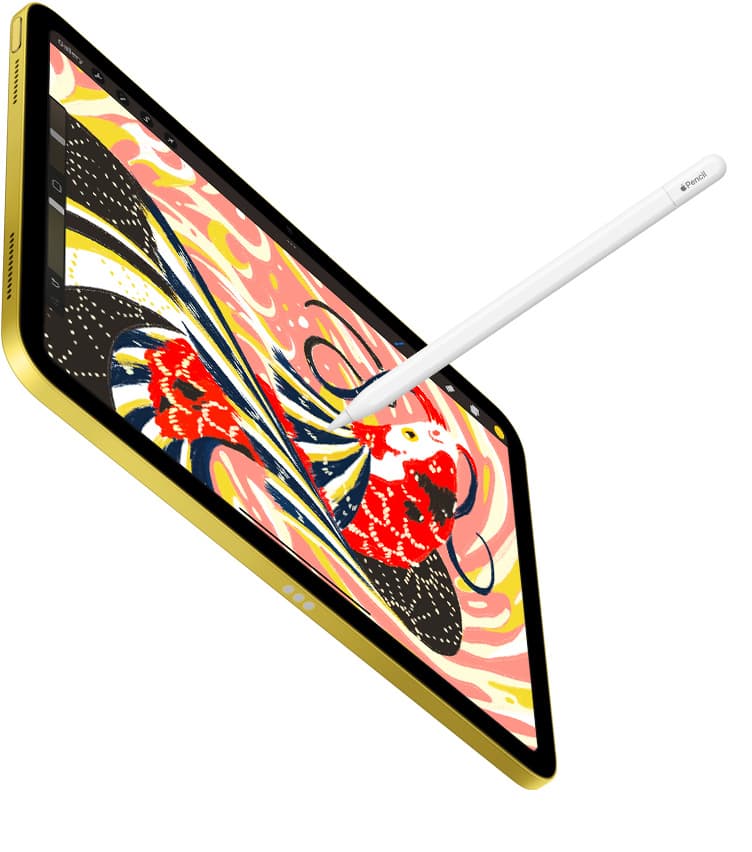
Two limits come with the lower price. It has no ProMotion display, and more importantly it isn't on the Apple Pencil Pro compatibility list, so you lose squeeze, barrel roll, and hover, and you'll pair it with the Apple Pencil (USB-C) or the Pencil generation Apple lists for it [1], [3]. The USB-C Pencil has tilt but no pressure sensitivity, which is a real limit for tapering ink lines and soft shading in a picture book [2]. Choose the A16 if you work mostly in flat shapes or you'll add a pressure-capable Pencil the list allows, and skip it if expressive brushwork is your style [2], [3].
When the iPad Pro (M5) is worth paying for
The Pro (M5) has the best iPad display and ProMotion feel, and it carries the highest price in the lineup [1]. It pairs with the Apple Pencil Pro like the Air does, so you don't gain Pencil features by paying more [3]. What you gain is the display and the heavier-workload headroom Apple's comparison page describes in chip and storage terms [1].
Buy the Pro if you also do animation, large-format print work, or client video calls over the same device every week, or if you've drawn on ProMotion and can feel the difference in stroke preview [1]. Skip it if the book work is your only heavy job, because the Air already reaches the same Pencil and the same app [3], [5]. The money is better spent on the larger Air size or a bigger storage tier [1].
Where the iPad mini (A17 Pro) fits
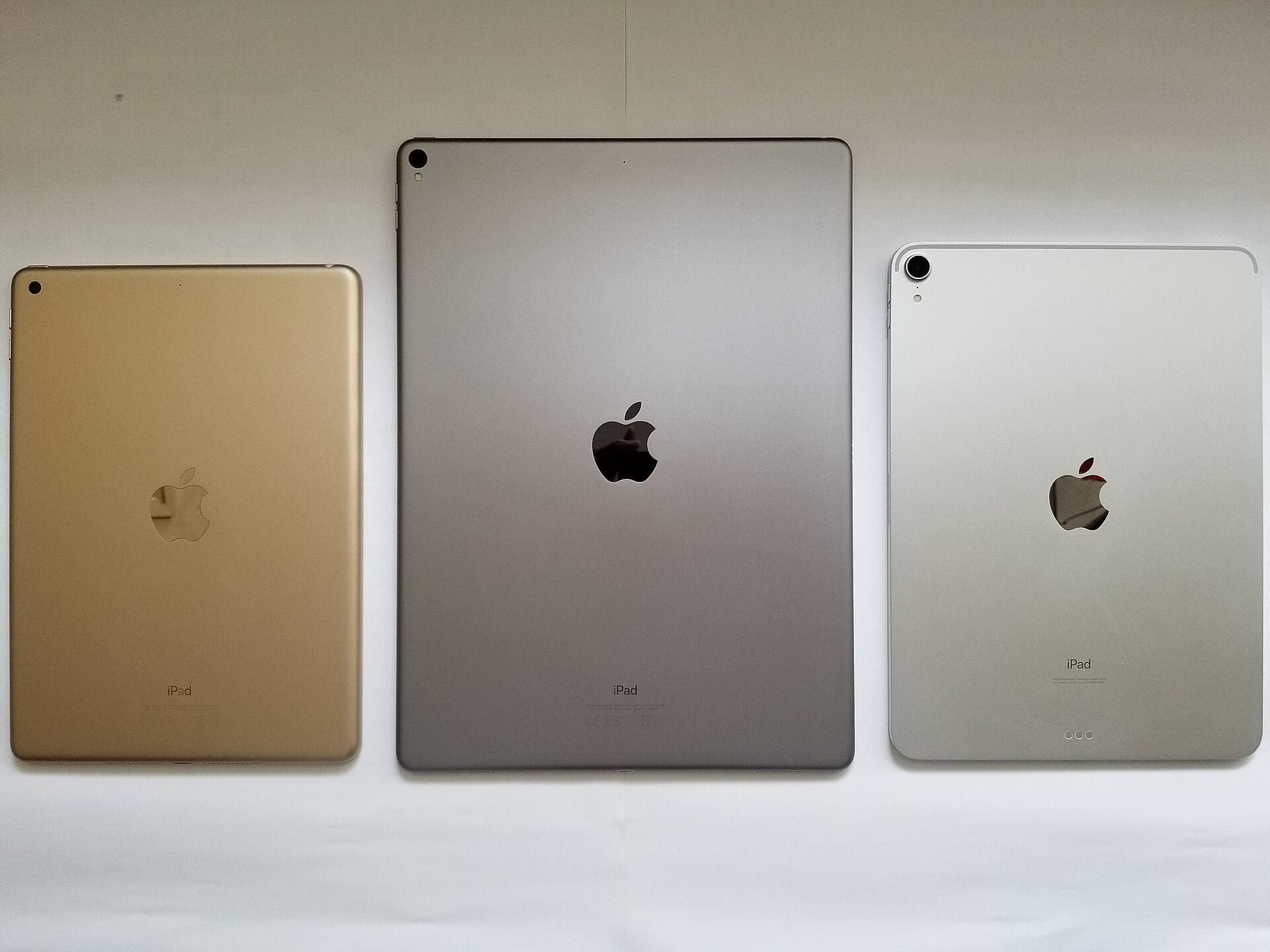
The mini is the most portable drawing iPad and it also pairs with the Apple Pencil Pro, so the pressure, hover, and squeeze features come with it [1], [3]. Its small canvas is the trade, and a spread at full size means zooming and panning more than you'd like [1]. Use it as a second device for thumbnails, dummies, and sketching on location, and keep the main painting on a bigger screen [1], [4]. Don't buy it as your only illustration iPad unless portability outranks everything else you do with it [1].
Bottom line
For children's book illustration, buy the iPad Air (M4): it pairs with the Apple Pencil Pro, it has the memory headroom that Procreate's layer limits reward, and it leaves Pro money in your pocket [1], [3], [4]. Choose the A16 iPad when the budget is the deciding factor and you can accept the Pencil limits Apple lists for it [2], [3]. Go with the iPad Pro (M5) only if ProMotion feel or weekly heavy workloads justify the price, and treat the mini as a sketchbook rather than a studio [1].
Sources
[1] https://www.apple.com/ipad/compare/ [2] https://www.apple.com/apple-pencil/ [3] https://support.apple.com/en-us/108937 [4] https://help.procreate.com/articles/zlexav-ipad-compatibility [5] https://apps.apple.com/us/app/procreate/id425073498
Recommended gear
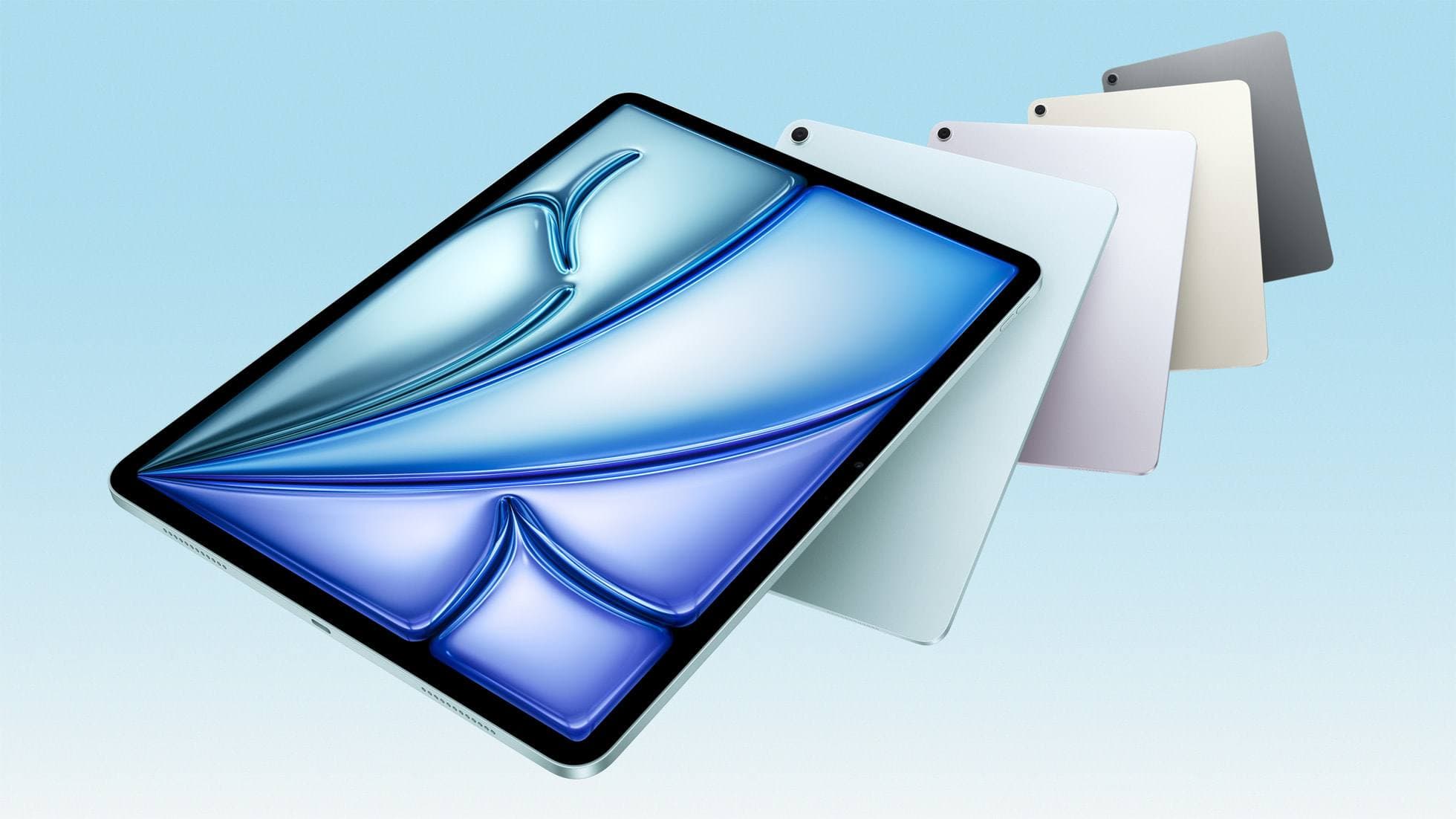
iPad Air (M4)
apple.comThe clean current Air recommendation for most serious hobby artists. Stronger buy logic than old-stock M3 when pricing is close.
Pro: Best current balance of price, headroom, and Pencil support
Con: Still 60Hz
Current Air lineup. Choose size, storage, and keyboard path before checkout.
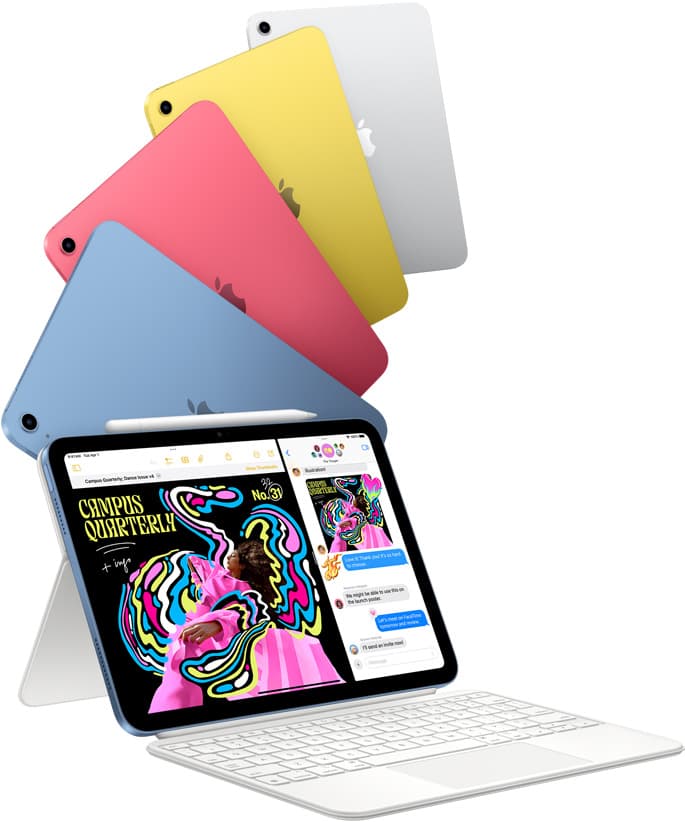
iPad (A16, 11th gen)
amazon.comThe best entry iPad for most artists on a budget. It is not premium, but it is very hard to beat on value.
Pro: Best value iPad right now
Con: No ProMotion display
Search opens with the exact model keywords. Verify size and storage before checkout.
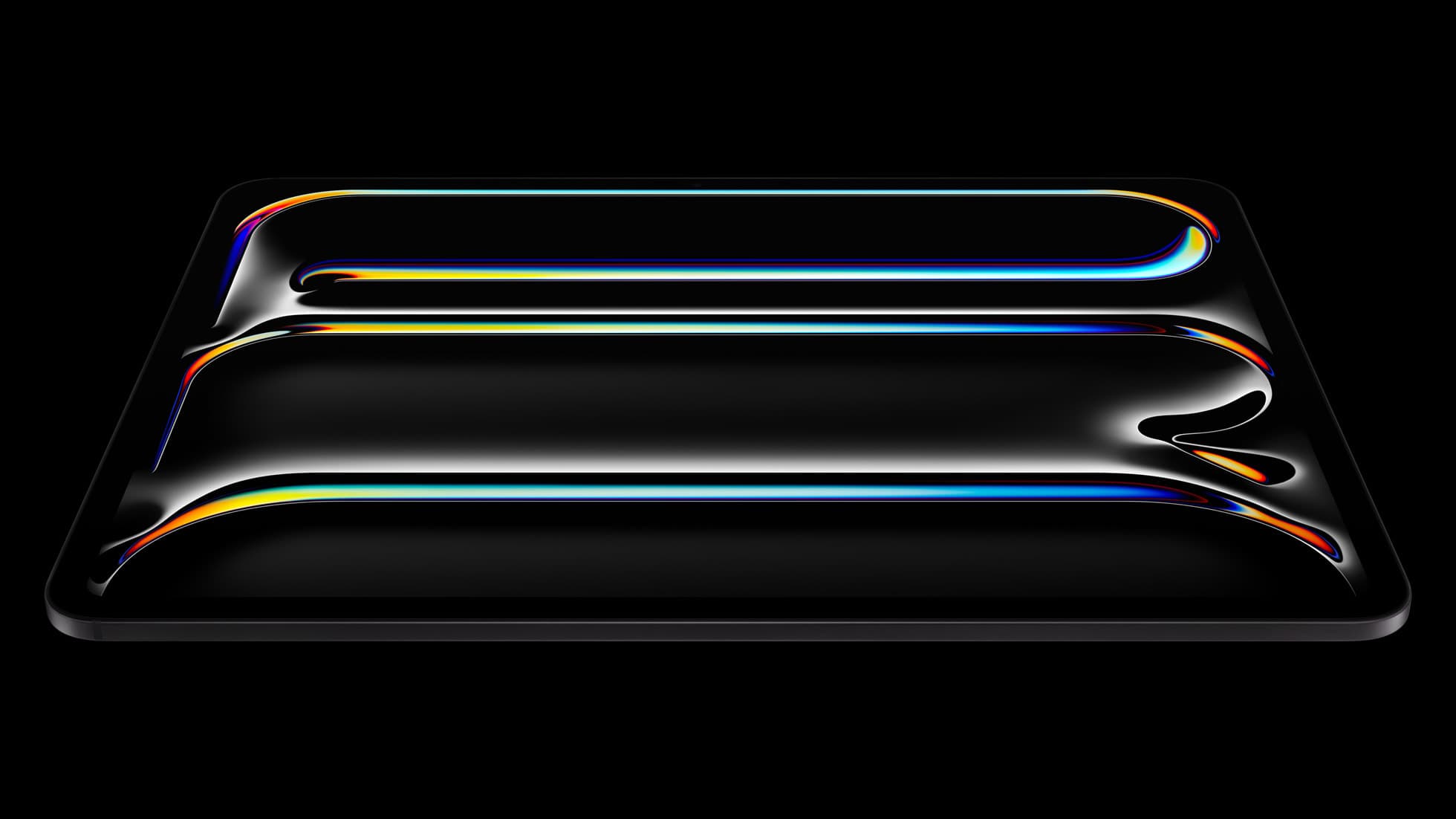
iPad Pro (M5)
amazon.comThe best iPad for drawing feel and premium workflow comfort, but many buyers still overpay for it.
Pro: Best iPad display and ProMotion feel
Con: Highest price in the lineup
Search opens with iPad Pro terms. Check year, chip, and screen size.
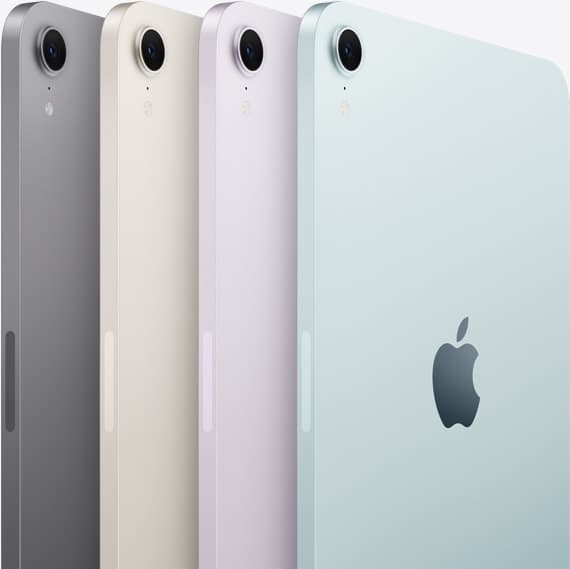
iPad mini (A17 Pro)
amazon.comThe most portable real iPad for drawing. It wins on mobility and loses on workspace.
Pro: Most portable drawing iPad
Con: Small canvas for detailed work
Search opens with iPad mini A17 Pro terms. Verify model number before buying.
Related buying picks
More in this collectionBuyer guide
iPad Air for Procreate: how to choose your animation setup
Here is how the iPad Air compares for creative work, Apple Pencil Pro support, and canvas layer budgets.
Buyer guide
Best iPad for photo editing and drawing
Choose the iPad Air (M4) for balanced drawing tool support, pick the iPad Pro (M5) for the top display, or use the base iPad (A16) to keep total setup costs down.
Buyer guide
Is the iPad mini enough for Clip Studio Paint? Enough for sketching, tight for pages
The iPad mini runs Clip Studio Paint and pairs with the Apple Pencil Pro, but its 8.3-inch screen makes multi-page comic work a chore, so buy the iPad Air (M4) for pages and keep the mini for sketching.
Buyer guide
Is the iPad Air enough for Affinity Designer? Yes, for most designers
The iPad Air (M4) runs Affinity Designer 2 with Apple Pencil Pro support and enough headroom for design work, so keep or buy it unless ProMotion feel or very large documents justify the Pro.