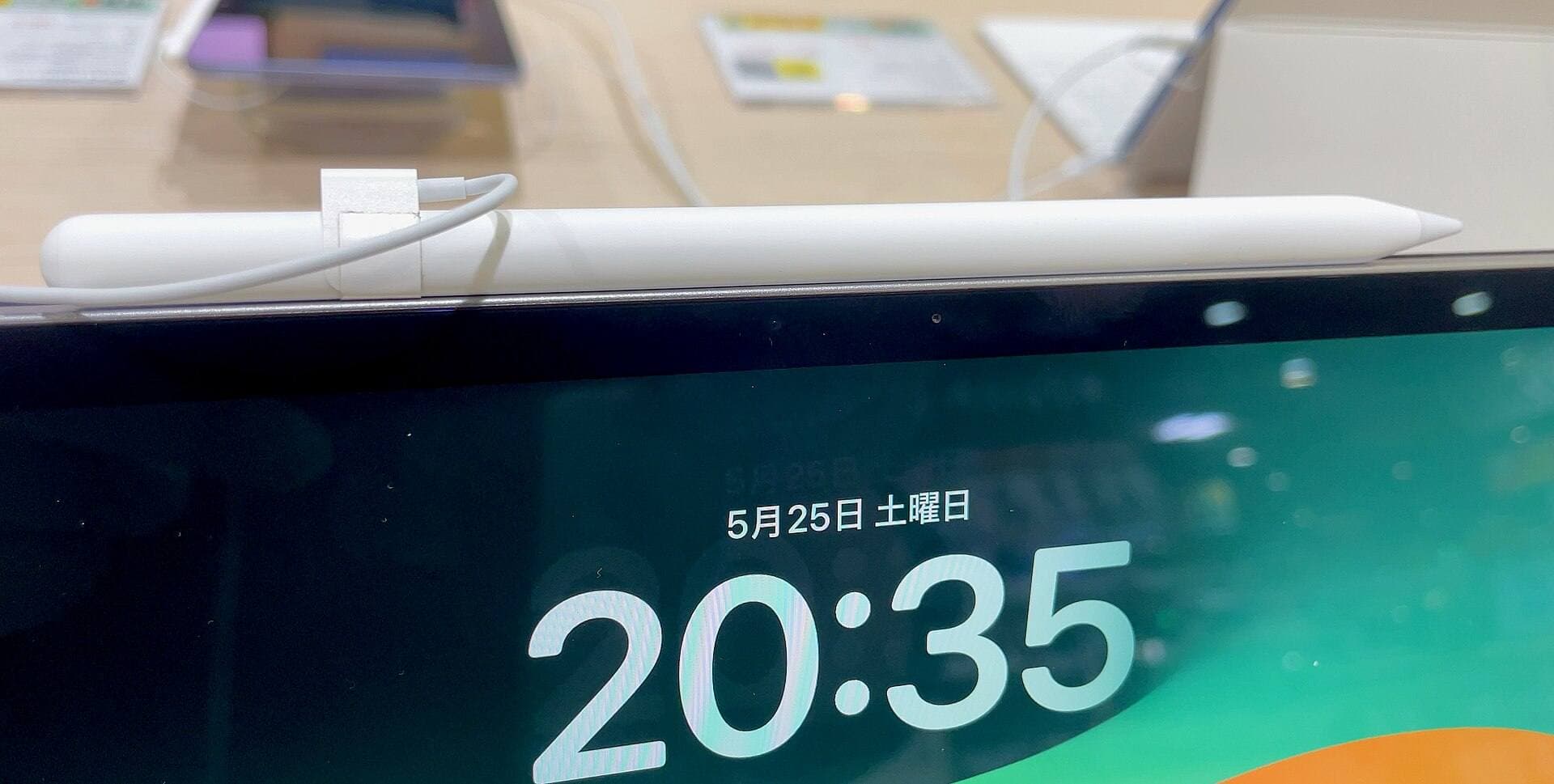
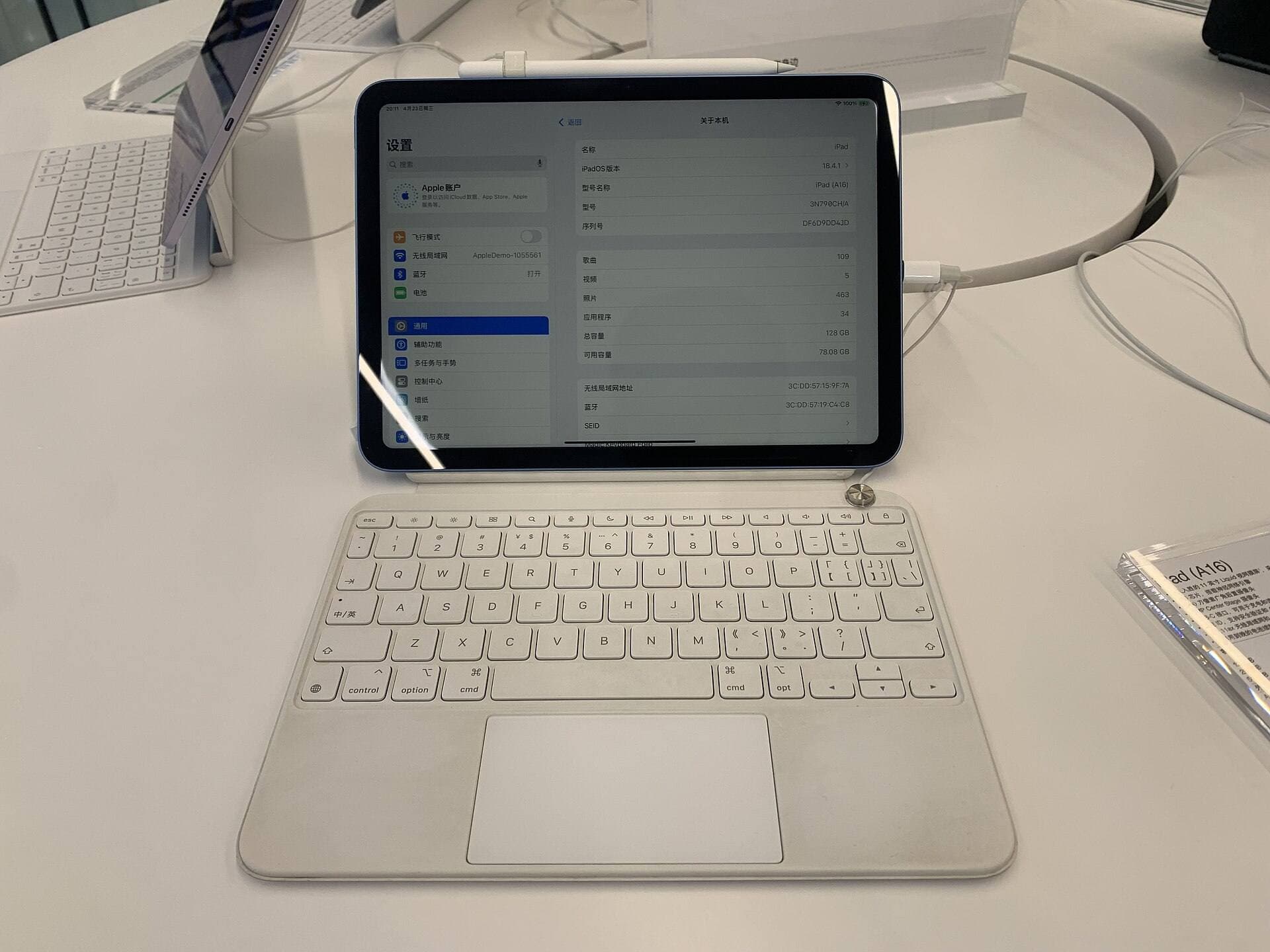
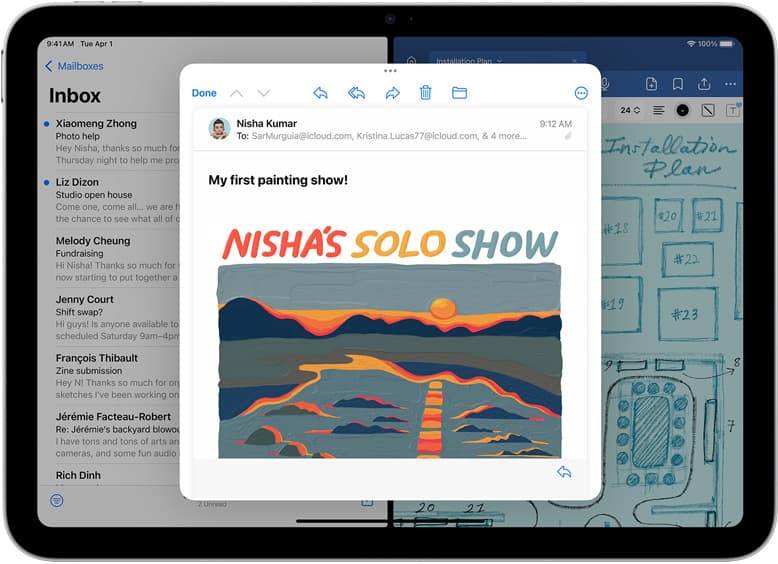
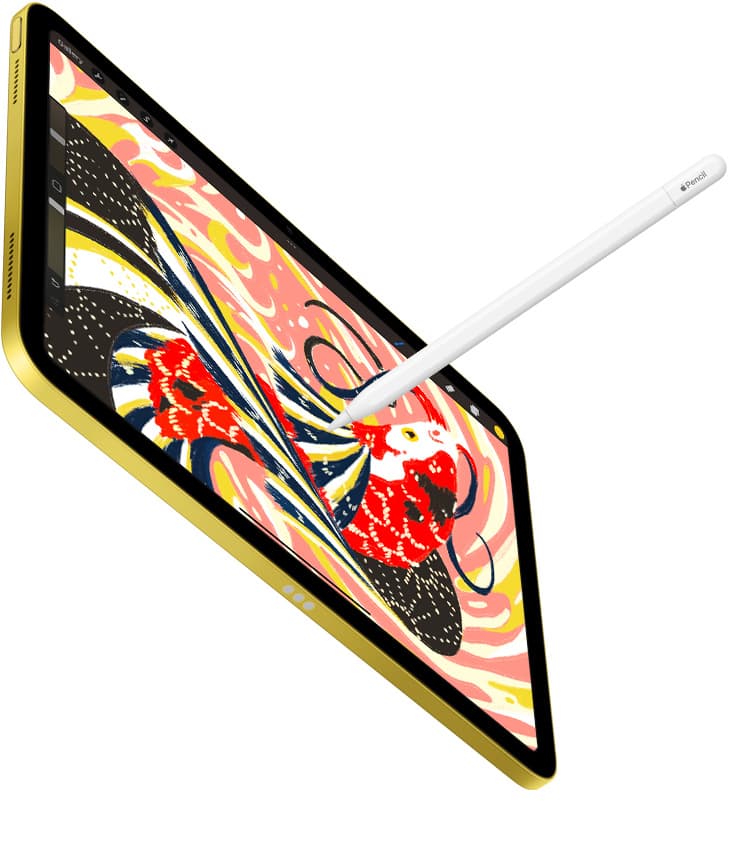
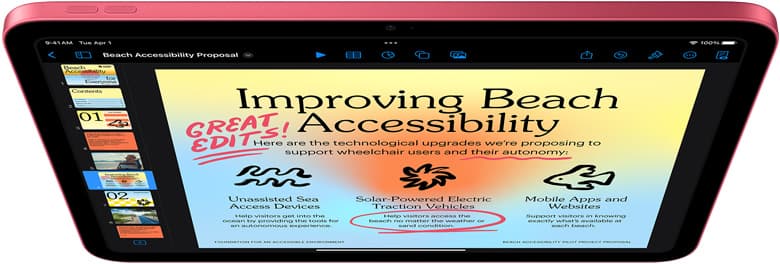
The iPad mini (A17 Pro) is capable of running creative apps, but you must accept a compact physical screen [1]. If maximum portability matters most, buy the iPad mini (A17 Pro) [1]. It supports Apple Pencil Pro, which brings barrel roll, squeeze shortcuts, and haptics to Apple's smallest tablet [2], [3]. However, if you plan to spend long sessions managing timelines and layered artwork simultaneously, skip the mini and buy the iPad Air (M4) instead [1]. The larger display gives you room to maneuver without Pro pricing [1].
Your choice comes down to interface tolerance on a small display [1]. Portable tablets let you sketch anywhere, but cramped toolbars can slow your rhythm [1]. Understanding how screen size, processors, and styluses interact helps you choose [1], [2].
Screen size and workspace limits on the iPad mini
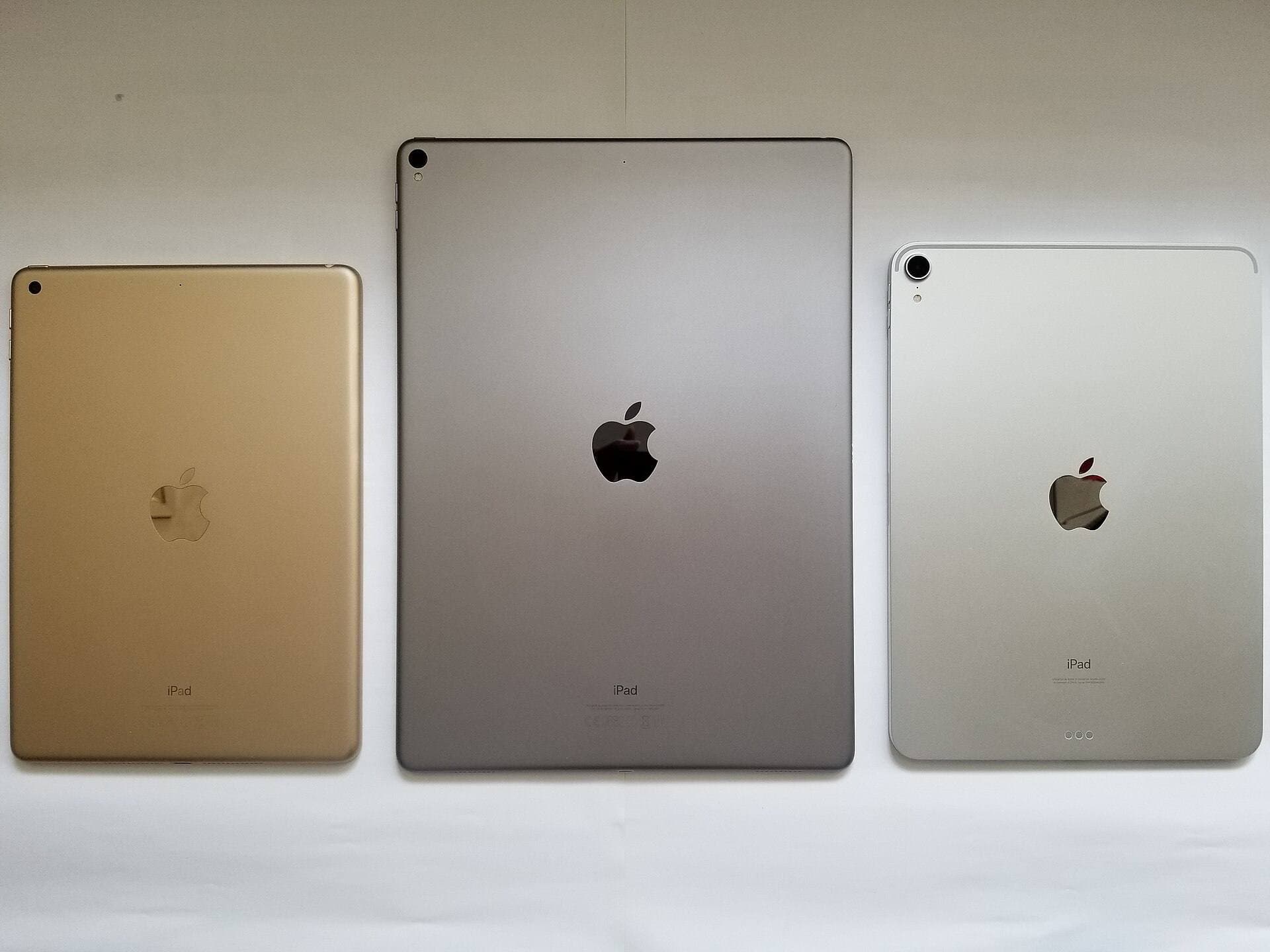
The iPad mini features an 8.3-inch Liquid Retina display [1]. That compact form factor makes it easy to hold in one hand while sketching with the other, making it great for drawing during travel [1]. You can carry it in a small bag without noticing extra bulk [1].
That small footprint brings immediate tradeoffs once you open complex art apps [1]. Modern software presents dense interfaces with brush menus, layer stacks, color wheels, and playback panels [4], [5]. When you add an animation timeline across the bottom, usable drawing space shrinks significantly [1]. On an 8.3-inch panel, keeping multiple inspectors open leaves only a tiny window for your artwork [1].
Zooming and panning become constant requirements on the mini [1]. While touch gestures allow fluid navigation, continually repositioning your canvas to scrub through frames interrupts your rhythm [1]. If your projects rely on wide staging or monitoring multiple animated tracks side by side, the small display feels tight [1].
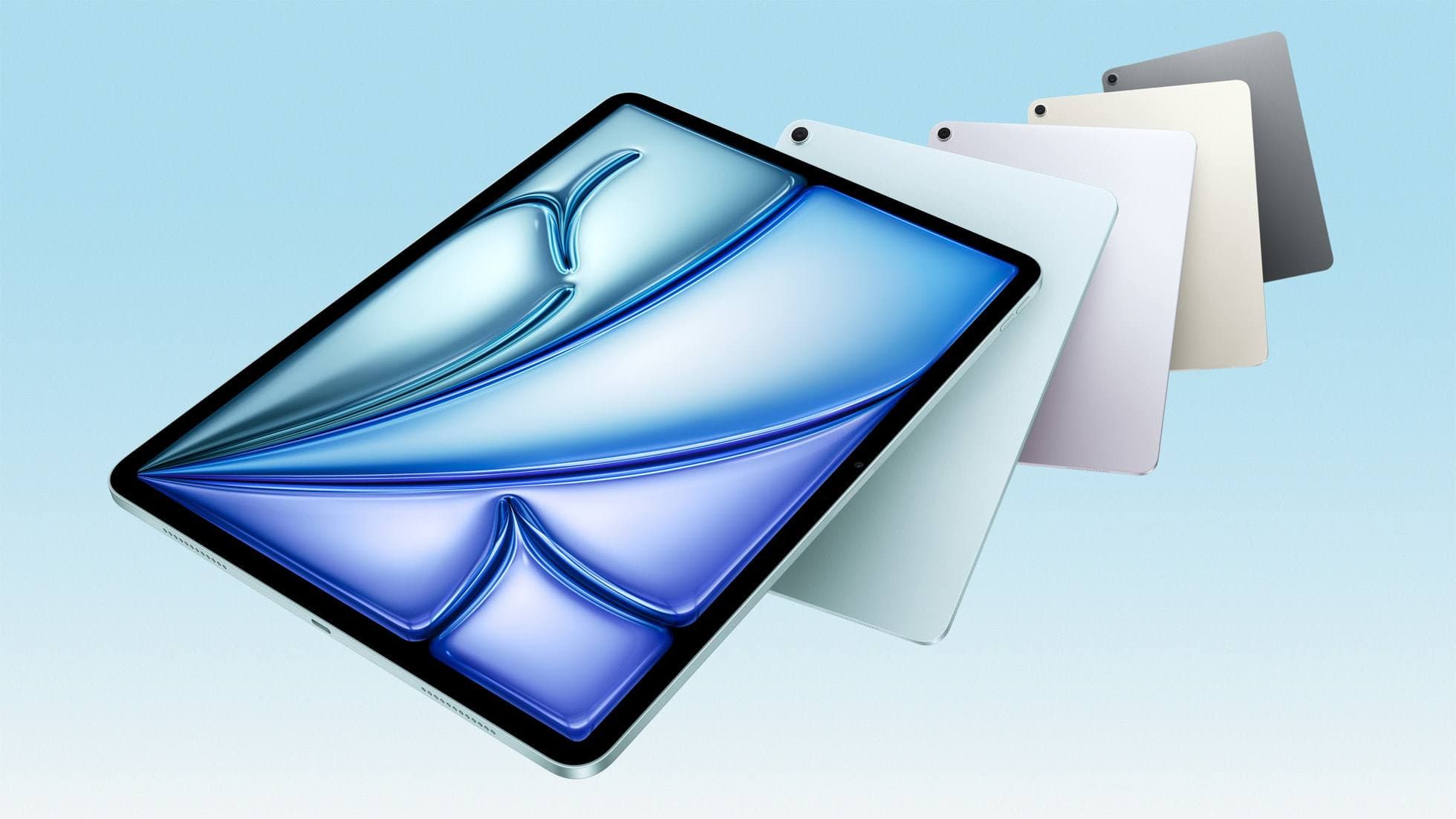
In contrast, the iPad Air starts with an 11-inch display and offers a 13-inch option [1]. Those extra diagonal inches drastically increase how much interface you can keep visible around a full-sized drawing space [1].
Chip power and memory across the lineup
The iPad mini uses the A17 Pro chip, while the iPad Air features the M4 processor [1]. Both chips handle Apple's software ecosystem and support current Apple Pencil models [1], [3]. The A17 Pro provides a solid foundation for mobile creative work, packing desktop-class architecture into a pocketable tablet [1].
When evaluating creative work on an iPad, memory configuration directly shapes how far your files can expand [4]. Procreate documentation clarifies that hardware memory directly limits maximum canvas dimensions and layer counts [4]. If you work with large file formats or long animation sequences containing dozens of independent visual tracks, physical memory sets the boundary on how complex your project can become before hitting a ceiling [4].
The iPad Air with M4 brings higher baseline compute specifications from Apple's Mac and premium tablet lines [1]. While both devices run compatible iPadOS apps from the App Store [1], [5], the M4 architecture offers broader memory bandwidth on Apple's comparison charts [1]. Having that extra silicon headroom gives you more breathing room for dense sequences [1], [4].
For standard sketches and short looping animations, the A17 Pro provides ample capability [1]. It handles Procreate, which requires iPadOS 16.4 or later and runs smoothly across compatible iPads [4], [5].
Apple Pencil Pro compatibility and touch controls
A major advantage of the iPad mini (A17 Pro) is its pairing with Apple Pencil Pro [1], [3]. Previously, buying a mini meant settling for older stylus hardware, but the newest mini supports Apple's top input device [1], [3]. This leveled brush control across small and mid-sized tablets [1], [2].
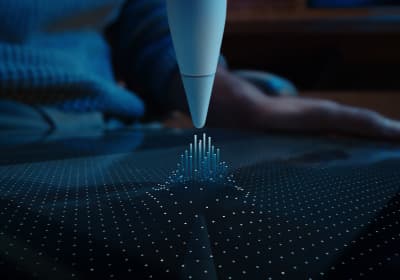
Apple Pencil Pro introduces interaction tools that streamline creative work [2]. Squeeze detection opens tool palettes directly beneath the pencil tip without requiring you to reach for menus, preserving valuable canvas space on the small 8.3-inch screen [1], [2]. Haptic feedback gives a subtle pulse to confirm selections, while barrel roll uses an internal gyroscope so you can rotate shaped brushes naturally simply by twisting the barrel [2].
Another critical feature is Apple Pencil hover, supported on both the iPad mini (A17 Pro) and iPad Air (M4) [1], [2]. Hover shows a preview of your brush cursor before the tip touches glass, making precise linework easier [2]. If you consider buying the budget-friendly Apple Pencil (USB-C) instead, keep in mind that it omits pressure sensitivity, squeeze, barrel roll, and wireless pairing [2], [3]. Skipping pressure sensitivity limits line weight variation [2], which makes Apple Pencil Pro the better choice for drawing [2].
Because the mini supports the same Apple Pencil Pro features as the iPad Air, you lose no stylus fidelity by choosing the smaller form factor [1], [2]. Tilt, pressure curves, and rotation inputs respond identically across both tablets [2], [3].
Choosing between the iPad mini and iPad Air
Deciding between the iPad mini and iPad Air requires balancing your physical working environment against your project scale [1]. Neither tablet is universally superior; each solves a specific workflow problem [1].
You should buy the iPad mini (A17 Pro) if:
- You want a digital sketchbook that fits into everyday bags without extra bulk [1].
- You draw primarily while standing, riding public transit, or lounging on the couch [1].
- You want Apple Pencil Pro features like barrel roll and squeeze in the smallest available footprint [1], [2].
- Your animation work consists of quick storyboards, rough sketches, or short clips [1], [4].
You should skip the iPad mini and choose the iPad Air (M4) if:
- You plan to dock your iPad at a desk for dedicated daily animation sessions [1].
- You need to view a multi-layer timeline and a full canvas without constant pinch-zooming [1], [4].
- You prefer an 11-inch or 13-inch display to match standard drawing pad dimensions [1].
- You want the higher processing headroom of Apple's M4 processor for long-term project flexibility [1].
If you own an older base iPad or older mini, stepping up to either the iPad mini (A17 Pro) or iPad Air (M4) modernizes your workflow with Apple Pencil Pro integration [1], [2], [3].
Bottom line
The iPad mini (A17 Pro) is enough to run Procreate, Procreate Dreams, and other creative tools, but it is built for mobility rather than expansive timeline editing [1], [4]. If you prioritize drawing on the go, buy the iPad mini (A17 Pro) with Apple Pencil Pro [1], [2]. If you want a spacious canvas that lets multi-track timelines breathe, buy the iPad Air (M4) instead [1].
Sources
[1] https://www.apple.com/ipad/compare/ [2] https://www.apple.com/apple-pencil/ [3] https://support.apple.com/en-us/108937 [4] https://help.procreate.com/articles/zlexav-ipad-compatibility [5] https://apps.apple.com/us/app/procreate/id425073498
Recommended gear
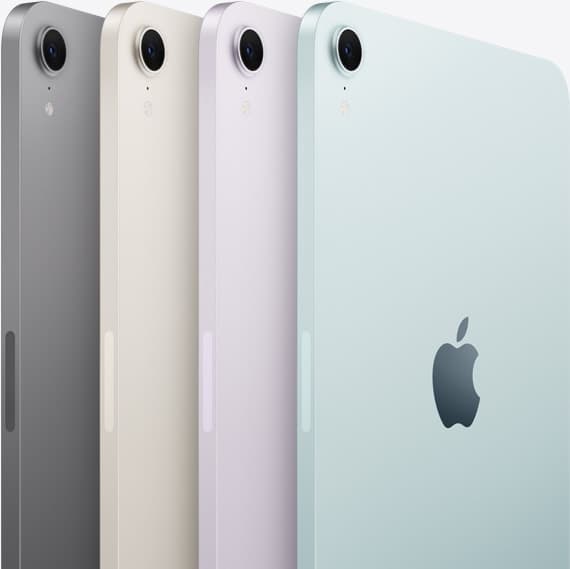
iPad mini (A17 Pro)
amazon.comThe most portable real iPad for drawing. It wins on mobility and loses on workspace.
Pro: Most portable drawing iPad
Con: Small canvas for detailed work
Search opens with iPad mini A17 Pro terms. Verify model number before buying.
iPad Air (M4)
apple.comThe clean current Air recommendation for most serious hobby artists. Stronger buy logic than old-stock M3 when pricing is close.
Pro: Best current balance of price, headroom, and Pencil support
Con: Still 60Hz
Current Air lineup. Choose size, storage, and keyboard path before checkout.
Apple Pencil Pro
amazon.comThe best Apple stylus for serious digital art workflows. Expensive, but the control upgrades are real.
Pro: Best brush-control and hover workflow
Con: Highest price in the lineup
Works only with newer iPad models. Check compatibility.
Apple Pencil (USB-C)
amazon.comA practical low-cost Apple stylus with broad compatibility, but limited for advanced art control.
Pro: Lowest official Apple Pencil cost
Con: No pressure sensitivity for brush work
Compatible with many recent iPads. No pressure support.
Related buying picks
More in this collectionBuyer guide
Is iPad mini good for animation? Screen size and pencil limits
The iPad mini handles animation apps and Apple Pencil Pro, but its compact screen and layer headroom make it best for quick sketches rather than heavy production timelines.
Buyer guide
Is the iPad mini enough for digital planning?
The iPad mini works well for pocket planning on the go, but an iPad Air gives you the screen space and Apple Pencil Pro features needed for complex layouts.
Buyer guide
iPad Air for Procreate: how to choose your animation setup
Here is how the iPad Air compares for creative work, Apple Pencil Pro support, and canvas layer budgets.
Buyer guide
Is iPad Air enough for Clip Studio Paint?
The iPad Air provides full Apple Pencil Pro support and enough chip headroom to run Clip Studio Paint without paying Pro prices.