Yes, the iPad Air is more than enough for Clip Studio Paint [1], [2]. The current iPad Air (M4) handles the software cleanly without demanding that you pay for an iPad Pro [1], [3]. You get Apple Pencil Pro compatibility, good internal storage tiers, and Apple silicon without paying extra for flagship display hardware [1], [4]. Buy the iPad Air if you want a reliable drawing tablet for iPadOS [1], [2]. Skip it only if you must have a 120Hz ProMotion refresh rate or tandem OLED screen for your daily workflow [1].
What iPad Air gives you for Clip Studio Paint
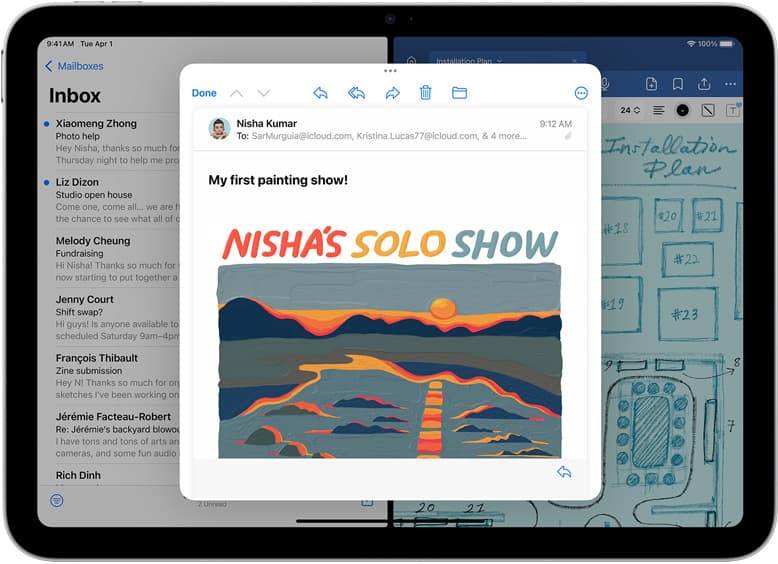
Clip Studio Paint brings comic panel framing, vector inking, perspective rulers, and animation tools to iPadOS [2], [3]. Because the app shares its core engine across platforms, artists often wonder if an iPad Air handles heavy projects [2], [3]. The iPad Air (M4) includes modern Apple silicon and Apple Pencil Pro support, giving the software plenty of processing headroom for multi-layer files [1], [4]. It meets every system requirement listed on the Clip Studio Paint App Store listing [1], [2].
The software lets you build raster projects, manage frame borders, and draw vector lines that keep crisp resolution when scaled [2], [3]. You do not need an iPad Pro chip just to open standard canvas presets, sketch concepts, or paint finished illustrations [1], [2]. If your workflow relies on multi-page comics or webtoons, the iPad Air works with Clip Studio Paint cloud management to sync files between your tablet and desktop [2], [3]. You can start pencils on the couch and finish inking at your desk without converting file formats [2], [3]. Modern iPad Air hardware is a dependable creative workstation for hobbyists and daily illustrators alike [1], [2].
Screen size and Apple Pencil support
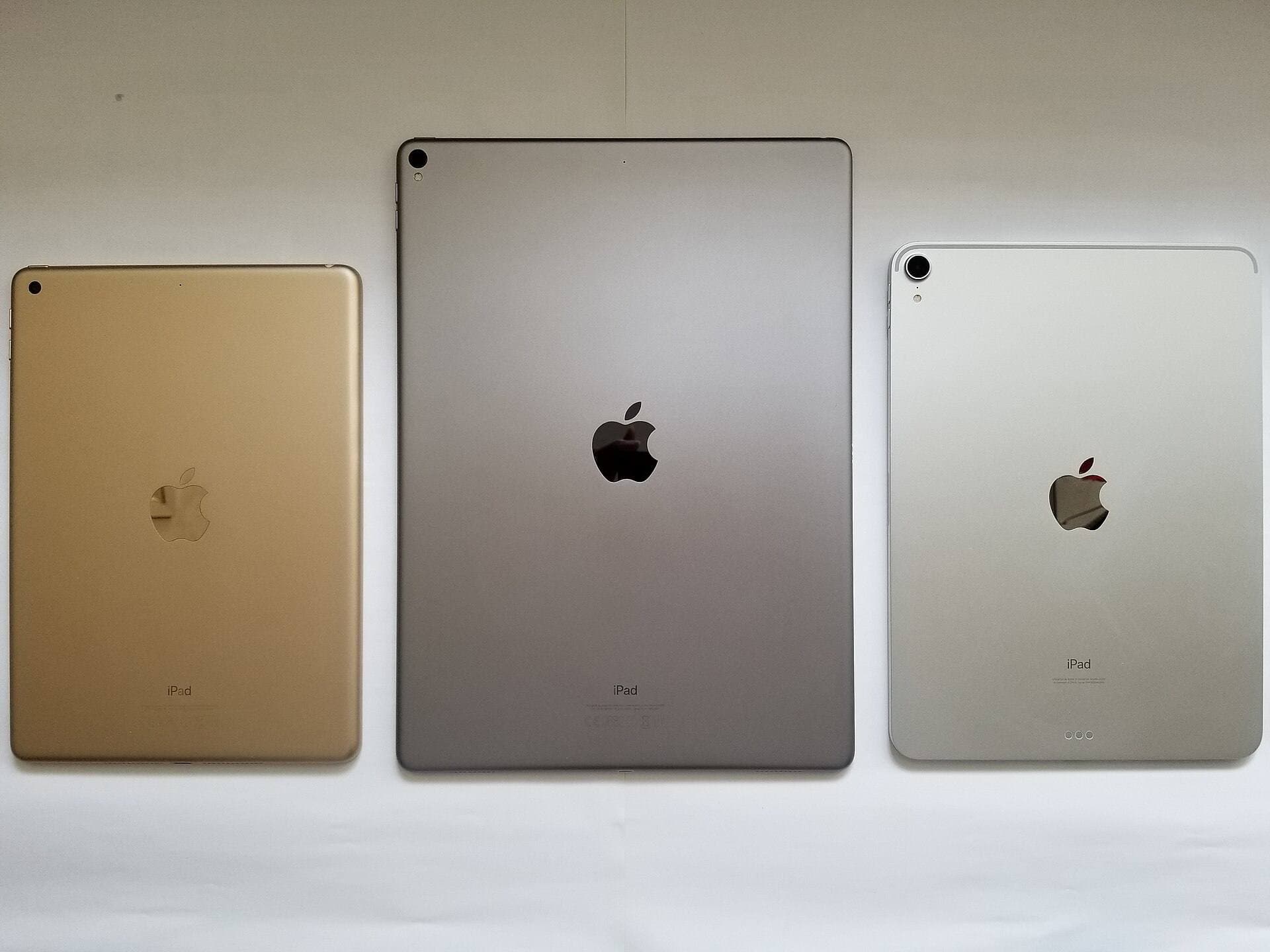
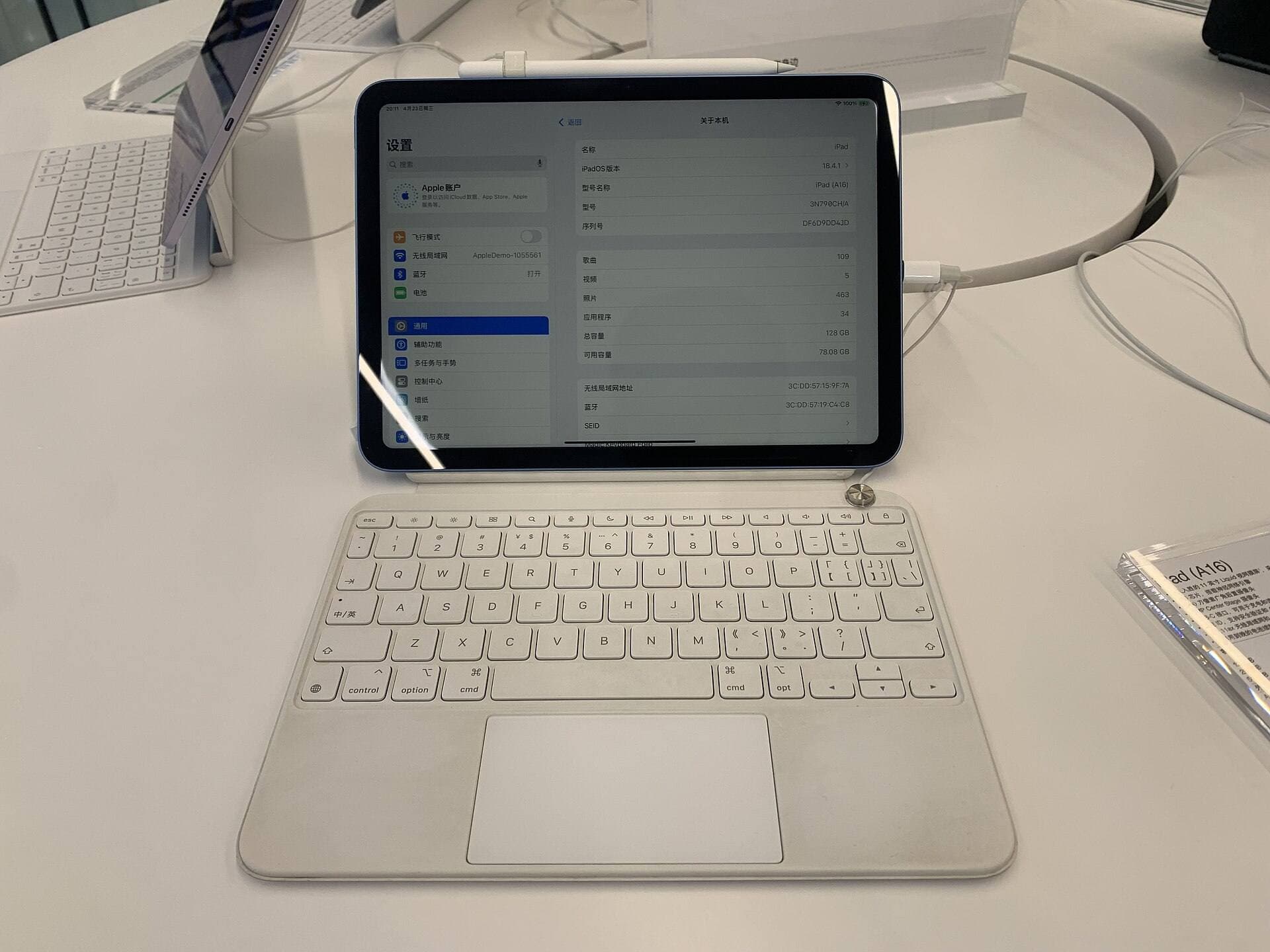
Choosing an iPad Air for Clip Studio Paint means picking the right screen size [1]. Apple offers the iPad Air in both an 11-inch model and a 13-inch model [1]. Clip Studio Paint features an interface packed with menus, layer panels, tool properties, and palettes [2], [3]. While you can hide toolbars to open up drawing room, the canvas feels tighter on the 11-inch display [1], [2]. If you draw multi-panel comics or keep several palettes open, the 13-inch iPad Air offers valuable space without iPad Pro pricing [1], [3].
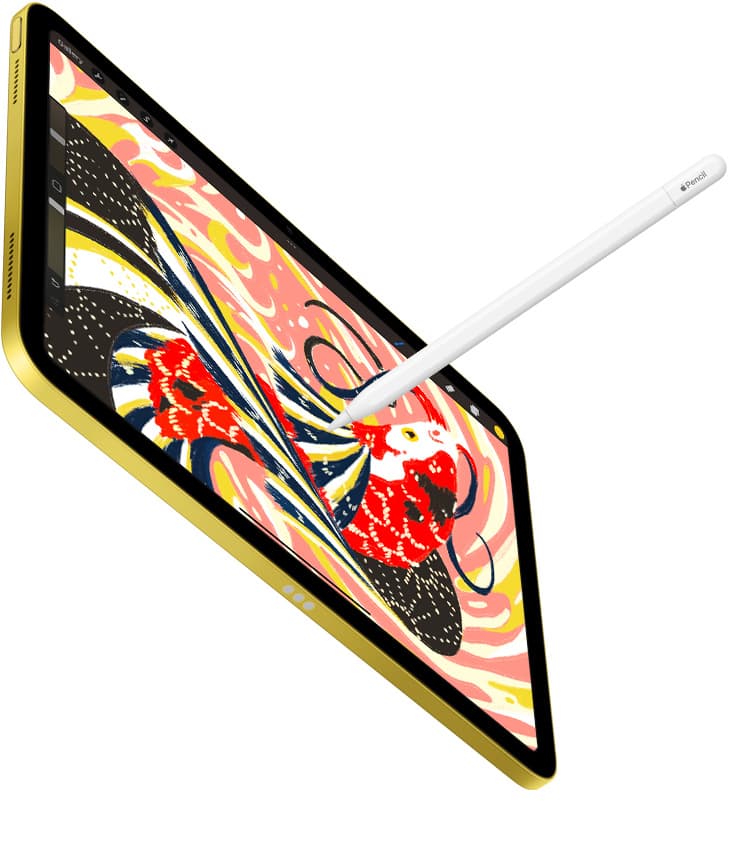
Both sizes of the iPad Air (M4) support the Apple Pencil Pro [1], [4]. This stylus includes a gyroscope for barrel roll, letting you rotate shaped brush tips as you twist the barrel [4]. It also includes squeeze detection to summon tool palettes quickly, plus haptic feedback for physical confirmation when you trigger shortcuts [4].
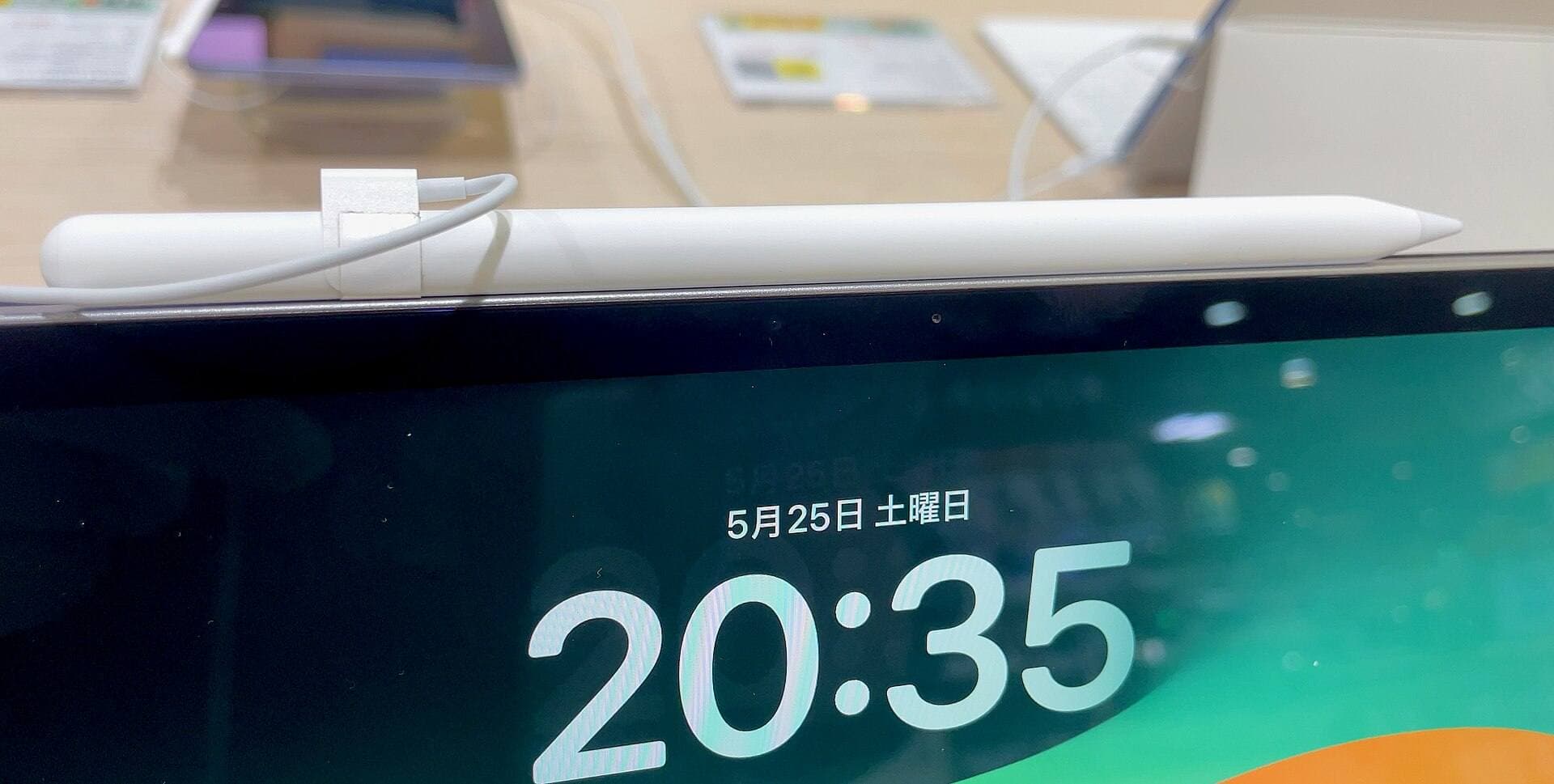
Apple Pencil hover lets you preview your cursor footprint before the nib touches glass [4]. The iPad Air pairs with both the Apple Pencil Pro and the USB-C Apple Pencil [1], [5]. But because pressure sensitivity is exclusive to the Apple Pencil Pro in this pair, that stylus is necessary for expressive line weights in Clip Studio Paint [4], [5].
Comparing iPad Air to iPad Pro for digital art
The choice between the iPad Air and the iPad Pro comes down to display hardware rather than software capabilities [1], [2]. The iPad Pro features an Ultra Retina XDR display using tandem OLED technology, offering deeper blacks and higher peak brightness than the Liquid Retina screen on the iPad Air [1]. The iPad Pro also features ProMotion, running up to a 120Hz adaptive refresh rate [1]. In contrast, the iPad Air runs at a standard 60Hz refresh rate [1].
For most illustrators, the 60Hz screen on the iPad Air is completely adequate for line art, color flats, and painterly shading [1], [2]. Apple Pencil tracking remains responsive on modern Air hardware [1], [4]. But if you switch back and forth from a 120Hz tablet, you might notice the visual stroke update difference on a 60Hz panel [1]. If 120Hz ProMotion or OLED contrast is mandatory for your comfort, choose the iPad Pro [1]. If you care primarily about inking, rulers, and comic production, the iPad Air does the same work for less money [1], [2], [3].
The iPad Pro offers internal storage up to 2TB for massive studio files [1]. But for typical illustration canvases and webtoon chapters, the iPad Air provides the necessary foundation for Clip Studio Paint without artificial bottlenecks [1], [2].
Choosing between Clip Studio Paint and Procreate
Your software choice determines your long-term workflow and payment preferences [2], [6]. Clip Studio Paint uses a subscription or monthly plan on iPadOS, while Procreate uses a one-time purchase model [2], [6]. Clip Studio Paint is the stronger option if you build multi-page comics, manga, webtoons, or need vector layers [2], [3]. It features dedicated panel framing, word balloons, and perspective rulers [2], [3].
Procreate is an iPad-exclusive app built around a touch-first interface [6]. It limits canvas layers based on device memory and pixel dimensions, keeping painting straightforward [6]. But Procreate lacks multi-page comic tools and vector stroke editing [3], [6]. If you already use Clip Studio Paint on a desktop computer, running it on your iPad Air preserves your brush materials and cross-platform files [2], [3]. If you only want a one-time purchase for standalone raster paintings, Procreate is the simpler fit [1], [6].
Storage and accessory choices before you buy
Evaluate your storage needs before buying an iPad Air [1]. Clip Studio Paint project files expand quickly when you work across 600 DPI print comic pages, retain vector strokes, or save multi-page documents [2], [3]. The iPad Air starts at 128GB of internal storage, with steps to 256GB, 512GB, and 1TB [1]. If you plan to store multiple comic projects locally alongside brushes and reference images, 256GB gives you comfortable headroom [1], [2].
Stylus choice is just as critical [4], [5]. While Apple sells a USB-C Apple Pencil, it lacks pressure sensitivity, barrel roll, and squeeze gestures [4]. Clip Studio Paint relies on pressure sensitivity for line taper and opacity variation [2], [4]. You should pair your iPad Air with the Apple Pencil Pro to get the best drawing experience [1], [2], [4]. You can also connect a Bluetooth keyboard or Apple Magic Keyboard to use familiar desktop hotkeys [1], [2], [3].
Bottom line
The iPad Air is plenty of tablet for Clip Studio Paint, giving you desktop-class comic and illustration tools without the price of an iPad Pro [1], [2], [3]. It supports the Apple Pencil Pro for pressure sensitivity, barrel roll, and haptics, giving you everything needed for serious inking [1], [4]. Buy the 13-inch iPad Air for palette space, or pick the 11-inch model for portability [1], [2]. Skip the Air only if you require a 120Hz ProMotion screen [1].
Sources
[1] https://www.apple.com/ipad/compare/ [2] https://apps.apple.com/us/app/clip-studio-paint/id1262985592 [3] https://www.clipstudio.net/en/ [4] https://www.apple.com/apple-pencil/ [5] https://support.apple.com/en-us/108937 [6] https://apps.apple.com/us/app/procreate/id425073498
Recommended gear
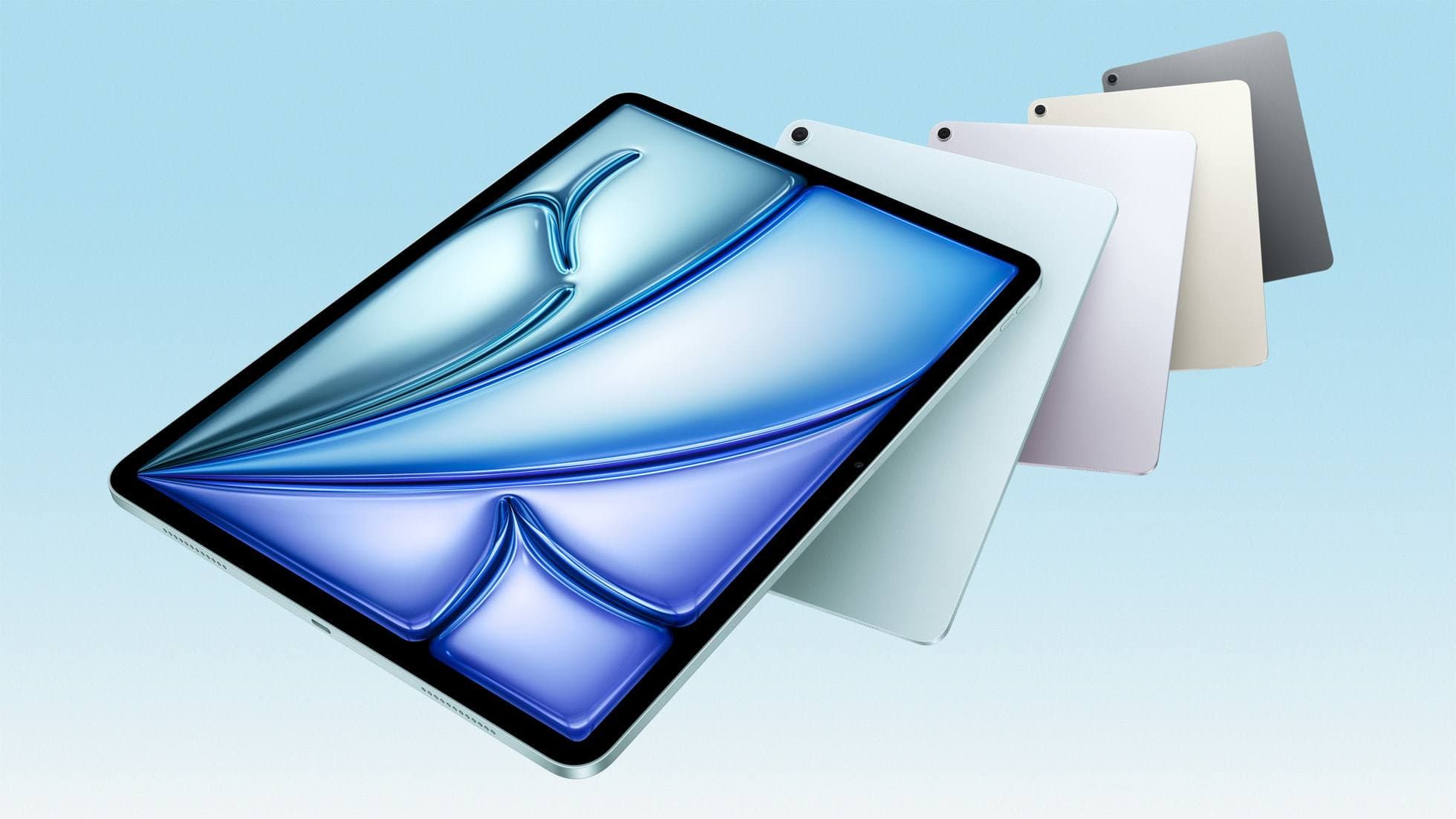
iPad Air (M4)
apple.comThe clean current Air recommendation for most serious hobby artists. Stronger buy logic than old-stock M3 when pricing is close.
Pro: Best current balance of price, headroom, and Pencil support
Con: Still 60Hz
Current Air lineup. Choose size, storage, and keyboard path before checkout.
Clip Studio Paint
apps.apple.comPro: Deep comics, vector, ruler, and animation toolset
Con: iPad plan model is less simple than Procreate
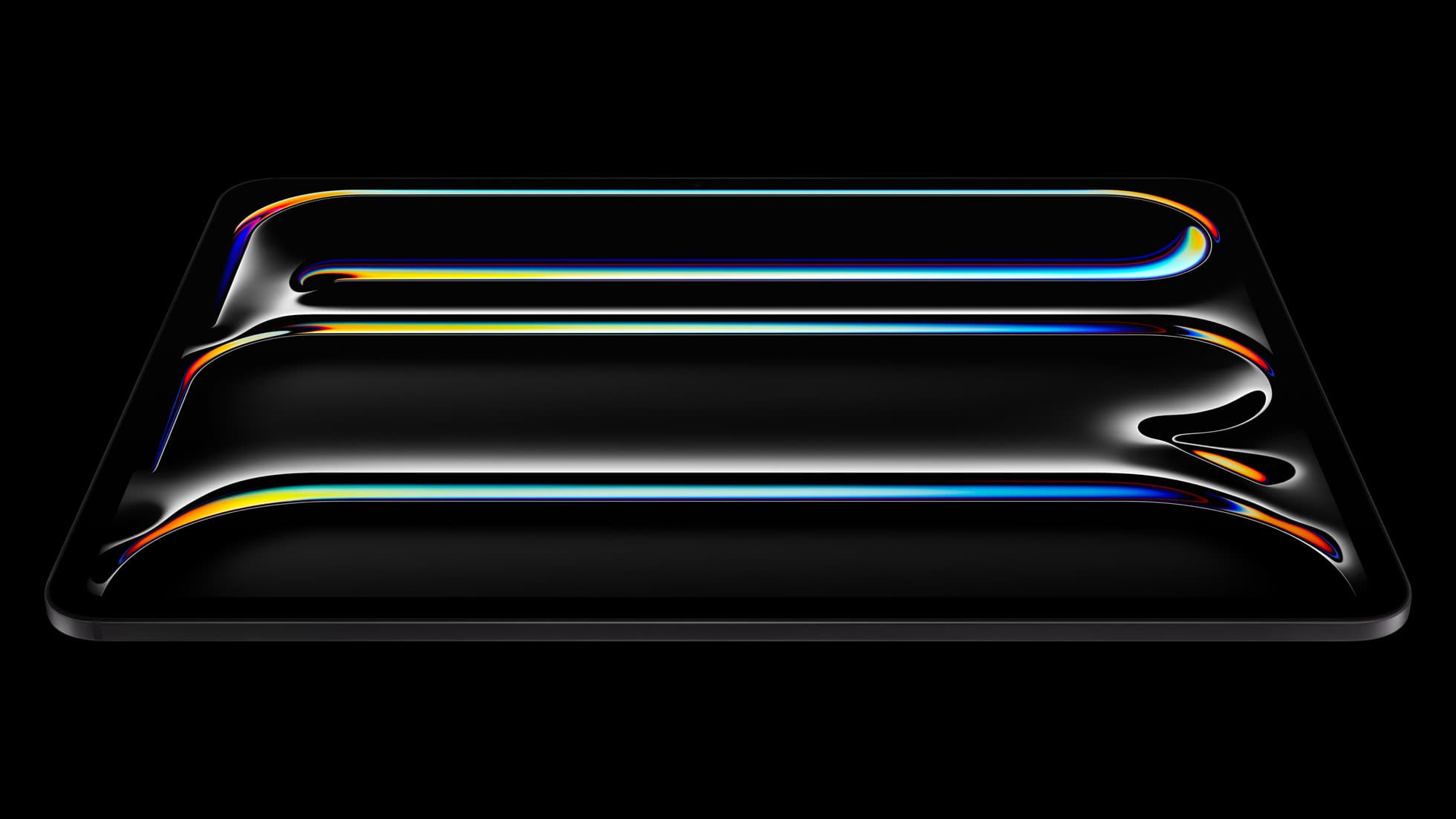
iPad Pro (M5)
amazon.comThe best iPad for drawing feel and premium workflow comfort, but many buyers still overpay for it.
Pro: Best iPad display and ProMotion feel
Con: Highest price in the lineup
Search opens with iPad Pro terms. Check year, chip, and screen size.
Procreate
apps.apple.comPro: One-time purchase
Con: iPad-only
Related buying picks
More in this collectionBuyer guide
Is the iPad Air enough for Nomad Sculpt?
The iPad Air delivers more than enough power and Apple Pencil Pro features for Nomad Sculpt without the Pro model price.
Buyer guide
Is 256GB enough for Clip Studio Paint on iPad?
A 256GB iPad offers plenty of headroom for Clip Studio Paint brushes, materials, and multi-page comics unless you hoard unarchived animation projects.
Buyer guide
iPad Air for Procreate: how to choose your animation setup
Here is how the iPad Air compares for creative work, Apple Pencil Pro support, and canvas layer budgets.
Buyer guide
Is the iPad mini enough for Procreate Dreams?
The iPad mini handles modern digital art tools and Apple Pencil Pro, but its compact screen restricts timeline management.