Yes. Keep the iPad Air (M4) if you have one, and buy it if you're choosing an iPad for Affinity Designer 2, because it pairs with the Apple Pencil Pro, comes in two screen sizes, and leaves Pro money for the apps and a keyboard [1], [3]. Affinity Designer 2 for iPad is a free download from Serif with a 4.7 rating from 4,770 App Store ratings, and Serif describes it as the desktop app's power and precision converted into a touch-focused experience [5]. Choose the iPad Pro (M5) only if you want ProMotion feel or run very large documents weekly, and pick the iPad (A16, 11th gen) only when the kit price decides it [1].
What Affinity Designer 2 asks of an iPad
Serif's listing calls Affinity Designer 2 for iPad a touch-focused version of its desktop design app, in the Graphics & Design category, with the app itself a free download [5]. Design work in it is Pencil work: paths, nodes, text, and layout, done with a stylus and a few fingers on the canvas [5]. The two things an iPad brings to that are a Pencil that pairs and a screen with room for artboards, and Apple's comparison page is where you read both per model [1], [3].
Memory headroom matters less for a design document than for a painted one. Procreate publishes that its layer limits follow the iPad's memory and shrink as canvases grow, which is the clearest published statement of how a painting app on iPad uses the device [4]. A design document with a few artboards and text layers asks far less of that memory than a print-size painting with fifty layers, so the Air's headroom isn't the limit for most designers [1], [4].
Pencil precision on the Air
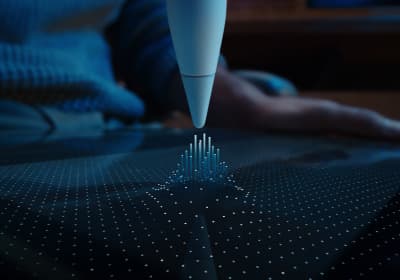
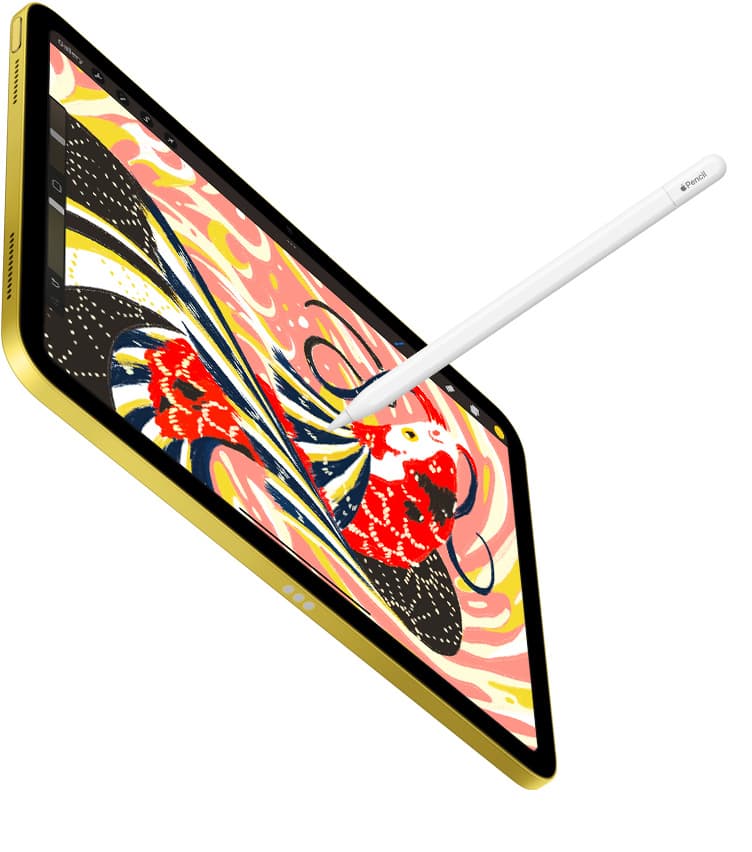
The Air (M4) is on Apple's compatibility list for the Apple Pencil Pro, which brings pressure, tilt, hover, squeeze, barrel roll, and haptics [2], [3]. For design work the useful ones are hover and squeeze. Hover shows where the tip will land before it touches, which is what you want when you're placing a node on a path or snapping a corner [2]. Squeeze opens a tool palette at the tip so you move between the pen tool, the node tool, and selection without reaching for the toolbar [2].
The Air pairs and charges the Pencil Pro magnetically, like the Pro does, so there's no Pencil feature you'd gain by paying for the iPad Pro [2], [3]. Buy the Air with the Pencil Pro and you've matched the Pro's input setup for less [3].
The 60Hz question
The one real difference between the Air and the Pro for a designer is the display. The Air is still 60Hz, while the iPad Pro (M5) has the best iPad display and ProMotion feel, and Apple's comparison page lists both display technologies side by side [1]. On a 60Hz screen the Pencil's stroke preview updates less often than on ProMotion, which some people feel as a slight trail while dragging a node or drawing a path [1].
If you've worked on a ProMotion iPad and the Air feels slow to you in the first week, you'll know, and the Pro is the fix [1]. If you haven't, most designers settle in without noticing, and the money is better put toward the 13-inch Air, which gives a layout more room at the same zoom [1]. Choose the Pro when display feel is a daily irritation or when your documents are large enough that the heavier weekly workloads Apple positions the Pro for describe your week [1].
The iPad (A16) and the iPad mini as alternatives
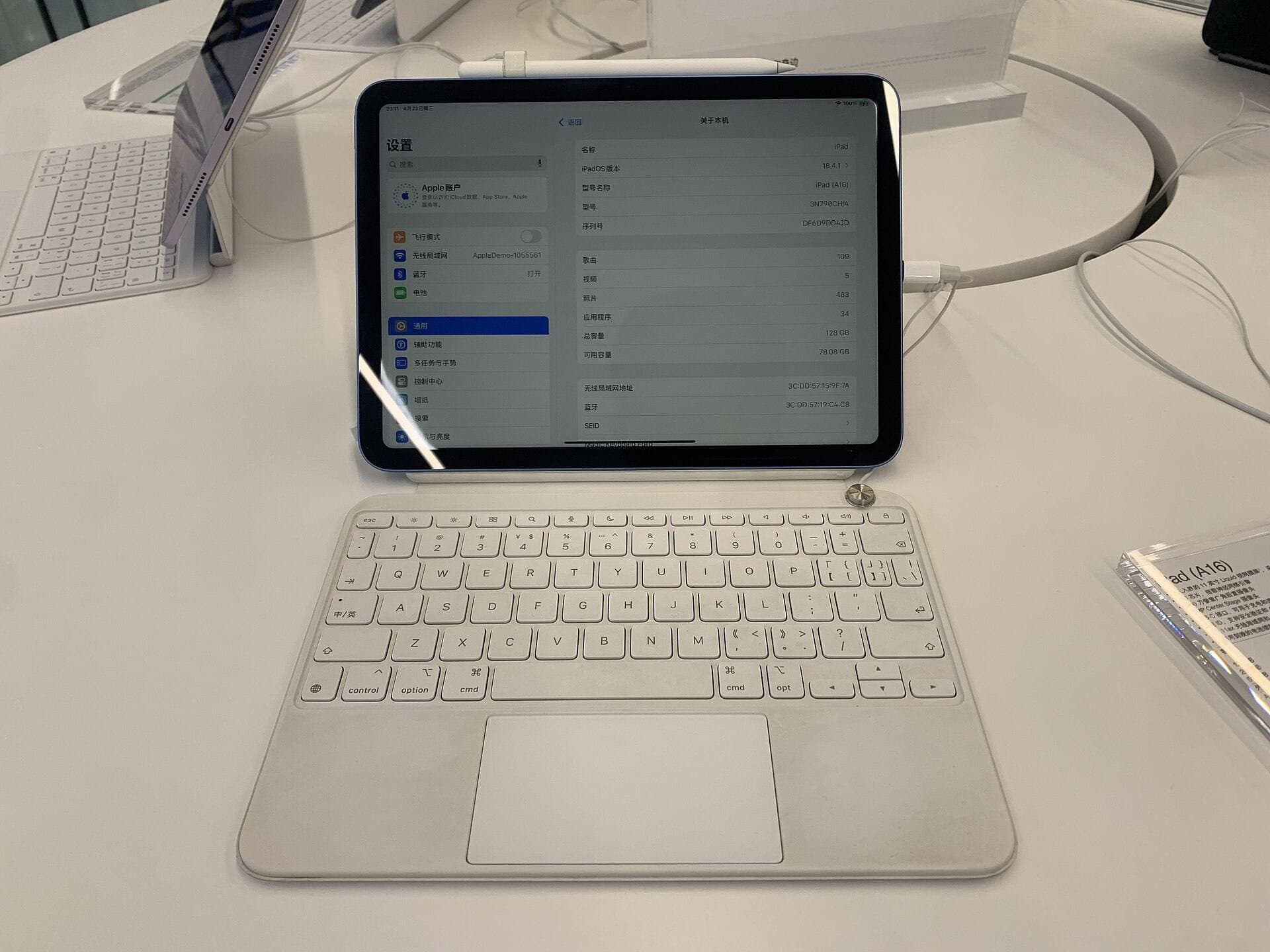
The iPad (A16, 11th gen) is the best value in the lineup, and it runs the same App Store apps, so Affinity Designer 2 installs on it like anywhere else [1], [5]. What it loses is the Pencil Pro: the A16 iPad isn't on that compatibility list, so you'd pair the Apple Pencil (USB-C), which has tilt but no pressure or hover [2], [3]. For a designer who draws paths and types, that's a smaller loss than it is for a painter, and the A16 is a fair choice when the budget is the whole decision [2].
The iPad mini (A17 Pro) also pairs with the Pencil Pro, and it's the most portable iPad, but its small screen makes artboards and panels fight for space [1], [3]. Use it as a sketching and markup device beside a bigger iPad or a Mac, and skip it as your only design machine [1].
Storage and size choices on the Air
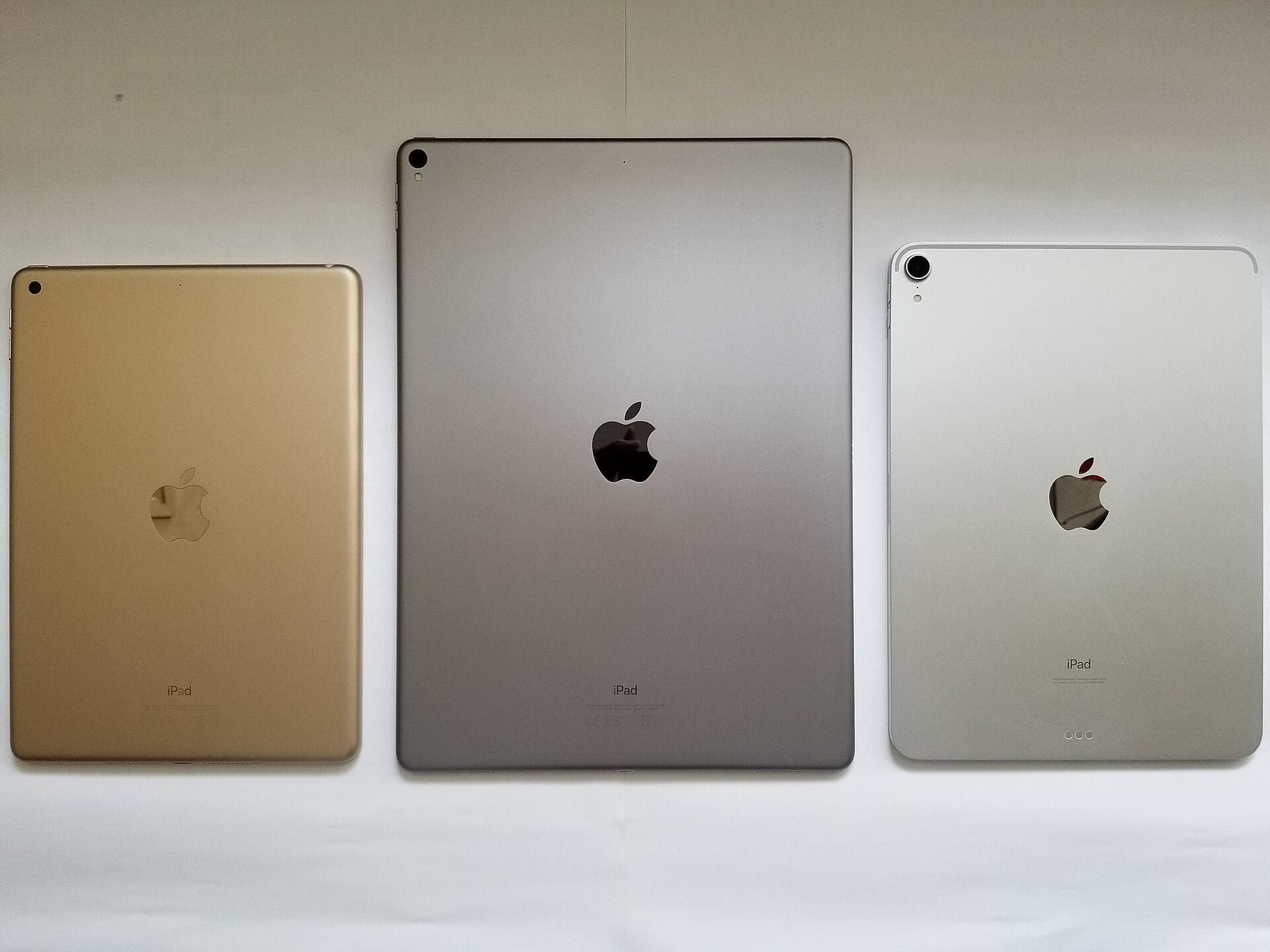
Two choices decide how well the Air serves you: screen size and storage. Apple's comparison page lists the 11-inch and 13-inch Air and its storage tiers, and a designer who keeps client files, fonts, and exports on the device should pick a tier above the smallest [1]. The 13-inch gives a two-artboard layout room to breathe, and the 11-inch is easier to carry and cheaper [1]. Decide those two before checkout and the Air will be enough for Affinity Designer 2 for years [1], [5].
Bottom line
The iPad Air (M4) is enough for Affinity Designer 2, and for most designers it's the right amount of iPad: Pencil Pro support with hover and squeeze, two screen sizes, and a price below the Pro [1], [2], [3]. Keep it if you have it. Buy the iPad Pro (M5) only when ProMotion feel or very large weekly documents justify the price, and choose the iPad (A16) only when the kit price decides it, since that model pairs with the USB-C Pencil rather than the Pro [1], [2], [3].
Sources
[1] https://www.apple.com/ipad/compare/ [2] https://www.apple.com/apple-pencil/ [3] https://support.apple.com/en-us/108937 [4] https://help.procreate.com/articles/zlexav-ipad-compatibility [5] https://apps.apple.com/us/app/id1616833418
Recommended gear
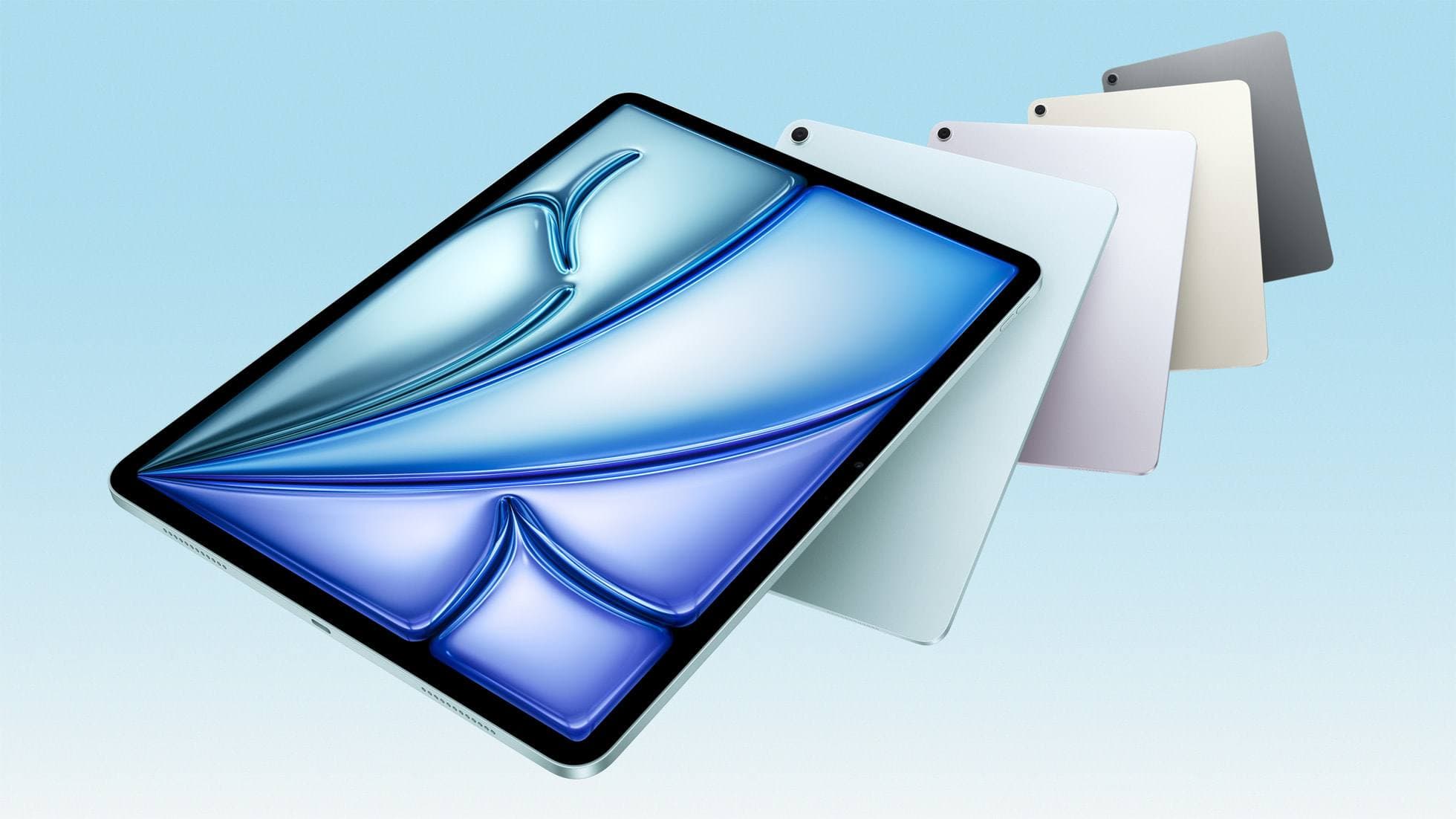
iPad Air (M4)
apple.comThe clean current Air recommendation for most serious hobby artists. Stronger buy logic than old-stock M3 when pricing is close.
Pro: Best current balance of price, headroom, and Pencil support
Con: Still 60Hz
Current Air lineup. Choose size, storage, and keyboard path before checkout.
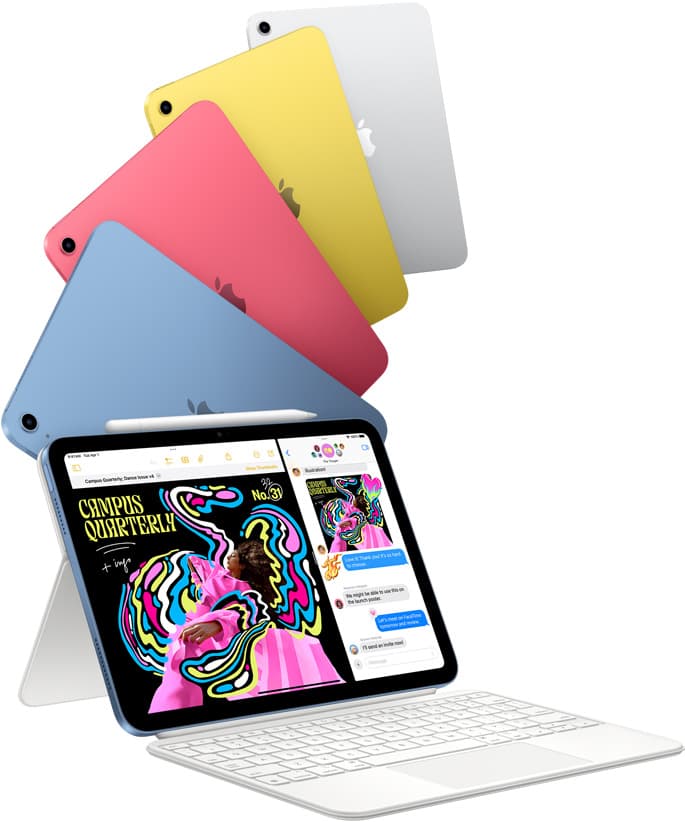
iPad (A16, 11th gen)
amazon.comThe best entry iPad for most artists on a budget. It is not premium, but it is very hard to beat on value.
Pro: Best value iPad right now
Con: No ProMotion display
Search opens with the exact model keywords. Verify size and storage before checkout.
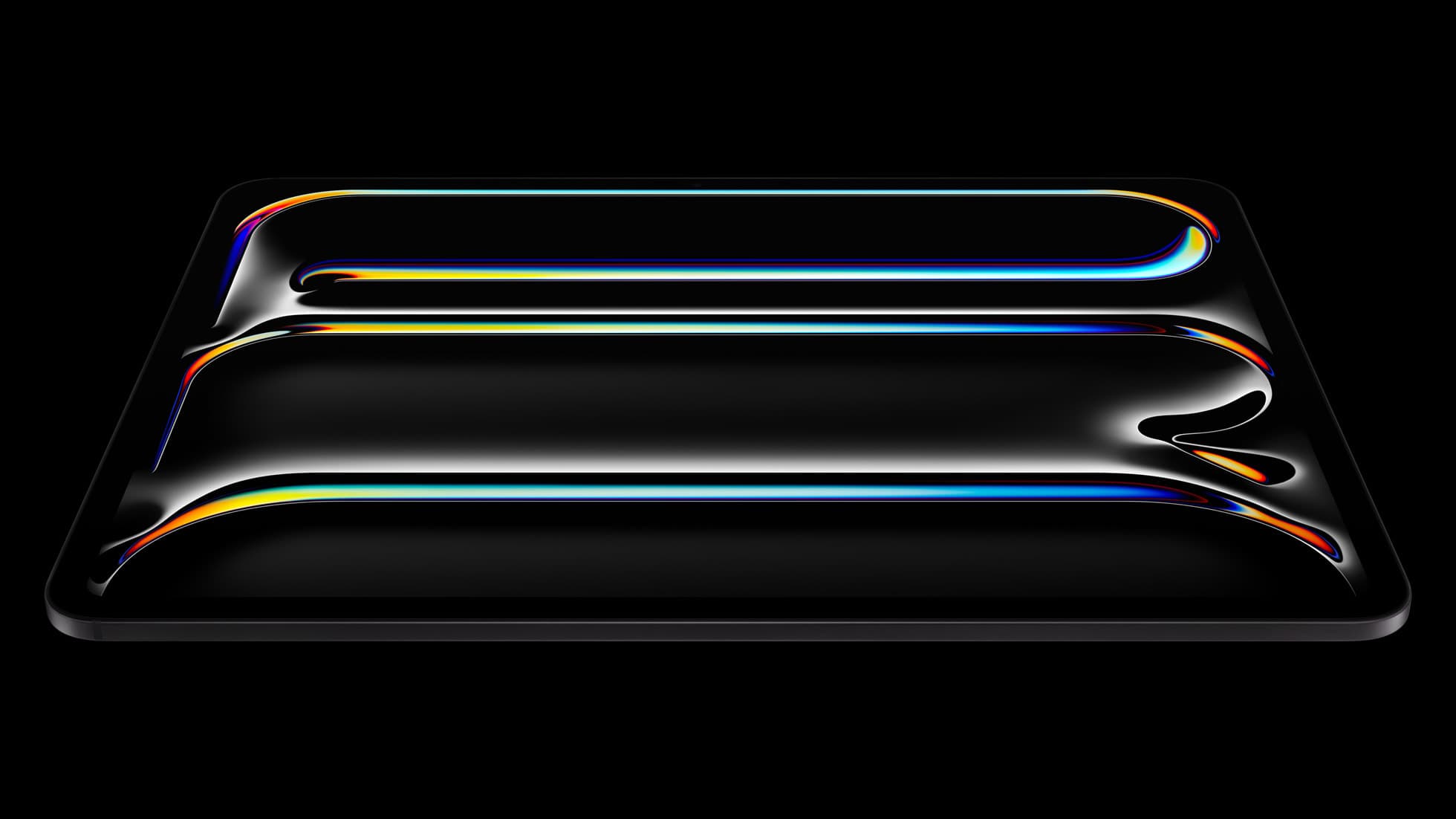
iPad Pro (M5)
amazon.comThe best iPad for drawing feel and premium workflow comfort, but many buyers still overpay for it.
Pro: Best iPad display and ProMotion feel
Con: Highest price in the lineup
Search opens with iPad Pro terms. Check year, chip, and screen size.
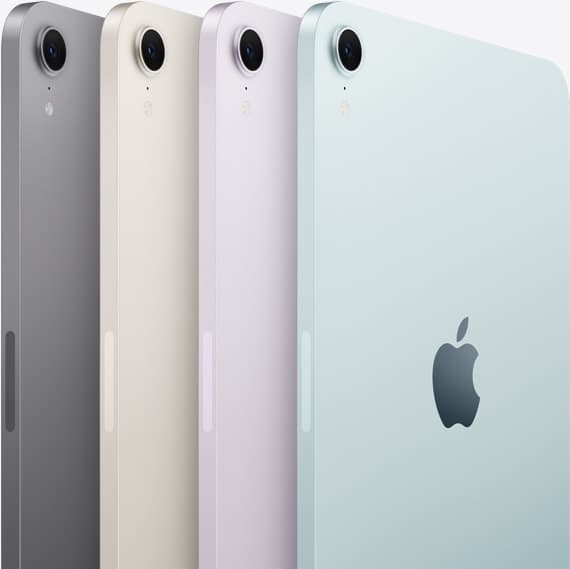
iPad mini (A17 Pro)
amazon.comThe most portable real iPad for drawing. It wins on mobility and loses on workspace.
Pro: Most portable drawing iPad
Con: Small canvas for detailed work
Search opens with iPad mini A17 Pro terms. Verify model number before buying.
Related buying picks
More in this collectionBuyer guide
Is the iPad mini enough for Clip Studio Paint? Enough for sketching, tight for pages
The iPad mini runs Clip Studio Paint and pairs with the Apple Pencil Pro, but its 8.3-inch screen makes multi-page comic work a chore, so buy the iPad Air (M4) for pages and keep the mini for sketching.
Buyer guide
Best iPad for children's book illustration: which model to buy
The iPad Air (M4) is the sensible default for picture-book illustrators, with the iPad (A16) for tight budgets and the iPad Pro (M5) only for display feel.
Buyer guide
Is the iPad mini enough for Procreate Dreams?
The iPad mini handles modern digital art tools and Apple Pencil Pro, but its compact screen restricts timeline management.
Buyer guide
Is iPad Air enough for Clip Studio Paint?
The iPad Air provides full Apple Pencil Pro support and enough chip headroom to run Clip Studio Paint without paying Pro prices.