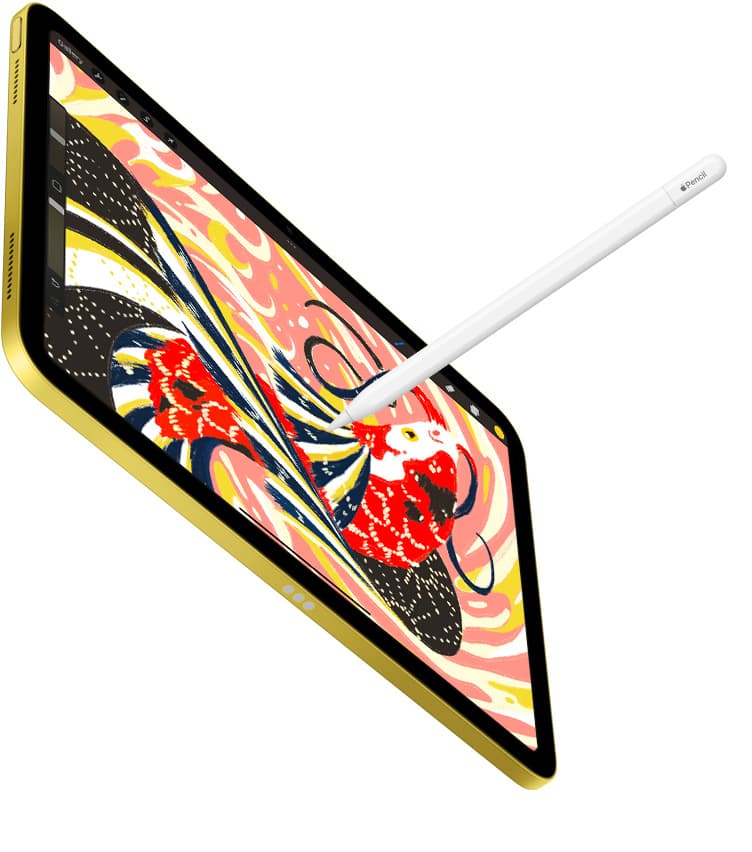
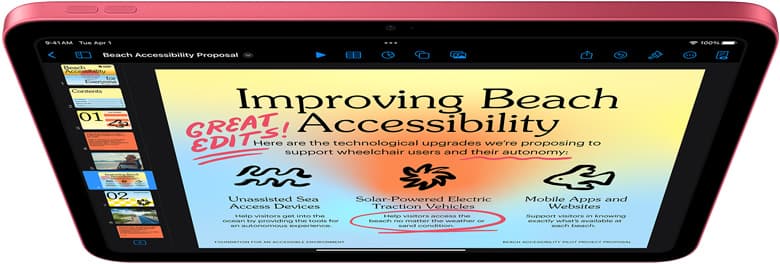
Most "iPad deal" pages make one expensive mistake: they optimize for discount percentage instead of outcome.
For artists, the goal is not buying the cheapest tablet this week. The goal is buying the setup that keeps you drawing for the next 18 to 36 months with minimal friction.
That changes what counts as a deal.
Fast buy answer (if you just want the decision)
- Buy iPad (A16) when you want the safest low-cost start.
- Buy iPad Air (M3) when you draw frequently and want longer lifespan.
- Buy iPad Pro only if display feel and heavy file workflows are already your bottleneck.
- Buy iPad mini only if portability is your top priority and you accept smaller canvas space.
The right deal depends on what will actually increase your output, not what looks cheapest in a screenshot.
The deal framework that prevents overpaying
Think in three layers, in this order:
- Device tier (A16 vs Air vs Pro vs mini)
- Storage headroom (how long before file stress starts)
- Input quality (Pencil tier and compatibility)
If you reverse this and start with prestige hardware, you usually overspend.
Deal tier 1: iPad A16 value window
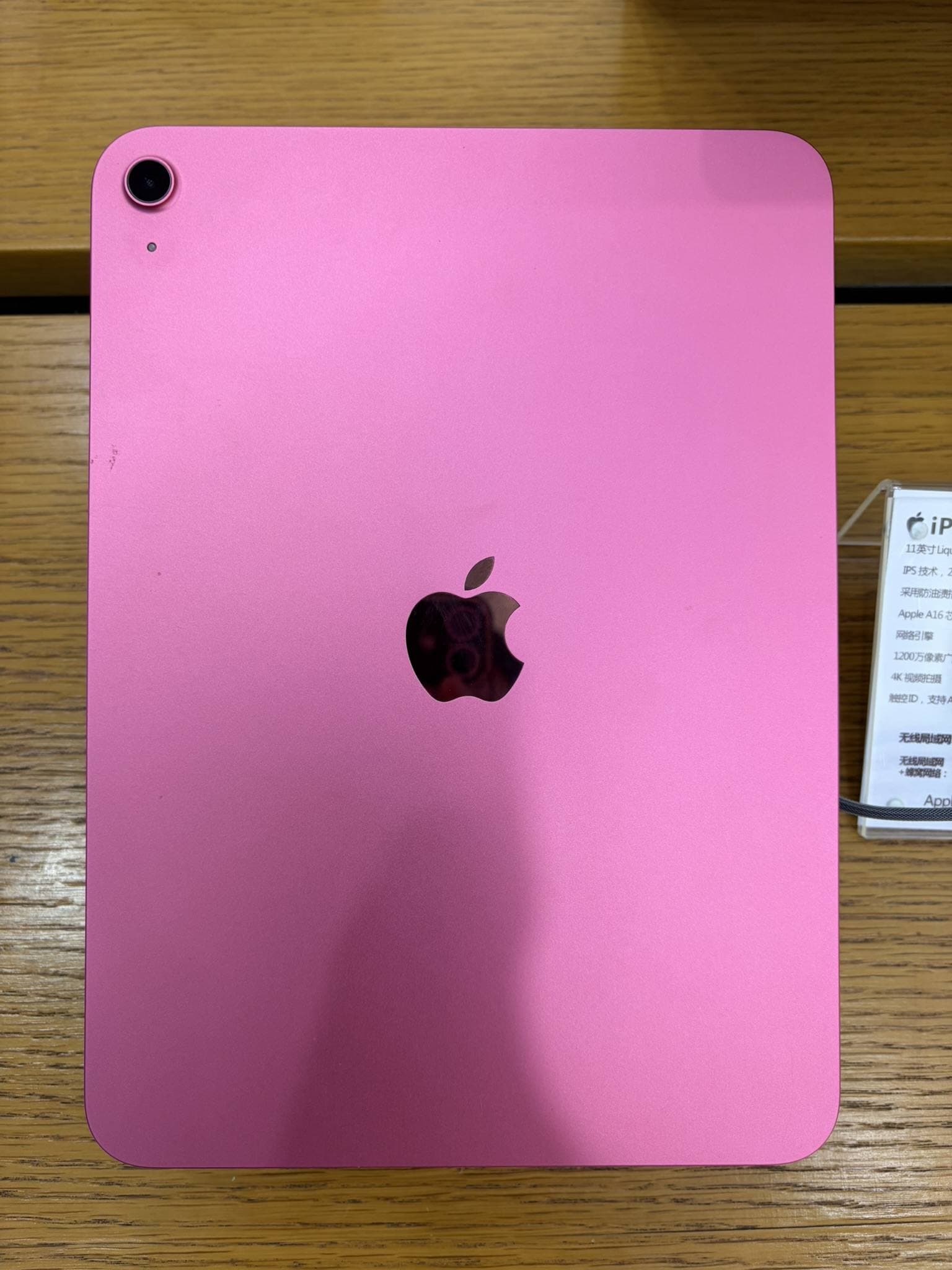
For most beginners and budget-conscious artists, A16 is still the best deal base.
Why it works:
- lower entry cost leaves budget for accessories,
- performance is enough for sketching, inking, and social publishing,
- lower regret risk if your style or app stack changes.
Where people get it wrong:
- buying the lowest storage blindly,
- adding random accessories before understanding actual bottlenecks,
- comparing it directly to Pro as if the workflows are the same.
A16 is a "ship work now" device. It is not the "max specs" device. Those are not the same job.
Deal tier 2: Air M3 sweet spot window
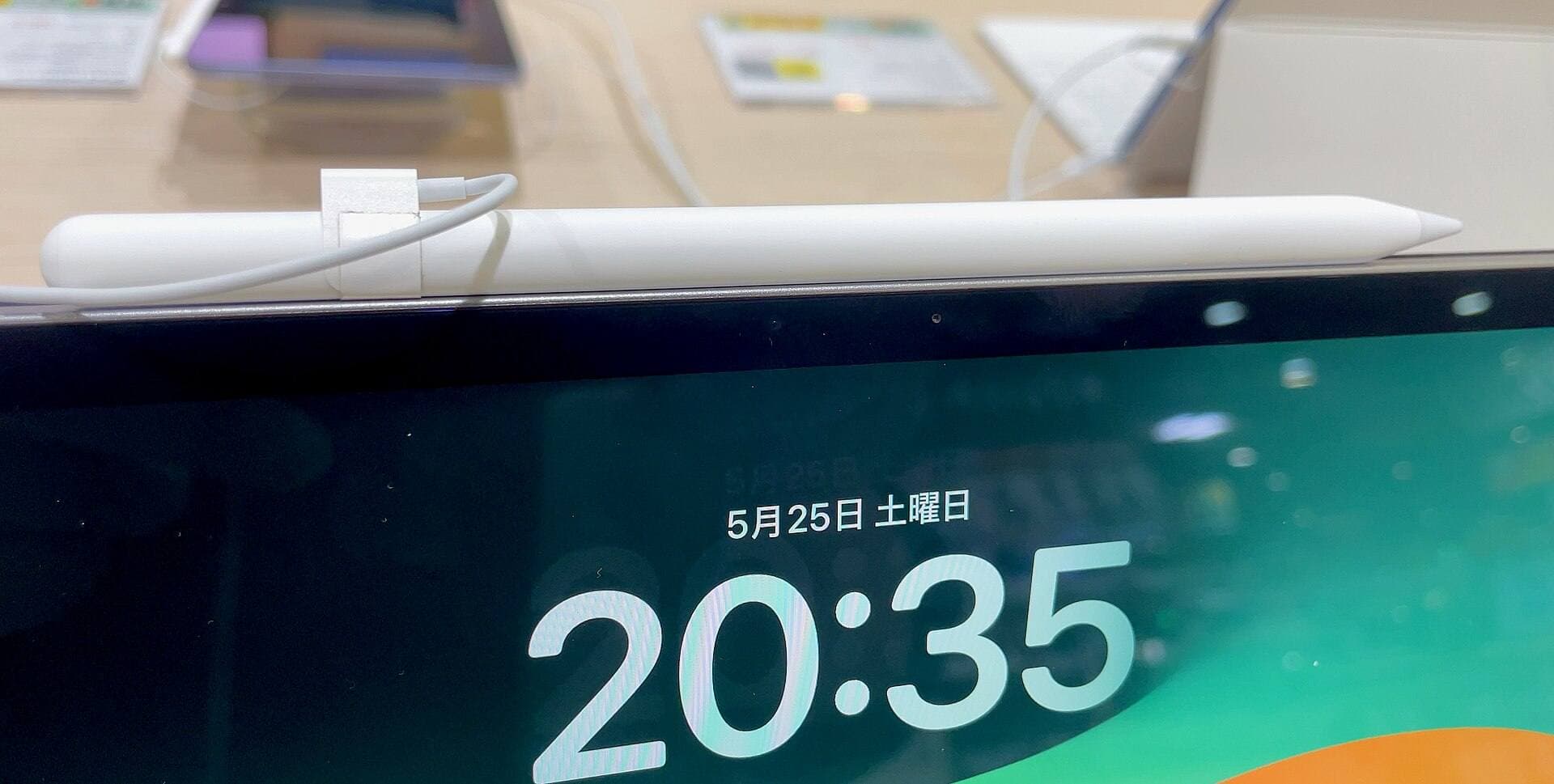
Air M3 is usually the best performance-per-dollar target for serious hobby artists and many freelancers.
Why Air deals often beat Pro deals:
- big jump in headroom over base iPad,
- lower total setup price than Pro once storage and Pencil are included,
- fewer workflow limits when sessions get longer and files get heavier.
Practical rule:
If you draw most days and keep devices for years, Air is often the best total value even if headline discount is smaller than entry iPad promotions.
Deal tier 3: Pro purchase discipline
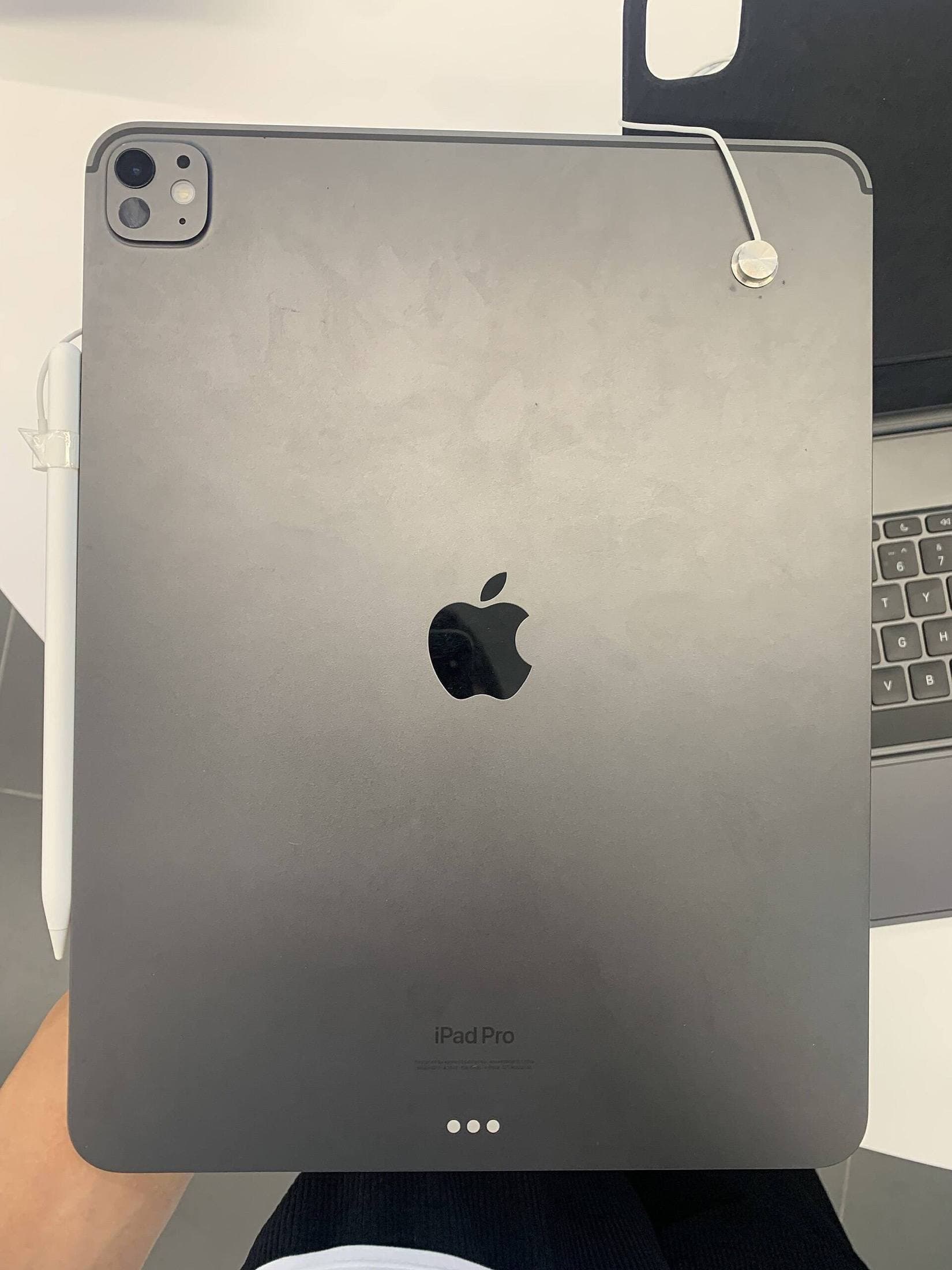
Pro can be worth it, but only with a specific reason.
Valid reasons:
- you are display-sensitive and 120Hz feel changes your line confidence,
- your files and layering patterns consistently push lower tiers,
- your paid work cadence justifies premium comfort.
Weak reasons:
- fear of "outgrowing" other models without evidence,
- buying for social proof,
- copying someone else’s setup without matching workflow.
If you cannot name a weekly workflow pain that Pro solves, it is probably not a deal for you even at a discount.
Portability deal logic: where mini wins
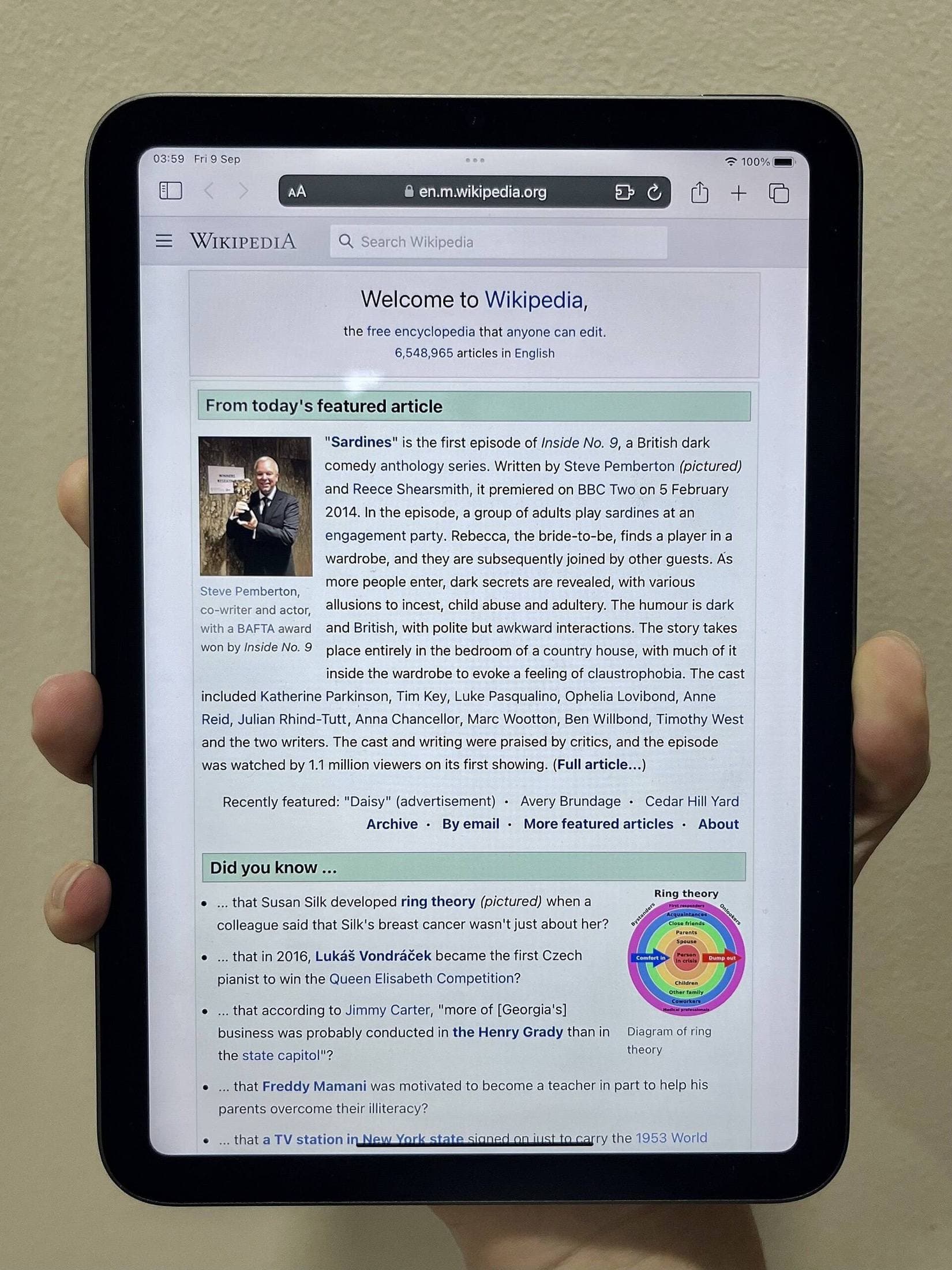
Mini deals are about frequency, not raw canvas size.
Mini is often a good deal when:
- you sketch in transit,
- you carry iPad daily in a compact bag,
- you value start-fast behavior over max workspace.
Mini is often a bad deal when:
- your workflow depends on side-by-side references,
- you do long detailed rendering sessions,
- your hand/wrist comfort improves with larger surface area.
The best mini deal is not cheapest mini. It is the mini you will actually carry every day.
Keyboard and case trap: hidden total cost
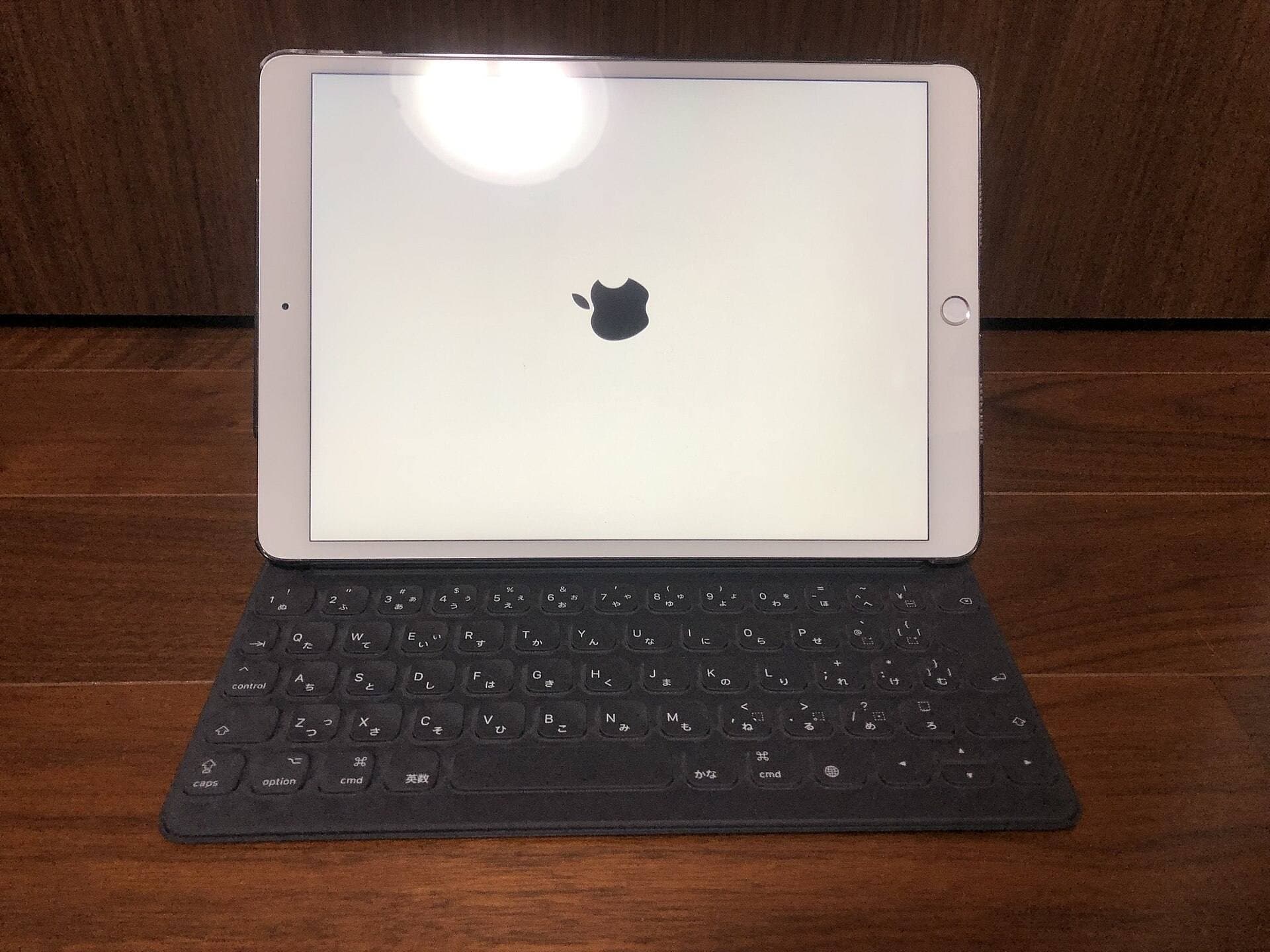
Many "deal" purchases fail at total cost stage.
After checkout, you still need:
- protection and stand behavior,
- reliable charging and cable setup,
- stylus compatibility confidence.
If the discount forces you into expensive fixes later, the deal was fake.
Apple Pencil deal strategy
For art workflows, stylus choice can matter more than another small processor bump.
Use this order:
- Confirm exact Pencil compatibility with your target iPad.
- Decide if pressure-sensitive drawing is core or optional.
- Buy the stylus tier that matches your real workload.
Do not assume the most expensive Pencil is always the best value. The best value is the one that improves your speed and consistency for the type of work you do weekly.
How to judge whether a deal is real
Use this checklist before purchasing:
- price vs your normal tracked baseline, not random list price,
- storage tier included in quoted price,
- return window and seller reliability,
- accessory compatibility clarity,
- total kit cost after must-have additions.
If a listing fails two or more checks, skip it.
14-day buyer plan
Day 1 to 2: lock your workflow profile
Decide if you are:
- beginner low-risk buyer,
- daily hobby artist,
- paid creator with high workload.
Day 3 to 5: shortlist only two tiers
Reduce decision fatigue. Most buyers should compare only two models, not four.
Day 6 to 8: simulate total setup
Add Pencil, storage, and one practical case. Compare the full cart, not tablet-only price.
Day 9 to 11: stress-test alternatives
Test whether one cheaper tier still solves your bottleneck.
Day 12 to 14: buy and stop browsing
After purchase, stop endless comparison and start building output habits.
What to buy now by budget band
Budget-first band
Prioritize iPad A16 plus compatible lower-cost stylus path.
Balanced band
Prioritize iPad Air M3 plus Pencil setup that matches drawing frequency.
Premium band
Prioritize Pro only if performance and display gains are already proven in your workflow.
Bottom line
A real iPad deal for artists is a system deal: right tier, right storage, right Pencil, low-friction daily use.
For most people in March 2026, the highest-value paths are still A16 or Air M3. Pro is excellent, but only a deal when your work can actually use what you are paying for.
If you use this framework, you avoid hype purchases and buy the setup that keeps producing real work.
Sources
Recommended gear
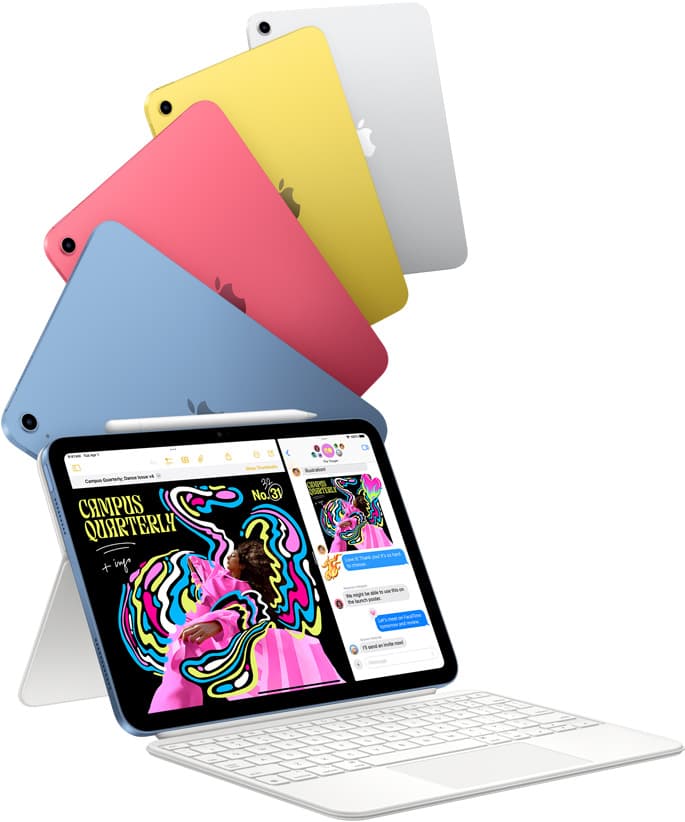
iPad (A16, 11th gen)
amazon.comThe best entry iPad for most artists on a budget. It is not premium, but it is very hard to beat on value.
Pro: Best value iPad right now
Con: No ProMotion display
Search opens with the exact model keywords. Verify size and storage before checkout.
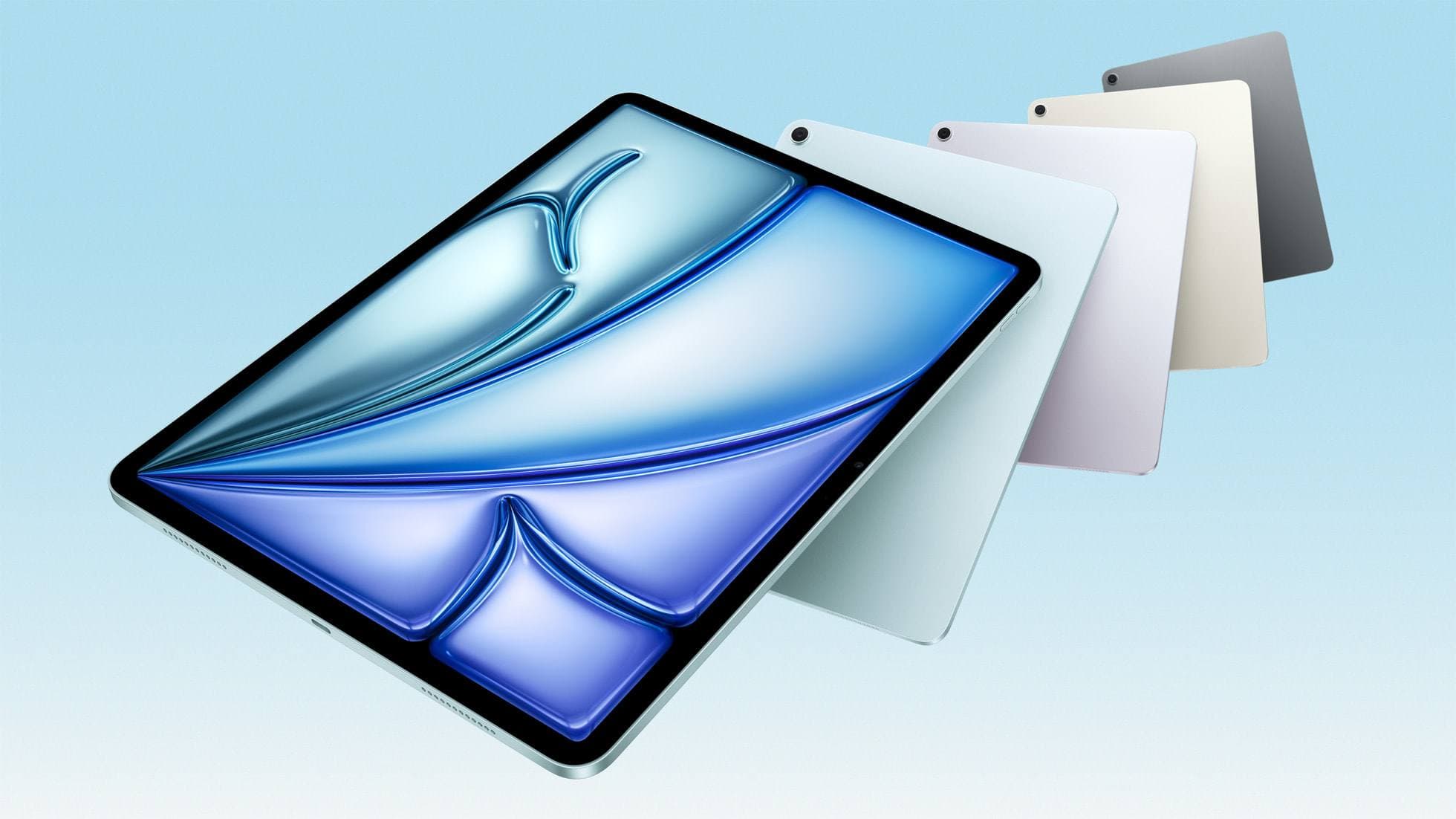
iPad Air (M3)
amazon.comStill a smart Air buy when the discount is real. Harder to justify when pricing drifts too close to the current model.
Pro: Strong prior-gen value when the discount is real
Con: Not the current Air lineup
This is the prior-gen Air. Confirm the discount against the current Air before checkout.
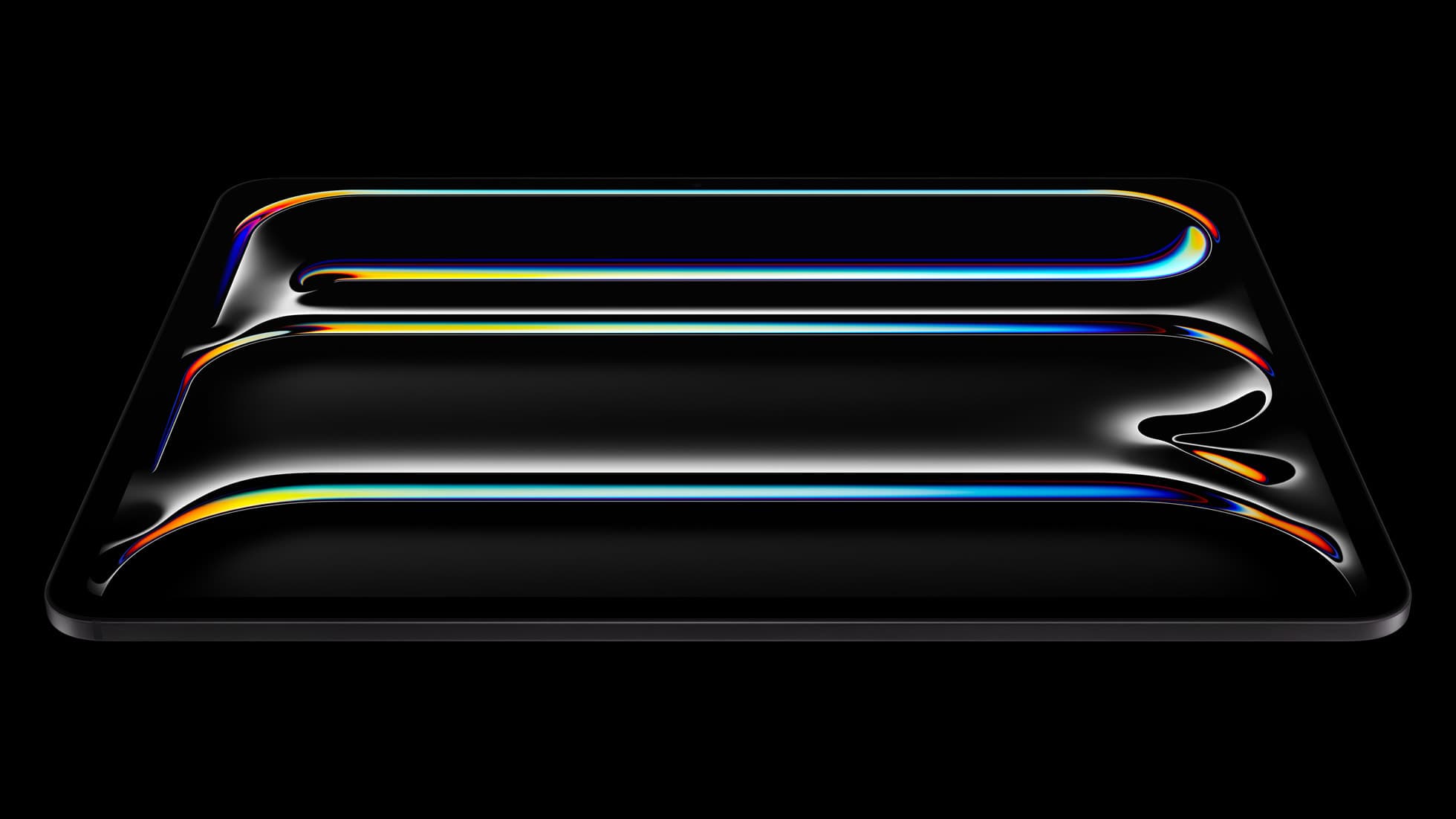
iPad Pro (M5)
amazon.comThe best iPad for drawing feel and premium workflow comfort, but many buyers still overpay for it.
Pro: Best iPad display and ProMotion feel
Con: Highest price in the lineup
Search opens with iPad Pro terms. Check year, chip, and screen size.
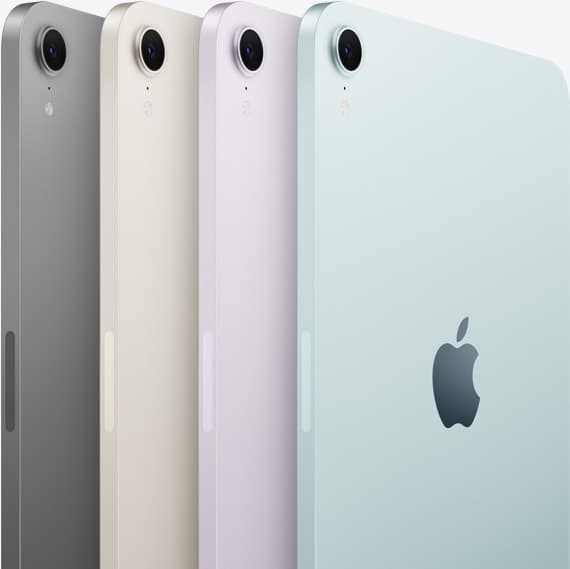
iPad mini (A17 Pro)
amazon.comThe most portable real iPad for drawing. It wins on mobility and loses on workspace.
Pro: Most portable drawing iPad
Con: Small canvas for detailed work
Search opens with iPad mini A17 Pro terms. Verify model number before buying.
Apple Pencil Pro
amazon.comThe best Apple stylus for serious digital art workflows. Expensive, but the control upgrades are real.
Pro: Best brush-control and hover workflow
Con: Highest price in the lineup
Works only with newer iPad models. Check compatibility.
Related buying picks
More in this collectionBuyer guide
iPad Buying Timing in 2026: Buy Now or Wait?
An evidence-first timing guide for iPad artists: when to buy immediately, when to wait for announcements, and how to avoid compatibility regret.
Buyer guide
Best iPad mini Accessory Bundle for Drawing (2026)
iPad mini is strongest when you keep the setup light. This buyer guide picks three pieces that add utility without killing portability.
Buyer guide
Best USB-C Chargers for iPad Artists (2026): Wattage, Heat, and Real Speed
For iPad artists, charger quality matters more than max wattage marketing. Buy by single-port output, heat behavior, and split-power rules.
Buyer guide
Best iPad Cases for Artists (2026): Protection, Weight, and Draw-Angle Tradeoffs
The right iPad case for art is a balance between corner protection, bag weight, and a stand angle that does not wobble while you draw.