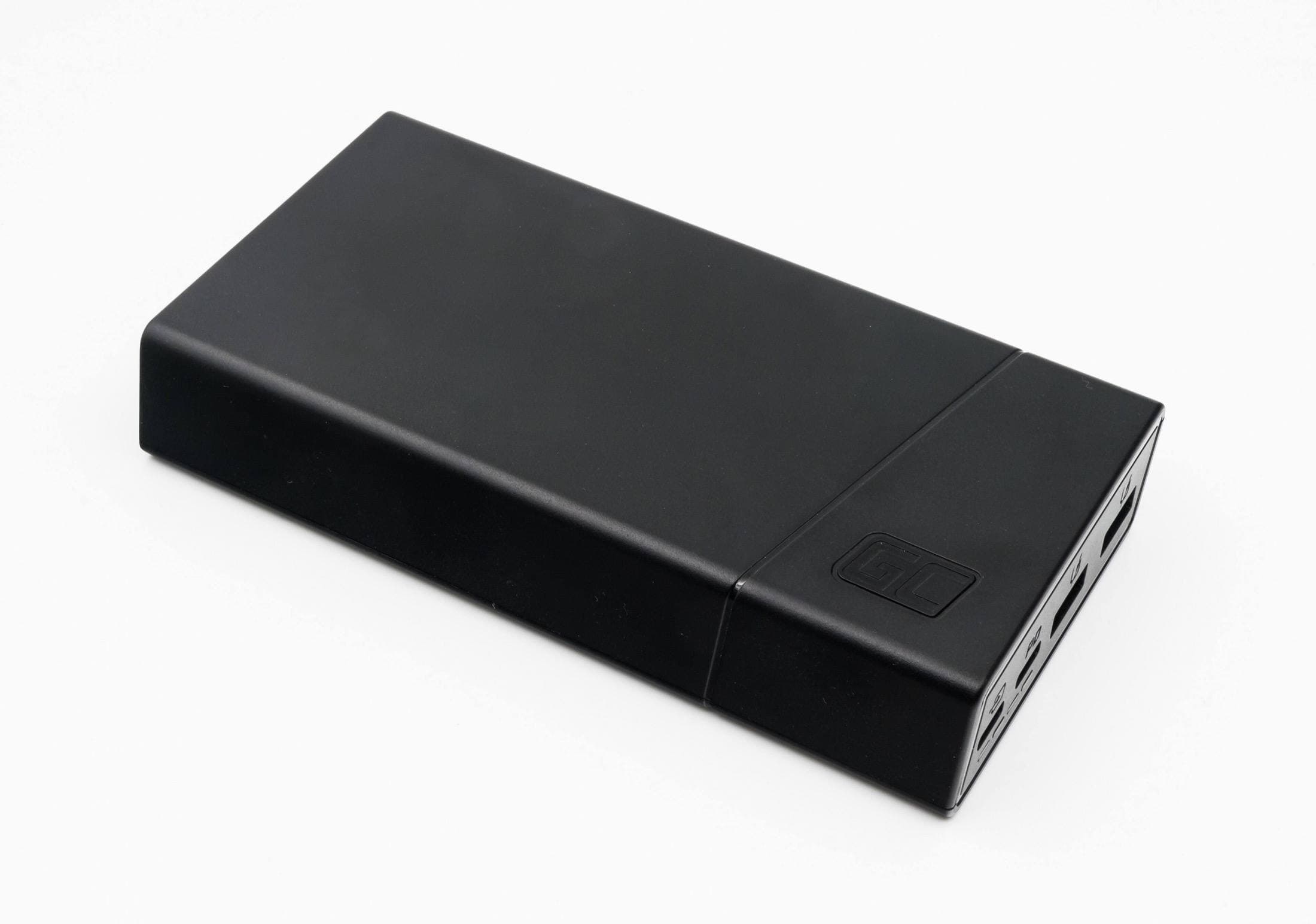
If you draw on an iPad away from your desk, buy the Anker 737 Power Bank (24K) to keep your iPad running when you're far from an outlet [6]. It provides 140W total output with Power Delivery 3.1 and packs a 24,000mAh capacity across two USB-C ports and one USB-A port [6]. Anker's listing doesn't say how many iPad charges that equals, so judge it by capacity and size [6]. Skip this large power bank if you only sketch at coffee shops with nearby wall plugs, where a wall adapter and a long cord are easier to carry [6].
Why power output matters for modern iPads
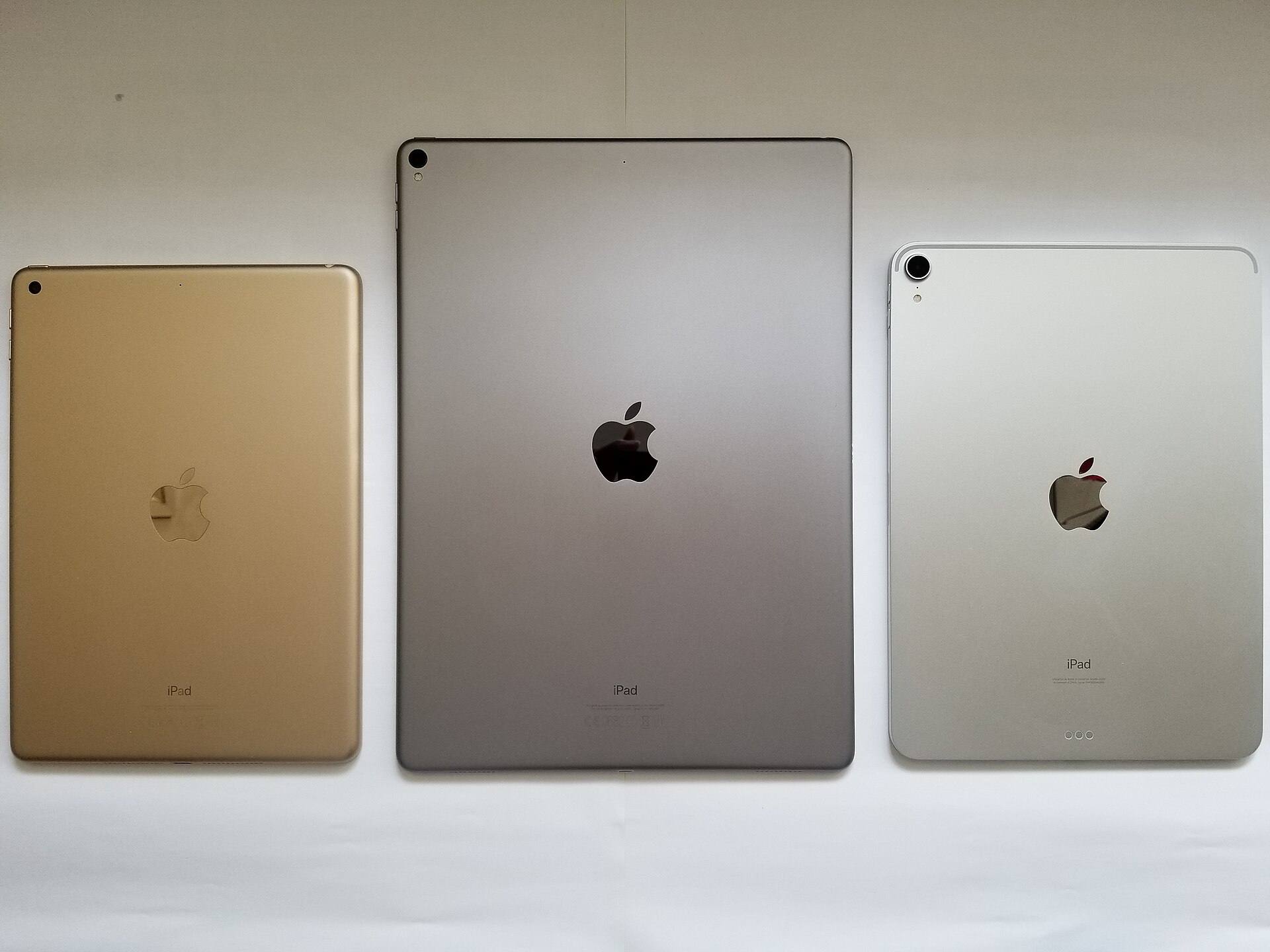
Apple's compare page lists the displays and chips in each iPad, but it doesn't give a runtime for drawing [1]. Procreate's compatibility page ties canvas and layer limits to device memory, not to battery life [4]. So the buying question is how far from an outlet you work, more than which app you open [1], [4].
The Anker 737 Power Bank supports Power Delivery 3.1 with up to 140W total output across its ports [6]. Don't read 140W as the speed your iPad will charge at, because that figure is what the battery can supply and Apple's compare page doesn't publish an iPad charging wattage [1], [6]. With two USB-C ports and one USB-A port, it can charge your iPad and a second device from one battery [6].
Matching capacity with travel requirements
Capacity determines how long you can stay away from a wall outlet. The Anker 737 Power Bank provides 24,000mAh in an enclosure measuring 6.13 by 2.15 by 1.95 inches [6]. Anker doesn't state an iPad charge count, so be wary of a number quoted without a test behind it [6].
At that size, it isn't a pocket battery [6]. If your goal is everyday carry on short errands, a thick brick can feel unnecessary [6]. Check your airline's battery limits before flying with a 24,000mAh pack, since Anker's product listing isn't the place to settle that [6]. For a dedicated mobile studio bag, the capacity is the reason to carry it [6].
Apple Pencil pairing and peripheral charging
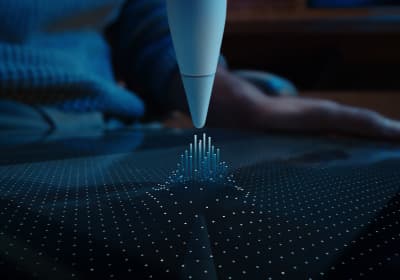
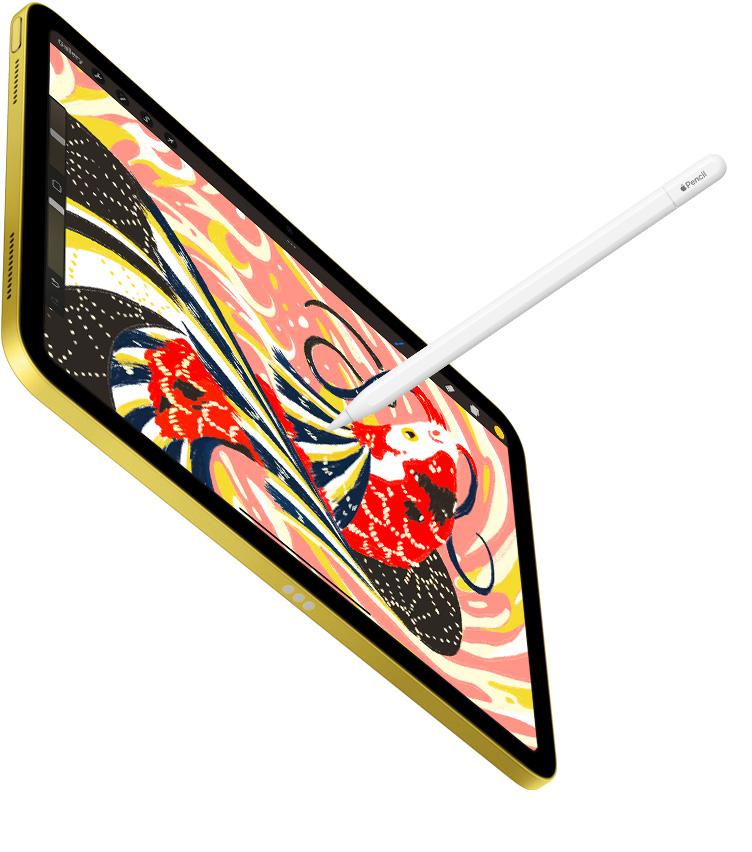
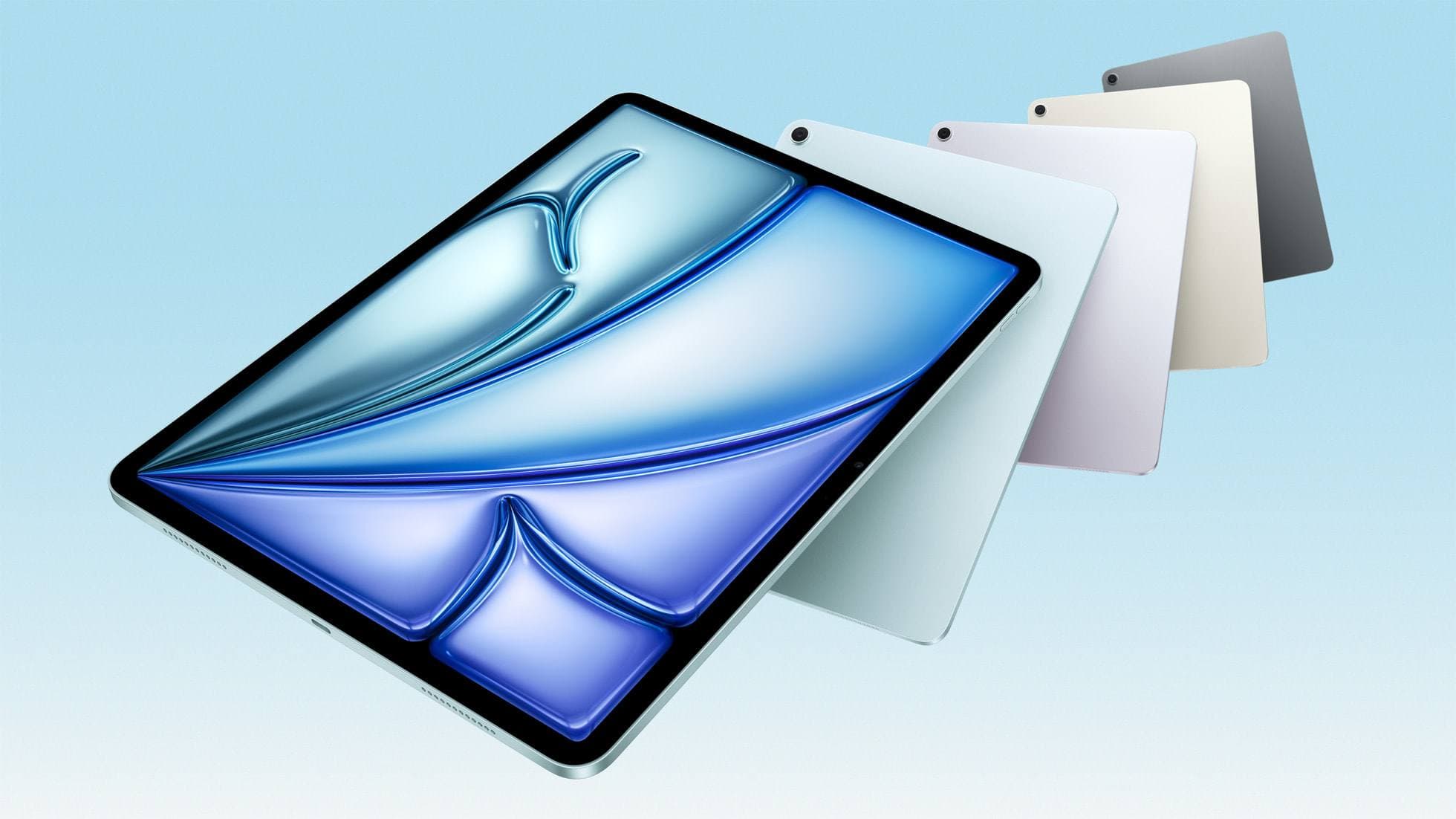
Keeping your drawing tools charged involves more than just keeping the tablet alive. Current hardware pairings like the iPad Air M4 support the Apple Pencil Pro and Apple Pencil USB-C [1], [3]. The Apple Pencil Pro attaches magnetically to the side of the iPad Air to pair and charge wirelessly, drawing its power directly from the iPad internal battery [1], [2], [3]. If your iPad battery runs low, your ability to keep your Apple Pencil Pro topped off disappears too [2], [3].
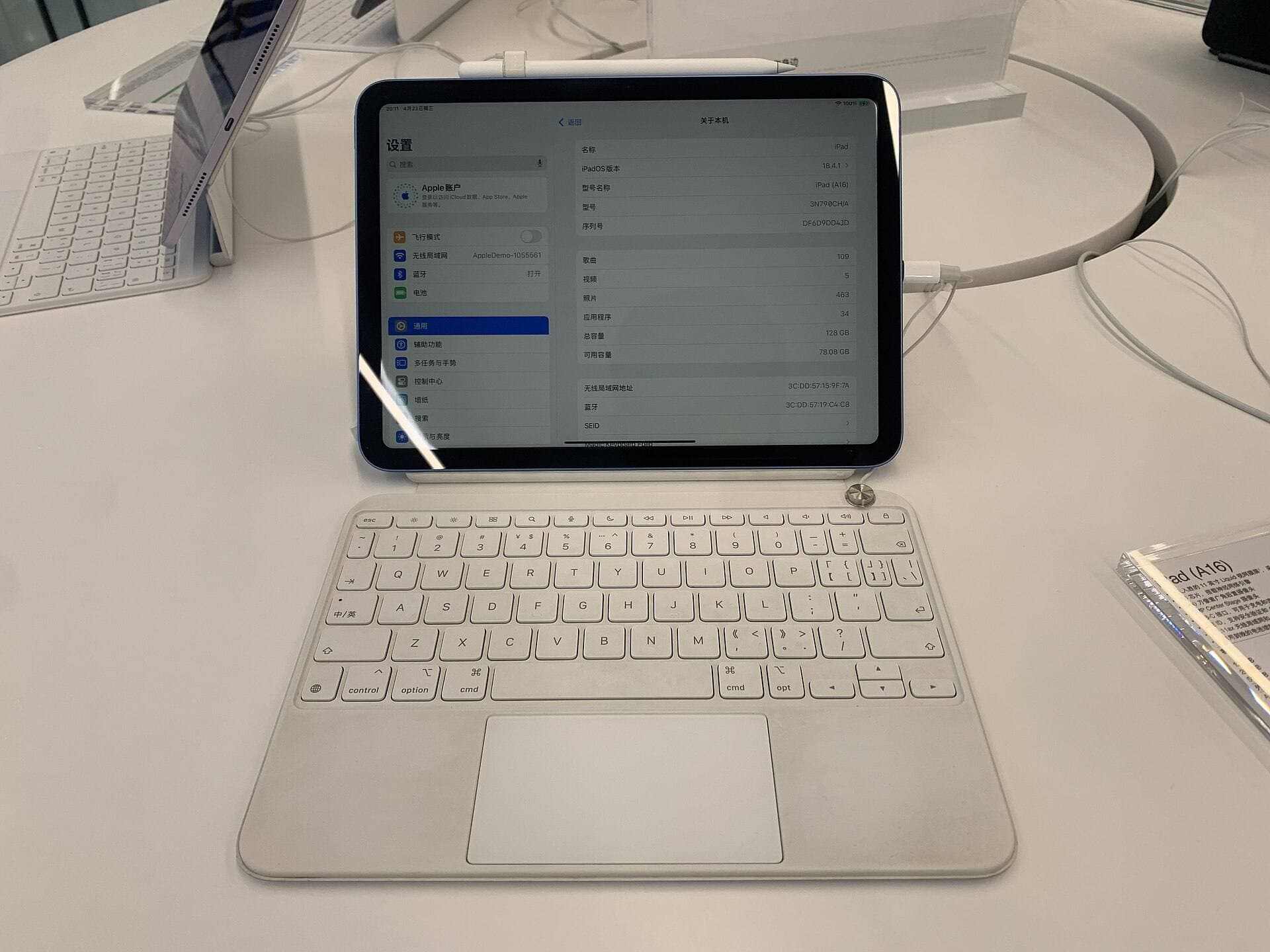
Using a high-capacity external battery like the Anker 737 Power Bank protects your entire drawing workflow by maintaining your tablet charge level [3], [6]. Because the battery pack includes two USB-C ports and one USB-A port, you can charge your tablet over USB-C while simultaneously using another port for a peripheral or phone [6]. If you use an Apple Pencil USB-C, which pairs and charges through a wired USB-C connection rather than wireless magnetic charging, having multiple ports on your mobile power setup keeps cable management simple [2], [3].
Choosing between wall power and portable banks
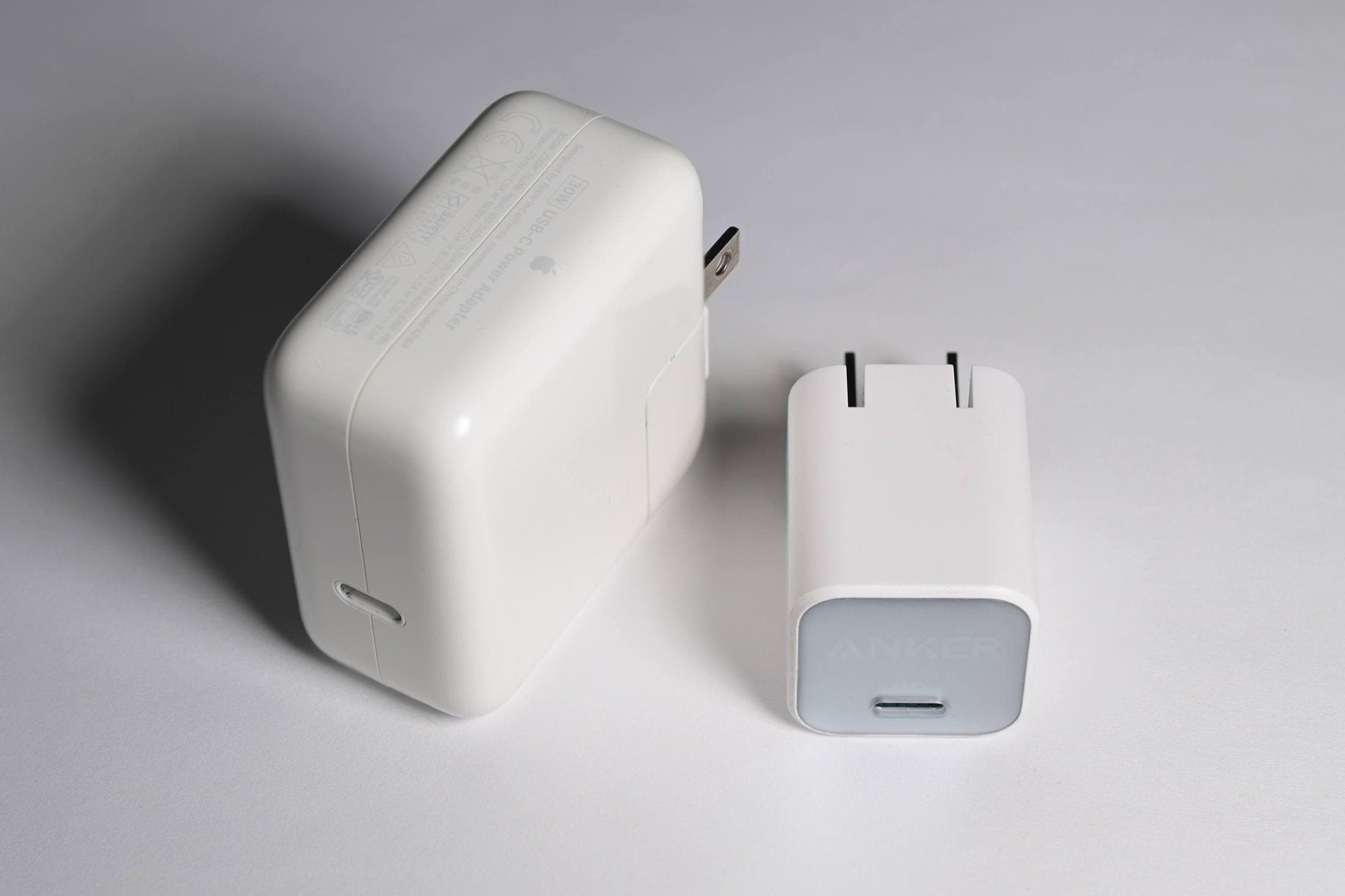
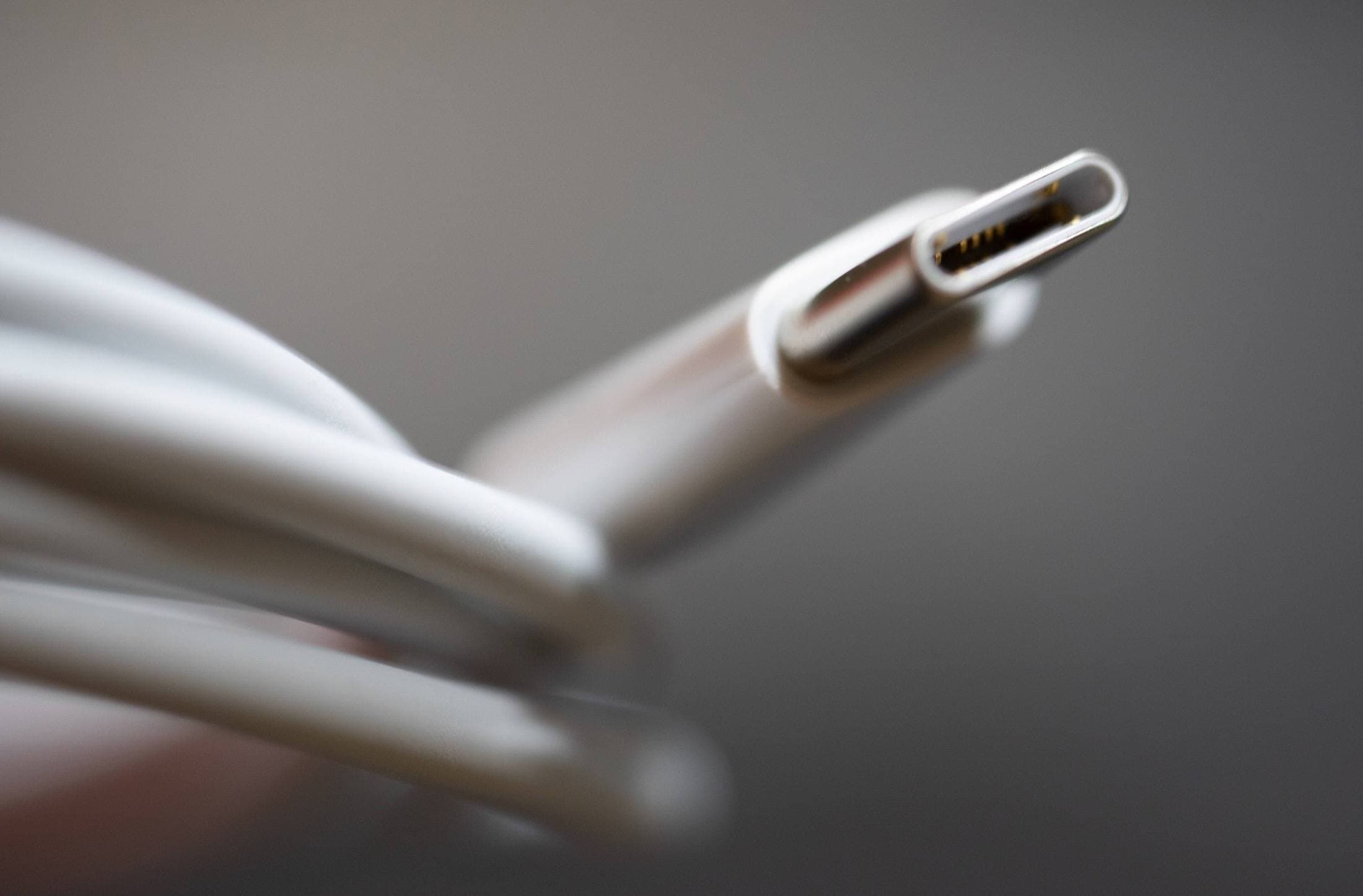
Not every mobile session needs a battery. If you mostly sketch indoors near wall outlets, a wall charger and a long USB-C cable, such as the Anker 736 Charger and the two-meter Anker USB-C cable, spare you from carrying a battery that measures 6.13 by 2.15 by 1.95 inches [6].
Before buying any multi-port charger, read the maker's per-port wattage instead of the headline total, since a total figure covers all the ports at once, as Anker's listing shows for this battery [6]. A two-meter cable helps when outlets sit far from your chair, and a short one keeps a tabletop setup tidy. If you know you'll have reliable wall power, skip the battery and pack the wall charger instead [6].
Who should buy the Anker 737 Power Bank
Buy the Anker 737 Power Bank if you draw outdoors, travel frequently on trains or buses, or attend outdoor conventions where wall plugs are scarce [6]. It is the right match for creators working on the 11-inch or 13-inch iPad Air with M4 who need sustained screen time in Procreate without stopping their workflow [1], [4], [6]. Its 140W Power Delivery 3.1 output and three-port design make it a versatile workhorse for keeping modern creative gear alive [6].
Skip the Anker 737 Power Bank if your bag is already heavy and you never work far from an outlet [6]. Artists working mainly at studio desks, classrooms, or coffee shops will find a wall charger and a long cable easier to carry [6]. This page weighs one battery against a wall charger rather than testing every power bank on sale, so treat it as a checked pick and not a lab ranking [6].
Bottom line
The Anker 737 Power Bank (24K) is our pick for artists who need to charge an iPad Air or similar USB-C iPad away from home [1], [6]. It offers 140W total output with Power Delivery 3.1 across three ports, so one battery can serve your iPad and a second device [6]. If you already work near wall outlets, choose a wall charger and a two-meter USB-C cable instead [6].
Sources
[1] https://www.apple.com/ipad/compare/ [2] https://www.apple.com/apple-pencil/ [3] https://support.apple.com/en-us/108937 [4] https://help.procreate.com/articles/zlexav-ipad-compatibility [5] https://apps.apple.com/us/app/procreate/id425073498 [6] https://www.anker.com/products/a1289
Recommended gear
Anker 737 Power Bank (24K)
amazon.comPro: High output and enough capacity for iPad travel days
Con: Heavier than slim emergency banks
Confirm watt-hours remain airline-compliant for carry-on travel.
Anker 736 Charger (Nano II 100W)
amazon.comA practical multi-device charging brick for iPad workflows. Great utility, with expected port-sharing tradeoffs.
Pro: Strong multi-device travel charging profile
Con: Larger than compact 65W bricks
Check per-port split table before buying, not only max total wattage.
Anker USB-C to USB-C Cable (2m)
amazon.comPro: Practical length and solid durability
Con: Longer cable can be slower for high-speed data on some models
Carry one short cable and one 2m cable for travel flexibility.
iPad Air (M4)
apple.comThe clean current Air recommendation for most serious hobby artists. Stronger buy logic than old-stock M3 when pricing is close.
Pro: Best current balance of price, headroom, and Pencil support
Con: Still 60Hz
Current Air lineup. Choose size, storage, and keyboard path before checkout.
Related buying picks
More in this collectionBuyer guide
Best iPad for children's book illustration: which model to buy
The iPad Air (M4) is the sensible default for picture-book illustrators, with the iPad (A16) for tight budgets and the iPad Pro (M5) only for display feel.
Buyer guide
Is iPad Air enough for Clip Studio Paint?
The iPad Air provides full Apple Pencil Pro support and enough chip headroom to run Clip Studio Paint without paying Pro prices.
Buyer guide
Is 256GB enough for Clip Studio Paint on iPad?
A 256GB iPad offers plenty of headroom for Clip Studio Paint brushes, materials, and multi-page comics unless you hoard unarchived animation projects.
Comparison
iPad vs Surface Pro for artists: Which drawing tablet fits your workflow?
Compare iPad and Surface Pro drawing setups to decide whether mobile touch illustration or full desktop software suits your art studio best.