


If you paint from reference at a table or easel, buy the Twelve South HoverBar Duo [1]. Apple's listing says it holds iPad in a variety of positions, heights, and angles, and it comes with both a weighted base and a clamp [1]. Buy the MOFT Float Folio instead if you have an 11-inch iPad Air and mostly paint away from home, since it's a light, eye-level folio with no arm to pack [2]. Skip both if you already own a case with a kickstand and your reference only needs to sit on the table beside you [3].

Why reference position decides the purchase
A reference image helps most when you can glance at it and get back to your painting without losing your place. That comes down to three things you can check at home: how high the screen sits, how close it can get to your canvas, and whether it stays clear of your hand and palette. A stand listing can only answer part of that, so read each one for what it actually states [1], [2], [3].
Start by looking at your own setup. If your table has room beside the painting, a stand that rests on the table is enough, and an arm adds little. If the table is crowded with water jars, tubes, and brushes, getting the iPad off the surface is the thing worth paying for [1]. If you work standing at an easel, screen height matters more than anything else, and a low folio won't reach the eye line you'd want [1], [2].

Twelve South HoverBar Duo for tables and easels
Apple describes two supports in the box [1]. The weighted base makes a desktop stand, which is the simple choice when a table has space next to your work [1]. The clamp is the part to look at if your table is crowded. Apple describes using it to hold iPad above a kitchen counter and out of the spill zone, and the same idea keeps a screen away from wet paint and rinse water [1].
Apple doesn't mention easels or painting. Whether the clamp grips your easel's crossbar or your table edge depends on its thickness, and the listing doesn't give a clamp opening, so measure before you order [1]. Apple lists iPad Pro, iPad Air, iPad mini, and standard iPad models for it, so most artists can use the stand with the iPad they already own, but confirm your exact model on the listing [1].
Buy it if your reference needs to sit higher than a tabletop folio can put it, or if you want the same stand to move between a desk and another room [1]. Skip it if you want a surface to draw on, because an arm isn't built to be leaned on, and this page is about viewing reference, not about drawing on the iPad [1].
MOFT Float Folio when you paint away from your desk
Apple's listing calls the MOFT Float Folio a super light, eye-level folio case, and it fits iPad Air 11-inch (M2, M3, and M4) and iPad Air (5th generation) [2]. That makes it the pick for plein air trips and classes, where you don't want to carry an arm and a base [2]. It's also a case, so you aren't adding a separate item to your bag [2].
It has limits worth knowing. It's made for specific iPad Air models, so it won't help if you own a different iPad [2]. It's also a folio resting on whatever surface you have, so it can't raise the screen the way an arm can [1], [2]. If you paint at a low table or on your lap, that may be fine. If you stand at an easel, it probably won't put your reference where you want it [2].

Logitech Combo Touch if the same iPad does your admin work
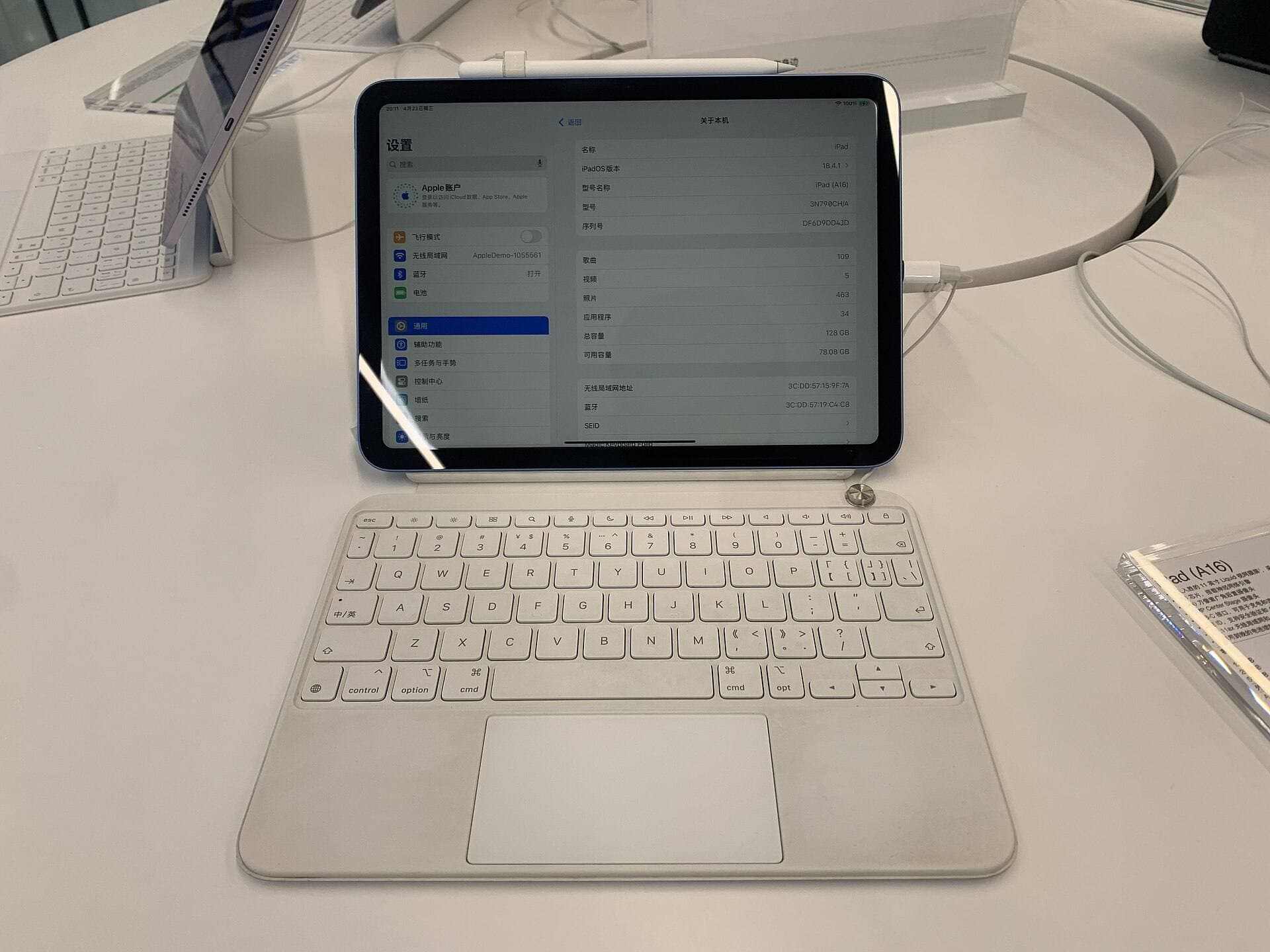
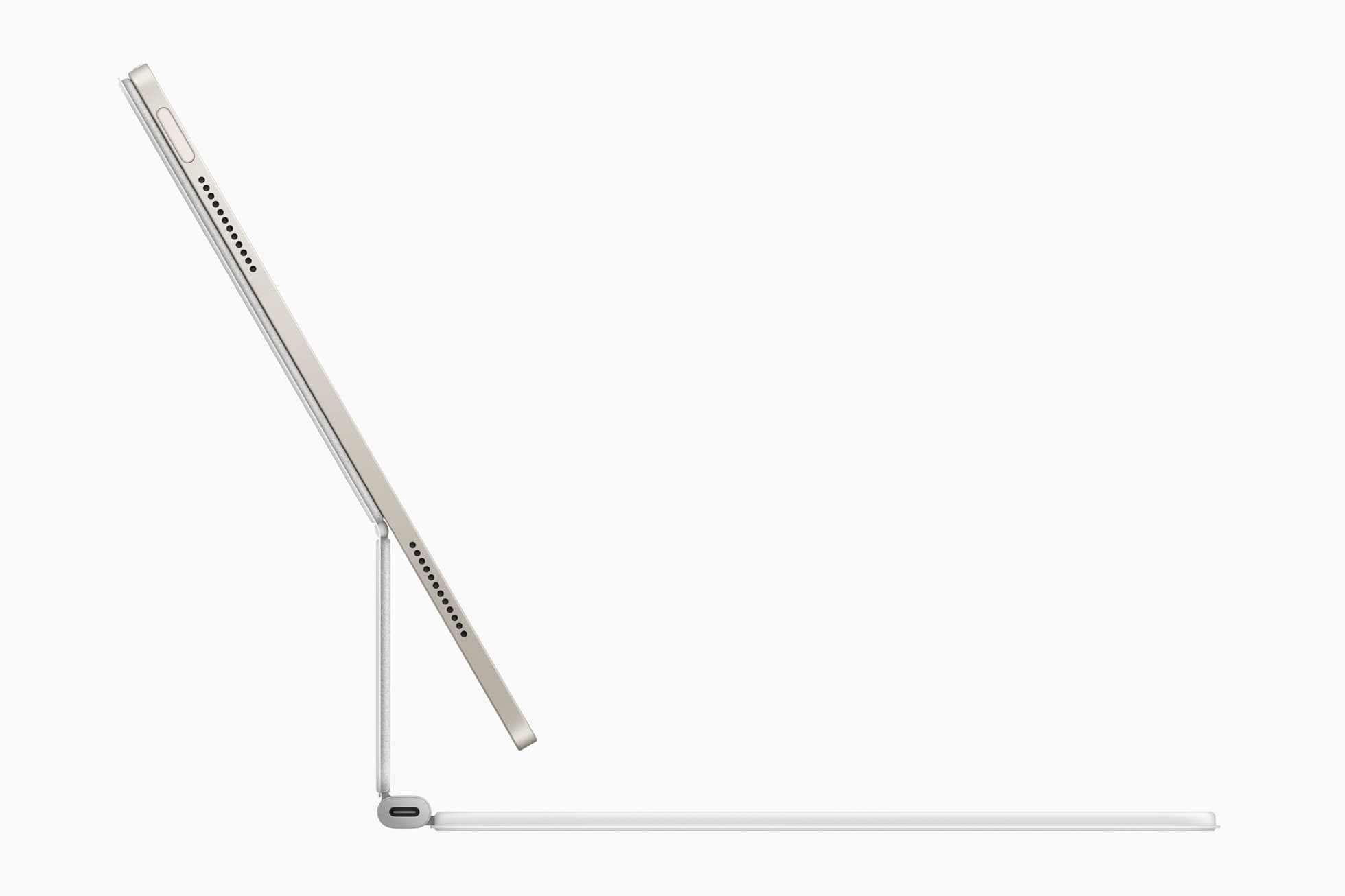
The Logitech Combo Touch protects iPad Air and has a flexible kickstand and a detachable keyboard, and Apple lists it for iPad Air 11-inch (M2, M3, and M4) and iPad Air (5th generation) [3]. Choose it if the iPad that shows your reference is also the one you use for invoices, listings, and email [3]. The keyboard comes off, so it doesn't have to sit on your painting table [3].
As a reference stand, it does the same basic job as any kickstand, which is holding the screen at an angle on a flat surface [3]. It isn't the right purchase if height is your problem [1], [3]. Buy it for the keyboard, and treat the reference stand as a bonus [3].
Matching screen size to your reference
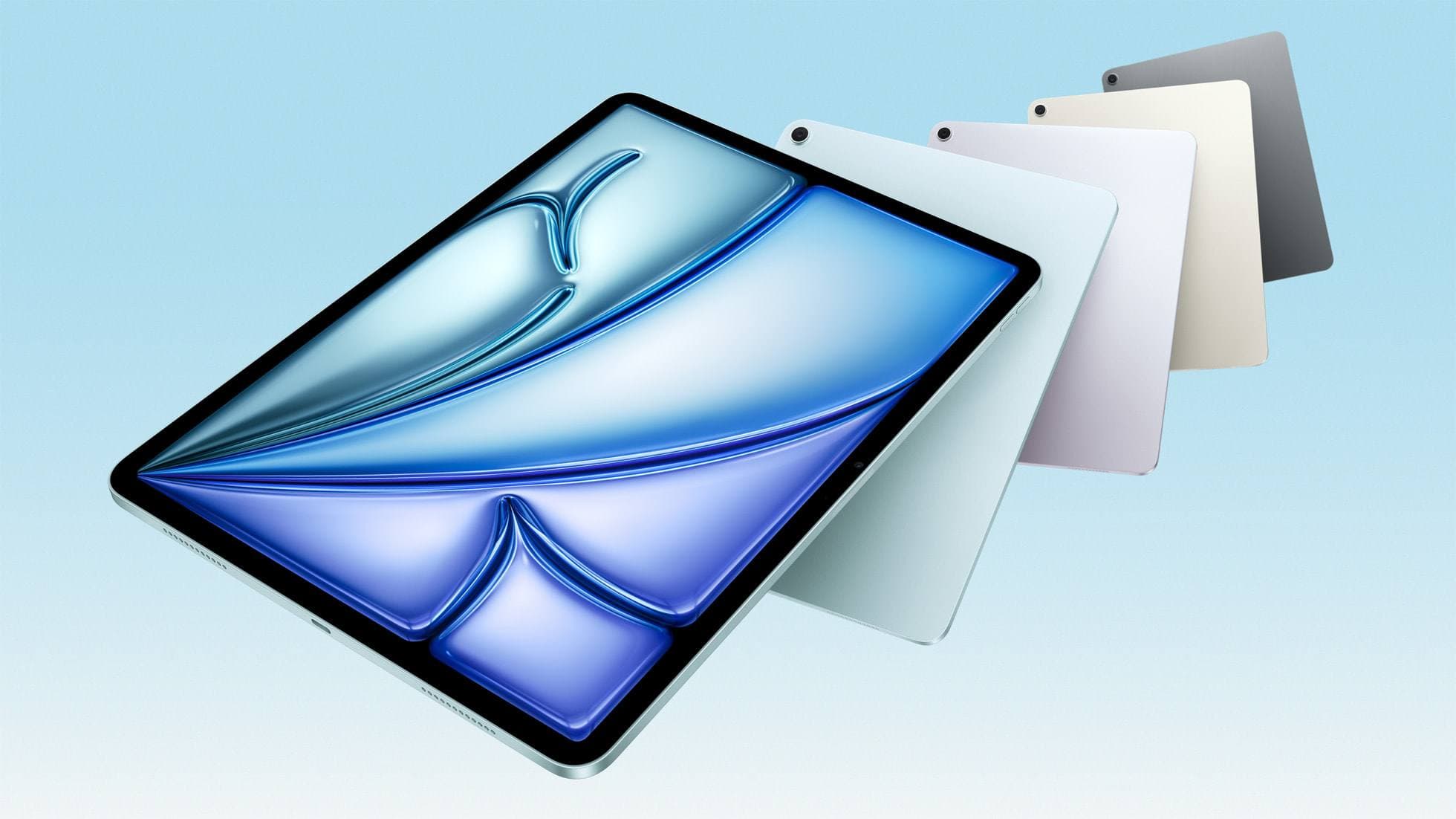
A bigger screen shows more of your reference from farther away, which matters when you step back from a canvas [4]. Apple's compare page lists the iPad Air in 11-inch and 13-inch sizes [4]. If you're choosing an iPad partly for reference work, the 13-inch is the easier one to read at a distance, and an arm gives you the most freedom to place it [1], [4].
If you already own an iPad, don't replace it for this. Try your current screen at painting distance first, propped on whatever you have, and see whether the size or the height is what's bothering you [4]. If it's the height, buy the stand [1]. If it's the size, a stand won't fix that [4]. None of these listings promise protection from paint, so keep the screen clear of your palette whichever one you pick [1], [2], [3].
Bottom line
Buy the Twelve South HoverBar Duo if you need your reference off the table or up near eye level, and measure your table edge or easel before you order [1]. Buy the MOFT Float Folio if you have a compatible iPad Air and paint on the move [2]. Buy the Logitech Combo Touch only if you also want a keyboard [3]. If a flat table has room for your iPad and its current case, you may not need to buy anything [3].
Sources
[1] https://www.apple.com/shop/product/hq432zm/a/twelve-south-hoverbar-duo-for-ipad [2] https://www.apple.com/shop/product/hs7l2zm/a/moft-air-float-folio-for-11-ipad-air [3] https://www.apple.com/shop/product/hrh12zm/a/logitech-combo-touch-keyboard-case-for-ipad-air-11-inch-m4 [4] https://www.apple.com/ipad/compare/
Recommended gear
Twelve South HoverBar Duo
apple.comPro: Weighted base and clamp both in the box
Con: An arm is a poor surface to lean on while drawing
Apple lists it for iPad Air, iPad Pro, iPad mini and iPad models. Confirm yours on the listing.
MOFT Float Folio for 11-inch iPad Air
apple.comPro: Light folio with a detachable Apple Pencil holder
Con: Air sizes only, no keyboard
Apple lists it for iPad Air 11-inch (M2, M3 and M4) and iPad Air (5th generation).
Logitech Combo Touch for iPad Air 11
apple.comThe best hybrid case when notes, planning, and drawing all happen on one iPad. Great utility, but more weight than draw-first buyers need.
Pro: Flexible kickstand plus detachable keyboard
Con: Bulkier than a simple folio
Confirm exact 11-inch iPad Air generation compatibility before purchase.
iPad Air (M4)
apple.comThe clean current Air recommendation for most serious hobby artists. Stronger buy logic than old-stock M3 when pricing is close.
Pro: Best current balance of price, headroom, and Pencil support
Con: Still 60Hz
Current Air lineup. Choose size, storage, and keyboard path before checkout.
Apple Pencil Pro
amazon.comThe best Apple stylus for serious digital art workflows. Expensive, but the control upgrades are real.
Pro: Best brush-control and hover workflow
Con: Highest price in the lineup
Works only with newer iPad models. Check compatibility.
Related buying picks
More in this collectionBuyer guide
Best iPad stand for stop motion animation: clamp versatility and camera positioning
For stop motion animation on an iPad, the Twelve South HoverBar Duo provides the height, angle variety, and clamping flexibility that flat folios lack.
Comparison
Best iPad Stand Setup for Couch vs Desk Drawing (2026)
This buyer comparison focuses on comfort and stability. Pick your stand style by posture and session length, not by looks.
Buyer guide
Best Portable iPad Stands for Cafe and Travel Drawing (2026)
Portable iPad stands for artists should prioritize stability on small tables, quick setup, and low packed weight.
Buyer guide
Saving Your Neck: The Best Adjustable iPad Stands for Long Drawing Sessions
You can draw on an iPad anywhere, which is exactly how your neck ends up paying rent.