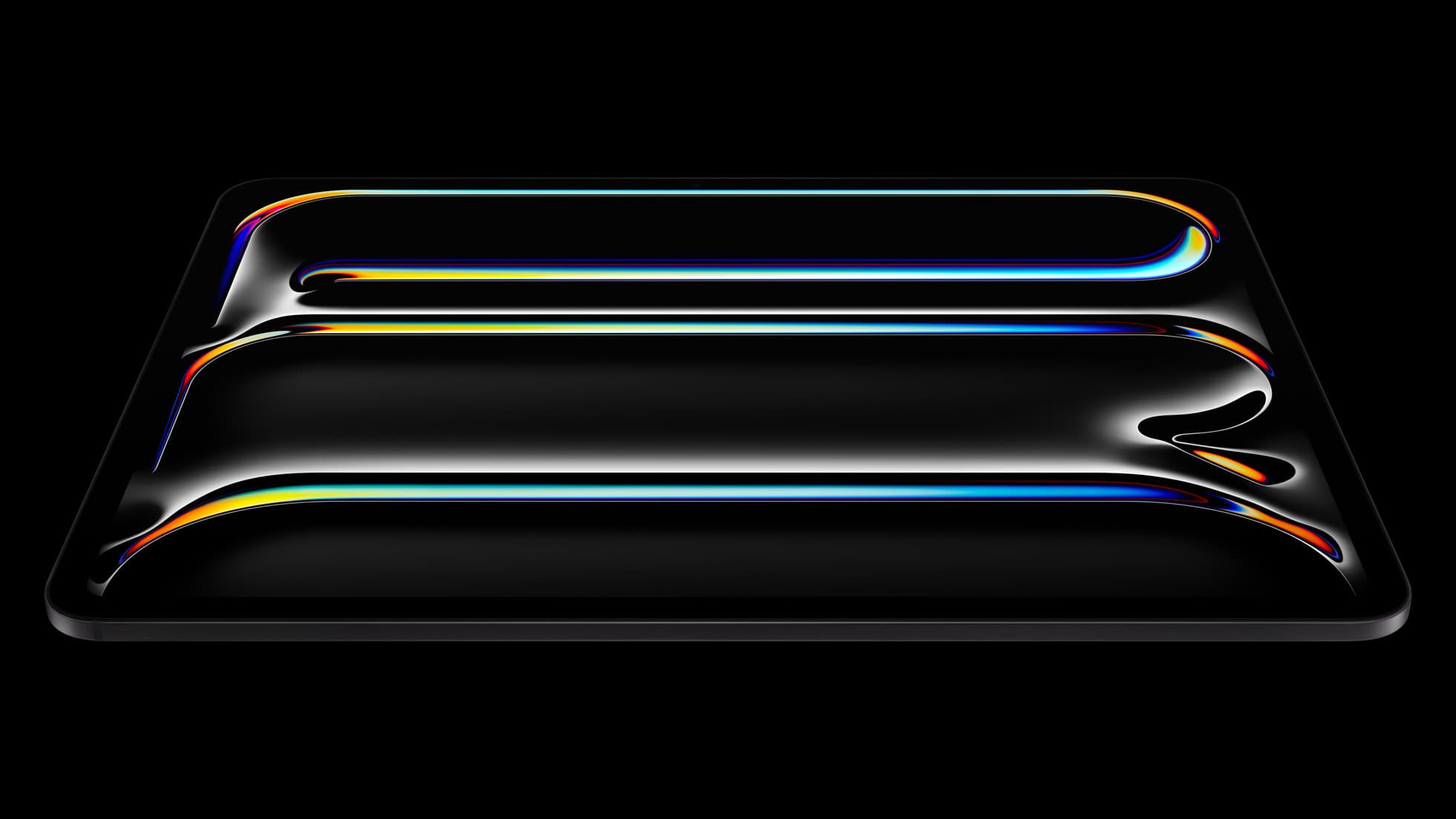
iPad Pro (M5)
iPad Pro (M5) review
4.7
The best iPad for drawing feel and premium workflow comfort, but many buyers still overpay for it.
22 articles
Top-rated picks from articles in this tag.
iPad Pro (M5)
The best iPad for drawing feel and premium workflow comfort, but many buyers still overpay for it.
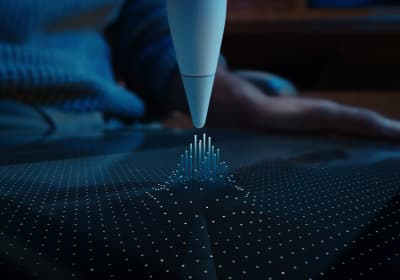
Apple Pencil Pro
The best Apple stylus for serious digital art workflows. Expensive, but the control upgrades are real.
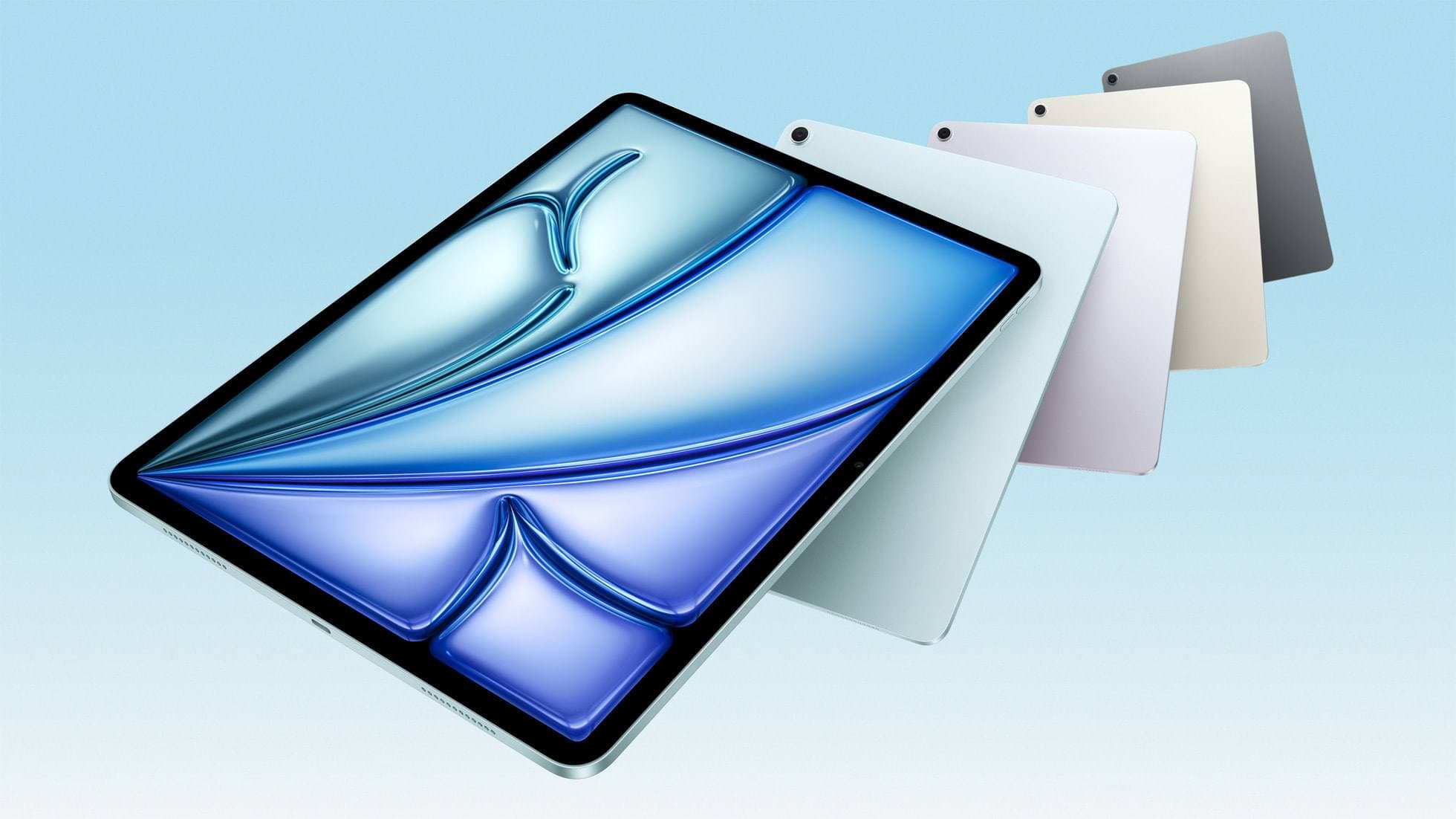
iPad Air (M4)
The clean current Air recommendation for most serious hobby artists. Stronger buy logic than old-stock M3 when pricing is close.
iPad
Sep 4, 2026 6 min read
Compare iPad Air, iPad Pro, and iPad mini options to find the right drawing tablet and Apple Pencil pairing for tattoo stencils and studio design.
ipad buying guide
Sep 4, 2026 6 min read
Choose the iPad Air (M4) for balanced drawing tool support, pick the iPad Pro (M5) for the top display, or use the base iPad (A16) to keep total setup costs down.
Apple Pencil
Sep 4, 2026 6 min read
Diagnose missing pressure sensitivity in Procreate by checking Apple Pencil hardware support, Procreate pressure curves, and stylus pairing.
Apple Pencil
Sep 4, 2026 6 min read
The Apple Pencil (USB-C) functions in Procreate, but the lack of pressure sensitivity makes it a poor fit for expressive brushwork.
ipad storage
Sep 4, 2026 6 min read
A 64GB iPad can run Procreate and Cricut Design Space if you archive files, but buying a new tablet with at least 128GB is the better choice.
iPad
Sep 4, 2026 5 min read
An 11-inch iPad provides ample space for sketching, inking, and paneling comic pages when paired with the right Apple Pencil and app workflow.
iPad
Sep 4, 2026 6 min read
Compare operating system support, Apple Pencil illustration workflows, and file uploads to decide whether an iPad or a laptop fits your Cricut cutting setup.
iPad
Sep 4, 2026 6 min read
Procreate paired with an Apple Pencil Pro and iPad Air M4 gives tattoo artists the best balance of layer headroom, precision tools, and hardware value.