Keep your 64GB iPad if you already own it and maintain a strict habit of offloading finished projects to cloud or external drives. If you are shopping for a new tablet today, skip 64GB configurations entirely and buy an iPad with at least 128GB of internal storage, such as the iPad (A16) or iPad Air (M4) [1]. Cricut Design Space requires a compatible iPadOS version to operate [6], while Procreate relies on local drive capacity to store high-resolution canvas files, custom brushes, and project assets [4], [5]. Because system software consumes a fixed portion of local capacity, a 64GB drive leaves very little room for long-term crafting workflows [1].
How Procreate and Cricut Design Space consume local storage
Understanding your storage demands begins with how each application handles project files on iPadOS. Cricut Design Space is primarily a staging tool for cutting, scoring, and print-then-cut jobs [6]. The application allows users to upload outside image assets, including PNG, JPG, SVG, DXF, GIF, and BMP files [7]. While the uploaded vector and raster images themselves may only measure a few megabytes each, Design Space caches assets locally to display your canvas and prepare cutting paths [6], [7]. Over months of making decals, shirts, and paper crafts, cached project data quietly accumulates on your drive.
Procreate creates a substantially heavier footprint on local storage than Cricut Design Space does [4], [5]. As an iPad-exclusive illustration app available through the App Store, Procreate stores all native canvas files inside its own app sandbox on the device [4], [5]. High-resolution artwork built with dozens of layers can generate files ranging from several dozen megabytes to multiple gigabytes per piece [4]. Procreate also records time-lapse replays of your drawing strokes by default, which further increases the final size of each project saved directly to local storage [5].
Beyond application documents, iPadOS and system data occupy a persistent share of your drive that cannot be deleted [1]. On a 64GB tablet, the operating system and essential cached files often consume between 12GB and 20GB before you install a single third-party app [1]. When you subtract system overhead, your usable capacity is closer to 45GB. If you keep personal photos, music, streaming video downloads, and general productivity apps on the same machine, that pool shrinks further, leaving little margin for uncompressed Procreate files [1], [5].
When to keep an existing 64GB iPad for crafting
If you already own a 64GB iPad, you do not need to replace your hardware immediately just to make stickers or cut vinyl [1], [6]. Cricut Design Space installs on supported iPadOS releases and performs its core functions of positioning shapes, editing text, and sending cut jobs over Bluetooth or cable connections [6]. As long as your iPad meets the published operating system requirements from Cricut, the software will open and function normally regardless of total drive capacity [6].
Keeping a 64GB iPad functional for digital art requires disciplined file management [1], [4]. You can draw your designs in Procreate, export the clean artwork as a flat PNG or vector-ready SVG, and import that image into Cricut Design Space for your physical cuts [5], [7]. Once a cut project is completed and verified, you should export the native Procreate file to an external solid-state drive or cloud backup, then delete the working canvas from your device [1], [5]. Crafters who treat their 64GB tablet strictly as an active workstation rather than a permanent archive can produce work without running out of room.
Keep in mind that internal storage capacity does not alter how many layers you can draw on a single canvas [4]. Procreate determines layer limits based on the amount of device RAM rather than total flash storage [4]. An older 64GB entry-level iPad has a specific ceiling on canvas layers dictated by its processor and memory pool, meaning low storage will not artificially restrict your layers, but low available drive space will stop you from creating new canvases entirely [1], [4].
When to skip 64GB and choose a current iPad model
Anyone purchasing a tablet should skip 64GB configurations completely [1]. Modern creative workflows involve larger files, frequent software updates, and multi-app multitasking. Upgrading to a base configuration of 128GB or 256GB removes the constant need to delete older artwork just to install the latest iPadOS update [1], [6].
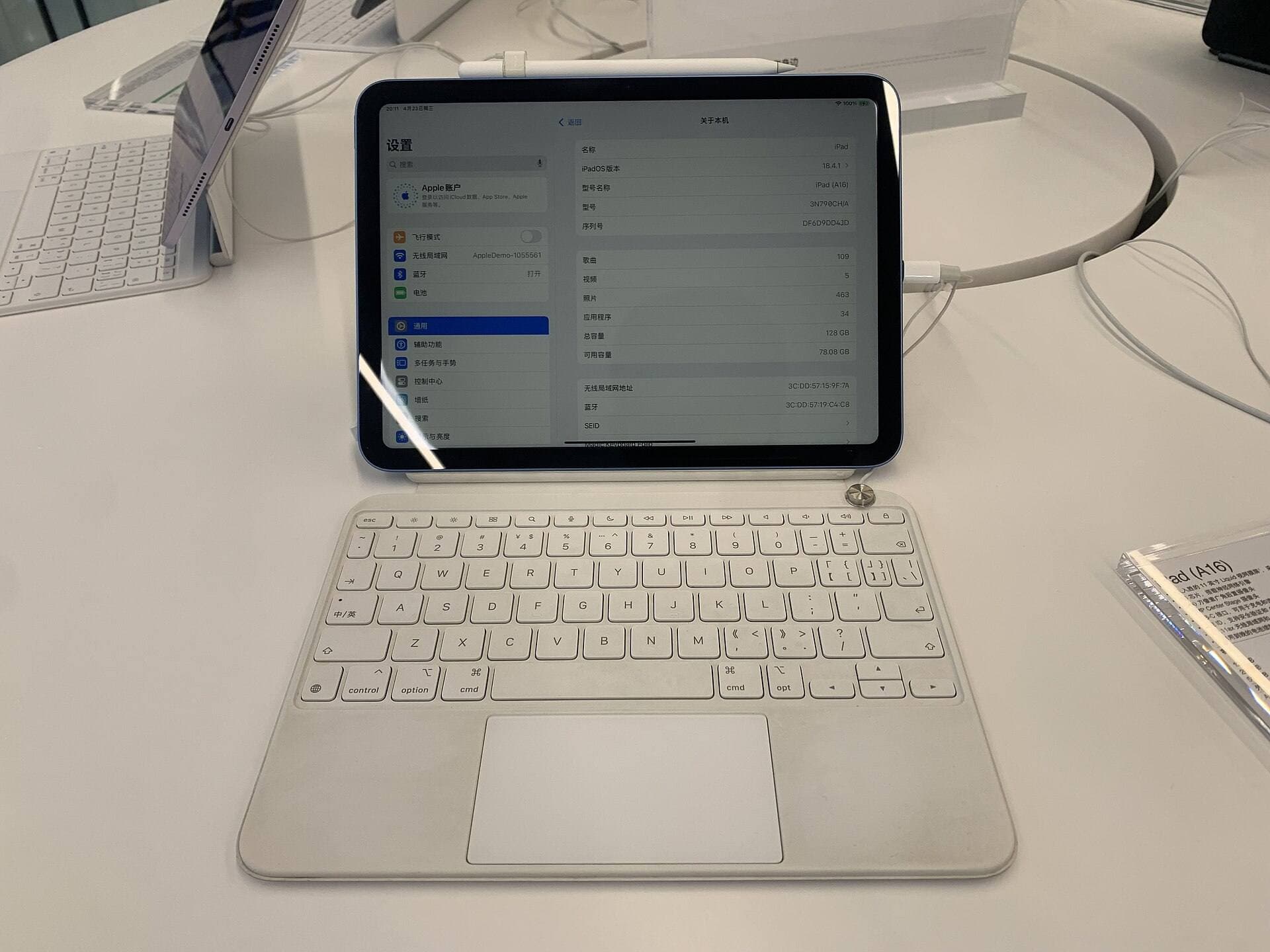
For buyers prioritizing affordability, the iPad (A16) represents the most direct replacement for older 64GB baseline tablets [1]. It provides a modern chip, updated iPadOS support, and reliable compatibility with the Cricut Design Space ecosystem [1], [6]. The iPad (A16) gives budget-focused makers a solid canvas for drafting cut files and managing cutting machine layouts without paying for higher-tier hardware they might not use [1]. If your primary activities are drawing line art, designing stickers, and operating a Cricut machine, this model handles those requirements cleanly [1], [5], [6].
For creators who want expanded hardware capabilities, the iPad Air (M4) is the ideal step-up option [1]. The M4 Air provides substantial processing headroom and pairs with advanced accessories that enhance the drawing experience [1], [2], [3]. If you produce intricate hand-drawn artwork, work with larger canvas dimensions, or want access to modern stylus interactions, the iPad Air (M4) delivers a much higher functional ceiling than a base iPad [1], [2], [4].
Apple Pencil pairing and stylus considerations for makers
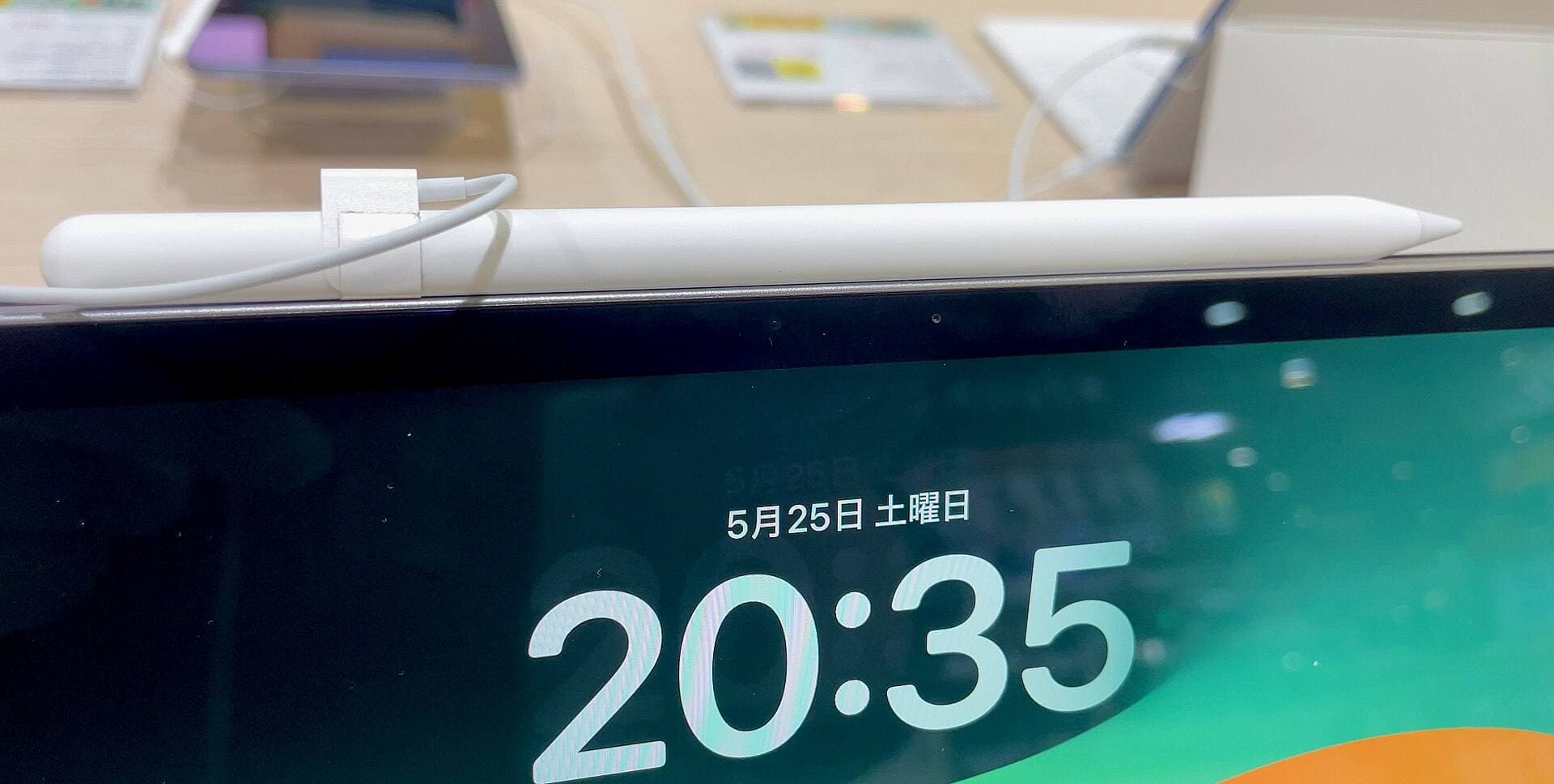
Choosing the right iPad also dictates which Apple Pencil model you can use for hand-lettering and illustration [1], [3]. Apple designs its stylus lineup with specific hardware pairings across different tablet generations [3]. Verifying which stylus matches your target iPad is an essential step before checking out [1], [3].
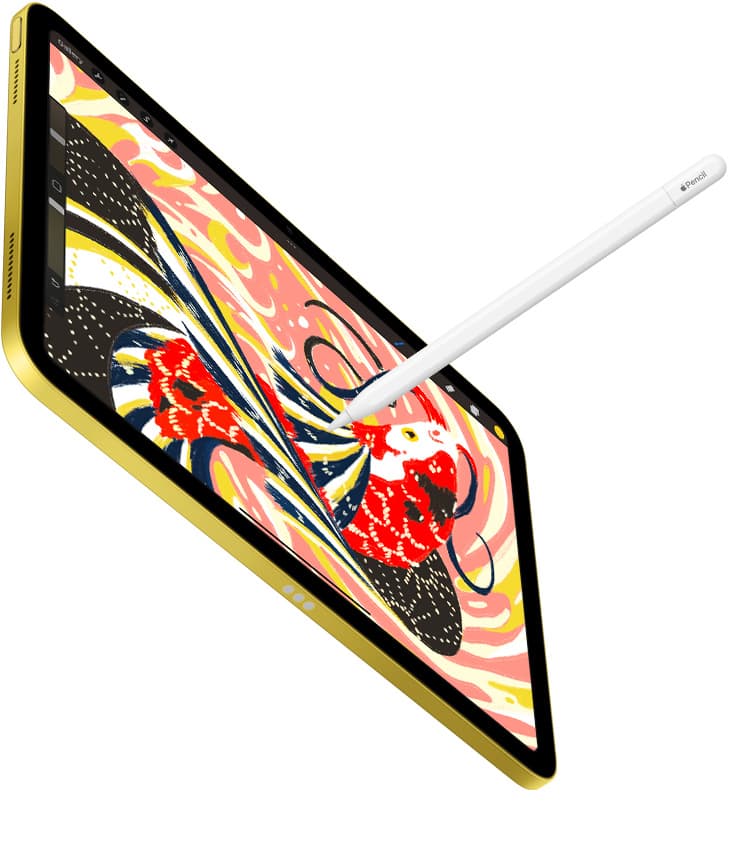
If you choose the iPad Air (M4), you unlock compatibility with the Apple Pencil Pro [1], [3]. The Apple Pencil Pro includes features designed specifically for detailed digital drawing, including pressure sensitivity, tilt detection, low-latency tracking, and magnetic pairing and charging [2]. It also introduces a squeeze gesture to bring up tool palettes, a built-in gyroscope for barrel roll brush orientation, haptic feedback confirmations, and Apple Pencil hover [2]. For lettering artists and illustrators building layered cut files in Procreate, barrel roll and squeeze provide precise physical control over dynamic brushes [2], [5].
If you choose the iPad (A16), stylus support is centered on entry-level options that pair with that hardware [1], [3]. While basic styluses deliver reliable line work and clean shape tracing for Cricut projects, they do not include the advanced tool switching, haptics, or barrel roll found on the Apple Pencil Pro [2], [3]. Makers whose work consists mostly of assembling typography, placing basic geometric elements, and adjusting cut boundaries in Cricut Design Space will find standard stylus inputs adequate [6], [7]. Artists who spend hours drawing original illustrations in Procreate will benefit more from stepping up to an iPad Air (M4) and an Apple Pencil Pro [1], [2], [5].
Bottom line
A 64GB iPad is sufficient to run Procreate and Cricut Design Space only if you already own the tablet and commit to offloading finished canvases on a weekly basis [1], [5], [6]. Because system software and media files consume a noticeable portion of that space, you will constantly monitor remaining gigabytes to avoid storage errors [1].
Do not buy a 64GB tablet if you are purchasing hardware today [1]. Skip discontinued or older 64GB models and select a tablet with at least 128GB of internal storage [1]. Buy the iPad (A16) if you want the best balance of price and usability for crafting, or invest in the iPad Air (M4) alongside the Apple Pencil Pro if your work centers on complex illustration and advanced brush control [1], [2], [3].
Sources
[1] https://www.apple.com/ipad/compare/ [2] https://www.apple.com/apple-pencil/ [3] https://support.apple.com/en-us/108937 [4] https://help.procreate.com/articles/zlexav-ipad-compatibility [5] https://apps.apple.com/us/app/procreate/id425073498 [6] https://help.cricut.com/hc/en-us/articles/360009556033-System-Requirements-Design-Space [7] https://help.cricut.com/hc/en-us/articles/360009556313-How-to-upload-images-into-Design-Space
Recommended gear
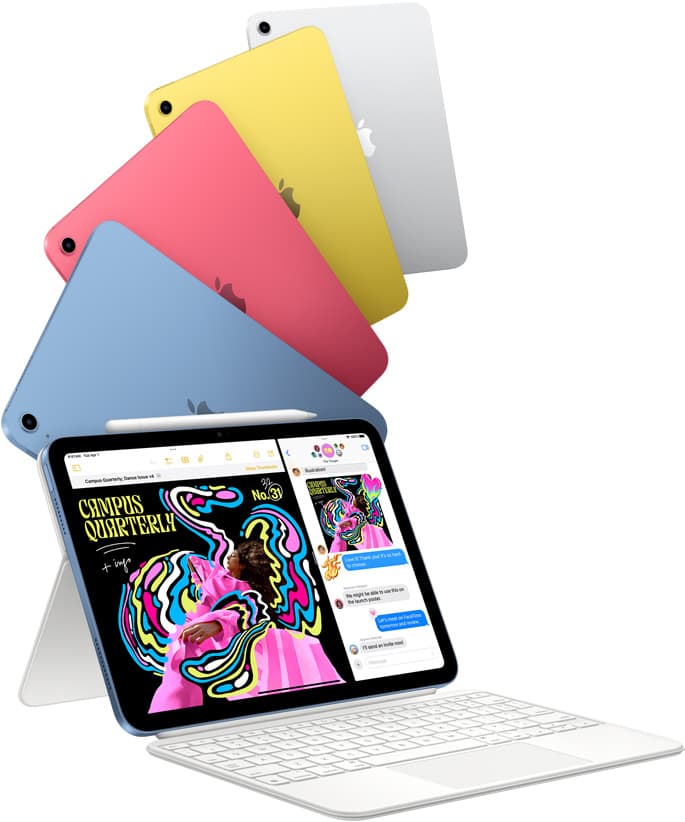
iPad (A16, 11th gen)
amazon.comThe best entry iPad for most artists on a budget. It is not premium, but it is very hard to beat on value.
Pro: Best value iPad right now
Con: No ProMotion display
Search opens with the exact model keywords. Verify size and storage before checkout.
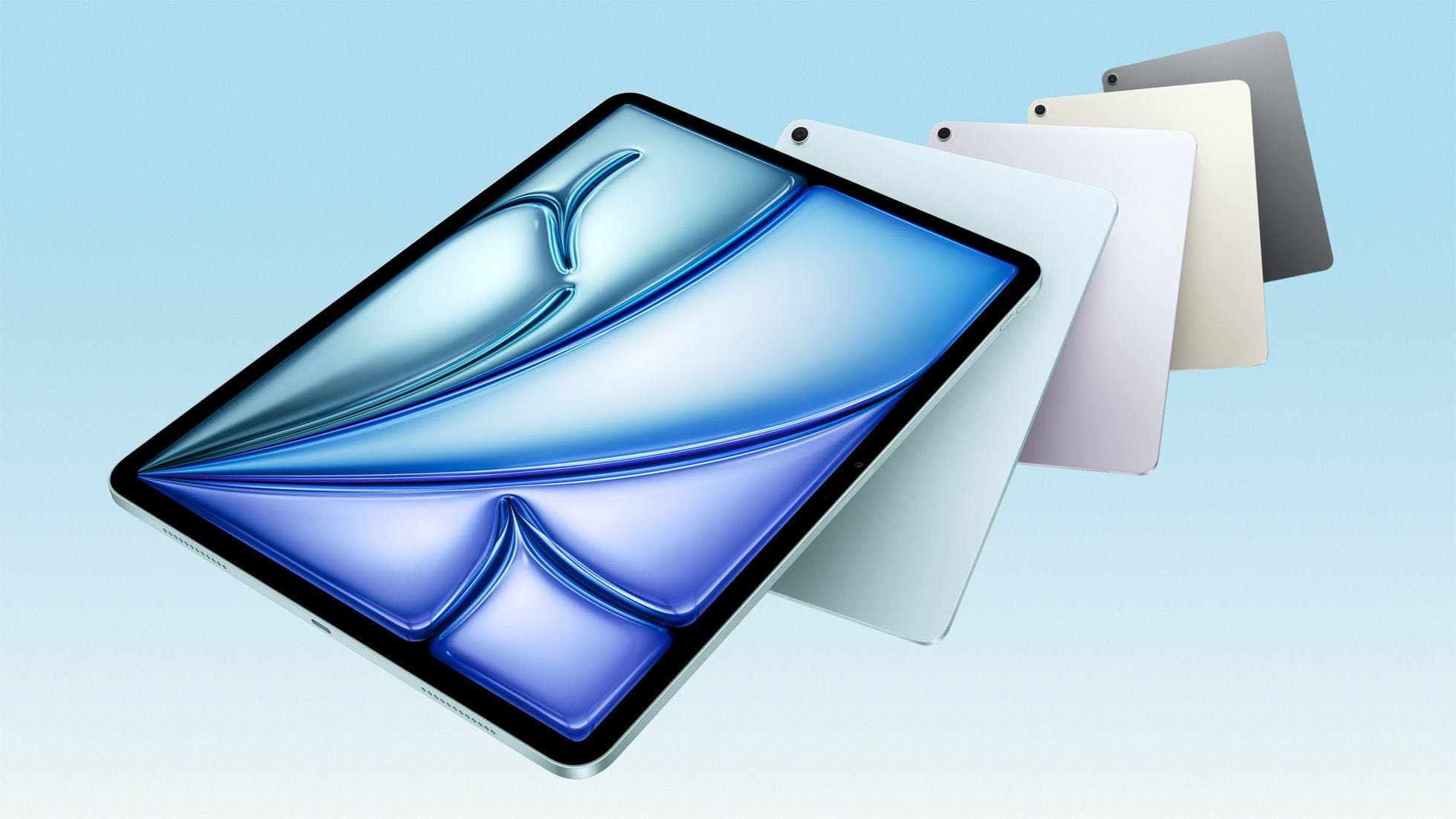
iPad Air (M4)
apple.comThe clean current Air recommendation for most serious hobby artists. Stronger buy logic than old-stock M3 when pricing is close.
Pro: Best current balance of price, headroom, and Pencil support
Con: Still 60Hz
Current Air lineup. Choose size, storage, and keyboard path before checkout.
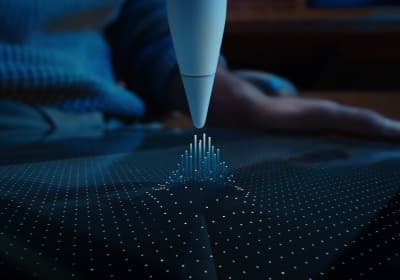
Apple Pencil Pro
amazon.comThe best Apple stylus for serious digital art workflows. Expensive, but the control upgrades are real.
Pro: Best brush-control and hover workflow
Con: Highest price in the lineup
Works only with newer iPad models. Check compatibility.
Procreate
apps.apple.comPro: One-time purchase
Con: iPad-only
Related buying picks
More in this collectionBuyer guide
Best iPad for photo editing and drawing
Choose the iPad Air (M4) for balanced drawing tool support, pick the iPad Pro (M5) for the top display, or use the base iPad (A16) to keep total setup costs down.
Buyer guide
Best tablet for tattoo design: Choosing the right iPad for stencils and flash
Compare iPad Air, iPad Pro, and iPad mini options to find the right drawing tablet and Apple Pencil pairing for tattoo stencils and studio design.
Buyer guide
Is an 11-inch iPad enough for comic art?
An 11-inch iPad provides ample space for sketching, inking, and paneling comic pages when paired with the right Apple Pencil and app workflow.
Comparison
iPad vs laptop for Cricut: how to choose your cutting setup
Compare operating system support, Apple Pencil illustration workflows, and file uploads to decide whether an iPad or a laptop fits your Cricut cutting setup.