Yes, the iPad Air (M4) is easily enough for Nomad Sculpt and represents the most sensible buying option for mobile 3D sculptors. It pairs Apple's M4 processor with Apple Pencil Pro support, giving you modern stylus gestures without the top-tier cost of an iPad Pro [1], [2]. You should buy the iPad Air (M4) if you want a reliable 3D modeling tablet with full stylus shortcut input and multiple screen size options [1], [3]. Skip the Air only if you are on a tight budget where the entry iPad (A16) fits your wallet better, or if you insist on a ProMotion screen found on the iPad Pro (M5) [1].
Hardware specs that matter for 3D sculpting
Nomad Sculpt relies heavily on polygon counts, texture painting, and scene topology, all of which demand solid silicon and ample working memory. The iPad Air (M4) features Apple silicon that matches demanding tablet workloads across creative software [1]. When working across creative platforms, device memory directly limits how far you can push layer structures and document resolutions [4]. For 3D artists, that memory headroom dictates how dense your multiresolution meshes or voxel remeshes can become before the system throttles your working file.
Storage is another concrete specification you need to balance when picking an iPad Air for 3D assets. The iPad Air (M4) comes in tiered storage configurations, starting at base capacities and stretching up to larger drives [1]. Sculpting projects, high-resolution glTF or OBJ exports, and reference libraries accumulate quickly. Choosing adequate storage on the iPad Air avoids local storage crunches when you keep several active sculpting project files on the device [1].
The display on the iPad Air (M4) runs at a standard 60Hz refresh rate, unlike the higher refresh rates reserved for Apple's Pro lineup [1]. For sculpting with brushes and rotating 3D viewports, 60Hz is completely functional and responsive, though it lacks the fluid visual feel of a 120Hz ProMotion panel [1]. The screen is fully laminated with an antireflective coating, which keeps the visual plane close to the glass when you set your stylus down [1].
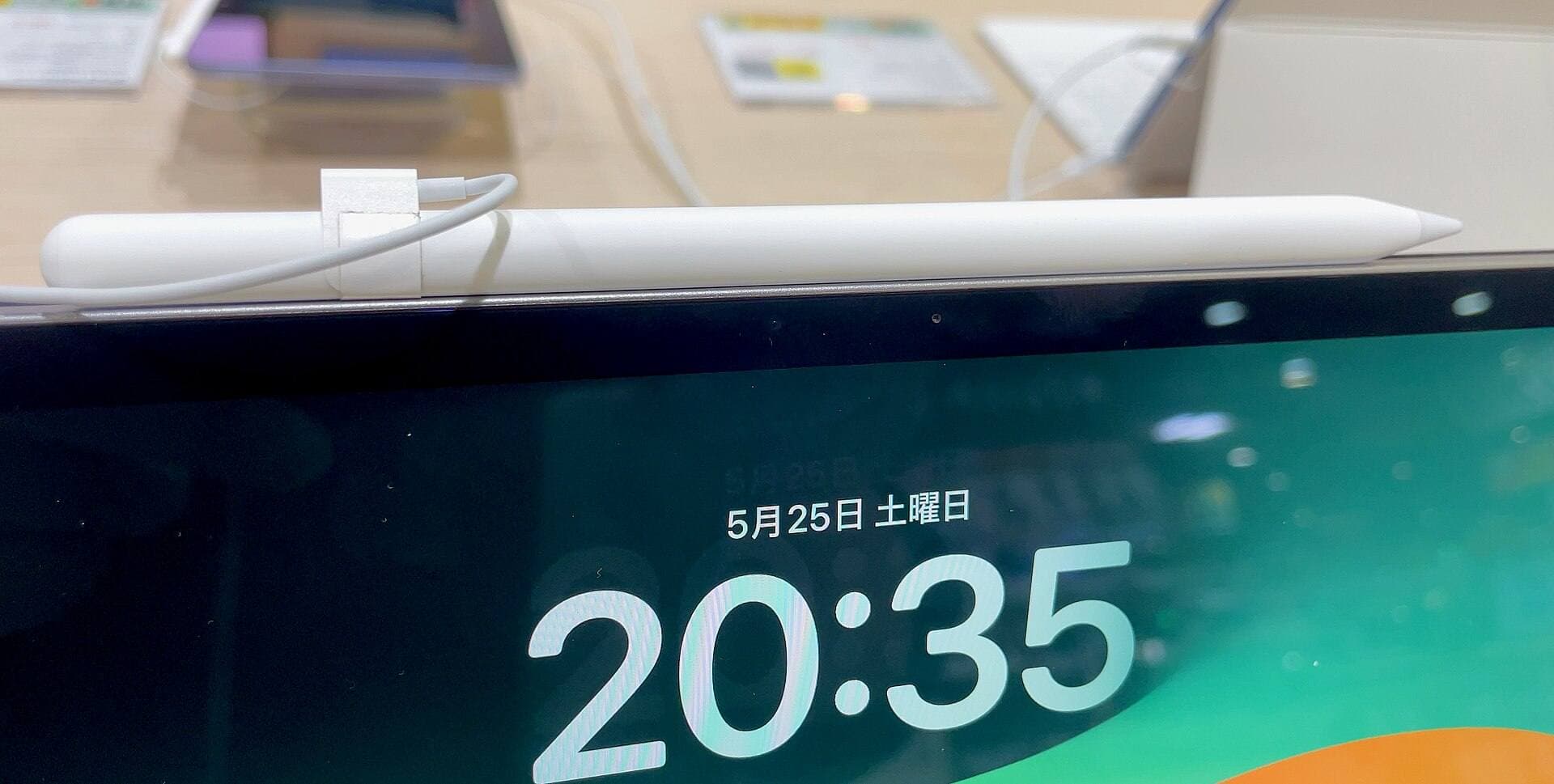
Apple Pencil Pro support on the iPad Air
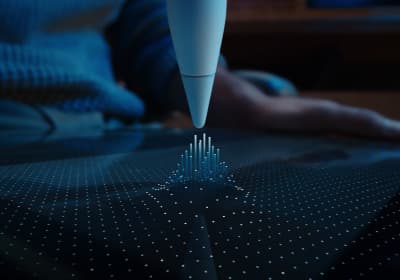
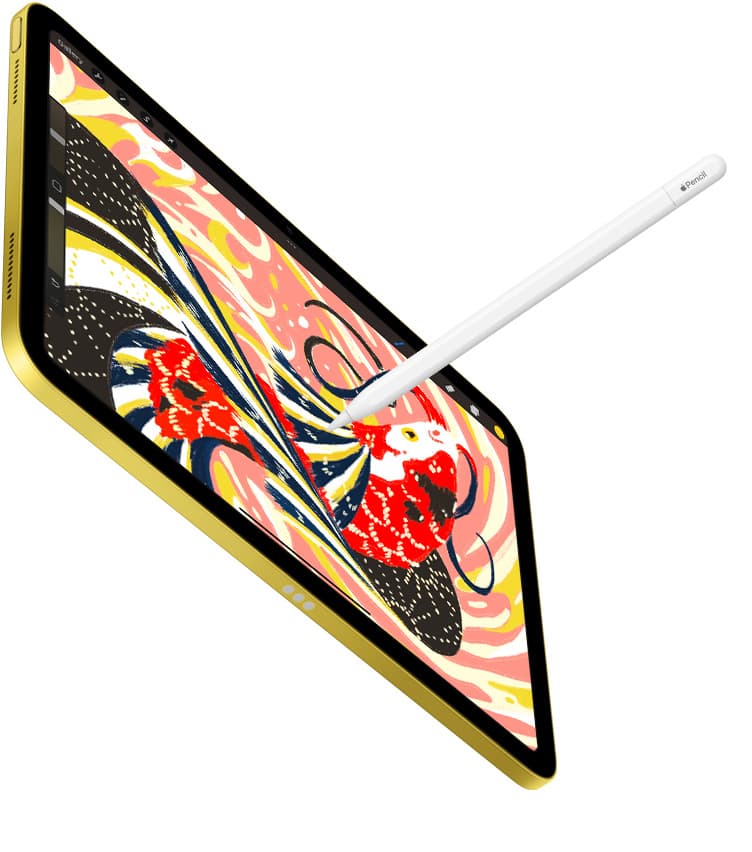
Stylus interaction is central to sculpting, and this is where the iPad Air (M4) pulls ahead of budget options. The iPad Air (M4) supports the Apple Pencil Pro alongside the Apple Pencil (USB-C) [1], [3]. The Apple Pencil Pro includes pressure sensitivity, tilt detection, Apple Pencil hover, haptic feedback, a squeeze sensor, and barrel roll [2]. In contrast, the entry-level Apple Pencil (USB-C) lacks pressure sensitivity entirely, which makes it a poor choice for sculpting brushes that rely on variable pressure [2].
The barrel roll feature uses a built-in gyroscope so that rotating the barrel changes the orientation of shaped brush tips [2]. In 3D sculpting, having brush orientation follow the physical roll of the stylus provides intuitive control over directional detailing like seams, wrinkles, and clay strips. The squeeze gesture detects finger compression on the lower barrel to trigger quick menus, tool palettes, or shortcuts without needing to tap on-screen interface buttons [2].
Apple Pencil hover is another critical tool for precision work on supported iPads [2]. Hover displays a cursor preview above the screen surface before the tip makes contact, showing brush size, falloff, or position directly over your mesh [2]. Combined with magnetic pairing and wireless charging along the side of the iPad Air (M4), the Apple Pencil Pro provides a seamless physical workflow that budget iPads cannot match [2], [3].
Comparing the iPad Air against the iPad Pro
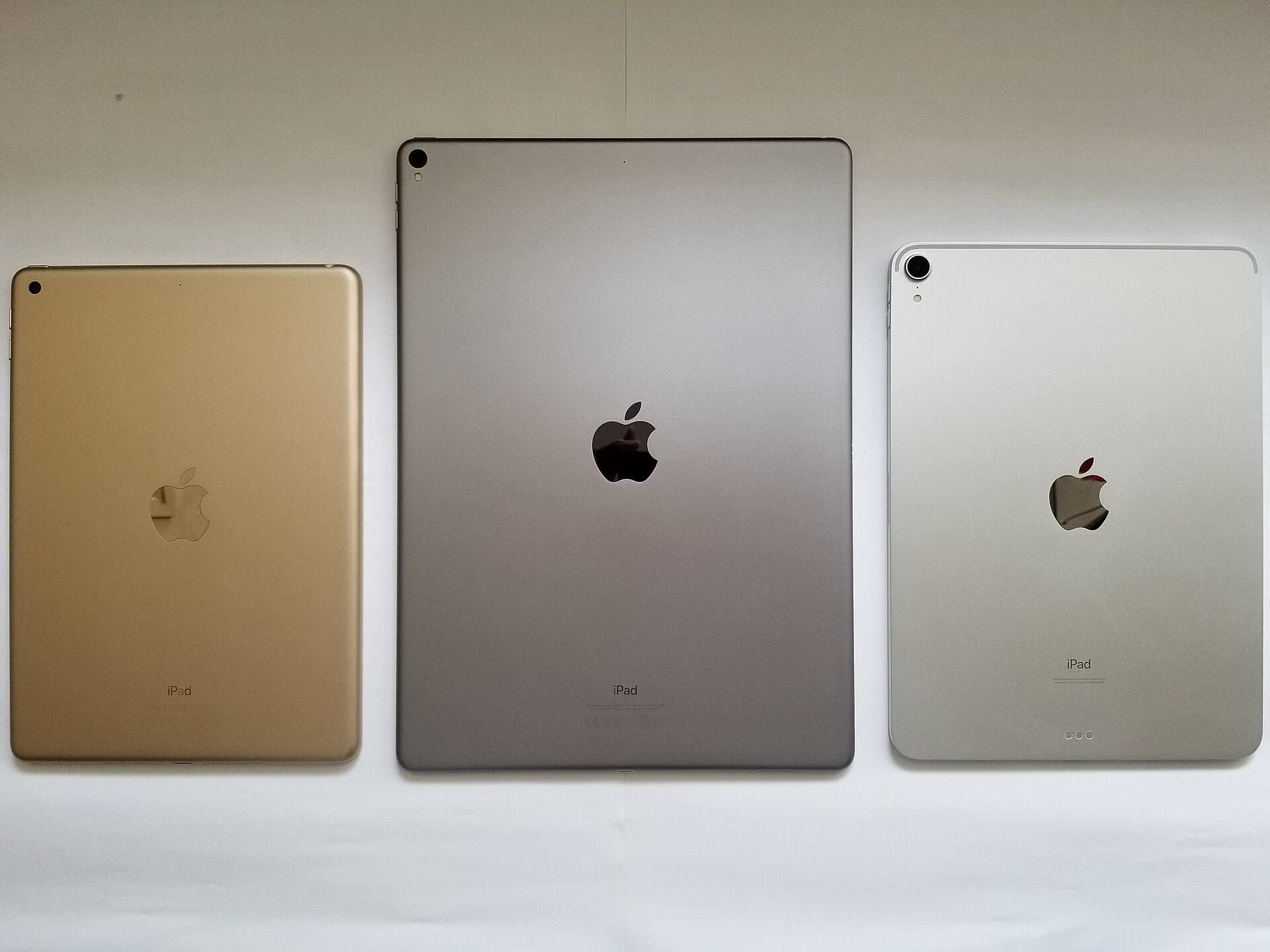
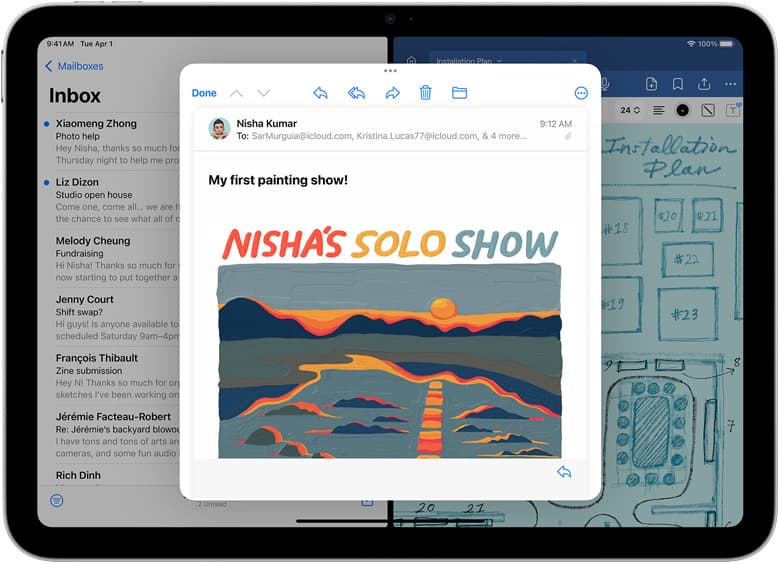
The primary alternative for artists considering the iPad Air (M4) is the iPad Pro (M5). The iPad Pro lineup features Apple's ProMotion technology, which delivers adaptive refresh rates up to 120Hz [1]. While ProMotion creates a smoother visual response when orbiting around a dense 3D model, it does not change the core sculpting toolset or brush behaviors available in Nomad Sculpt [1], [2].
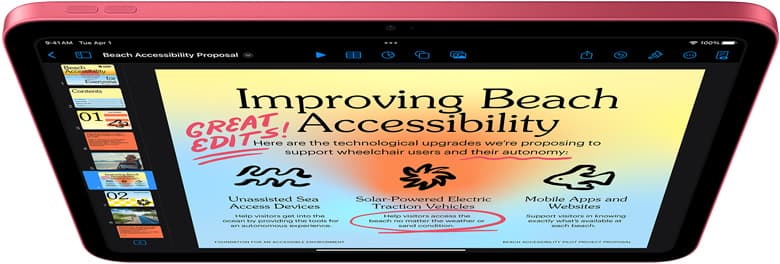
Display technology is the biggest physical separator between the two tiers. The iPad Pro (M5) uses an advanced tandem OLED display that achieves deeper contrast and higher peak brightness than the Liquid Retina screen on the iPad Air [1]. If your sculpting work requires high dynamic range color grading or outdoor brightness, the Pro panel has a distinct advantage [1]. For general polygon modeling, organic sculpting, and mesh export, however, the Liquid Retina display on the iPad Air (M4) remains sharp, accurate, and fully capable [1].
Deciding between the Air and Pro ultimately comes down to whether ProMotion and display prestige justify the steep price leap [1]. The iPad Air (M4) gives you the exact same Apple Pencil Pro capabilities as the Pro model, including barrel roll, squeeze, hover, and haptics [2], [3]. Unless you earn your living solely on mobile 3D rendering and need the best possible tablet display on the market, the iPad Air (M4) gives you everything you need for 3D sculpting at a far lower investment [1].
When the entry-level iPad or iPad mini makes more sense
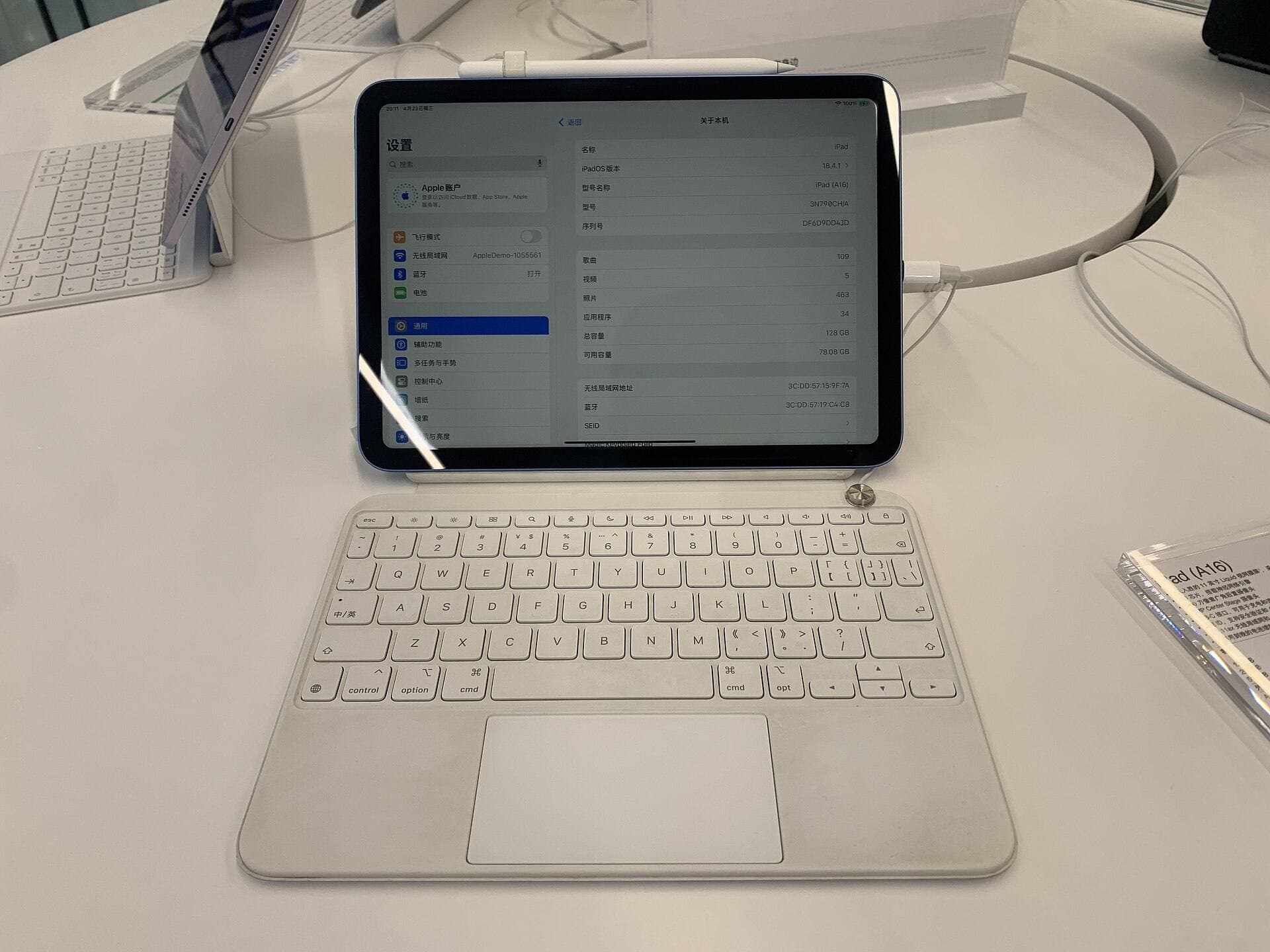
If the iPad Air sits above your intended budget, you might look toward the base iPad (A16). The 11th-generation iPad with the A16 chip handles basic digital art and everyday tablet computing at the lineup's lowest price point [1]. However, the iPad (A16) does not support the Apple Pencil Pro [3]. It pairs with the Apple Pencil (USB-C) or first-generation Pencil, leaving out barrel roll, squeeze, and hover gestures [2], [3]. If you want dedicated sculpting pressure and modern stylus gestures, skipping the base iPad in favor of the Air is worth the extra cost [1], [2].
The iPad mini (A17 Pro) presents another alternative for artists prioritizing extreme portability over canvas space [1]. The mini supports the Apple Pencil Pro, giving you the same advanced stylus gestures found on the iPad Air [2], [3]. However, the compact 8.3-inch display restricts your viewport area substantially, leaving little room for Nomad Sculpt's extensive interface menus, sub-toolbars, and layered scene trees [1]. While the mini works well as an ultra-portable digital sketchbook, the iPad Air's 11-inch or 13-inch displays provide a far better working canvas for complex 3D projects [1].
Memory and canvas constraints in creative iPad software consistently favor hardware with stronger silicon and larger base configurations [4]. Working on an entry iPad with an older chip or tighter memory limits will constrain how dense your geometry can be before the system limits your scene [1], [4]. For artists who want a serious, long-term mobile sculpting platform without Pro-tier costs, the iPad Air hits the sweet spot across Apple's entire tablet catalog [1].
Bottom line
The iPad Air (M4) is more than enough for Nomad Sculpt, offering high-end Apple silicon and full compatibility with the Apple Pencil Pro [1], [2]. You should buy the iPad Air (M4) if you want a powerful, full-featured 3D sculpting tablet with pressure sensitivity, squeeze menus, and barrel roll without paying for an iPad Pro [1], [2], [3]. You should only skip the Air if you demand the 120Hz ProMotion display on the iPad Pro (M5), or if a strict budget limits you to the entry iPad (A16) [1].
Sources
[1] https://www.apple.com/ipad/compare/ [2] https://www.apple.com/apple-pencil/ [3] https://support.apple.com/en-us/108937 [4] https://help.procreate.com/articles/zlexav-ipad-compatibility
Recommended gear
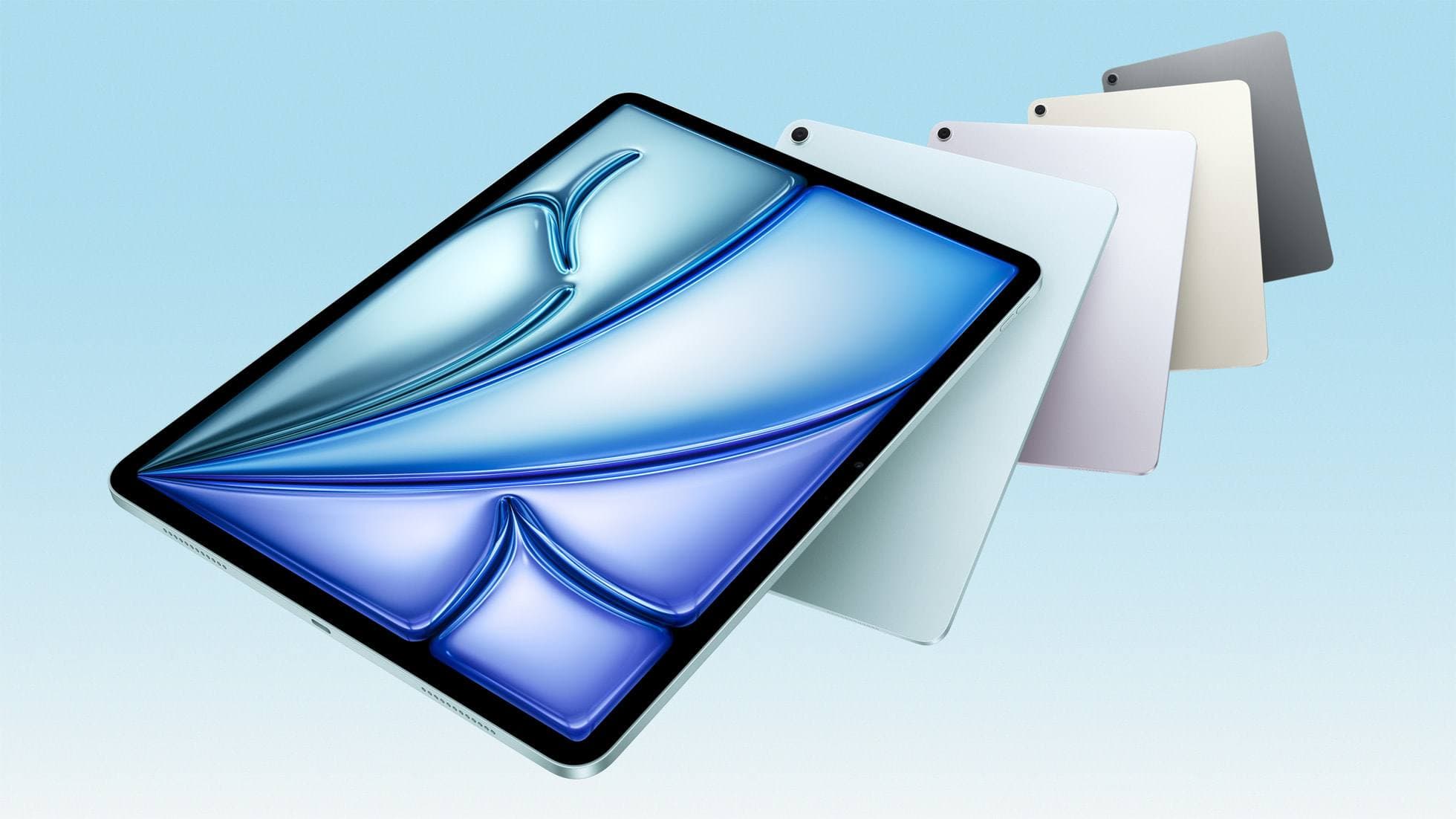
iPad Air (M4)
apple.comThe clean current Air recommendation for most serious hobby artists. Stronger buy logic than old-stock M3 when pricing is close.
Pro: Best current balance of price, headroom, and Pencil support
Con: Still 60Hz
Current Air lineup. Choose size, storage, and keyboard path before checkout.
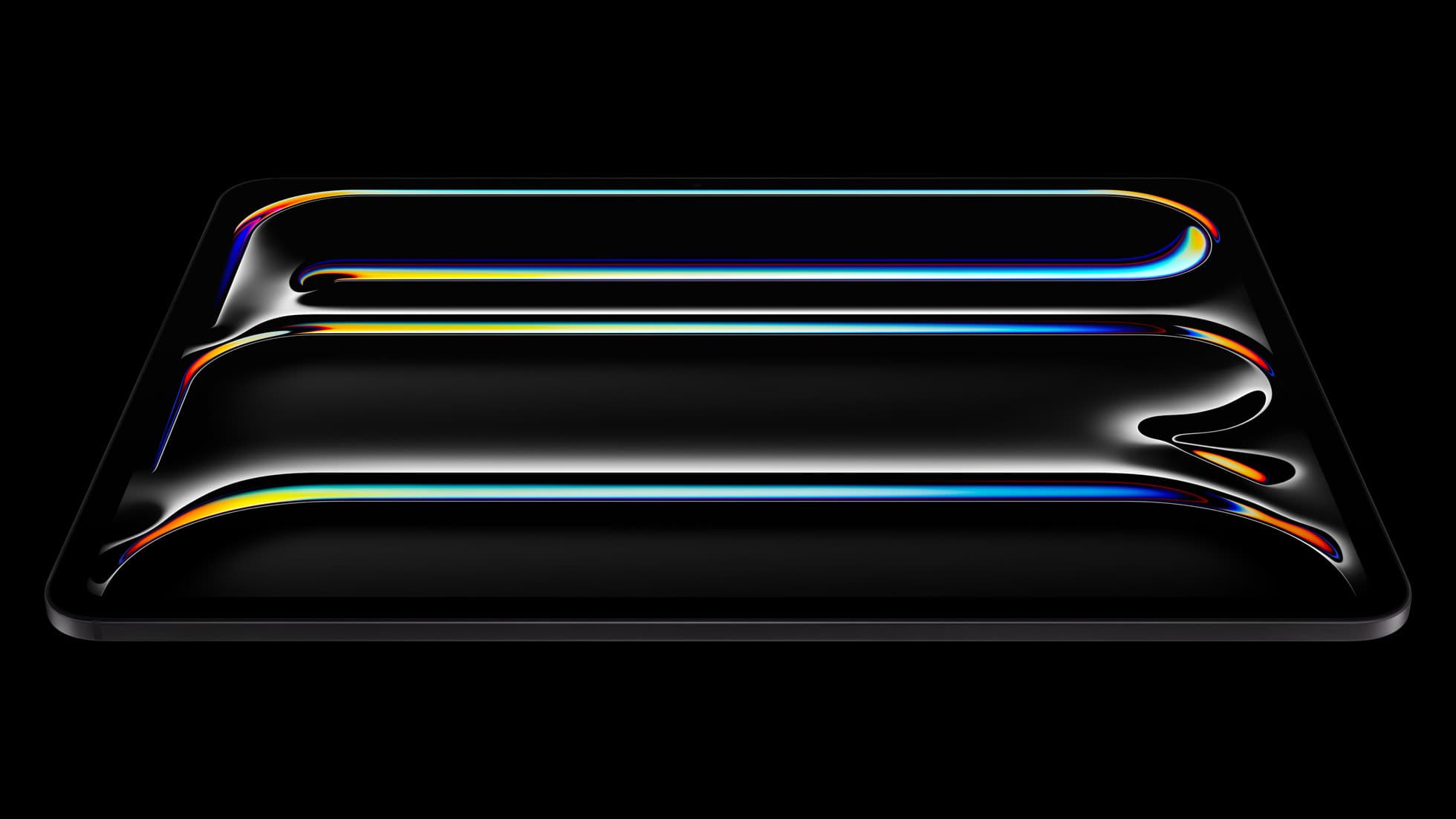
iPad Pro (M5)
amazon.comThe best iPad for drawing feel and premium workflow comfort, but many buyers still overpay for it.
Pro: Best iPad display and ProMotion feel
Con: Highest price in the lineup
Search opens with iPad Pro terms. Check year, chip, and screen size.
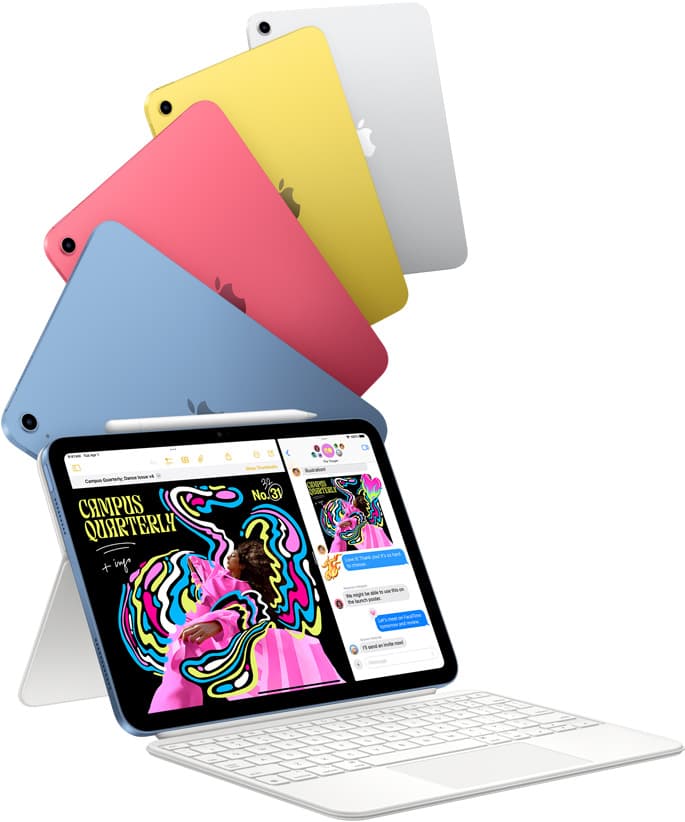
iPad (A16, 11th gen)
amazon.comThe best entry iPad for most artists on a budget. It is not premium, but it is very hard to beat on value.
Pro: Best value iPad right now
Con: No ProMotion display
Search opens with the exact model keywords. Verify size and storage before checkout.
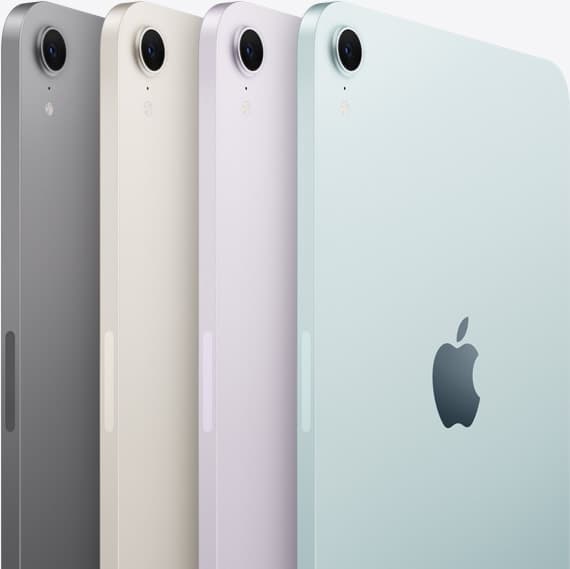
iPad mini (A17 Pro)
amazon.comThe most portable real iPad for drawing. It wins on mobility and loses on workspace.
Pro: Most portable drawing iPad
Con: Small canvas for detailed work
Search opens with iPad mini A17 Pro terms. Verify model number before buying.
Related buying picks
More in this collectionBuyer guide
Best drawing tablet for surface pattern design: iPad Air vs iPad Pro
Choose the iPad Air with Apple Pencil Pro for repeat pattern design, or step up to the iPad Pro if high-resolution layer limits dictate your production.
Buyer guide
Is iPad mini good for animation? Screen size and pencil limits
The iPad mini handles animation apps and Apple Pencil Pro, but its compact screen and layer headroom make it best for quick sketches rather than heavy production timelines.
Buyer guide
Is the iPad mini enough for digital planning?
The iPad mini works well for pocket planning on the go, but an iPad Air gives you the screen space and Apple Pencil Pro features needed for complex layouts.
Buyer guide
Best tablet for 3d sculpting: how to choose your iPad setup
Compare the best iPads for digital 3D sculpting based on Apple Pencil Pro features, screen hardware, and memory ceilings.