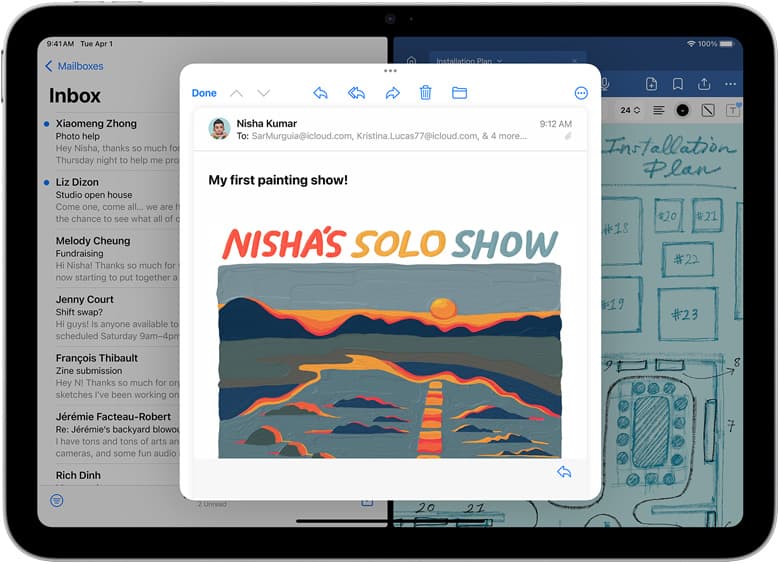
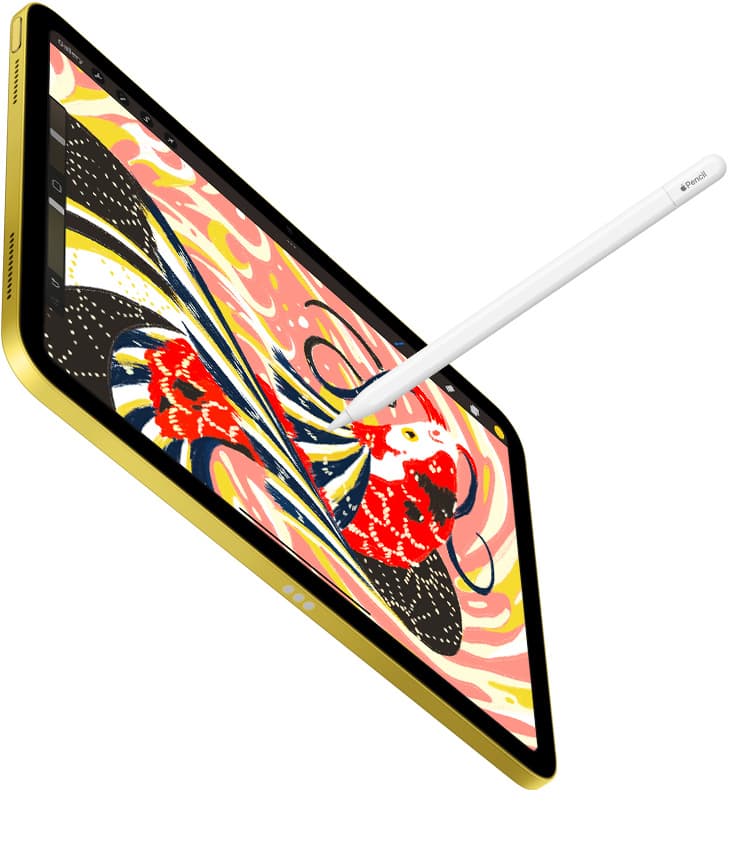
Yes, 256GB is enough for Clip Studio Paint for the vast majority of artists drawing on an iPad. If you are picking up an iPad Air with an M4 chip or an iPad Pro, choosing the 256GB tier gives you plenty of space for iPadOS system files, the app itself, downloaded brush assets, and dozens of multi-page comic files [1], [2]. You should buy the 256GB configuration if you work on single illustrations, webcomics, or standard animation clips and archive older projects [2], [3]. You should skip 256GB and jump to 512GB or higher only if you refuse to archive multi-layered production files or use the tablet as an unmanaged media vault [2], [3].
How Clip Studio Paint uses local iPad storage
Clip Studio Paint on iPadOS functions differently than lightweight sketching apps because it brings desktop-grade capabilities directly to mobile tablets [1], [3]. The application includes dedicated tools for vector linework, custom perspective rulers, frame borders, and multi-page project management [3]. While the base app package from the App Store occupies only a fraction of your local drive, active drawing data expands steadily as you build your library [1].
Every time you download community materials, 3D character models, pattern brushes, or screentones, that asset catalog lives directly inside your local application directory [1], [3]. In addition, multi-page manga or comic book documents compile individual layered pages into one unified management file [3]. A single 30-page print comic project with raster color and vector ink layers can easily climb into several gigabytes, which is why entry-level tablet capacities feel cramped so quickly [2], [3].
When 256GB is the right tier to choose
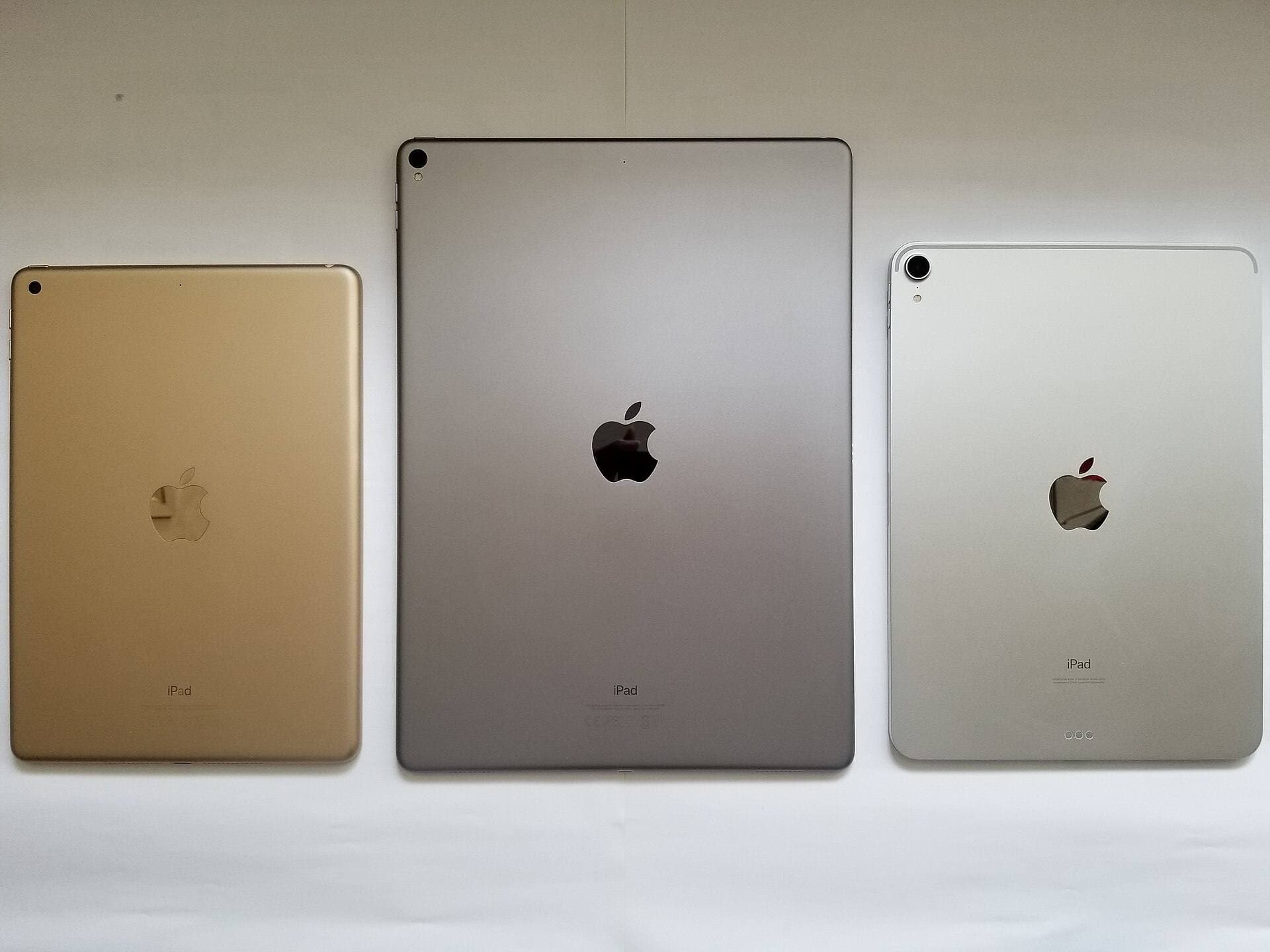
For most illustrators, 256GB sits directly in the sweet spot between restrictive entry storage and expensive higher tiers on models like the iPad Air [2]. When you choose an iPad Air with an M4 chip, 256GB provides generous headroom after iPadOS and system data claim their baseline space [2]. You won't have to delete your favorite asset catalogs or offload active drawing series just to keep drawing smoothly [1], [3].
Comic artists producing ongoing digital chapters will find 256GB easily accommodates multiple active volumes alongside their asset libraries [1], [3]. Because Clip Studio Paint natively supports multi-page files and animation timelines, working artists need room for temporary caches and undo histories that accumulate during drawing sessions [3]. A 256GB capacity allows you to store dozens of complete chapter books, thousands of custom brushes, and reference photos without running into device storage warnings [1], [2], [3].
Who should skip 256GB and buy larger storage
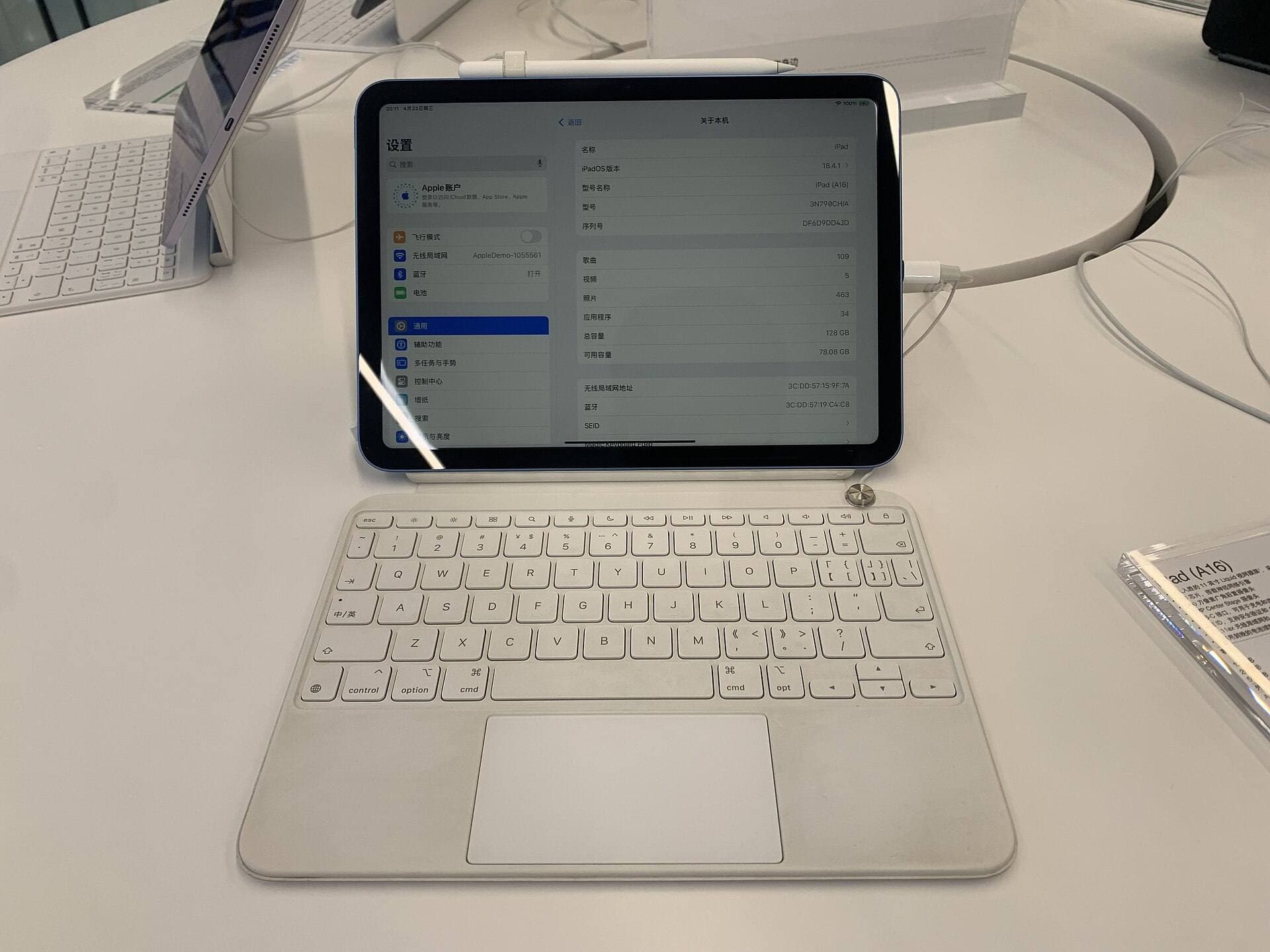
You should skip the 256GB tier and opt for 512GB or 1TB if you plan to use an iPad Pro as your sole production workstation without cloud or external drive offloading [2]. High-end iPad Pro models offer massive storage tiers for creators who manage massive animation sequences with full audio tracks and dozens of frames [2], [3]. If you work in continuous 2D animation inside Clip Studio Paint, those frame caches multiply storage demands far faster than static drawing ever will [3].
You should also skip 256GB if you share your iPad with heavy offline video libraries, large gaming installations, or massive video editing timelines [2]. Creative software does not live in isolation on iPadOS, and high-resolution screen recordings can eat away at the storage buffer that your drawing files need [1], [2]. If you refuse to move completed comic projects to an external drive or cloud storage periodically, 256GB will eventually fill up after several years of uninterrupted production [2], [3].
Comparing file habits with Procreate and desktop handoff
Clip Studio Paint differs noticeably from iPad-exclusive apps like Procreate when it comes to file structures and workflow handoffs [1], [4]. Procreate is an iPad-only application purchased with a one-time fee, tying layer caps to device memory and canvas dimensions [4], [5]. In contrast, Clip Studio Paint operates across iPad, macOS, and Windows with a subscription or update plan model, emphasizing direct cross-platform file exchange [1], [3].
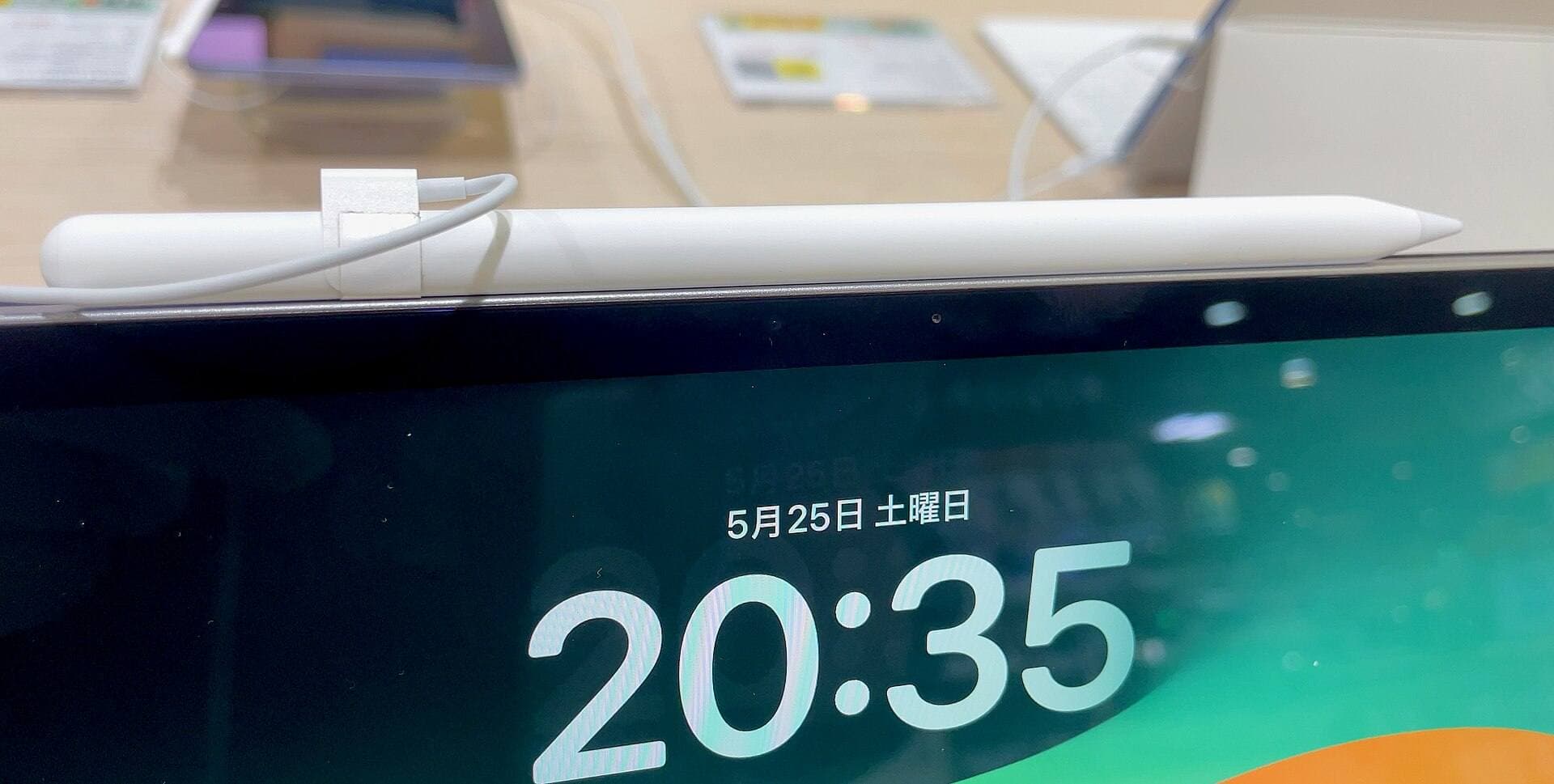
Because Clip Studio Paint saves projects in native formats that open directly in desktop editions, passing files between your iPad and a computer is simple [1], [3]. This desktop integration means you do not have to store every past illustration on your iPad indefinitely [3]. Artists who pair an iPad Air or iPad Pro with an Apple Pencil Pro gain access to precision gestures like squeeze and barrel roll while maintaining the flexibility to move finished comic files off the device at any time [2], [6].
Choosing the right iPad hardware for Clip Studio Paint
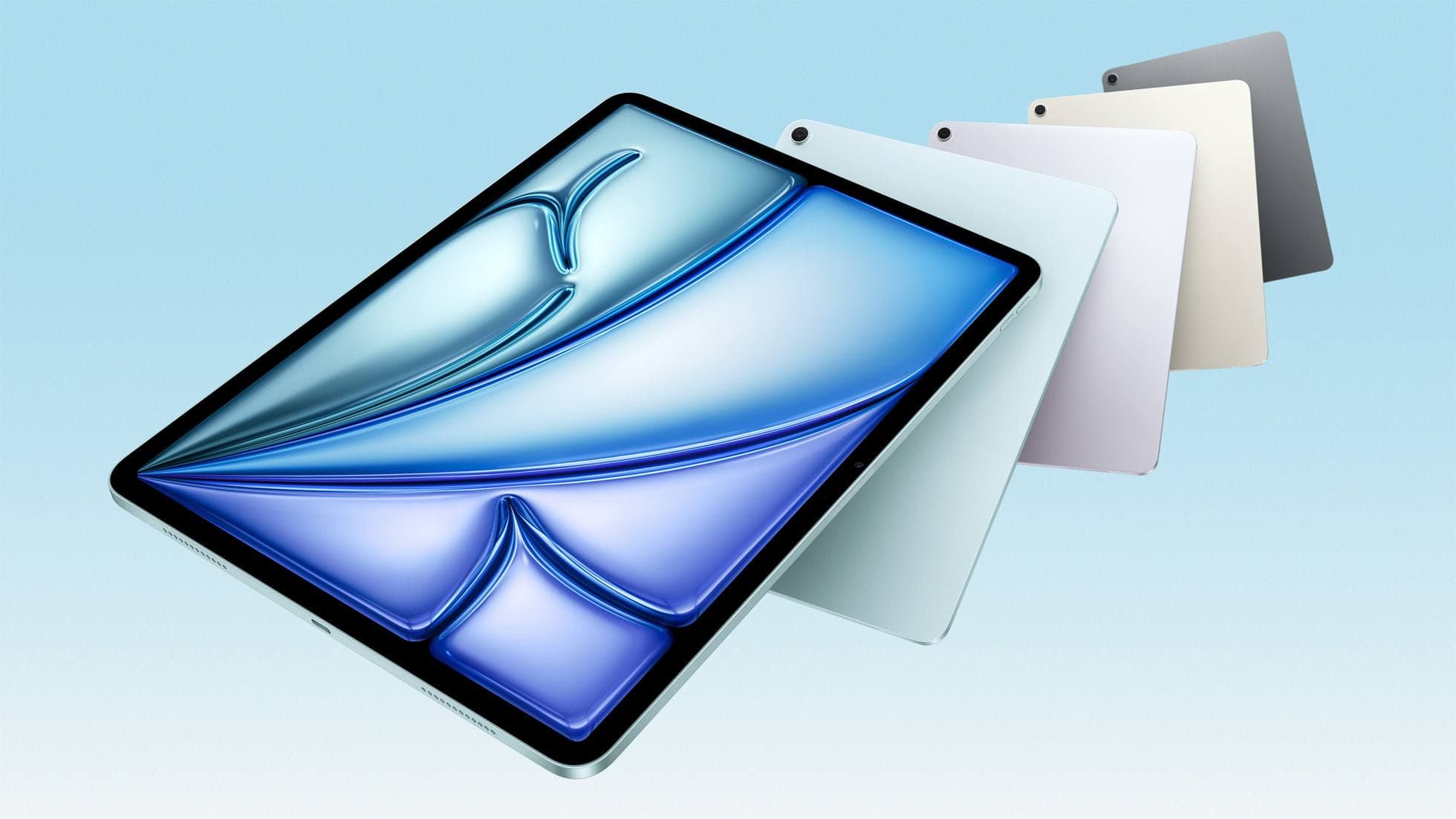
Storage capacity is only one piece of the purchasing equation when setting up your digital art workstation [2]. The iPad Air with the M4 chip represents the best balance of price, performance headroom, and Apple Pencil support for most digital artists [2], [6]. It supports the Apple Pencil Pro, so you get barrel roll and squeeze shortcuts for tool switching in compatible art apps without paying for the Pro [2], [6].
The iPad Pro with the M4 chip remains the premium alternative if you prioritize the ProMotion display and deeper contrast technologies [2]. While the iPad Air operates at a standard 60Hz refresh rate, the iPad Pro features Apple's top-tier display hardware [2]. However, if your budget only allows you to pick between upgrading the screen on a base storage model or stepping up to 256GB on the iPad Air, stepping up your storage on the iPad Air is often the more sensible choice for heavy Clip Studio Paint projects [2], [3].
Bottom line
A 256GB iPad is more than enough for Clip Studio Paint for most digital painters, webtoon creators, and sequential artists [1], [2], [3]. Buy the 256GB iPad Air with an M4 chip if you want the ideal balance of hardware support, Apple Pencil Pro compatibility, and plenty of space for brushes, assets, and comic books [2], [6]. Skip 256GB only if you animate full time or keep years of layered archival files on your tablet without backing them up to external storage [2], [3].
Sources
[1] https://apps.apple.com/us/app/clip-studio-paint/id1262985592 [2] https://www.apple.com/ipad/compare/ [3] https://www.clipstudio.net/en/ [4] https://apps.apple.com/us/app/procreate/id425073498 [5] https://help.procreate.com/articles/zlexav-ipad-compatibility [6] https://www.apple.com/apple-pencil/
Recommended gear
Clip Studio Paint
apps.apple.comPro: Deep comics, vector, ruler, and animation toolset
Con: iPad plan model is less simple than Procreate
iPad Air (M4)
apple.comThe clean current Air recommendation for most serious hobby artists. Stronger buy logic than old-stock M3 when pricing is close.
Pro: Best current balance of price, headroom, and Pencil support
Con: Still 60Hz
Current Air lineup. Choose size, storage, and keyboard path before checkout.
Procreate
apps.apple.comPro: One-time purchase
Con: iPad-only
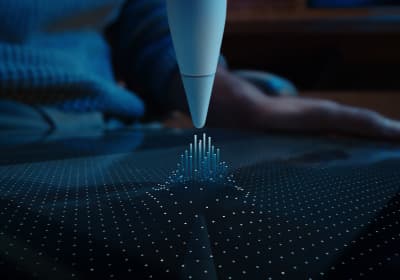
Apple Pencil Pro
amazon.comThe best Apple stylus for serious digital art workflows. Expensive, but the control upgrades are real.
Pro: Best brush-control and hover workflow
Con: Highest price in the lineup
Works only with newer iPad models. Check compatibility.
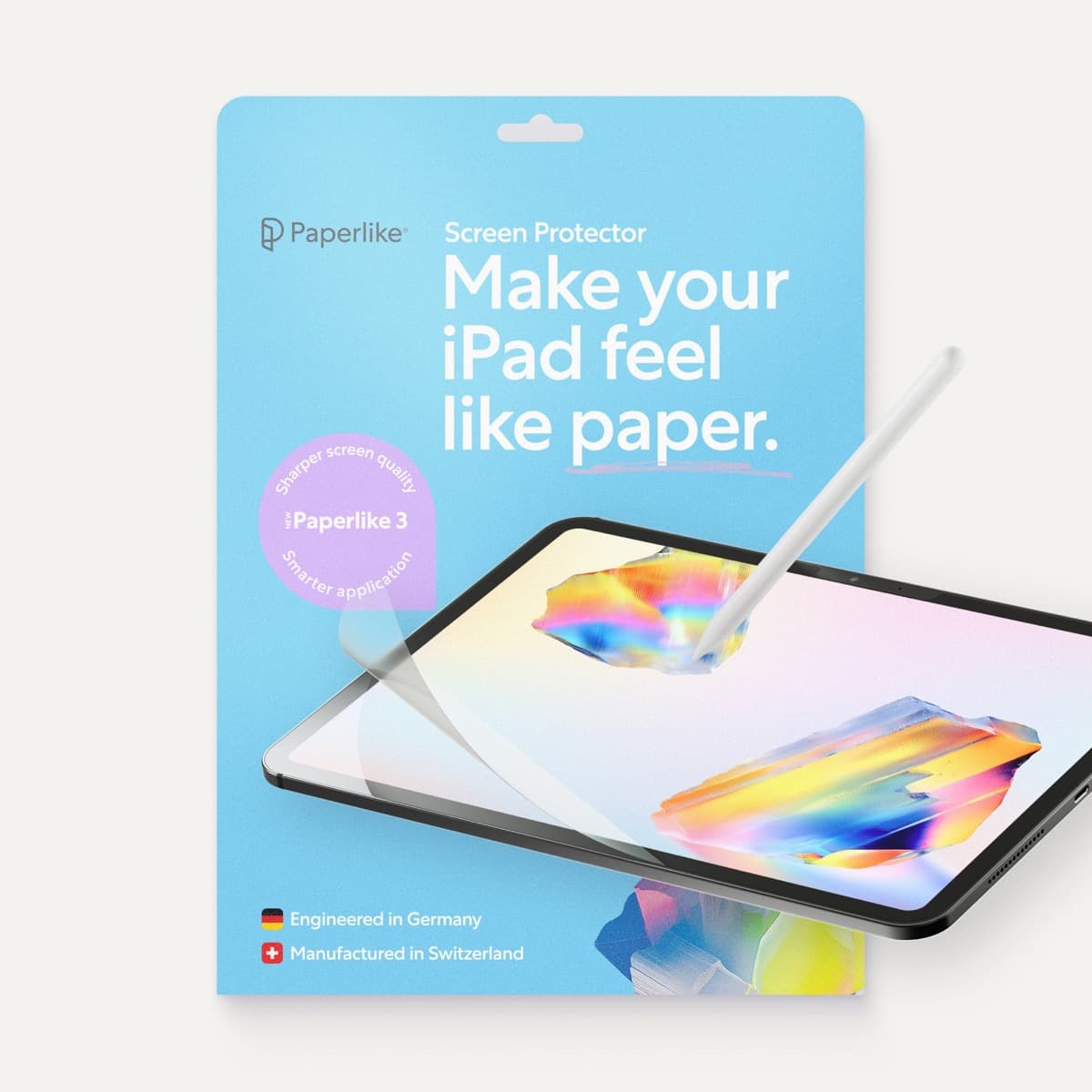
Paperlike 3 (11-inch, 2-pack)
amazon.comA strong surface-feel upgrade for drawing control. Clarity tradeoff is real and should be expected.
Pro: Adds controlled paper-feel friction
Con: Slightly reduces perceived display sharpness
11-inch fit only. Confirm generation before checkout.
Related buying picks
More in this collectionComparison
iPad vs Surface Pro for artists: Which drawing tablet fits your workflow?
Compare iPad and Surface Pro drawing setups to decide whether mobile touch illustration or full desktop software suits your art studio best.
Comparison
iPad vs Samsung tablet for drawing: which setup to choose
Choose an iPad if your art workflow relies on Procreate and Apple Pencil tools, and pick the iPad Air for the best balance of features.
Comparison
iPad vs pen display for illustration: how to choose your drawing setup
Compare standalone iPad mobility against tethered pen displays to pick the right digital drawing tool for your illustration workflow.
Comparison
iPad vs MacBook for digital art: Which setup should you buy?
Choose an iPad if direct stylus drawing matters most, or stick with a MacBook if your art pipeline demands desktop desktop file management and external tablet hardware.