

Buy the MOFT Float Folio for 11-inch iPad Air if you draw on a recent iPad Air and want a light case with a detachable holder you can see [1]. If you sketch on an entry-level iPad and want a keyboard with a built-in Pencil holder, choose the Logitech Slim Folio [3]. Pick the Tech21 FlexFolio when impact protection and a sketch position matter more than a physical holder, because Apple's listing says it keeps your Pencil close without explaining how [2].
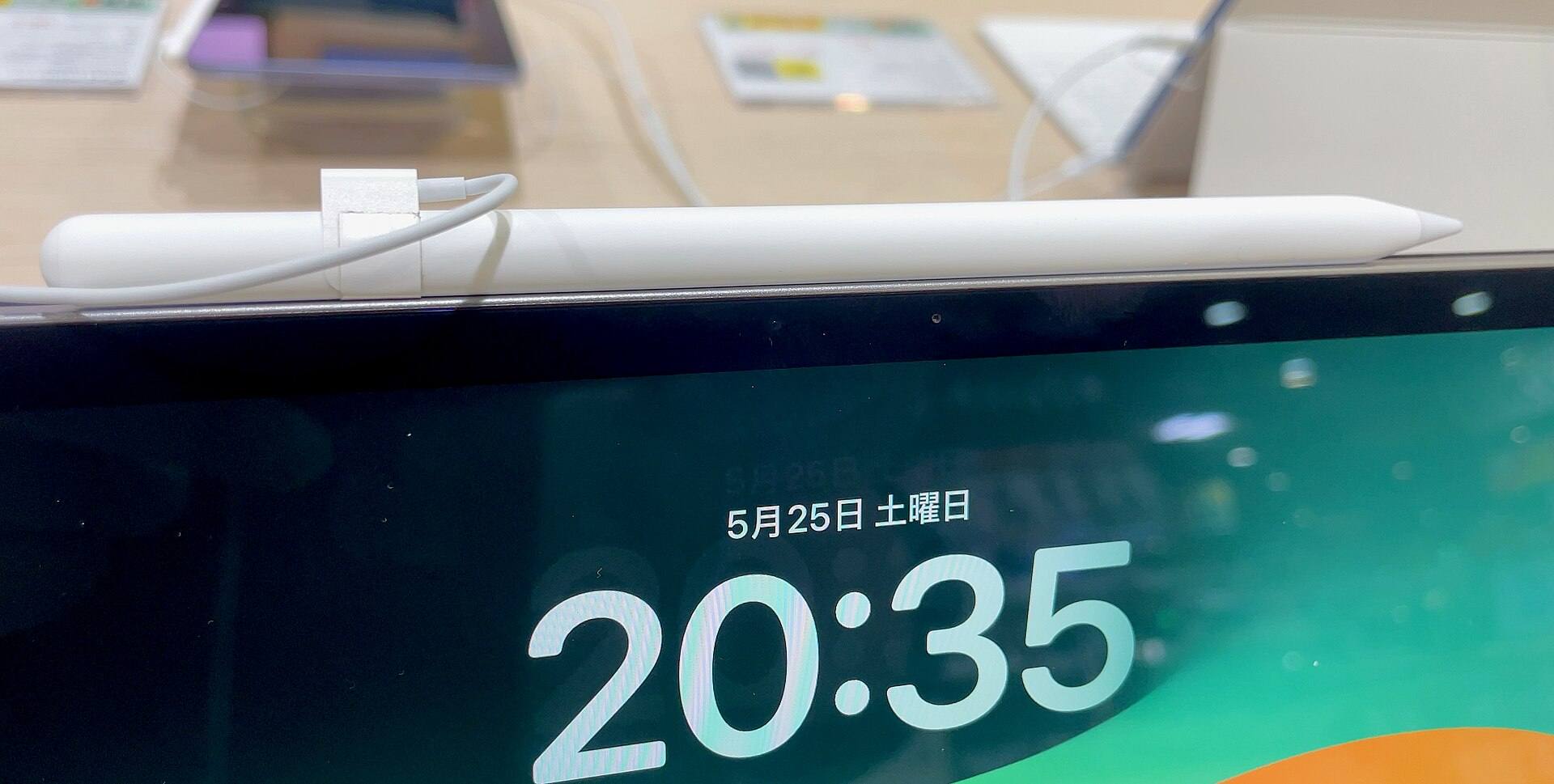
Carrying an Apple Pencil safely starts with knowing which Pencil your iPad uses [4]. Apple Pencil Pro and Apple Pencil (USB-C) both attach magnetically to supported iPads [5]. Apple doesn't say how firmly that holds inside a packed bag, so a case with a physical holder is the safer choice for travel [1], [3].

Why pencil retention matters when traveling with your iPad
A drawing tablet isn't useful if your stylus goes missing on your commute. Magnetic attachment is handy on a desk, and Apple lists it for both the Apple Pencil Pro and the Apple Pencil (USB-C) [5]. Treat the magnet as desk storage and a physical holder as travel storage, since no listing here promises the magnet alone will hold in a bag [1], [3], [5].
Losing your stylus interrupts your work and means paying for a replacement. A holder gives the Pencil a fixed place on the case [1], [3]. The MOFT holder detaches from the front cover, and Logitech builds its holder into the folio [1], [3]. How you pack your iPad decides which of those suits your routine [1], [3].

Dedicated holders versus magnetic clasps on iPad Air folios
Folio cases made for the 11-inch iPad Air handle stylus storage in two different ways [1], [2]. The MOFT Float Folio for 11-inch iPad Air fits the 11-inch iPad Air across M2, M3, and M4 generations, along with the 5th generation iPad Air [1]. Apple's store listing shows an Apple Pencil resting in an external holder mounted to the front cover, which you can detach when you want a thinner profile [1]. This setup keeps your stylus physically secured on the outside of the folio without relying purely on edge magnetism [1].
The Tech21 FlexFolio for 11-inch iPad Air takes a different approach [2]. Made for 11-inch iPad Air models with M2, M3, and M4 chips, it uses FlexShock material to absorb impact [2]. The video on its listing names a secure magnetic clasp and says you can keep your Pencil close, but it doesn't show how the Pencil is held, so look at the product photos before you count on it in a bag [2].
Choosing between these folios depends on how you carry and position your iPad [1], [2]. The MOFT Float Folio suits people who want an eye-level screen and a holder they can see [1]. The Tech21 FlexFolio suits artists who put impact protection first and want a named sketch mode [2]. If a physical holder is the whole reason you're buying, the MOFT is the one whose listing shows it [1], [2].

Keyboard integration and built-in loops for entry-level iPads
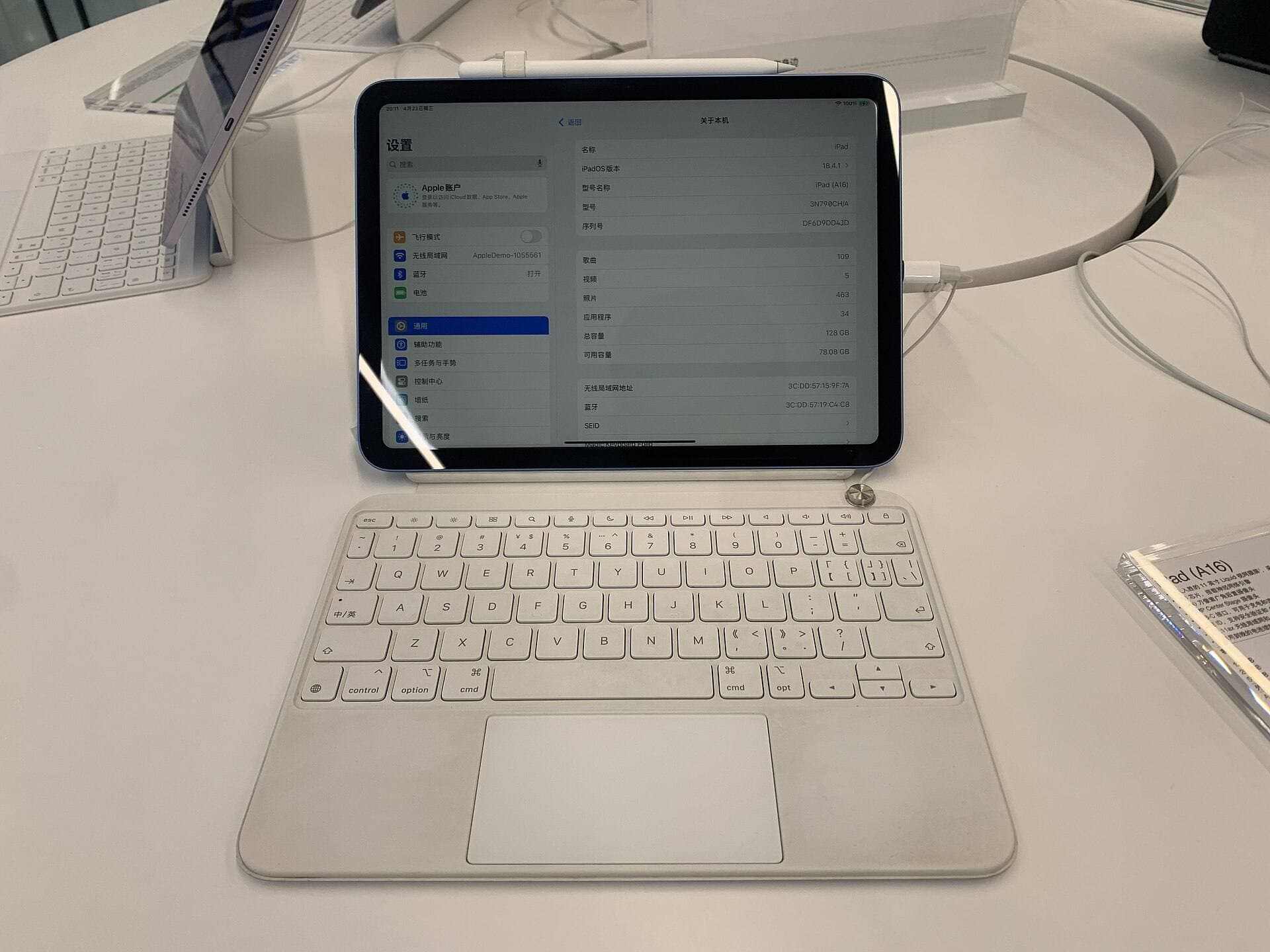
Not everyone draws on an iPad Air or iPad Pro [4], [6]. The Logitech Slim Folio fits the 7th, 8th, 9th, and 10th generation iPads, the A16 model, and the 3rd generation iPad Air [3]. Apple's compatibility page lists the first-generation Apple Pencil for many of those models, and Logitech says its holder takes a Crayon or an Apple Pencil [3], [4].
The Logitech Slim Folio has a built-in holder that keeps your stylus within reach [3]. That matters on an iPad (A16) or 10th generation iPad, where Apple lists the Apple Pencil (USB-C), and the first-generation Apple Pencil with an adapter [3], [4]. The keyboard also gives you physical keys for typing, so one case covers notes and sketches [3].
Skip the Logitech Slim Folio if you own an 11-inch iPad Air or an iPad Pro [3]. Logitech lists it for standard iPads and the 3rd generation iPad Air, so it isn't made for iPad Air models with M2 or later chips [1], [3]. If you work on an entry-level iPad and want physical keys alongside a holder, the Slim Folio is a solid setup [3].

Matching your case choice to your iPad model and pencil pairing
Before buying an iPad case with a pencil holder, confirm your exact iPad generation and stylus [4], [6]. Apple offers several Apple Pencil models, and each pairs only with certain iPads [4]. The Apple Pencil Pro, for instance, works only with models Apple lists, including iPad Air (M2, M3, and M4) and iPad Pro (M4 and M5) [4].
Neither the MOFT nor the Tech21 listing says how the case affects magnetic Pencil charging, so confirm that before buying if you rely on it [1], [2]. The MOFT holder detaches, which gives you a simple fallback if it gets in the way [1]. If you use the Apple Pencil (USB-C), its charging goes through a USB-C port, so a holder only has to store it [1], [5].
Drawing position matters as much as storage [2]. The Tech21 FlexFolio lists a sketch mode among its three viewing modes, so it's the case here with a named drawing position [2]. Apple's listing calls the MOFT an eye-level folio, which suits watching and typing more than leaning in to draw [1]. If you draw for long stretches, weigh that sketch mode against the simpler holder [1], [2].
Bottom line
If you draw on an 11-inch iPad Air and want a light folio with a detachable holder, buy the MOFT Float Folio [1]. If you want impact protection and a named sketch mode, choose the Tech21 FlexFolio [2]. If you draw on a standard iPad or a 3rd generation iPad Air, pick the Logitech Slim Folio for its keyboard and built-in holder [3]. Check your iPad model and Pencil before buying [4], [6].
Sources
[1] https://www.apple.com/shop/product/hs7l2zm/a/moft-air-float-folio-for-11-ipad-air [2] https://www.apple.com/shop/product/hsbu2zm/a/tech21-flexfolio-tint-case-for-11-ipad-air [3] https://www.logitech.com/en-us/shop/p/slim-folio-ipad-keyboard-case [4] https://support.apple.com/en-us/108937 [5] https://www.apple.com/apple-pencil/ [6] https://www.apple.com/ipad/compare/
Recommended gear
MOFT Float Folio for 11-inch iPad Air
apple.comPro: Light folio with a detachable Apple Pencil holder
Con: Air sizes only, no keyboard
Apple lists it for iPad Air 11-inch (M2, M3 and M4) and iPad Air (5th generation).
Tech21 FlexFolio for 11-inch iPad Air
apple.comPro: FlexShock impact protection with landscape, portrait and sketch modes
Con: Air sizes only, no keyboard
Apple lists it for iPad Air 11-inch (M2, M3 and M4).
Logitech Slim Folio for iPad
logitech.comPro: Keyboard folio with a built-in holder for Logitech Crayon or Apple Pencil
Con: Not made for the current iPad Air or iPad Pro
Logitech lists it for iPad (7th, 8th, 9th, 10th generation and A16) and iPad Air (3rd generation).

Apple Pencil Pro
amazon.comThe best Apple stylus for serious digital art workflows. Expensive, but the control upgrades are real.
Pro: Best brush-control and hover workflow
Con: Highest price in the lineup
Works only with newer iPad models. Check compatibility.
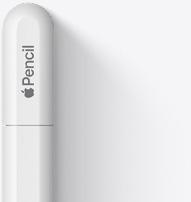
Apple Pencil (USB-C)
amazon.comA practical low-cost Apple stylus with broad compatibility, but limited for advanced art control.
Pro: Lowest official Apple Pencil cost
Con: No pressure sensitivity for brush work
Compatible with many recent iPads. No pressure support.
Related buying picks
More in this collectionBuyer guide
Best power bank for iPad drawing setups
Buy the Anker 737 Power Bank if you need reliable off-grid power for long iPad drawing sessions, but skip it if you only want a pocketable phone charger.
Buyer guide
Best iPad for logo design
Choose the iPad Air with the M4 chip for the best mix of vector precision, Apple Pencil Pro support, and balanced pricing.
Buyer guide
Best iPad for digital painting: Which model should you buy?
Choose the right iPad for digital painting based on screen space, Apple Pencil features, and layer capacity.
Buyer guide
Best iPad for digital art beginners
Get the iPad Air (M4) if you want the Apple Pencil Pro toolset, or pick the base iPad (A16) if you want a capable digital sketchpad at the lowest entry cost.