For younger children who want illustrated outline pages to fill in right away, choose Lake: Coloring Book for Adults, which is available as a free download on the App Store [1]. If your child is ready to sketch their own line art, fill outlines using drag-and-drop color fills, and organize work across multiple layers, skip recurring coloring subscriptions and buy Procreate instead [2]. Procreate is a paid app with a one-time purchase model that avoids recurring fees [2]. Older kids who want free sketching with animation tools should choose ibis Paint X [3], while families wanting zero upfront software costs can start with Adobe Fresco [4].
Lake provides guided line art for younger hands
Lake: Coloring Book for Adults is categorized under Lifestyle on the App Store and has earned a rating of 4.6 out of 5 across more than 81,000 ratings [1]. Although the title targets adults, the layout presents curated line drawings that work well for younger kids who find an empty canvas intimidating [1]. Children can tap into pre-drawn illustrations and apply color directly into bordered sections without setting up digital layers or canvas settings [1].
Parents should choose Lake if their child treats the iPad like a digital coloring book and wants immediate artistic results without learning complex software menus [1]. You should skip Lake if you do not want recurring subscription prompts appearing on your child's screen [1]. Because Lake relies on in-app purchases and subscriptions beyond its free download tier, an unsupervised child can quickly hit paywalls on locked illustration packs [1]. For families seeking a contained, one-time payment environment, Lake may cause friction over time [1].
Adobe Fresco and ibis Paint X offer free open canvases
Adobe Fresco: Draw & Paint App is listed on the App Store as a free download in the Graphics & Design category, with a 4.7 out of 5 rating from over 61,000 users [4]. Adobe states that Fresco is a free, professional drawing and painting app made for everyone [4]. For school-age kids, Fresco works as a hybrid coloring environment [4]. Parents can import outline coloring pages from web downloads or PDF documents into a base layer, allowing kids to paint beneath or above the lines without purchasing separate coloring book packages [4].
Another free option is ibis Paint X, which holds a 4.7 out of 5 rating from over 299,000 ratings in the App Store Graphics & Design category [3]. ibis Paint X states that it is built for people who want to draw and animate freely [3]. The app includes animation support, manga creation tools, and coloring workflows [3]. You should choose ibis Paint X if your child wants to explore comic drawing or basic frame animation alongside casual coloring [3]. You should skip ibis Paint X for very young kids because the interface features dense toolbars, rulers, and banner advertisements that can confuse young users during drawing sessions [3].
Procreate is the best long-term investment for growing kids
Procreate by Savage Interactive Pty Ltd holds a 4.4 out of 5 rating across more than 50,000 ratings on the App Store [2]. It is listed under Graphics & Design as a paid application [2]. The catalog confirms that Procreate operates on a one-time purchase model, meaning parents pay once rather than managing monthly app store subscriptions [2]. Apple and Savage Interactive describe Procreate as a leading creative tool for both creative professionals and aspiring artists [2].
For kids eight years and older, Procreate replaces traditional coloring books entirely [2]. A parent or child can drop any coloring outline or scan of physical line art onto a canvas layer [2]. Setting that line layer to a multiply blend mode lets children color on separate layers underneath, preserving the black outlines cleanly [2]. Kids can also drag color directly from the color palette into enclosed line work to fill areas instantly [2].
Because Procreate is iPad-only, it integrates cleanly with iPadOS touch gestures like two-finger tap to undo and three-finger tap to redo [2]. The application does not present in-app advertising, banner popups, or recurring subscription screens to interrupt a drawing session [2]. You should buy Procreate if you want an app that grows with your child through middle school, high school, and beyond [2]. You should skip Procreate if your child is four or five years old and simply wants to tap pre-made animal pictures inside a locked, simplified toy interface [1], [2].
Hardware pairing and Apple Pencil choices for kids
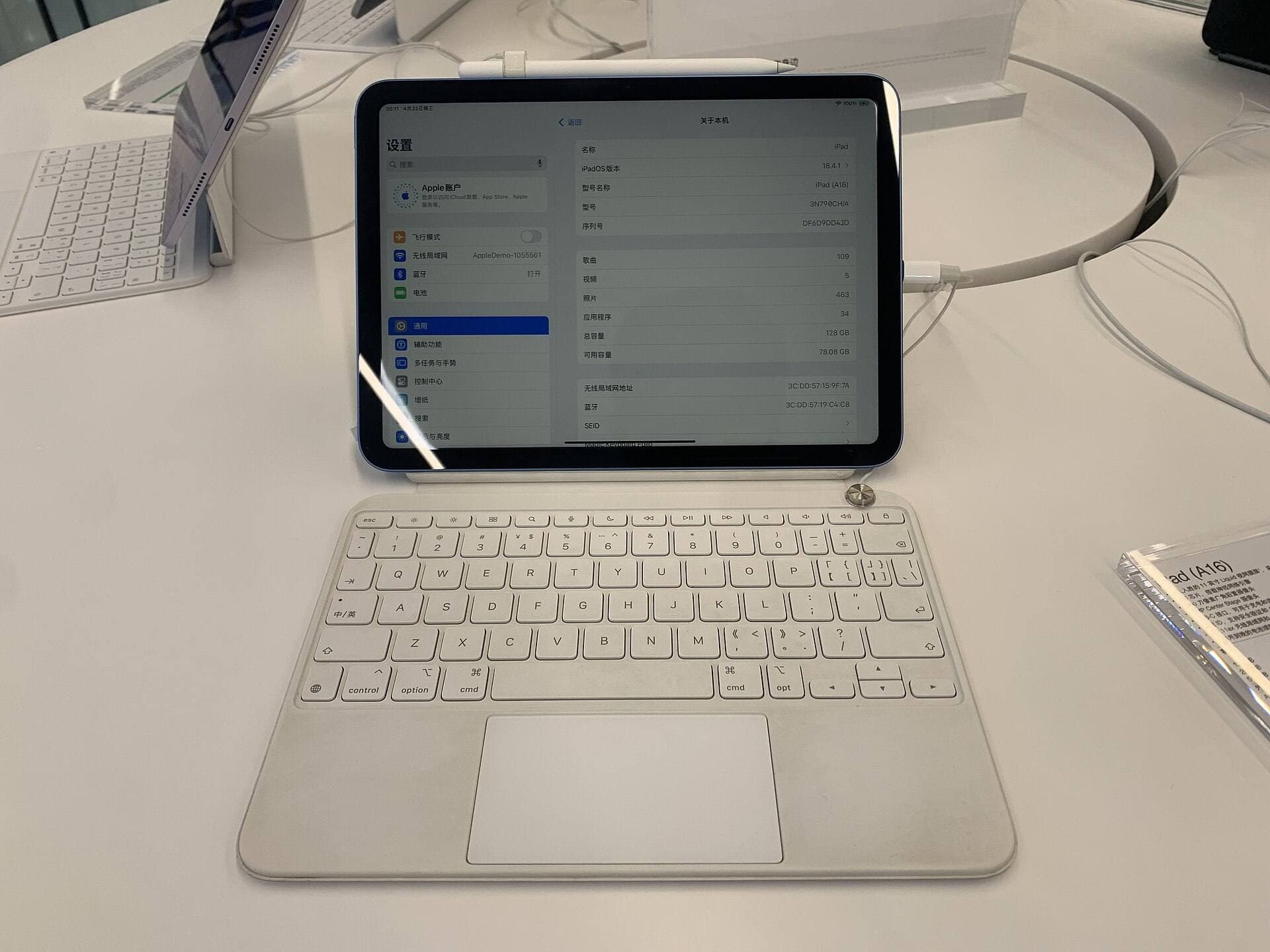
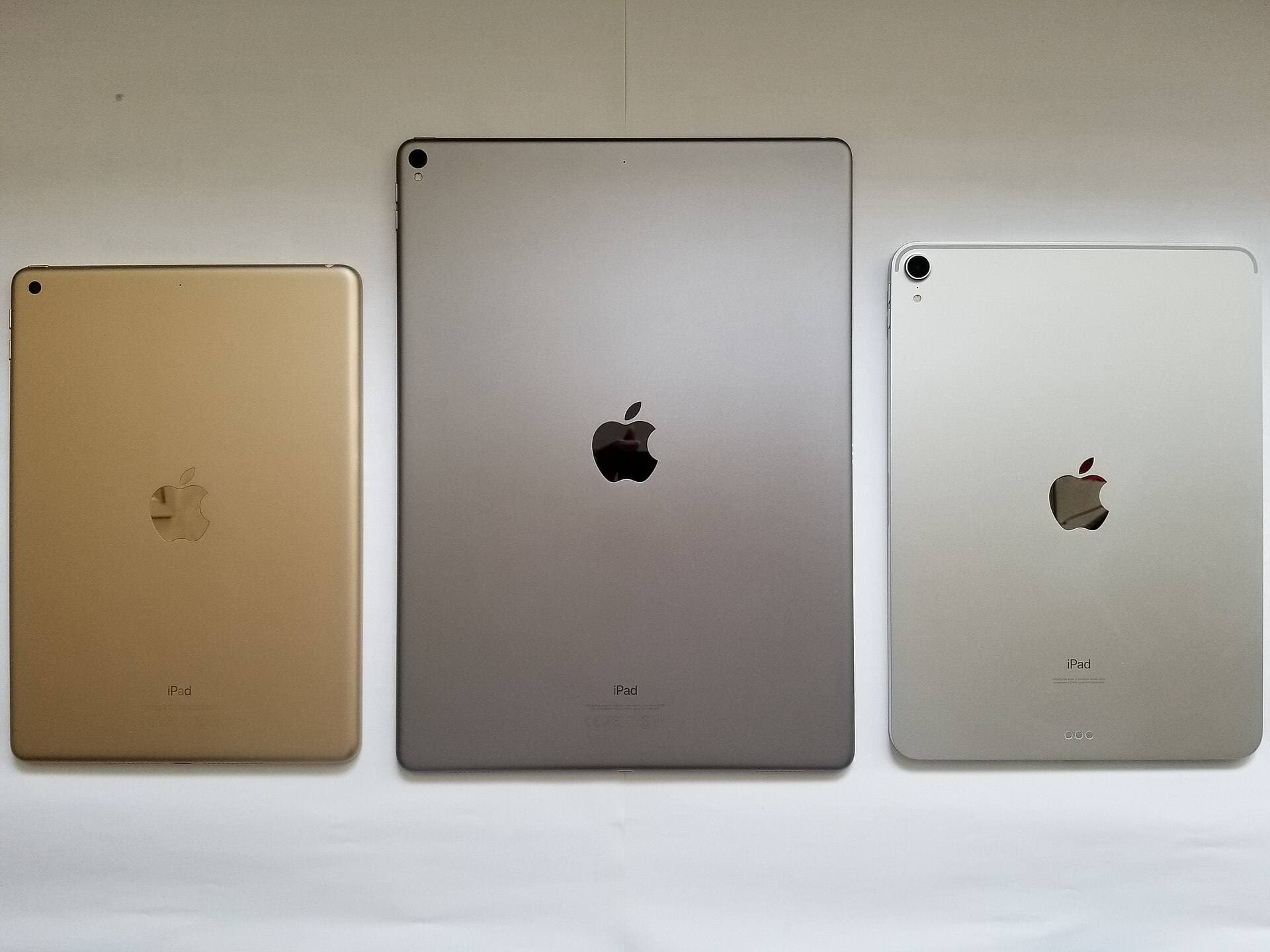
Software selection connects directly to the iPad hardware your family keeps at home [5], [6]. Procreate runs across a wide range of iPad hardware, though maximum layer counts depend directly on total device memory and canvas dimensions [5]. For example, Savage Interactive notes that layer limits are determined by the amount of RAM available on each specific iPad model [5]. Basic coloring canvases with fewer than twenty layers will run easily on standard consumer iPads [5].
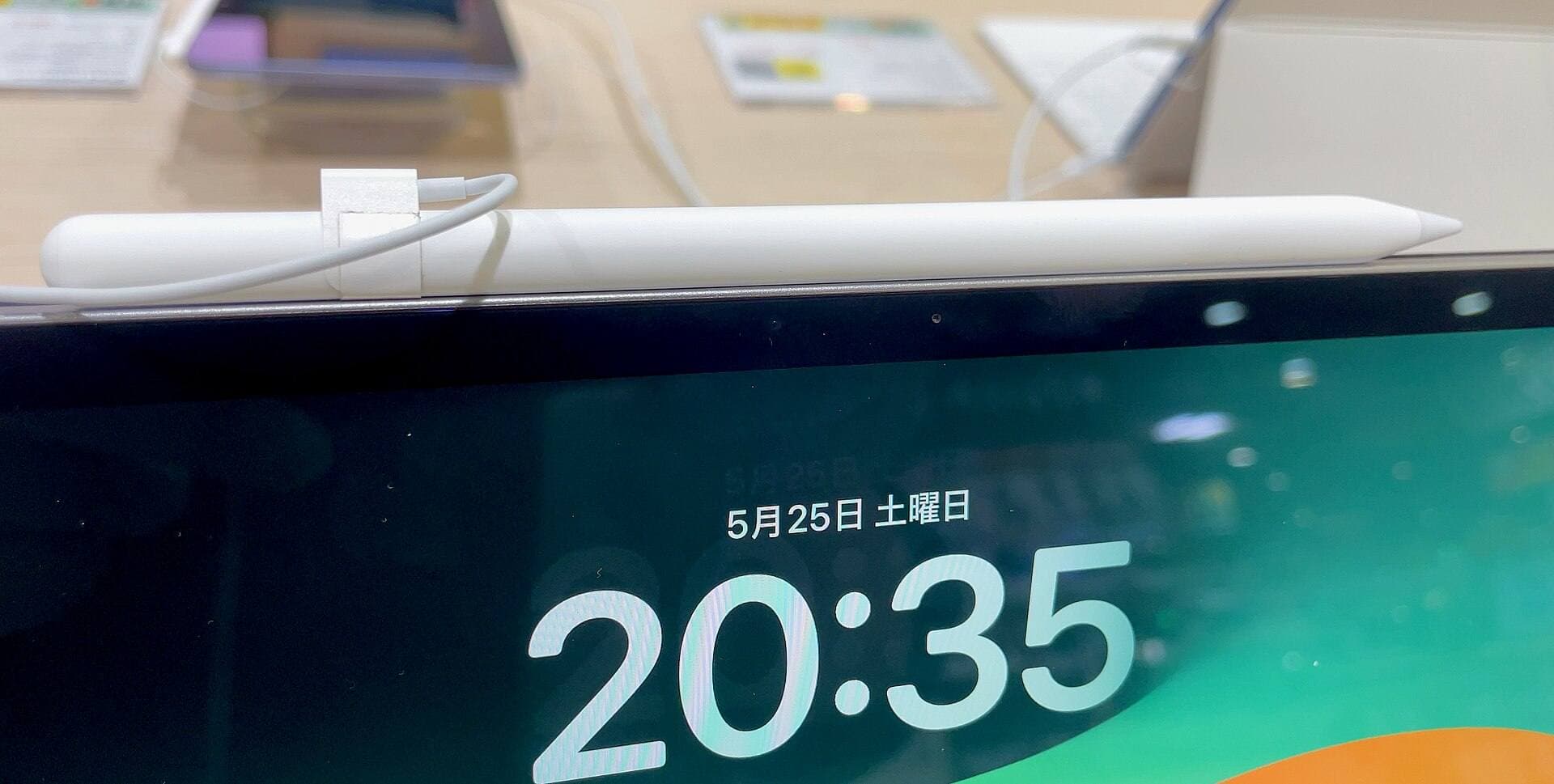
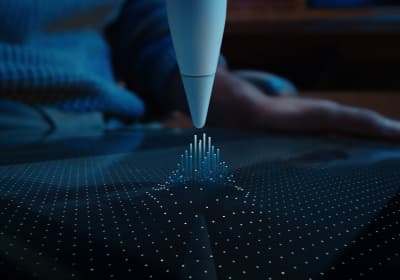
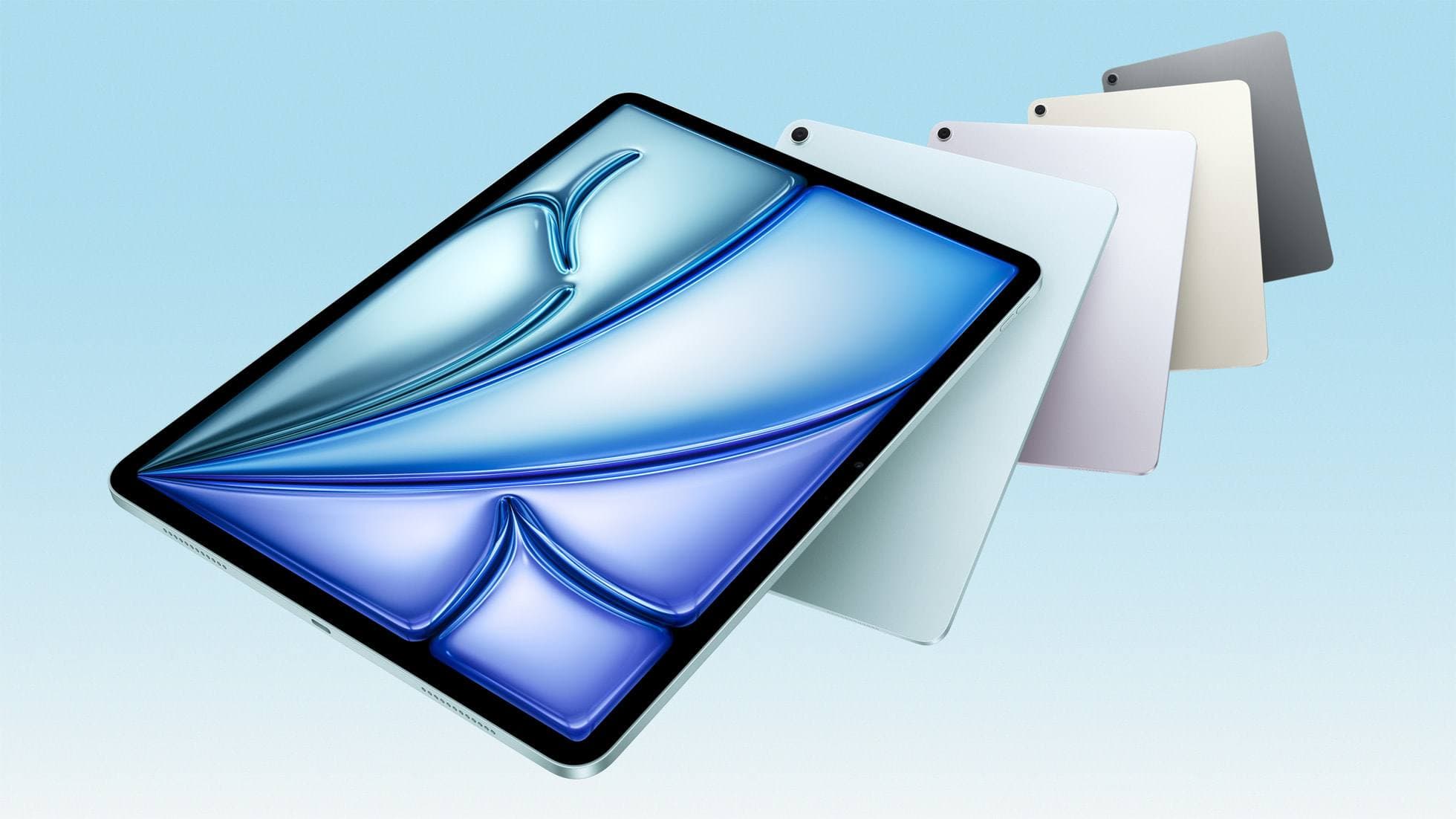
If you are considering hardware upgrades, the iPad Air (M4) provides a capable balance of processing power and modern accessory compatibility [6], [7]. The iPad Air (M4) supports the Apple Pencil Pro, which features tool switching through squeeze detection, barrel roll control through an internal gyroscope, and haptic feedback [6], [8]. Apple Pencil Pro also supports Apple Pencil hover on compatible iPad models [6], [8]. However, parents should note that Apple Pencil Pro works exclusively with select newer iPad models [7], [8]. Standard Apple Pencil models, including the USB-C version, provide tilt sensitivity and physical drawing precision across broader iPad lineups without requiring top-tier accessories [6], [8].
For young children, basic stylus input or simple finger painting in Lake or Fresco is often sufficient [1], [4]. As children develop motor control, pairing an Apple Pencil with pressure-sensitive brushes gives them realistic feedback similar to traditional crayons and watercolors [6], [8]. The Apple Pencil USB-C offers precision and magnetic attachment for storage, but it lacks the pressure sensitivity found on the Apple Pencil Pro [6], [8].
How to choose between coloring books and open studio apps
Choosing the right setup comes down to your child's age, frustration tolerance, and independence [1], [2]. If your child gets overwhelmed by blank pages and asks for coloring outlines, start with Lake [1]. The pre-built illustrations provide an immediate creative outlet without parental setup [1]. Monitor app store purchase settings on your device so the child does not accidentally trigger recurring subscription packages [1].
If you want a free drawing environment where you can import custom coloring pages without subscription fees, install Adobe Fresco or ibis Paint X [3], [4]. Both apps give your family professional-grade drawing surfaces at zero initial cost [3], [4]. You can download free outline images of cartoon characters or animals from the web and import them as drawing templates [4].
If you want the cleanest user experience without ads or recurring fees, purchase Procreate [2]. It gives your child full control over digital brushes, layers, and color palettes [2]. It requires a small upfront investment, but it delivers an ad-free environment that accommodates both simple coloring exercises and advanced digital painting projects [2].
Bottom line
For toddlers and early elementary kids who want instant, structured line art, download Lake: Coloring Book for Adults as a free download [1]. Be prepared to supervise in-app purchases so your child avoids accidental subscription charges [1].
For kids ready to draw their own pictures or color without recurring subscription screens, buy Procreate as a one-time purchase [2]. Procreate avoids ongoing membership fees, works reliably with standard iPad touch gestures, and scales from simple color fills up to complex multi-layer art projects [2], [5]. If you want a no-cost studio canvas before buying paid software, download Adobe Fresco or ibis Paint X to explore open-ended drawing first [3], [4].
Sources
[1] https://apps.apple.com/us/app/id1183717726 [2] https://apps.apple.com/us/app/id425073498 [3] https://apps.apple.com/us/app/id450722833 [4] https://apps.apple.com/us/app/id1458660369 [5] https://help.procreate.com/articles/zlexav-ipad-compatibility [6] https://www.apple.com/apple-pencil/ [7] https://support.apple.com/en-us/108937 [8] https://www.apple.com/ipad/compare/
Recommended gear
Procreate
apps.apple.comPro: One-time purchase
Con: iPad-only
Apple Pencil Pro
amazon.comThe best Apple stylus for serious digital art workflows. Expensive, but the control upgrades are real.
Pro: Best brush-control and hover workflow
Con: Highest price in the lineup
Works only with newer iPad models. Check compatibility.
iPad Air (M4)
apple.comThe clean current Air recommendation for most serious hobby artists. Stronger buy logic than old-stock M3 when pricing is close.
Pro: Best current balance of price, headroom, and Pencil support
Con: Still 60Hz
Current Air lineup. Choose size, storage, and keyboard path before checkout.
Apple Pencil (USB-C)
amazon.comA practical low-cost Apple stylus with broad compatibility, but limited for advanced art control.
Pro: Lowest official Apple Pencil cost
Con: No pressure sensitivity for brush work
Compatible with many recent iPads. No pressure support.
Apple Pencil (2nd generation)
amazon.comStill a strong stylus on compatible iPads. Good pressure control, but compatibility is the main trap.
Pro: Pressure support without Pro pricing
Con: Not compatible with newest Pro-only iPads
Only for iPads that support 2nd generation pairing.
Related buying picks
More in this collectionBuyer guide
Best iPad app for watercolor painting: top choices and stylus pairings
Pick the right iPad watercolor app based on pricing model, live brush needs, and Apple Pencil hardware compatibility.
Buyer guide
Best iPad app for pixel art: dedicated tools compared to Procreate
Choose dedicated pixel editors like Pixquare, Pixel Studio, or Pixaki over general illustration software for low-resolution iPad art.
Buyer guide
Best iPad app for oil painting: Top choices compared
Compare Procreate, Adobe Fresco, and other leading iPad apps to choose the best digital oil painting workflow for your stylus and budget.
Buyer guide
Best iPad app for comics: Clip Studio Paint vs Procreate and alternatives
Clip Studio Paint is the best overall iPad app for multi-page comics and paneling, while Procreate remains the top one-time purchase for standalone illustration.