If you want to sketch silhouettes, render fabric drape, or build croquis illustrations, buy Procreate [1]. It is a paid download in Graphics and Design built specifically for iPad [1]. If you need infinite canvas drafting or precision lines for production flats, download Concepts [2] or Linearity Curve Graphic Design [3]. For multi-page collection books or desktop handoff, choose Clip Studio Paint [4]. If you want a free drawing app with digital painting tools, Adobe Fresco is also an option [5]. Here is how to match each app to your fashion design process.
Choosing the right app for fashion illustration and technical flats
Fashion design splits into two distinct drawing tasks: artistic illustration and technical production drawing. Artistic illustration focuses on mood, garment drape, colorways, and fabric textures on a fashion figure or croquis. Procreate is classified under Graphics and Design in the App Store and holds a 4.4 out of 5 rating from tens of thousands of users [1]. Its brush system lets you build custom textile patterns and paint watercolor washes or leather sheens directly on digital layers [1], [6].
Technical flats, by comparison, demand clean outlines, exact seam placement, callouts, and stitch details that production teams can read clearly. For those tasks, vector tools provide sharp lines that do not pixelate when resized. Concepts is an App Store download rated 4.7 out of 5 that bills itself as a flexible vector-based sketchbook [2]. Linearity Curve Graphic Design offers full vector illustration on iPad and iPhone, rated 4.5 out of 5 [3]. Choosing your software comes down to whether your day revolves around expressive figure rendering or structured specification sheets [1], [2], [3].
Raster sketching and rendering with Procreate
For designers whose primary job is visualizing outfits on models, Procreate is the standard recommendation [1]. Because it is a raster environment, brush strokes blend naturally, allowing you to mimic materials like sheer chiffon, heavy wool, or denim weave [1]. You can drop croquis templates onto a background layer, lower the opacity, and sketch varied garments over the top across separate layers [1], [6].
Hardware limits do matter when building layered fashion sketches in Procreate. The app links canvas size and layer limits directly to the memory of your iPad [6]. If you build a tall, high-resolution canvas for a full-length runway collection, a device with less RAM limits the number of layers you can create [6]. Even so, because Procreate operates as a one-time purchase with no recurring subscription, it is the most practical starting point for fashion students and freelance illustrators who do not want ongoing app fees [1]. Skip Procreate only if you require native vector anchor points or auto-scaling production files [1], [3].
Vector flats and garment schematics with Concepts and Linearity Curve
Technical design sheets require precision that raster brushes cannot always deliver efficiently. Concepts is an App Store app that provides a flexible vector-based workspace where you can take ideas from concept to reality [2]. Because its strokes are mathematical vectors rather than fixed pixels, you can adjust the smoothing, line weight, or curvature of a collar seam after drawing it [2]. Its infinite canvas lets you place an entire seasonal lineup of thirty garments side by side without splitting them across separate project files [2].
Linearity Curve Graphic Design focuses on formal graphic design and vector art on iPad and iPhone [3]. It gives fashion technical designers pen tools, precise anchor-point editing, and scalable paths necessary for construction callouts and garment spec sheets [3]. If you must export clean line art for a tech pack that a manufacturing facility can review without blurriness, Linearity Curve is a strong fit [3]. Designers who only paint textured lookbooks can skip Linearity Curve, as pure vector software requires more path manipulation than freehand brush rendering [1], [3].
Pattern creation, multi-page collections, and desktop workflows
When your fashion design work extends beyond single sketches into multi-page collection presentations or print patterns, Clip Studio Paint is worth evaluating [4]. Clip Studio Paint is an App Store graphics tool rated 4.7 out of 5 that offers a free 30-day trial [4]. The app includes ruler systems and desktop-grade workspace panels, making it useful for repeating textile patterns and multi-page design booklets [4].
Clip Studio Paint uses a subscription or update-pass pricing model on iPad rather than a single flat fee [4]. Buy Clip Studio Paint if you already use it on a desktop computer or need its specialized symmetry rulers to mirror complex bodice seams [4]. Skip it if you prefer the simpler, touch-first interface of Procreate [1], [4]. Designers looking for an alternative free painting app can also look at Adobe Fresco, which is a free download rated 4.7 out of 5 in Graphics and Design [5]. Fresco lets you experiment with digital brushes before committing money to paid software [5].
Hardware considerations for fashion drawing on iPad
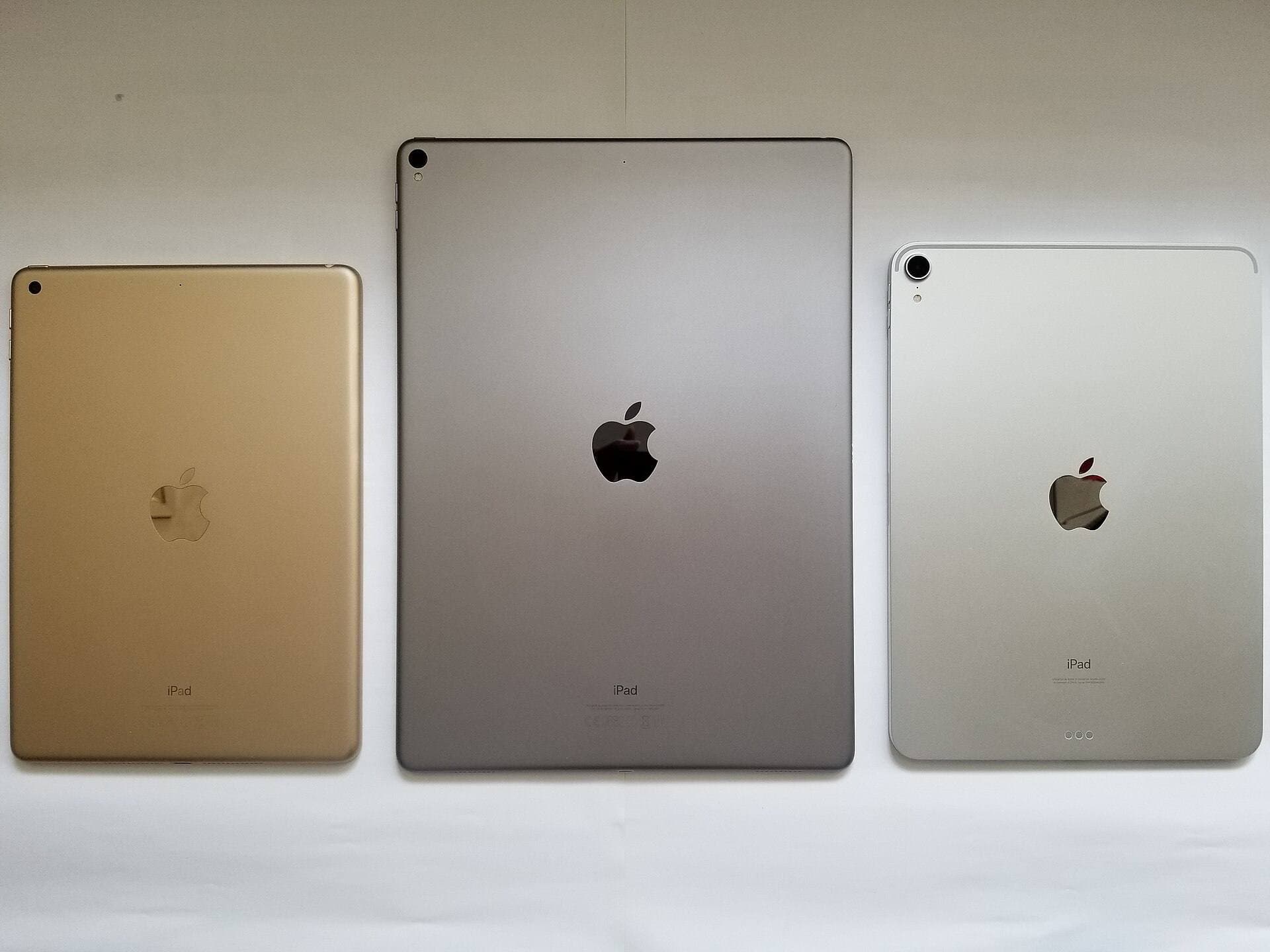
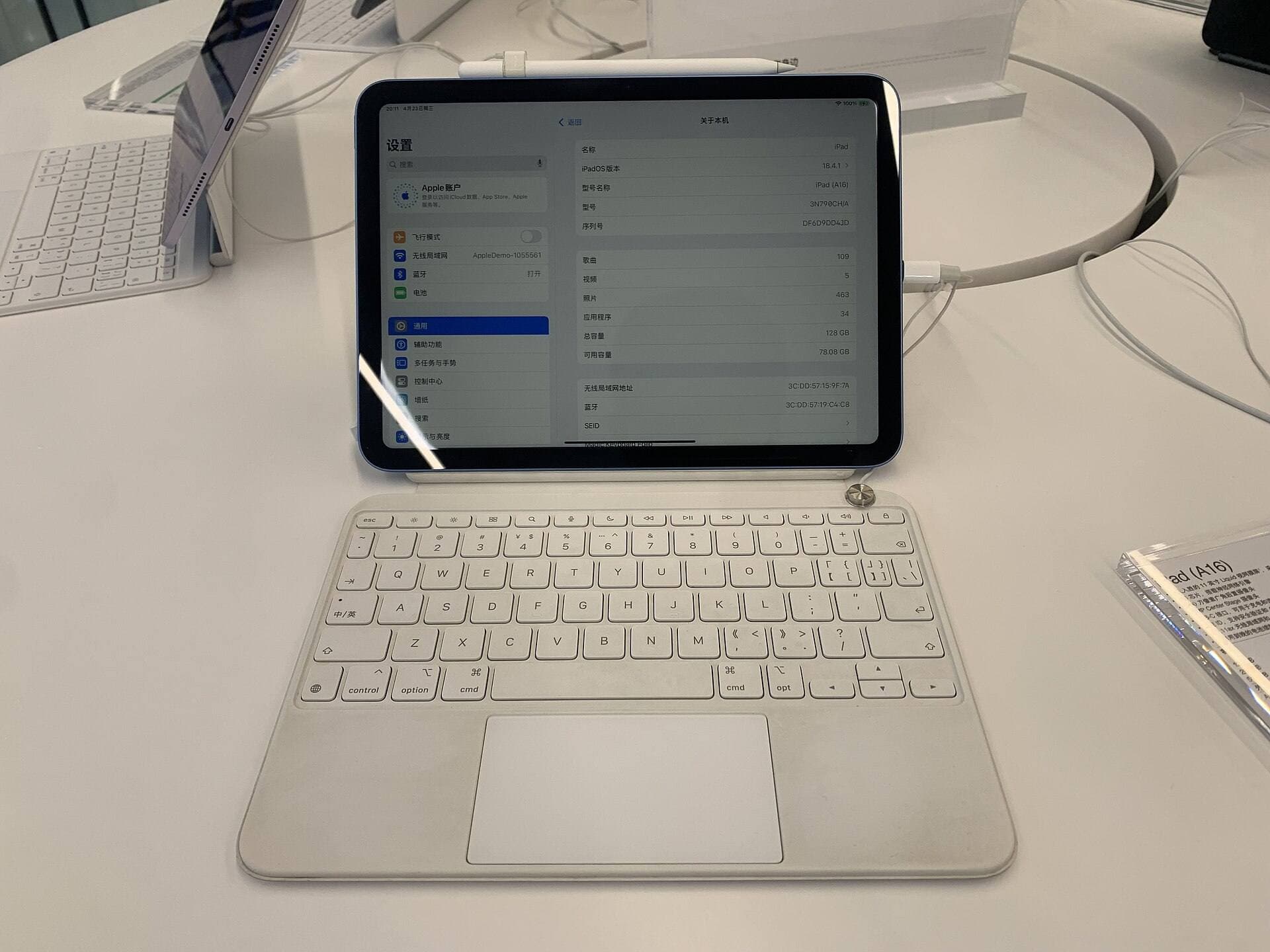
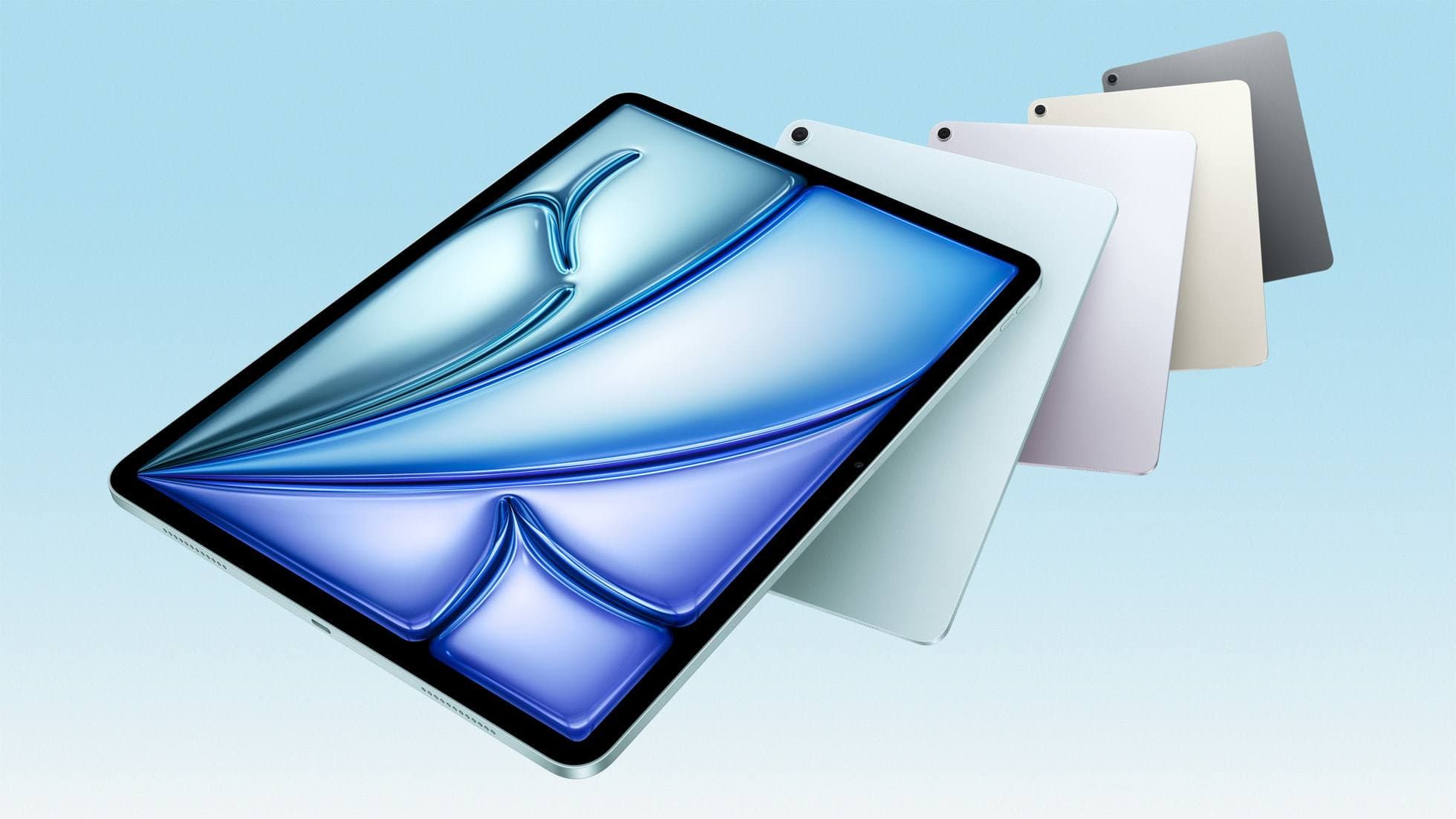
Choosing the best app also means pairing it with an iPad and stylus that can handle your design workload [6], [7], [8]. The iPad Air with the M4 chip offers modern processing power and works with Apple Pencil Pro and Apple Pencil USB-C [8], [9]. Because Procreate layer caps scale with device memory, an M4-powered iPad gives you ample layer headroom on large collection canvases [6], [9].
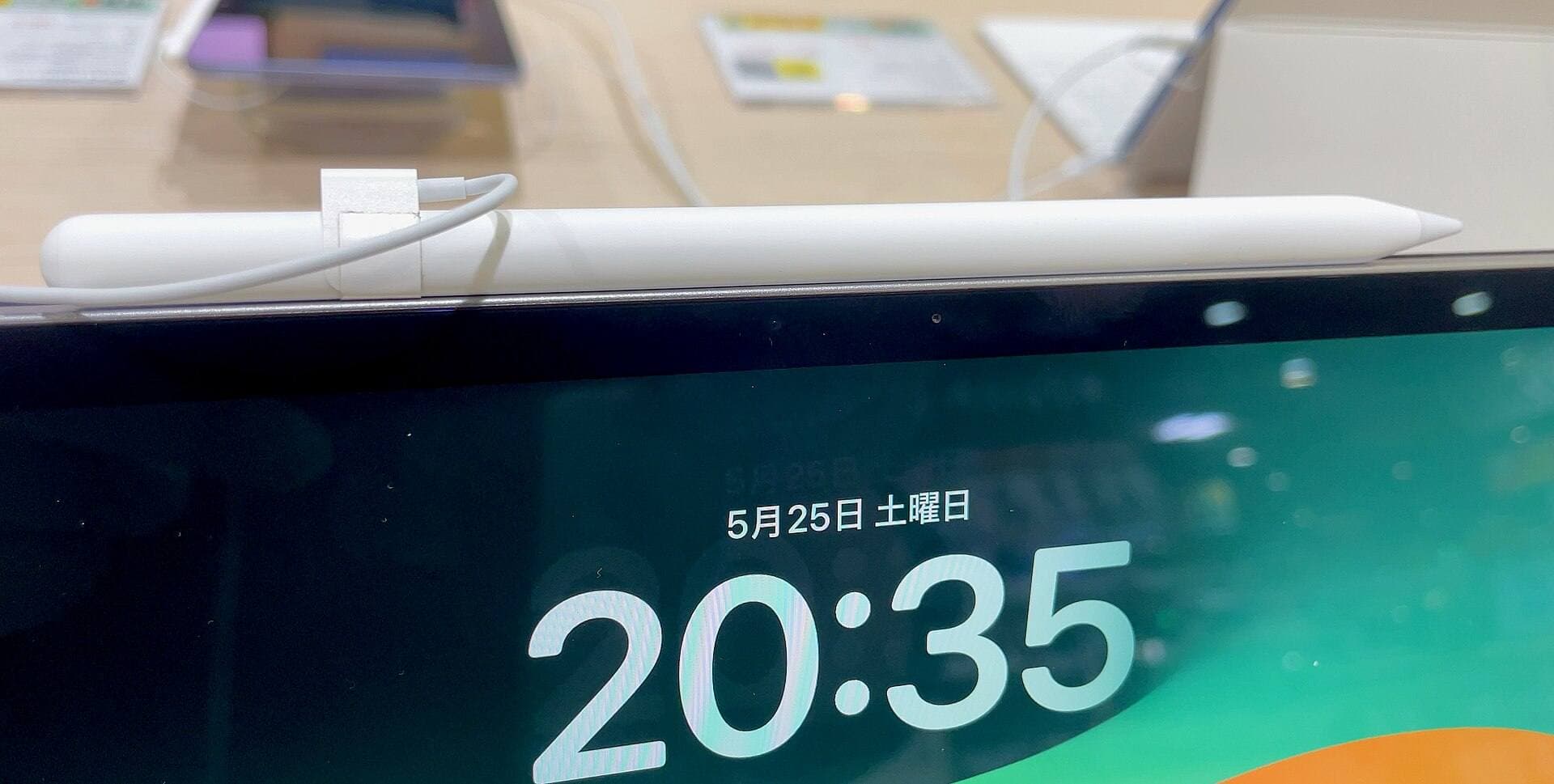
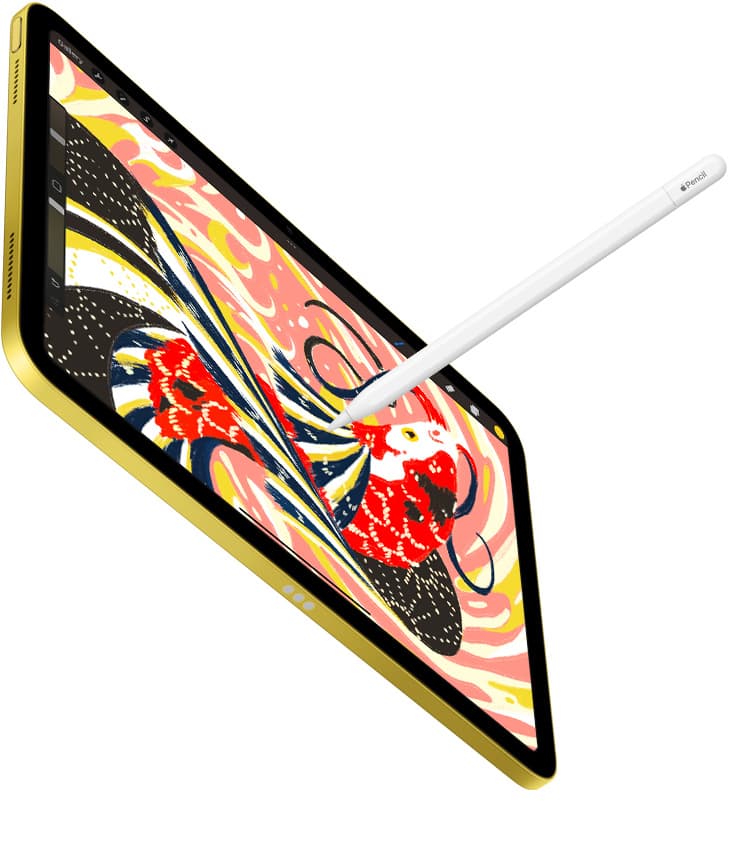
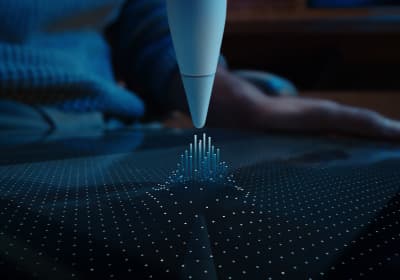
For drawing precision, the Apple Pencil Pro supports pressure sensitivity, tilt detection, barrel roll, squeeze, and haptic feedback [7]. The barrel roll feature lets you rotate shaped brushes, which helps when laying down directional fabric textures or calligraphy-style fashion line weights [7]. Squeeze shortcuts allow you to switch tools quickly without opening palettes on your garment canvas [7]. The Apple Pencil Pro works exclusively with supported models like the iPad Air M4 and recent iPad Pro units, so confirm hardware pairing before purchasing [7], [8].
Bottom line
For most fashion illustrators, Procreate is the best overall app to buy [1]. Its brush blending, layer structure, and straightforward single-purchase model make it ideal for rendering croquis, colors, and textile textures [1], [6]. If your daily priority is drafting technical flats, garment construction lines, or scalable tech packs, pair Procreate with Concepts or Linearity Curve [2], [3]. Clip Studio Paint is the right step for designers who build multi-page collections or require desktop cross-compatibility [4]. Choose the app that matches your specific design stage, and verify your iPad supports the stylus features you need before you start drawing [7], [8].
Sources
[1] https://apps.apple.com/us/app/id425073498 [2] https://apps.apple.com/us/app/id560586497 [3] https://apps.apple.com/us/app/id1219074514 [4] https://apps.apple.com/us/app/id1262985592 [5] https://apps.apple.com/us/app/id1458660369 [6] https://help.procreate.com/articles/zlexav-ipad-compatibility [7] https://www.apple.com/apple-pencil/ [8] https://support.apple.com/en-us/108937 [9] https://www.apple.com/ipad/compare/
Recommended gear
Procreate
apps.apple.comPro: One-time purchase
Con: iPad-only
Clip Studio Paint
apps.apple.comPro: Deep comics, vector, ruler, and animation toolset
Con: iPad plan model is less simple than Procreate
Apple Pencil Pro
amazon.comThe best Apple stylus for serious digital art workflows. Expensive, but the control upgrades are real.
Pro: Best brush-control and hover workflow
Con: Highest price in the lineup
Works only with newer iPad models. Check compatibility.
iPad Air (M4)
apple.comThe clean current Air recommendation for most serious hobby artists. Stronger buy logic than old-stock M3 when pricing is close.
Pro: Best current balance of price, headroom, and Pencil support
Con: Still 60Hz
Current Air lineup. Choose size, storage, and keyboard path before checkout.
Related buying picks
More in this collectionBuyer guide
Best iPad app for sketching over photos: top picks and tradeoffs
Compare Procreate, Clip Studio Paint, and top free-to-download alternatives to choose the right iPad app for sketching and tracing over photos.
Buyer guide
Best iPad app for sketching designs
Pick Procreate for straightforward one-time digital sketching, or choose Clip Studio Paint if you need specialized comic tools, vectors, and multi-page layouts.
Buyer guide
Best iPad app for webtoon creation
Clip Studio Paint is the best overall iPad app for serialized webtoons, while Procreate suits artists wanting a one-time purchase for standalone panels.
Buyer guide
Best iPad app for perspective drawing
Clip Studio Paint and Procreate offer distinct approaches to vanishing points, specialized rulers, and architectural sketching on iPad.