If you want to sketch designs on an iPad without wrestling with software subscriptions, buy Procreate [1], [2]. It delivers an iPad-focused canvas built around direct stylus interaction, and its one-time purchase model means you avoid ongoing renewal costs [1], [2]. If your design work demands multi-page documents, vector strokes, construction rulers, or a desktop handoff, choose Clip Studio Paint instead, which offers a free 30-day trial to test its deep feature set [3].
Other sketching apps like Concepts, Sketchbook, and Adobe Fresco also provide dedicated drawing environments in the App Store, giving designers distinct drafting options depending on their format needs [4], [5], [6].
Why Procreate suits everyday concept sketching
Procreate operates as a paid application in the Graphics and Design category of the App Store [2]. Its core identity centers on being built specifically for iPad hardware, rather than translating a legacy desktop window system onto a touchscreen [1], [2]. This iPad-first framework strips away cluttered tool bars so you can focus directly on drafting layouts, thumbnailing product ideas, or creating illustrations [1], [2].
Because Procreate relies entirely on a one-time purchase model, you own the tool immediately upon checkout [1]. You do not have to manage cloud seats, track subscription billing dates, or sign up for recurring service tiers just to keep sketching your ideas [1], [2]. This simple payment structure makes it a natural starting place for designers who want a dependable sketchbook that remains accessible without perpetual overhead [1].
Hardware memory plays an active role in how Procreate manages your projects [7]. The app links your total canvas resolution directly to your iPad's available RAM, meaning larger pixel dimensions will reduce the maximum number of layers you can create [7]. For rough concept sketching, standard canvas sizes provide plenty of layer depth, but artists planning massive print resolutions should check their device memory limits beforehand [7].
When Clip Studio Paint fits production design
Clip Studio Paint serves an entirely different workflow profile than standalone sketchpads [3]. Available as a free App Store download with a 30-day trial period, the application provides an expansive suite of drafting utilities tailored for comics, animation, and detailed structural design [3]. Rather than limiting you to raster layers, it includes deep vector drafting tools, multi-page book management, and specialized perspective rulers [3].
These technical tools make Clip Studio Paint a practical choice for industrial designers, comic artists, and storyboard creators who construct complex linear perspective grids [3]. If your project requires vector inking that you can rescale without raster distortion, Procreate will not meet that requirement, whereas Clip Studio Paint handles it natively [1], [3].
The tradeoff comes down to complexity and licensing [1], [3]. Clip Studio Paint utilizes an ongoing app plan structure rather than a simple one-time purchase, making it a more involved investment over time [1], [3]. Skip Clip Studio Paint if you simply want a quick digital pad for informal visual brainstorming, because the desktop-grade interface and subscription management add unnecessary friction to casual sketching [1], [3].
Free and specialized sketchbook alternatives
If neither Procreate nor Clip Studio Paint matches your process, several established alternatives occupy the App Store's Graphics and Design section [4], [5], [6]. Concepts presents a flexible vector-based sketchbook created specifically for drafting, planning, and concept iteration [4]. Because Concepts stores mark making as editable vector paths rather than static pixels, you can resize, tweak, and reconfigure structural sketches without losing edge clarity [4].
Sketchbook offers a dedicated drawing interface focused on smooth progression from quick ideation thumbnails to finished artwork [5]. Its free download model makes it accessible for designers who want an uncluttered digital pad without committing to a paid app up front [5]. It remains popular among visual thinkers who prefer an intuitive drawing engine over deep multi-layered compositing [5].
Adobe Fresco delivers another route, presenting a free-to-download professional drawing and painting application [6]. Fresco combines raster brushes, vector brushes, and live painting capabilities within a single canvas [6]. It fits designers already embedded in Adobe creative ecosystems who want vector and pixel sketching tools living side by side without purchasing a standalone drawing license [6].
Other notable drafting tools in the store include ibis Paint X, which features animation and drawing tools for broader creative projects, and Infinite Painter, which supplies a versatile painting and sketching environment for mobile devices [8], [9]. Testing these free downloads helps you identify whether your drafting style benefits more from vector flexibility or traditional raster marks [4], [6], [8].
Hardware pairings for sketching on iPad
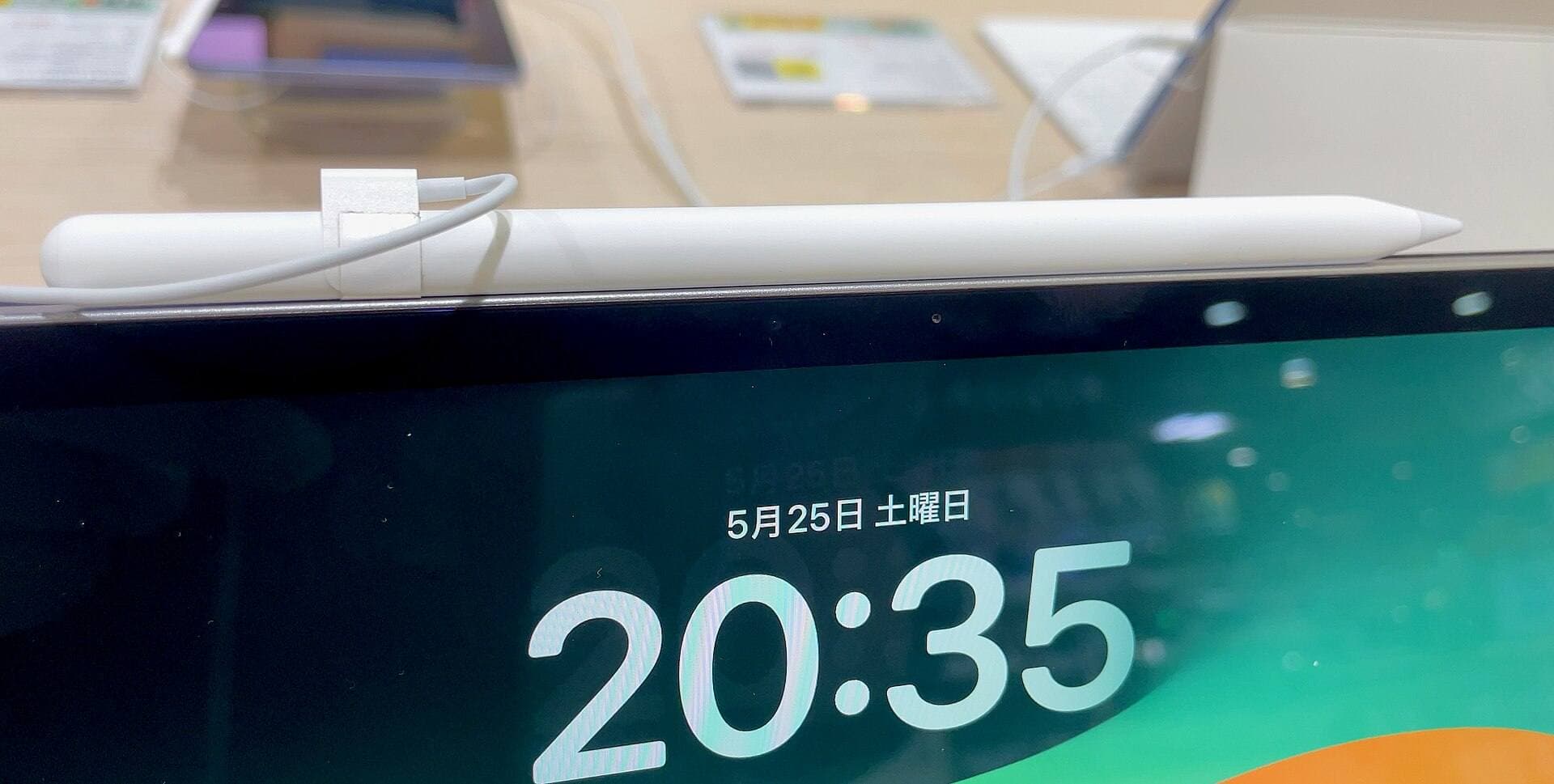
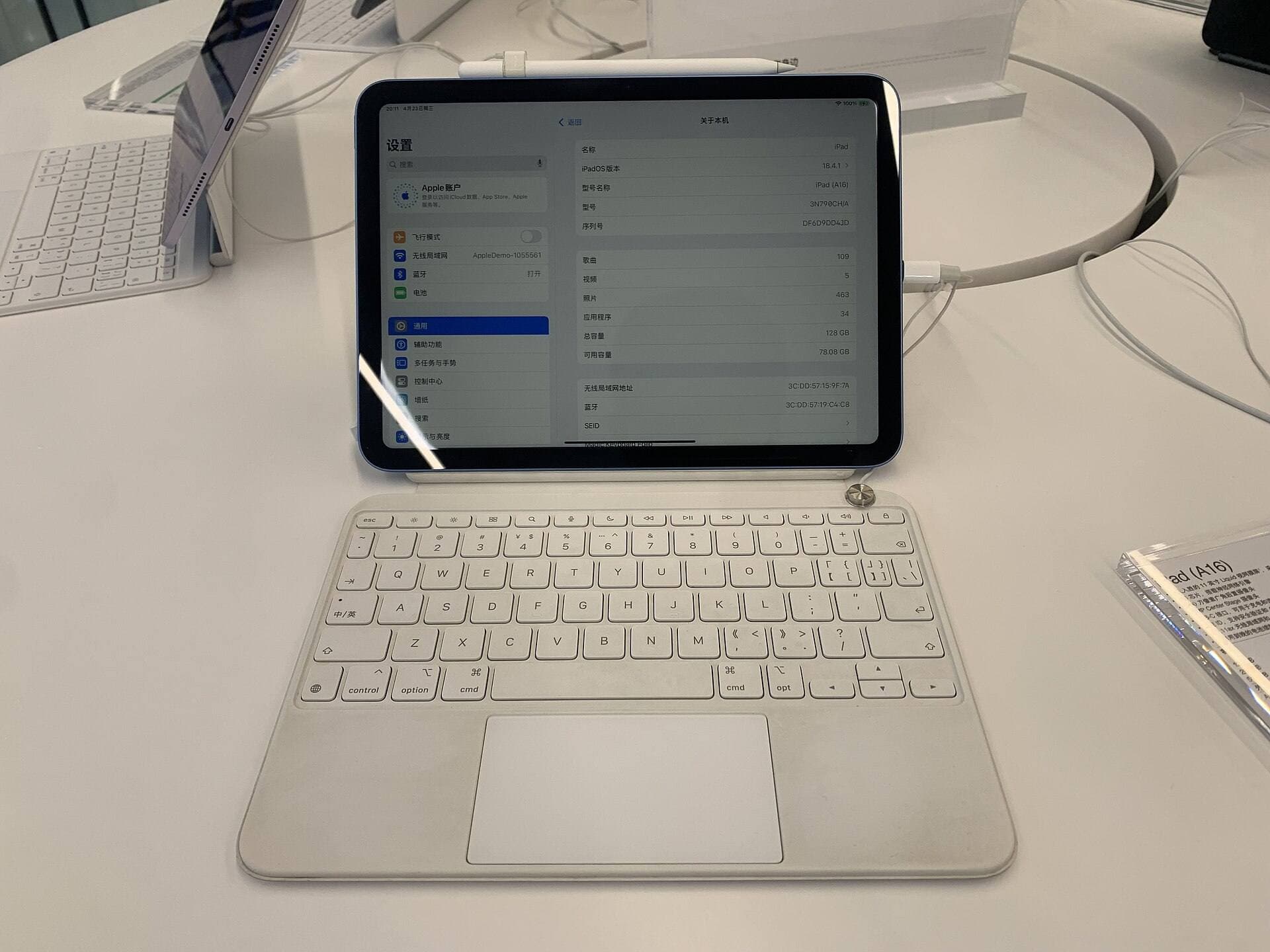
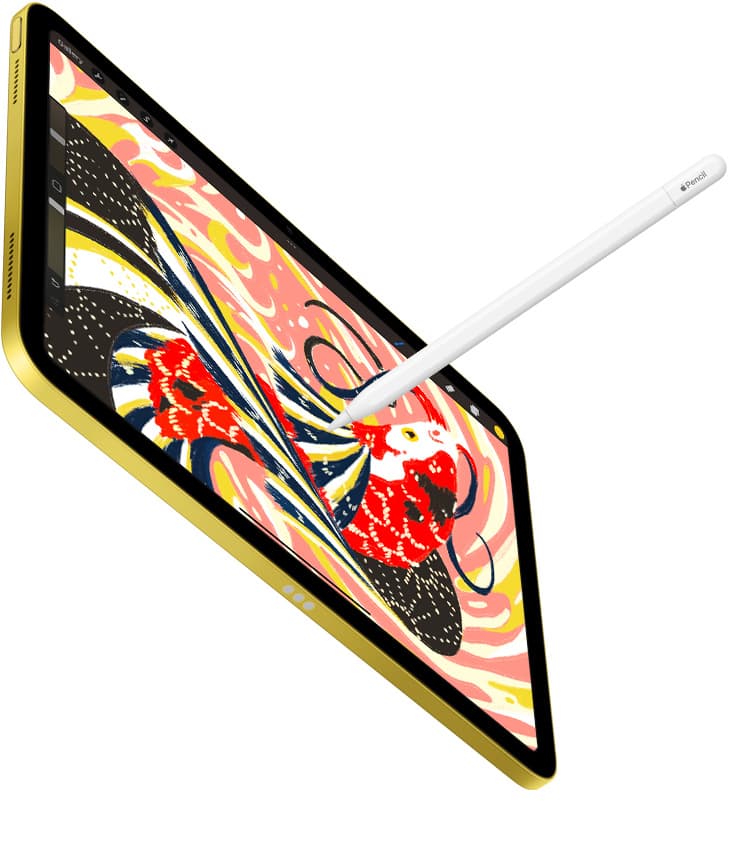
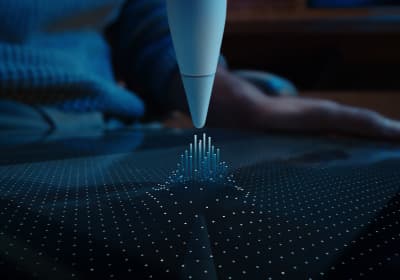
Your software experience depends heavily on the physical stylus and tablet resting on your desk [10], [11]. The Apple Pencil lineup ranges from baseline USB-C input up to the Apple Pencil Pro, with distinct hardware capabilities across the family [11], [12]. Basic stylus interactions handle stroke placement, but advanced digital drawing tools rely on hardware pressure sensitivity and tilt recognition to vary line thickness and opacity naturally [11], [13].
The Apple Pencil Pro introduces squeeze detection, haptic feedback, and barrel roll sensors to compatible iPad models [11], [13]. Squeeze gestures allow you to summon tool palettes directly at your pencil tip without reaching across the screen for interface icons [11], [13]. Barrel roll lets you rotate shaped brush tips simply by twisting the stylus barrel between your fingers, giving designers subtle angle control over calligraphy and chisel-style markers [11], [13].
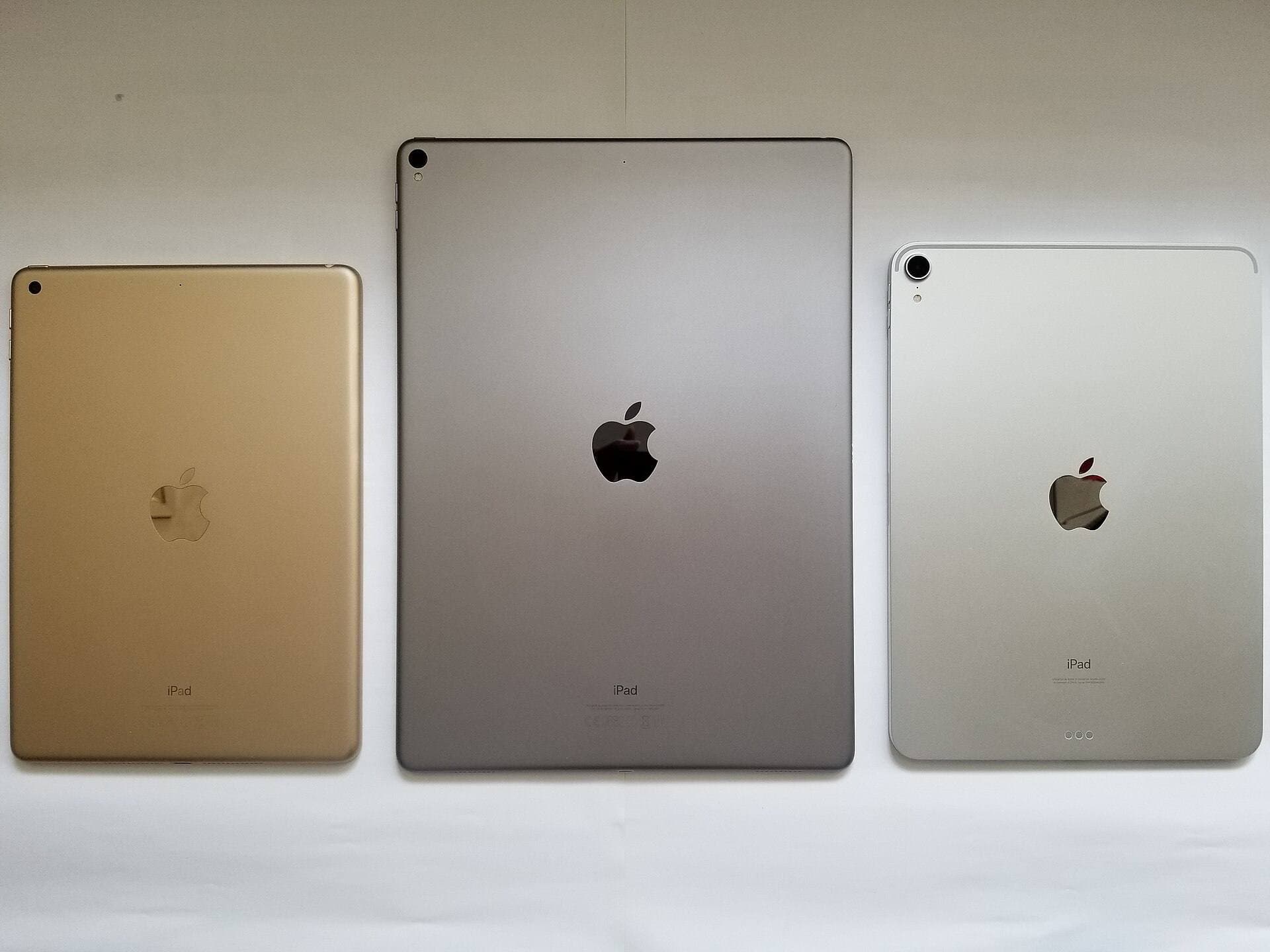
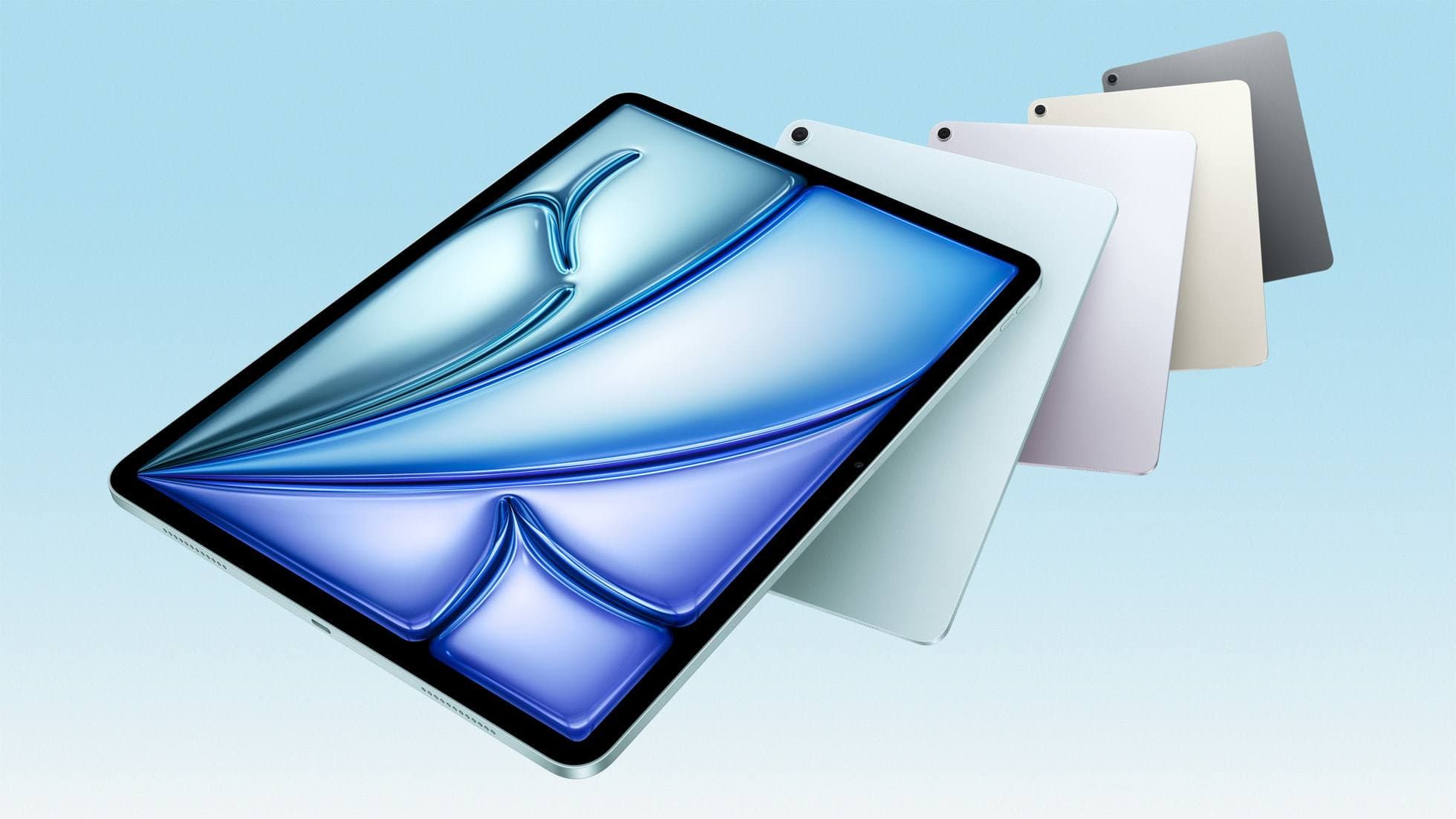
Before picking up an Apple Pencil Pro, you must verify your tablet pairing [11], [12]. The Pencil Pro only operates with newer hardware, such as the iPad Air (M4) and recent iPad Pro models [10], [11], [12]. If you draw on an iPad Air (M4), you get Apple Pencil Pro support, hover preview functionality, and capable processing headroom without jumping into top-tier tablet pricing [10], [11], [12]. Pairing the right pencil model to your sketching software ensures features like hover brushes and quick palette switches operate as intended [11], [13], [14].
Bottom line
For most creators seeking the best iPad app for sketching designs, Procreate is the smartest purchase [1], [2]. Its one-time pricing eliminates subscription fatigue, and its focused canvas tools let you jump straight into thumbnailing, layout drafting, and finished illustration without distracting clutter [1], [2]. Buy Procreate if you want an approachable, dependable sketchbook built solely for iPad hardware [1], [2].
Choose Clip Studio Paint instead if your design workflow centers on multi-page project files, technical perspective rulers, animation frames, or vector line adjustments [3]. While its plan structure requires ongoing investment, its tool depth provides the structural control needed for technical illustration and comic drafting [1], [3]. If you want vector flexibility without full comic suites, download Concepts to test infinite-canvas ideation before purchasing anything [4].
Sources
[1] https://apps.apple.com/us/app/procreate/id425073498 [2] https://apps.apple.com/us/app/id425073498 [3] https://apps.apple.com/us/app/id1262985592 [4] https://apps.apple.com/us/app/id560586497 [5] https://apps.apple.com/us/app/id883738213 [6] https://apps.apple.com/us/app/id1458660369 [7] https://help.procreate.com/articles/zlexav-ipad-compatibility [8] https://apps.apple.com/us/app/id450722833 [9] https://apps.apple.com/us/app/id1146543227 [10] https://www.apple.com/ipad/compare/ [11] https://www.apple.com/apple-pencil/ [12] https://support.apple.com/en-us/108937 [13] https://support.apple.com/guide/ipad/draw-with-apple-pencil-ipadc55b6c7a/ipados [14] https://help.procreate.com/procreate/handbook/5.2/interface-gestures/pencil
Recommended gear
Procreate
apps.apple.comPro: One-time purchase
Con: iPad-only
Clip Studio Paint
apps.apple.comPro: Deep comics, vector, ruler, and animation toolset
Con: iPad plan model is less simple than Procreate
Apple Pencil Pro
amazon.comThe best Apple stylus for serious digital art workflows. Expensive, but the control upgrades are real.
Pro: Best brush-control and hover workflow
Con: Highest price in the lineup
Works only with newer iPad models. Check compatibility.
iPad Air (M4)
apple.comThe clean current Air recommendation for most serious hobby artists. Stronger buy logic than old-stock M3 when pricing is close.
Pro: Best current balance of price, headroom, and Pencil support
Con: Still 60Hz
Current Air lineup. Choose size, storage, and keyboard path before checkout.
Related buying picks
More in this collectionBuyer guide
Best iPad app for sketching over photos: top picks and tradeoffs
Compare Procreate, Clip Studio Paint, and top free-to-download alternatives to choose the right iPad app for sketching and tracing over photos.
Buyer guide
Best iPad app for webtoon creation
Clip Studio Paint is the best overall iPad app for serialized webtoons, while Procreate suits artists wanting a one-time purchase for standalone panels.
Buyer guide
Which app is best for fashion designing on iPad
Procreate leads for croquis rendering and textile texture sketching, while vector tools like Concepts and Linearity Curve excel at technical flats.
Buyer guide
Best iPad app for perspective drawing
Clip Studio Paint and Procreate offer distinct approaches to vanishing points, specialized rulers, and architectural sketching on iPad.