
Travel drawing fails for one repeated reason: unstable setup.
At home, almost any stand can feel acceptable. On a narrow cafe table, train tray, or hotel desk edge, weak stands wobble, slide, or consume too much space. If your angle changes every few strokes, your hand compensates, your shoulder tightens, and your output drops.
This guide focuses on portable stands that balance stability, footprint, and daily carry reality.
What matters most in a portable stand
1) Stability under stylus pressure
You need confidence when pressing near top corners and during slow line corrections. If the iPad shifts when you apply normal drawing pressure, skip that stand.
2) Setup speed
Portable gear must deploy in seconds. If setup is tedious, you will avoid using it in real conditions.
3) Footprint on small tables
Cafe and coworking tables are often crowded. Deep bases and wide hinge arms can fight your drink, charger, and notebook.
4) Carry weight and shape
A stand that stays at home has no travel value. Daily carry viability is part of performance.
Three stand types that cover most workflows
Sketchboard Pro
Best for artists who want a drawing-first surface and high confidence under pressure.
Why people choose it:
- stable board-like experience,
- strong support at drawing angles,
- predictable feel during longer sessions.
Trade-off:
- less compact than ultralight folding stands.
Product link: [Amazon][1]
Elevation Lab DraftTable
Best for artists who prioritize ergonomic angle control and low wobble over minimal size.
Why people choose it:
- stable low-angle posture,
- reduced wrist and shoulder compensation during longer blocks,
- strong desk-session confidence.
Trade-off:
- extra bulk in travel bag compared with minimalist options.
Product link: [Elevation Lab][2]
Satechi R1
Best for lighter travel and mixed sketch-plus-media use.
Why people choose it:
- folds compactly,
- easier daily carry,
- good enough stability for short to moderate sketch sessions.
Trade-off:
- less confidence than heavier options under strong pen pressure.
Product link: [Satechi][3]
30-second decision guide
If your main issue is shaky lines and posture fatigue:
- choose the most stable stand you are willing to carry daily.
If your main issue is bag bulk and portability:
- choose the lightest stand that remains stable at your usual drawing pressure.
If you split drawing and typing:
- choose a medium-weight folding stand with fast angle changes.
Workflow-based recommendations
Scenario: long cafe sessions (45 to 90 minutes)
Use stability-first options like DraftTable-type stands. They reduce micro-adjustment fatigue and maintain consistent angle.
Scenario: short sketch bursts across multiple locations
Use compact folding options like Satechi R1. You will deploy faster and carry less.
Scenario: travel plus serious inking blocks
Use Sketchboard-style or DraftTable-style stand despite extra bulk, because line confidence matters more than a few hundred grams.
Setup habits that improve any stand
A strong stand still fails with poor setup routine.
- Center stand footprint on the table, not at the edge.
- Keep cable path short to reduce drag force.
- Place heavier accessories away from hinge movement.
- Keep your non-drawing hand anchoring table-side items, not the iPad itself.
These habits increase stability more than many accessory upgrades.
Packing strategy for travel artists
Daily carry mode
- stand,
- one short cable,
- Pencil,
- iPad sleeve.
Use when sketching frequency matters more than full production capability.
Travel production mode
- stand,
- hub,
- cable set,
- backup cable,
- compact pouch.
Use when you know imports, exports, or external display tasks are likely.
Keep one fixed pouch layout so setup is automatic.
Common buying mistakes
Mistake 1: buying only by foldability
A tiny folded profile means little if the stand vibrates under normal drawing pressure.
Mistake 2: ignoring table footprint
Some stands look compact in photos but occupy too much depth in real cafe layouts.
Mistake 3: overbuying angle complexity
Multiple angle options are useful only if you actually use them. Prioritize stable angles you need weekly.
Mistake 4: carrying maximum setup every day
Heavy daily carry reduces usage frequency. Match carry mode to expected tasks.
Ergonomics and fatigue implications
Portable stand choice influences posture and fatigue directly.
- Better angle control reduces neck flexion.
- Stable base reduces grip tension from compensating for wobble.
- Consistent setup reduces repeated micro-adjustments in shoulder and wrist.
If your primary pain point is neck strain in long sessions, consider also reading our long-session adjustable stand guide for non-travel setups.
Two-week field test before final choice
Days 1 to 4: baseline
Use your current setup and log:
- wobble incidents,
- session duration,
- posture discomfort,
- setup time.
Days 5 to 10: candidate stand test
Use one stand in actual travel environments, such as a café table or a train tray.
Days 11 to 14: decision checkpoint
Pick the stand that improves confidence and session length without causing carry fatigue.
This process avoids buying based on first-impression aesthetics.
Budget guidance
Do not over-optimize price alone. A slightly more expensive stand that you use daily can have better value than a cheap stand you avoid carrying.
Evaluate by:
- frequency of use,
- reduction in wobble,
- increase in session consistency,
- carry burden tolerance.
Bottom line
For cafe and travel drawing, the best portable stand is the one that remains stable on small tables and still gets carried daily.
Choose Sketchboard Pro or DraftTable styles if line stability and long-session comfort are your priorities. Choose Satechi R1 style stands if compact carry and quick setup matter most. Match stand type to session pattern, then keep setup routine consistent.
Product visuals
Sources
Recommended gear
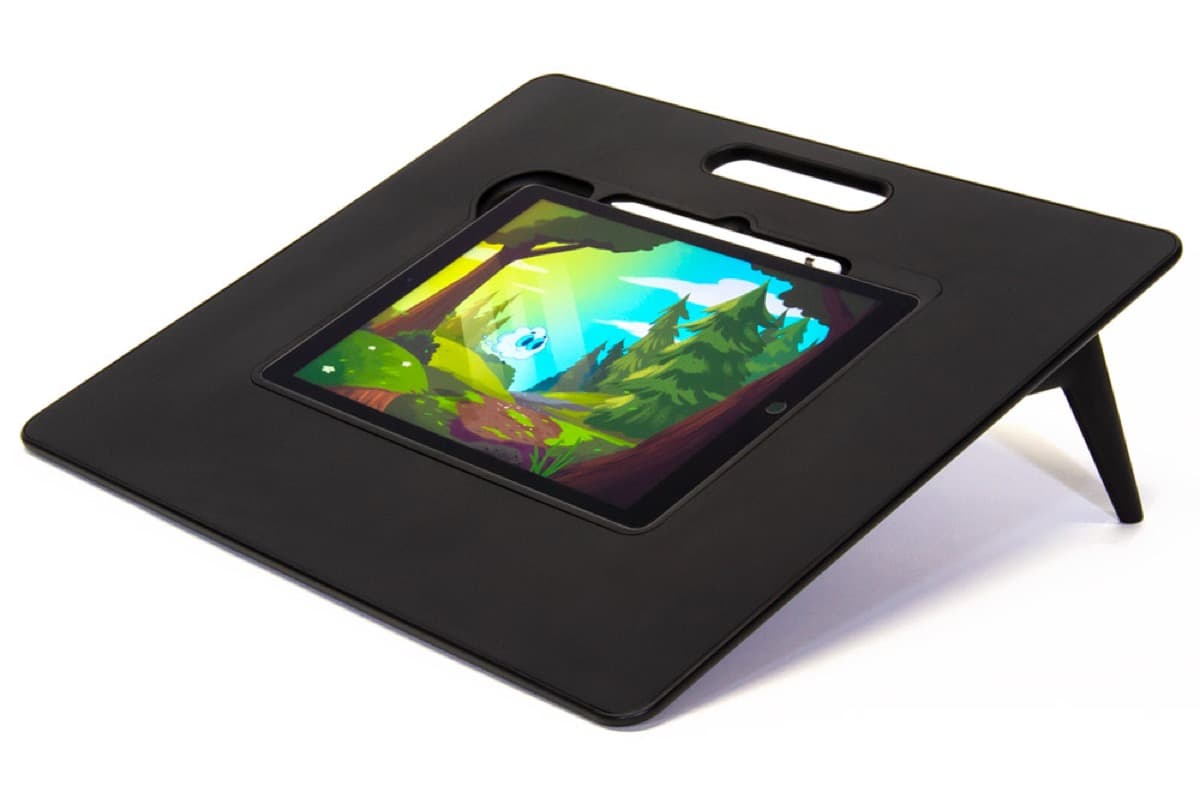
Sketchboard Pro (11-inch)
amazon.comPro: Stable sketchboard-style setup
Con: Bulky for travel
Built around 11-inch iPad sizes.
Elevation Lab DraftTable
amazon.comPro: Excellent drawing angle support
Con: Takes desk space
Check supported iPad dimensions before buying.
Satechi R1 Stand
amazon.comPro: Affordable and stable
Con: Less reach than arm mounts
Universal stand. Works with most iPad sizes.
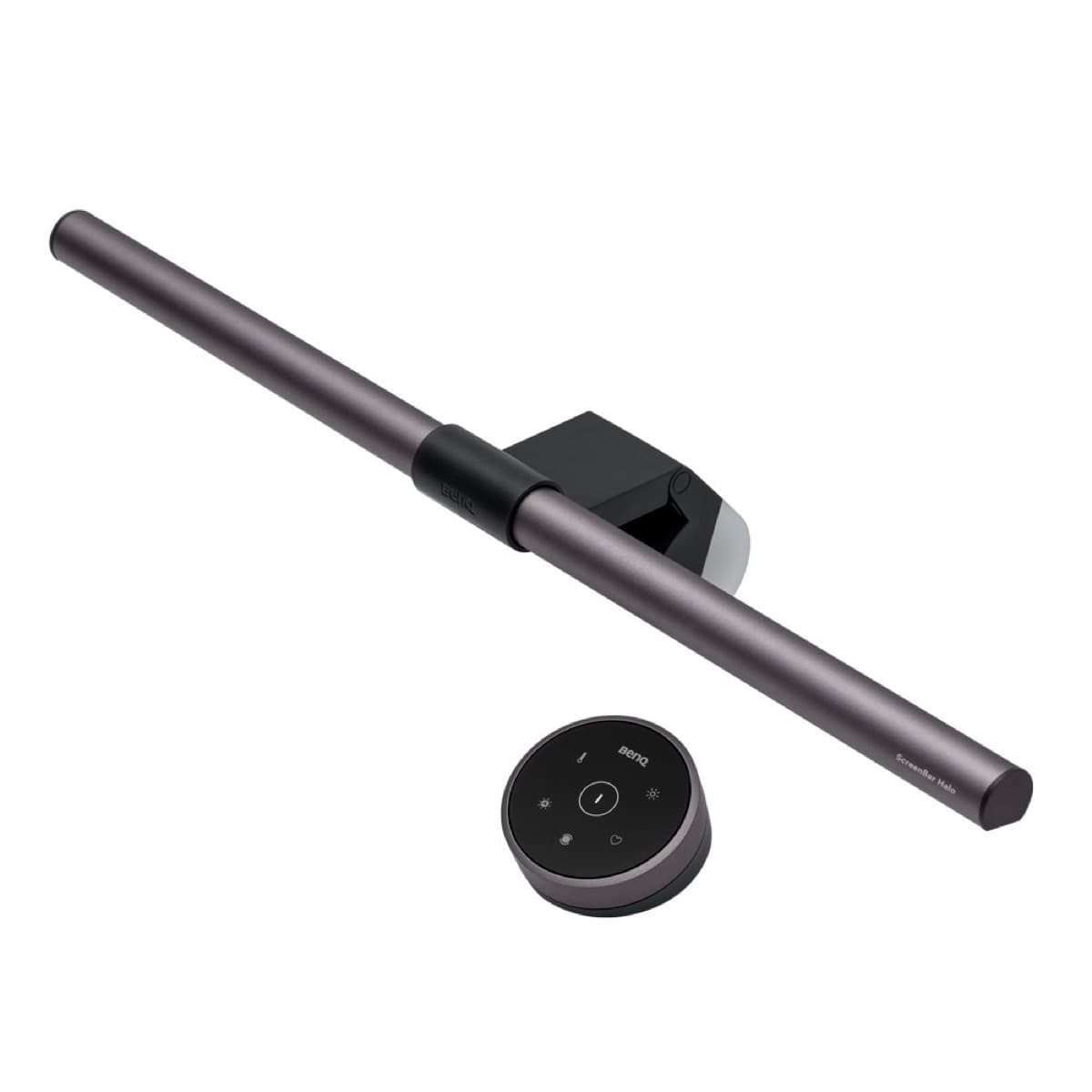
BenQ ScreenBar Halo
amazon.comPro: Reduces desk glare at night
Con: Premium price for a light
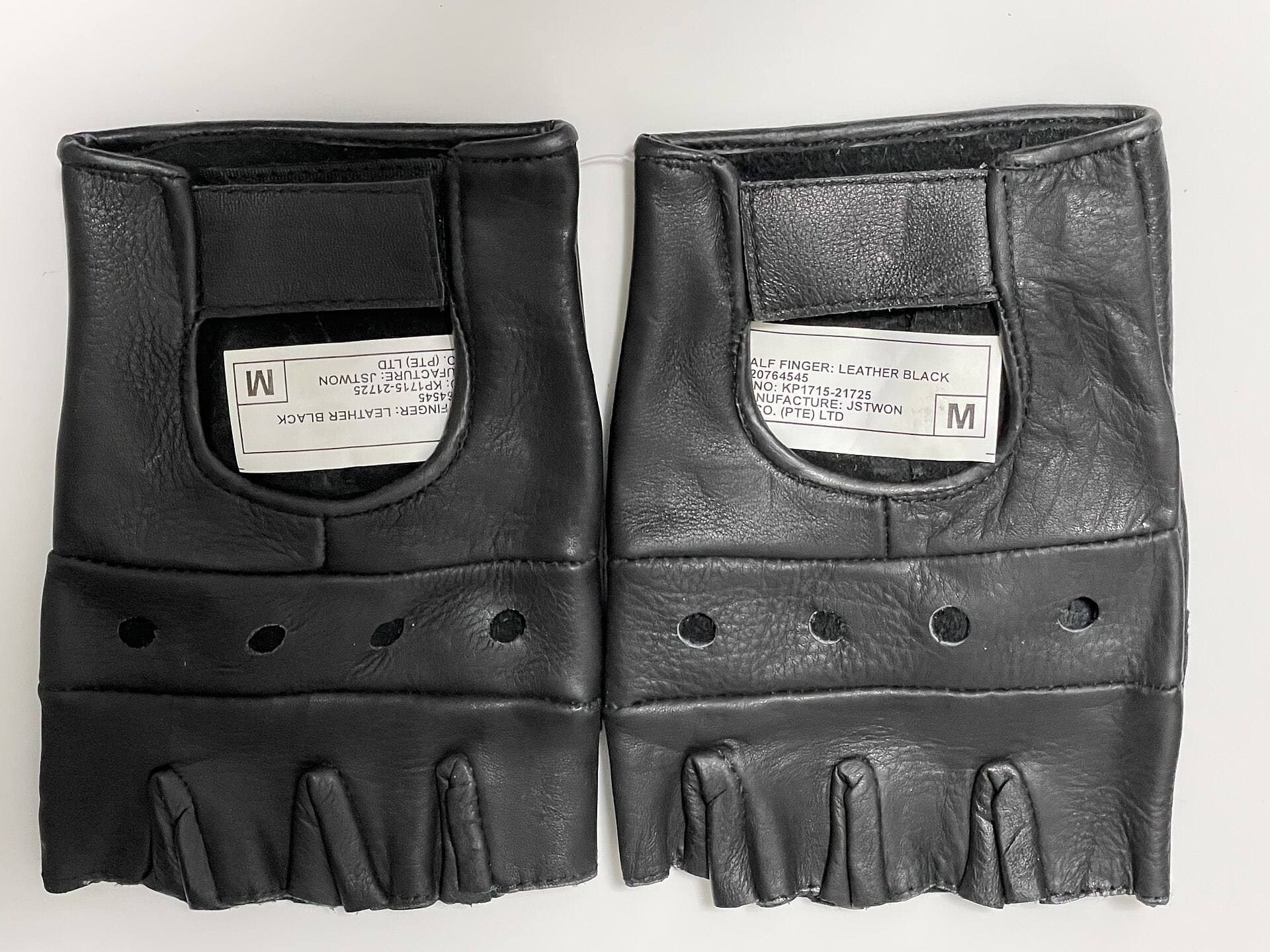
Parblo Drawing Glove
amazon.comPro: Improves glide on glass
Con: Does not fix software rejection
Related buying picks
More in this collectionBuyer guide
Saving Your Neck: The Best Adjustable iPad Stands for Long Drawing Sessions
You can draw on an iPad anywhere, which is exactly how your neck ends up paying rent.
Comparison
Best iPad Stand Setup for Couch vs Desk Drawing (2026)
This buyer comparison focuses on comfort and stability. Pick your stand style by posture and session length, not by looks.