

iPad battery health for artists in 2026
Battery health matters for artists for one reason: consistency. You want predictable runtime, stable brush response, and fewer heat throttling moments during long sessions.
This guide focuses on what actually changes outcomes:
- heat control during work
- practical charging habits
- quick checks when line feel degrades
The only two levers that matter most
Battery wear is dominated by two things: heat and time near full charge. Apple explicitly notes high ambient temperature can permanently shorten battery life and can trigger temporary behavior changes. [1]
For artists, heat often stacks from three sources:
- high screen brightness
- sustained CPU and GPU load from large canvases, exports, and multitasking
- charging while the device is already warm
If your iPad gets hot, iPadOS may dim display brightness, slow charging, or reduce performance in some scenarios. [1]

Charging habits that are worth keeping
1) Charge whenever convenient
You do not need to deep-drain lithium-ion batteries before recharging. Apple states you can charge as needed. [2]
2) Keep overnight charging physically safe
Overnight charging is fine if the device has airflow. Do not trap it in bedding, thick fabric, or enclosed heat pockets.
3) Use charge-limit behavior for desk workflows
On supported iPads, charge limit settings are meant for frequent plugged-in use. If you are mostly desk-based, this reduces time at high state of charge. [3]
4) Stop using weak ports for heavy work
If you are drawing while plugged in, low-power USB sources can result in net discharge or unstable charging. Use a reliable USB-C PD wall charger.

Why drawing can feel worse when battery conditions are poor
Most brush lag is not direct battery failure. It is thermal protection, low-power mode, or workload pressure.
Still, battery condition can make these symptoms more frequent by reducing your energy headroom during long sessions.
Quick checklist when lines feel bad:
- check heat first
- check Low Power Mode status
- lower brightness slightly and retest
- pause export jobs during critical line work
- move from a weak hub port to a direct PD charger
On ProMotion iPads, Low Power Mode can reduce refresh behavior, which many artists perceive as more latency. [4]
A practical setup for long studio blocks
- keep brightness moderate, then tune room lighting instead of maxing the display
- remove thick insulating cases during long plugged-in work
- put the iPad on a stand for airflow
- keep cable bends gentle so the port is not stressed

How to read battery status without obsessing
If your model exposes battery health metrics, use them for trend direction, not anxiety.
- capacity near 100 percent: normal
- gradual decline over months: normal aging
- sudden runtime collapse, heat spikes, swelling, or shutdowns: investigate service
Apple notes expected cycle behavior targets vary by use and environment. [5]
A stable weekly routine
Use this once a week:
- verify charger and cable are in good condition
- clean the charging port gently if dust is visible
- run one full creative session at normal brightness and note heat behavior
- update notes only if behavior changed
Boring routines beat heroic troubleshooting.

Bottom line
If you keep the iPad cool and avoid long hot charging cycles, battery health is usually predictable enough for art workflows. Most quality drops that feel like battery failure are setup issues you can fix in minutes.
<!-- depth-pass-v1 -->Practical application guide
For iPad Battery Health for Artists (2026): Charging, Heat, and Performance, the highest value comes from converting ideas into repeatable workflow decisions. iPad artists who draw for long sessions and want better battery life and fewer heat slowdowns. should implement one change at a time and measure impact over at least one week before adding complexity.
What to apply first
Start with actions that reduce interruptions and improve consistency:
- standardize your setup sequence,
- reduce unnecessary tool/context switching,
- document one fallback path for failures,
- keep maintenance checks on a fixed weekly cadence.
Measurement framework
Track three metrics for 7 to 14 days:
- session completion rate,
- interruption frequency,
- time-to-start from opening your device to productive work.
If all three improve, keep the change. If not, revert and test the next candidate adjustment.
Common interpretation errors
Error 1: adopting multiple changes at once
You lose signal about what actually improved outcomes.
Error 2: judging based on one-session results
Short tests miss reliability and fatigue effects.
Error 3: optimizing for novelty
New workflows are only valuable if they remain stable under routine use.
Implementation cadence
Use a weekly cycle: test one change, verify under normal load, keep only what reduces friction, and archive what did not help. That cadence compounds into durable productivity gains.
Sources
Recommended gear

Anker 736 Charger (Nano II 100W)
amazon.comA practical multi-device charging brick for iPad workflows. Great utility, with expected port-sharing tradeoffs.
Pro: Strong multi-device travel charging profile
Con: Larger than compact 65W bricks
Check per-port split table before buying, not only max total wattage.
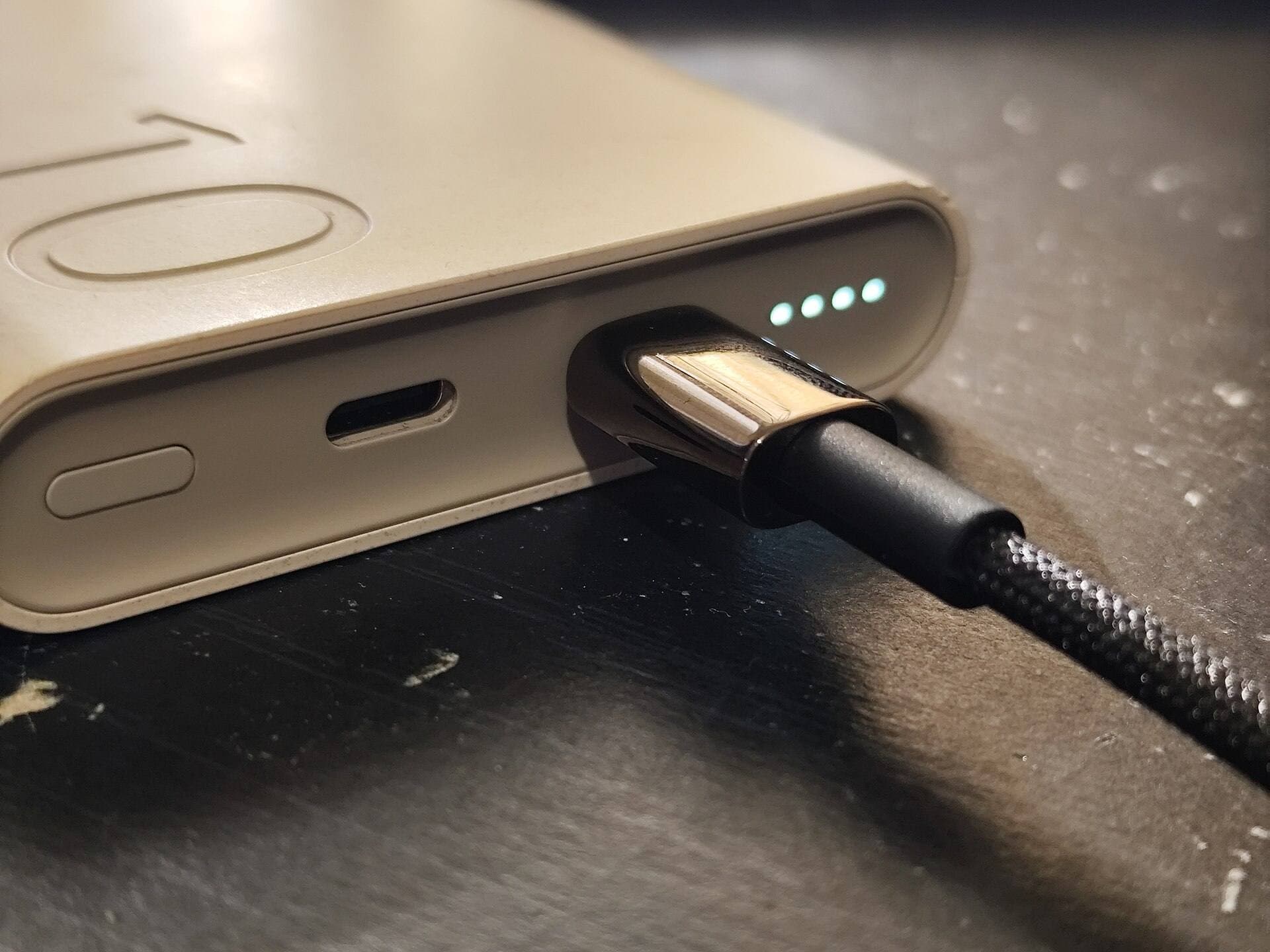
Anker USB-C to USB-C Cable (240W)
amazon.comPro: High power headroom for charging and dock use
Con: Not every 240W cable supports high data rates
Confirm required wattage and data speed before checkout.

Apple 96W USB-C Power Adapter
apple.comPro: Predictable output and Apple ecosystem reliability
Con: No multi-port flexibility
Single-port adapter. Pair with quality USB-C cable for iPad Pro fast charging.

iPad (A16, 11th gen)
amazon.comThe best entry iPad for most artists on a budget. It is not premium, but it is very hard to beat on value.
Pro: Best value iPad right now
Con: No ProMotion display
Search opens with the exact model keywords. Verify size and storage before checkout.
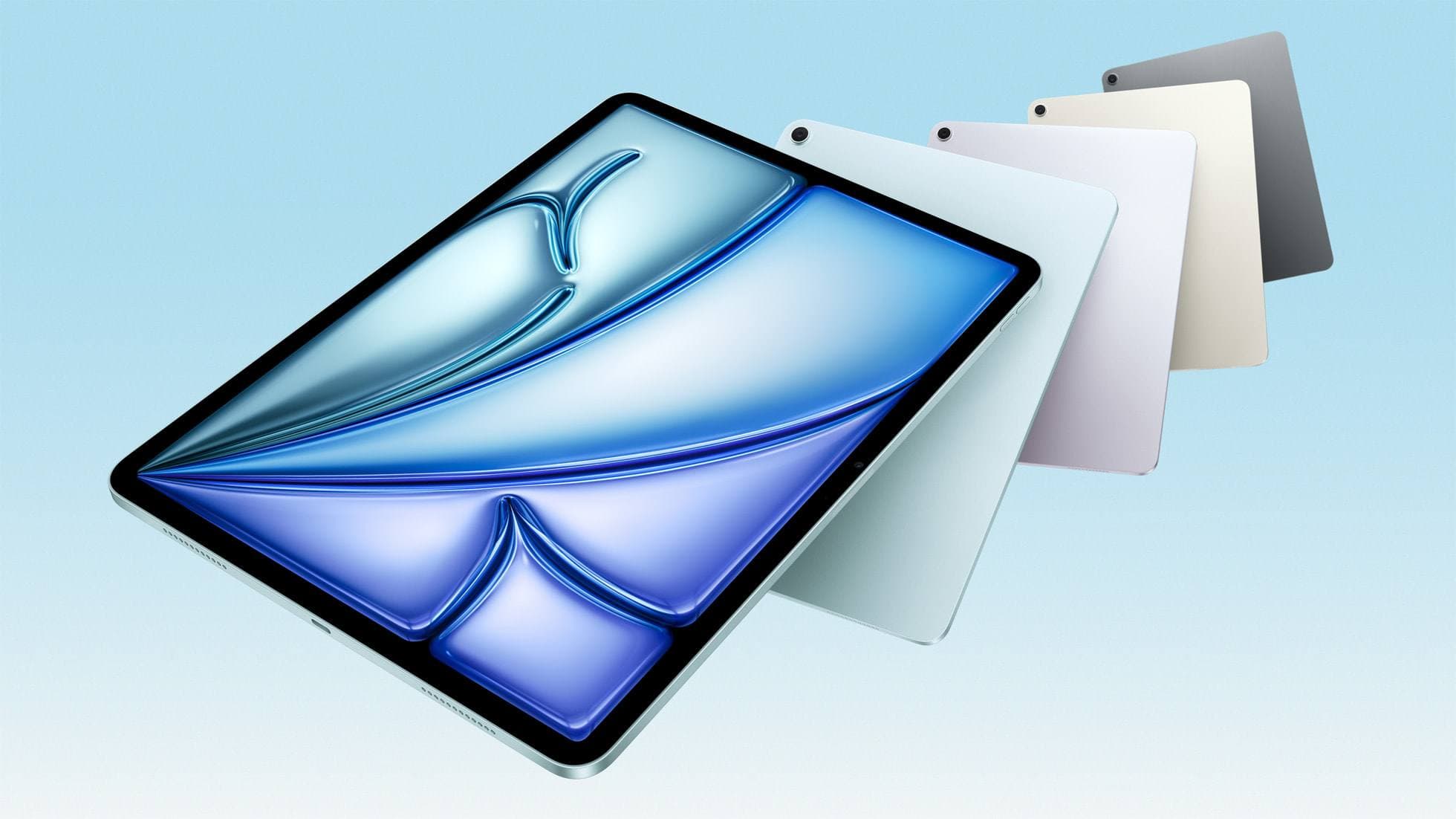
iPad Air (M4)
apple.comThe clean current Air recommendation for most serious hobby artists. Stronger buy logic than old-stock M3 when pricing is close.
Pro: Best current balance of price, headroom, and Pencil support
Con: Still 60Hz
Current Air lineup. Choose size, storage, and keyboard path before checkout.
Related buying picks
More in this collectionBuyer guide
Best Portable iPad Stands for Cafe and Travel Drawing (2026)
Portable iPad stands for artists should prioritize stability on small tables, quick setup, and low packed weight.
Comparison
Best iPad Stand Setup for Couch vs Desk Drawing (2026)
This buyer comparison focuses on comfort and stability. Pick your stand style by posture and session length, not by looks.
Buyer guide
Saving Your Neck: The Best Adjustable iPad Stands for Long Drawing Sessions
You can draw on an iPad anywhere, which is exactly how your neck ends up paying rent.