
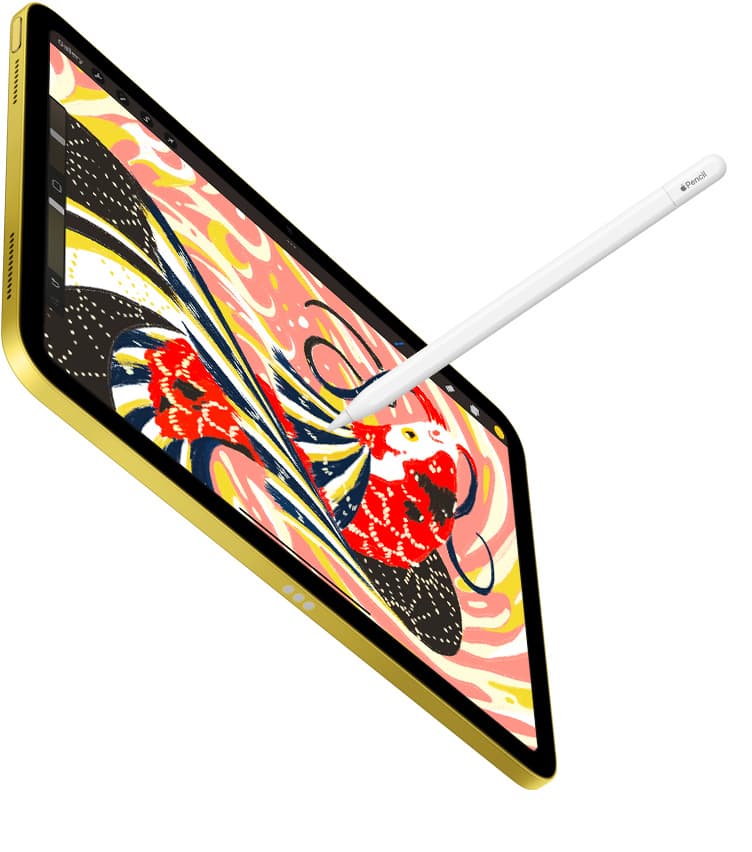
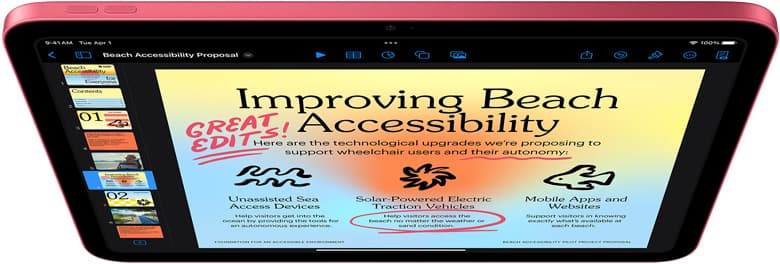
The iPad mini is a portability machine, not a desk replacement.
Most accessory bundles fail because they try to turn the mini into a small iPad Pro setup. That usually adds weight, friction, and bag clutter without adding meaningful output quality. If your goal is to draw more often while moving between home, cafe, transit, and short trips, the winning bundle is the one you can carry every day with zero hesitation.
The best three-piece mini bundle
For most people, this is the highest-value setup:
- iPad mini (A17 Pro) as the core device.[1]
- Apple Pencil Pro (or the compatible Pencil tier for your model).[2]
- Anker 341 USB-C hub for occasional external workflows.
This stack preserves the mini's key advantage while still unlocking useful expansion when you actually need it.
Why smaller bundles convert into more drawing time
When your setup is light and predictable, you start faster and quit later. That matters more than almost any spec upgrade.
A compact kit wins because:
- you can carry it daily without redesigning your bag,
- you spend less time deciding what to pack,
- your charging and cable habits stay consistent,
- you reduce "setup tax" before sketching.
Heavy setups often look impressive but reduce session frequency. Frequency beats complexity for creative progress.
Compatibility first, then accessories
Before buying anything, confirm two items:
- exact iPad mini generation,
- exact Apple Pencil compatibility.
Apple maintains support pages for compatibility details.[2] Check those pages on purchase day, not from memory. A wrong Pencil purchase wipes out budget and momentum immediately.
What each bundle piece is responsible for
1) iPad mini: portability and instant-open drawing
Your mini should behave like a notebook. Fast unlock, immediate sketch surface, no extra friction.
Buying priorities:
- storage based on your weekly export volume,
- model year and chip generation consistency,
- battery condition and charging discipline.
2) Apple Pencil: input quality and hand confidence
The Pencil is not an "extra" for drawing users. It is the primary interface. If hand feel is inconsistent, everything else feels worse.
Use this policy:
- keep one known-good tip strategy,
- keep charging routine predictable,
- do not pile on grips until you identify a real fatigue problem.
3) USB-C hub: occasional expansion, not daily burden
A hub belongs in your bag only if you actually run weekly external workflows.
Keep it for these cases:
- SD or microSD imports,
- quick transfers to SSD,
- HDMI output during review sessions.
If you do not hit those tasks weekly, you can keep the hub at home and run a lighter daily carry.
Practical carry modes (use one, not all)
Daily city carry mode
- mini + Pencil + one cable,
- no hub unless you know you need imports that day.
Best for commute and cafe sketch sessions.
Mobile production mode
- mini + Pencil + hub + short cable,
- add only the storage media you will actually mount.
Best for travel days where you know transfers and exports are required.
Home to office shuttle mode
- mini + Pencil in sleeve,
- leave hub and extras in fixed desk pouch.
Best for consistency and lower bag friction.
Accessory choices to delay until needed
The fastest budget leak is pre-buying optional gear before data from your own workflow.
Delay these until you can explain exactly why they are needed:
- premium stand systems,
- multiple grip sleeves,
- keyboard cases for a drawing-first mini setup,
- duplicate cables beyond one backup.
Use the two-week rule: if a friction appears repeatedly for two weeks, buy one focused fix.
Storage and file-transfer workflow for mini users
Mini workflows break when storage discipline breaks.
Use a simple file policy:
- keep active canvas files local,
- archive finished work weekly,
- export milestone versions on schedule,
- avoid random one-off transfer methods.
If you regularly export large files, the hub becomes high-value. If you rarely export heavy assets, the hub can stay optional.
Power policy for reliable sketch sessions
Charging inconsistency is a silent productivity killer. You can avoid most issues with routine instead of expensive hardware.
- Charge at predictable times, before the battery runs low.
- Keep one known-good cable dedicated to mini use.
- Avoid random cable swaps from shared chargers when traveling.
- If heat rises during long sessions, move to a cooler surface and reduce direct sunlight.
Reliability from routine beats chasing charger specs for most mini users.
30-day setup plan that keeps spend controlled
Days 1 to 7: baseline use
Use only mini + Pencil. Identify actual friction instead of assumed friction.
Days 8 to 14: test workflow expansion
Add hub only on days you need transfer or display output. Measure whether it changes your completion speed.
Days 15 to 21: remove low-value extras
Cut anything you carried but did not use. If it did not help this week, it is not core.
Days 22 to 30: lock final carry policy
Commit to one default carry mode. Consistency increases drawing frequency and reduces decision fatigue.
Common mini bundle mistakes
Mistake 1: buying as if mini were a desk-first tablet
The mini wins on mobility. If your setup assumes permanent desk accessories, you lose the device's advantage.
Mistake 2: overpacking "just in case"
Emergency accessories become everyday weight. Pack for likely scenarios, not every theoretical scenario.
Mistake 3: ignoring compatibility checks
Always verify Pencil and model support from official references.[1][2]
Mistake 4: adding accessories before building routine
Routine reveals what matters. Without routine, accessories become random purchases.
Final decision framework
Ask these four questions before buying any add-on:
- Does this solve a weekly bottleneck I can name?
- Will I carry it at least three days per week?
- Does it increase setup time before I draw?
- Can I remove something else if I add this?
If you cannot answer yes to the first two and no to the third, skip the purchase for now.
Bottom line
The best iPad mini accessory bundle is intentionally small.
Use mini + compatible Pencil as your default, then add one hub only when your workflow truly needs ports. This keeps your kit lightweight, your sessions frequent, and your spending aligned with actual output.
Product visuals


Official resources
- iPad mini product page: [apple.com/ipad-mini][1]
- Apple Pencil compatibility: [Apple Support][2]
Sources
Recommended gear
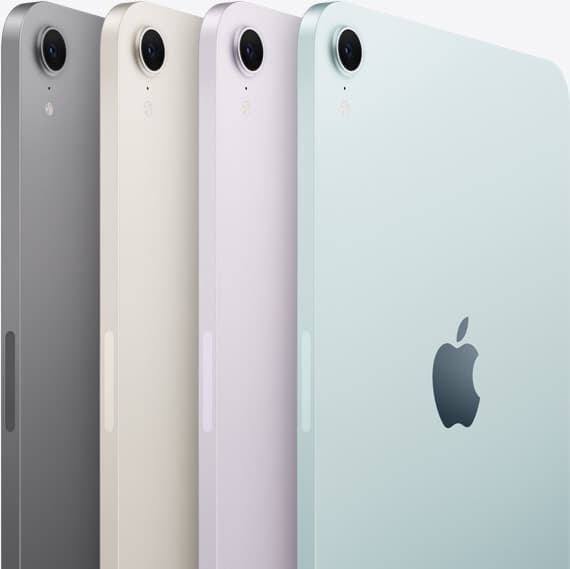
iPad mini (A17 Pro)
amazon.comThe most portable real iPad for drawing. It wins on mobility and loses on workspace.
Pro: Most portable drawing iPad
Con: Small canvas for detailed work
Search opens with iPad mini A17 Pro terms. Verify model number before buying.

Apple Pencil Pro
amazon.comThe best Apple stylus for serious digital art workflows. Expensive, but the control upgrades are real.
Pro: Best brush-control and hover workflow
Con: Highest price in the lineup
Works only with newer iPad models. Check compatibility.
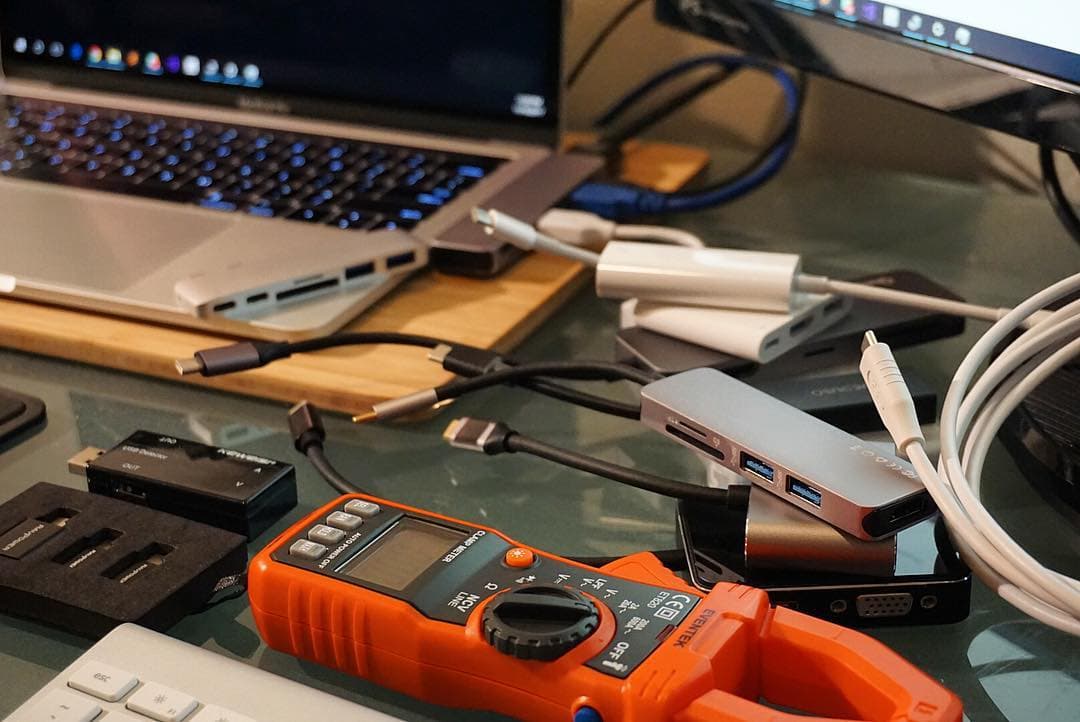
Anker 341 USB-C Hub (7-in-1)
amazon.comA strong everyday port hub for iPad workflows. Good value and layout, with expected bandwidth limits.
Pro: Solid all-around port mix for iPad setups
Con: Not Thunderbolt bandwidth
Check host power pass-through and display output before buying.
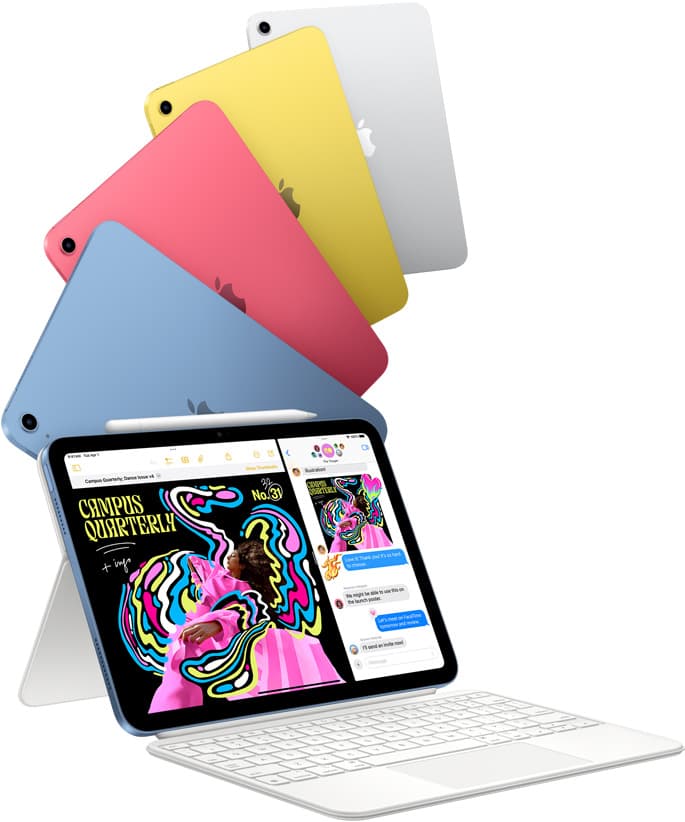
iPad (A16, 11th gen)
amazon.comThe best entry iPad for most artists on a budget. It is not premium, but it is very hard to beat on value.
Pro: Best value iPad right now
Con: No ProMotion display
Search opens with the exact model keywords. Verify size and storage before checkout.
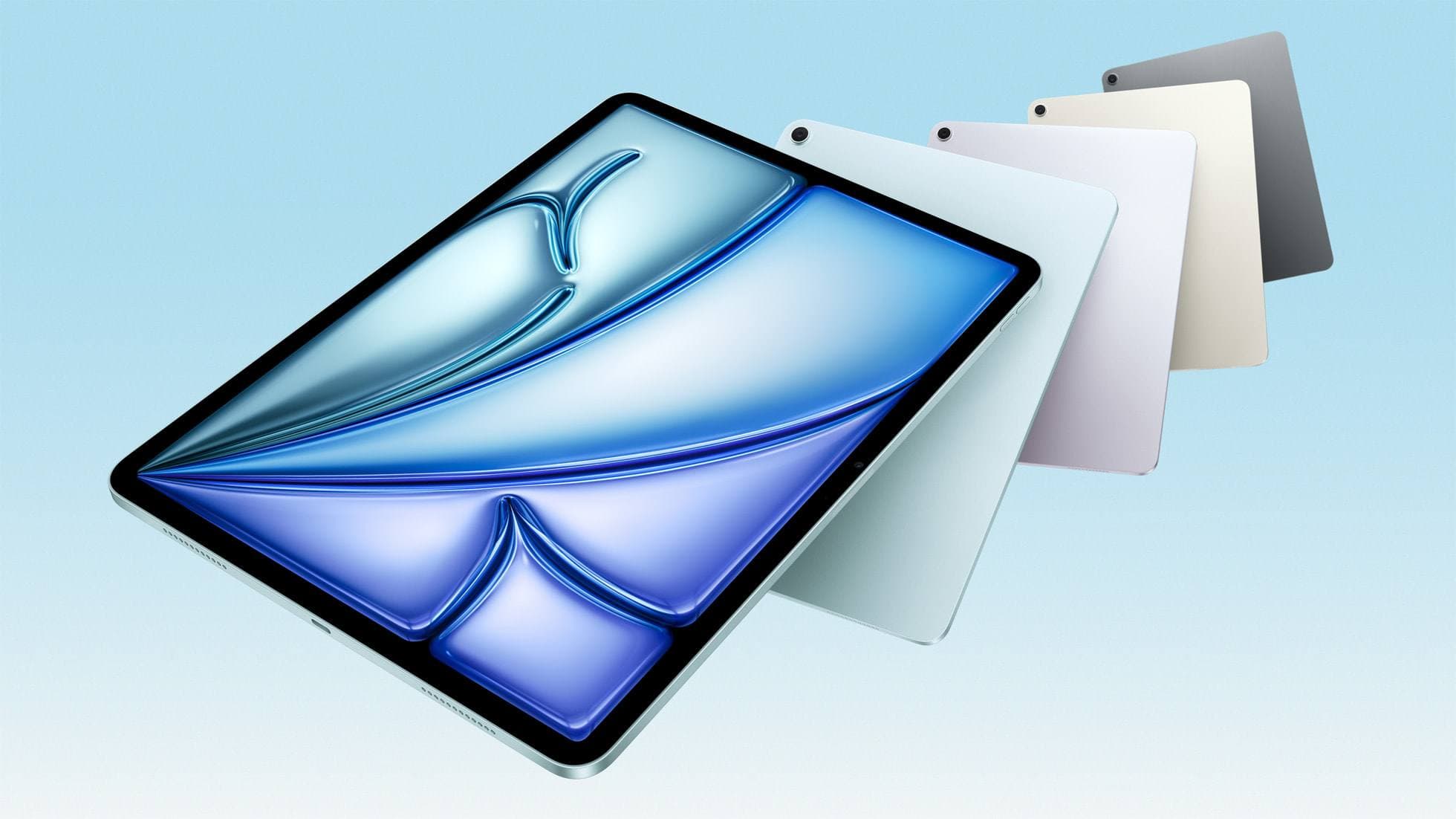
iPad Air (M4)
apple.comThe clean current Air recommendation for most serious hobby artists. Stronger buy logic than old-stock M3 when pricing is close.
Pro: Best current balance of price, headroom, and Pencil support
Con: Still 60Hz
Current Air lineup. Choose size, storage, and keyboard path before checkout.
Related buying picks
More in this collectionBuyer guide
Best USB-C Chargers for iPad Artists (2026): Wattage, Heat, and Real Speed
For iPad artists, charger quality matters more than max wattage marketing. Buy by single-port output, heat behavior, and split-power rules.
Buyer guide
Best iPad Cases for Artists (2026): Protection, Weight, and Draw-Angle Tradeoffs
The right iPad case for art is a balance between corner protection, bag weight, and a stand angle that does not wobble while you draw.
Buyer guide
Best Travel Power Kit for iPad Artists (2026 Buyer Guide)
Pack one three-piece travel charging kit for iPad drawing: a 100W wall charger, a high-output power bank, and a 2m USB-C cable.
Buyer guide
Best iPad Air Accessory Bundle for Artists (2026)
If you already chose iPad Air, this is the highest-ROI accessory stack for drawing, writing, and portable work.