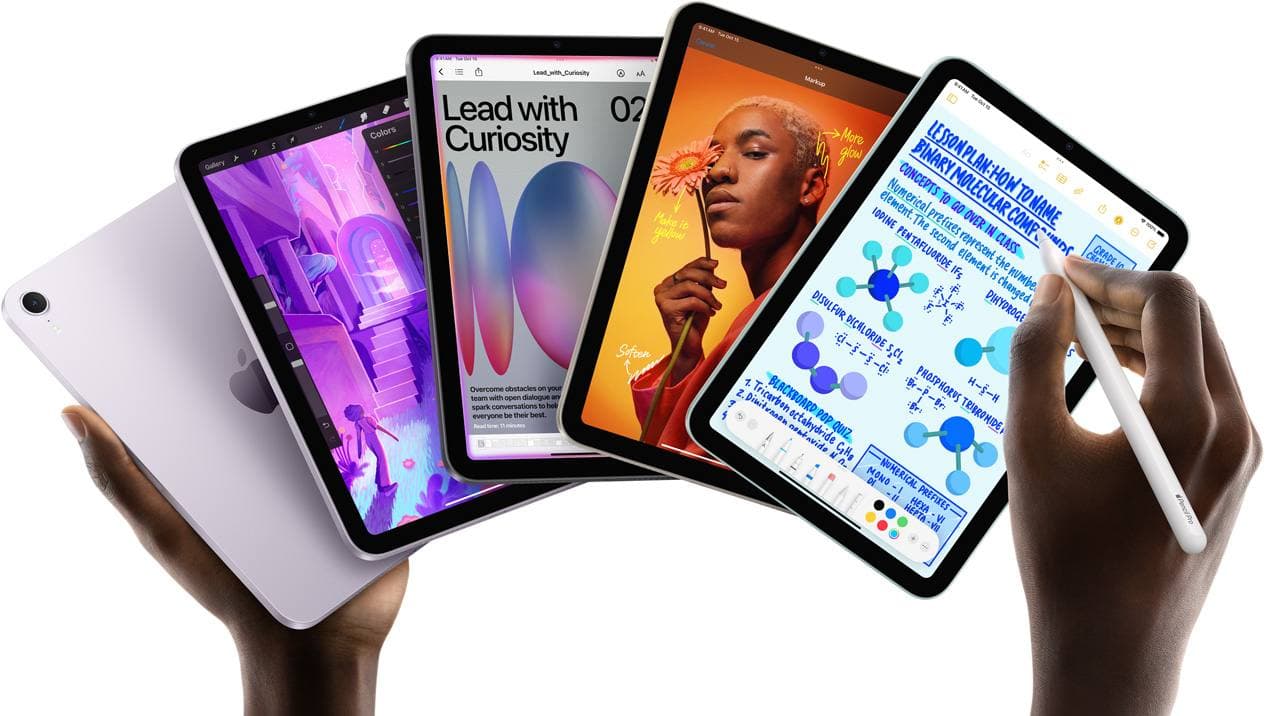
If your drawing life is train seats, cafe tables, and ten minute sketch breaks, this is not a normal spec fight. The right question is not which chip is faster. The right question is which one you will actually carry and use every day.
For most mobile workflows, the split is clean:
- iPad mini wins on carry comfort and hand feel.
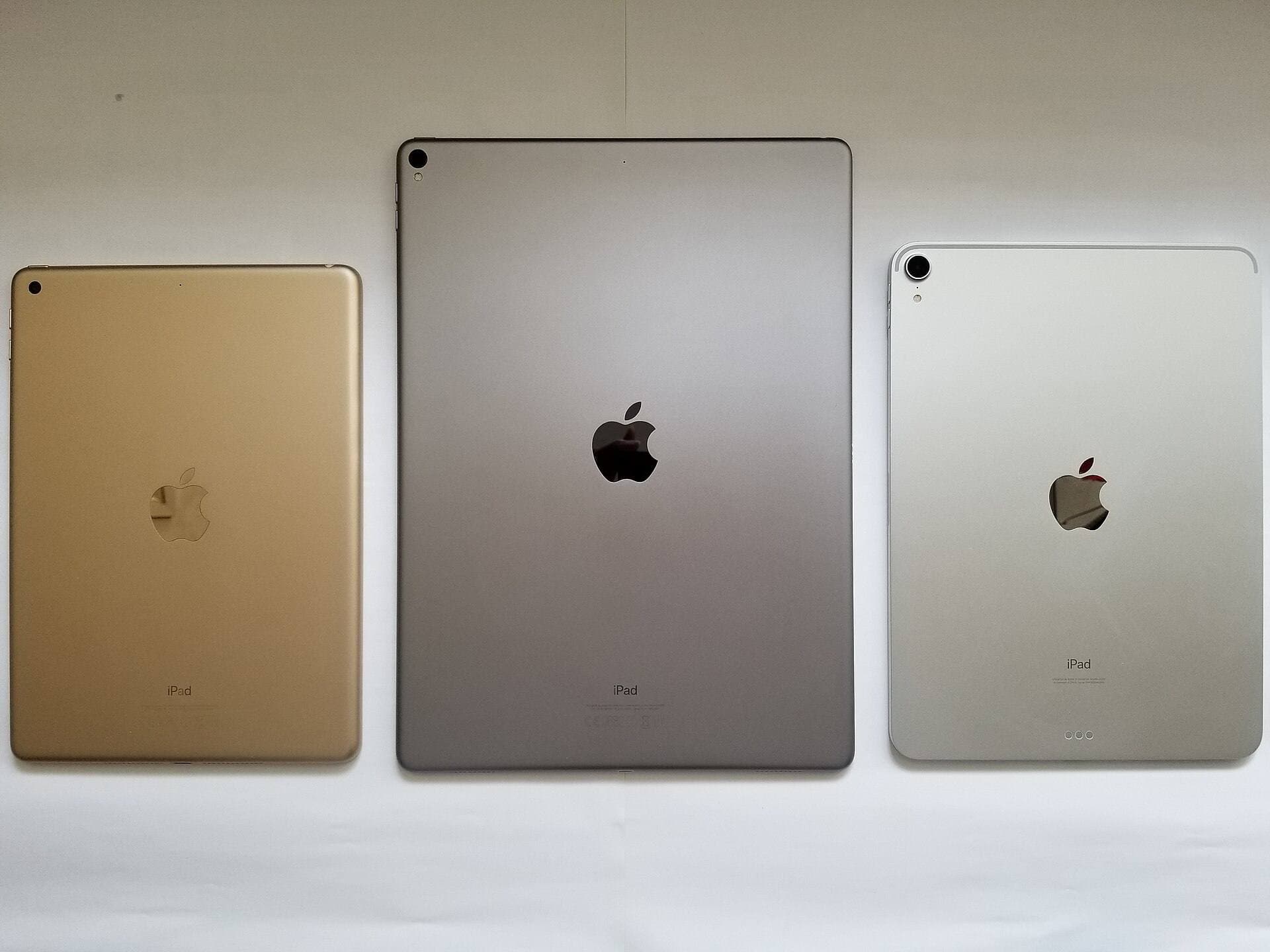
- iPad A16 wins on price per screen area and reference layout space.
Fast pick
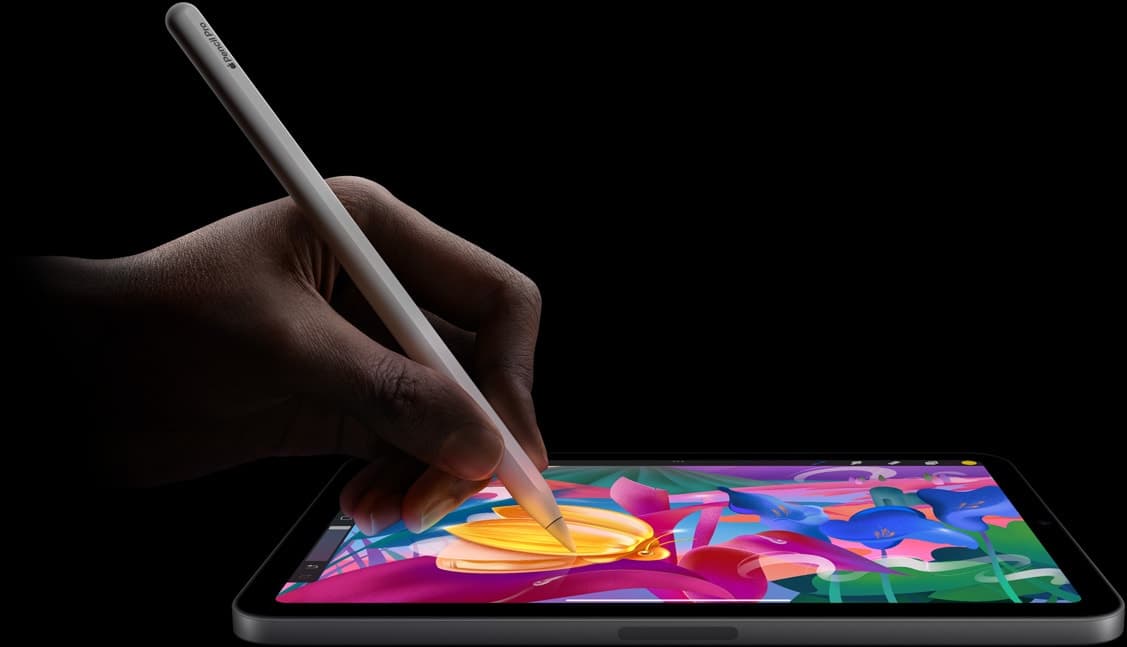
- Pick iPad mini (A17 Pro) if you sketch mostly hand held and travel light.
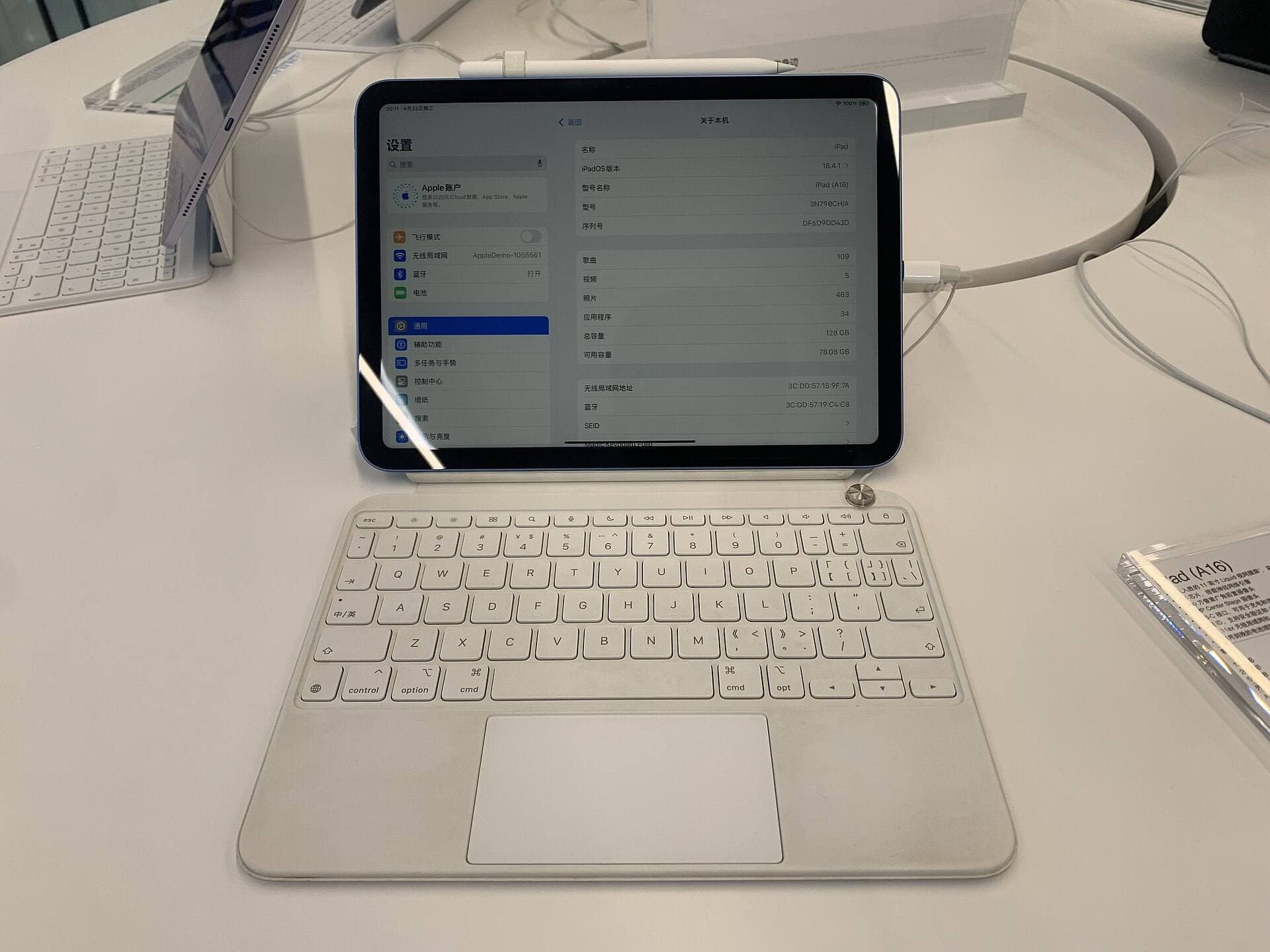
- Pick iPad (A16) if you need more room for palettes, references, and split view at lower total cost.
- Choose storage carefully on both models, because mobile artists fill storage faster than expected. [3]
Why this comparison matters for mobile art
- tablet feels heavy after twenty minutes
- screen feels cramped with palettes open
- battery anxiety changes how you draw
- you stop carrying the device because setup feels annoying
Those are behavior problems, not benchmark problems.
Where iPad mini is better
1) Hold comfort
iPad mini is easier to grip while sketching standing, commuting, or moving between rooms. That keeps sketch frequency high, which is the point of a mobile setup.
2) Real portability
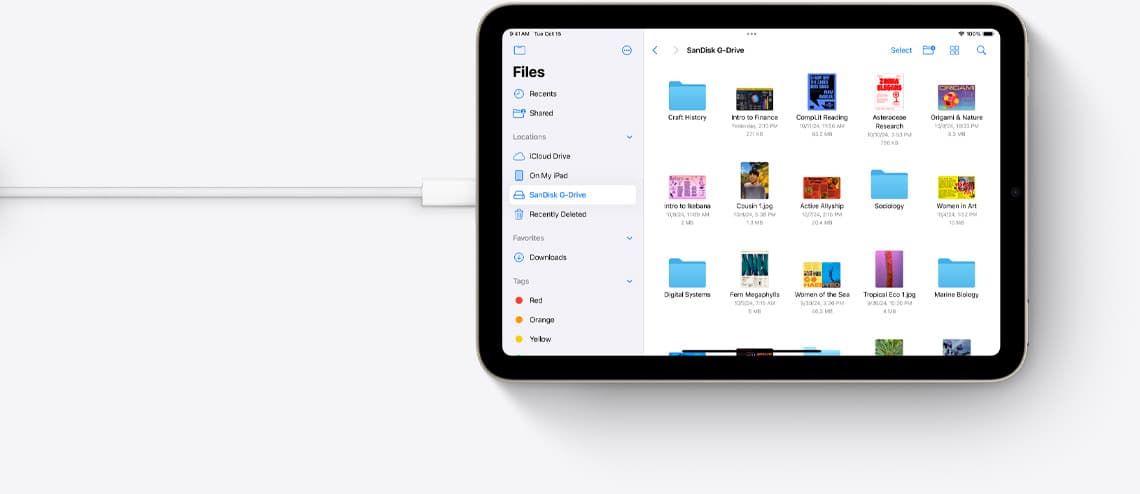
Mini fits more bags, takes less table space, and feels less annoying to move around daily. If a tablet is always with you, idea capture goes up.
3) Better short burst sessions
When you only have ten minutes, a lighter device with a quick setup habit wins.
Where iPad A16 is better
1) More workable canvas
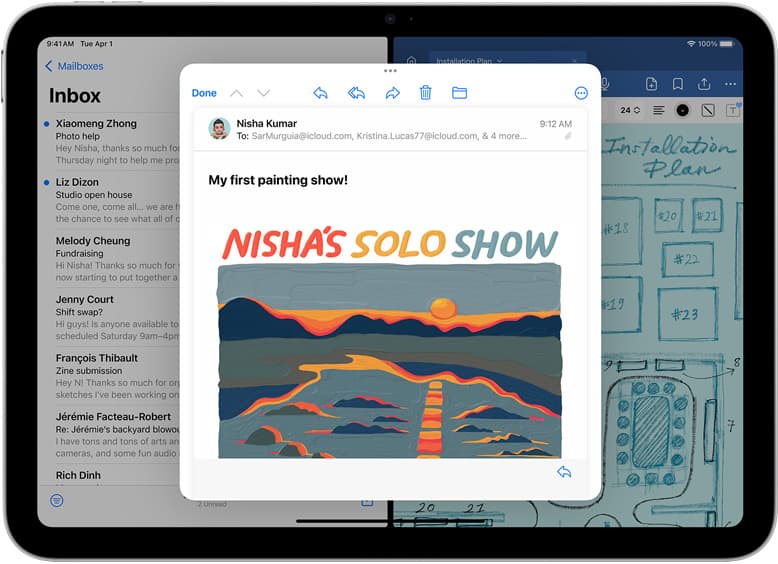
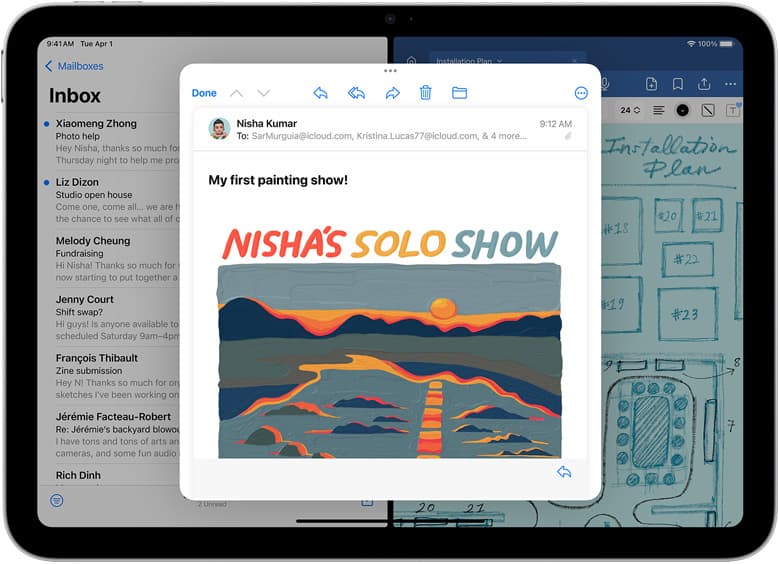
The larger display gives more room for brush controls, reference images, and layer management. If you use split view often, that extra space matters.
2) Better value for budget builds
If your goal is maximum screen area per dollar, iPad A16 is usually the stronger buy.
3) Better for mixed use
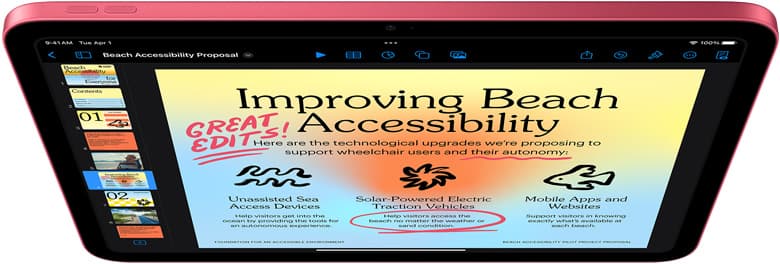
If you also write, read, and plan on the same device, the larger chassis is more flexible.
Decision rules that work
Use this and ignore the noise:
- If 60 percent or more of your sessions are hand held, choose mini.
- If you regularly keep references and tools open, choose A16.
- If your bag is already heavy, choose mini.
- If this is your only tablet and budget is tight, choose A16.
Pencil compatibility and cost
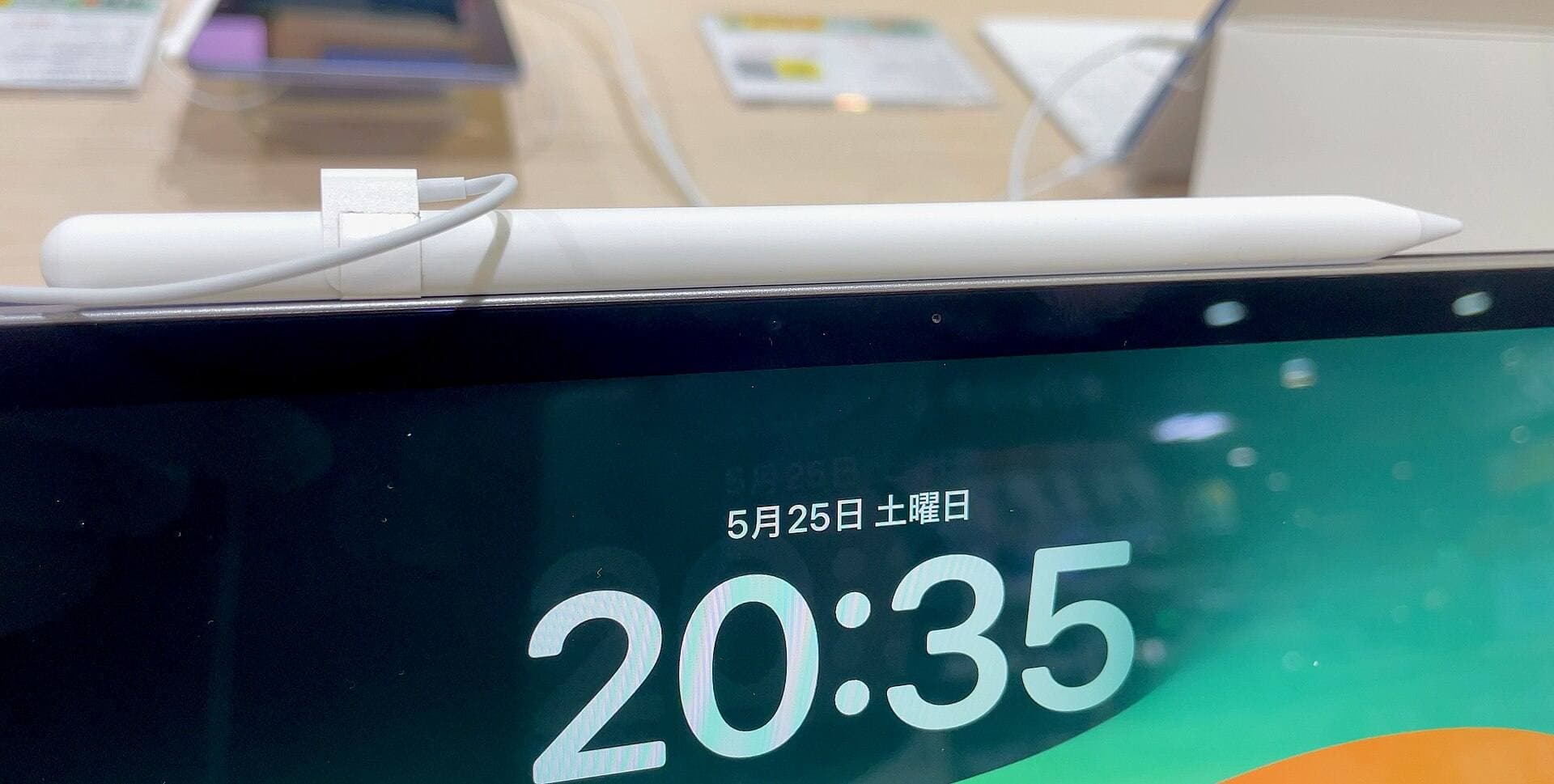
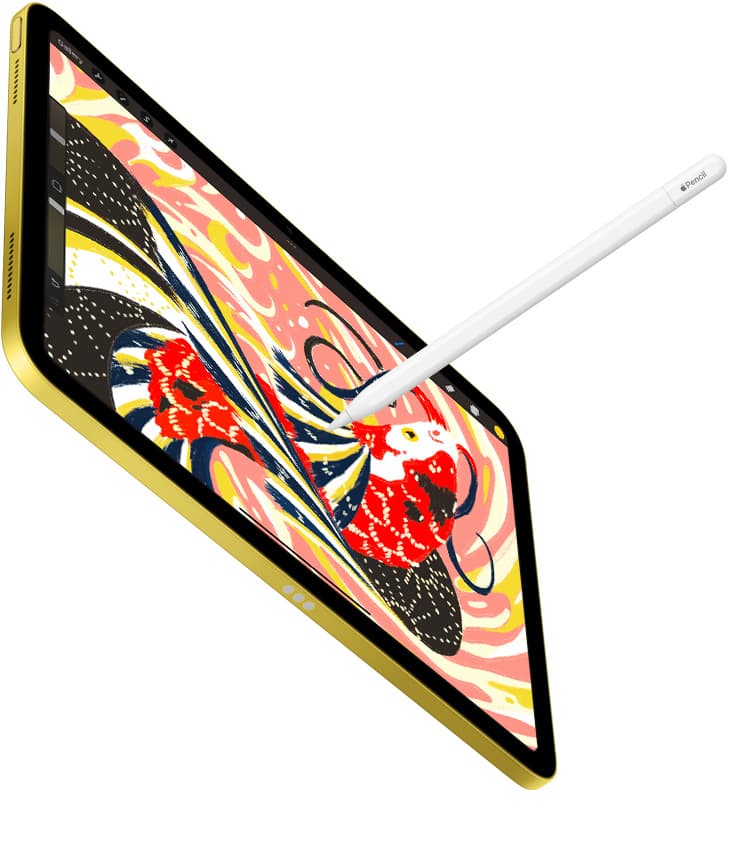
Both devices work with Apple Pencil options, but check compatibility first. Do not assume every Pencil works with every iPad. [1]
For mobile art, a cheaper compatible Pencil plus a consistent carry habit usually beats expensive gear that stays home.
Storage is the hidden cost
Time lapse exports, brush packs, and reference libraries add up quickly. Artists who move between locations duplicate files more, which increases storage pressure. [3]
If your workflow includes video capture or large layered files, choose higher storage early.
Bottom line
If mobile consistency matters most, mini is usually the better call. If value and workspace per dollar matter most, A16 is usually the better call.
Sources
<!-- depth-pass-v1 -->Scenario-based recommendations
For iPad (A16) vs iPad mini (A17 Pro) for Mobile Art in 2026, choose based on operating context, not abstract feature lists. If you run longer focused sessions, prioritize consistency and reduced interruption. If your workflow is mixed and mobile, prioritize portability and fast setup. For Artists choosing between iPad A16 and iPad mini for portable drawing workflows., the best option is usually the one that minimizes repeated friction across a full week of use, not the one that wins a single benchmark.
Decision checklist
Before selecting one side of this comparison, answer these questions:
- Which option reduces the most frequent bottleneck in your current workflow?
- Which option remains reliable under your real environment constraints?
- Which option keeps upgrade and replacement costs predictable over 3 to 6 months?
- Which option improves output speed without increasing setup complexity?
If one option wins at least three checks, that is your practical choice.
Common misreads in comparisons
Misread 1: treating headline specs as workflow outcomes
A higher spec does not always produce higher output if setup friction rises.
Misread 2: testing only in ideal conditions
Real usage includes noisy environments, limited outlets, and time pressure.
Misread 3: ignoring transition costs
Switching tools or accessories can create hidden retraining and compatibility overhead.
Misread 4: deciding from short trial windows
Use at least 10 to 14 days to capture reliability and fatigue effects.
Validation plan
Run both options through the same test blocks: 45-minute session, export/backup step, and one travel or mobile setup. Measure interruptions, setup time, and hand comfort. Pick the option with lower interruption frequency and better repeatability.
Extra scenario: high-pressure deadline window
For iPad (A16) vs iPad mini (A17 Pro) for Mobile Art in 2026, keep the lowest-risk path active when deadlines are near: stable setup, no new experimental changes, and one backup route for critical actions. This protects output velocity and reduces failure risk when timing matters most.
Extra scenario: travel or mobile environment
When working outside your main desk, reduce variables. Use your known-good kit, keep cable and power roles fixed, and avoid adding untested components mid-session. This improves consistency and protects session completion rates.
Extra scenario: handoff and collaboration
If your workflow includes sharing files or handing off assets, validate export and sync behavior before the final window. Reliability in handoff steps often matters more than small gains in tool speed.
Extra scenario: maintenance week
Schedule a short maintenance pass each week: verify connections, refresh baselines, and remove dead steps from your setup. Small maintenance habits prevent recurring disruption and preserve long-term workflow quality.
Sources
Recommended gear
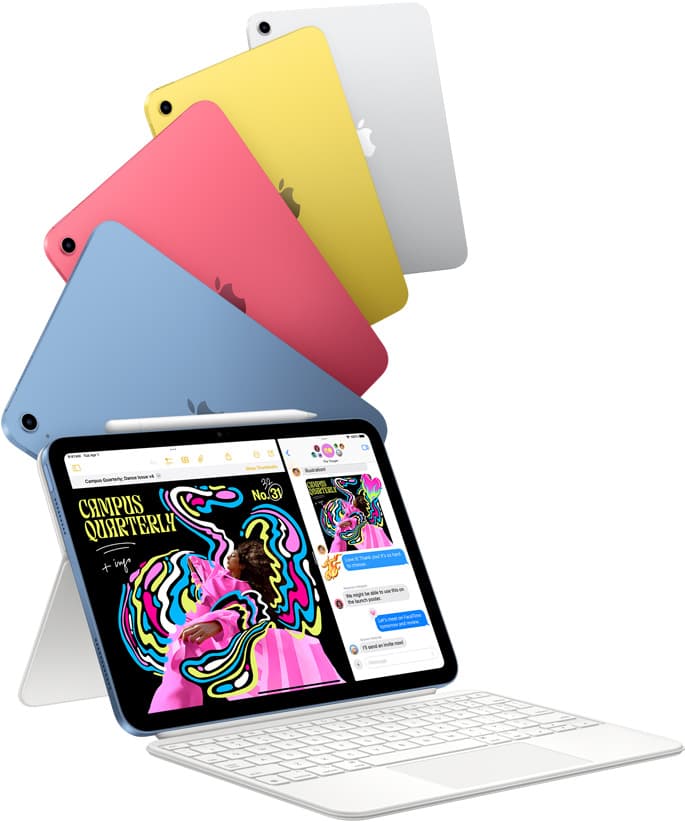
iPad (A16, 11th gen)
amazon.comThe best entry iPad for most artists on a budget. It is not premium, but it is very hard to beat on value.
Pro: Best value iPad right now
Con: No ProMotion display
Search opens with the exact model keywords. Verify size and storage before checkout.
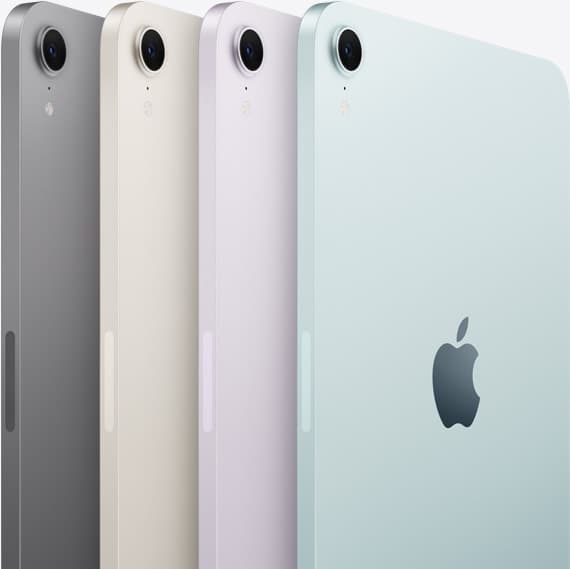
iPad mini (A17 Pro)
amazon.comThe most portable real iPad for drawing. It wins on mobility and loses on workspace.
Pro: Most portable drawing iPad
Con: Small canvas for detailed work
Search opens with iPad mini A17 Pro terms. Verify model number before buying.
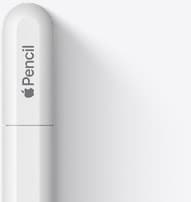
Apple Pencil (USB-C)
amazon.comA practical low-cost Apple stylus with broad compatibility, but limited for advanced art control.
Pro: Lowest official Apple Pencil cost
Con: No pressure sensitivity for brush work
Compatible with many recent iPads. No pressure support.
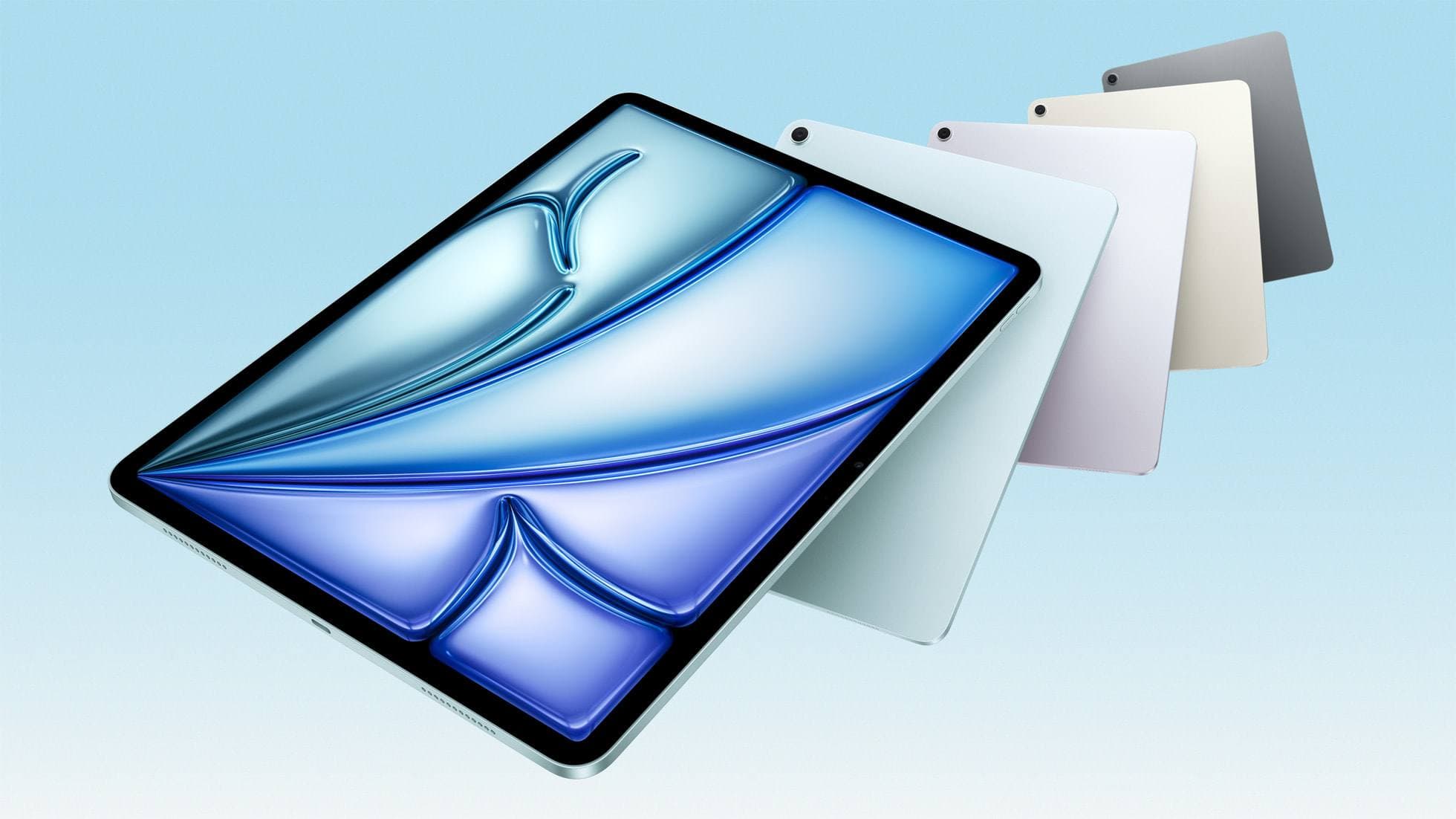
iPad Air (M4)
apple.comThe clean current Air recommendation for most serious hobby artists. Stronger buy logic than old-stock M3 when pricing is close.
Pro: Best current balance of price, headroom, and Pencil support
Con: Still 60Hz
Current Air lineup. Choose size, storage, and keyboard path before checkout.
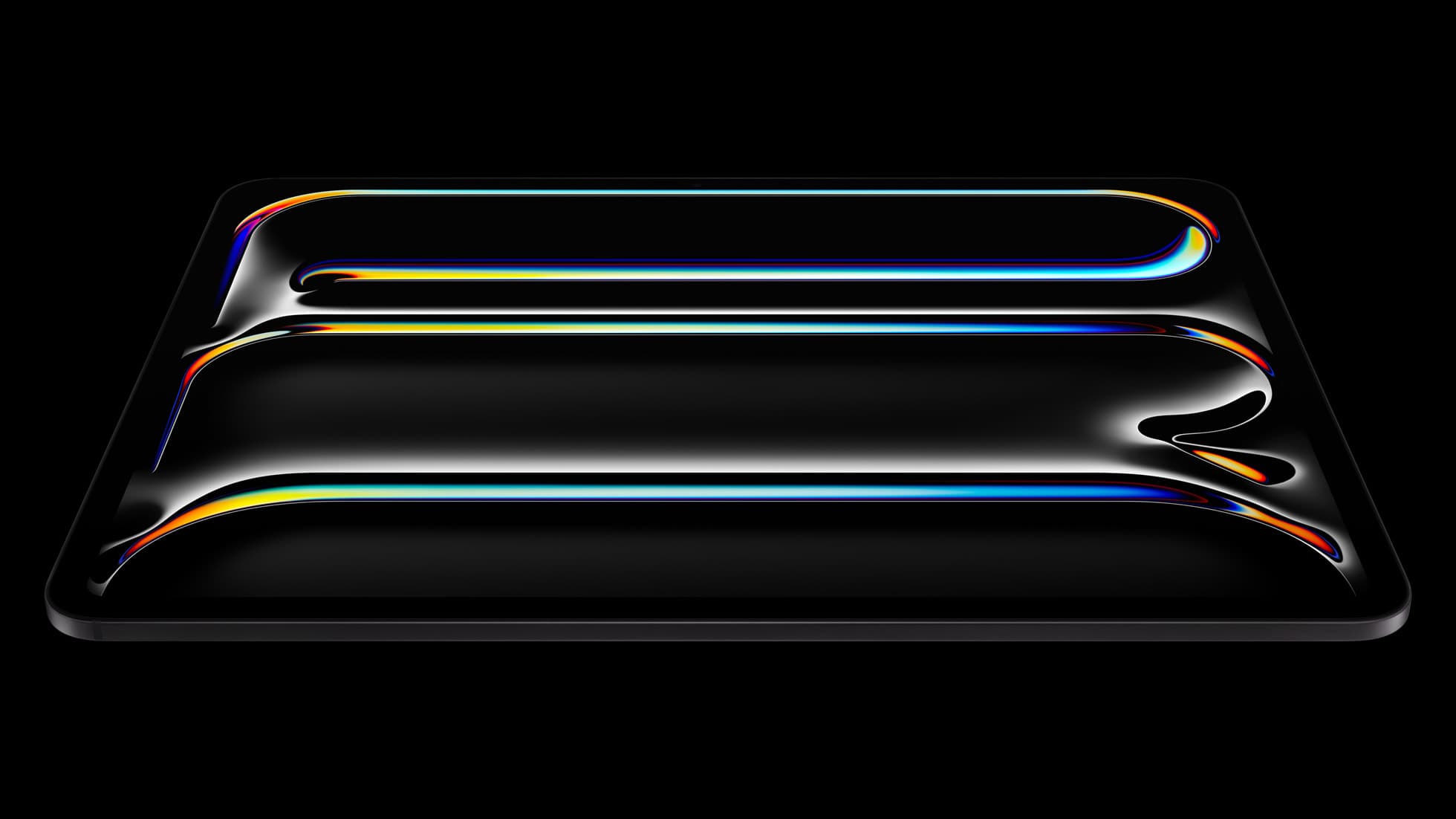
iPad Pro (M5)
amazon.comThe best iPad for drawing feel and premium workflow comfort, but many buyers still overpay for it.
Pro: Best iPad display and ProMotion feel
Con: Highest price in the lineup
Search opens with iPad Pro terms. Check year, chip, and screen size.
Related buying picks
More in this collectionComparison
iPad Air M3 vs iPad Pro M5 for Artists (2026): 11-Inch or 13-Inch?
Buy iPad Air M3 for most artists. Choose iPad Pro M5 only when the display premium pays you back, then pick 11-inch for mobile use or 13-inch for desk-first work.
Buyer guide
iPad mini for Procreate in 2026: should artists buy the small one?
The iPad mini (A17 Pro) is a strong portable Procreate sketchbook, especially with Apple Pencil Pro, but most artists should choose iPad Air if it will be their only serious drawing canvas.
Buyer guide
Is 128GB iPad Enough for Procreate in 2026?
A 128GB iPad can be enough for Procreate if you draw casually and export finished work, but 256GB is the low-stress choice for frequent art, large canvases, timelapse, and client files.
Buyer guide
Best iPad for Note-Taking Plus Drawing in 2026
The safest mixed-use iPad in 2026 is the 11-inch iPad Air (M4), while the base iPad wins stricter budgets, the mini wins portability, and the Pro only makes sense when drawing is no longer the secondary job.