If barrel roll isn't working on your iPad, check your stylus model first because barrel roll is exclusive to Apple Pencil Pro [1]. If you use Apple Pencil (2nd generation) or Apple Pencil (USB-C), barrel roll won't register because those pens lack the internal rotation sensors built into Apple Pencil Pro [1], [2]. If you already own Apple Pencil Pro, the failure stems from tablet compatibility, iPadOS settings, or brush engine dynamics [2], [3]. Artists who need dynamic brush orientation should buy Apple Pencil Pro with a supported iPad, while sketchers who only need standard line work should skip it and keep their existing stylus [1], [3].
Stylus hardware and the barrel roll requirement
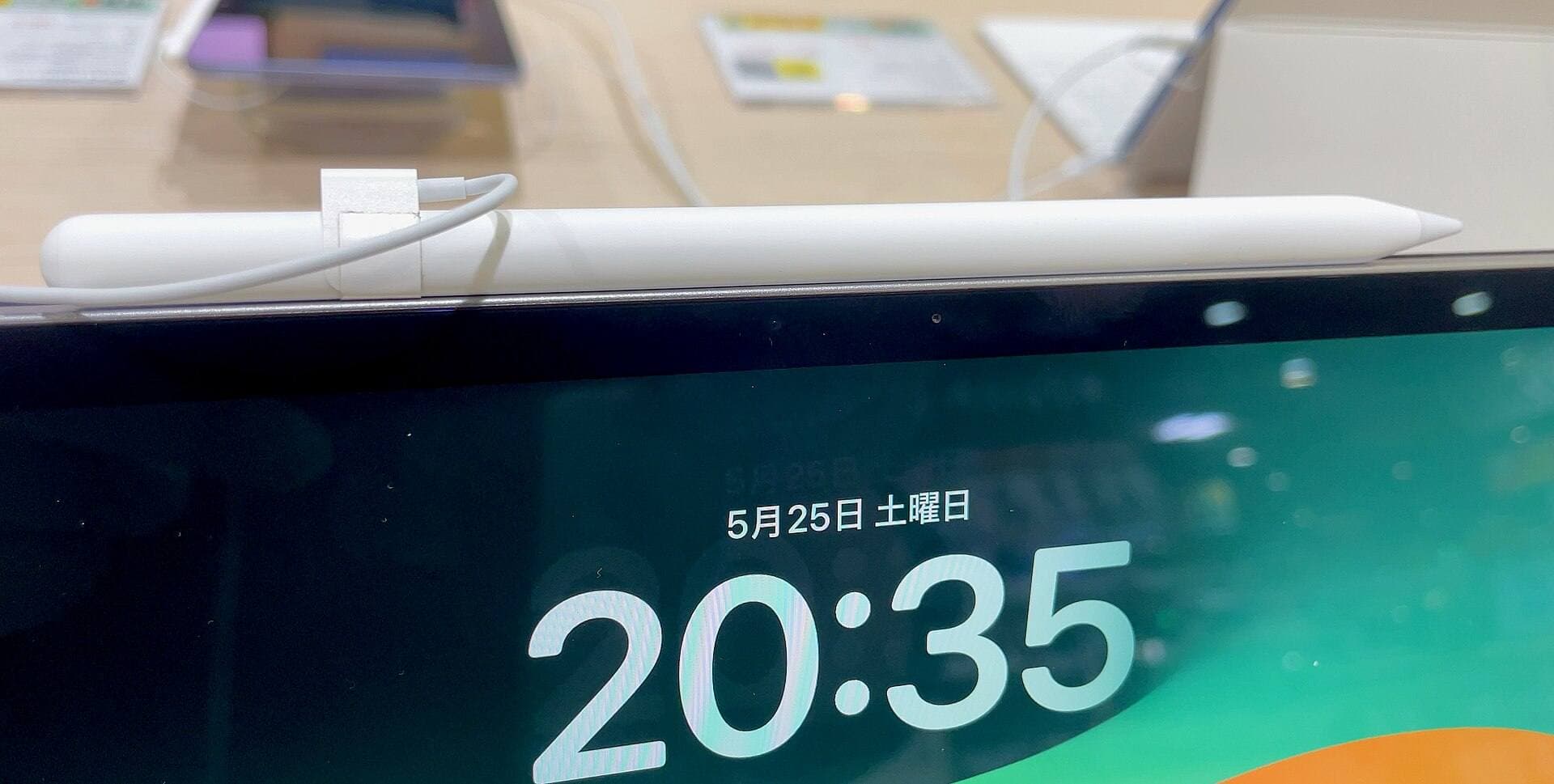
The most common reason barrel roll fails to respond is that your stylus lacks the physical hardware to support it [1]. Apple reserves barrel roll for Apple Pencil Pro, which houses an internal gyroscope that senses rotation as you roll the barrel between your fingers [1], [2]. Apple Pencil (2nd generation) includes double tap and pressure sensitivity, but it has no rotation sensor [1]. Apple Pencil (USB-C) includes tilt sensitivity, but it drops pressure sensitivity, double tap, squeeze, and barrel roll [1].
If you hold Apple Pencil (2nd generation) and twist the stylus to alter a chisel marker or ribbon brush, nothing changes on screen [1], [2]. That lack of movement isn't a software bug or a low battery. It's a permanent hardware boundary [1]. If your creative workflow depends on calligraphic marks, angled highlighters, or shaped brushes that rotate as you twist the pen, buy Apple Pencil Pro [1]. If your projects rely on symmetrical round pens or uniform inking tools, skip Apple Pencil Pro and keep your current stylus [1].
iPad compatibility rules for Apple Pencil Pro
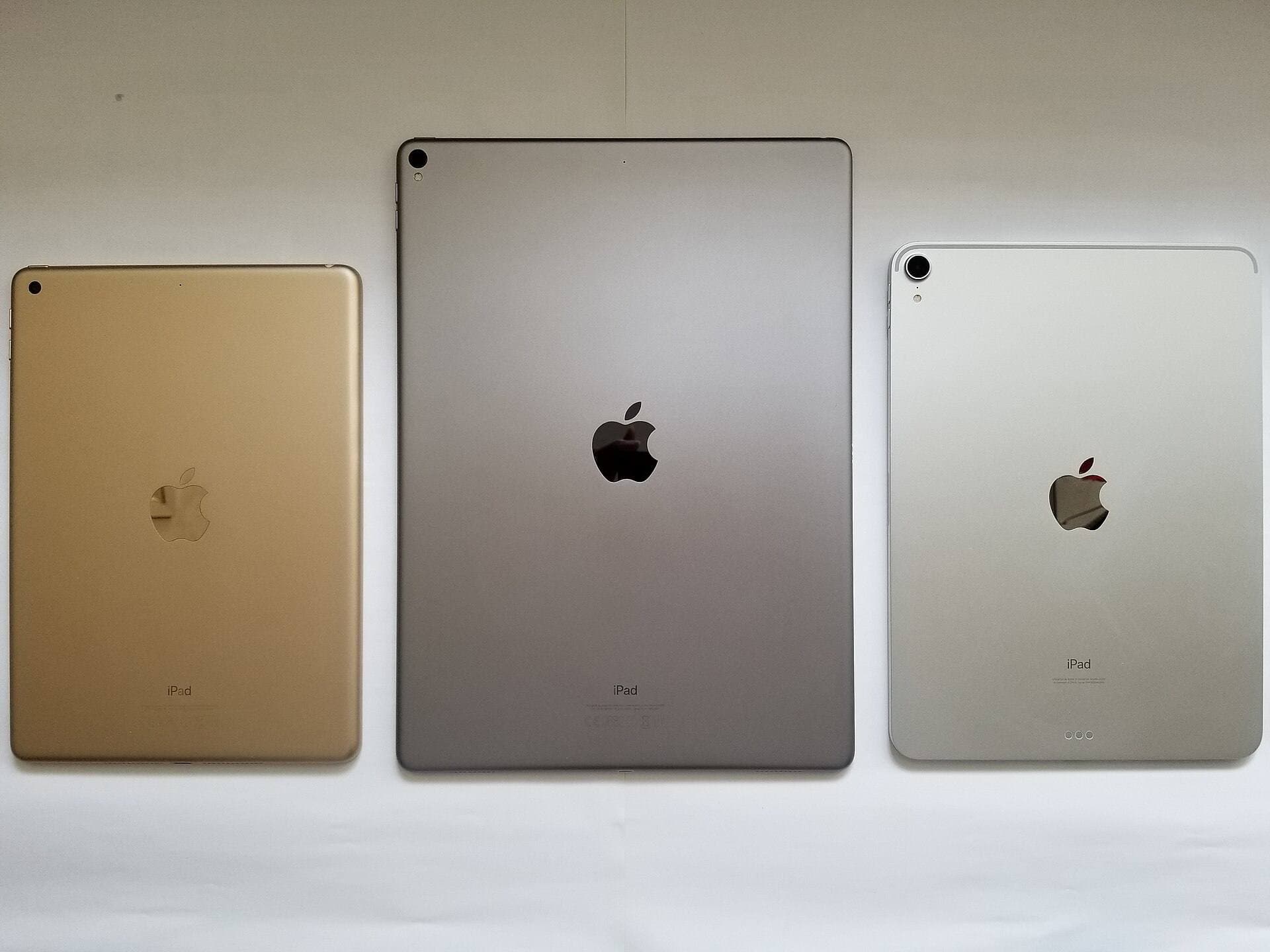
Even with Apple Pencil Pro in hand, the pen only functions when paired with a compatible iPad model [3], [4]. Apple designed Apple Pencil Pro to pair and charge exclusively with specific modern iPad Pro and iPad Air tablets [3], [4]. It won't pair, charge, or write on older iPad Pro tablets that rely on Apple Pencil (2nd generation), and it won't connect to standard base iPads [3].
If you purchased Apple Pencil Pro hoping to unlock barrel roll on an M1 or M2 iPad Pro, the pen can't connect at all [3], [4]. The internal magnetic charging rails and pairing antennas differ across tablet generations [3]. When the stylus can't pair, barrel roll never activates [2], [3]. Before buying Apple Pencil Pro, check your iPad model in Settings to confirm official compatibility [3], [4]. If your tablet pairs only with Apple Pencil (2nd generation), you can't use barrel roll on that device [1], [3].
System settings, hover, and iPadOS orientation controls
Once you confirm that Apple Pencil Pro is paired to a supported iPad, check your system-level pen controls [2], [3]. Apple Pencil Pro relies on Apple Pencil hover to preview brush angle before the nib touches the glass [1], [2]. On supported iPads, hover detects the tip above the screen, letting you see the brush orientation rotate in real time [1], [2].
If you don't see a live orientation preview, verify that Apple Pencil hover is toggled on inside iPadOS Settings under the Apple Pencil menu [2]. When hover preview is disabled, the brush cursor won't track barrel rotation in the air [2]. Check your haptic feedback settings as well [1], [2]. Apple Pencil Pro provides haptic pulses when you trigger squeeze or snap to specific angles in supported software [1], [2]. If haptics or gestures stop responding, snap Apple Pencil Pro back onto the magnetic connector on your iPad to refresh the connection [2], [3].
Brush engine settings and app support
Barrel roll doesn't automatically turn every brush in every digital art app [2]. App developers must program barrel roll support into their software, and individual brushes must link angle dynamics to pen rotation [1], [2]. In built-in iPadOS Markup, Apple tools like the chisel marker and pen immediately respond to barrel roll by altering mark thickness as you twist the pen [2].
If barrel roll works in Apple Markup but fails in your drawing app, your stylus hardware is fine [2]. The problem lives inside the app's brush settings [2]. Many digital brushes use a circular tip shape. A symmetrical round brush looks identical no matter how far you rotate the stylus [2]. For barrel roll to make a visible difference, the brush tip must use an asymmetrical profile, like an oval, flat chisel, ribbon, or rake [2].
You must also verify that your brush properties link stylus roll to angle dynamics [2]. In professional art apps, brush rotation settings let you bind angle to stroke direction, tilt, or barrel roll [1], [2]. If a brush profile locks its angle to stroke direction, twisting the stylus won't alter the mark [2]. Open the brush settings panel, find the rotation dynamics menu, and set the roll input to drive brush angle [2].
Choosing the right stylus for your drawing workflow
Troubleshooting barrel roll often leads to a clear purchasing decision [1]. If your current setup lacks barrel roll because you use Apple Pencil (2nd generation) or Apple Pencil (USB-C), decide whether dynamic brush rotation justifies a hardware upgrade [1], [3]. Apple Pencil Pro sits at the top of Apple's stylus line, packing pressure sensitivity, tilt, hover, double tap, squeeze gestures, haptics, and barrel roll [1]. It's the right buy for illustrators, lettering artists, and concept painters who need direct physical control over brush rotation [1], [2].
Apple Pencil (2nd generation) remains an excellent choice for artists on compatible iPads who don't need rotation sensors [1], [3]. It provides the same pressure sensitivity and tilt control, plus magnetic wireless charging and double tap [1]. If you produce clean line work, vector graphics, or flat-color comics where brushes don't require manual rotation, keep Apple Pencil (2nd generation) and skip Apple Pencil Pro [1], [3].
If you draw with Apple Pencil (USB-C), your workflow is already constrained by the lack of pressure sensitivity [1]. Apple Pencil (USB-C) costs less and charges through a sliding port, but it drops barrel roll, squeeze, and pressure modulation entirely [1]. Note-takers and students should choose Apple Pencil (USB-C), but illustrators needing expressive brush control should skip it and pick a pressure-sensitive pen [1], [3].
Bottom line
Apple Pencil barrel roll fails because your stylus lacks rotation sensors or because your software brush isn't configured for barrel input [1], [2]. Barrel roll works only on Apple Pencil Pro paired with compatible iPad models [1], [3]. If you use Apple Pencil (2nd generation) or Apple Pencil (USB-C), barrel roll can't function, so upgrade only if you plan to buy both a compatible iPad and Apple Pencil Pro [1], [3], [4]. If you already have Apple Pencil Pro, enable hover in Settings and link brush angle dynamics to barrel roll to restore rotation control [1], [2].
Sources
[1] https://www.apple.com/apple-pencil/ [2] https://support.apple.com/guide/ipad/draw-with-apple-pencil-ipadc55b6c7a/ipados [3] https://support.apple.com/en-us/108937 [4] https://www.apple.com/ipad/compare/
Recommended gear
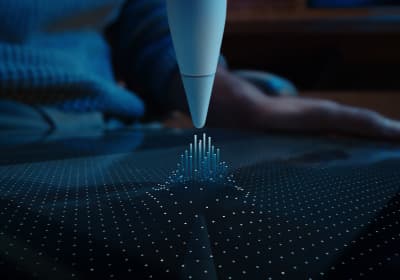
Apple Pencil Pro
amazon.comThe best Apple stylus for serious digital art workflows. Expensive, but the control upgrades are real.
Pro: Best brush-control and hover workflow
Con: Highest price in the lineup
Works only with newer iPad models. Check compatibility.
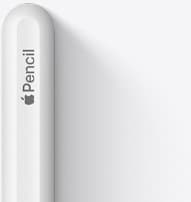
Apple Pencil (2nd generation)
amazon.comStill a strong stylus on compatible iPads. Good pressure control, but compatibility is the main trap.
Pro: Pressure support without Pro pricing
Con: Not compatible with newest Pro-only iPads
Only for iPads that support 2nd generation pairing.
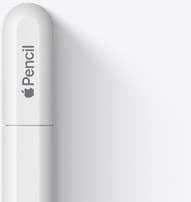
Apple Pencil (USB-C)
amazon.comA practical low-cost Apple stylus with broad compatibility, but limited for advanced art control.
Pro: Lowest official Apple Pencil cost
Con: No pressure sensitivity for brush work
Compatible with many recent iPads. No pressure support.
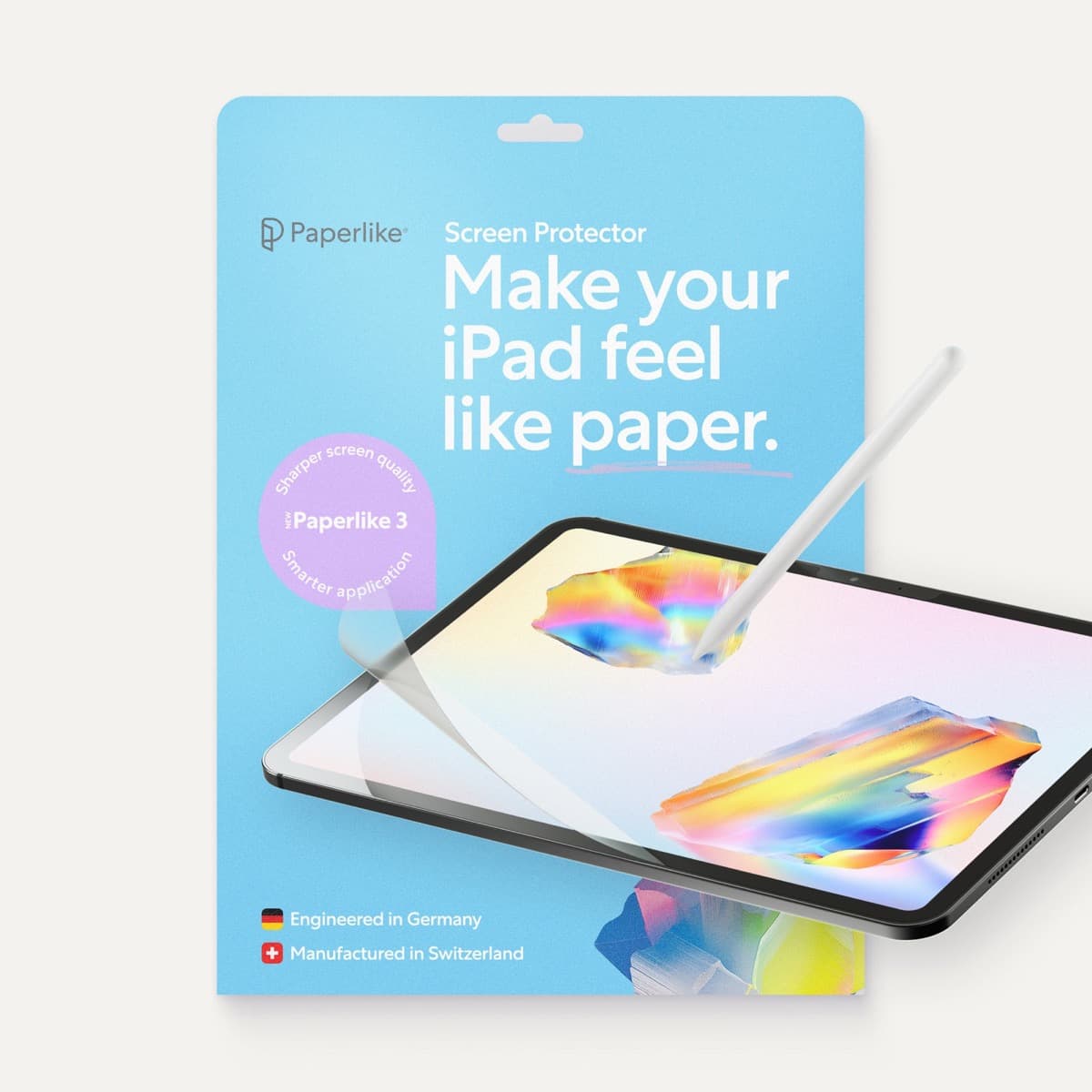
Paperlike 3 (11-inch, 2-pack)
amazon.comA strong surface-feel upgrade for drawing control. Clarity tradeoff is real and should be expected.
Pro: Adds controlled paper-feel friction
Con: Slightly reduces perceived display sharpness
11-inch fit only. Confirm generation before checkout.
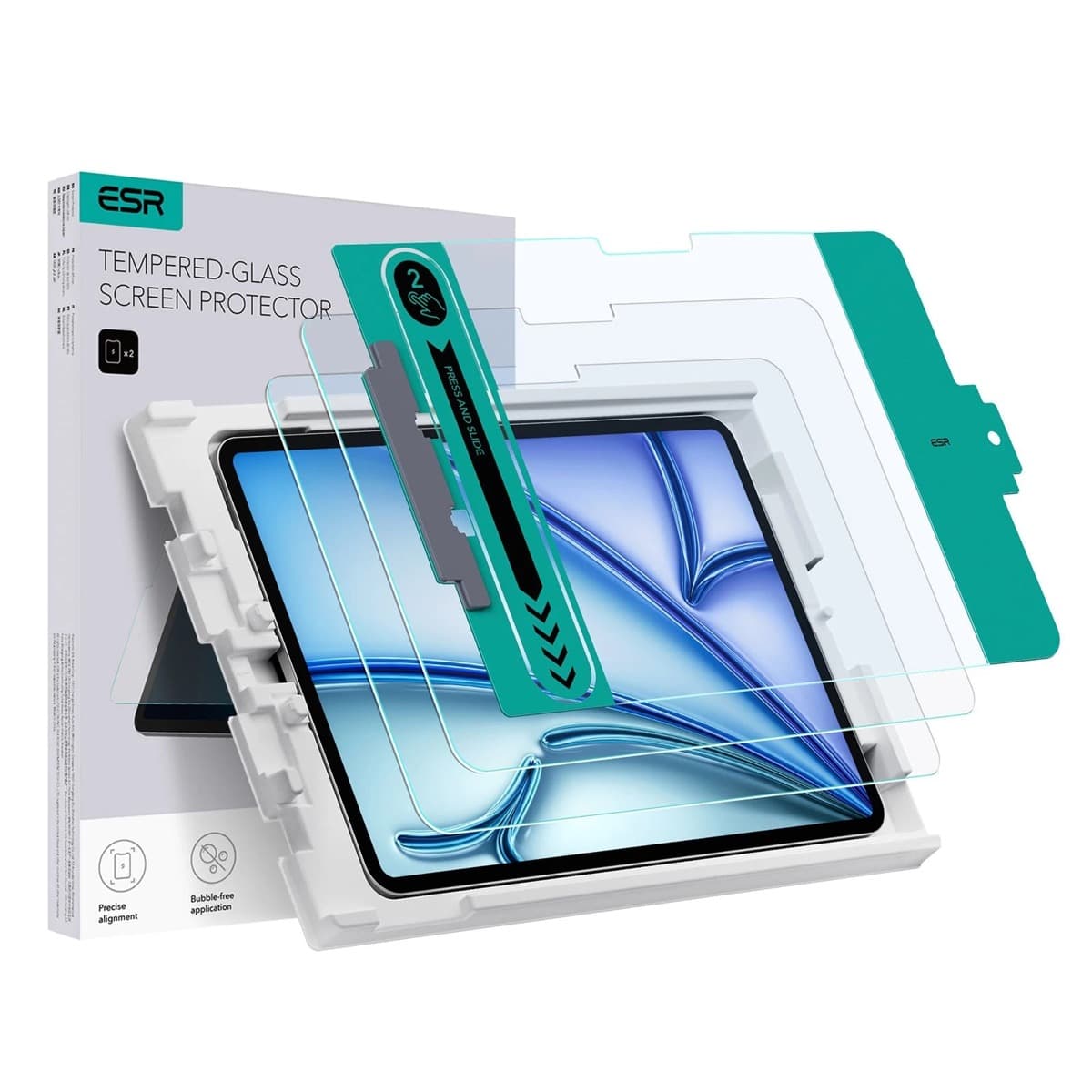
ESR Armorite Tempered Glass (11-inch)
amazon.comHigh-clarity protector with strong value. Great for visibility, less ideal for friction-seeking artists.
Pro: Very clear image with strong scratch resistance
Con: Minimal drawing friction compared with matte films
11-inch fit only. Verify exact iPad generation.
Related buying picks
More in this collectionBuyer guide
Apple Pencil for watercolor painting: which stylus to choose
Choose an Apple Pencil with pressure sensitivity for digital watercolor, and avoid flat styluses that cannot modulate pigment wash.
Buyer guide
Apple Pencil for 3D sculpting: Which model should you buy?
Choose Apple Pencil Pro if your iPad supports it, keep Apple Pencil 2nd generation on older models, and skip Apple Pencil USB-C due to its lack of pressure sensitivity.
Buyer guide
Best Apple Pencil for animation: Pro, 2nd generation, or USB-C?
Choose the best Apple Pencil for animation based on pressure sensitivity, tool switching gestures, and your specific iPad model.
Buyer guide
Best Apple Pencil for portrait drawing: choosing the right stylus
Portrait artists need pressure sensitivity for tonal rendering, making Apple Pencil Pro or Apple Pencil 2nd generation the right choice over the entry model.