Apple Pencil compatibility before you buy
Use this when the real risk is ordering the wrong Pencil for your iPad, not choosing between tablets.
Decision-first buying help for artists.
Decision-first buying guides, practical reviews, and direct deal paths for artists choosing an iPad, Apple Pencil, or supporting gear.
Use the decision route, not the full archive, when the purchase is really about Pencil compatibility, Procreate, budget, or Air vs Pro.
Use this when the real risk is ordering the wrong Pencil for your iPad, not choosing between tablets.
The common upgrade question. Start here if you need the shortest path to the sensible buy.
Use this when the purchase is mainly about Procreate and you need the safest balance of cost, display feel, and headroom.
Use this when the real purchase is one iPad for notes, PDFs, and regular drawing instead of separate school and art devices.
Use this when the real purchase is one iPad for meetings, planning, PDFs, and regular drawing without drifting into the wrong premium tier.
Use this when the real choice is keyboard case versus draw-first case, not which iPad to buy.
Use this when you want the best beginner path without drifting into Pro-level overspending.
Use this when the shortlist is already small and you mostly need the fastest route to checkout.
Quick entry points if this is your first visit.
iPad
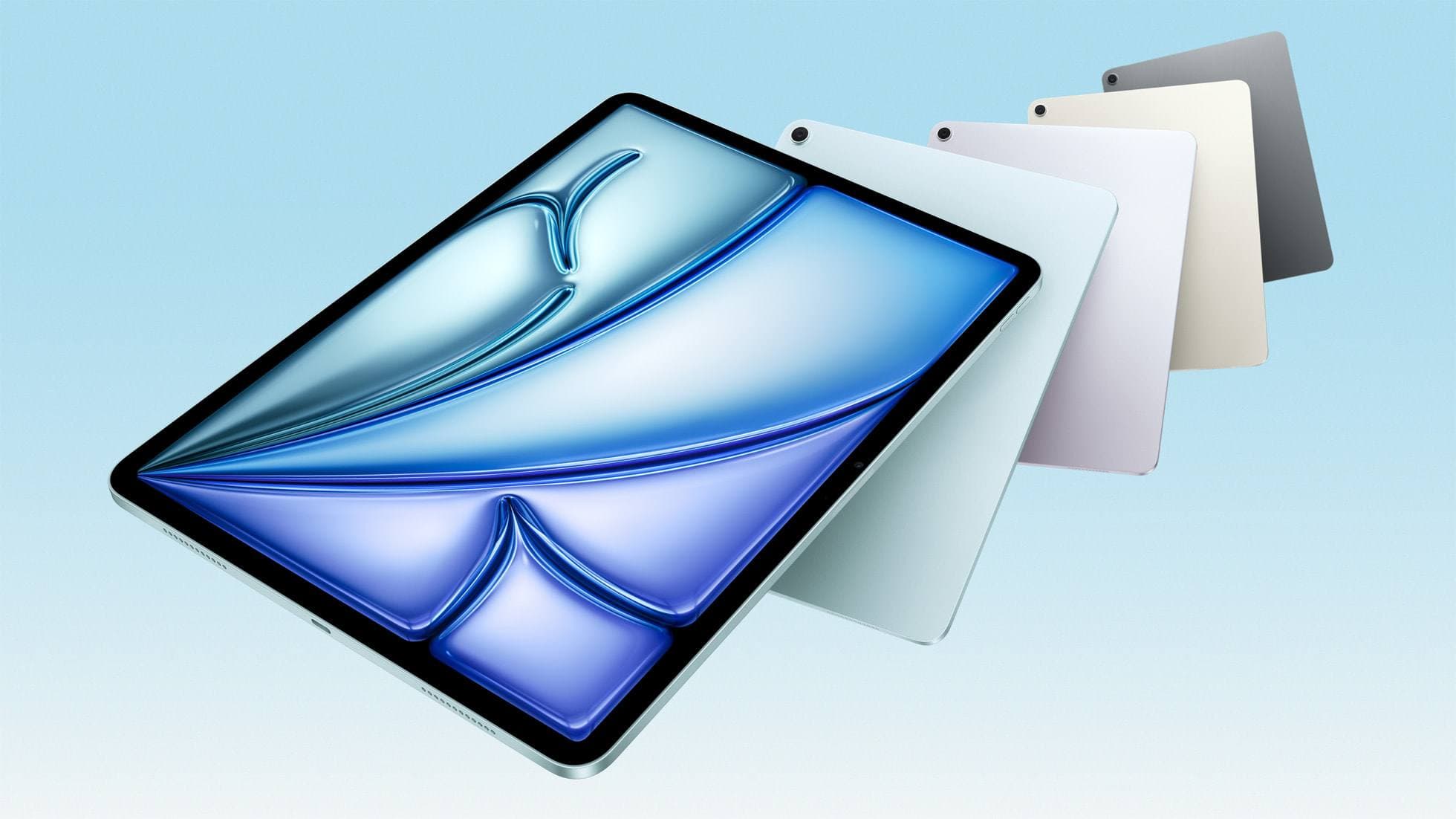
The safest mixed-use iPad in 2026 is the 11-inch iPad Air (M4), while the base iPad wins stricter budgets, the mini wins portability, and the Pro only makes sense when drawing is no longer the secondary job.
iPad
The safest student-plus-drawing buy in 2026 is the 11-inch iPad Air (M4), while the base iPad wins stricter budgets and the mini or Pro make sense only for narrower cases.
Apple Pencil
Compatibility decides the right Apple Pencil before features do. This guide maps current and older iPads to the Pencil models that actually work.
iPad 10 min read
iPad 10 min read
Apple Pencil 6 min read
iPad 5 min read
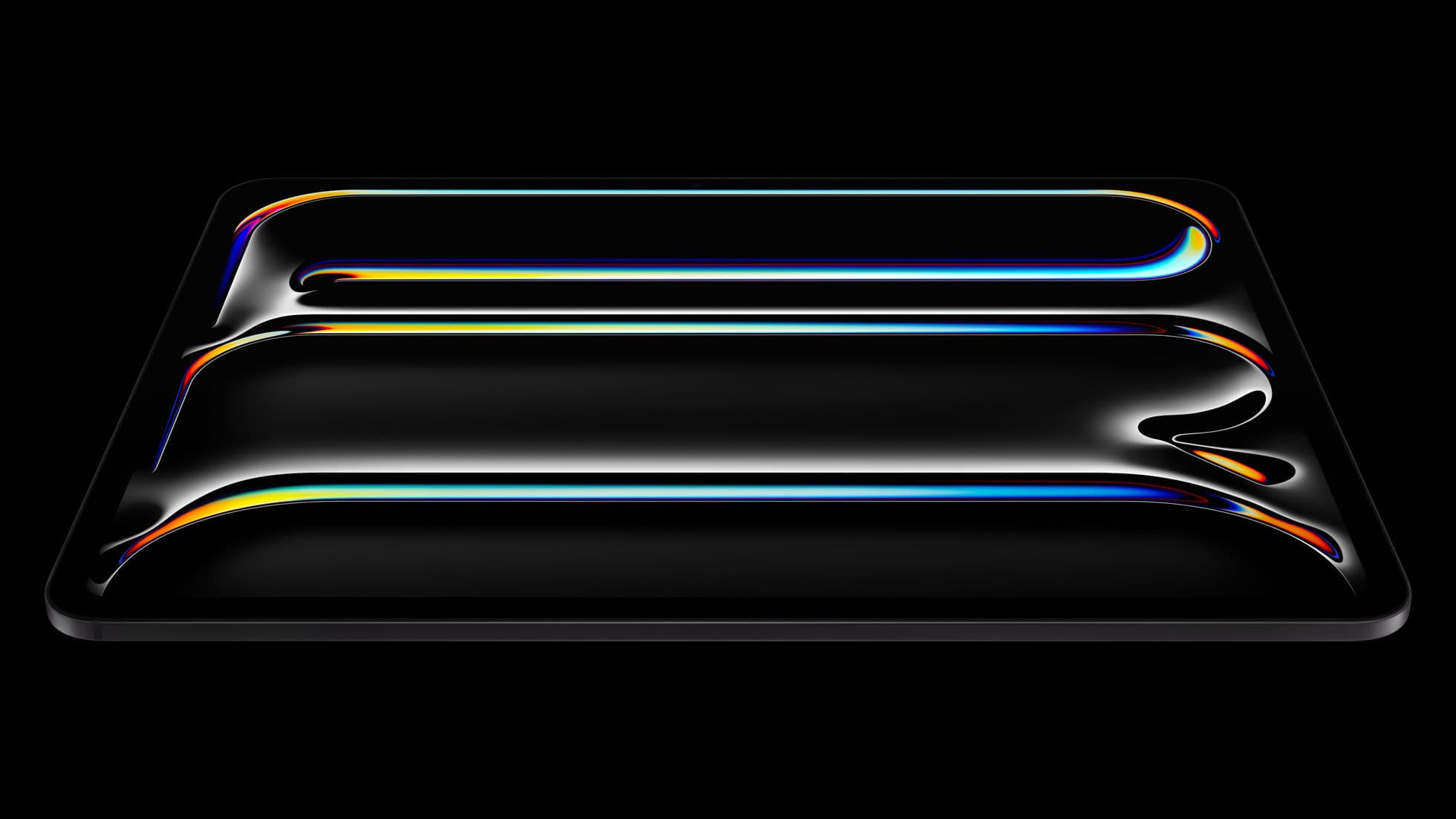
iPad Pro (M5)
The best iPad for drawing feel and premium workflow comfort, but many buyers still overpay for it.
Apple Pencil Pro
The best Apple stylus for serious digital art workflows. Expensive, but the control upgrades are real.
iPad Air (M4)
The clean current Air recommendation for most serious hobby artists. Stronger buy logic than old-stock M3 when pricing is close.
Use this when you are close to buying and want the cleaner pick without reading five more tabs.
iPad
Apr 3, 2026 10 min read
The safest mixed-use iPad in 2026 is the 11-inch iPad Air (M4), while the base iPad wins stricter budgets, the mini wins portability, and the Pro only makes sense when drawing is no longer the secondary job.
iPad
Apr 3, 2026 10 min read
The safest student-plus-drawing buy in 2026 is the 11-inch iPad Air (M4), while the base iPad wins stricter budgets and the mini or Pro make sense only for narrower cases.
Apple Pencil
Apr 2, 2026 6 min read
Compatibility decides the right Apple Pencil before features do. This guide maps current and older iPads to the Pencil models that actually work.
iPad
Mar 9, 2026 6 min read
A low-data iPad workflow for artists: keep active work local, keep the master library in iCloud Drive, and download only what you actually need.
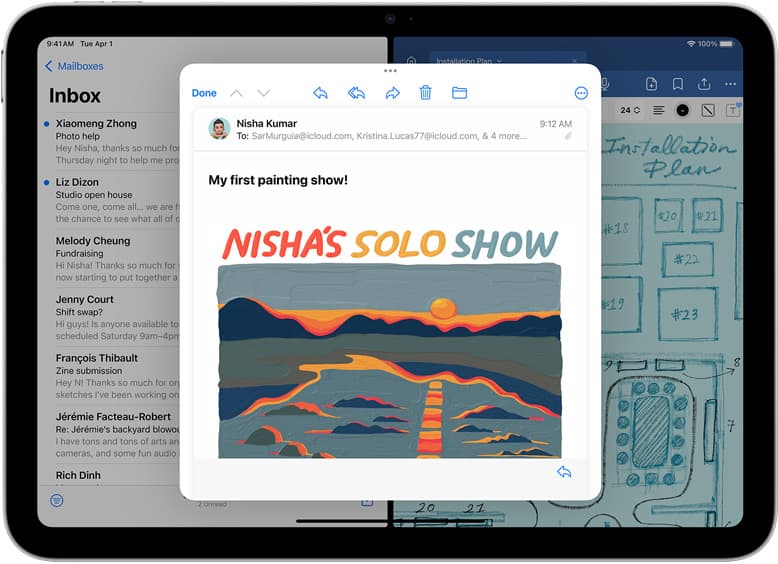
iPad
Mar 2, 2026 5 min read
The best iPad deal is not the lowest sticker price. Use this guide to pick the right iPad and Apple Pencil combo for real drawing workflows without overpaying.
iPad
Feb 21, 2026 4 min read
How to keep iPad creative work moving without Wi-Fi: offline-capable app behavior, local file strategy, and travel-safe export and backup routines.
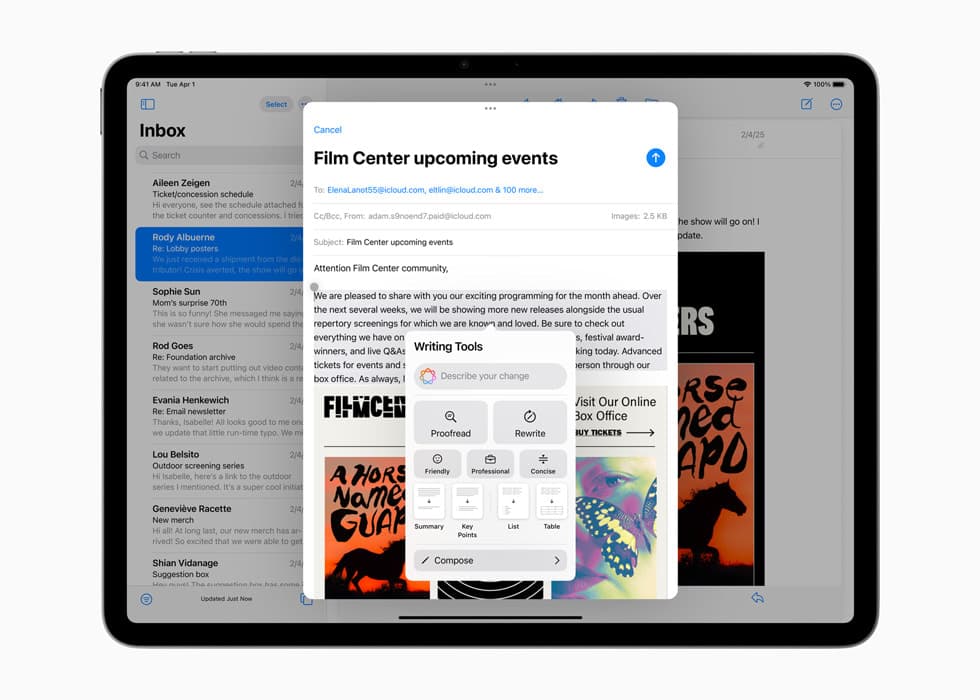
Apple Pencil
Feb 20, 2026 3 min read
A practical Apple Pencil Pro setup guide for artists: squeeze and double-tap tuning, hover use, Procreate smoothing, and fast drills for cleaner lines.
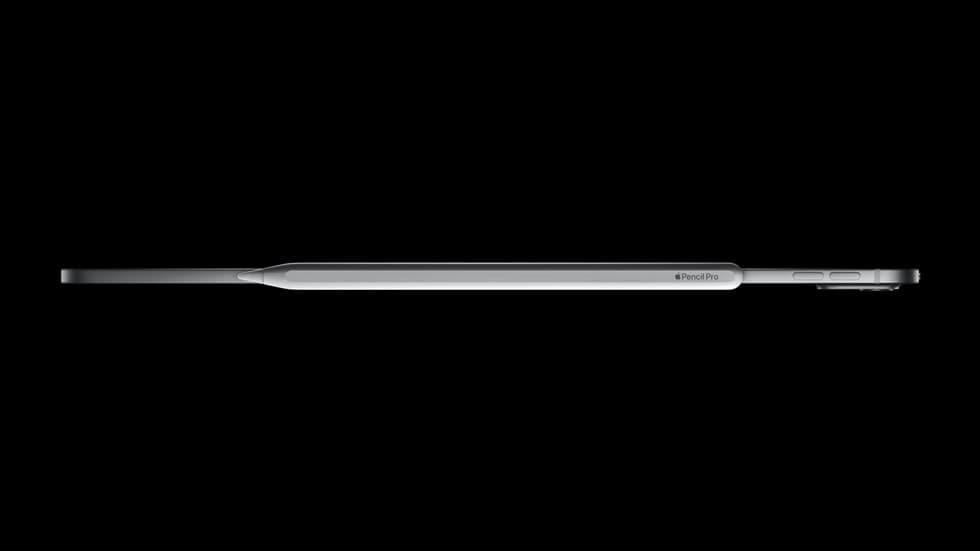
Ergonomics
Feb 16, 2026 4 min read
A practical desk setup for iPad artists: tilt targets, glare control, and lighting choices that reduce neck strain and visual fatigue during long sessions.