If you build complex architectural spaces, multi-point street scenes, or comic backgrounds, choose Clip Studio Paint [1]. Its deep ruler toolset and desktop crossover give you specialized control over vanishing points and grid alignment [1]. If you want a one-time purchase with a clean interface for standalone illustration, buy Procreate instead [2], [3]. Both apps handle perspective guides well on iPad, but their pricing models and tool structures serve completely different production needs [1], [3].
Choosing software for perspective drafting requires looking closely at how each tool anchors vanishing points and guides lines. Snapping precision and grid customization determine how quickly you can block out geometric forms without fighting the interface [1], [3]. Below is how the top options stack up for drawing environments on an iPad.
Why Clip Studio Paint leads for perspective drawing
Clip Studio Paint stands out because its perspective toolset was built around industrial illustration and comic production [1]. The software provides specialized perspective rulers where you can drop one, two, or three vanishing points directly onto the canvas, adjusting eye level and horizon lines on the fly [1]. Because these rulers integrate with vector layers, you can snap ink lines directly to the vanishing points without losing line quality or precision [1].
Clip Studio Paint also supports 3D reference primitives that adhere to your active perspective plane [1]. You can drop geometric forms into a scene to verify foreshortening before laying down line art [1]. The app operates under a subscription or update pass model on iPad, starting with a free 30-day trial [1]. That makes it a recurring expense rather than a one-and-done utility, but artists drafting complex backgrounds for serial projects will find the ruler depth worth the recurring cost [1].
Who should pick Clip Studio Paint? Pick it if you create multi-page comics, elaborate concept environments, or technical background art [1]. Skip it if you hate subscription models or prefer a minimal, uncluttered drawing space without desktop-style palettes [1], [3].
Why Procreate suits standalone perspective sketches
Procreate offers an accessible Drawing Guide system that handles one-point, two-point, and three-point perspective directly inside the canvas settings [2], [3]. You tap the screen to place vanishing points, drag the horizon line, and toggle Assisted Drawing on any layer to force strokes along those perspective axes [3]. Unlike Clip Studio Paint, Procreate charges a single one-time price on the App Store without recurring subscriptions [2], [3].
Procreate remains strictly an iPad app, rated 4.4 out of 5 across more than 50,000 App Store ratings [3]. It lacks the multi-page document tools and deep vector ruler options of desktop-derived software [1], [3]. However, its memory footprint ties cleanly to hardware constraints, adjusting maximum layer limits based on your specific iPad model and canvas pixel dimensions [4]. That keeps the canvas responsive while blocking in environments [4].
Who should buy Procreate? Buy it if you want an intuitive, self-contained drawing canvas for concept art and environmental sketches without ongoing subscription fees [2], [3]. Skip it if your workflow requires multi-point vector snapping, shared ruler presets across multiple panels, or seamless cross-platform syncing with a desktop computer [1], [3].
Free and vector alternatives to consider
If you want to test perspective sketching without buying paid software, several other App Store entries offer built-in guides [5], [6]. Concepts provides a flexible vector workspace where you can adjust strokes and perspective grids infinitely without raster degradation [7]. Rated 4.7 out of 5 from over 26,000 App Store reviews, Concepts is a free download that appeals directly to designers and architects [7].
Sketchbook is another free download rated 4.8 out of 5 across more than 220,000 ratings, featuring integrated perspective guides for one, two, and three-point layouts [8]. For painters, Adobe Fresco delivers a free drawing and painting suite backed by a 4.7 rating, though its perspective features remain more basic than specialized technical apps [5]. Meanwhile, ibis Paint X offers free drawing tools with over 299,000 reviews, though its interface leans heavily toward mobile manga illustration rather than drafting [9]. Infinite Painter also provides specialized perspective and projection grids within a free-to-download design, holding a 4.1 rating [10].
While these free-to-start tools handle basic vanishing points, Clip Studio Paint and Procreate remain the primary choices for sustained digital painting workflows [1], [3].
Hardware pairing and stylus input
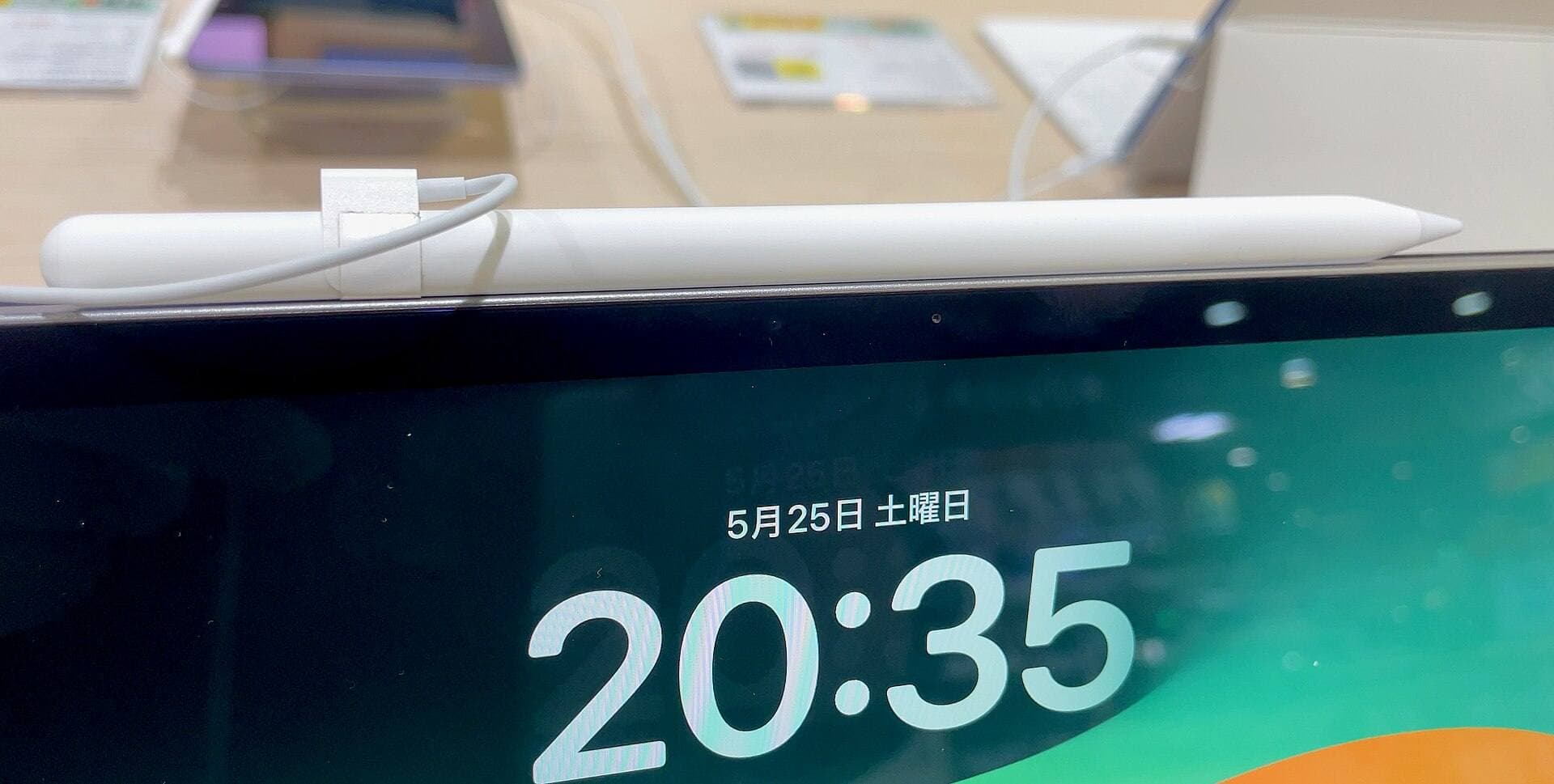
Software tools rely heavily on your physical stylus when locking lines to vanishing points [11]. The Apple Pencil Pro brings advanced sensors including barrel roll, squeeze gestures, haptic feedback, and hover to compatible hardware [11], [12]. Hover allows you to preview your brush cursor above the glass before committing a stroke, which helps confirm alignment against perspective guides [11].
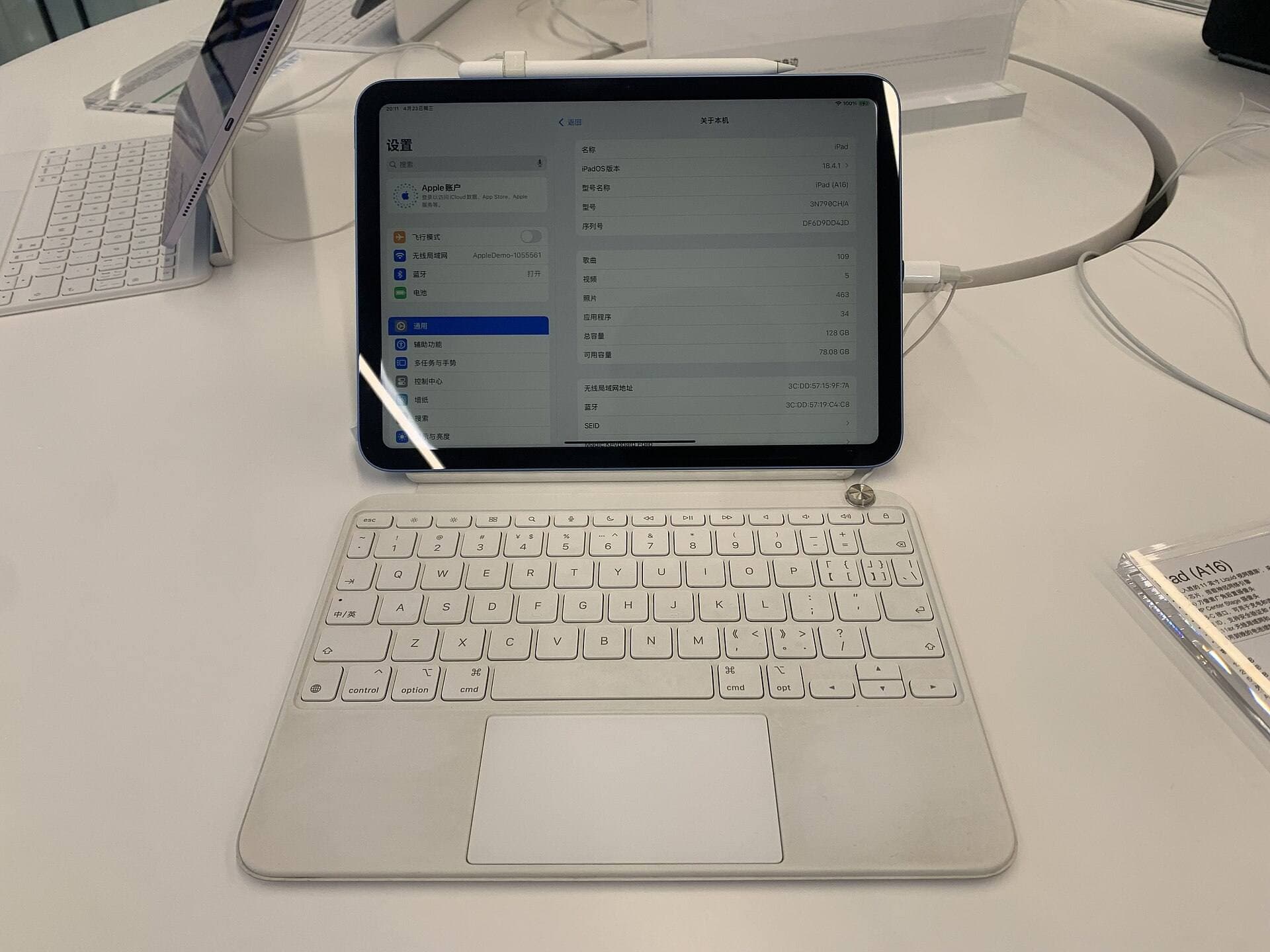
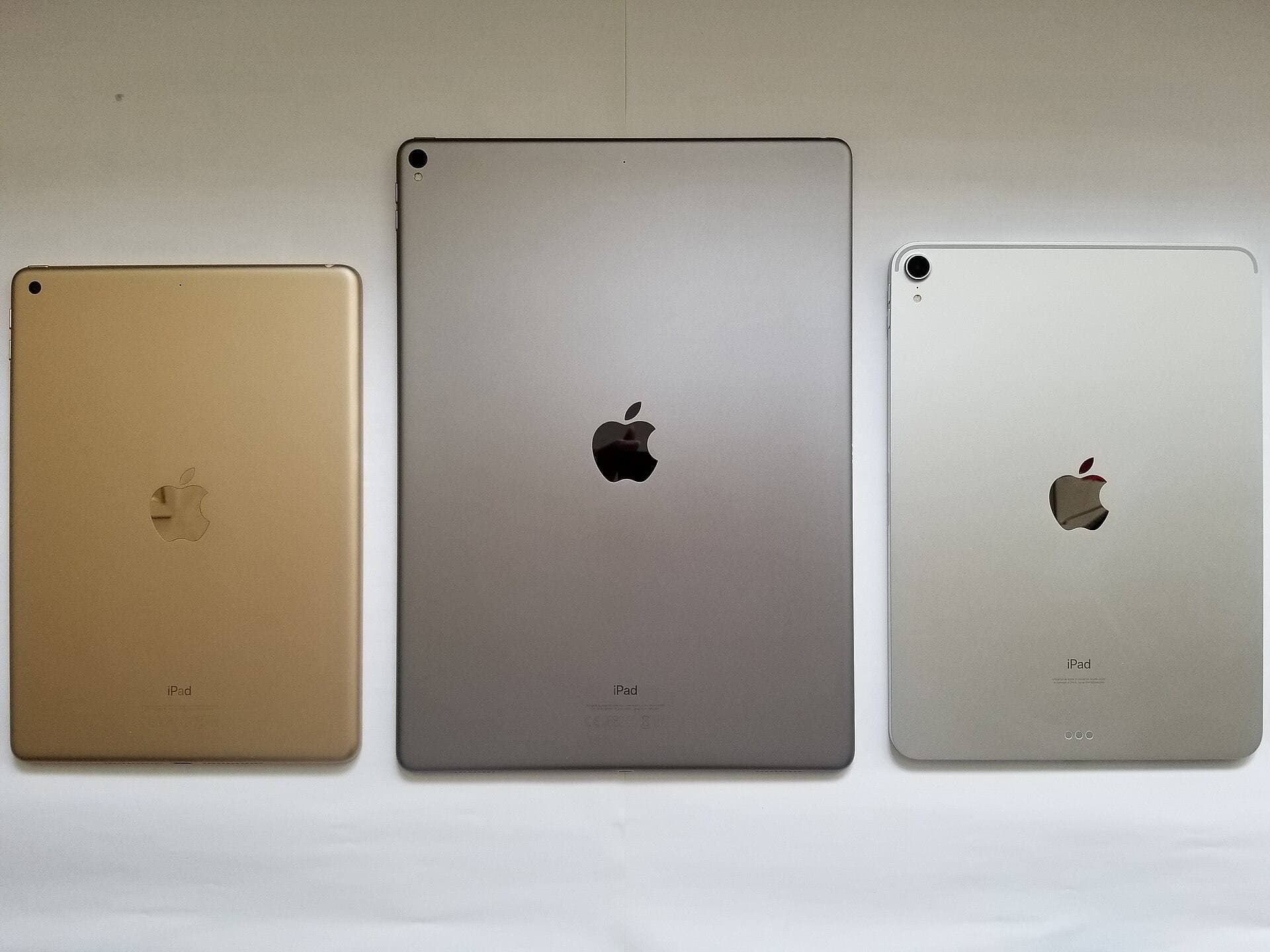
The Apple Pencil Pro pairs with current hardware such as the iPad Air with the M4 chip [12], [13]. The iPad Air M4 balances processing power and pencil support, though its display runs at a standard 60Hz refresh rate rather than the higher refresh rates found on Pro models [13]. If you use an older tablet, check Apple compatibility guides carefully, as the Apple Pencil Pro only works with supported recent iPad releases [11], [12]. Procreate runs across a wide range of older hardware, but canvas layer limits scale down on devices with less physical memory [4].
Bottom line
For artists whose main work involves architectural drafting, comic sets, or precise background art, Clip Studio Paint is the strongest tool on iPad thanks to its comprehensive ruler system and vector integration [1]. If you want a standalone drawing environment without ongoing fees, buy Procreate for its simple interface and reliable perspective guides [2], [3]. Pair either app with an Apple Pencil Pro and a supported model like the iPad Air M4 to get precise cursor hover over your perspective grids [11], [12], [13].
Sources
[1] https://apps.apple.com/us/app/id1262985592 [2] https://apps.apple.com/us/app/procreate/id425073498 [3] https://apps.apple.com/us/app/id425073498 [4] https://help.procreate.com/articles/zlexav-ipad-compatibility [5] https://apps.apple.com/us/app/id1458660369 [6] https://apps.apple.com/us/app/id1146543227 [7] https://apps.apple.com/us/app/id560586497 [8] https://apps.apple.com/us/app/id883738213 [9] https://apps.apple.com/us/app/id450722833 [10] https://apps.apple.com/us/app/id1146543227 [11] https://www.apple.com/apple-pencil/ [12] https://support.apple.com/en-us/108937 [13] https://www.apple.com/ipad/compare/
Recommended gear
Clip Studio Paint
apps.apple.comPro: Deep comics, vector, ruler, and animation toolset
Con: iPad plan model is less simple than Procreate
Procreate
apps.apple.comPro: One-time purchase
Con: iPad-only
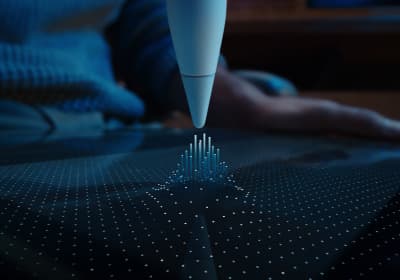
Apple Pencil Pro
amazon.comThe best Apple stylus for serious digital art workflows. Expensive, but the control upgrades are real.
Pro: Best brush-control and hover workflow
Con: Highest price in the lineup
Works only with newer iPad models. Check compatibility.
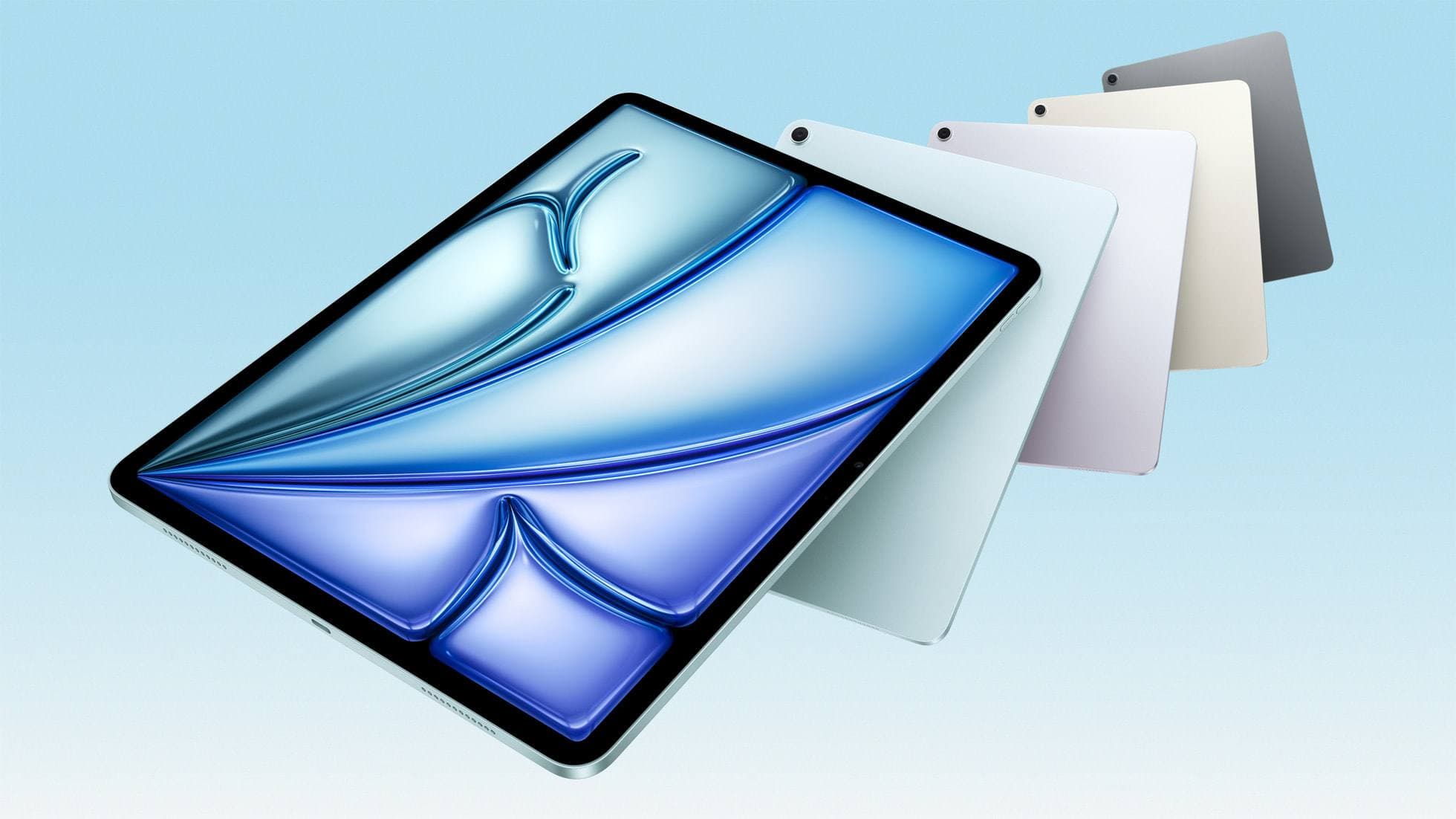
iPad Air (M4)
apple.comThe clean current Air recommendation for most serious hobby artists. Stronger buy logic than old-stock M3 when pricing is close.
Pro: Best current balance of price, headroom, and Pencil support
Con: Still 60Hz
Current Air lineup. Choose size, storage, and keyboard path before checkout.
Related buying picks
More in this collectionBuyer guide
Best iPad app for surface pattern design: Procreate versus Clip Studio Paint
Choose Procreate for standalone raster pattern motifs or pick Clip Studio Paint for vector assets and complex pattern tile structures.
Buyer guide
Best iPad app for interior design sketching
Choose Procreate for simple one-time pricing and fast concept illustration, or pick Clip Studio Paint for multi-page floor plans and deep ruler systems.
Buyer guide
Best iPad app for mood boards
Choose between infinite vector canvases and fixed raster boards to assemble your next project visual references on iPad.
Buyer guide
Best iPad app for embroidery design
Procreate is the top iPad app for drawing embroidery patterns, while Clip Studio Paint and Concepts offer distinct vector and ruler alternatives.