If you're designing repeating surface patterns on an iPad, buy Procreate for hand-drawn raster motifs and simple grid repeats [1]. It is a paid download with a one-time purchase model that avoids ongoing subscription fees [1]. If your pattern workflow relies heavily on vector lines, specialized rulers, or continuous canvas tiling, choose Clip Studio Paint instead [2]. Clip Studio Paint requires an ongoing plan after its free 30-day trial, but it provides a dedicated vector and multi-page illustration engine that Procreate does not offer [2]. Keep your existing iPad setup if your current hardware already supports your required pattern canvas dimensions and layer stacks [3].
Why Procreate remains the standard for raster repeat tiles
Procreate holds a 4.4 out of 5 rating across tens of thousands of App Store reviews and sits at the center of modern digital pattern design workflows [1]. Surface pattern designers often build seamless repeat patterns by creating individual illustrated motifs, arranging them on a square canvas, and splitting quadrants across the edges. Procreate handles this process with straightforward layer manipulation and precise numeric snapping [1]. You can export high-resolution raster files directly to your cloud storage or desktop layout software [1].
Because Procreate is an iPad-only app sold as a single paid download, you avoid monthly software costs [1]. That makes it a practical baseline for independent textile artists, stationery designers, and print-on-demand sellers who want a dedicated studio tool without ongoing overhead [1]. You get a full brush library, layered blending modes, and clean export menus right away [1].
Layer counts in Procreate are tied directly to your iPad hardware memory and your chosen canvas resolution [3]. When you set up a dense repeating tile at 300 DPI for textile printing, your maximum layer count drops as canvas dimensions grow [3]. If your pattern style relies on dozens of separate decorative layers, shading passes, and texture overlays, you have to manage canvas size carefully [3]. Designers who build complex repeats often merge utility layers or keep working files organized into separate motif documents before combining them on the final repeat canvas [3].
When Clip Studio Paint offers better tooling for pattern repeats
Clip Studio Paint approaches surface pattern creation from a technical illustration standpoint [2]. The app is a free download that includes a 30-day trial before requiring a paid usage plan [2]. In exchange for that ongoing subscription, Clip Studio Paint gives pattern creators vector layers, adjustable perspective and symmetric rulers, and deep material management [2].
For surface pattern designers, vector layers in Clip Studio Paint solve a major limitation of pure raster workflows [2]. You can ink organic line work with pressure sensitivity and adjust the stroke width, control points, or vector lines later without redrawing motifs [2]. This capability matters if you frequently resize design elements across different products like fabric yardage, wallpaper panels, and small stationery items [2].
Clip Studio Paint also features pattern tiling tools inside its material catalog system [2]. Instead of manually cutting and offsetting quadrants to verify your seam alignment, you can register artwork as a repeating material to check seam matching across an active canvas [2]. If you create geometric prints, complex half-drop repeats, or technical linework, Clip Studio Paint provides tools tailored to technical illustration [2]. The tradeoff is a denser interface with desktop-style floating menus and a recurring app plan [2].
Vector and sketching alternatives like Concepts and Adobe Fresco
Other drawing apps on iPad provide specialized strengths for early motif planning and vector drawing [4], [5]. Concepts is a free download rated 4.7 out of 5 that works like a flexible vector sketchbook [4]. It offers an infinite canvas where you can draw organic motifs, manipulate vector stroke paths, and draft multiple layout variations side by side [4]. While Concepts is not built for automatic pattern tile generation, it is an effective tool for drafting scalable elements before bringing them into a tiling application [4].
Adobe Fresco is another free download in the Graphics and Design category that blends raster and vector brushes on a single artboard [5]. It suits surface designers who already use desktop creative suites and want live watercolor and oil brushes alongside vector inking pens [5]. Fresco lets you export layered files directly to cloud storage, allowing you to hand off individual motifs to desktop vector software for final pattern swatch assembly [5].
Choose Concepts if your pattern development starts with sprawling, loose vector ideation across an unbounded workspace [4]. Choose Adobe Fresco if you want access to natural blending live brushes paired with vector linework on the same canvas [5]. Skip both if you want an all-in-one standalone iPad workspace with complete brush customization and widespread community tutorial support, where Procreate remains the more focused choice [1].
Hardware pairings: choosing the right iPad and Apple Pencil
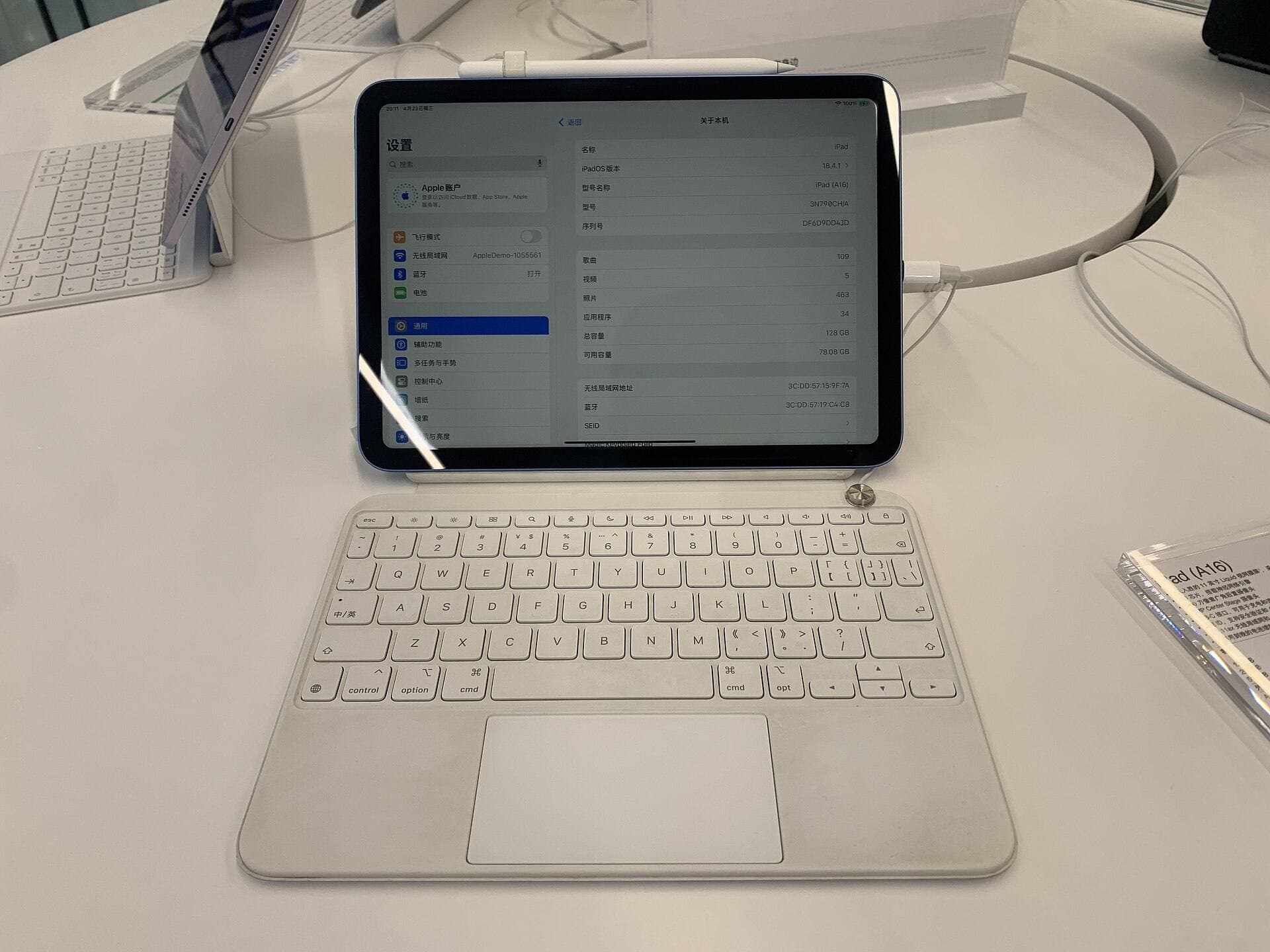
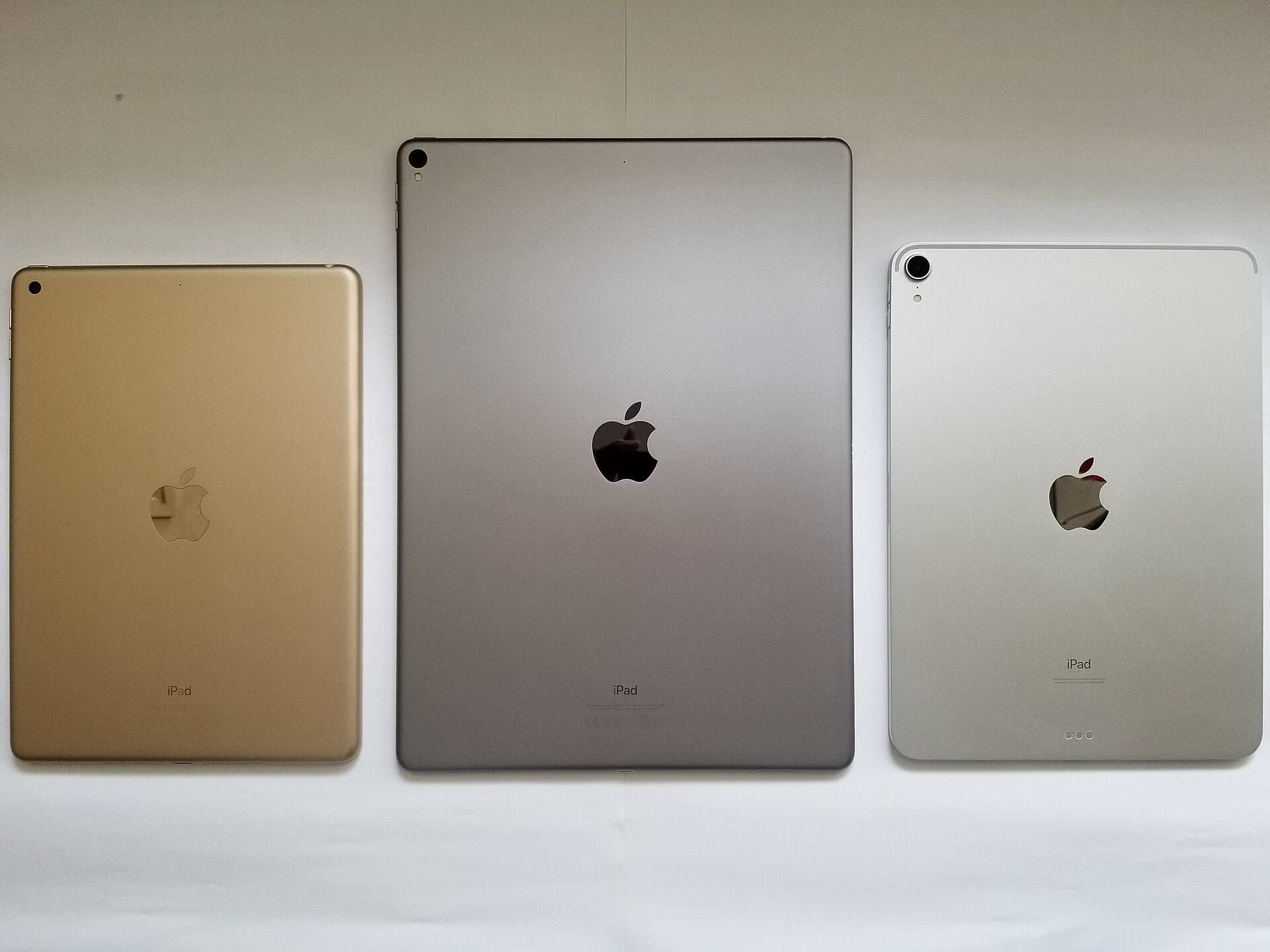
Your software choice interacts directly with the iPad and stylus you bring to the desk [3], [6], [7]. Because Procreate scales its available layer count based on device RAM, hardware specs dictate how flexible your pattern documents will be [3]. The iPad Air with the M4 chip offers a balanced configuration, pairing capable Apple silicon performance with multiple storage tiers [6]. It supports high-resolution repeat canvases while avoiding the higher cost of top-tier hardware [6].
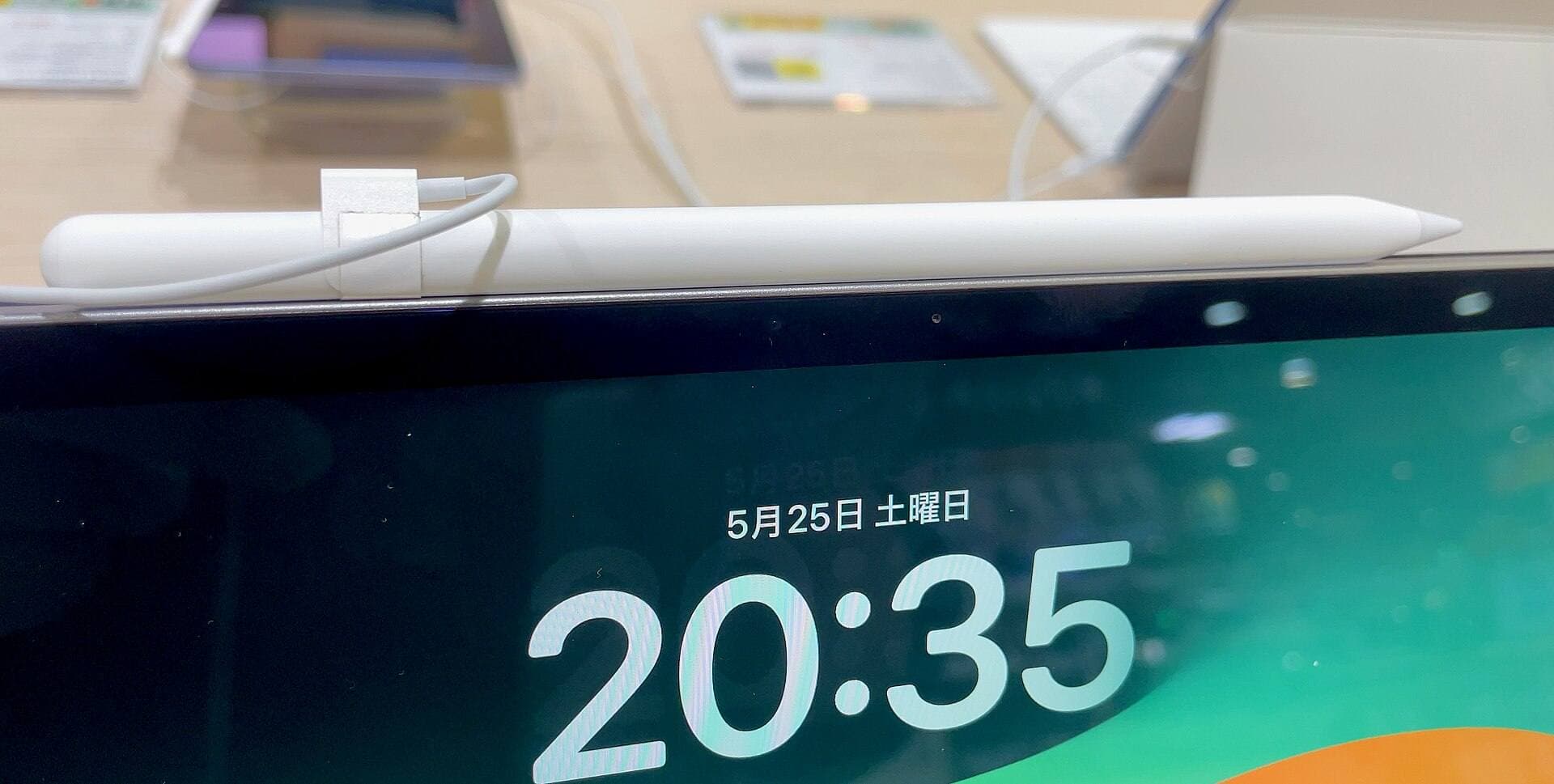
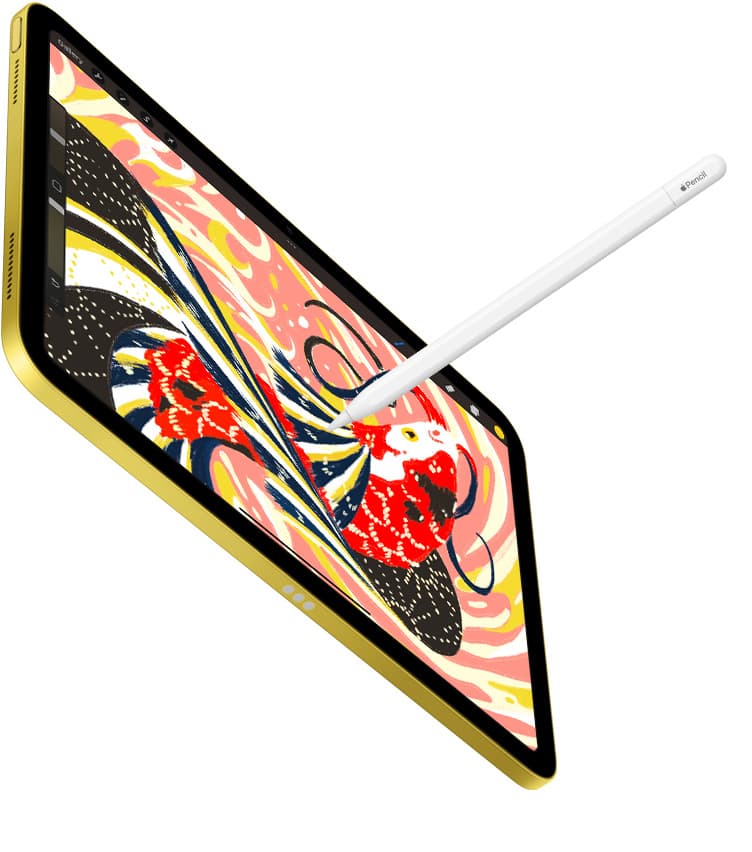
The iPad Air with M4 also supports Apple Pencil Pro, which introduces barrel roll, squeeze gestures, and haptic feedback [6], [7], [8]. Barrel roll lets you rotate shaped brush tips naturally as you turn the stylus, which provides immediate control when inking directional foliage, botanical petals, and decorative flourishes [7]. The squeeze gesture brings up tool palettes near your nib, letting you switch brushes without interrupting your drawing rhythm [7].
If you use an older iPad that pairs with Apple Pencil (2nd generation) or Apple Pencil (USB-C), you don't need to upgrade solely for surface pattern design [7], [8]. The Apple Pencil (2nd generation) provides pressure sensitivity, tilt detection, and double-tap tool switching [7]. The Apple Pencil (USB-C) supports tilt and low latency, though it omits pressure sensitivity [7]. Unless your current iPad limits your layer counts on necessary print-ready canvas sizes, your existing hardware is sufficient to design repeat patterns [3], [8].
Bottom line
For most surface pattern designers, Procreate is the best overall app to buy [1]. Its one-time purchase structure, clean interface, and capable layer tools give you everything you need to create painterly raster motifs and build repeat pattern tiles [1]. If your catalog depends on infinite vector scaling, technical rulers, and seamless material previewing, download Clip Studio Paint and evaluate its specialized feature set during the 30-day trial [2]. Pair either app with an iPad Air and Apple Pencil Pro if you want expansive layer headroom and precise brush rotation, but keep your current iPad if your daily layer limits are already meeting your production needs [3], [6], [7].
Sources
[1] https://apps.apple.com/us/app/id425073498 [2] https://apps.apple.com/us/app/id1262985592 [3] https://help.procreate.com/articles/zlexav-ipad-compatibility [4] https://apps.apple.com/us/app/id560586497 [5] https://apps.apple.com/us/app/id1458660369 [6] https://www.apple.com/ipad/compare/ [7] https://www.apple.com/apple-pencil/ [8] https://support.apple.com/en-us/108937
Recommended gear
Procreate
apps.apple.comPro: One-time purchase
Con: iPad-only
Clip Studio Paint
apps.apple.comPro: Deep comics, vector, ruler, and animation toolset
Con: iPad plan model is less simple than Procreate
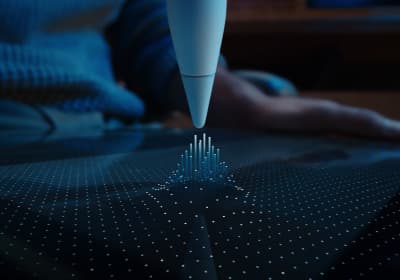
Apple Pencil Pro
amazon.comThe best Apple stylus for serious digital art workflows. Expensive, but the control upgrades are real.
Pro: Best brush-control and hover workflow
Con: Highest price in the lineup
Works only with newer iPad models. Check compatibility.
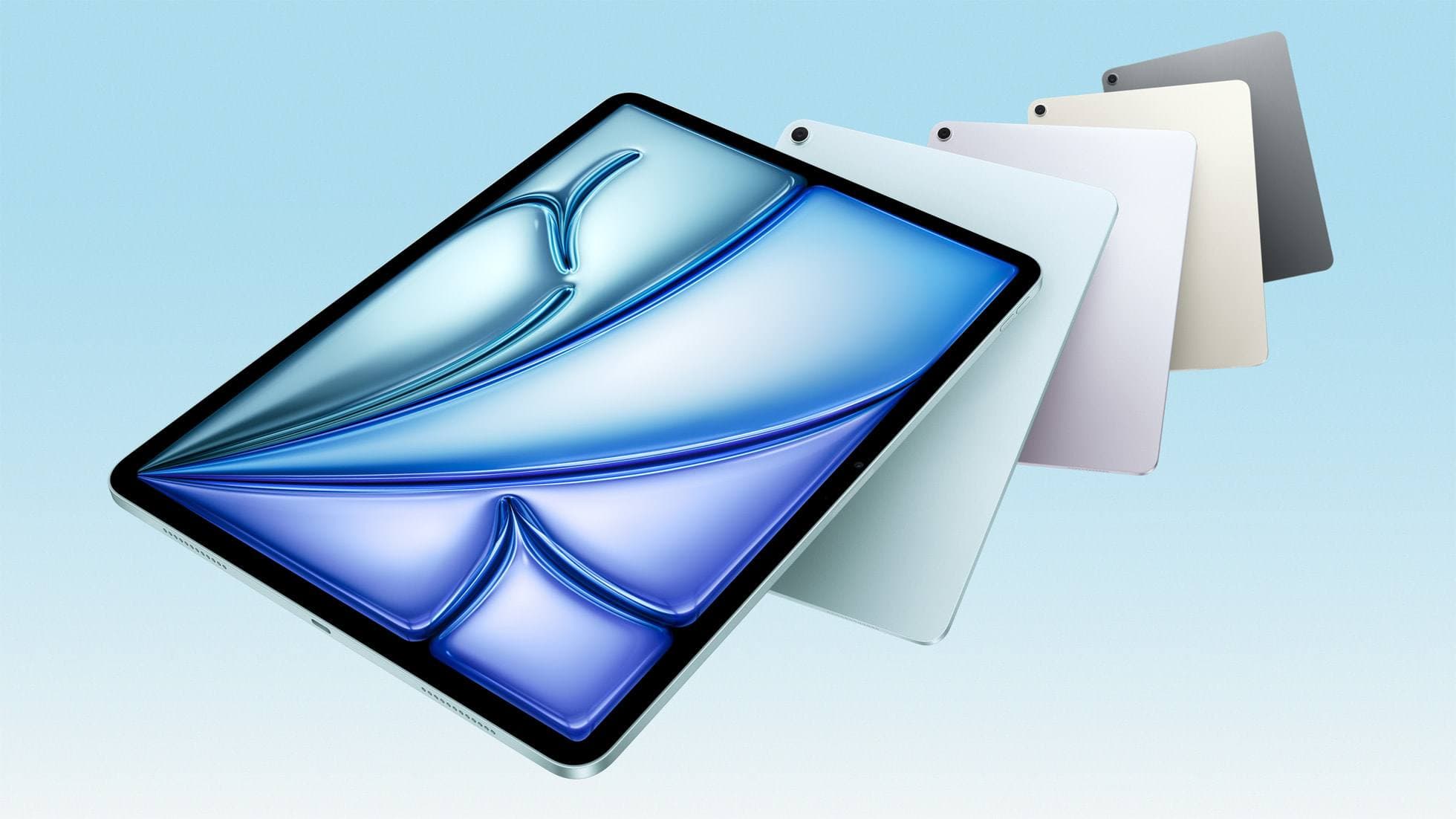
iPad Air (M4)
apple.comThe clean current Air recommendation for most serious hobby artists. Stronger buy logic than old-stock M3 when pricing is close.
Pro: Best current balance of price, headroom, and Pencil support
Con: Still 60Hz
Current Air lineup. Choose size, storage, and keyboard path before checkout.
Related buying picks
More in this collectionBuyer guide
Best iPad app for interior design sketching
Choose Procreate for simple one-time pricing and fast concept illustration, or pick Clip Studio Paint for multi-page floor plans and deep ruler systems.
Buyer guide
Best iPad app for mood boards
Choose between infinite vector canvases and fixed raster boards to assemble your next project visual references on iPad.
Buyer guide
Best iPad app for embroidery design
Procreate is the top iPad app for drawing embroidery patterns, while Clip Studio Paint and Concepts offer distinct vector and ruler alternatives.
Buyer guide
Best iPad app for character design
Procreate delivers the cleanest raster workflow for turnaround sheets, while Clip Studio Paint offers deeper vector and comic tooling.