If you want the best free animation app for iPad without spending money today, download FlipaClip [1]. It is listed as a free download in the App Store Graphics and Design category and provides a simple interface for frame-by-frame drawing [1]. For users wanting to test complex production tools, Clip Studio Paint is also a free download on the App Store that provides a free 30-day trial covering deep animation, vector, and ruler systems [2], [3]. If you only need quick sketches, stick with FlipaClip and keep your money. If you plan to build multi-scene projects or detailed comic sequences, test Clip Studio Paint during its trial window before deciding whether to subscribe [2], [3].
Free animation apps available on the App Store
When exploring zero-cost options on iPadOS, the App Store splits choices between genuinely free starter apps and free downloads backed by trials or subscriptions [1], [2], [4].
FlipaClip: Draw 2D Animation stands as the most widely reviewed free download in the Graphics and Design category, carrying an average rating of 4.6 stars across more than 267,000 ratings [1]. Visual Blasters describes it as an animation app featuring a super simple interface designed to help creators share their work [1]. Because FlipaClip is a free download, it lets beginners, students, and hobbyists test timing and rough sketches directly on the screen without paying an entry fee [1].
Animation Desk Draw and Animate by Kdan Mobile Software is another free download option in the Entertainment category, maintaining an average rating of 4.2 stars from over 15,000 ratings [4]. The official App Store listing describes Animation Desk as an environment built to explore the world of animation [4]. It functions as a lightweight canvas for drawing individual frames and testing timing ideas without buying software upfront [4].
Neither of these apps requires an immediate checkout, making them the most practical choices when you want to verify your drawing discipline before spending money on creative software [1], [4].
Free trials versus permanent no-cost tools
Many illustrators looking for free tools actually want advanced production features without paying on day one [2], [3]. In that situation, Clip Studio Paint by Celsys offers a distinct path [2].
Clip Studio Paint is distributed as a free download on the App Store, where it holds a 4.7-star rating from more than 14,000 reviews [2]. The official store description notes that new users can start drawing and painting in a free 30-day trial [2]. Celsys documents that Clip Studio Paint contains an extensive toolset covering animation, vectors, rulers, and comic production [3].
However, Clip Studio Paint on iPad relies on an ongoing plan model rather than a one-time purchase [2], [3]. If your priority is keeping your iPad workflow free forever, you should skip Clip Studio Paint once the trial finishes and remain on FlipaClip [1], [2]. If you need professional ruler tools, vector line stabilization, and desktop handoff, testing the Clip Studio Paint trial gives you access to full studio tools before committing to an iPad subscription plan [2], [3].
When to skip free apps for paid iPad animation software
Free apps work well for exercises, but paid options dominate production work on iPadOS [5], [6], [7]. Several established paid apps target animators who require specialized timeline environments [5], [6], [7].
Procreate Dreams is a paid app developed by Savage Interactive in the Photo and Video category, holding a 3.9-star rating across 566 reviews [5]. Savage Interactive describes Procreate Dreams as an animation app packed with tools designed for broad accessibility [5]. It operates alongside the standard Procreate drawing app, which is a one-time purchase built exclusively for iPad [8], [9]. In Procreate, maximum layer limits connect directly to hardware memory and canvas resolution, giving users clear boundaries for hand-drawn frames [9].
Callipeg: 2D Animation App by Enoben is another dedicated paid choice, holding a 3.6-star rating from 857 reviews in the Graphics and Design category [6]. Enoben describes Callipeg as a professional 2D hand-drawn animation app designed for iPad and Apple Pencil, incorporating both frame-by-frame and keyframe tools within a studio-grade layout [6].
RoughAnimator by Jacob Kafka is a paid hand-drawn animation application rated at 4.6 stars across nearly 3,000 reviews [7]. Kafka positions RoughAnimator as a fully featured hand-drawn tool tailored specifically for iPad animation workflows [7].
Animators who need keyframing, audio tracks, or deep timeline navigation should skip basic free tools and consider these dedicated paid applications [5], [6], [7].
Hardware pairing: Apple Pencil and iPad selection
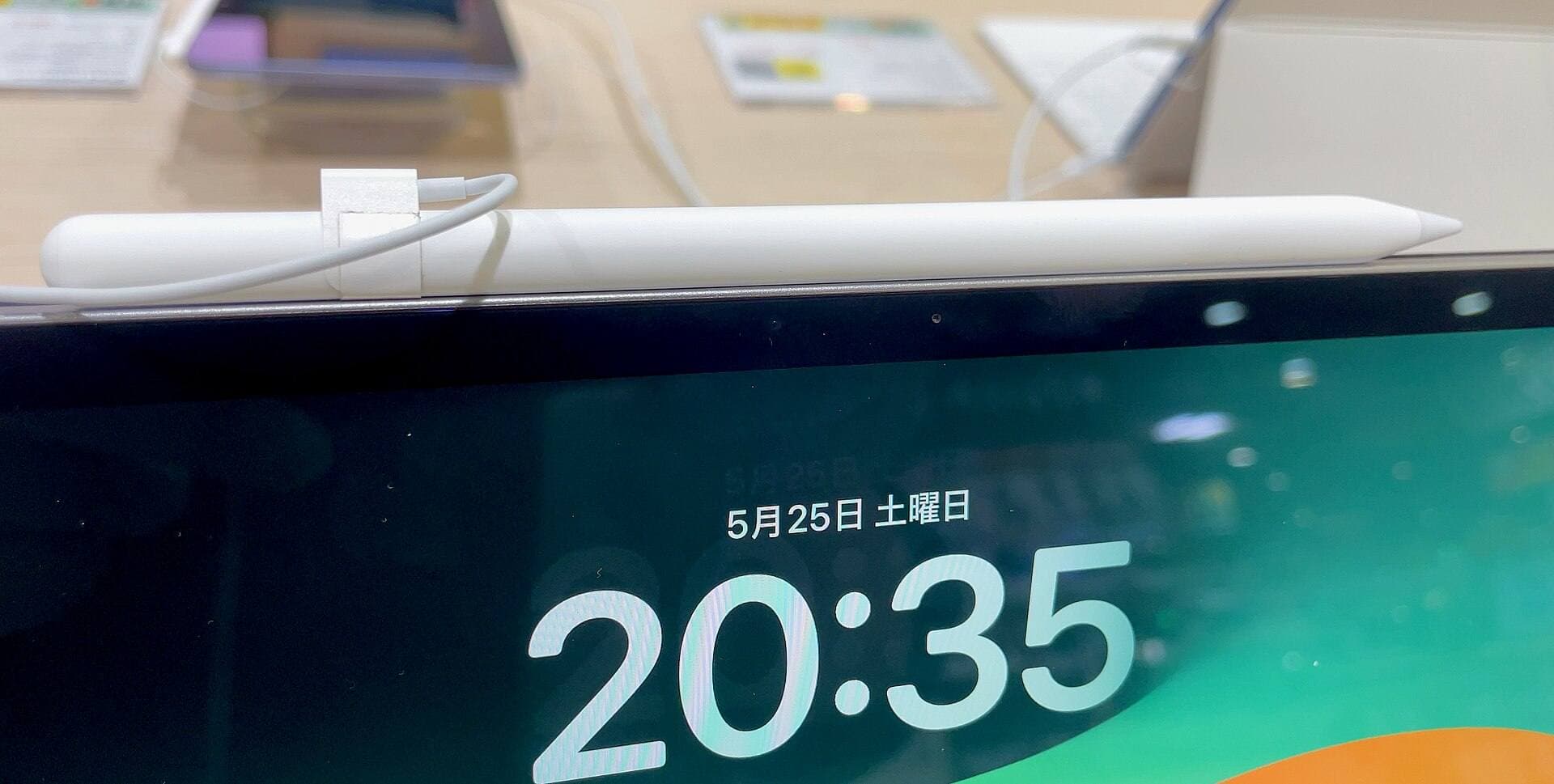
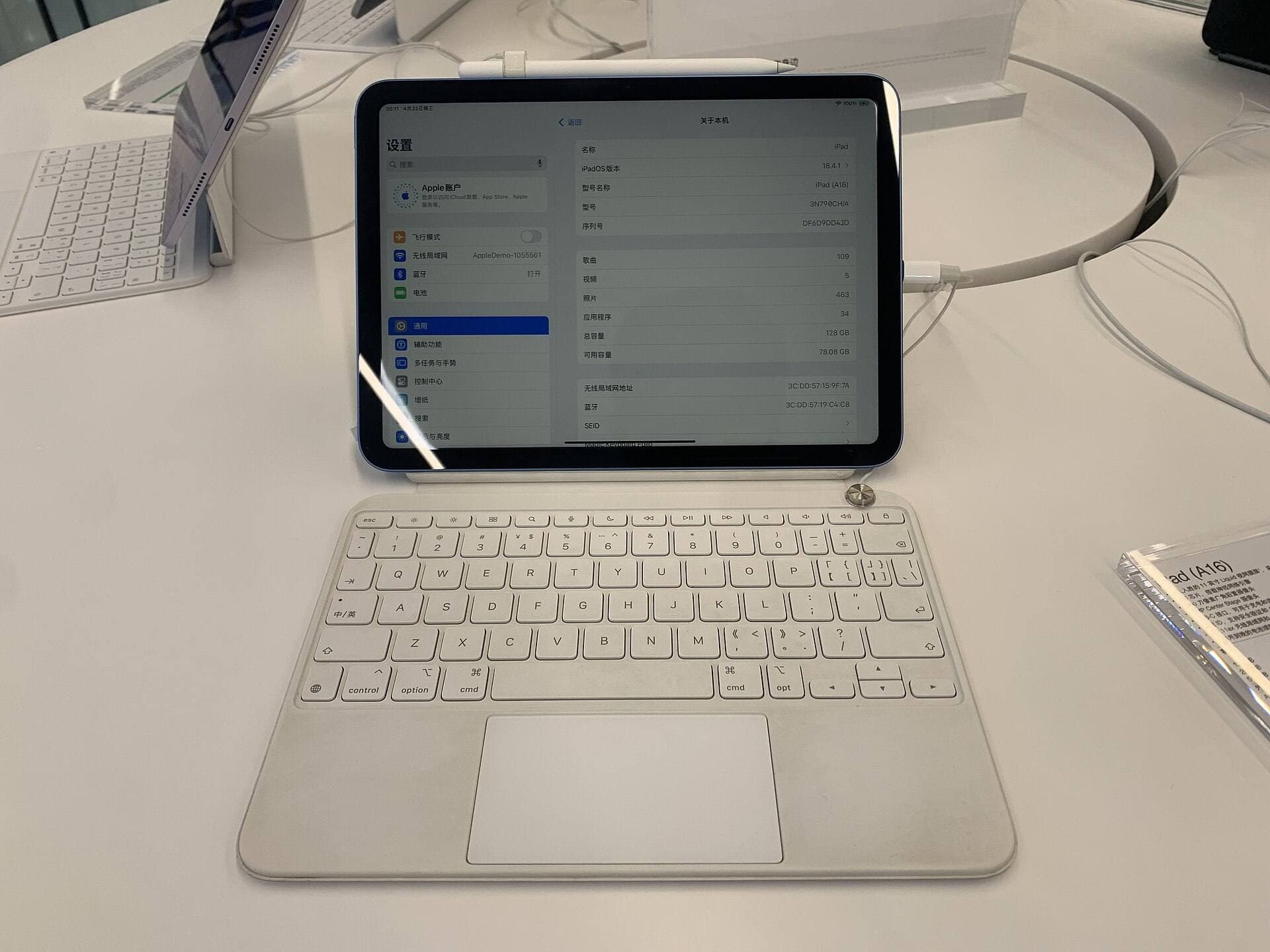
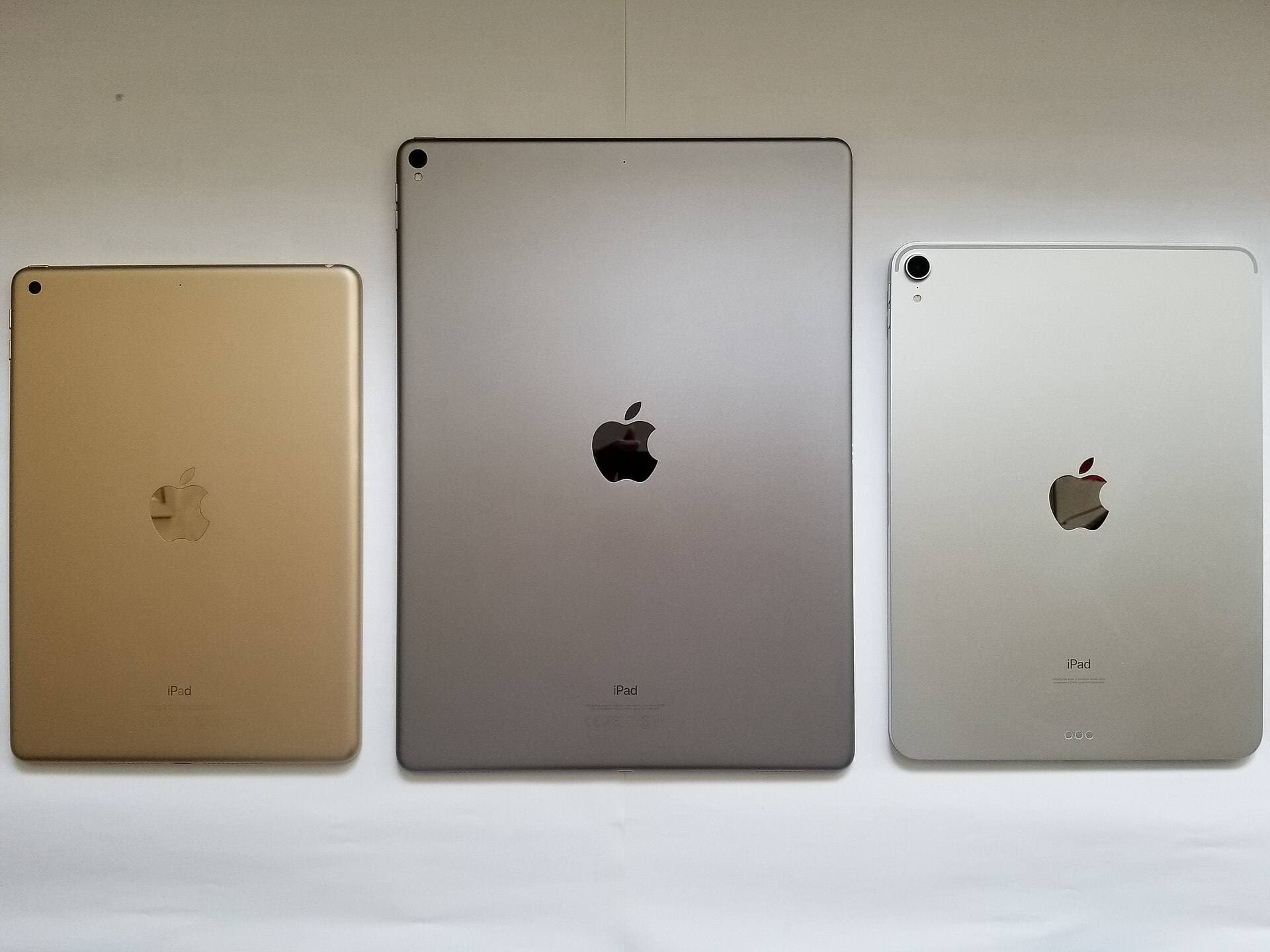
An animation app is only as responsive as the stylus and tablet hardware supporting it [10], [11], [12]. Apple divides its stylus capabilities across multiple models, which directly impacts drawing precision [11], [12].
Apple Pencil Pro works only with newer iPad models, including the iPad Air with M4 chip [10], [11], [12]. According to Apple's hardware specifications, Apple Pencil Pro incorporates pressure sensitivity, tilt detection, Apple Pencil hover, barrel roll, haptic feedback, and a squeeze gesture [11]. The iPad Air M4 pairs directly with Apple Pencil Pro, offering a balanced combination of processor headroom and accessory support without requiring the pricing of an iPad Pro [10], [12]. However, the iPad Air display operates at 60Hz rather than higher refresh rates [10].
If you use an Apple Pencil model without pressure sensitivity, your stroke variation inside apps like FlipaClip or Clip Studio Paint will remain limited to manual brush size adjustments [1], [2], [11]. Animators who depend on natural line weight transitions should verify that their iPad pairs with an Apple Pencil model supporting pressure and tilt [11], [12].
Choosing the right software path for your timeline
Selecting your iPad animation tool comes down to whether your current goal is learning principles or completing complex projects [1], [2], [3], [5].
Download FlipaClip if you are starting your first animation test and do not want to register a payment method [1]. It gives you immediate frame sequencing with zero financial investment [1].
Download Clip Studio Paint if you already draw and want 30 days of free access to studio-level rulers, vector editing, and animation features [2], [3]. Be prepared to either pay for an ongoing iPad plan after the trial or transition your work to another tool [2].
Buy Procreate Dreams, RoughAnimator, or Callipeg if you have outgrown free limitations and require keyframing or dedicated hand-drawn timelines for serious production [5], [6], [7].
Bottom line
FlipaClip is the best free animation app for iPad if your goal is zero-cost, immediate frame-by-frame drawing with an accessible interface [1]. If you want advanced vector lines, rulers, and comic tools without upfront payment, download Clip Studio Paint to utilize its free 30-day trial [2], [3]. When you need permanent professional features without subscription renewals, skip the free downloads entirely and choose paid tools like RoughAnimator, Callipeg, or Procreate Dreams paired with an Apple Pencil setup [5], [6], [7], [11].
Sources
[1] https://apps.apple.com/us/app/id1101848914 [2] https://apps.apple.com/us/app/id1262985592 [3] https://www.clipstudio.net/en/ [4] https://apps.apple.com/us/app/id946346179 [5] https://apps.apple.com/us/app/id1595520602 [6] https://apps.apple.com/us/app/id1456172656 [7] https://apps.apple.com/us/app/id954718244 [8] https://apps.apple.com/us/app/procreate/id425073498 [9] https://help.procreate.com/articles/zlexav-ipad-compatibility [10] https://www.apple.com/ipad/compare/ [11] https://www.apple.com/apple-pencil/ [12] https://support.apple.com/en-us/108937
Recommended gear
Clip Studio Paint
apps.apple.comPro: Deep comics, vector, ruler, and animation toolset
Con: iPad plan model is less simple than Procreate
Procreate
apps.apple.comPro: One-time purchase
Con: iPad-only
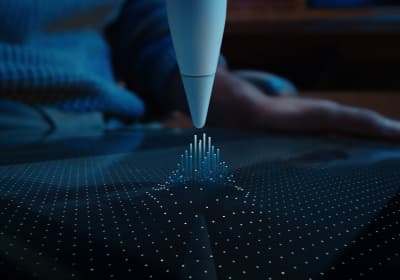
Apple Pencil Pro
amazon.comThe best Apple stylus for serious digital art workflows. Expensive, but the control upgrades are real.
Pro: Best brush-control and hover workflow
Con: Highest price in the lineup
Works only with newer iPad models. Check compatibility.
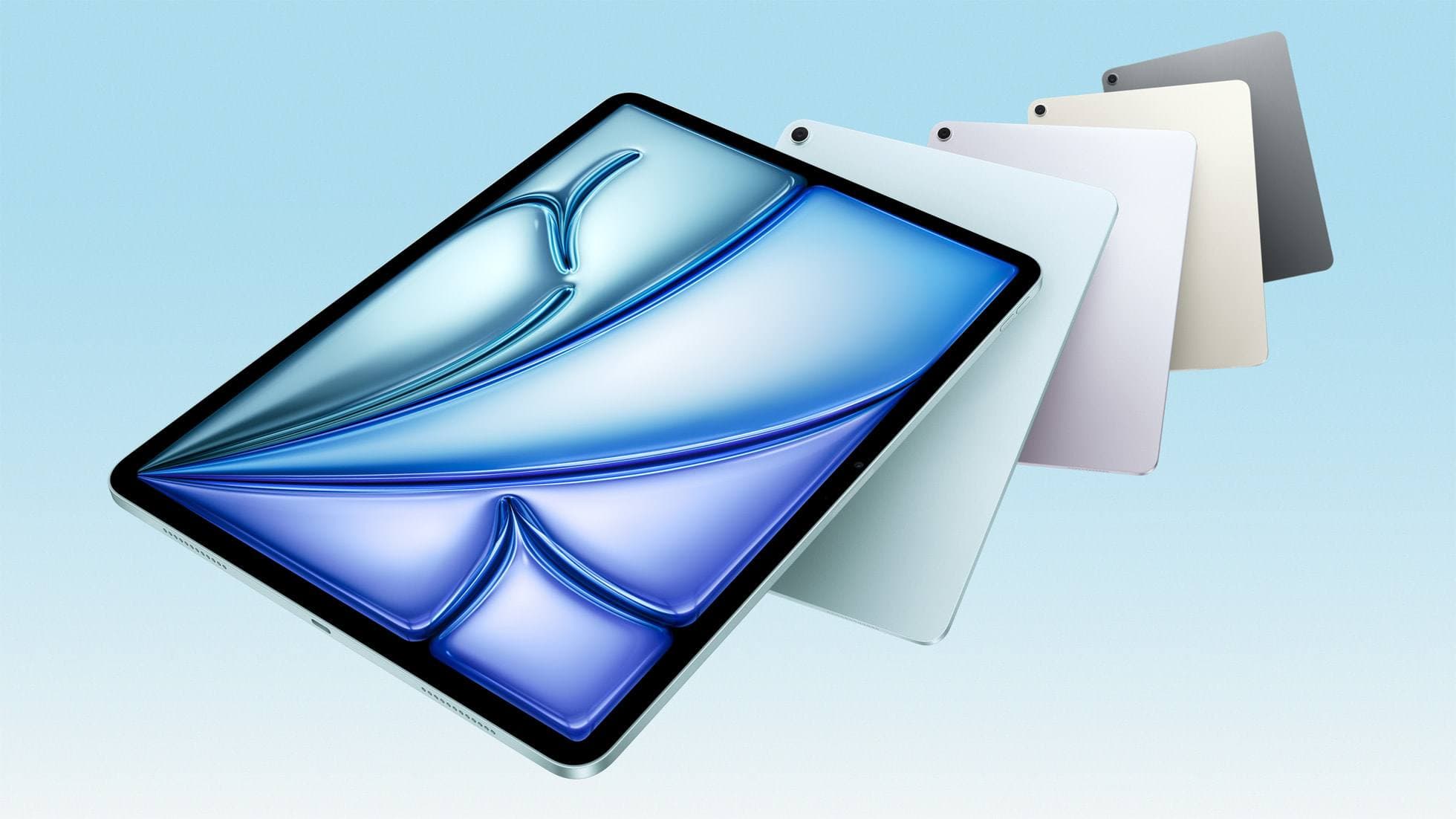
iPad Air (M4)
apple.comThe clean current Air recommendation for most serious hobby artists. Stronger buy logic than old-stock M3 when pricing is close.
Pro: Best current balance of price, headroom, and Pencil support
Con: Still 60Hz
Current Air lineup. Choose size, storage, and keyboard path before checkout.
Related buying picks
More in this collectionBuyer guide
Best iPad app for drawing anime: Clip Studio Paint versus Procreate
Pick Clip Studio Paint for dedicated manga and anime production toolsets, or choose Procreate for a streamlined one-time purchase on iPad.
Buyer guide
Best iPad app for manga: Clip Studio Paint versus Procreate and free alternatives
Clip Studio Paint is the best overall iPad app for serialized manga and multi-page comics, while Procreate remains the top one-time purchase for single illustrations.
Buyer guide
Best Procreate alternatives for iPad
Compare top iPad drawing apps to decide whether Clip Studio Paint, Fresco, or another tool fits your workflow better than Procreate.
Buyer guide
Best iPad app for comics: Clip Studio Paint vs Procreate and alternatives
Clip Studio Paint is the best overall iPad app for multi-page comics and paneling, while Procreate remains the top one-time purchase for standalone illustration.